
AI Haircut Identifier
Know What to Call the Cut
Get a Name for an Unfamiliar Haircut
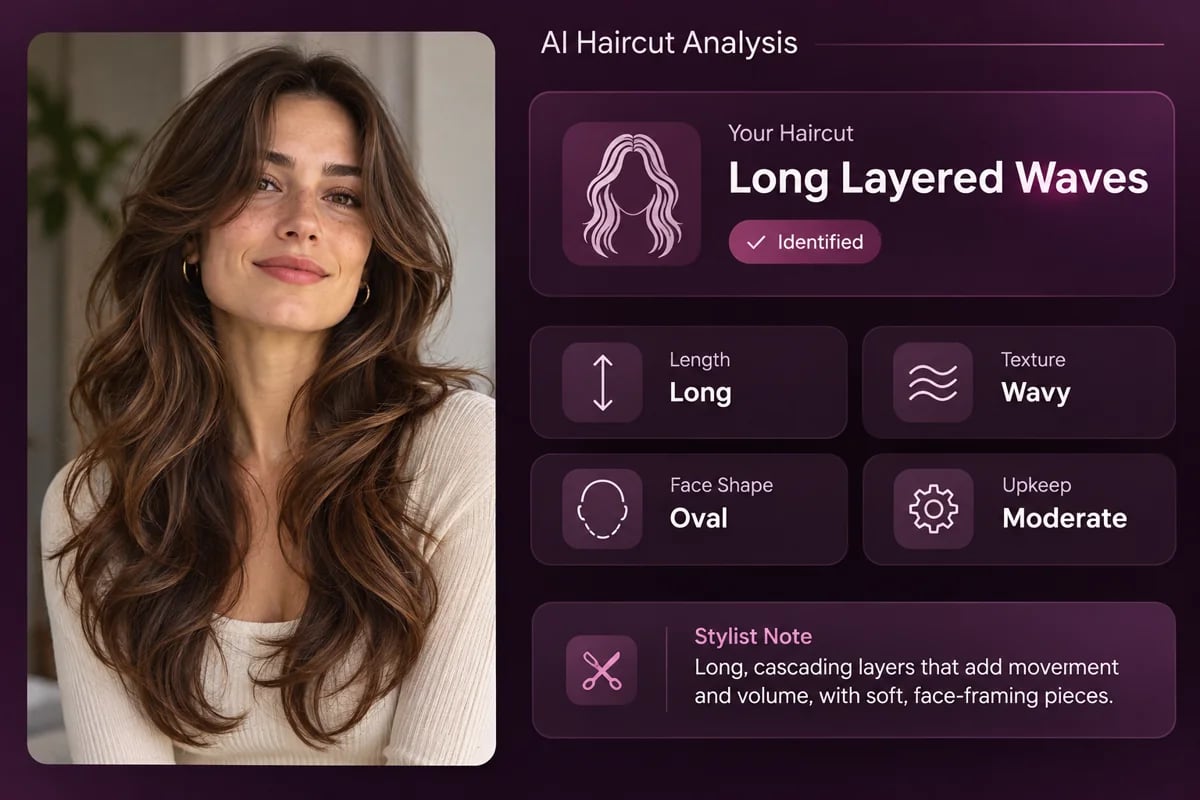
When a haircut looks familiar but you do not know what to call it, a clear name is a useful place to begin. The AI Haircut Identifier examines the visible shape in your uploaded portrait and returns a haircut name, with other names salons may use for a similar cut. That gives you a more specific reference than describing only that the hair is short, long, or layered. If you are also curious about apparent age from a portrait, the AI Age Guesser answers a separate photo question. The two tools turn different visible details into a more useful starting point for a conversation.
See the Details Behind the Name
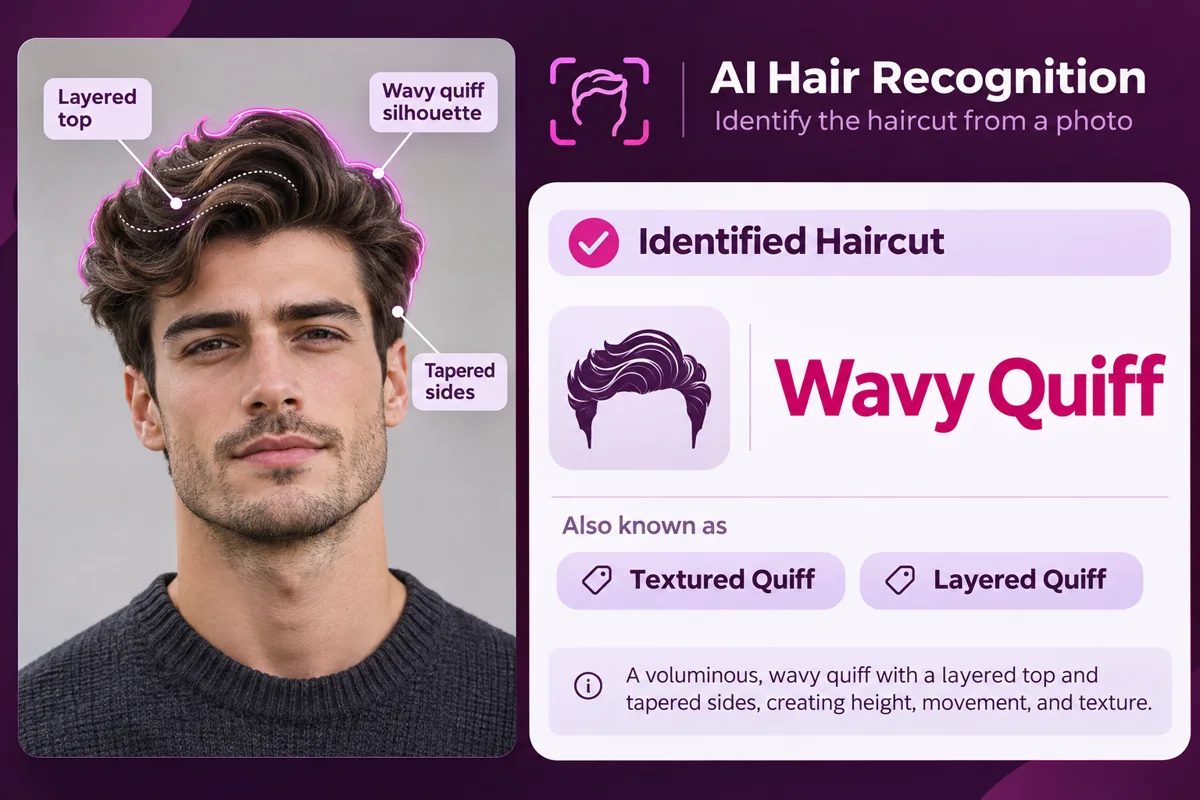
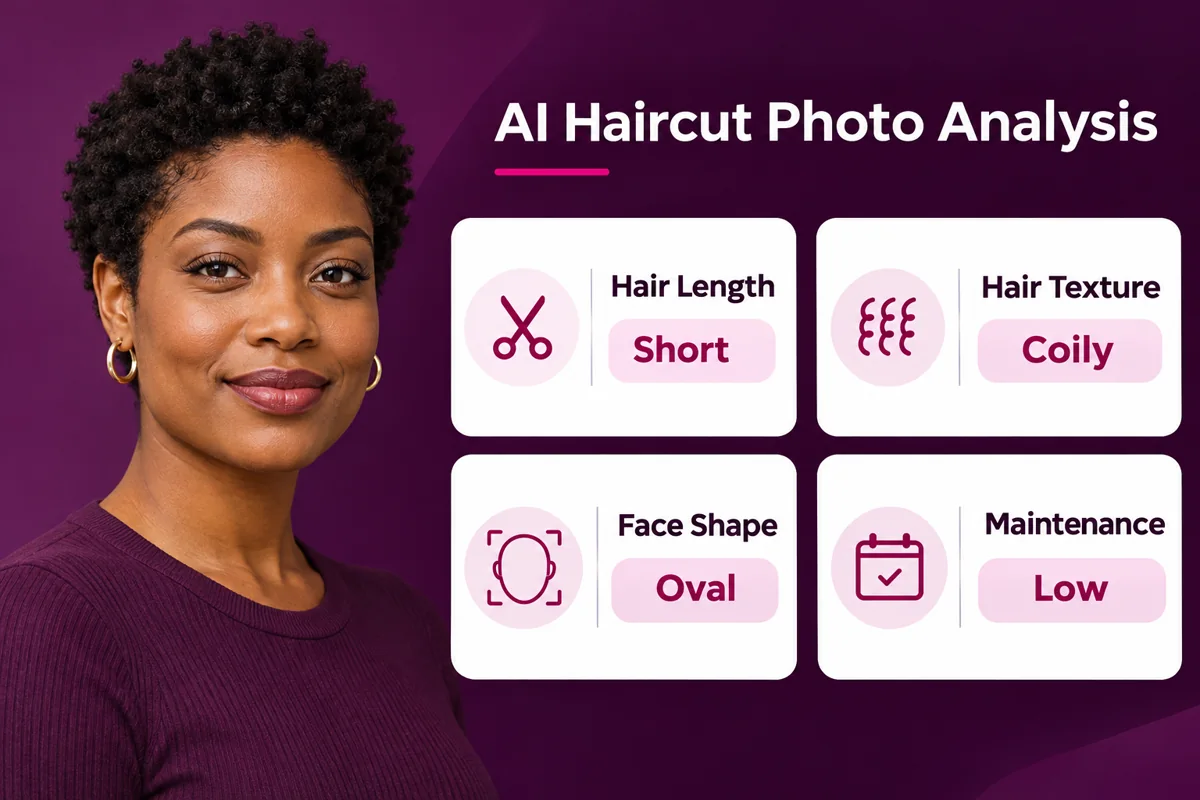
A haircut label becomes easier to use when you can see the traits that accompany it. The result can organize visible length, hair texture, face shape, and maintenance into quick details, so you can understand why a style may be described as a long wavy cut or a short textured crop. The information is useful when comparing reference photos, saving a look for later, or explaining what stands out to a barber or stylist. It gives you several practical descriptors alongside a style name instead of leaving you with a guess based on appearance alone.
Turn the Result Into a Salon Reference
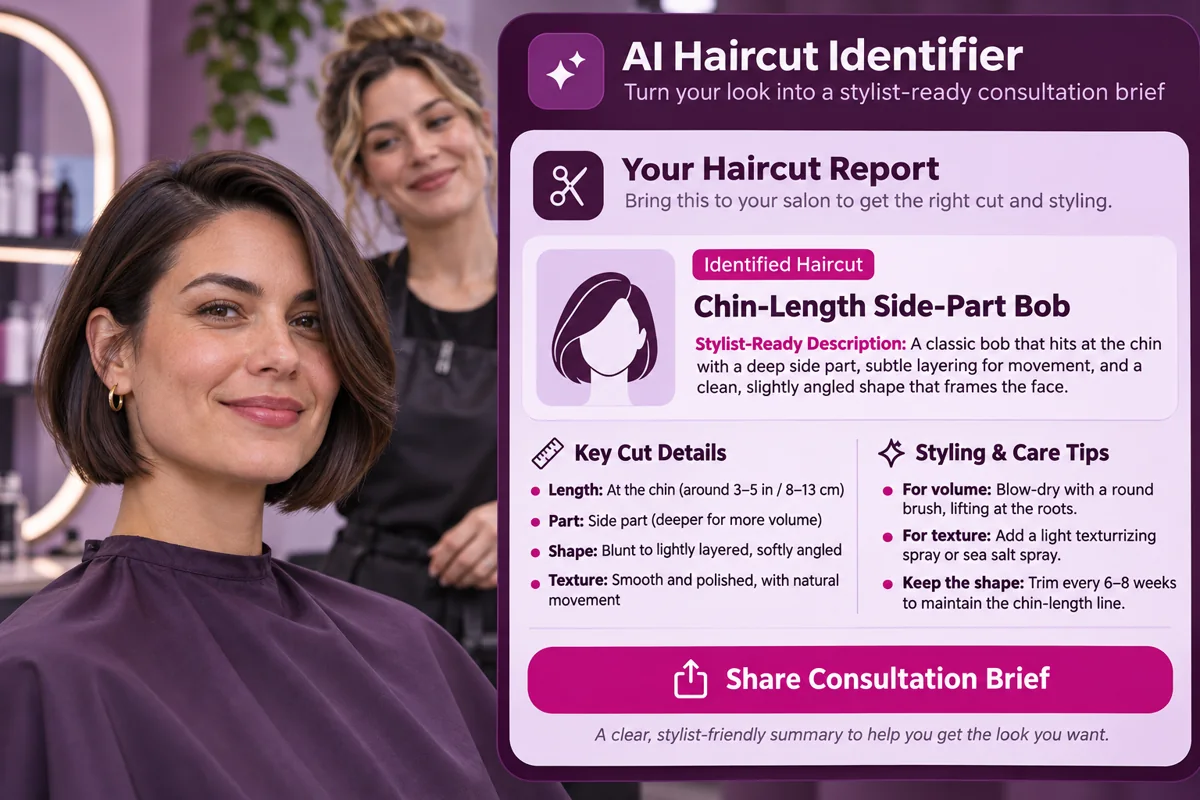
The app's result is designed to be useful after identification: it includes an explanation of the cut and wording you can bring to a salon conversation. Your test also showed styling tips and three additional cuts selected to suit the visible face shape and hair. Those details can help you compare what you already have with nearby options, then explain the direction you want in plain language. The image here is an illustrative report concept; use your own result and reference photo when discussing a specific length, shape, or finish with a stylist.
Useful Details From One Hair Photo
Recognize common haircut names
Read the visible hair profile
Plan a clearer stylist conversation
How to Identify a Haircut From a Photo
Choose a Clear Portrait
Pick a photo where the haircut is visible from the front or at a slight angle, with enough light to see the length and shape.
Review the Identification
Check the suggested haircut name, alternate names, length, texture, face shape, and upkeep notes together.
Bring Useful Details to Your Stylist
Use the short cut description and a reference photo to explain the length or shape you want to keep, change, or avoid.
Explore More Hair and Portrait Tools
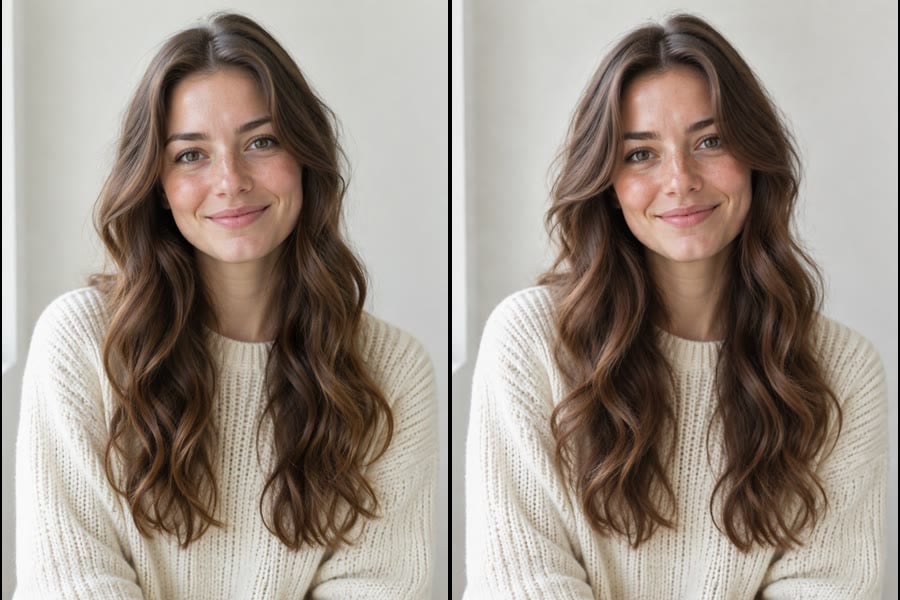
Hairstyle Finder
Explore hairstyle directions using face shape, texture, and everyday styling preferences.

Face Shape Detector
See a face-shape analysis that can help you compare portrait and hairstyle references.
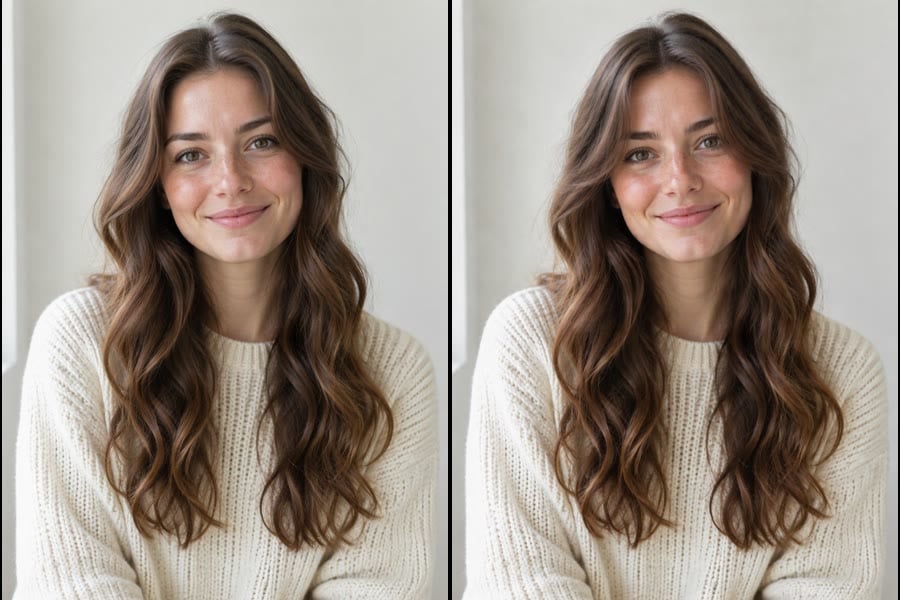
Bangs Try On
Preview fringe options on a portrait when you want to explore a different front shape.
AI Haircut Identifier FAQs
What does an AI haircut identifier do?
How do I identify a haircut from a picture?
What can a haircut scanner tell me besides the name?
Can it tell me my face shape and hair texture?
Does the app let me try on a new haircut?
How much does the AI Haircut Identifier cost?
Does the haircut result save automatically?
Can I use the result commercially?
How accurate is an AI haircut identifier?
Name the Haircut in Your Photo
Get a haircut name, visible hair details, and a stylist-ready description from a portrait.
Start Haircut Identification