
AI Age Guesser
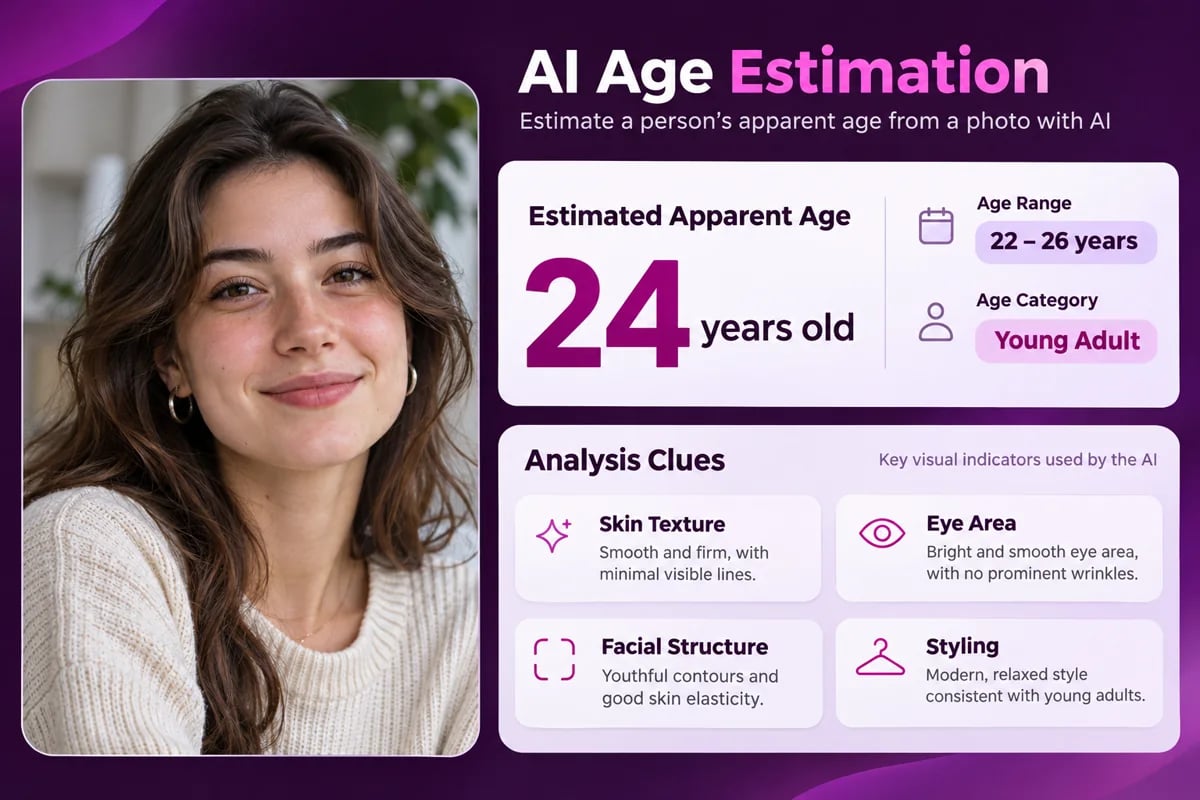
Understand the Estimate Behind Your Photo
See an Age Range, Not Only a Number
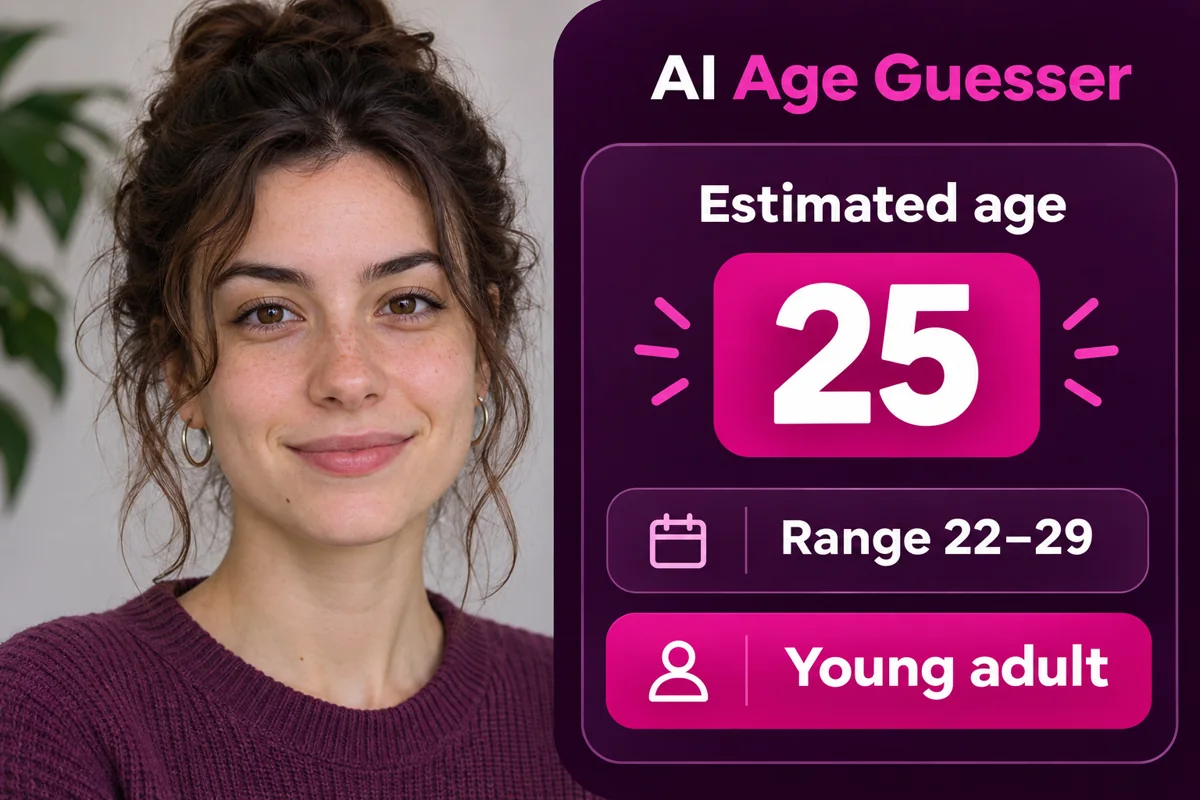
The age-guessing result gives you an estimated age, a likely range, and a broad label such as Young adult. Seeing these together can make the output easier to interpret than a single number, especially when you are using the tool to answer a casual “how old do I look?” question or share a playful result with friends. The report keeps the estimate and range in the same card, so you can see the guess in context rather than reading a number without any framing.
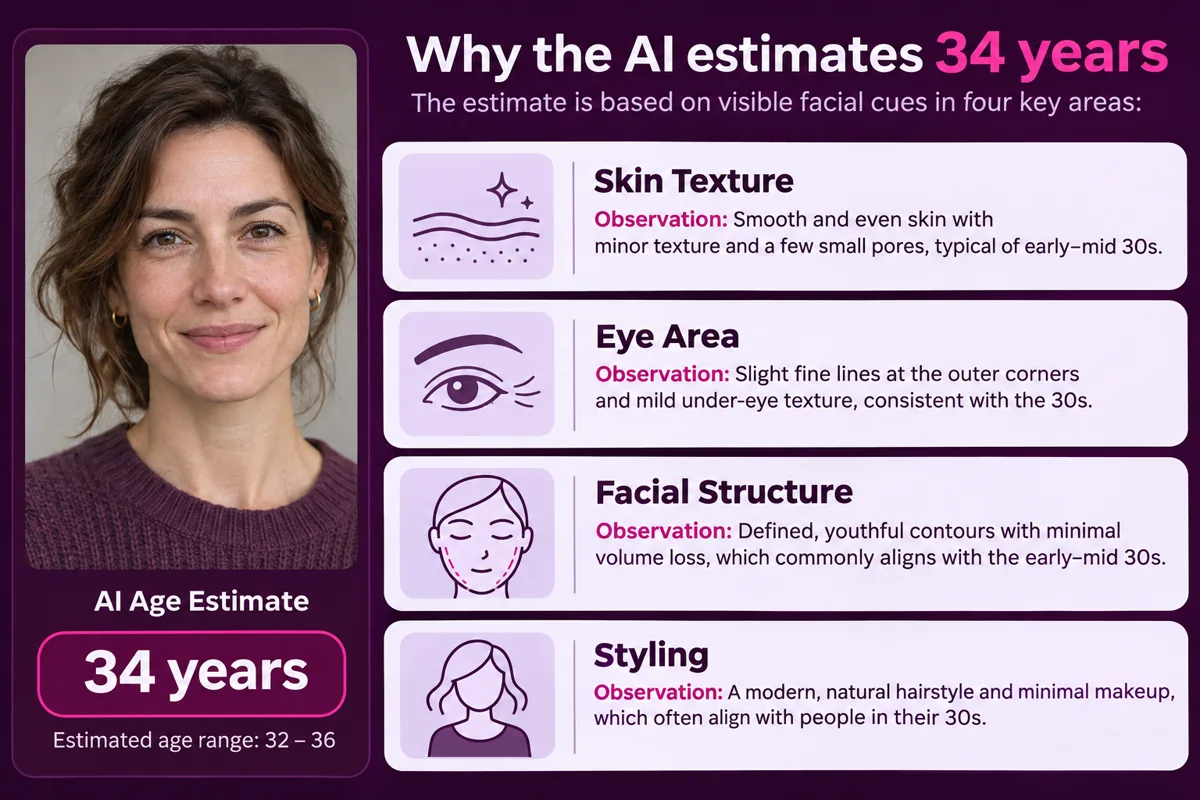
Understand Which Details Shaped the Guess
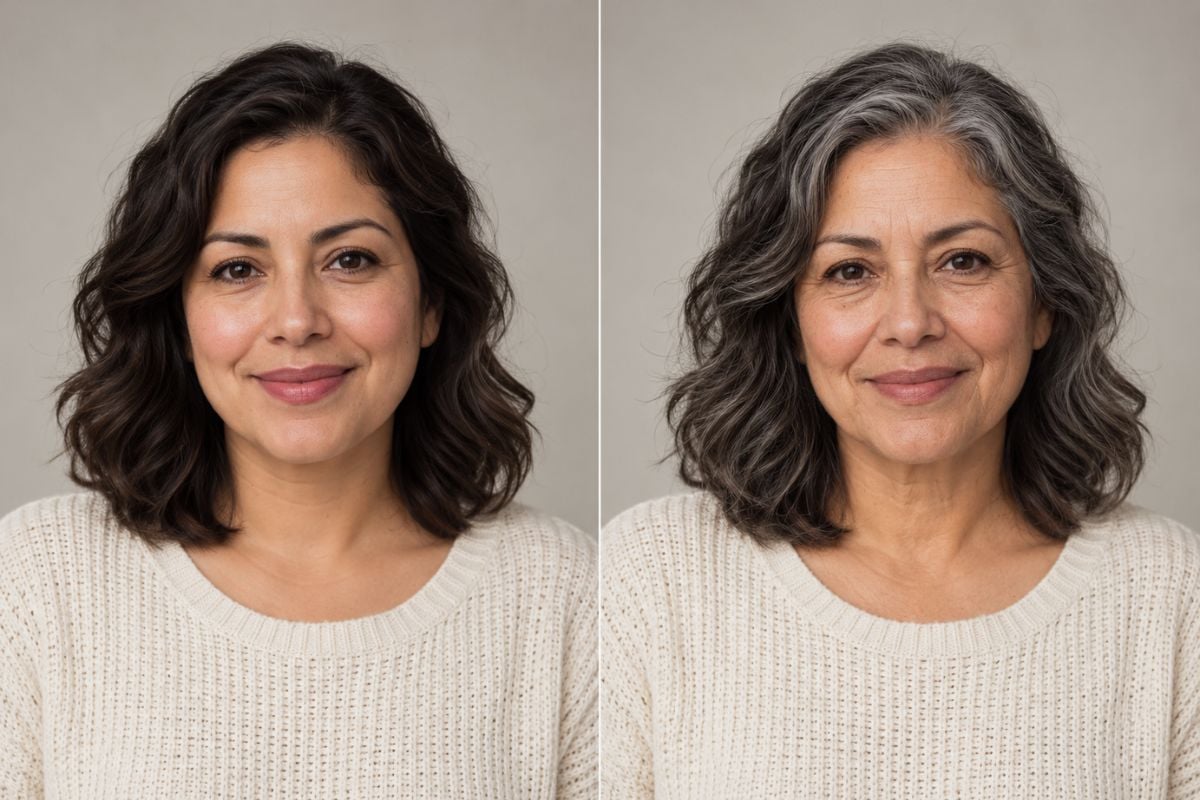
The report explains its estimate through four visible areas: skin texture, the eye area, facial structure, and styling. Each cue gives you a simple way to understand how the photo informed the result, instead of leaving you with only a number and range. That context can make the screen easier to discuss or compare with another portrait under different lighting. For a different photo-based read, the AI Haircut Identifier focuses on the visible cut, length, and texture. Both tools turn visible details into a practical summary for a different kind of portrait question.
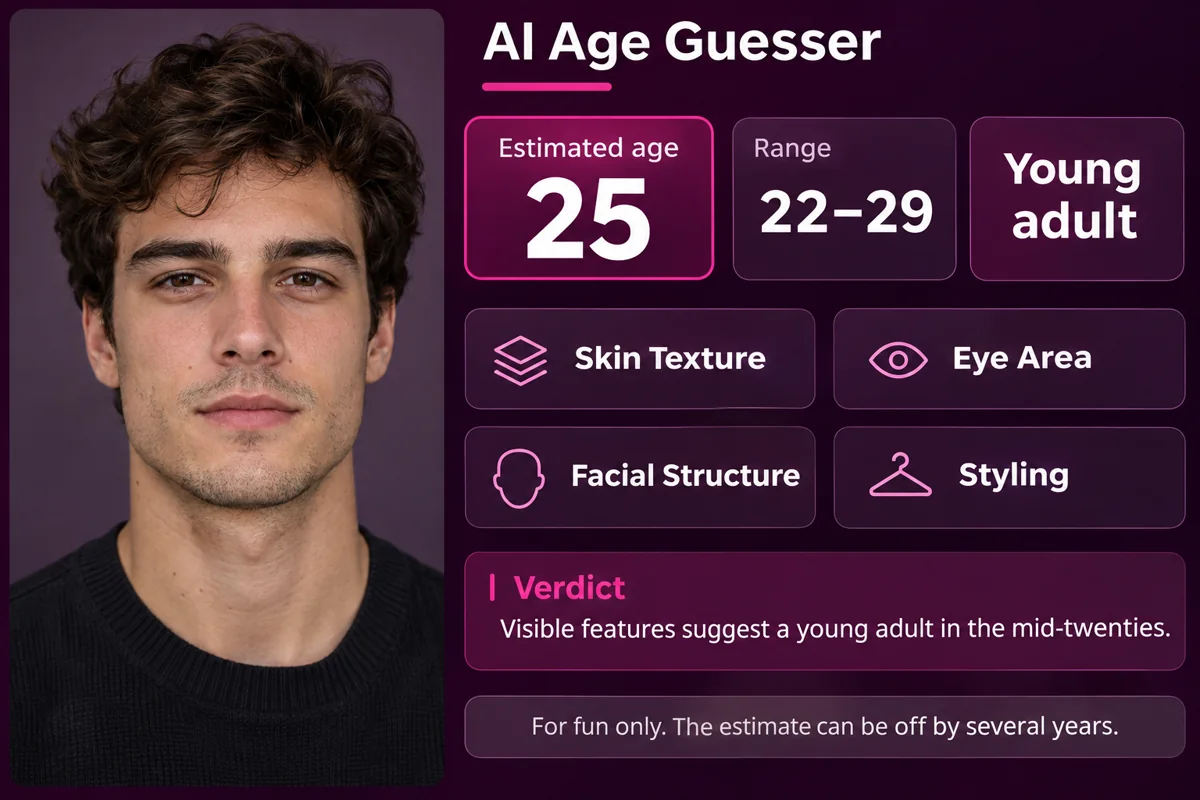
Read the Verdict With Its Context
The verdict turns the estimate into a short, easy-to-scan takeaway about the visible features in the portrait. Alongside the age range, the result can group its observations into clear sections for skin texture, the eye area, facial structure, and styling. This format is useful when you want to understand the reasoning behind a lighthearted guess or keep a result with the portrait you used. The visual example is a mockup based on the output fields shown in your test screenshot.
What Your Age Guess Includes
Estimated age and range
Four visible clue areas
A shareable verdict
How to Use AI Age Guesser
Upload a Clear Portrait
Choose a well-lit photo with one face clearly visible and few obstructions across the face.
Generate the Estimate
Start the age guesser and wait for its apparent-age estimate, range, category, and clue summary.
Review the Clues
Read the verdict and four visual-cue sections together, then save the result with a screenshot if you want to keep it.
Explore More Portrait Tools


AI Age Guesser FAQs
What does an AI age guesser do?
How do I guess my age from a photo with this tool?
What clues does the age estimator use?
Does the app tell my real or exact age?
How accurate is an AI age guesser?
Is the AI Age Guesser free to use?
Does it make me look older or younger in the photo?
Does the age result save automatically?
Can I use the result commercially?
See What Age Your Photo Suggests
Get an apparent-age estimate, possible range, and visible cues from a portrait.
Try an Age Guess