Free AI Age Progression: See an Older-Self Photo

Curious how an older version of your portrait could look? Upload one clear face photo to GoEnhance AI, apply the aging effect, and compare the result with your original. This is a creative age simulation, not a prediction of your future appearance.
Age a Picture
Style
Image

Age Progress a Photo and Compare the Result

Turn a Selfie Into an Older-Looking Portrait

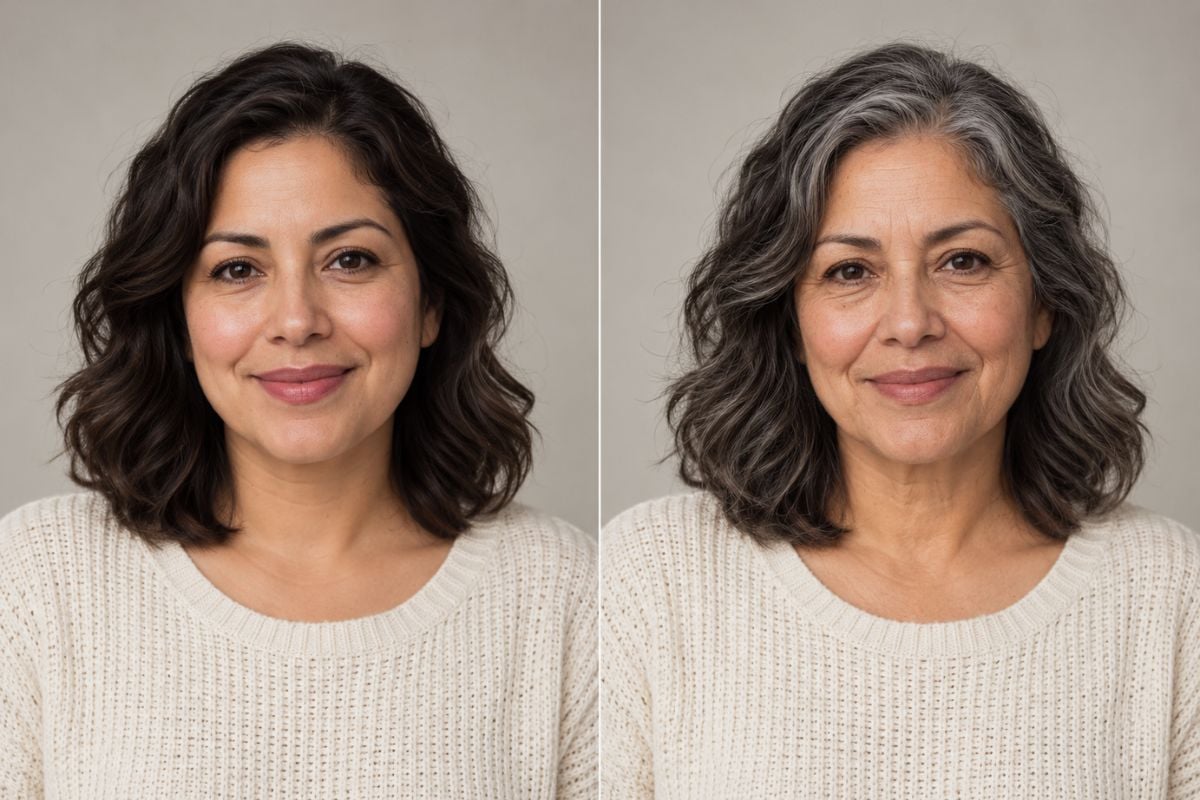
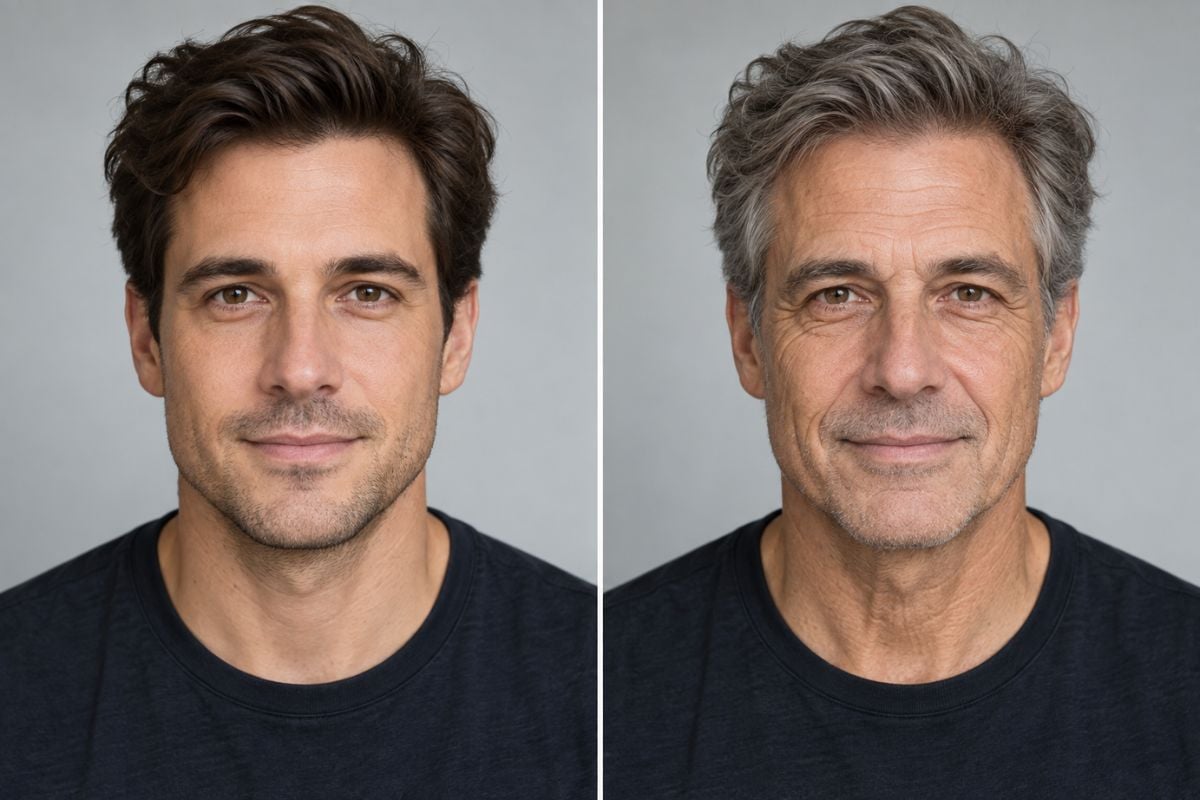
Start with a front-facing photo and use the AI aging filter to make an older-looking version. Compare details such as skin texture and hair while checking whether the eyes, nose, and expression still resemble the source photo.
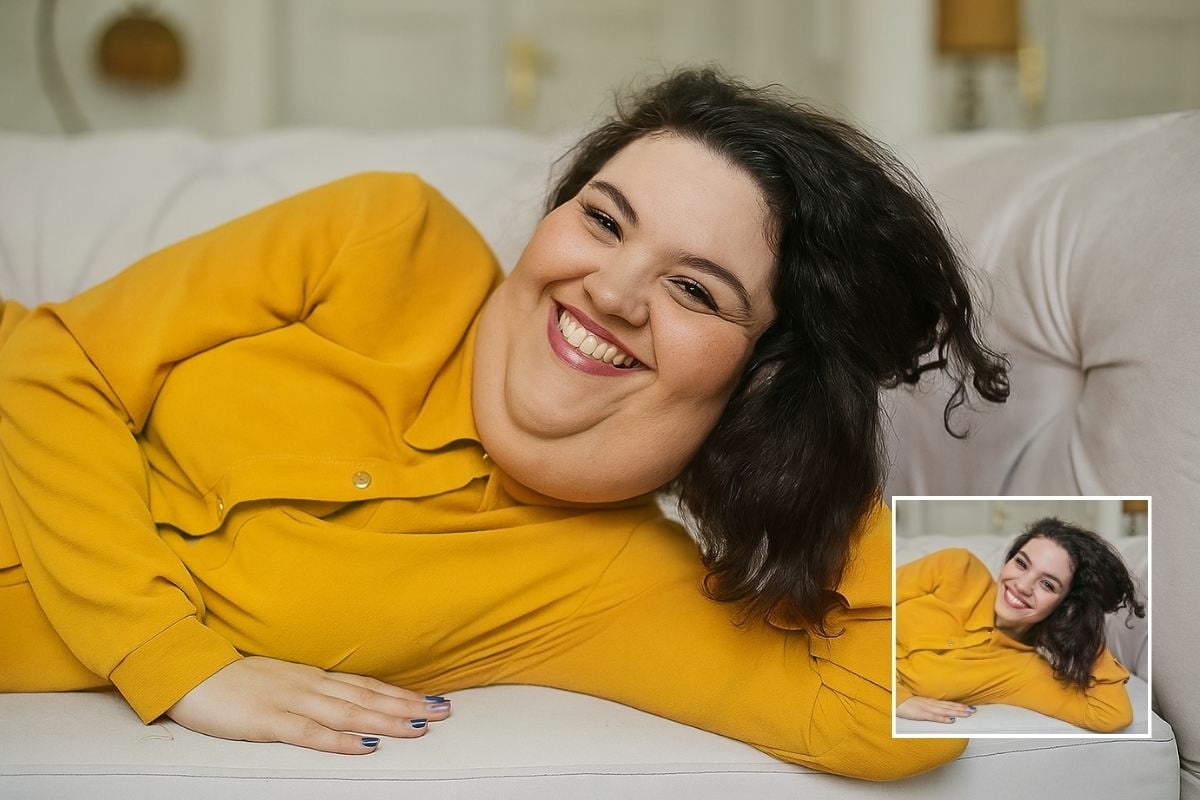
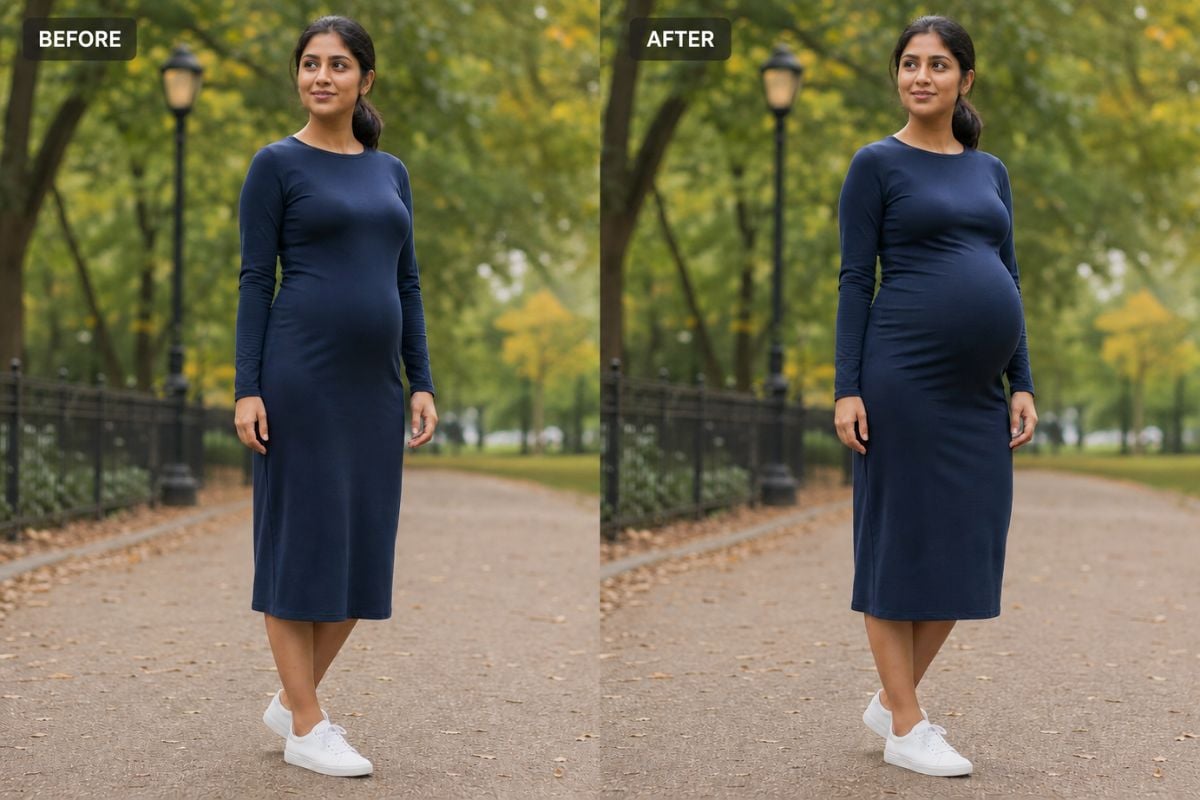
AI age progression free example showing a woman before and after an older-looking portrait effect.

Explore an Older-Self Look for Creative Stories

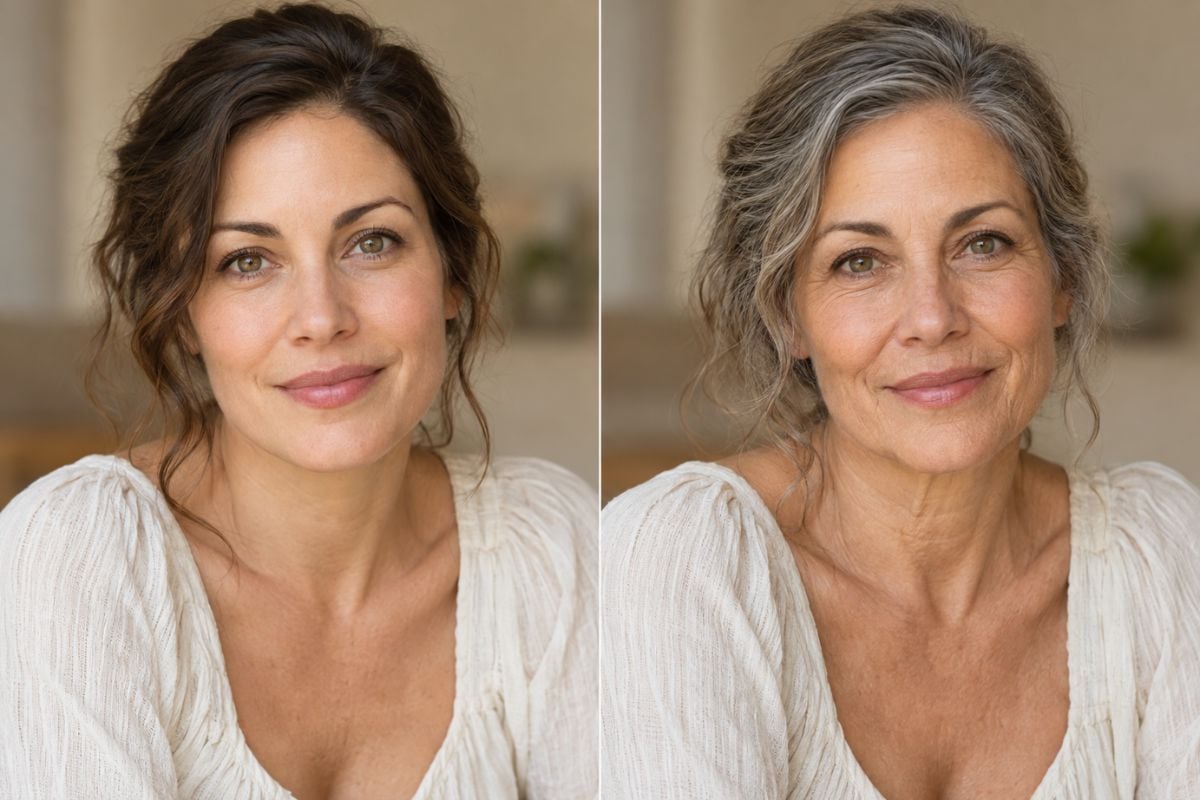
Use image to image age progression imagery for a future-self post, a character concept, or a visual story. Treat the result as one possible creative interpretation rather than a guaranteed view of how someone will age.
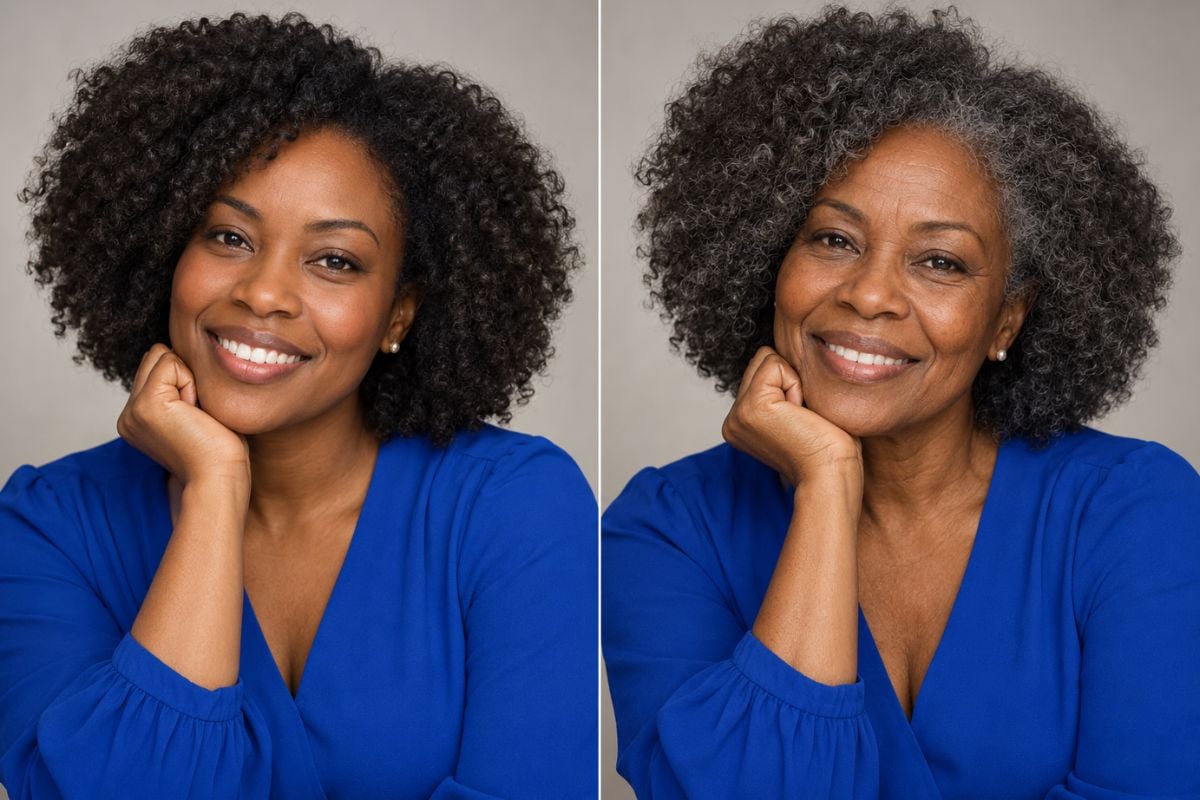
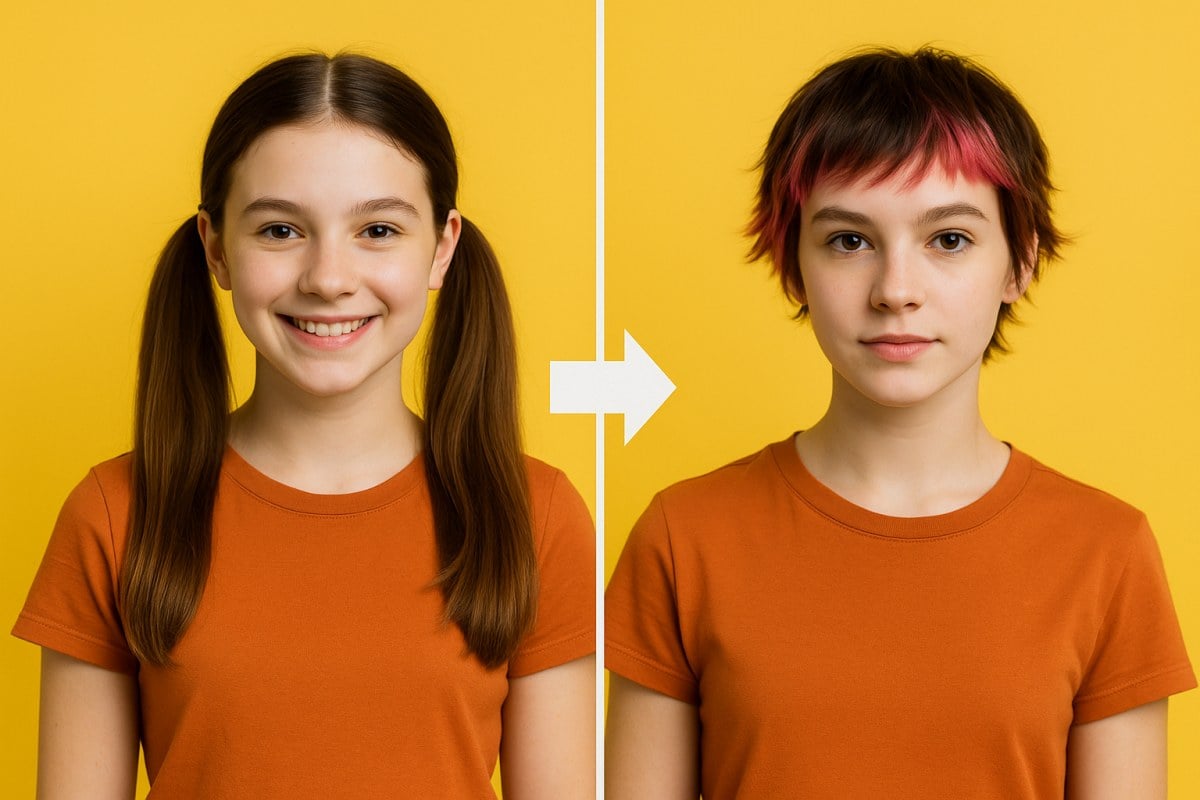
Age a picture creative example showing a curly-haired woman before and after an AI aging effect.

Keep the Person Recognizable

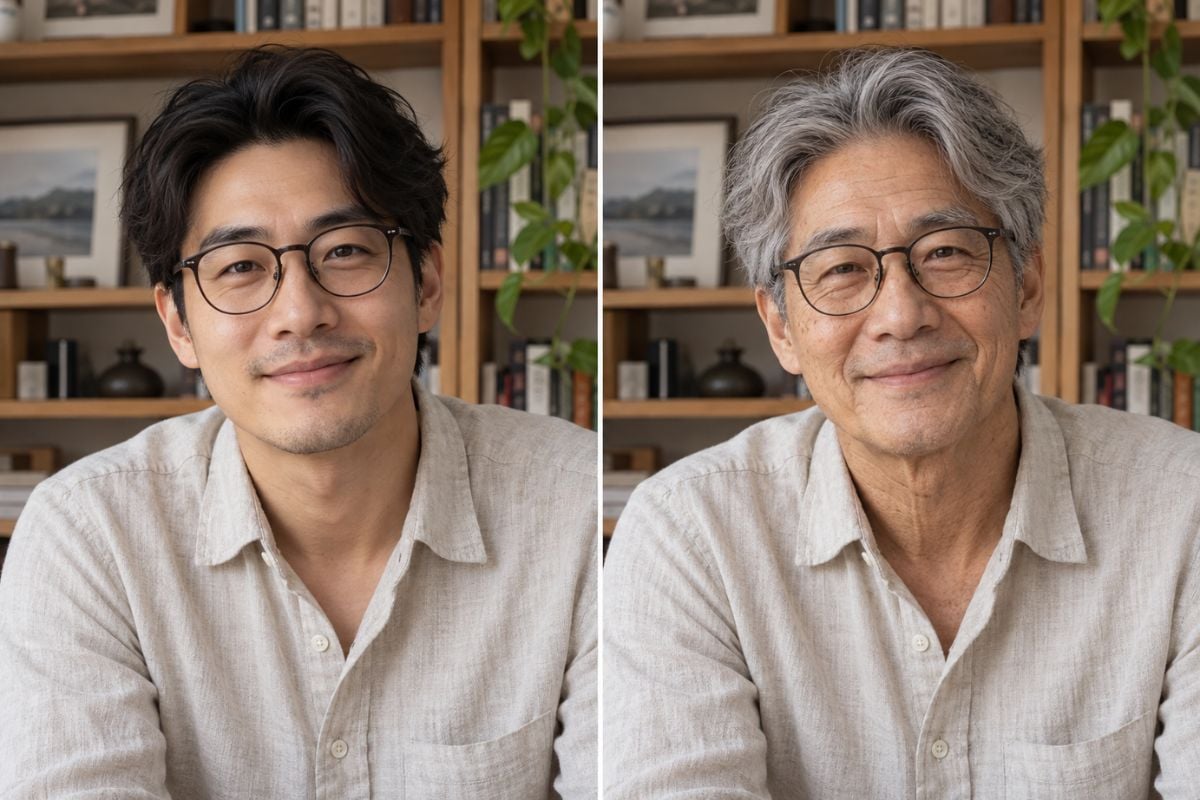
When you age progress a photo, look beyond wrinkles: compare eye shape, smile, skin tone, glasses, and facial proportions. If the generated person no longer looks like the source, try a clearer input portrait.

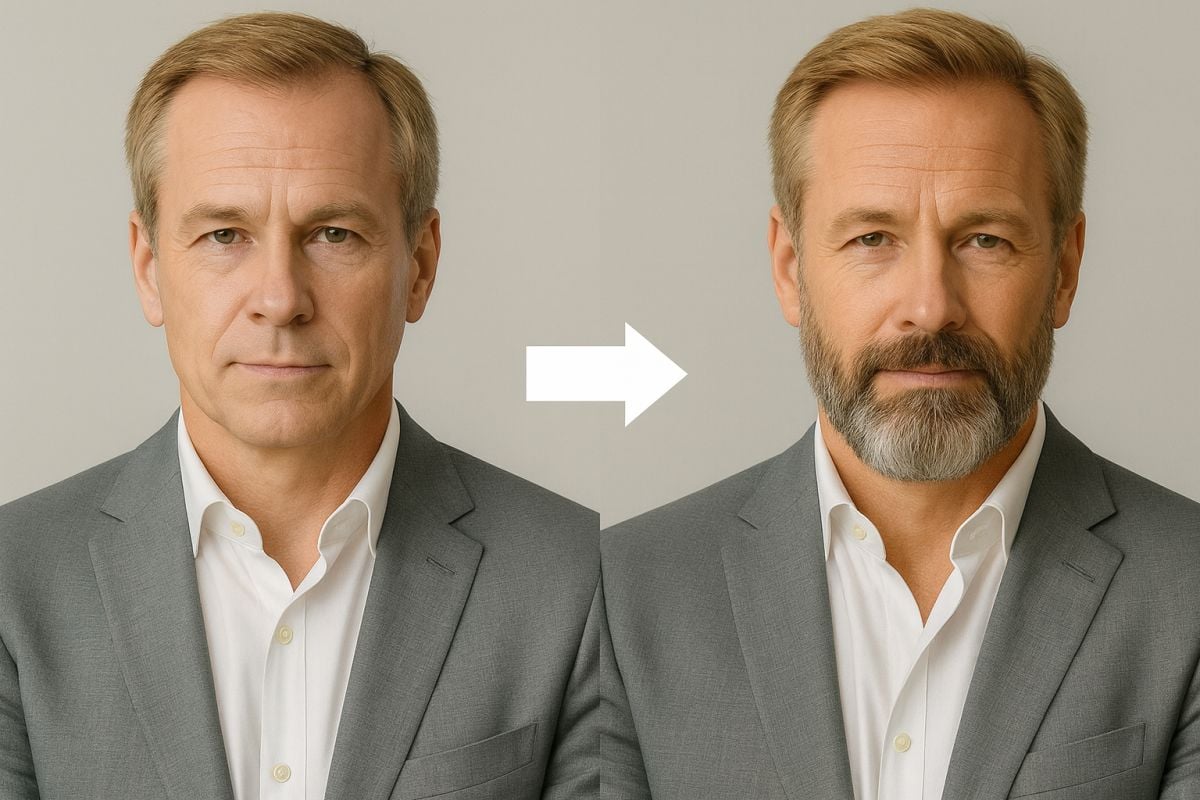
Age progress a photo comparison showing the same man with glasses before and after an AI aging effect.

Check the Result Before You Share

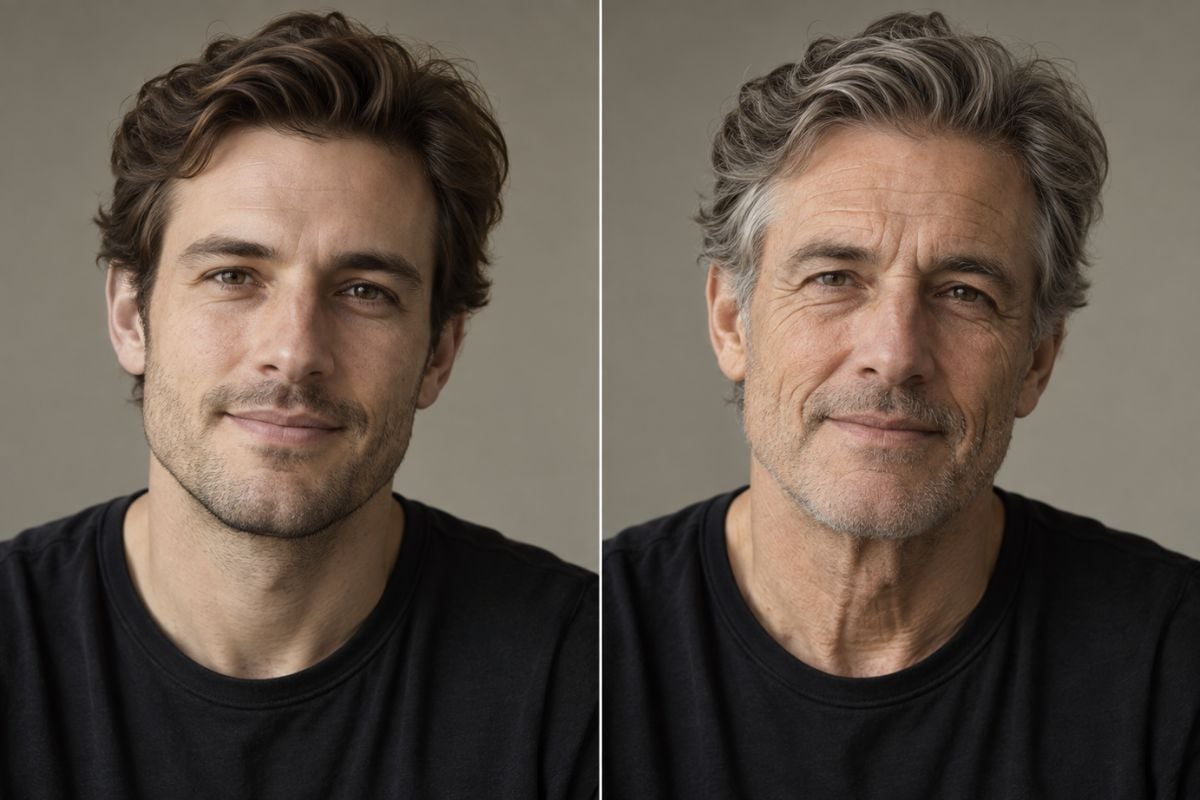
Inspect hairlines, glasses, jewelry, and background edges for unintended changes. Generated portraits can look plausible without being factually accurate, so label an age-progressed image clearly when sharing it.

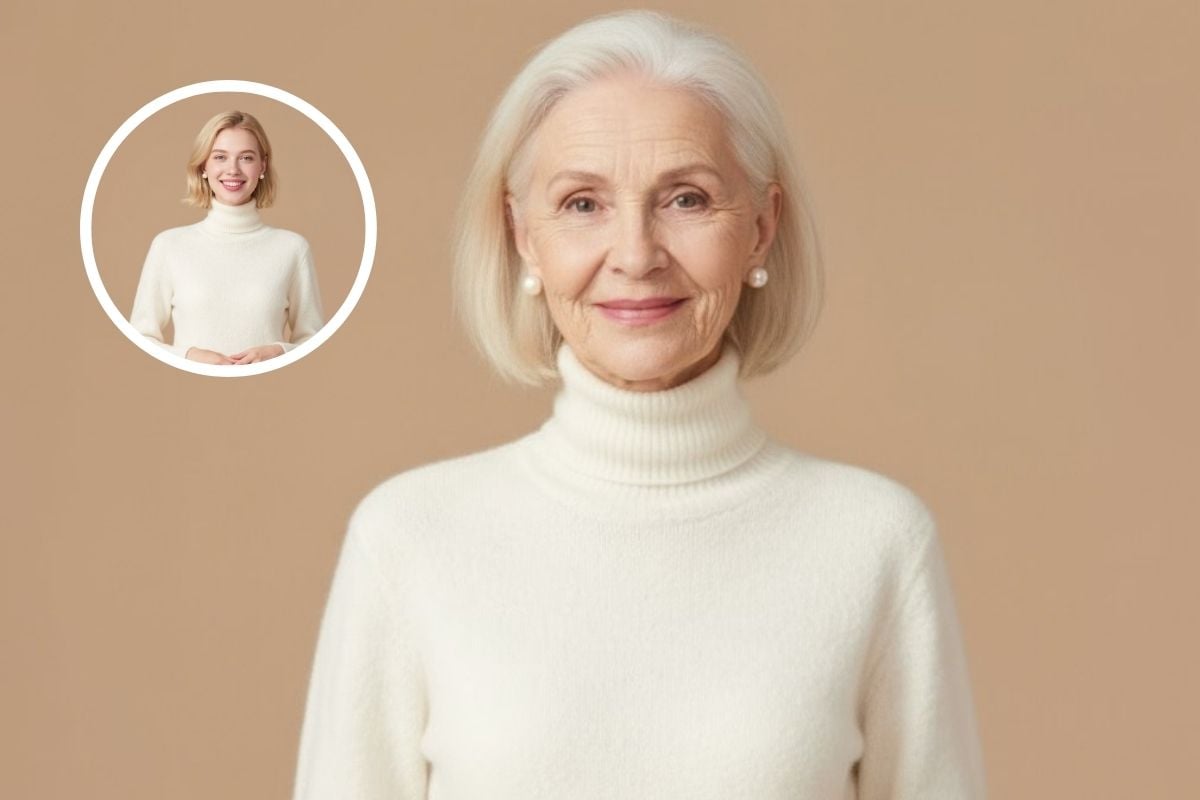
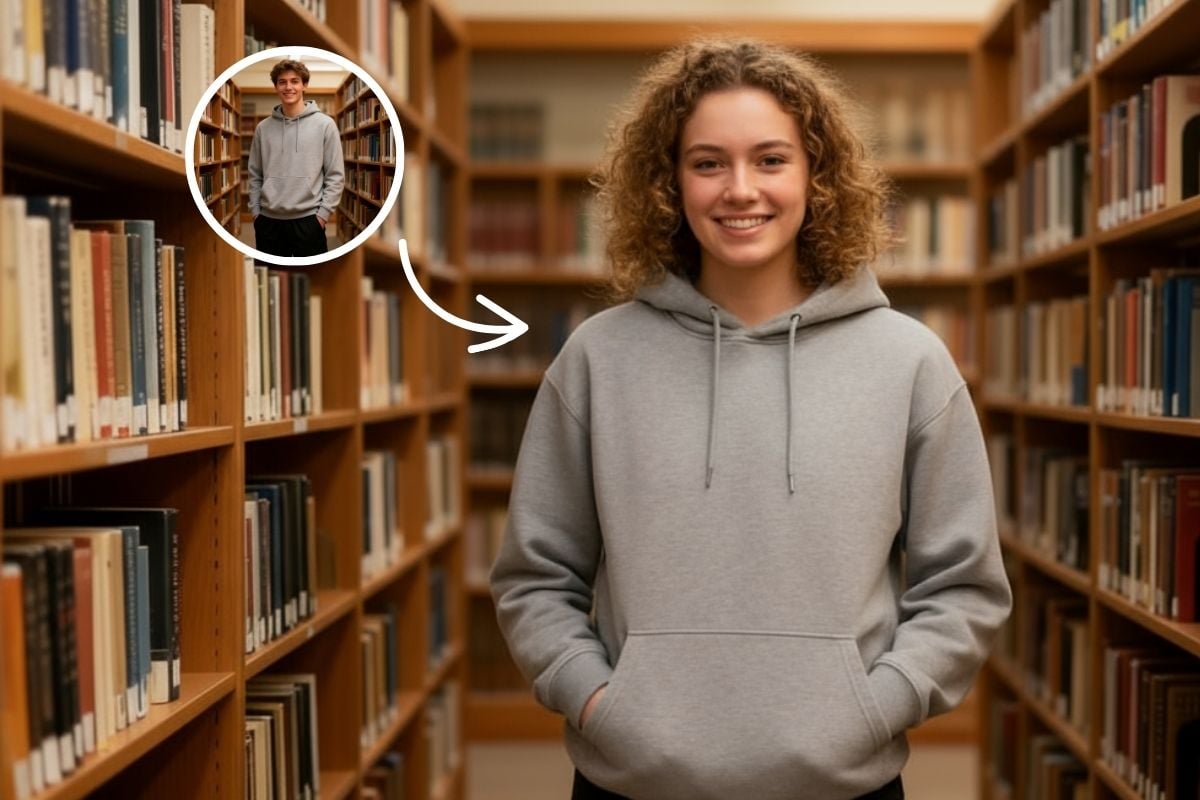
AI age progression free before-and-after portrait showing a woman with consistent facial features and clothing.

What to Know Before You Age a Picture

One Clear Portrait Is Enough to Start

Choose a well-lit image with one unobstructed face. Heavy filters, tiny faces, and motion blur make results harder to judge.

Online Aging Effect

Apply the GoEnhance AI aging filter in your browser to create an older-looking version of a portrait; there is no need to build a composite by hand.

Before-and-After Comparison

Keep the original photo beside the generated result to check recognizable features, expression, lighting, and unexpected edits.

Creative, Not Forensic

An AI aging effect imagines age-related changes; it is not a reliable way to identify a person years later or reconstruct a missing person's appearance.

Free Access With Limits

GoEnhance AI advertises basic free access for its aging filter. Check the current app for any credit, account, or export restrictions before generating.

Share With Care

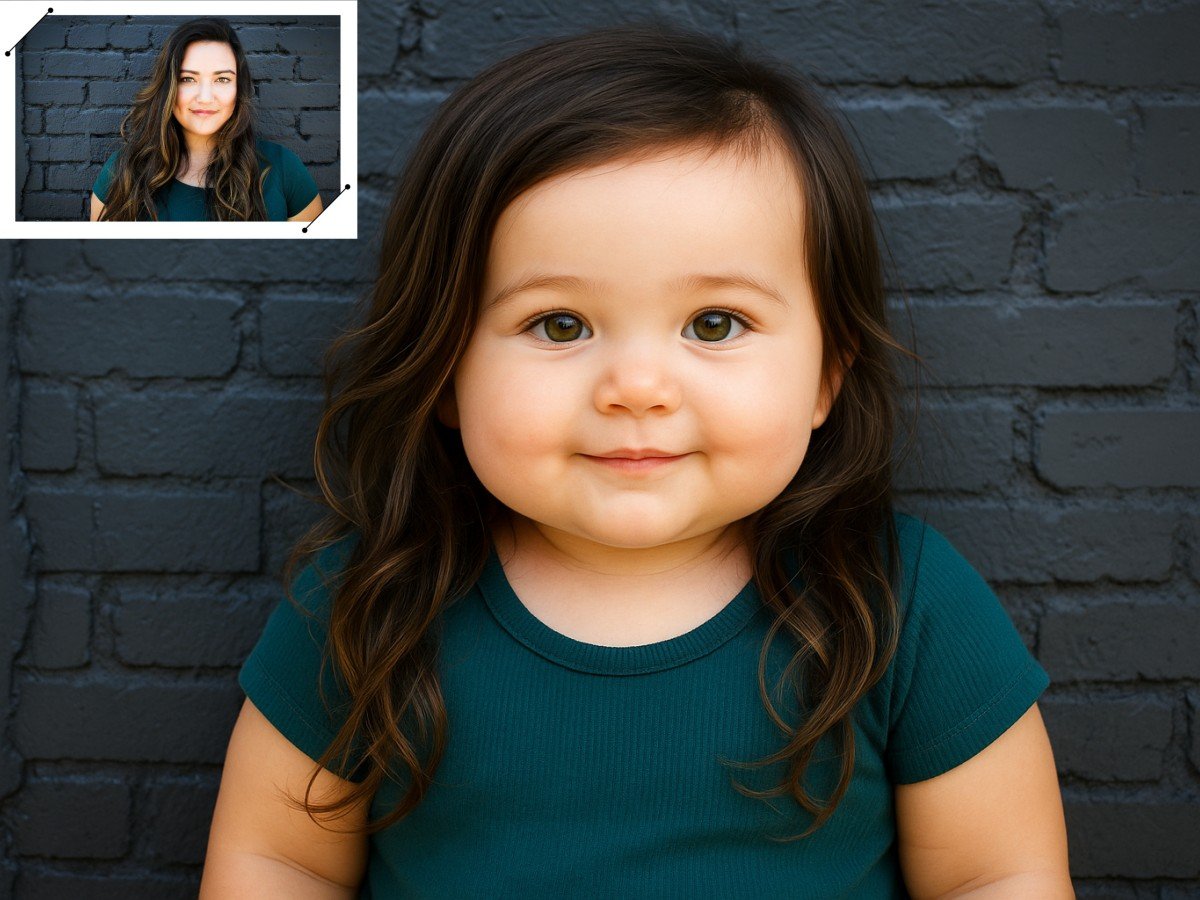
Get permission before uploading another person's portrait, especially a child's, and make it clear when a shared image is AI-generated.

How to Age Progress a Photo Online
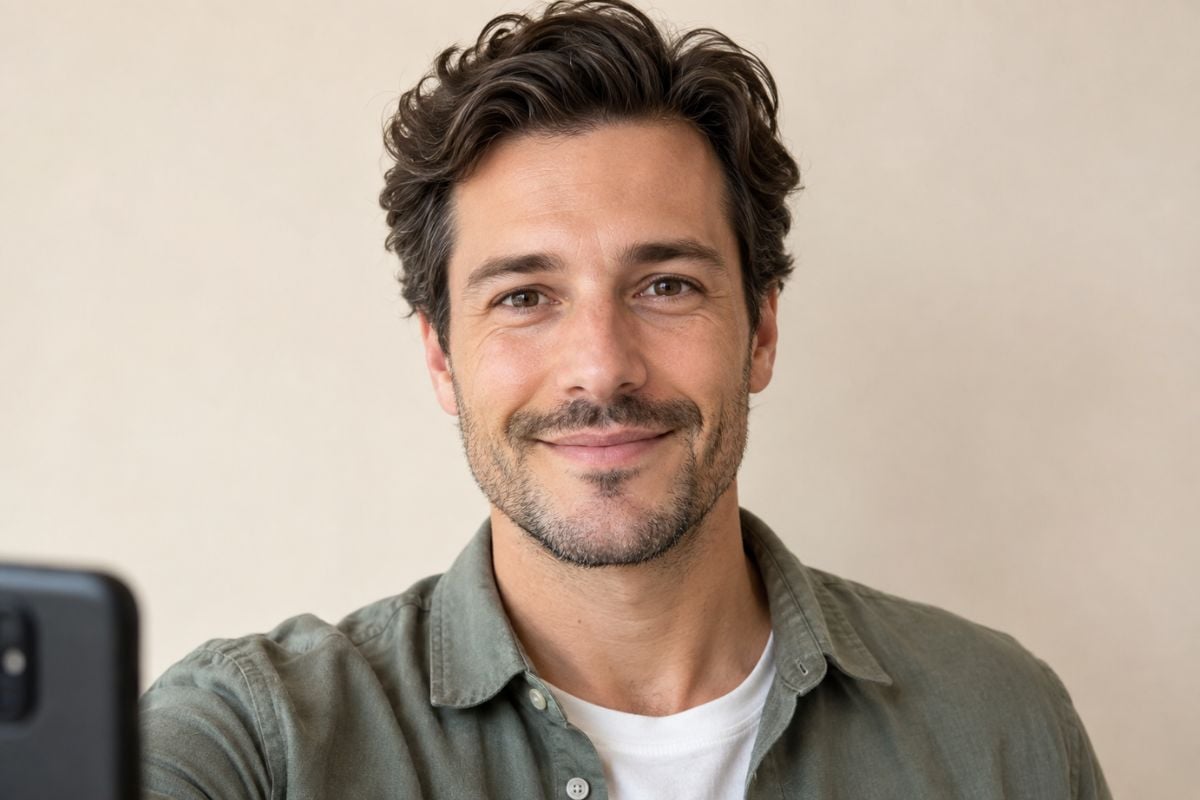
Upload a Clear Face Photo
Choose a well-lit portrait with one visible adult face and little obstruction. Use a photo that you have the right to upload.

Apply the Aging Filter

Open the AI aging effect and generate an older-looking version of the uploaded picture. This preset simulates an age change; it does not require entering an exact future age.

Review and Download

Compare the generated photo with your source. Check identity, skin tone, hairline, and background details; then download the version you want to keep.

AI Age Progression FAQ

What is AI age progression?

AI age progression creates a new portrait with simulated age-related changes, such as skin texture and grayer hair. It is a creative image effect, not a factual record or a certain prediction.

Can I try AI age progression free?

GoEnhance AI says basic access to its aging filter is free. Availability, credits, and export limits may change, so check the app before you start.

How do I age a picture online?

Upload a clear portrait, apply the AI aging filter, and compare the generated older-looking image with the original before downloading it.

Can I choose the exact age I want to see?

The GoEnhance AI aging filter provides an older-looking effect. Do not assume it supports an exact target-age setting; check the available controls in the current app.

How accurate is an age-progressed photo?

It can be visually plausible but cannot tell you exactly how you will look later. Genetics, health, lifestyle, lighting, and even hairstyle can change the real outcome.

What kind of photo works best?

Use a sharp, front-facing, evenly lit portrait with one unobstructed face. Tiny, blurry, or heavily filtered faces may produce less recognizable results.

Can I age progress another person's photo?

Only upload and share images you are allowed to use. Obtain the person's permission, take extra care with children's photos, and label synthetic results clearly; check the current terms for commercial use.

Ready to See an Older Version of Your Photo?

Add one clear portrait, apply the GoEnhance AI aging filter, and review a creative older-self image before sharing.

Try AI Age Progression