goenhance logo

SocialSight AI

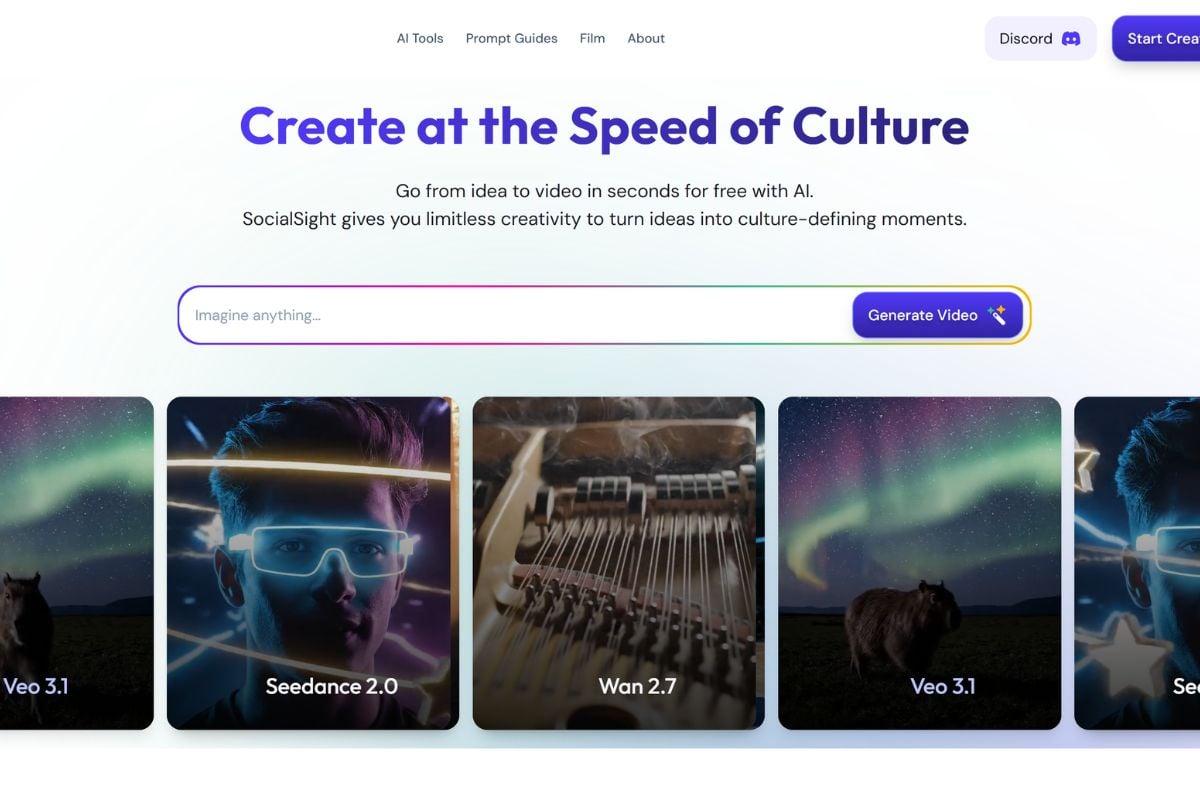
SocialSight AI helps creators turn prompts, images, and ideas into cinematic clips, UGC-style videos, viral memes, visual effects, and social-ready content in a simple AI workspace.

Explore SocialSight AI Creative Features

Turn Simple Prompts Into Scroll-Stopping Videos

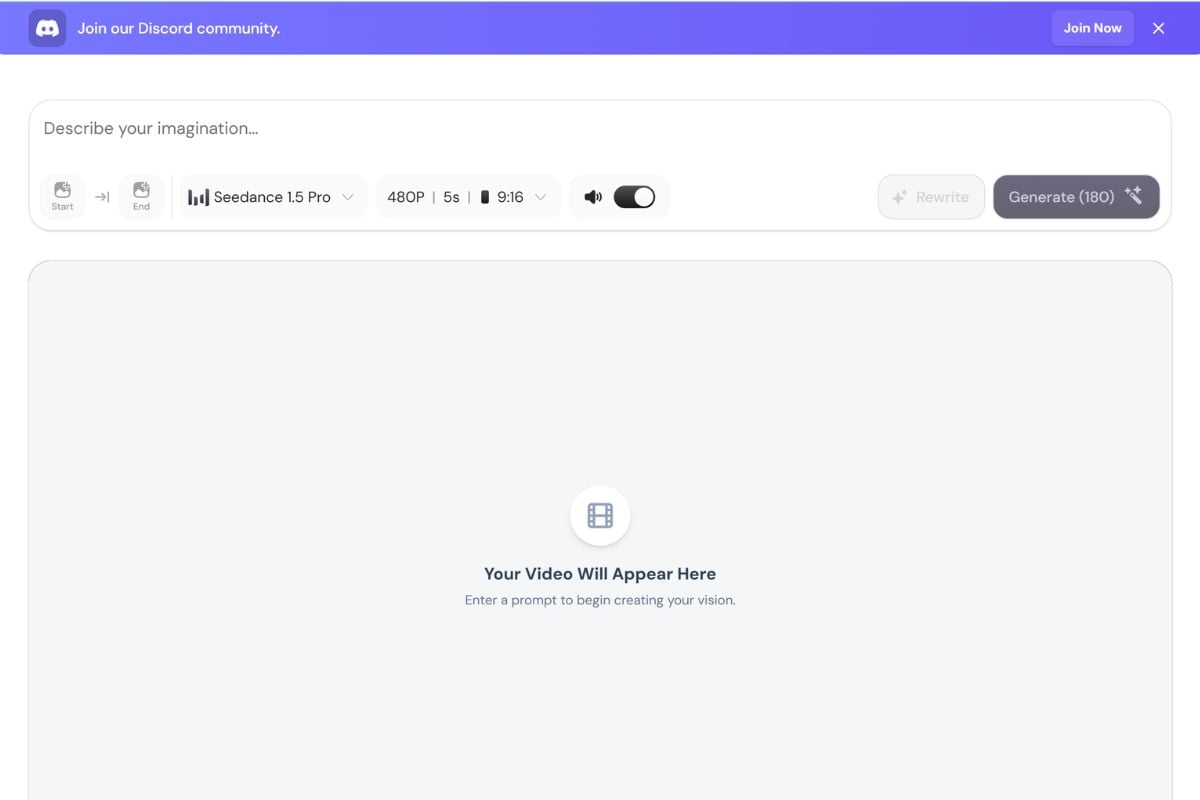
SocialSight AI helps creators move from a short idea to a usable video draft faster. Describe the subject, action, mood, camera feel, and scene direction, then use an AI video generator workflow to create social clips, ad concepts, product teasers, or quick creative tests.

SocialSight AI text to video generator

Animate Images Into Cinematic Short Clips

Upload a portrait, product shot, character design, or concept image and turn it into a moving video with atmosphere, expression, and visual energy. This image to video workflow is useful for creators who want to bring still visuals into short-form content.

SocialSight AI image to video generator

Create Viral Effects, Memes, and UGC-Style Clips

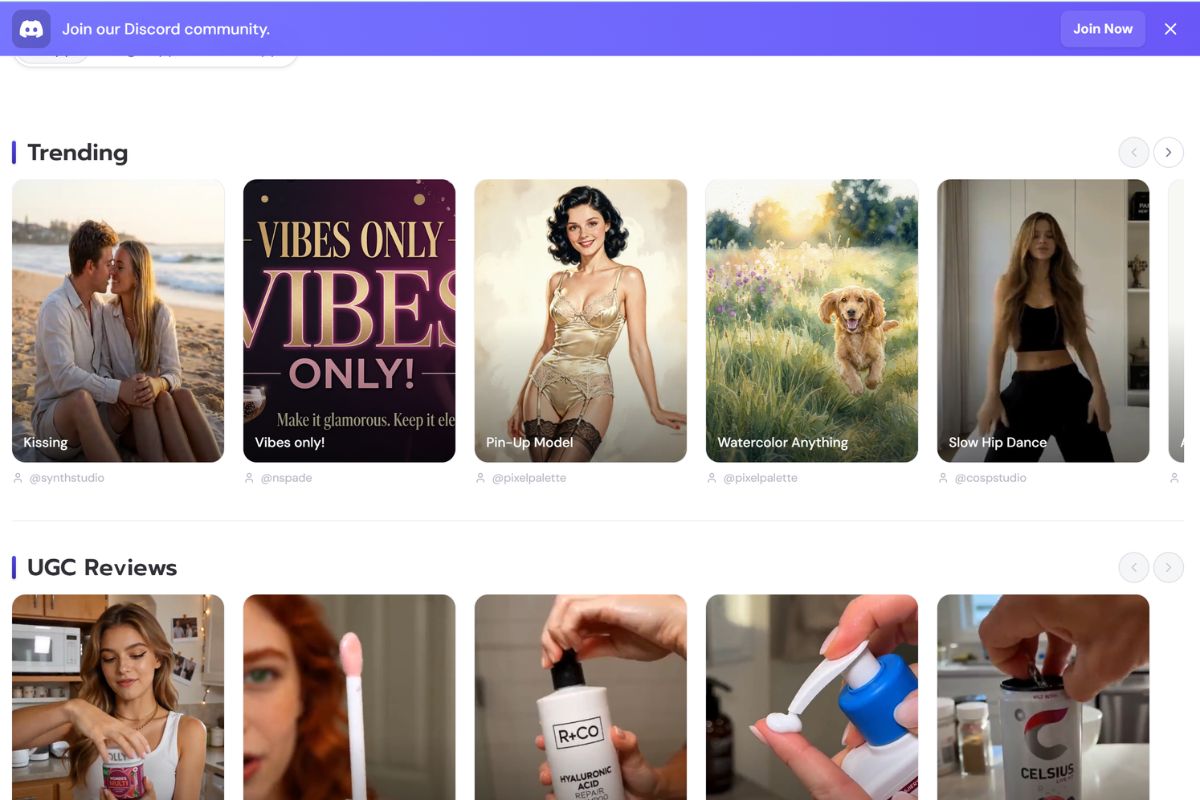
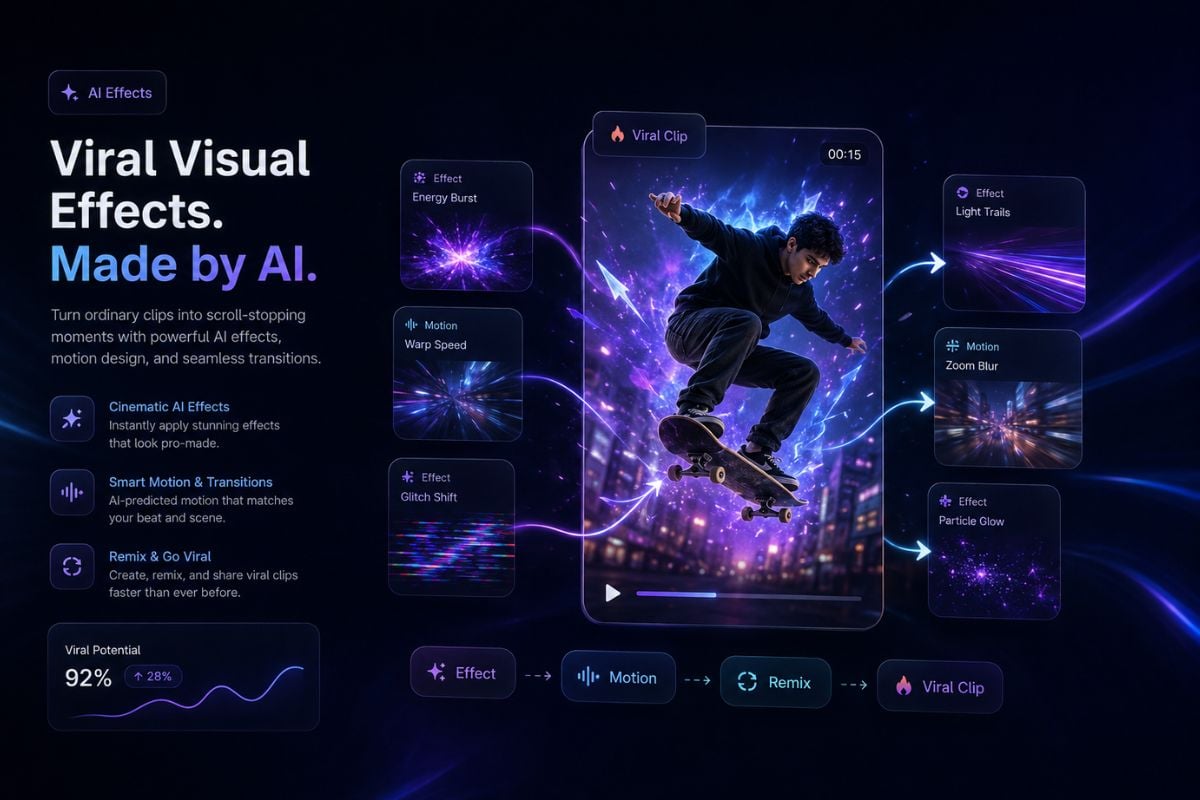
SocialSight AI is built for fast-moving creator formats, from AI visual effects and meme-style edits to UGC-inspired video ideas. It helps creators test hooks, reactions, product moments, and social concepts without starting from a blank editing timeline.

SocialSight AI viral effects and UGC video tools

Test More Creative Directions in One Workflow

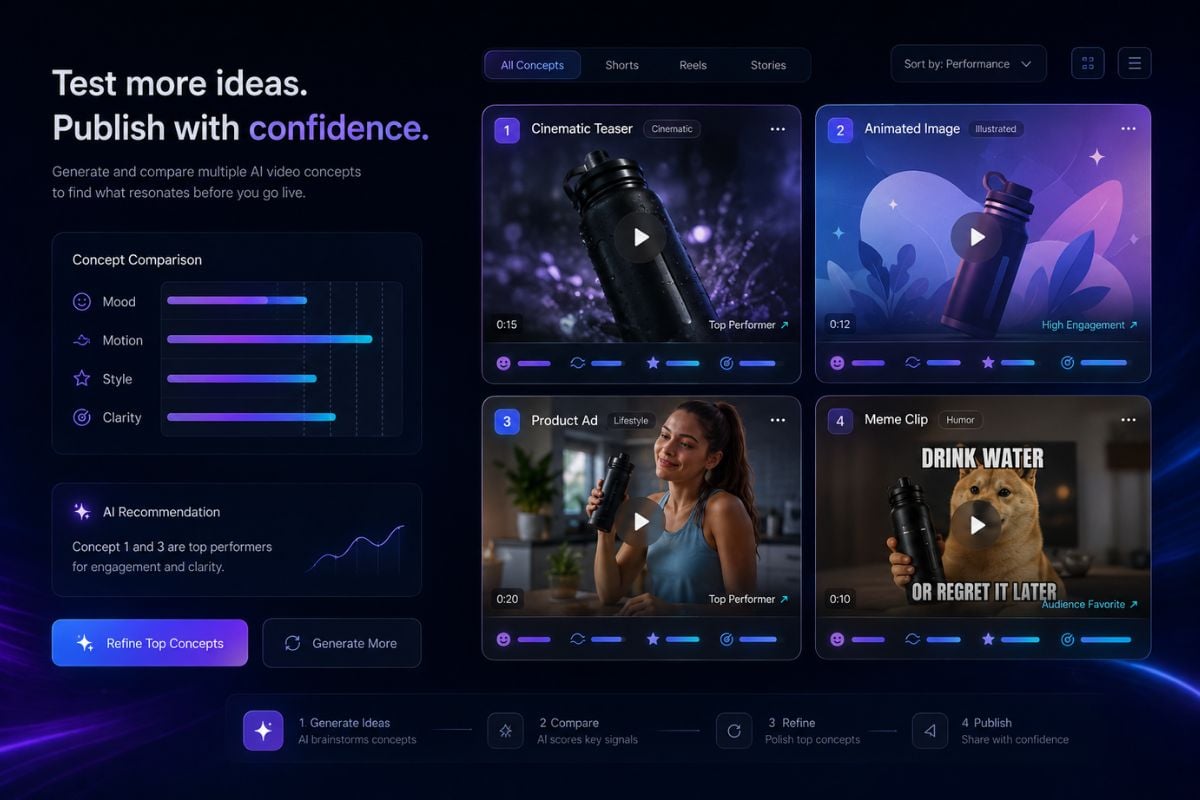
SocialSight AI gives creators a flexible space to explore different looks, motions, and video ideas before choosing the strongest version. It works well for comparing visual styles, refining prompt direction, and turning rough concepts into social-ready AI content.

SocialSight AI creative video workflow
Fast AI creation for social video ideas

Why Creators Use SocialSight AI

Built for Social Content

SocialSight AI is designed around short-form creative output, including cinematic clips, UGC videos, memes, effects, and visual templates for social platforms.

Simple Prompt Workflow

Users can describe a scene in plain language instead of working through complex editing software, making it easier to test video ideas quickly.

Image and Video Generation

The platform supports both image and video creation, so creators can move from visual concept to animated content in one connected workflow.

Useful for UGC Concepts

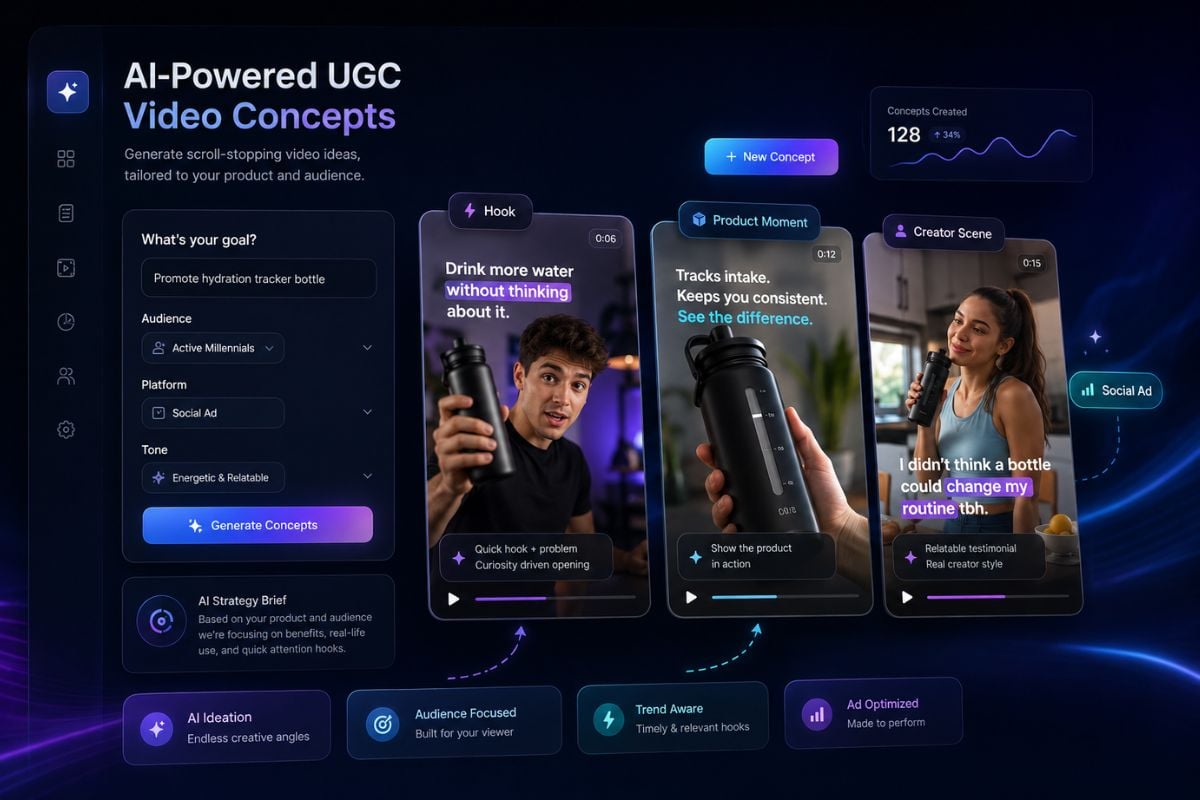
SocialSight AI works well for testing ad-style scenes, creator-style hooks, product moments, and short clips that feel closer to social media content.

Creative Testing Without Heavy Setup

Creators can quickly explore different moods, scenes, and formats before deciding which idea is worth polishing or publishing.

Free Daily Creation Entry

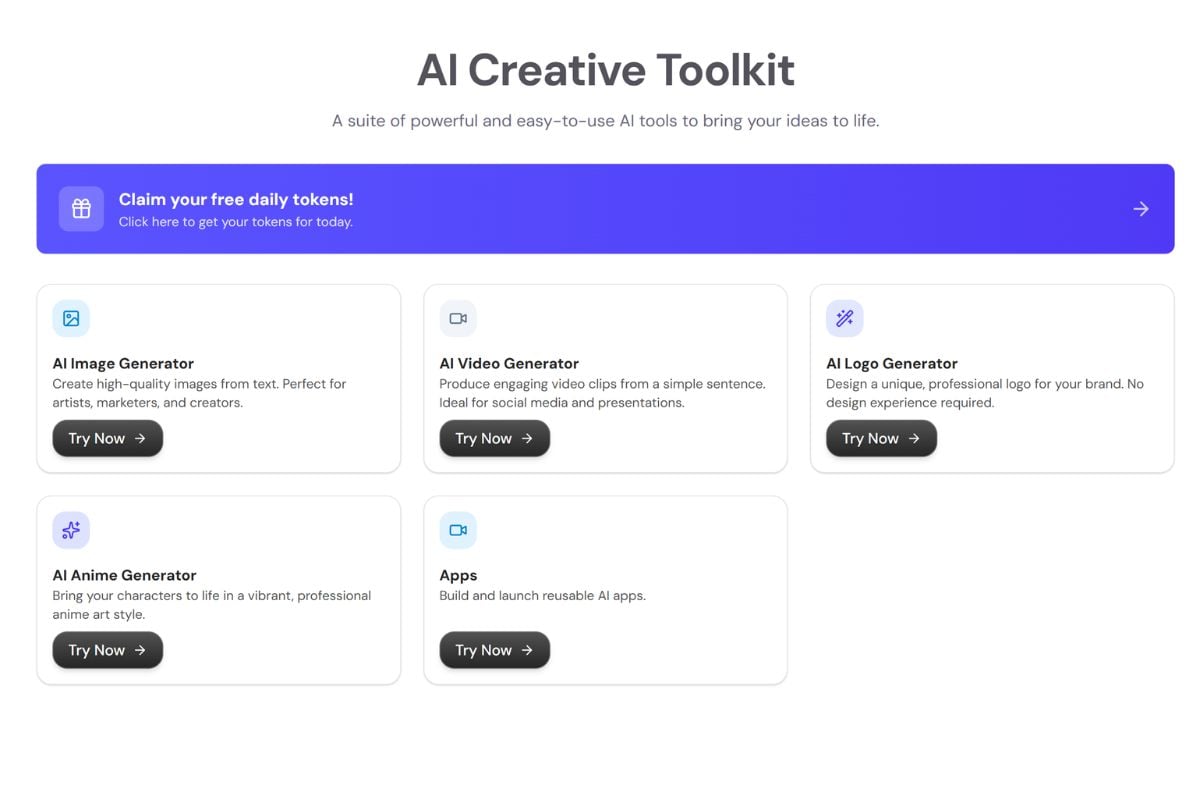
SocialSight AI promotes free daily creation, which makes it easier for new users to test the platform before committing to a deeper workflow.

How To Use SocialSight AI on GoEnhance AI?

01

Add Your Idea or Image

Start with a text prompt, image, or creative direction. You can describe a product video, character scene, UGC clip, visual effect, or meme concept.

02

Describe the Output You Want

Write the subject, action, mood, camera feel, style, and platform use case. Clear prompts help SocialSight AI understand whether you want a cinematic clip, social ad, meme, or visual effect.

03

Generate and Review

Create the result, check the motion, subject consistency, visual quality, and message clarity, then refine the prompt or generate another version if needed.

SocialSight AI Use Cases

SocialSight AI can support different creator workflows, from fast social experiments to polished visual concepts.
UGC Video Ideas

UGC Video Ideas

Create short product demos, creator-style hooks, lifestyle scenes, and ad concepts that feel ready for TikTok, Instagram, YouTube Shorts, or paid social testing.

Try SocialSight AI
Frequently Asked Questions

SocialSight AI FAQs

What is SocialSight AI?

SocialSight AI is an AI image and video generation platform for creators who want to turn prompts or images into cinematic clips, UGC-style videos, visual effects, memes, and social-ready content.

What can I create with SocialSight AI?

You can create short AI videos, image-to-video clips, visual effects, viral templates, memes, UGC-style content, anime-style visuals, logos, and AI-generated images depending on the tool you choose.

Is SocialSight AI mainly for social media creators?

SocialSight AI is especially useful for social media creators, marketers, artists, small teams, and anyone who needs fast visual ideas for short-form content.

Can SocialSight AI turn images into videos?

Yes. SocialSight AI highlights image-to-video creation, which can add motion, expression, and cinematic movement to still images.

Does SocialSight AI support text-to-video generation?

Yes. SocialSight AI includes an AI video generator that can produce video clips from text prompts, making it useful for quick concept testing and social content creation.

Is SocialSight AI free?

SocialSight AI promotes free daily credits, so users can test video generation without needing to start with a paid workflow.

What should I include in a SocialSight AI prompt?

A good prompt should include the subject, action, setting, camera feel, mood, style, and intended use case. For example, describe whether the result should feel like a UGC ad, cinematic clip, meme, or visual effect.

Can I use SocialSight AI outputs commercially?

Check SocialSight AI's current terms before using generated content in ads, client work, or commercial campaigns. You should also review rights for uploaded images, people, brands, music, and any recognizable likeness.

What should I watch out for when using AI video tools?

Review the final output carefully before publishing. Avoid using real people, faces, trademarks, copyrighted characters, or private materials without permission. For brand or ad use, always check accuracy, rights, and platform policies.

Try SocialSight AI on GoEnhance AI

Want to keep building short videos, image-to-video clips, animation effects, and visual content in one creative workflow? GoEnhance AI gives creators an easy way to turn images, prompts, and video ideas into polished AI-generated visuals.

Start Creating With GoEnhance AI