
Media.io AI Video Generator
Media.io is an online AI creative platform with video workflows for short prompts, scripts, story scenes, ads, and image animation. Depending on the workflow, you can review story structure, guide characters with reference photos, and add voiceover, music, or subtitles.
Media.io AI Video Generator Features And Workflows
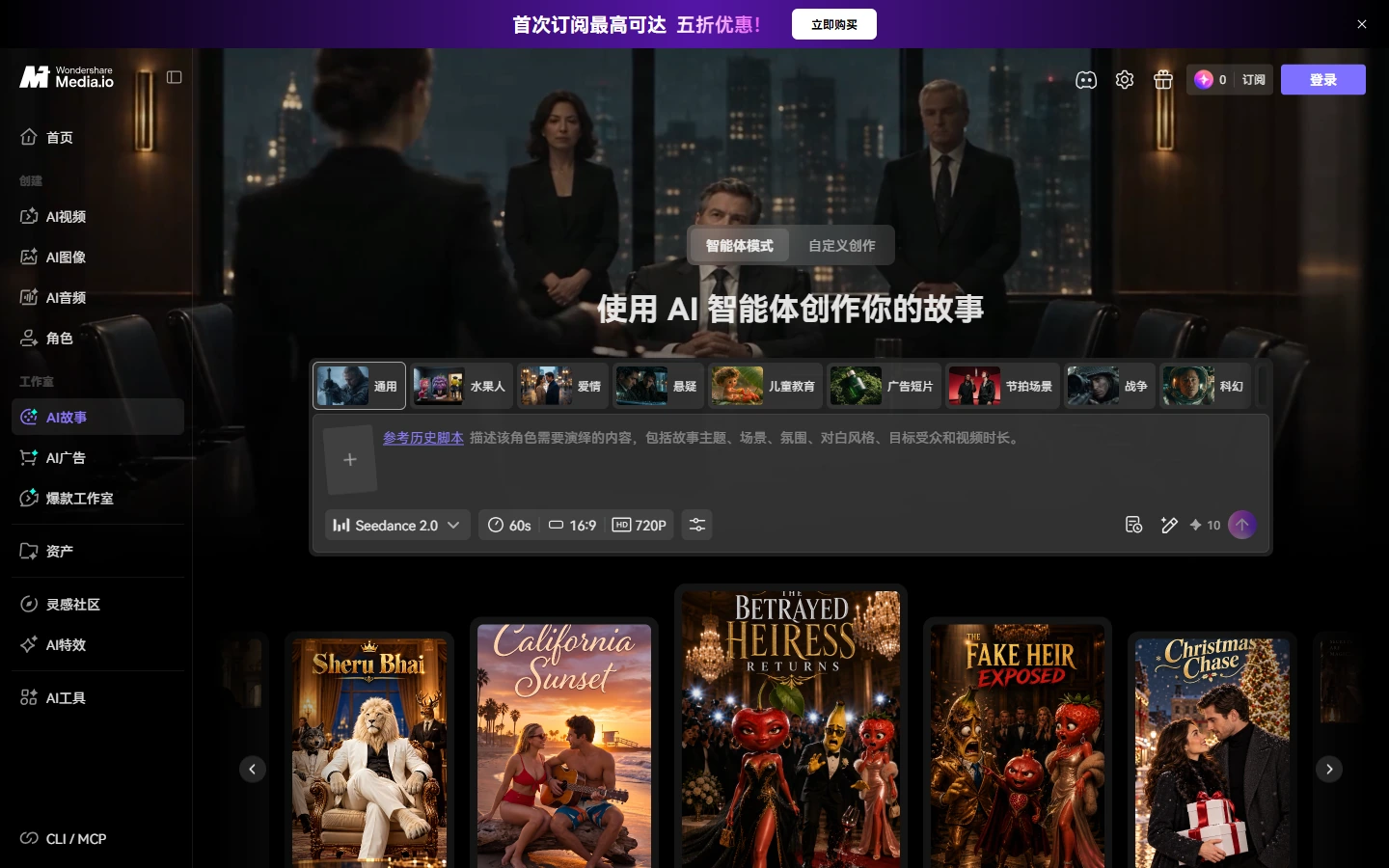
Choose A Story Creation Mode
Media.io's AI Story workspace presents an Agent Mode and a Custom Creation route for turning a story idea into video. The official screenshot shows both choices above the story workflow, so creators can start with an assisted path or move into more hands-on planning. The available steps and controls can vary by mode, and the creator should review the script and scenes before generating the final video.
Start A Multi-Scene Story From A Script
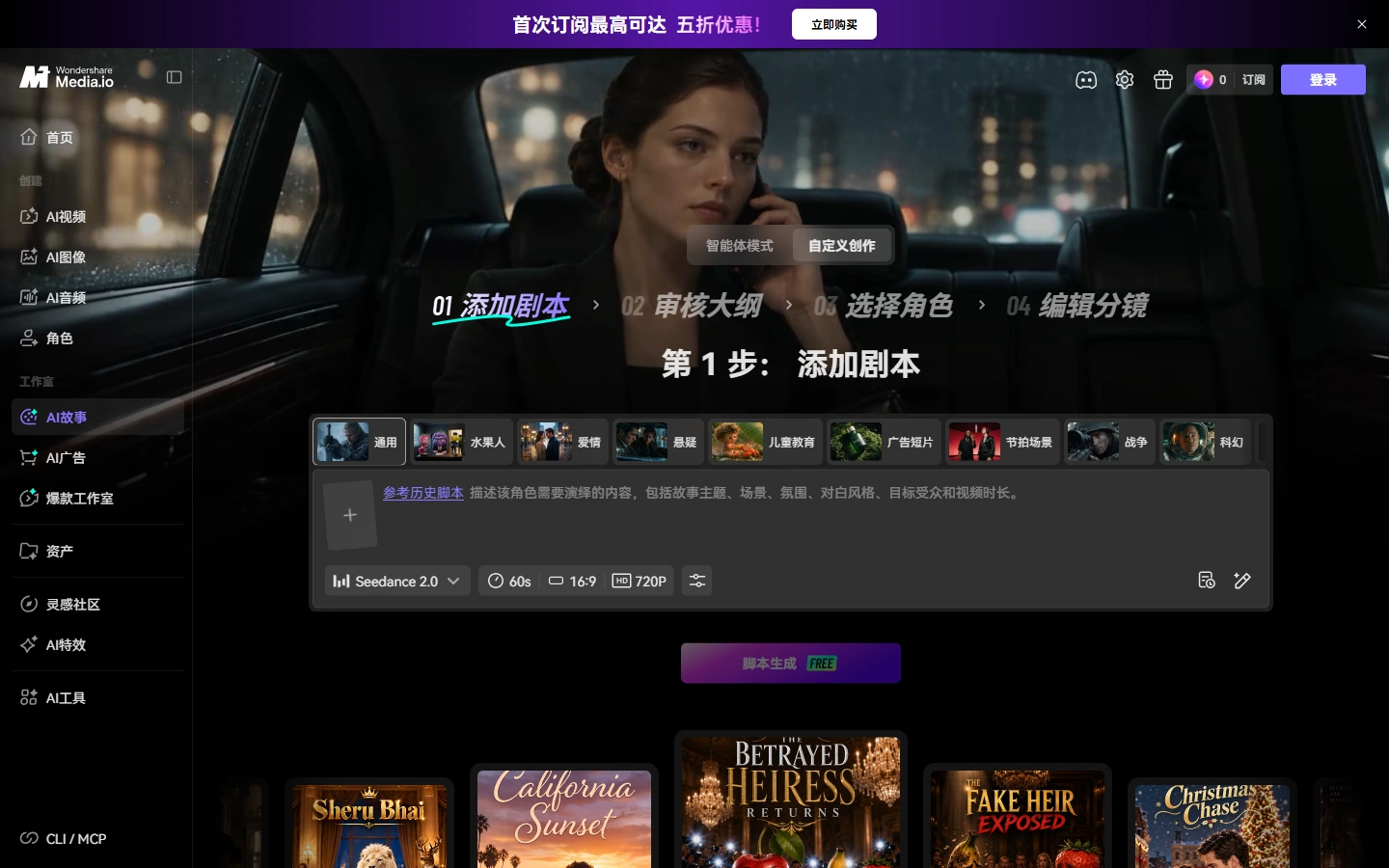
Media.io's Custom Creation workflow presents a sequence of steps for adding a script, reviewing the story, selecting characters, and editing shots. The screenshot shows the first script-entry stage and the remaining steps in the story-to-video flow, making the planning process clear before generation. This structure can help with multi-scene narratives, while the creator still needs to review the story beats and adjust scenes that do not fit the original script.
Guide Characters With Reference Photos
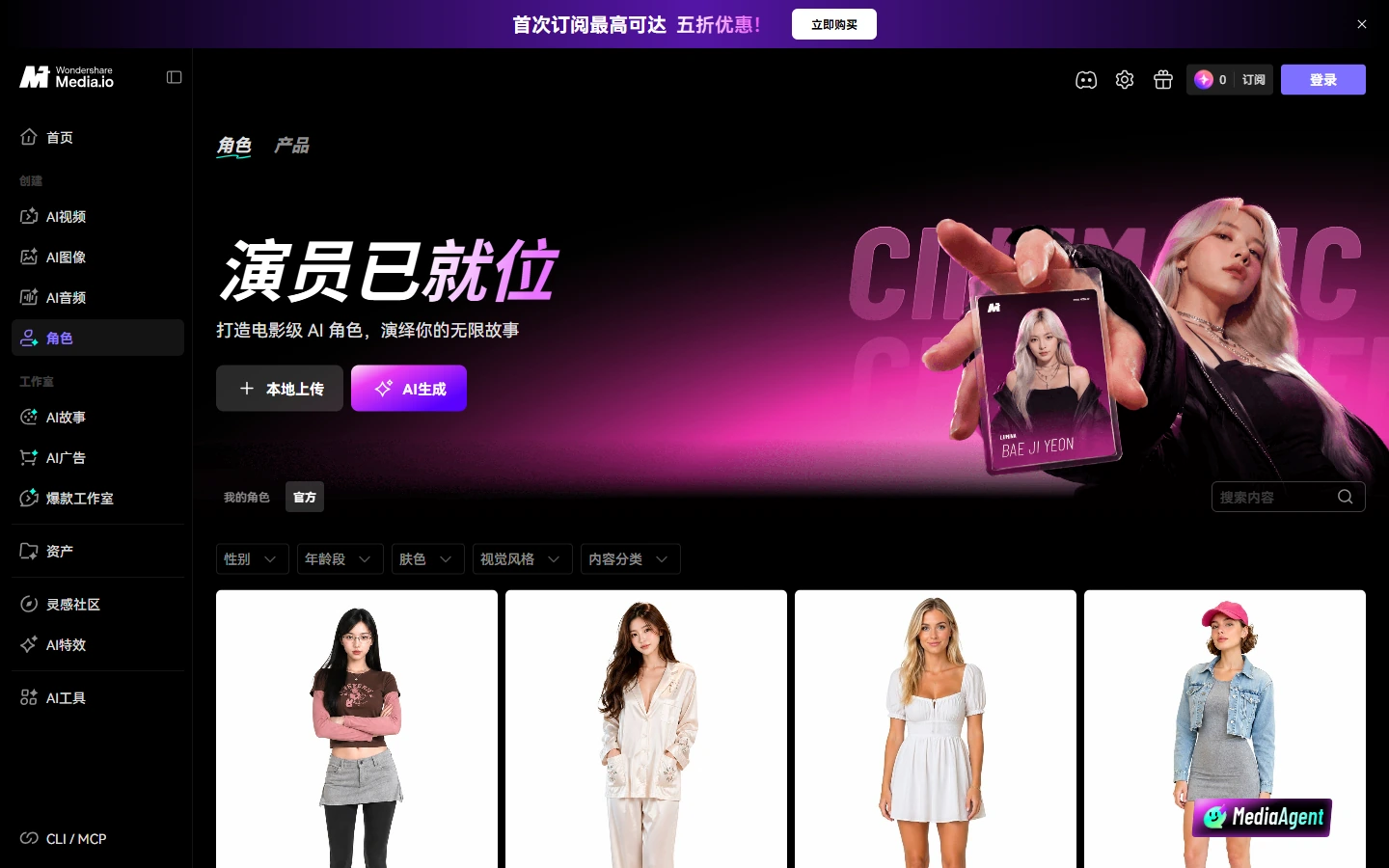
For character-driven videos, Media.io's script workflow can create AI characters or use uploaded reference photos to guide a character's appearance. The site also describes saved cast assets for related projects. This can help creators plan recurring characters across episodes, but a reference is guidance rather than a guarantee that every generated frame will match perfectly, so review continuity in the storyboard and finished result.
Generate Voice, Music, And Subtitles With The Video
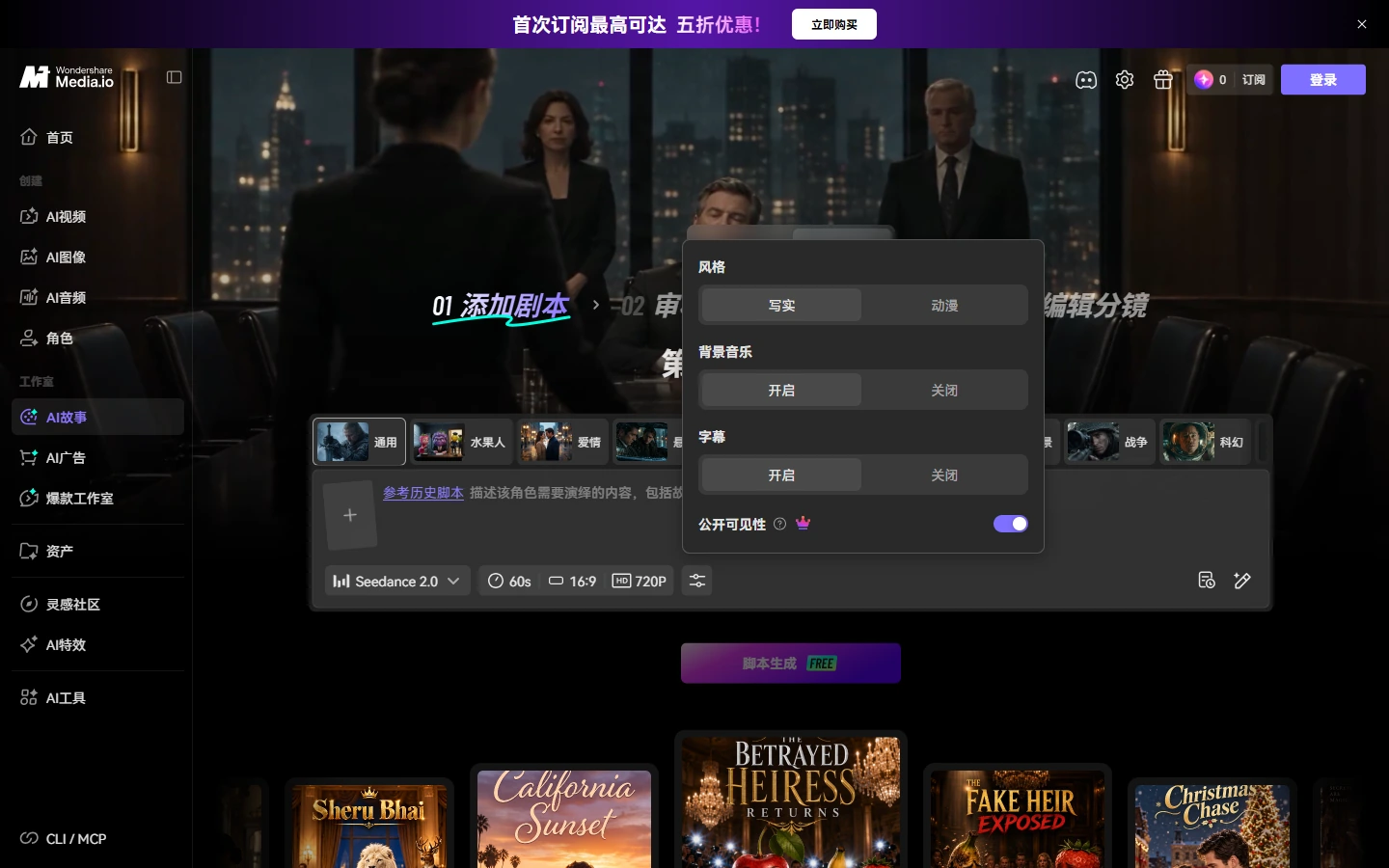
Media.io can include AI visuals and voiceover in its script-to-video result, with background music and subtitles available as options in the workflow. This is useful when a creator wants a more complete draft without assembling each audio layer separately. Before generation, choose whether music and subtitles are wanted; after generation, check timing, pronunciation, and caption accuracy for the intended audience.
Use A Prompt-First Text-To-Video Route
When you need an individual visual clip instead of a scene-by-scene story, Media.io also lists a text-to-video generator. A concise prompt can describe the subject, action, setting, and visual direction, while the selected model and settings determine the output. This route suits one-off concepts and short inserts; a longer narrative may benefit from the script workflow's story structure and review options.
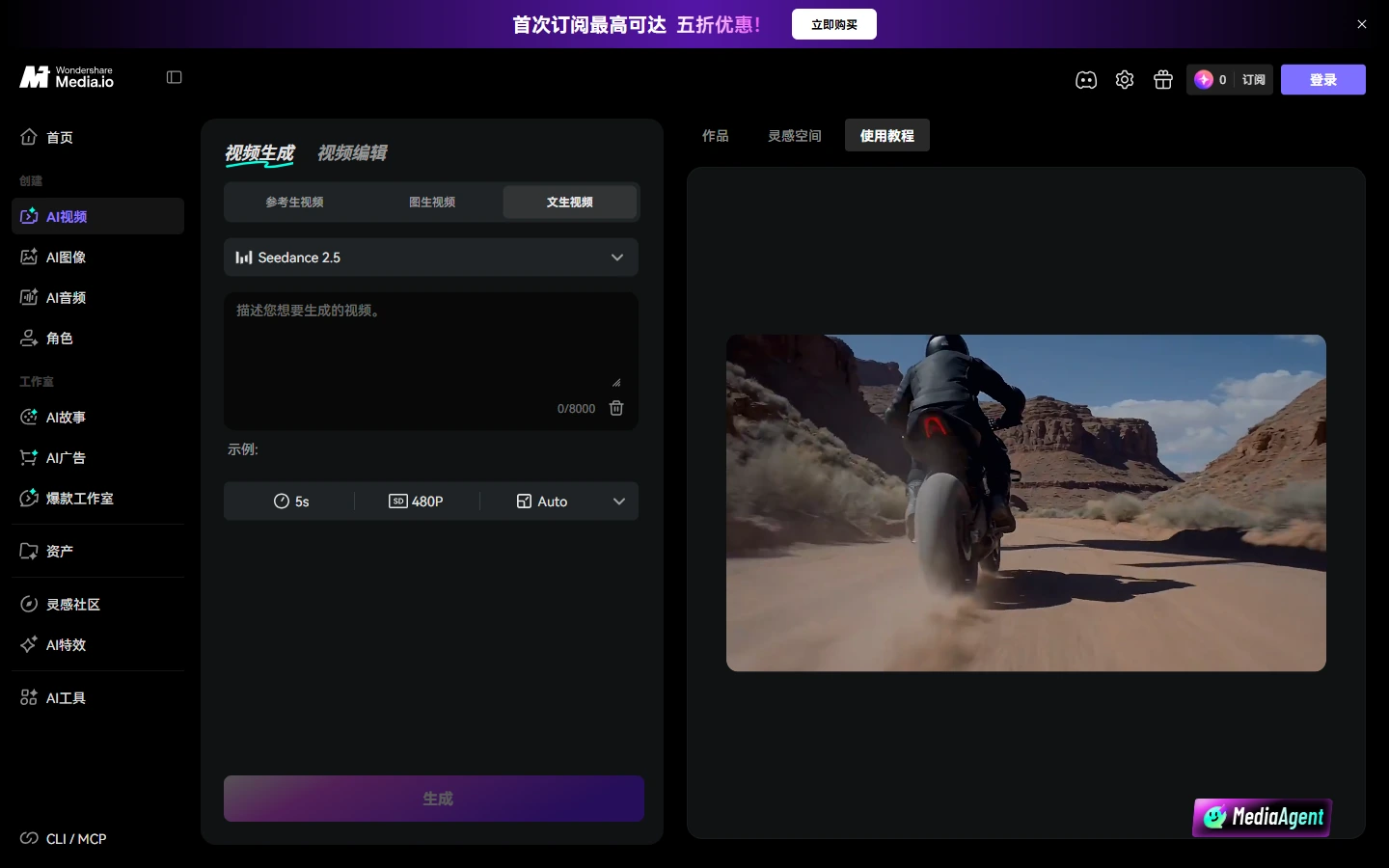
How To Generate A Video With Media.io
Choose The Right Starting Point
Open text-to-video for a short visual prompt, script-to-video for a narrative, AI Ads for a product campaign, or image-to-video for an existing still.
Add Your Input And Review Options
Enter a prompt or script, or upload a reference image. Choose a workflow and review available style, character, audio, and subtitle settings.
Generate And Check The Result
Preview the video, review story flow and sound, then export or continue editing with the tools available for your project.
Media.io Video Creation Workflows
Media.io Video Workflow Highlights
Turn A Script Into A Video
Choose Agent Or Structured Mode
Preview Story Structure And Storyboards
Guide Characters With Reference Photos
Add Voiceover, Music, And Subtitles
Animate An Existing Image
Media.io Video Examples On X
Media.io Discussions On Reddit
Media.io AI Video Generator FAQ
What Is Media.io AI Video Generator?
Can Media.io Turn A Script Into A Video?
What Is The Difference Between Media.io Script-To-Video And Text-To-Video?
Can Media.io Generate Voiceover, Music, And Subtitles?
Can I Use A Reference Photo For A Character In Media.io?
Can Media.io Animate An Existing Image?
Is Media.io AI Video Generator Free?
How Long Or High-Resolution Can Media.io Script Videos Be?
Can Media.io Make Product Ads?
Where Can I Verify Media.io Video Features?
Turn A Script Into A Video With Media.io
Choose Agent Mode for an end-to-end workflow or Structured Mode to review the story and storyboard before generation.
Open Media.io Script to Video