goenhance logo

LensGo AI Video to Video Generator

Restyle existing videos with LensGo AI. Turn source footage into anime, cartoon, 3D, cinematic, or artistic video looks with a simple AI workflow.

Try Video Style Transfer

Restyle Existing Videos With LensGo AI

Turn Source Videos Into New Styles

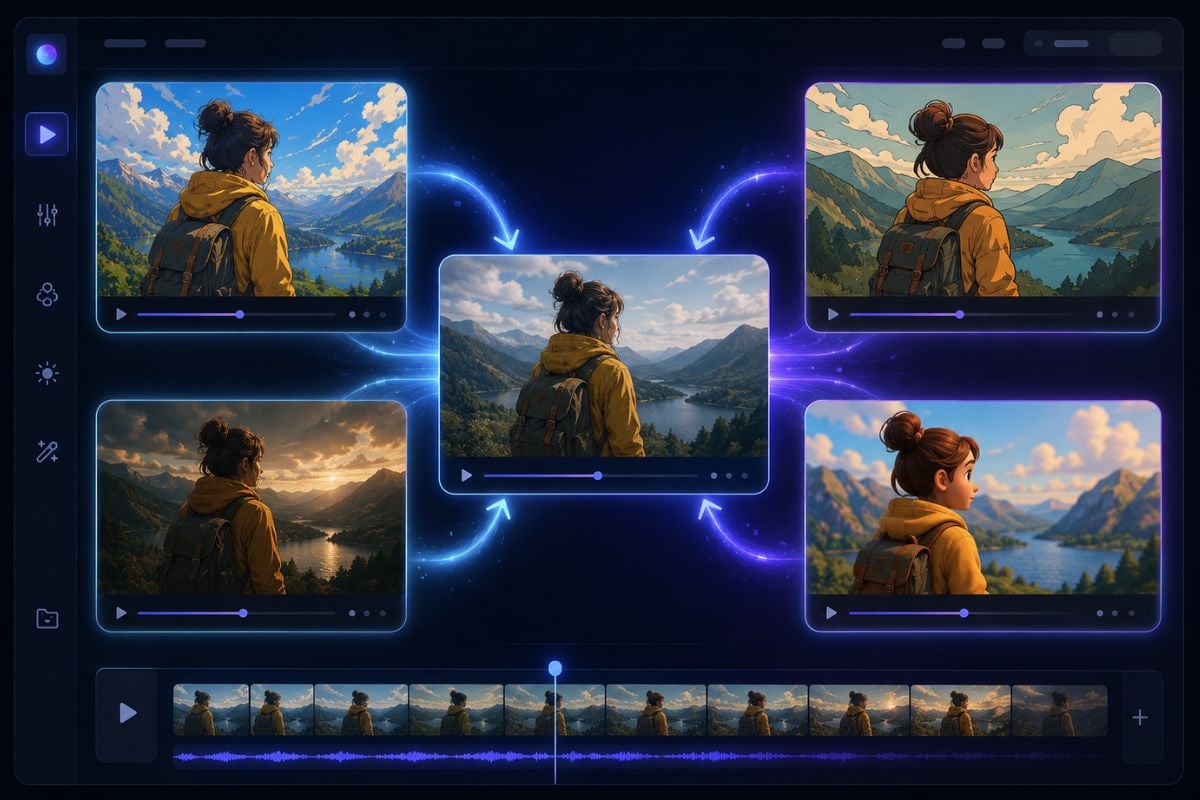
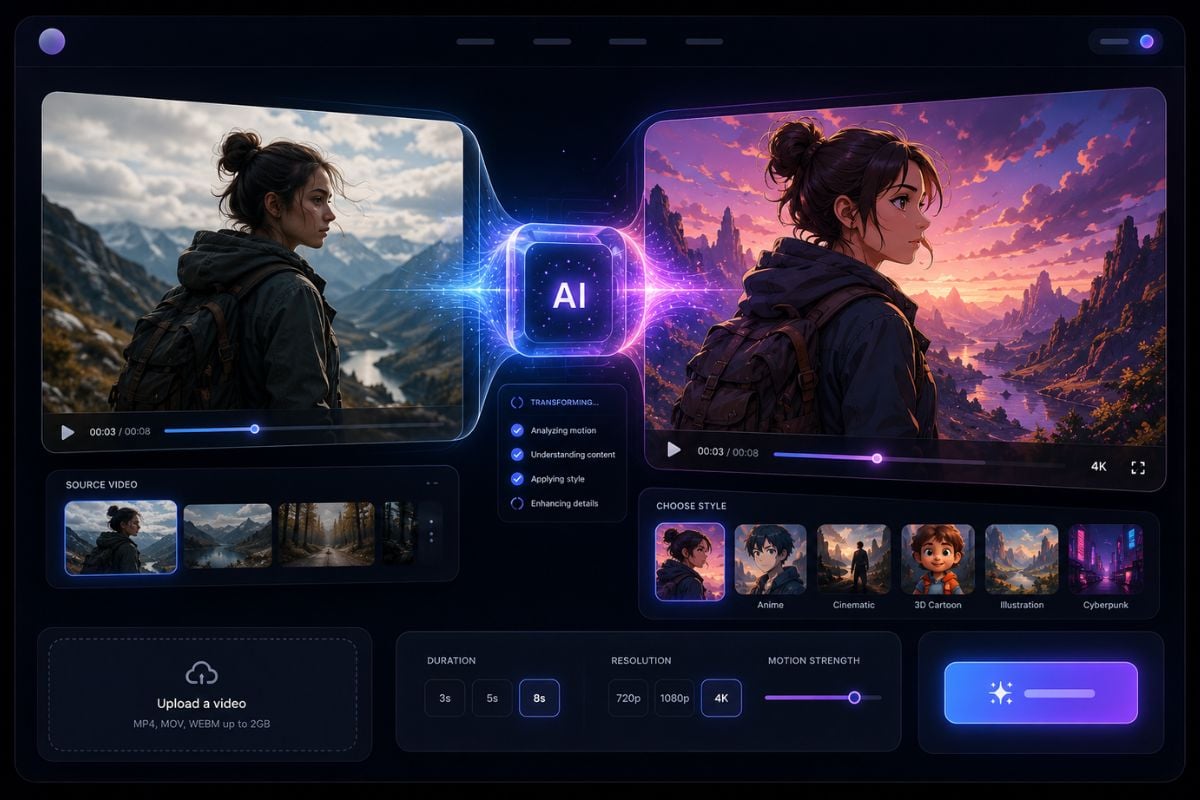
LensGo AI helps creators restyle existing footage into a new visual direction. Instead of starting from a blank prompt, users can begin with a source video and build a fresh creative look around that clip.

Explore Anime, Cartoon, And 3D Looks

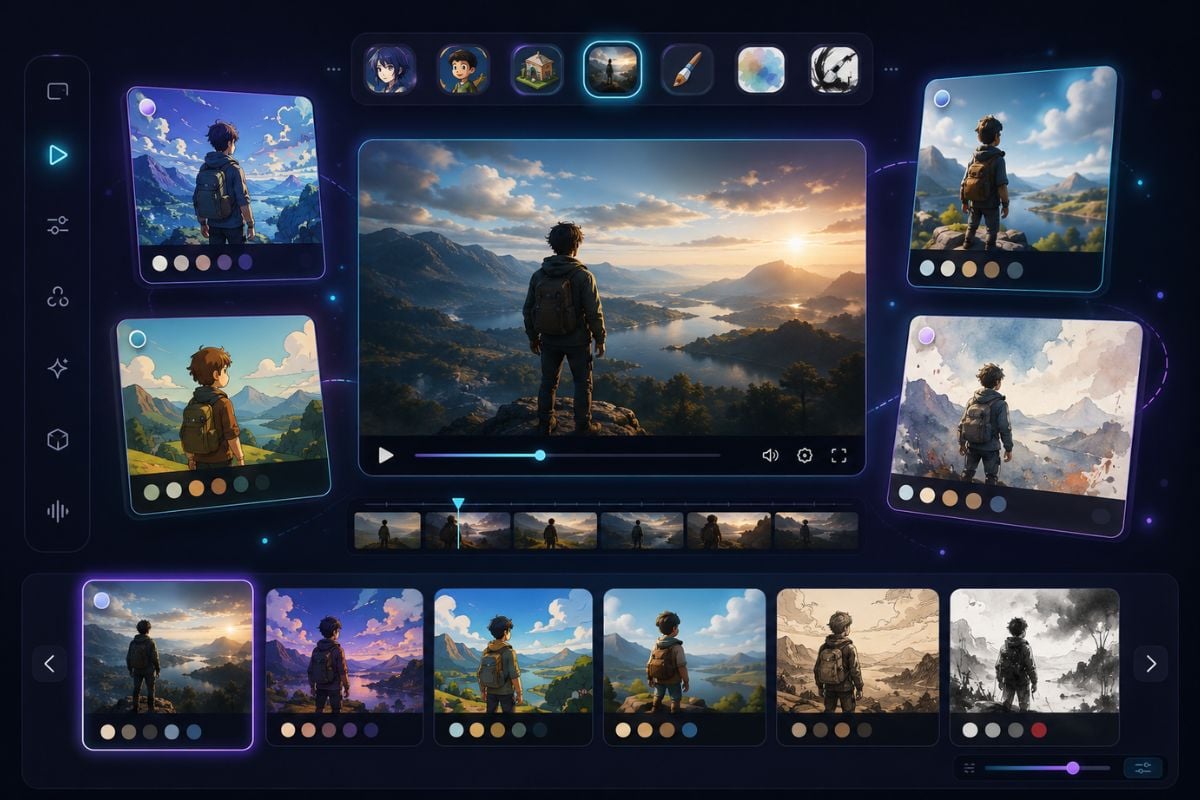
Use LensGo AI to test common style directions such as anime, cartoon, 3D, cinematic, illustration, watercolor, or other artistic looks. The final result depends on the source video, prompt, and selected workflow.

Use Video As The Motion Reference

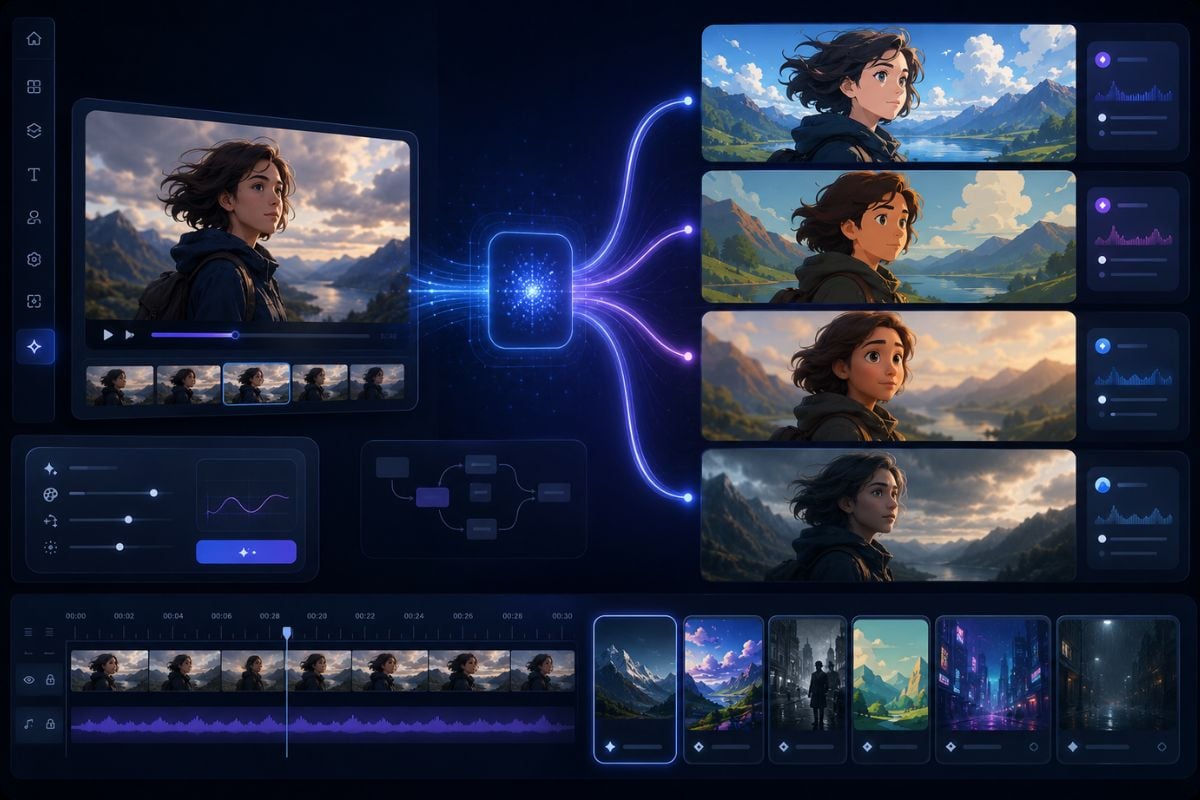
A video to video workflow is useful when creators want the output to follow the movement, subject, and scene structure of an existing clip while changing the visual style.

Connect With More AI Creation Tools

LensGo AI also connects with broader AI image and video creation workflows, including AI video generation, image tools, style transfer, upscaling, background removal, and UGC-style creative workflows.

A practical way to test video style transfer ideas

Why Creators Explore LensGo AI

Start With Existing Footage

LensGo AI style transfer works naturally with source videos. Users can begin with clips they already have instead of creating every scene from scratch.

Change The Visual Direction

Creators can explore anime, cartoon, 3D, cinematic, painterly, or experimental looks for the same video idea.

Useful For Short-Form Content

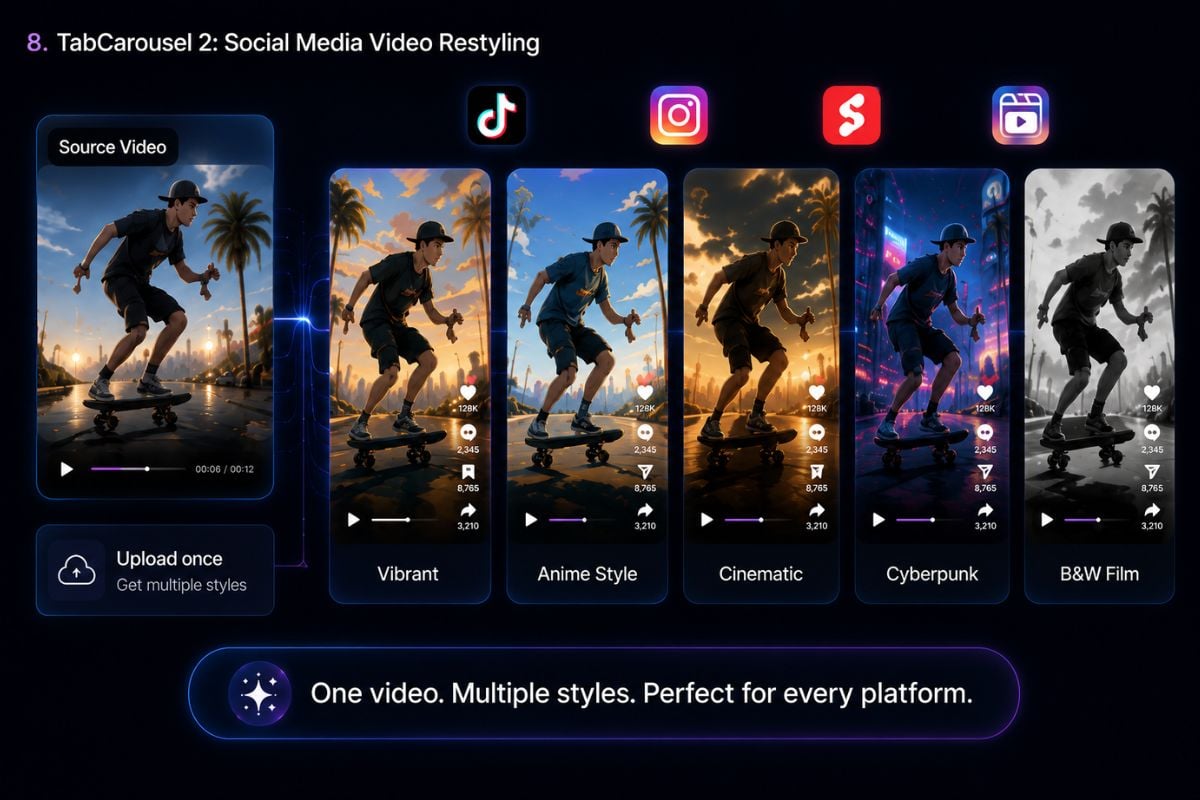
Video style transfer works well for TikTok clips, Reels, Shorts, music visuals, creator edits, concept previews, and social video experiments.

Good For Style Testing

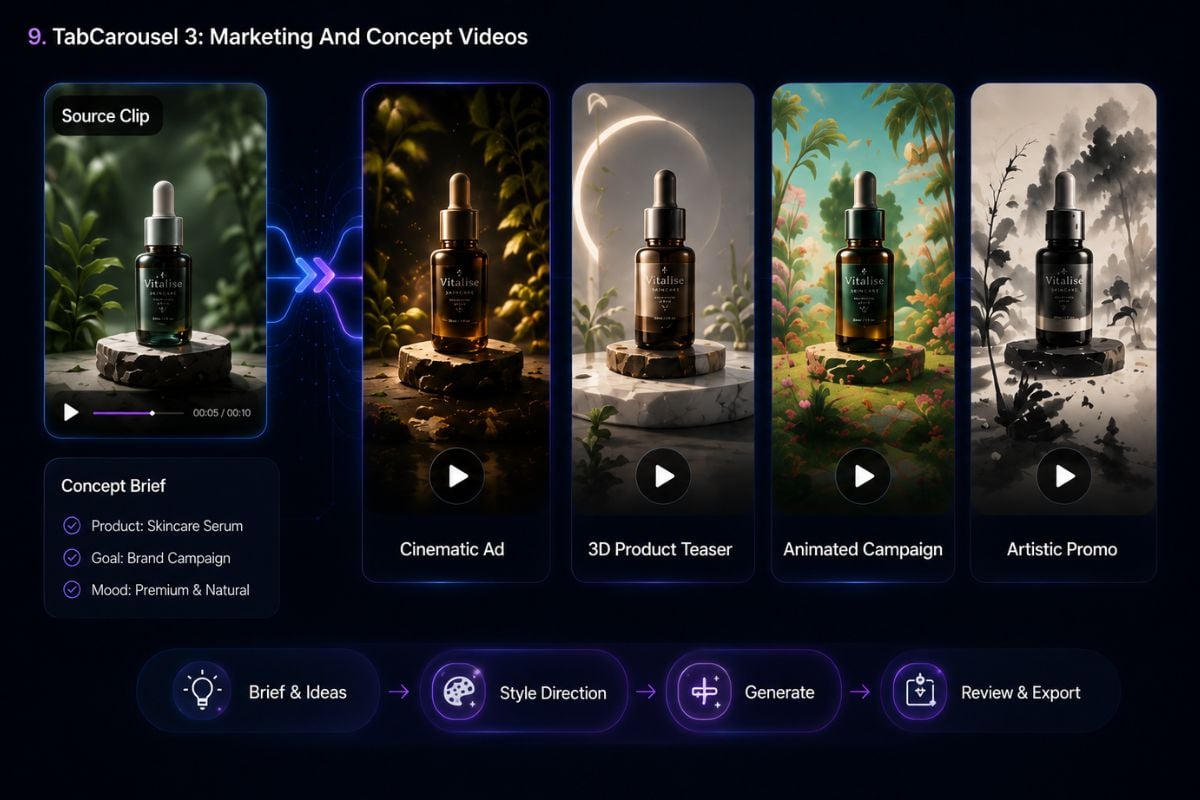
The same source clip can inspire different visual directions, making it useful for testing campaign moods, character looks, or creative concepts before deeper production.

Simple For Non-Editors

The workflow stays easy to understand with a simple upload, describe, and generate process, making it friendly for creators who do not want complex editing tools.

Works With Broader AI Workflows

Besides video restyling, LensGo AI also supports related AI image and video generation workflows, while the main creative value stays focused on fast visual transformation.

How To Use LensGo AI Video Style Transfer

01

Upload Your Source Video

Upload the video you want to restyle. Choose a clear clip with a visible subject and stable movement for better results.

02

Choose A Video Style

Select the style you want to apply, such as anime, cartoon, 3D animation, cinematic, watercolor, ink art, or another creative look.

03

Click Generate

Click generate and let AI transform your source video into a new styled result. Preview the output and regenerate if you want to try another look.

LensGo AI Style Transfer Use Cases

Explore how creators can use a video style transfer workflow for social content, animation looks, marketing concepts, and creative experiments.
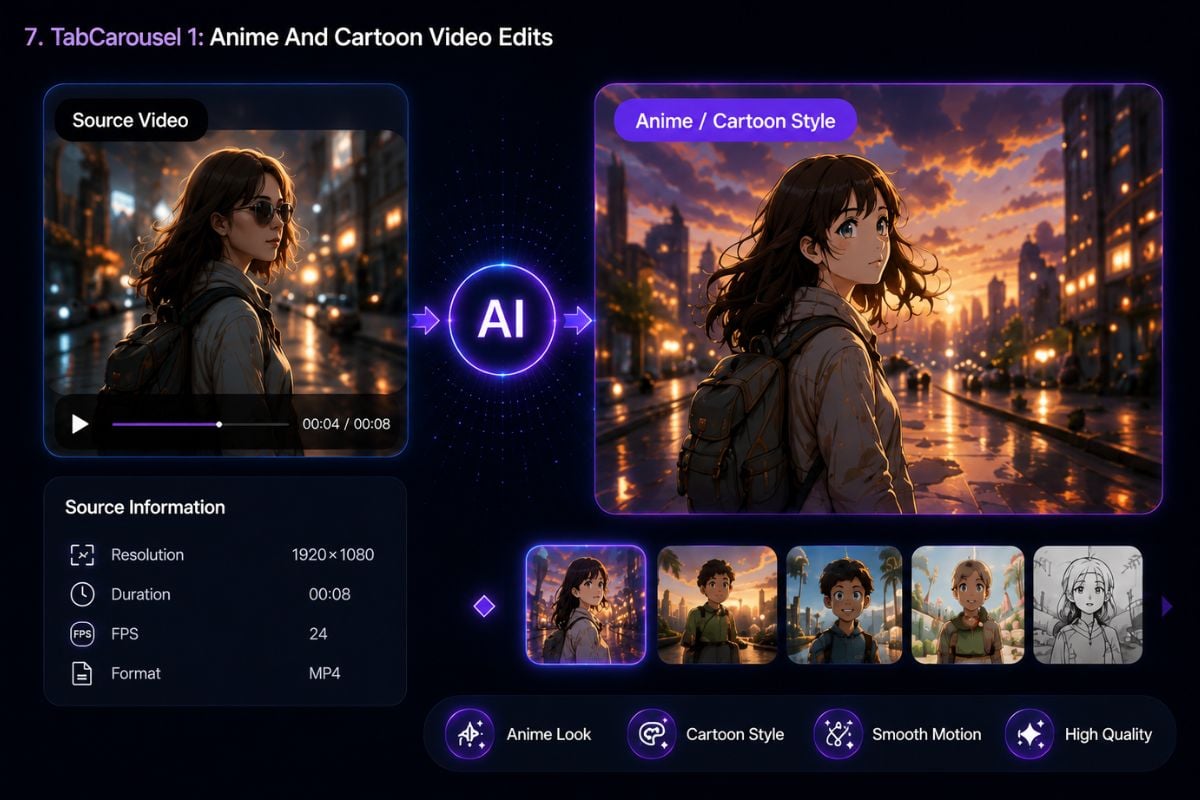
Anime And Cartoon Video Edits

Anime And Cartoon Video Edits

Restyle real footage into animated-looking clips for character videos, creator posts, fan-style edits, and short storytelling ideas.

Try For Free
Frequently Asked Questions

You may want to know

What is LensGo AI?

LensGo AI is an AI image and video creation platform. Its video style transfer workflow helps users start from source footage and explore a new visual look.

What is LensGo AI video style transfer?

It is a creative workflow that starts from an existing video and uses AI to restyle the clip into a new visual direction, such as anime, cartoon, 3D, cinematic, or artistic looks.

Is video style transfer different from text to video?

Yes. Text to video starts from a written prompt, while video style transfer starts from source footage. It is better when users want the new result to follow the movement or structure of an existing clip.

Can LensGo AI turn a normal video into anime?

Anime-style video restyling is a common use case for this kind of workflow. The result depends on the quality of the source video, the prompt, and the selected style direction.

What kind of source video works best?

Clear, stable, well-lit videos usually work better. A strong subject, simple background, and readable movement can help the AI understand the source clip more easily.

Can I use LensGo AI for social media videos?

Yes. A video style transfer workflow is useful for TikTok, Instagram Reels, YouTube Shorts, creator edits, music visuals, and other short-form video experiments.

Can I use this workflow for marketing content?

It can be useful for testing ad concepts, product scenes, teaser clips, and campaign moods. Always review source footage permissions, platform terms, and output rights before commercial use.

Does LensGo AI only support video style transfer?

No. LensGo AI also connects with broader AI image and video workflows, including AI video generation, image creation, upscaling, background removal, and other creative tools.

What should I avoid when using video style transfer?

Avoid unclear footage, unauthorized likeness use, misleading identity edits, copyrighted source assets, and clips that may confuse viewers about whether the content is real or AI-generated.

Create Video Style Transfer Clips With LensGo AI

Start with an existing video and explore new visual styles with LensGo AI. Turn source footage into anime, cartoon, cinematic, 3D, or artistic video drafts in one simple workflow.

Try Video Style Transfer