
InVideo AI Video Generator for Prompt-Led Creation and Editing
InVideo AI combines prompt-led video creation with an editor where AI agents can find footage and apply natural-language changes on a timeline. It suits creators who want an assisted video draft and editable sequence rather than a single isolated clip.
InVideo AI Video Creation and Editing Features
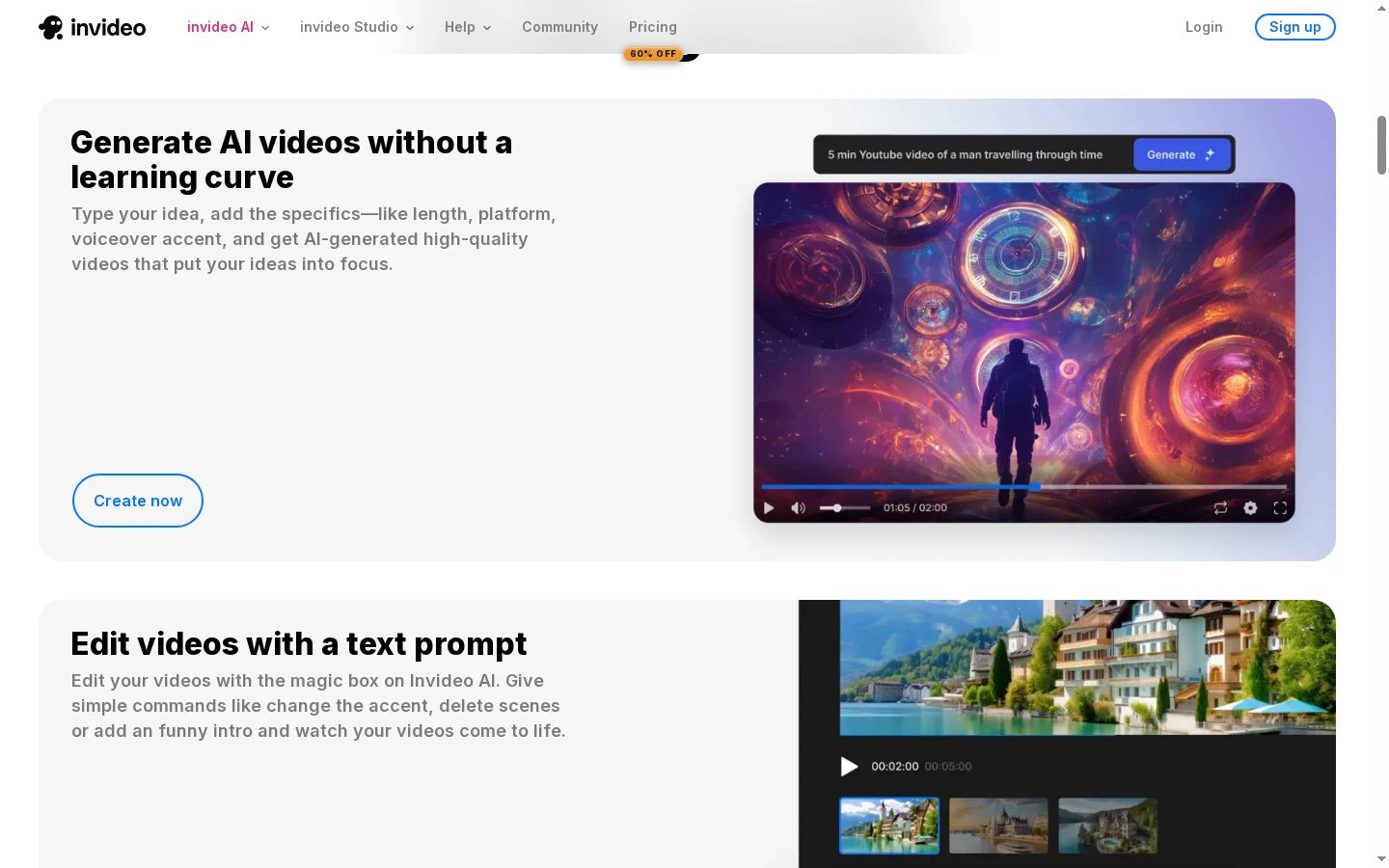
Turn a Text Idea Into a Video Draft
InVideo AI's prompt-led workflow starts with a short description and presents a generated scene for review. The official product screenshot shows the prompt beside a video preview, making the text-to-video process visible in one frame. This can help creators shape an explainer or social draft before editing, though scene choices and details still need review. For a prompt-first route focused on individual clips, the AI video generator is another workflow to compare.
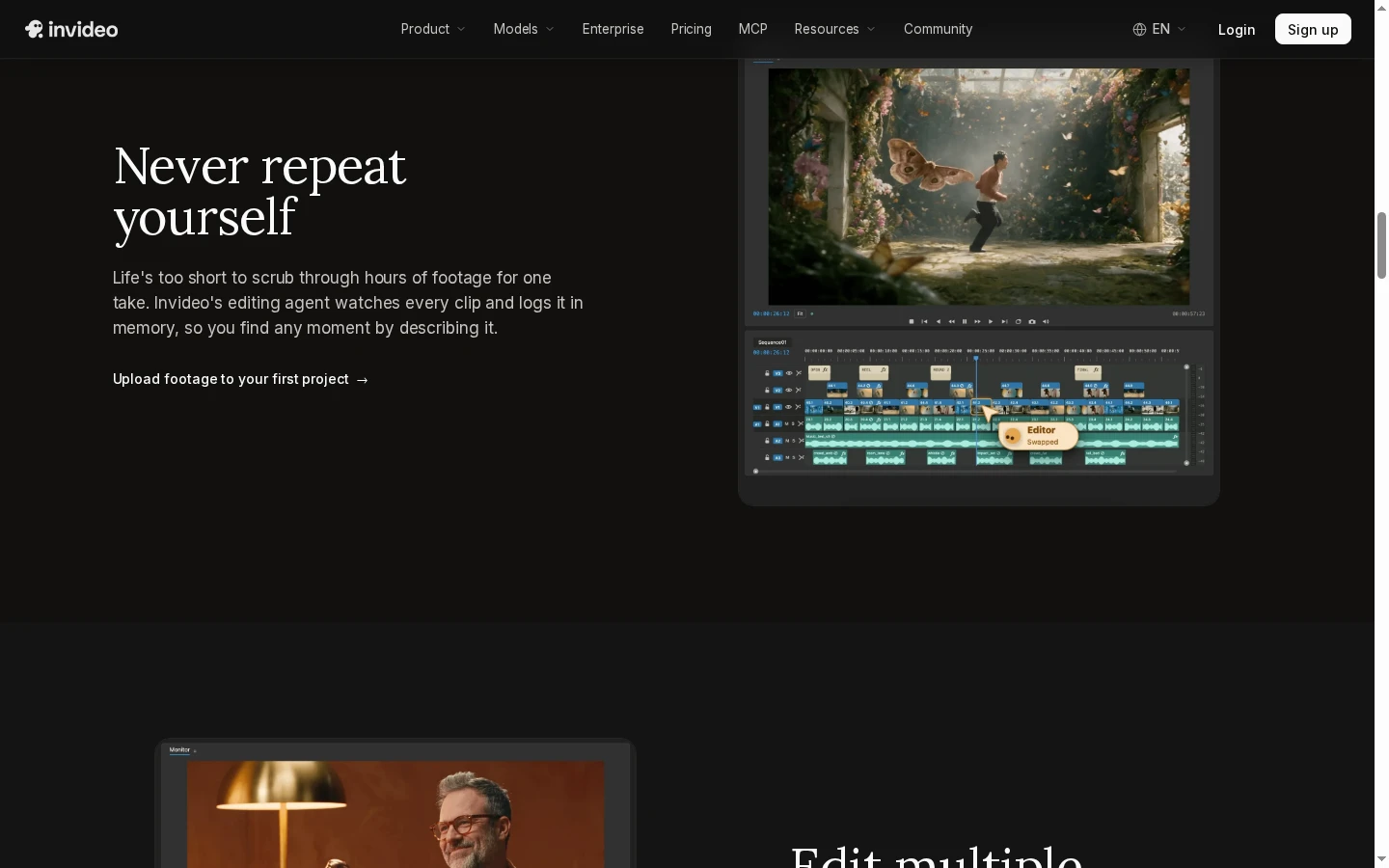
Find Footage by Describing the Moment
InVideo's homepage describes an editing agent that watches footage and helps creators find a moment by describing it. The official page screenshot shows that agent positioned alongside a multi-track editing workspace, tying the feature to a real sequence instead of a standalone generation prompt. It can help narrow down footage in longer projects, while the creator still checks whether the selected moment fits the story and surrounding shots.
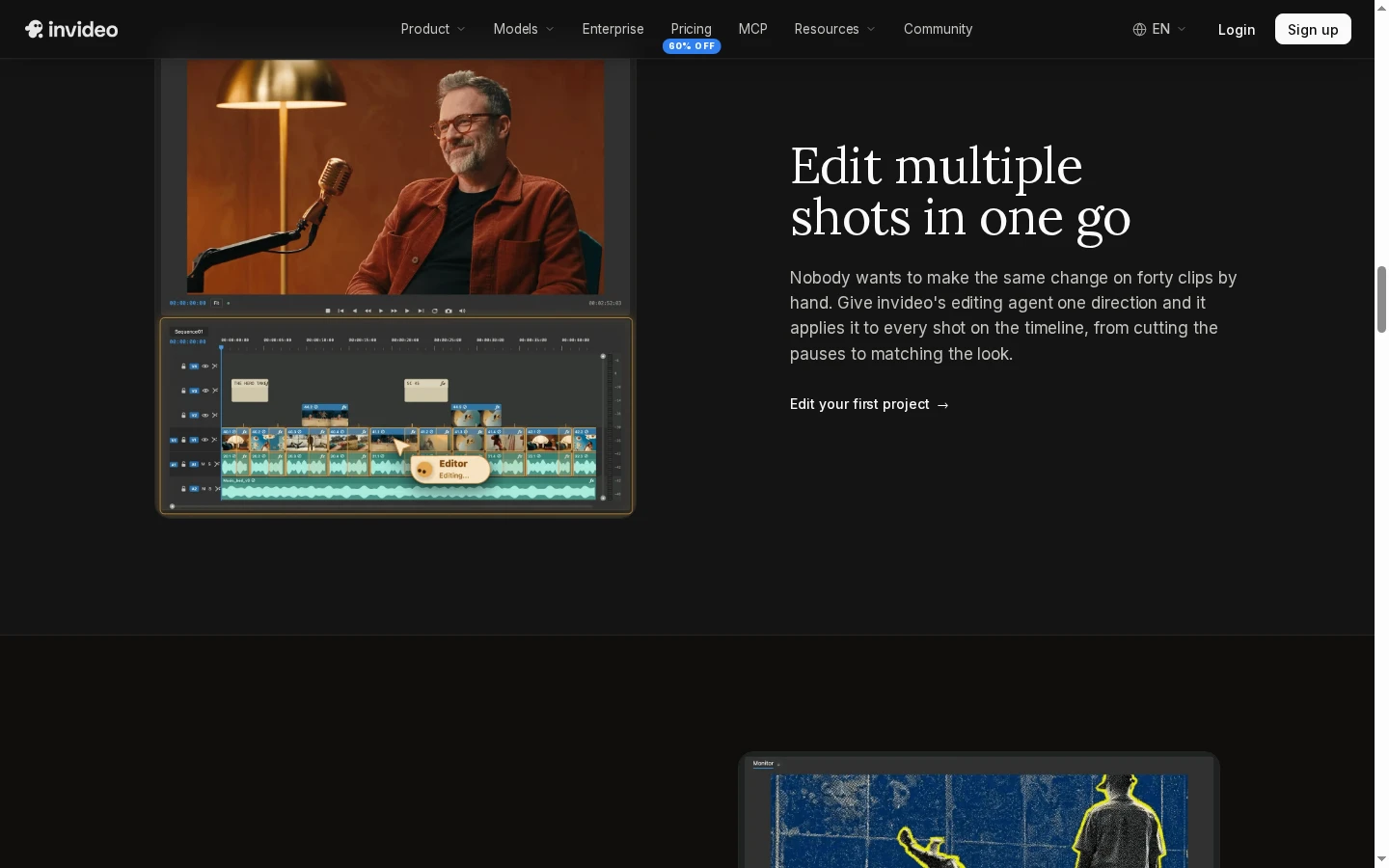
Edit Multiple Shots Across a Timeline
InVideo AI presents an editing agent that can apply a direction across multiple shots in one sequence. Its public feature page shows a preview monitor over a populated multitrack timeline, illustrating the editing context where repeated changes can be reviewed together. This workflow may reduce repetitive clip-by-clip adjustments, but creators should still inspect pacing, shot order, and audio before exporting a finished video.
How to Create or Edit a Video With InVideo AI
Describe the Video or Editing Goal
Enter the topic, audience, format, or change you want in plain language, or begin with footage in a new project.
Review the Draft and Timeline
Check the generated scenes and narration, then use the editor to review or request changes across the sequence.
Refine and Export
Inspect shot order, pacing, text, audio, and the final format before exporting with the options available on your account.
InVideo AI vs GoEnhance AI and Other Video Tools
Why GoEnhance AI Can Fit Focused Video Tasks
Explore Different Visual Directions
Animate an Existing Image
Restyle Source Footage
Create a Scene From Text
Guide a Clip With References
Choose a Focused Creative Workflow
InVideo AI User Discussions on Reddit
InVideo AI Video Generator FAQ
What is InVideo AI?
Can InVideo AI generate a video from text?
Can I edit an InVideo video with text prompts?
What can InVideo's AI editing agent do?
Can InVideo AI make videos for YouTube and social media?
Does InVideo AI include voiceover or subtitles?
Is InVideo AI free to use?
Who is InVideo AI best for?
Need a Specific Scene Without a Full Editing Workflow?
Start with a prompt when you need an individual clip or visual insert, then shape the scene around your project.
Try Text-to-Video