Fast Fixes Before Publishing
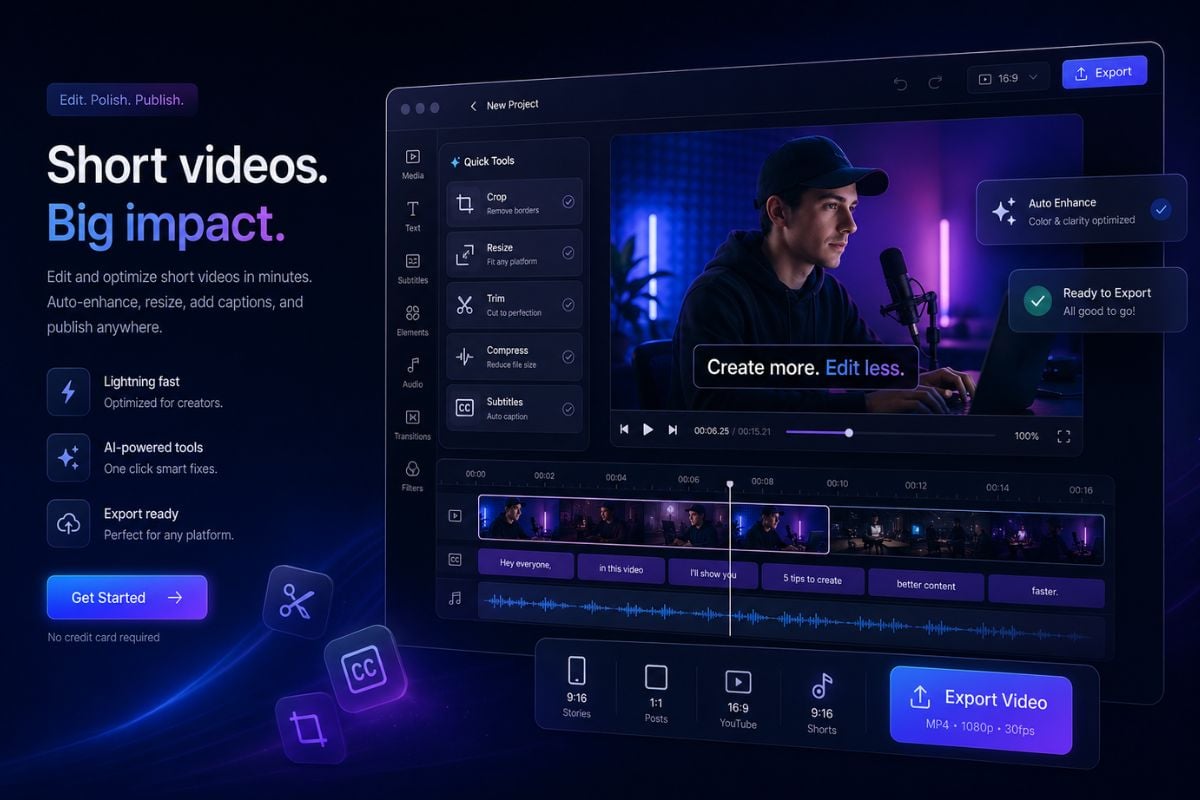
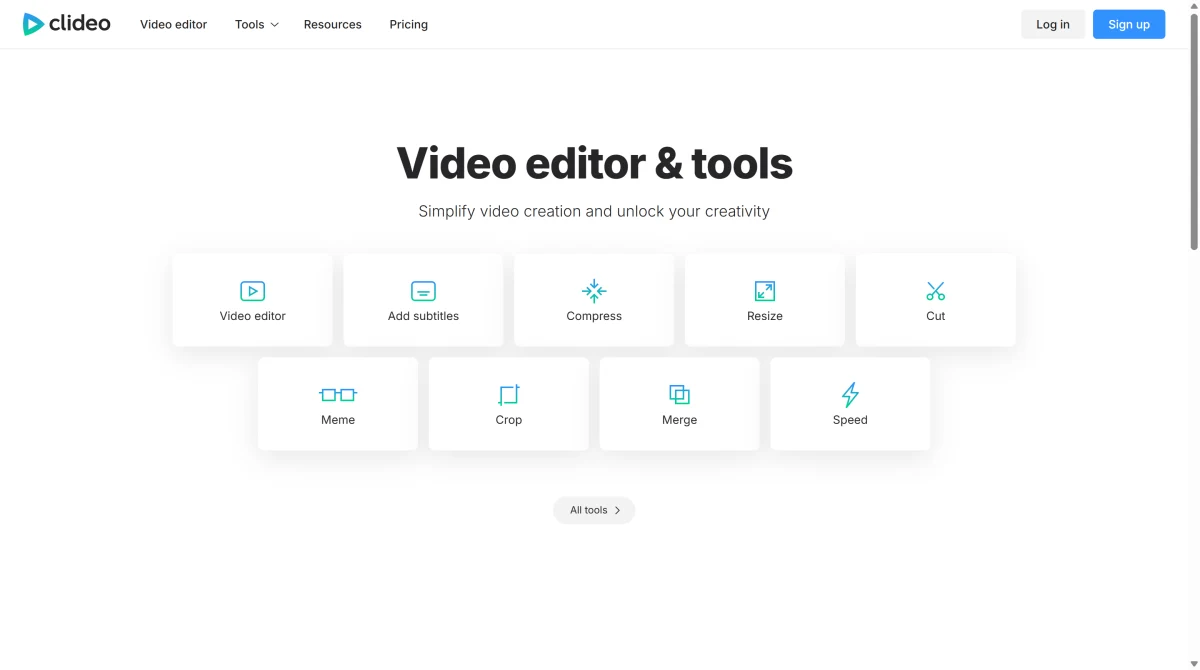
Use Clideo to crop, resize, trim, compress, or add subtitles when the video is already made and only needs simple finishing work.

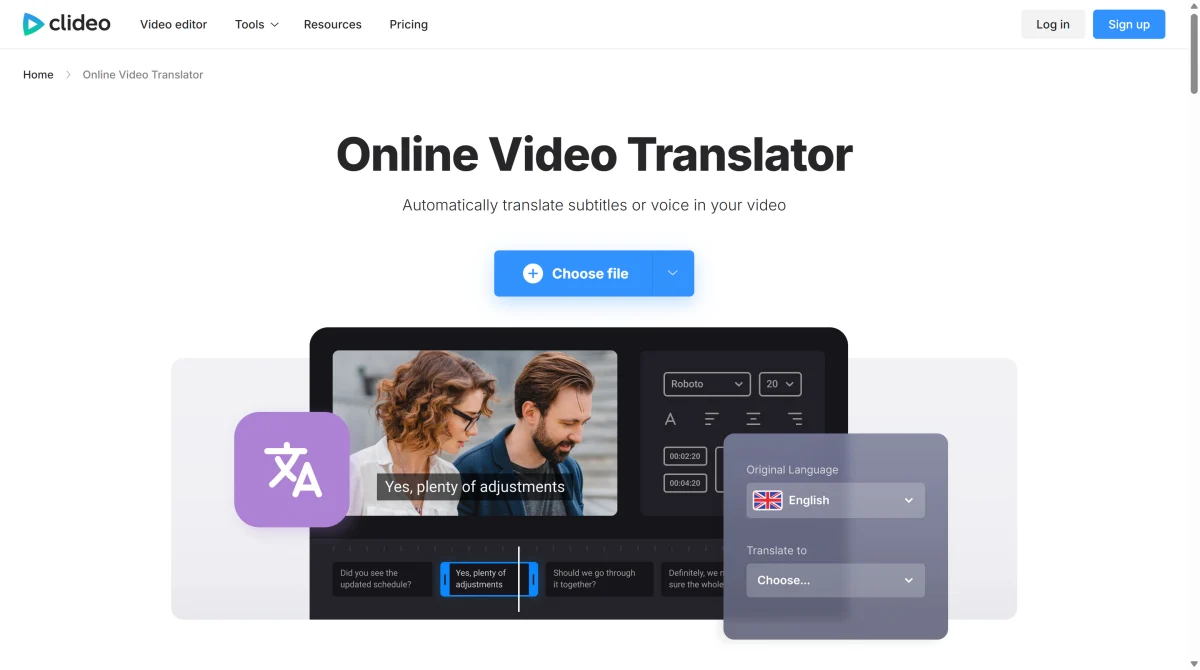
Clideo is a lightweight browser-based video editing suite for quick tasks like resizing, trimming, compressing, subtitling, recording, translating, and adding voiceovers. It works best when you already have footage and need fast edits without installing software.
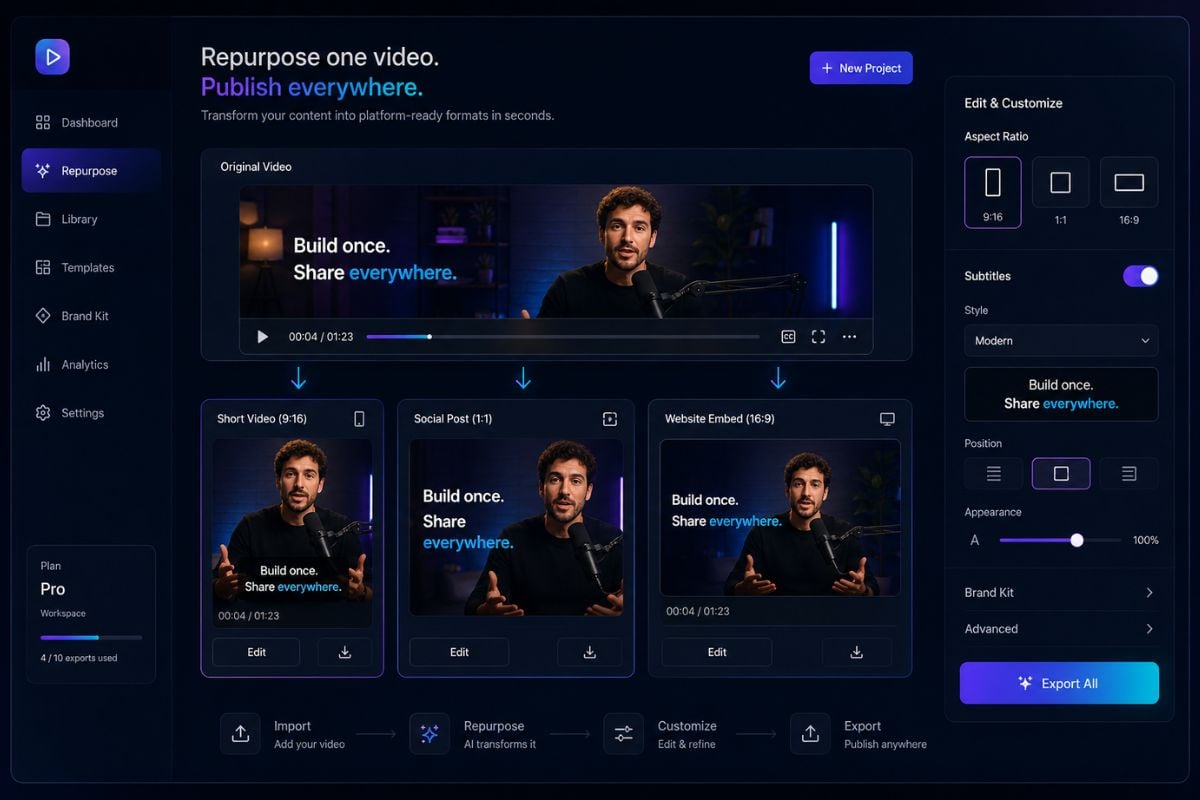
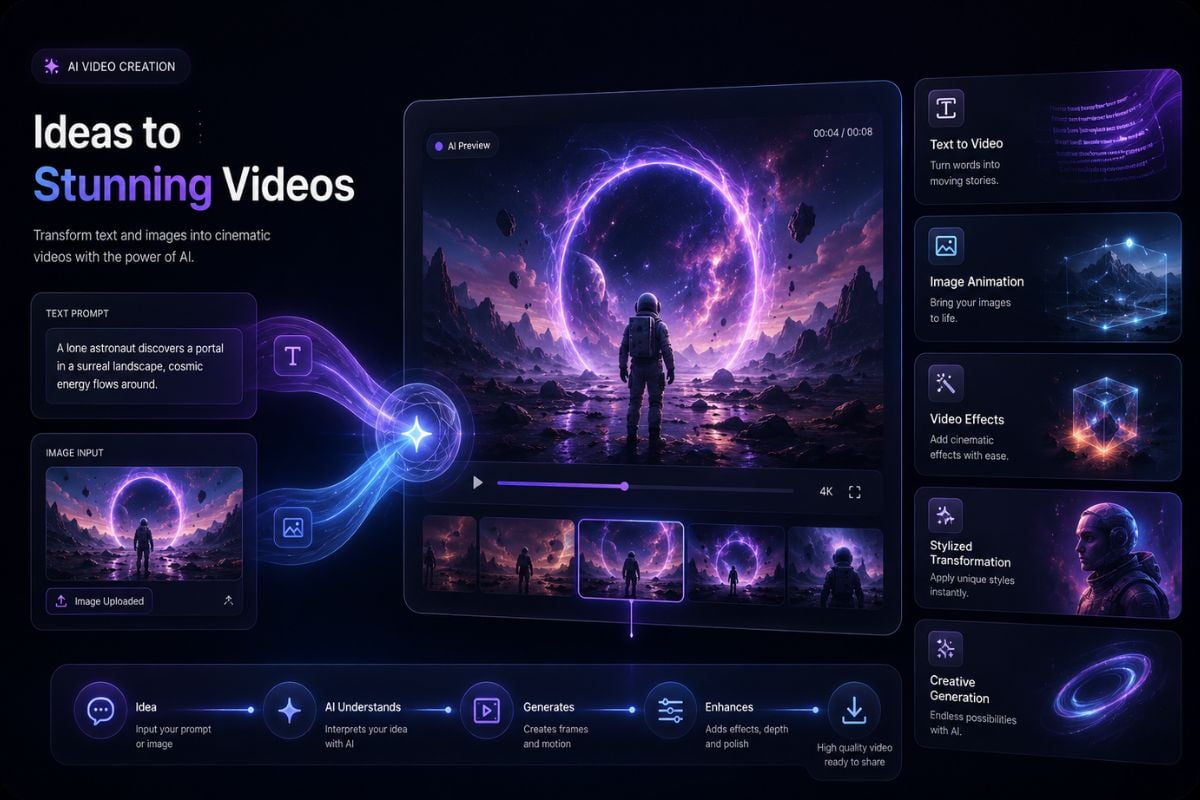
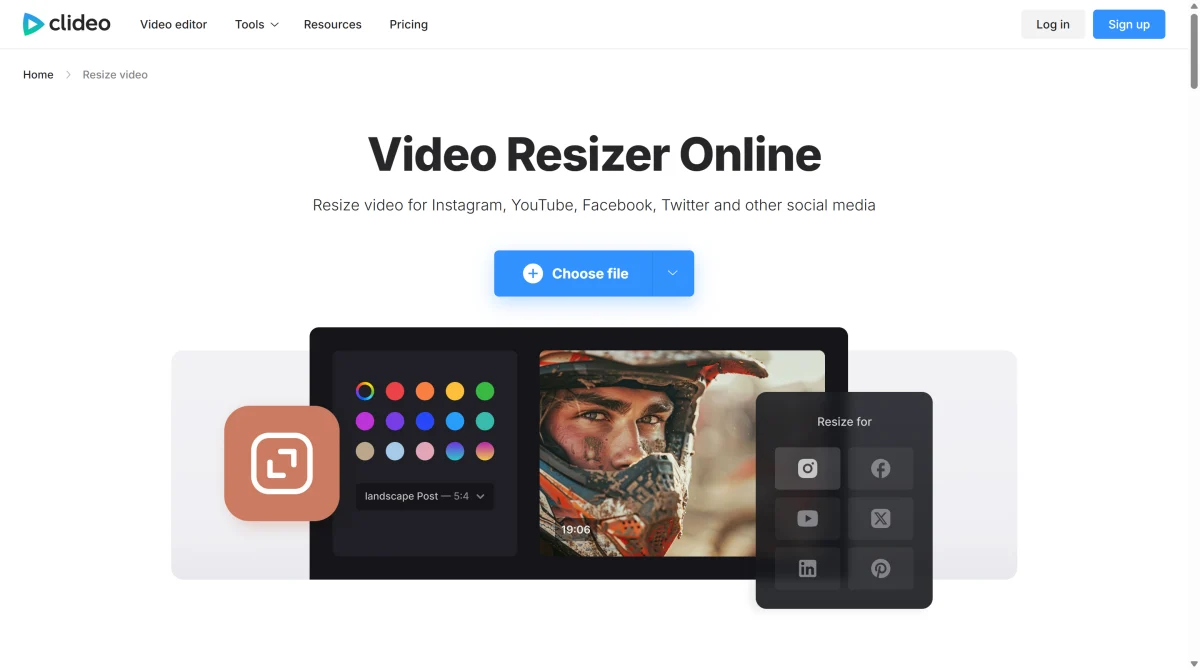
Change a video into vertical, square, or widescreen formats for TikTok, Instagram Reels, YouTube Shorts, feeds, ads, and landing pages without rebuilding the edit from scratch. If you need to create new motion content instead of only reformatting existing footage, an AI video generator can help turn prompts or images into video drafts.
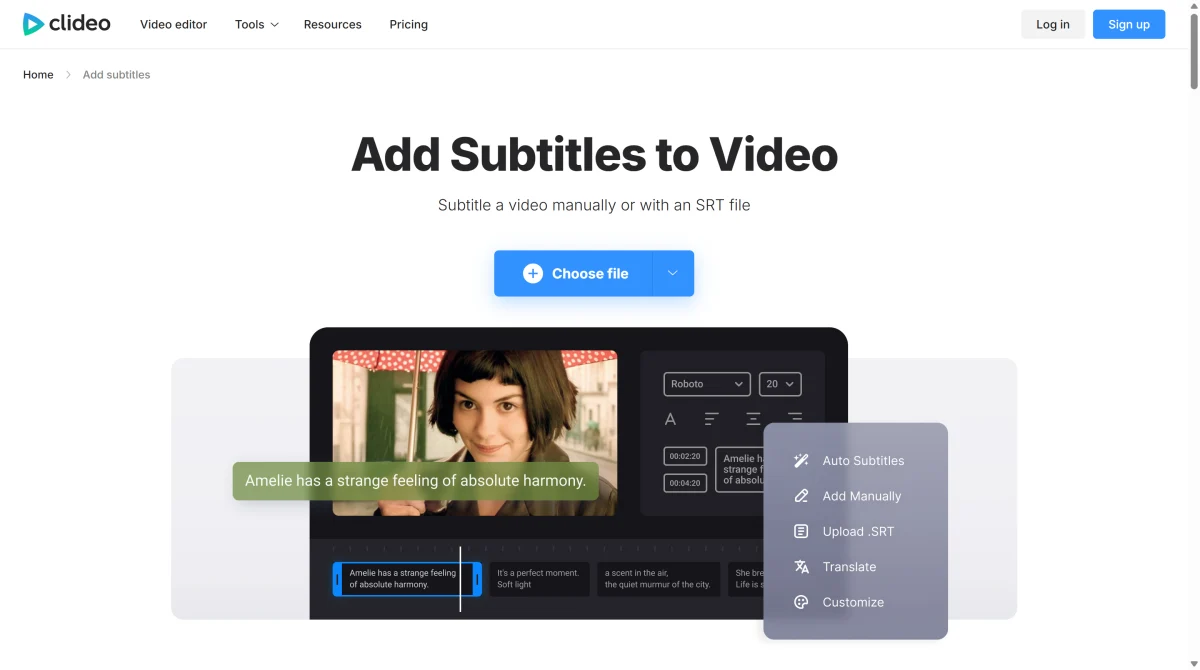
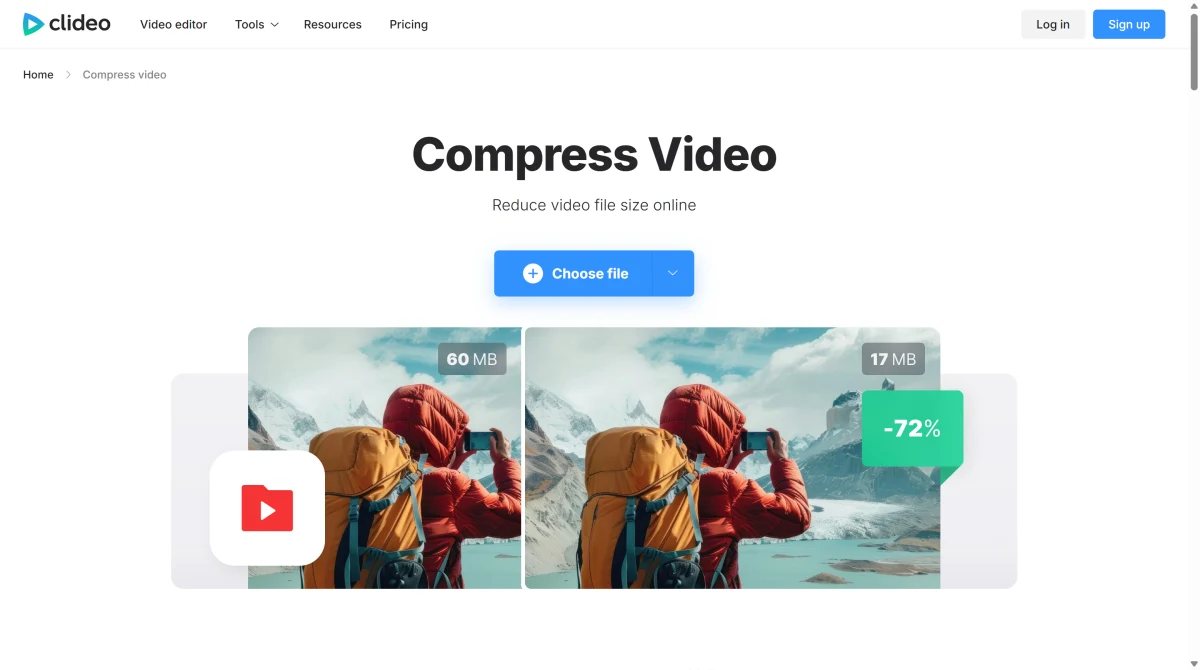
Reduce video file size directly in the browser for easier uploading, faster sharing, email delivery, ad platforms, and web pages where large video files can slow down publishing. For creators who want to restyle or transform existing footage instead of only compressing it, a video-to-video workflow can help turn source clips into new visual directions.
Choose the Clideo tool you need, then upload a video, image, GIF, or recording source from your device.
Resize, trim, compress, subtitle, translate, merge, split, record, or add voiceover depending on the job.
Check the result, adjust the settings if needed, then export the finished file for sharing or publishing.
Use Clideo to crop, resize, trim, compress, or add subtitles when the video is already made and only needs simple finishing work.
Clideo is useful when you already have footage and need fast browser-based edits. If you want to generate new AI videos, animate images, transform visuals, or test creative concepts faster, GoEnhance AI gives you a more flexible AI video workflow.
Create With GoEnhance AI