
Free AI Cat Video Generator (Talking + Meme-Ready)
How to Make an AI Cat Video?
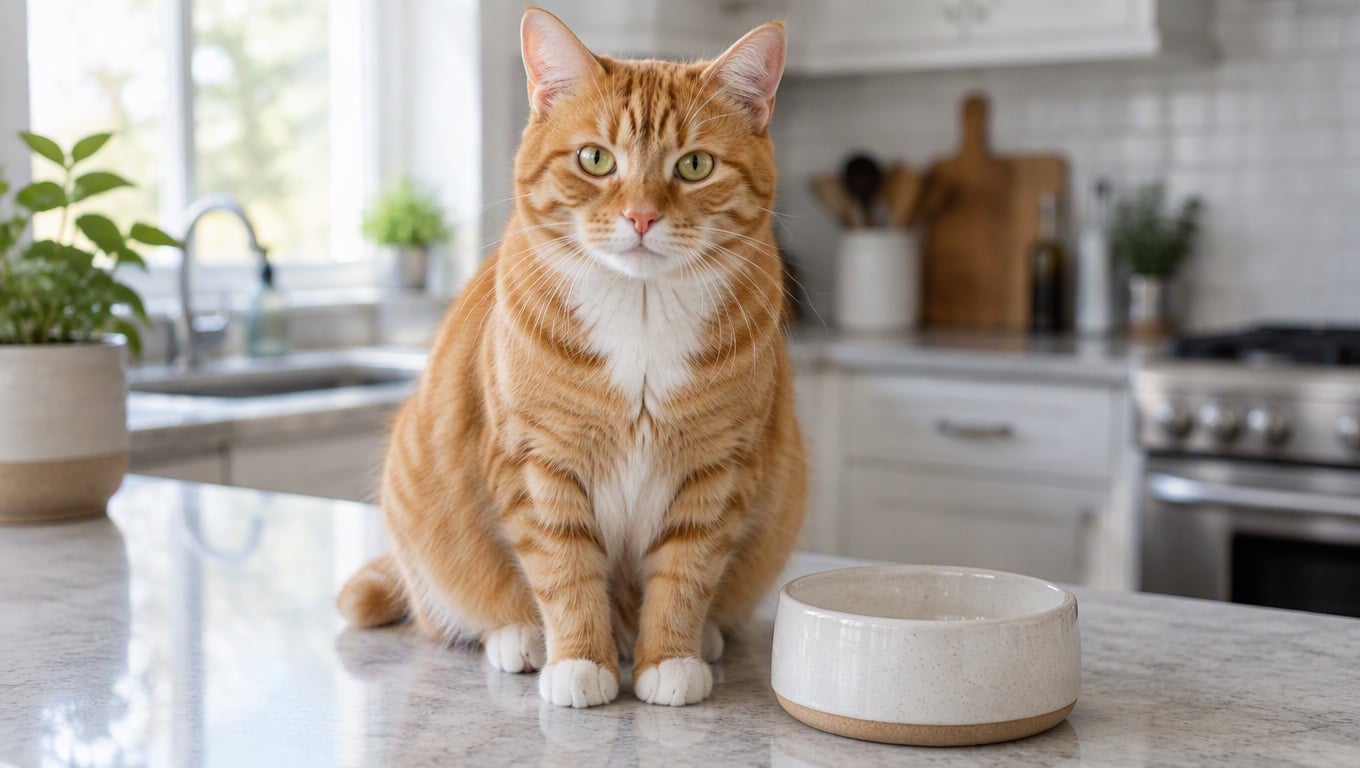
Upload (or Generate) a Cat Image
Start with a clear cat photo—front-facing is easiest—or generate a new kitty image with your image tool. Sharp eyes, a visible mouth area, and simple backgrounds help the animation stay stable.
Choose a Model
Pick the model that fits your vibe: realistic pet motion, stylized meme look, or a cleaner cartoon-like finish. Model choice affects facial detail, motion intensity, and how well it holds small features like whiskers and fur.
Type a Simple Instruction and Generate
Write one focused direction like “talk with a playful tone, blink once, small head tilt, gentle camera push-in.” Export your clip, then create variations by changing only one thing—line length, emotion, or camera distance—to chase that “best talking cat videos” feel.
Make Talking Cat Videos That Feel Lifelike
Talking Cat Video with Better Mouth Shapes
A good talking cat video is mostly about timing and restraint: keep the shot steady, use short lines, and let micro-expressions do the work (blink, tiny chin lift, slight ear flick). For character-style delivery, pair it with talking avatar or start fast with image to video. When you need precise voice alignment, add lip sync to lock the mouth timing to audio.
Funny Talking Cat Videos for Quick Hooks
For funny talking cat videos, the first second matters more than the full script. Use short punchlines, crisp framing, and one clear reaction beat—surprise, side-eye, smug, or dramatic pause. Keep the background clean to avoid warping, and use subtle camera motion for a polished meme look.
Cute Talking Cat Videos + Loopable Dance Moments
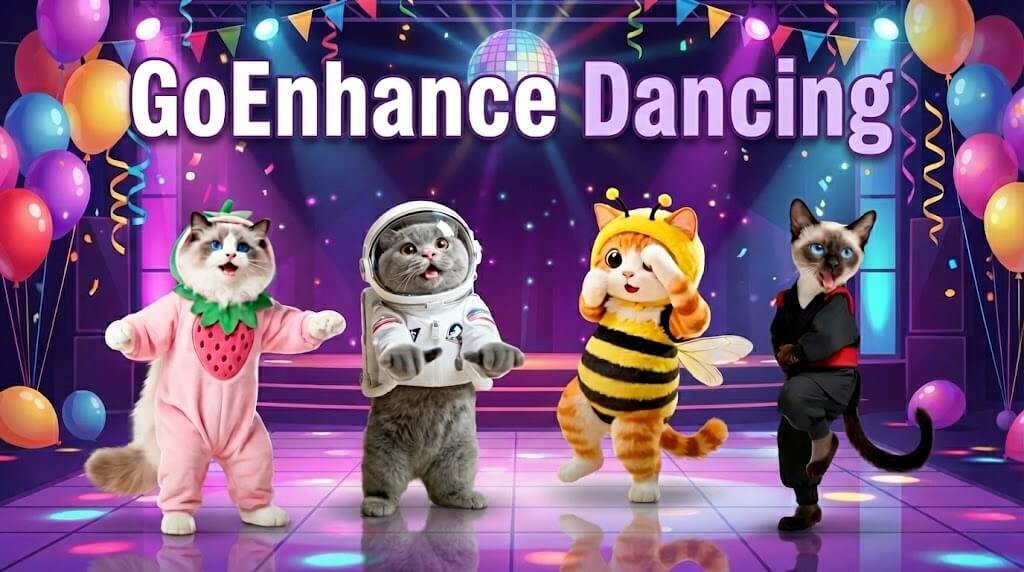
If you’re going for cute talking cat videos, keep the motion soft: gentle push-in, warm light, calm blinking, and a short sweet line. Then remix the same cat into a movement loop for short-form—try cat dancing when you want a playful “same kitty, new format” post that fits AI cat videos TikTok pacing.
More Tools for Pet-Style Clips
You may want to know
What is an AI cat video?
How does an AI cat video generator work?
How do I make a talking kitty cat look natural?
Can I make funny talking cat videos?
What makes the best talking cat videos stand out?
Can I create AI cat videos TikTok-style?
Can I use the results commercially?
Make AI Cat Video in Minutes
Upload a cat photo (or generate one), choose a model, and type a simple instruction to generate a talking clip. It’s a fast way to create AI cat video generator outputs—talking cat video memes, cute shorts, and loopable AI cat videos TikTok content—without an editing timeline.
Try AI Cat Video