
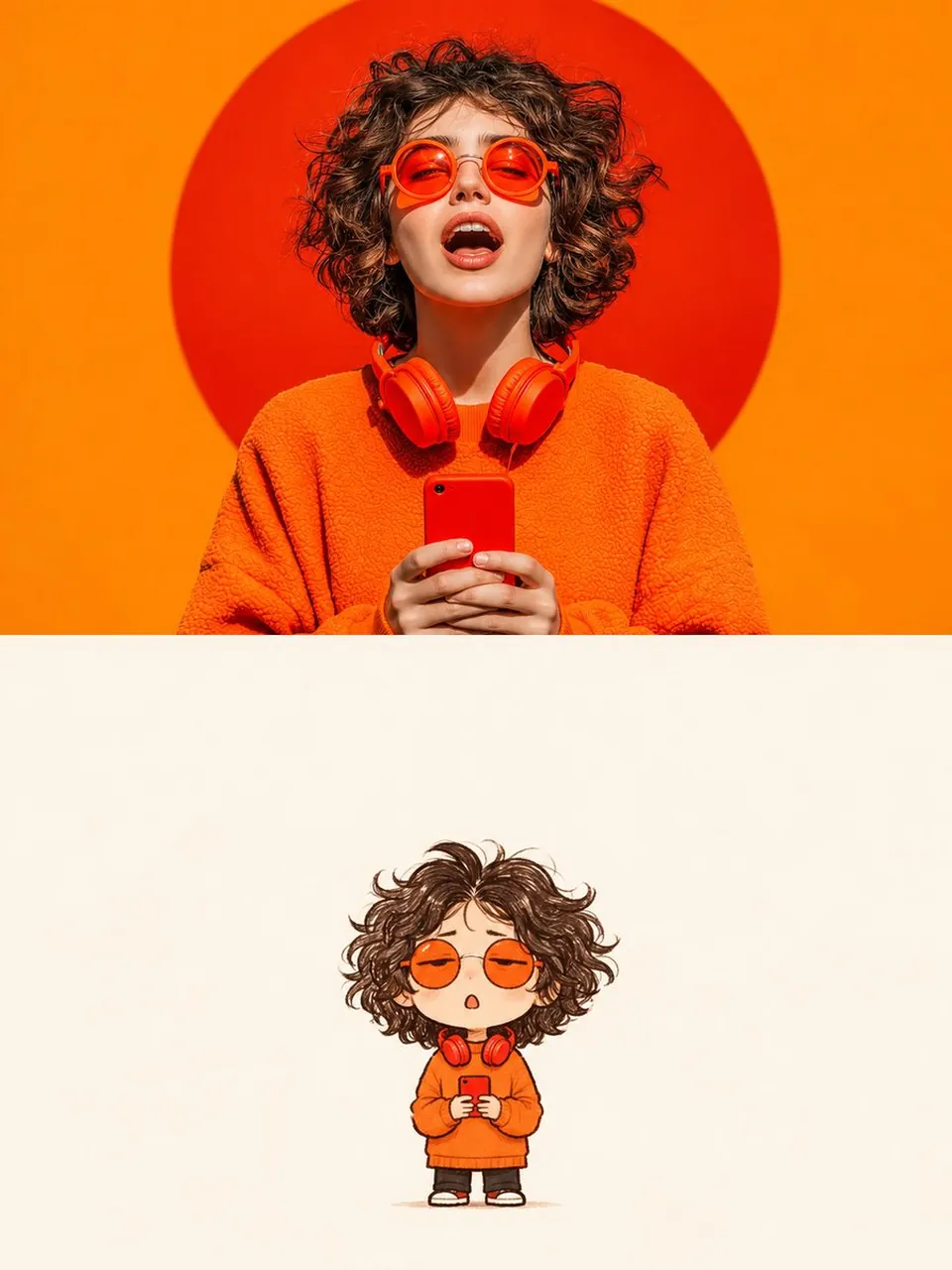
Prompt
Copy and customize
Transform each uploaded photo independently into a premium 3:4 vertical Original Photography × Relaxed Hand-Drawn Chibi Illustration comparison poster, split horizontally into two perfectly equal 50% sections. TOP: Faithfully preserve the original image, including subject identity, facial features, hairstyle, clothing, pose, composition, lighting, and authentic colors, allowing only minimal proportional cropping or natural background extension. BOTTOM: Automatically extract the primary subject, distinctive features, and 1–2 signature colors, then reinterpret the same subject as a tiny, relaxed, hand-drawn 2–3-head-tall chibi character with short limbs, slightly uneven organic outlines, subtle imperfections, soft flat colors, and recognizable details. Give the character deadpan fish eyes, half-closed eyes, or a blank expression, paired with a subtly awkward, amusing, slightly surreal pose. Avoid exaggerated emotions, broad smiles, or generic cartoon styling. Position the character alone near the lower center, occupying approximately 15–25% of the bottom section, without touching the bottom edge. Maintain at least 60–75% clean negative space with a solid near-white background subtly tinted toward the extracted primary color. Keep the composition exceptionally minimal, quiet, warm, gently humorous, and intentionally spacious. If text is explicitly provided, place it very small, horizontally centered above the character, with smaller secondary text directly beneath; otherwise omit all typography. No invented subjects, extra characters, unnecessary objects, decorative elements, borders, divider lines, labels, logos, or watermarks. Preserve strong visual consistency between both halves. The final artwork should feel small, lonely, effortlessly charming, and quietly funny.
Best for
Tips
Keep the main subject focused so Transform each uploaded photo independently into a remains recognizable after style or lighting changes.
Adjust camera angle and aspect ratio before generation when the composition needs a specific platform format.