AI Valentine Cards for Friends, Made from Your Own Photo
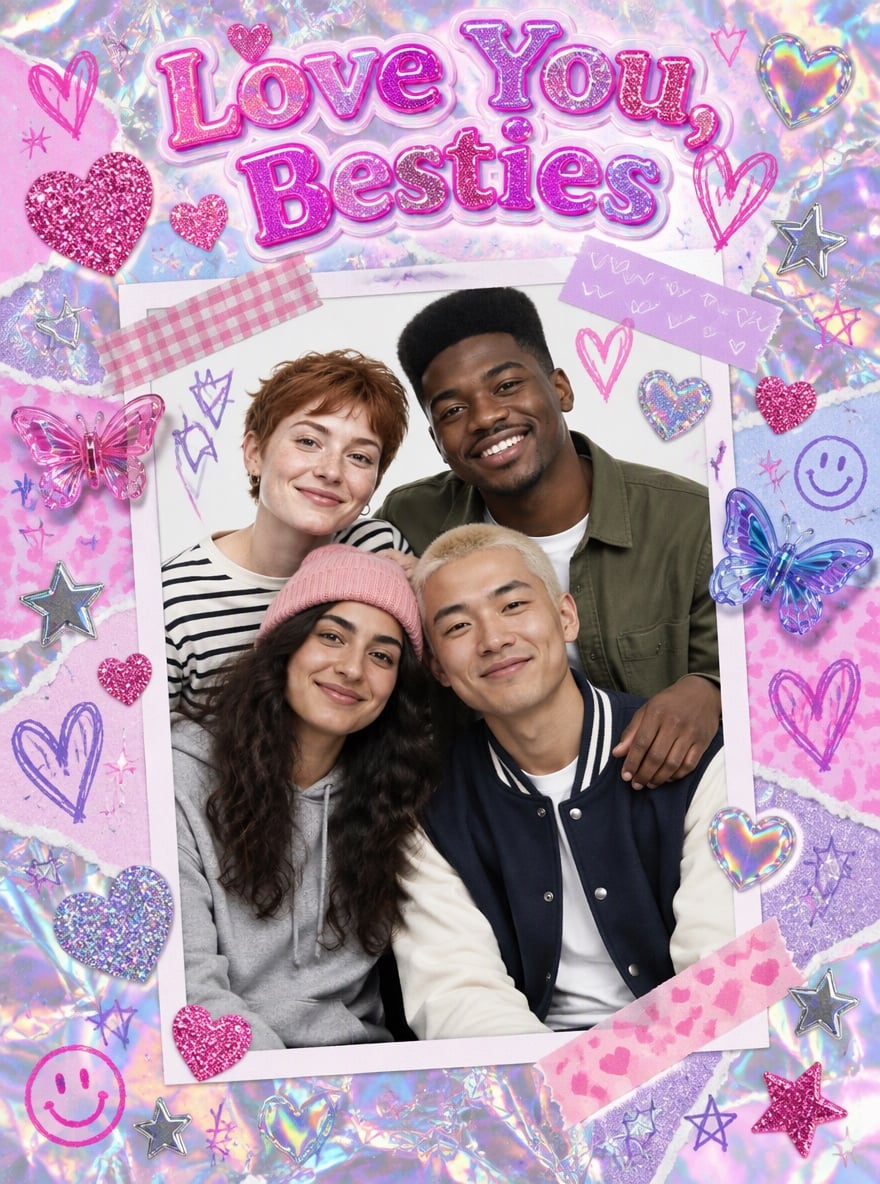
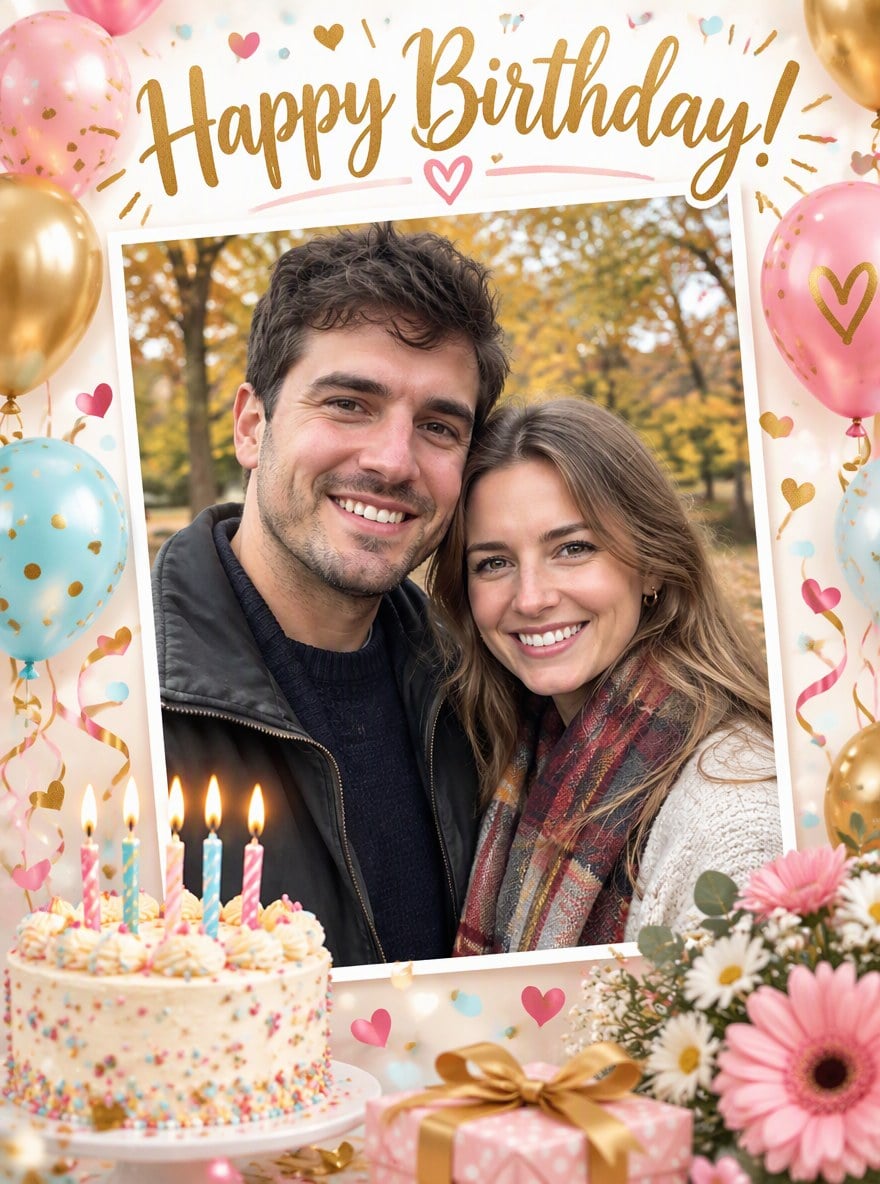
Valentine's Day is not only for couples. Upload a photo of you and your best friend, your roommates or the whole group chat, and the AI turns it into a cheerful Valentine card for friends: doodle hearts, stickers, confetti and a friendly headline such as "Happy Valentine's Day, Bestie!" The design stays light and playful, with no roses, candlelight or love-letter mood, so it feels right to send to a friend. The four examples below show four card styles you can reuse: a coquette Galentine card with bows and pearls, a groovy 70s retro card, a pop-art comic card for best buds and a Y2K scrapbook card for a friend group. Every face, hairstyle and outfit is kept from your photo, so everyone still looks like themselves. Unlike our romantic Valentine poster maker, these cards are written for friendship. The console below runs on GPT Image 2.5.
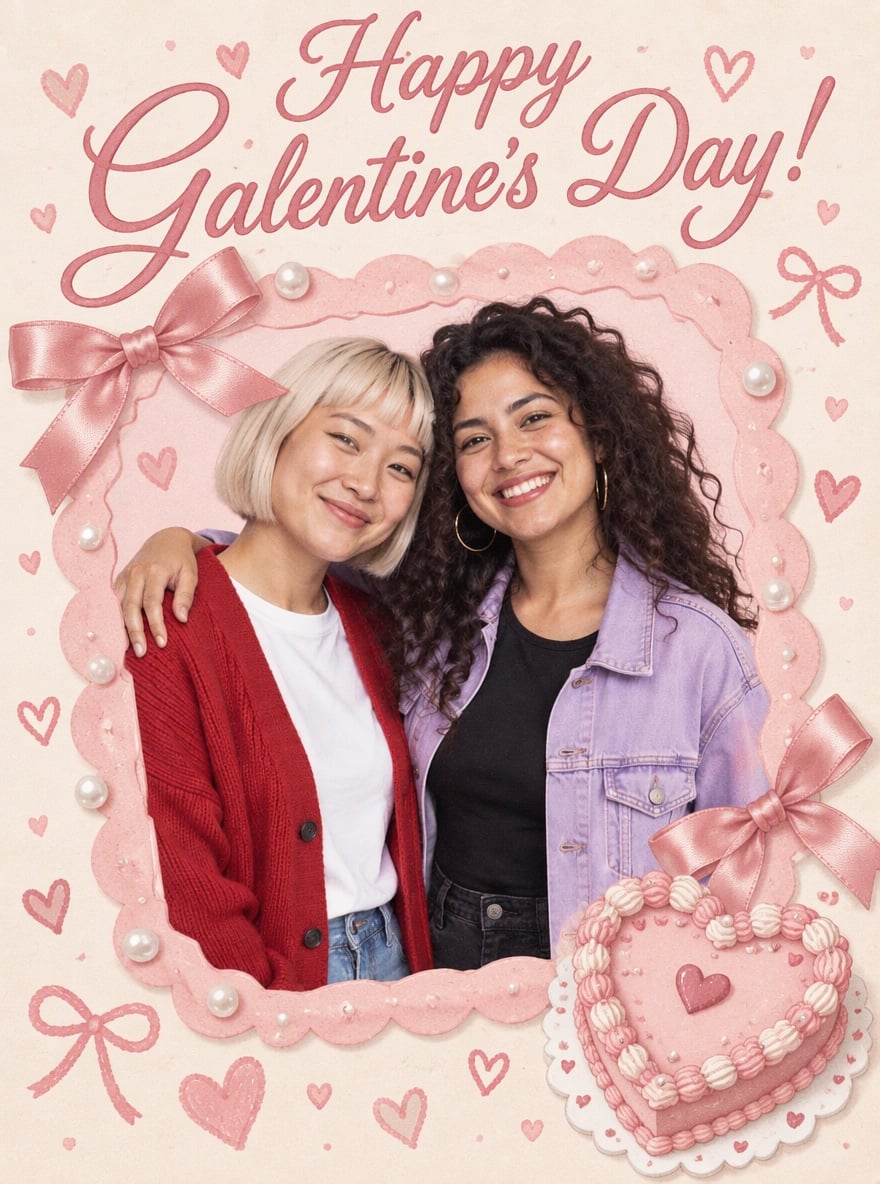
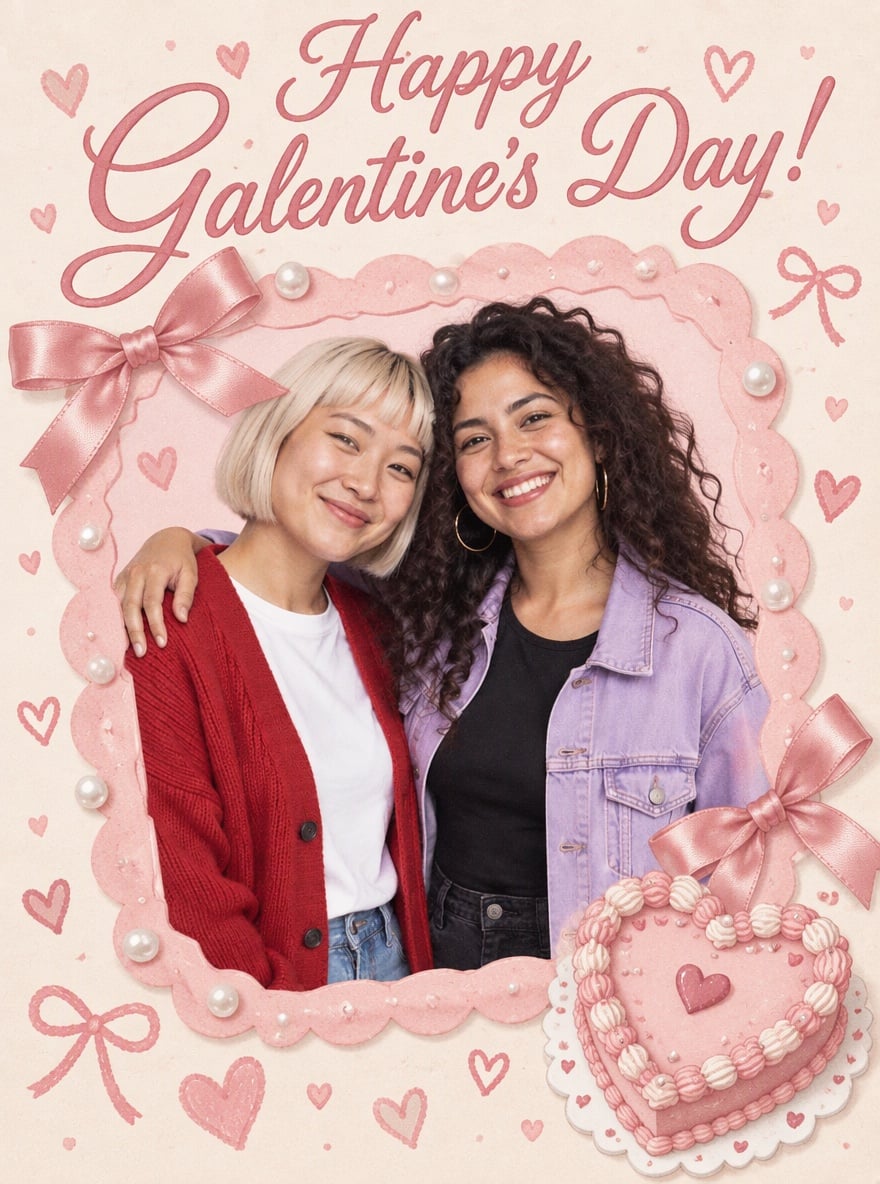
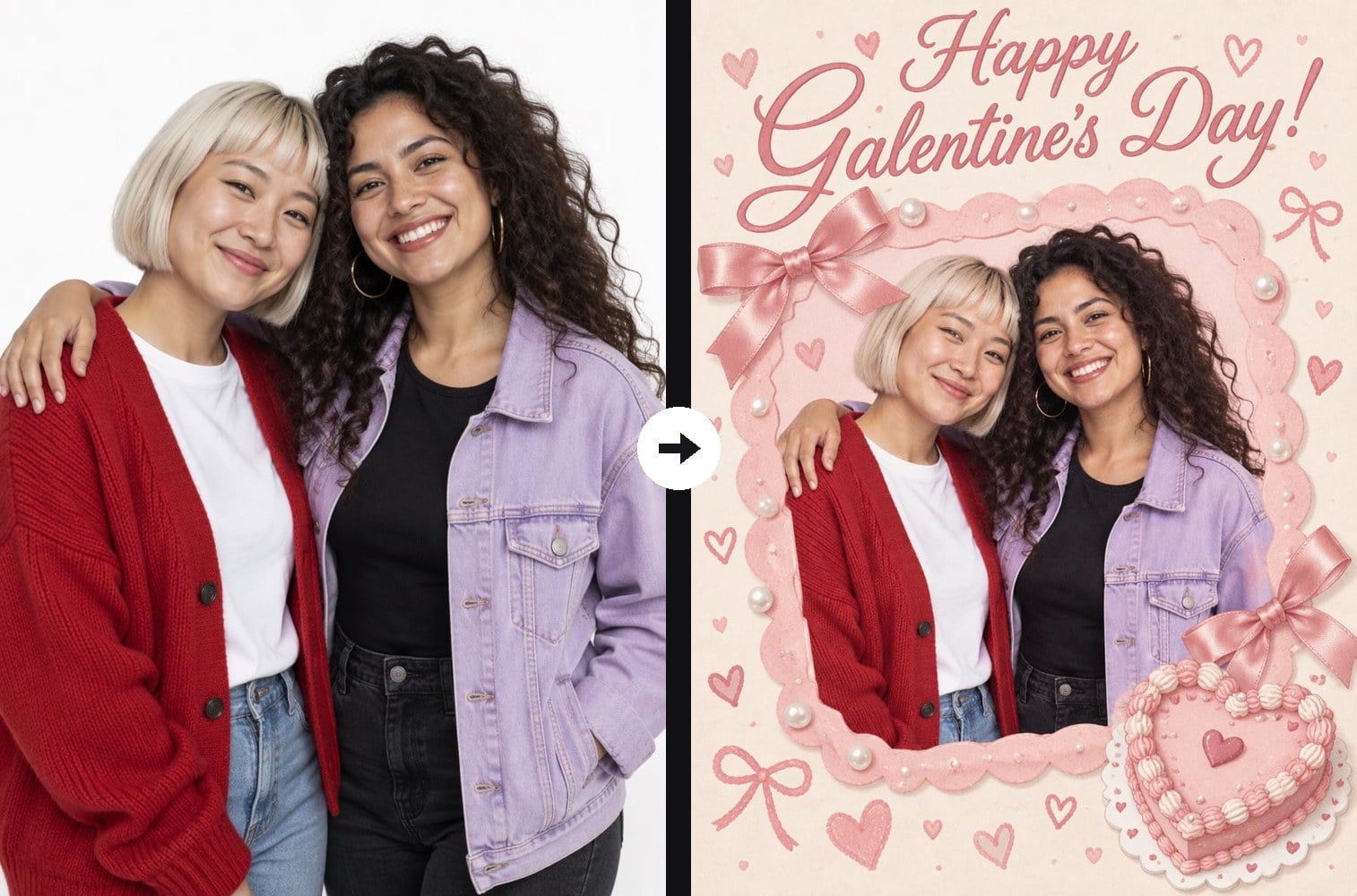
Coquette Galentine's Day Card for Two Besties
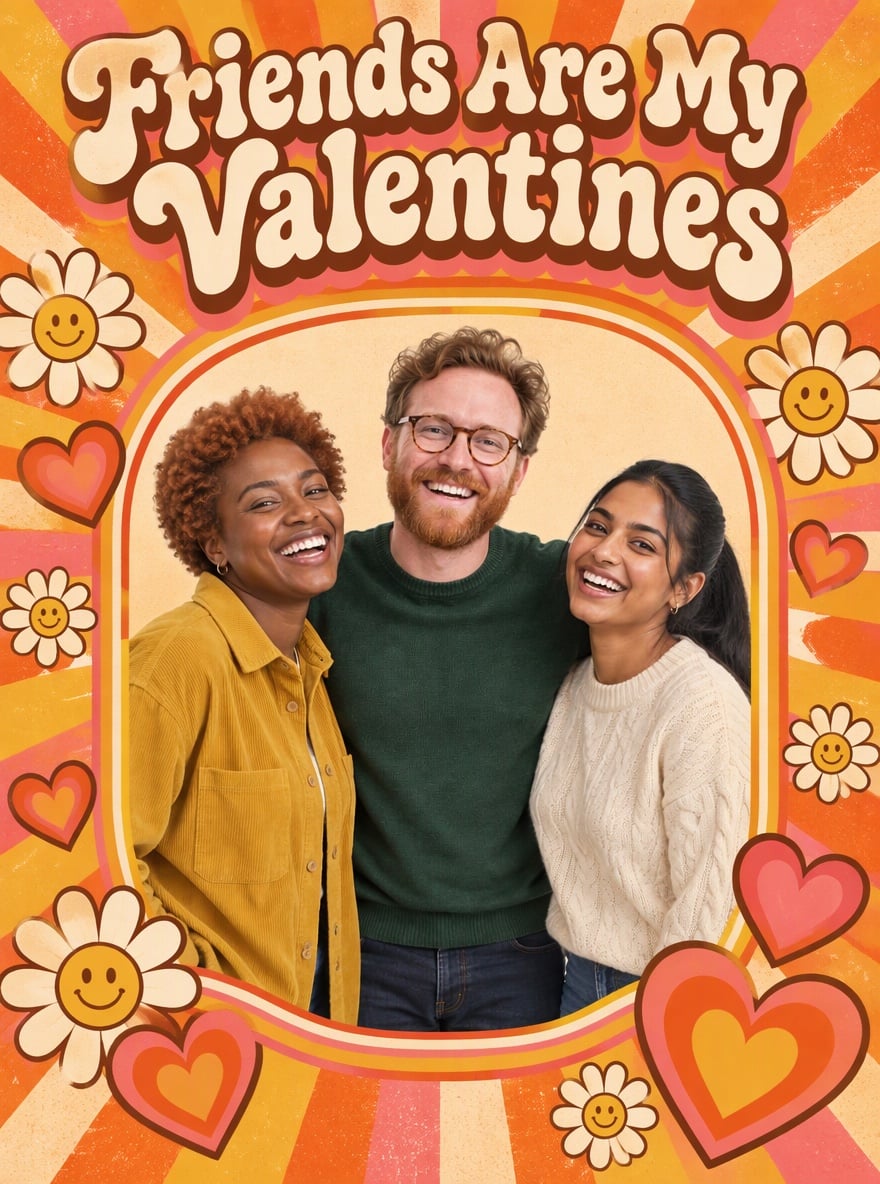
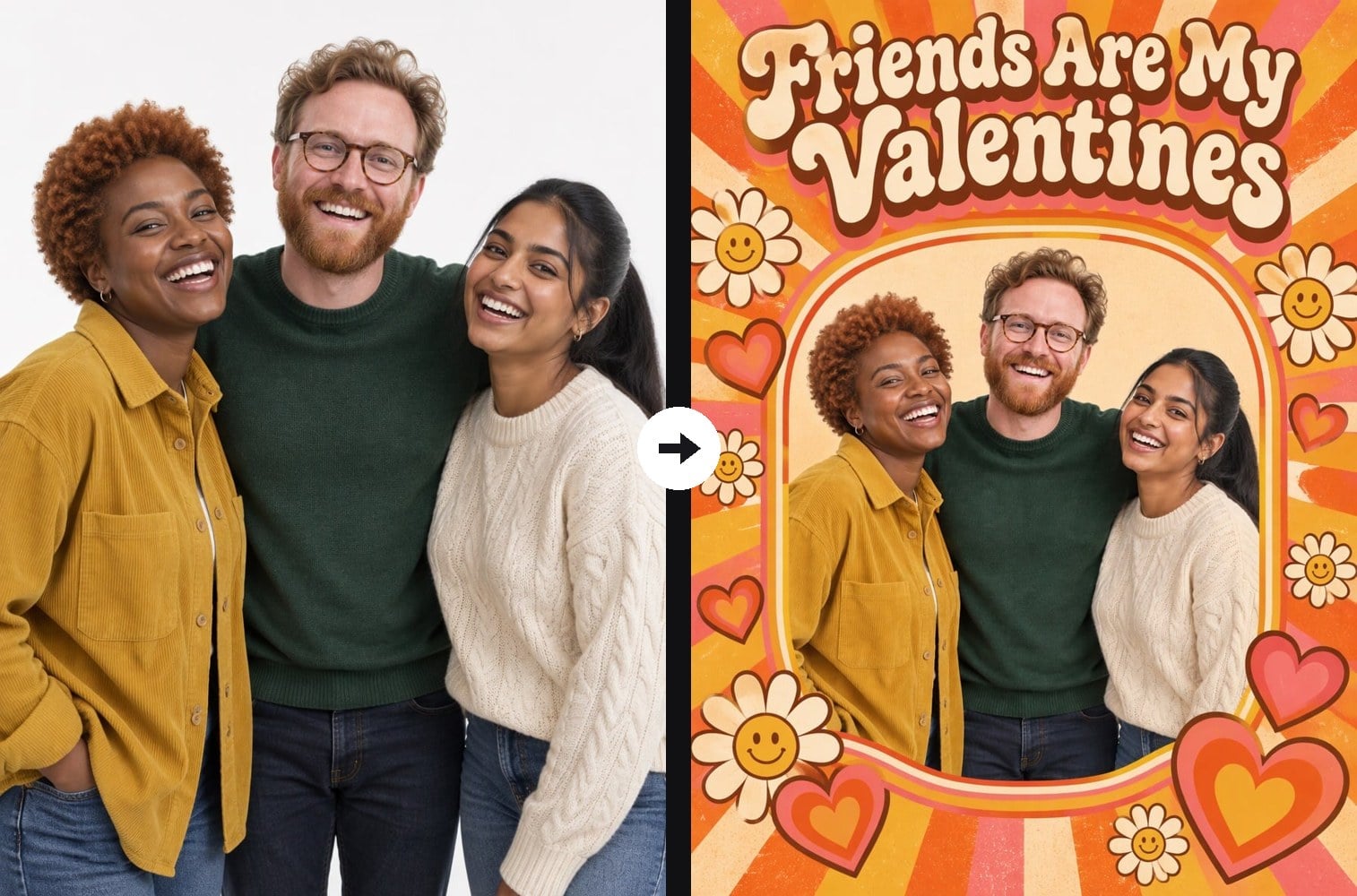
Groovy 70s Retro Valentine Card for Three Friends
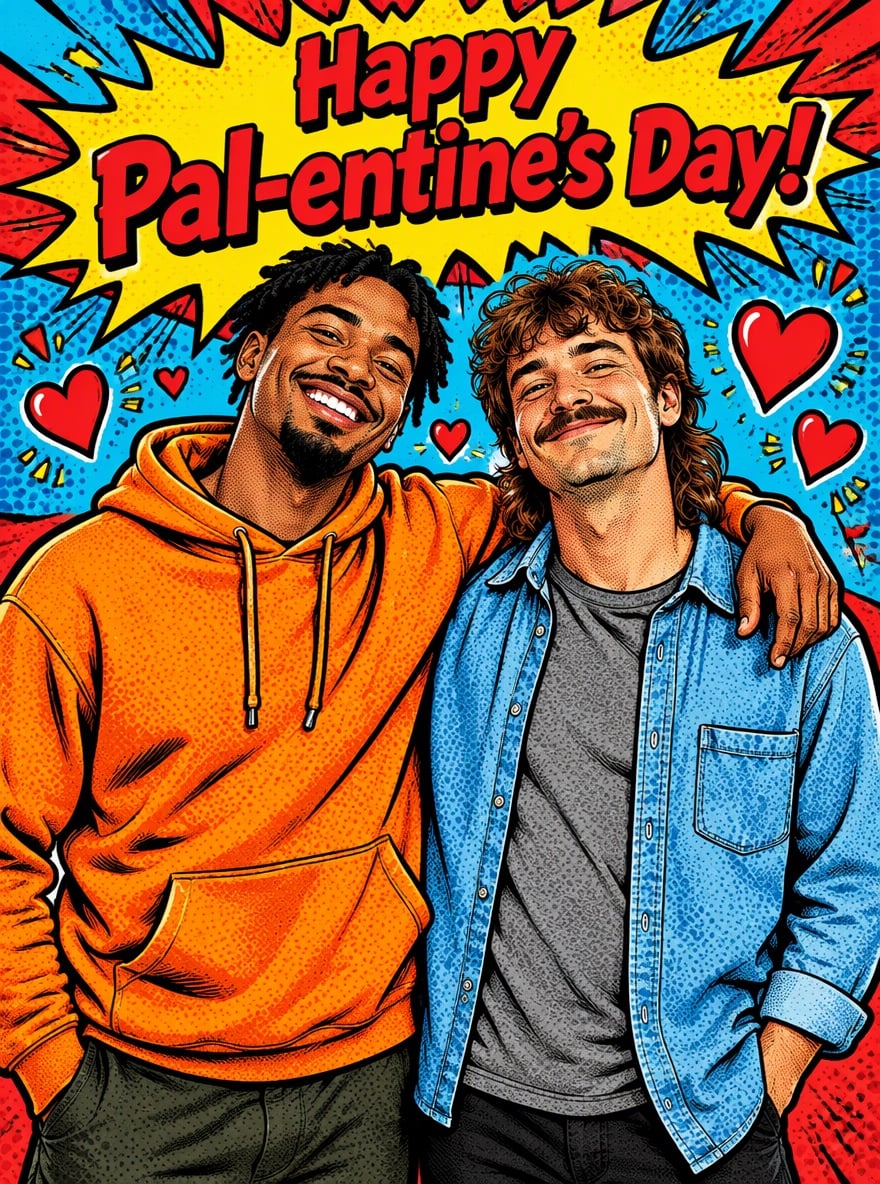
Pop-Art Comic Pal-entine Card for Best Buds
Y2K Scrapbook Valentine Card for a Friend Group
Upload a clear photo of you and your friends
Effect prompt
By uploading a file, you agree to GoEnhance's Terms of Use and Privacy Policy

Friendship Valentine Cards Made from Real Photos

Each card comes from one upload with the prompt shown on the example. The people, faces and outfits come from the original photo; the frame, decorations and headline are added by the AI.
Coquette Galentine's Day Card for Two Besties - Valentine Cards For Friends

Coquette Galentine's Day Card for Two Besties

Groovy 70s Retro Valentine Card for Three Friends - Valentine Cards For Friends

Groovy 70s Retro Valentine Card for Three Friends

Pop-Art Comic Pal-entine Card for Best Buds - Valentine Cards For Friends

Pop-Art Comic Pal-entine Card for Best Buds

How to Make a Valentine Card for Friends

01

Upload a friend photo

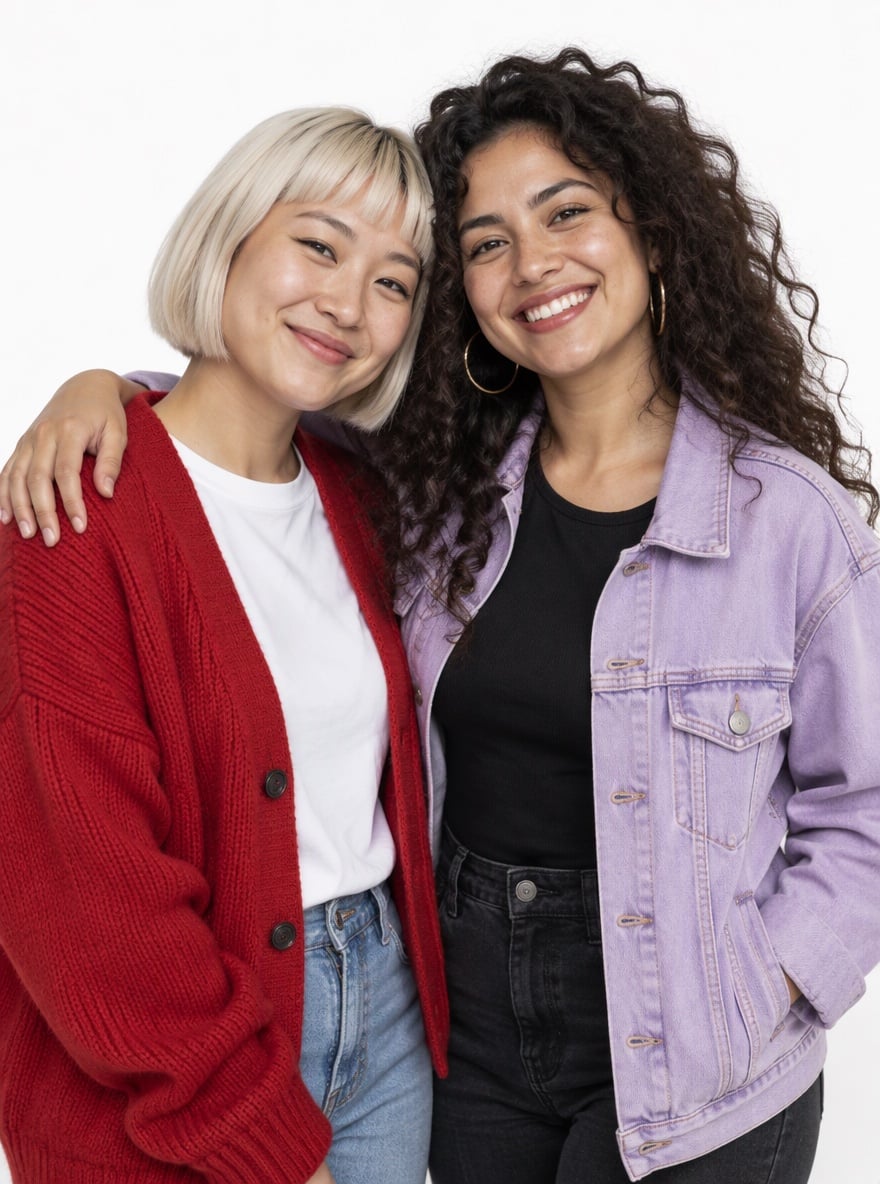
Use a clear photo where every face is visible: a selfie with your bestie, a trip photo or a group shot of up to four or five people works best.

02

Pick a card style

Keep the default bestie card, pick one of the example styles, or edit the colors, decorations and the headline in the prompt, then generate.

03

Send or post it

Download the card and drop it into the group chat, post it on Instagram or your Story on February 14 or Galentine's Day, or print it as a small card.

Why Make Friend Valentine Cards with AI
Friendly, not romantic

Every prompt asks for a playful friendship card with doodle hearts, stickers and confetti instead of roses, candlelight or kissing couples. The result reads clearly as a card for a friend, so you can send it without any awkward misunderstanding.

Friendly, not romantic - Valentine Cards For Friends

Everyone still looks like themselves

The AI keeps each person's face, skin tone, hairstyle, expression and outfit from your photo and does not add or remove people. Your friends will recognize themselves right away, which is what makes a personal card feel special.

Everyone still looks like themselves - Valentine Cards For Friends

Four card styles to start from

Choose a coquette Galentine card with satin bows and pearls, a 70s retro card with daisies and sunburst rays, a pop-art comic card for the guys, or a Y2K scrapbook with holographic stickers. Use the prompts as they are or swap colors and decorations to match your friend's taste.
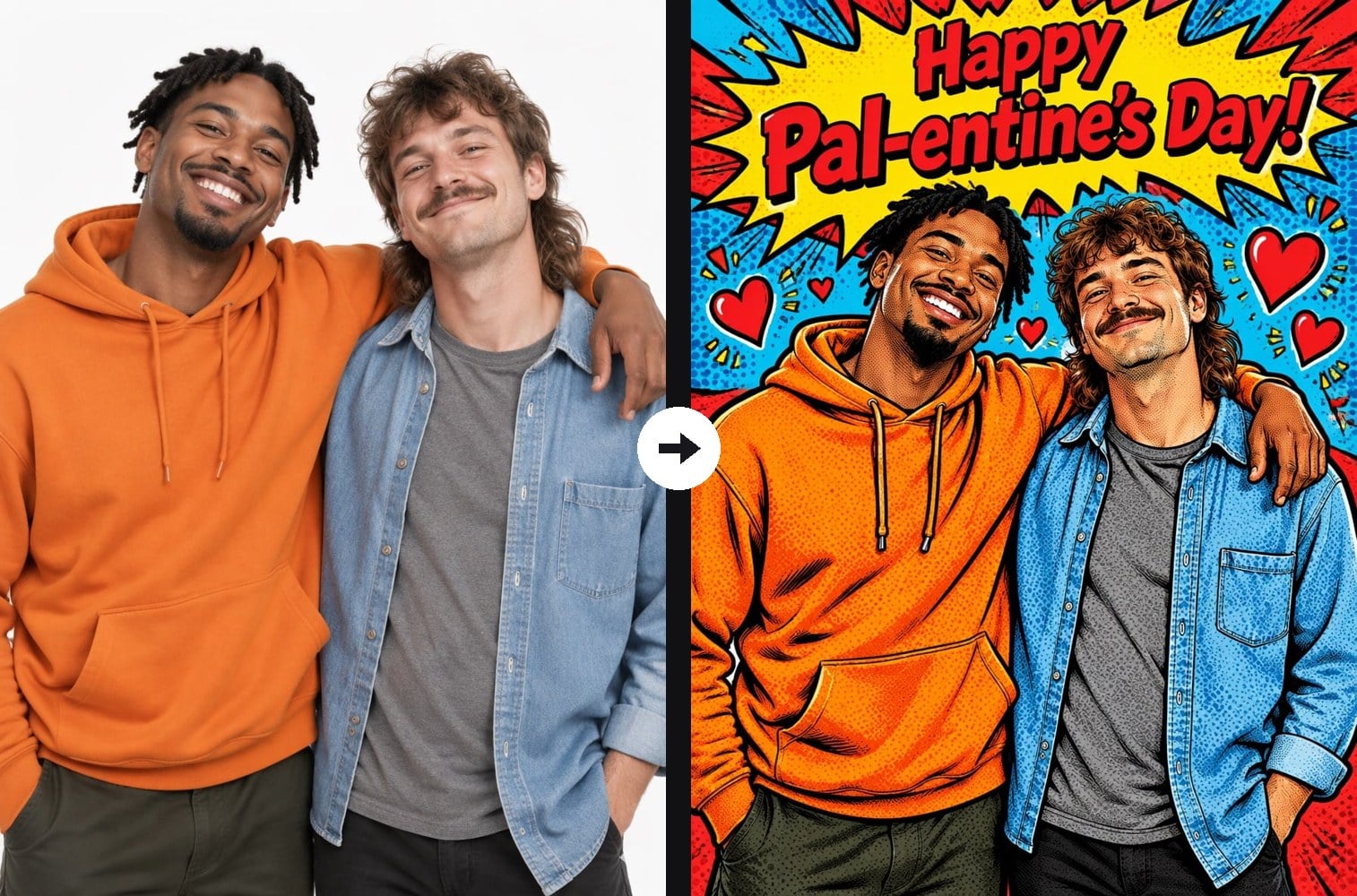
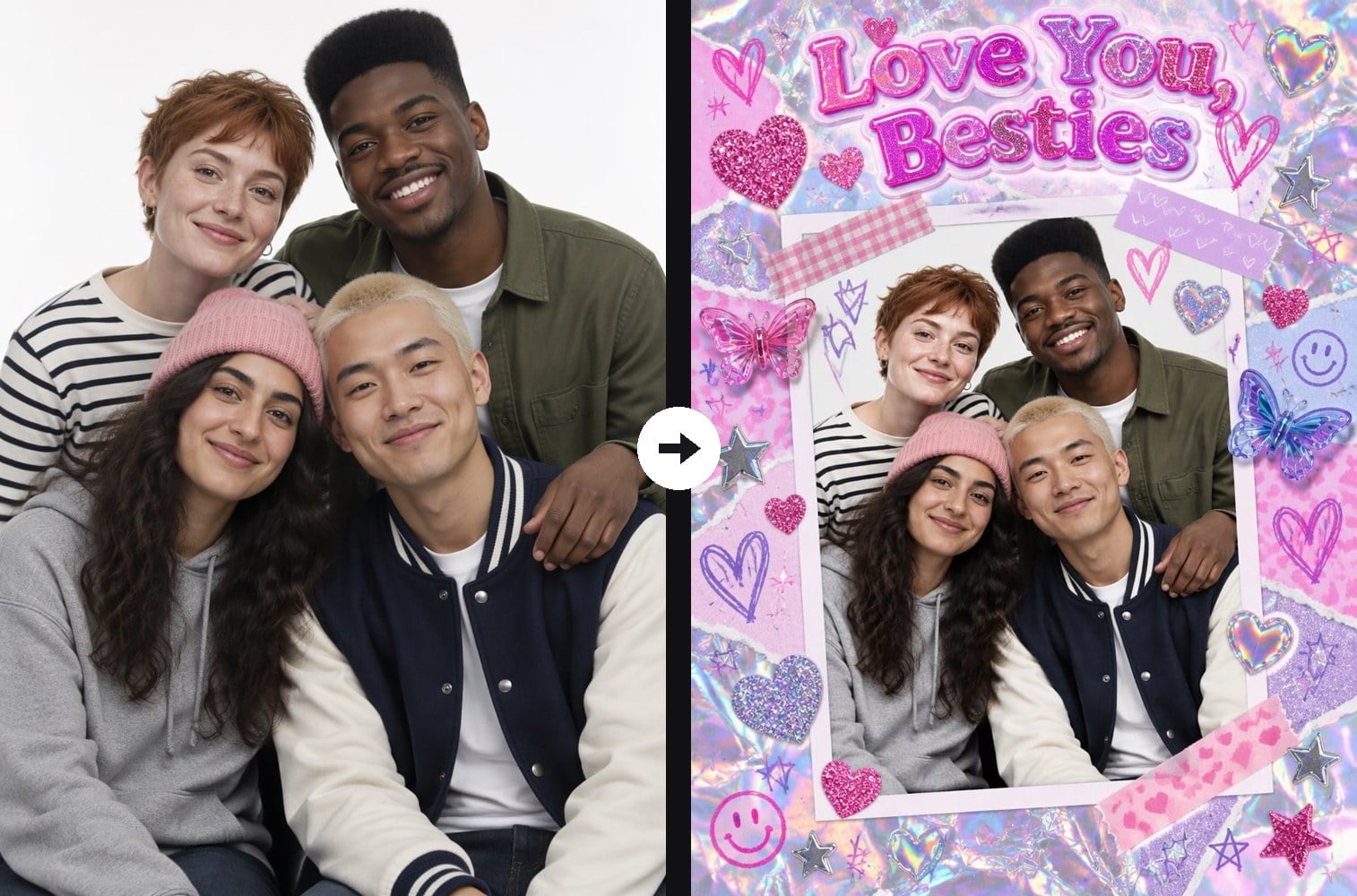
Four card styles to start from - Valentine Cards For Friends

Your own headline, ready to share

Change the line on the card to an inside joke, a nickname or a short message such as "Thanks for always having my back". Short English headlines render most reliably, and the vertical card fits chats, Instagram posts and printing.

Your own headline, ready to share - Valentine Cards For Friends

Valentine Cards for Friends FAQ

How do I make a Valentine card for my best friend with AI?

Upload a photo of you and your friend, keep the default prompt or pick one of the example styles, and click generate. The AI designs a friendship Valentine card around your photo with decorations and a headline, ready to download.

Can I change the text on the card?

Yes. Edit the headline in quotation marks in the prompt, for example "Happy Galentine's Day, Mia!" or "Best Roommates Ever". Keep it short and ask for it to be spelled exactly as written for the cleanest lettering.

Will the AI keep our faces recognizable?

Yes. The prompt asks the AI to keep every face, skin tone, hairstyle, expression and outfit and not to add or remove anyone. A sharp photo where faces are not too small gives the most faithful result; the pop-art style redraws people as an illustration but keeps them recognizable.

Does it work for group photos and guy friends?

Yes. The examples include two best friends, three friends, two guy friends and a group of four. Photos with up to about five people work best, because faces in larger groups get very small on the card.

What can I write on a Valentine card for a friend?

Short, warm lines work best: "Happy Galentine's Day!", "Friends Are My Valentines", "Love You, Besties", "Happy Pal-entine's Day!" or a nickname plus "you're the best". Inside jokes make the card even more personal.

Is there a version for couples?

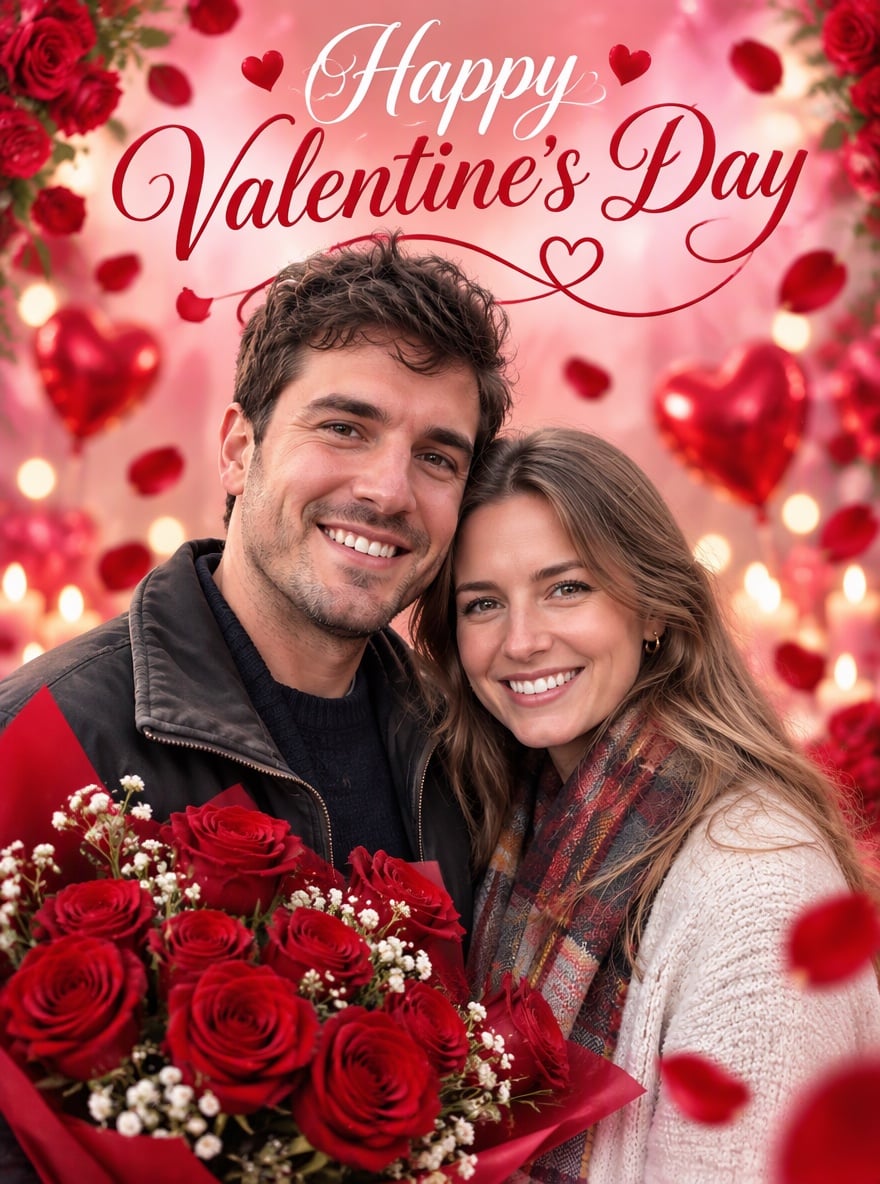
Yes. For a romantic Valentine's Day poster with roses and hearts, use the AI Valentine's poster maker.

Make Your Friends a Valentine Card

Upload one photo of your crew and get a cute, shareable friendship card in under a minute.

Make a Friend Valentine Card