Grinch Filter: Become the Green Christmas Grump

Want a Christmas profile picture that makes friends laugh instead of another reindeer sticker? Upload a portrait and this Grinch filter turns you into a mischievous green holiday grump: soft green fur on your face and hands, thick arched eyebrows, yellow-green eyes and a sly grin, finished with a red Santa hat and a fluffy red coat. It keeps what makes the photo yours: your face shape, features, expression, pose and framing stay the same, and the original scene stays recognizable with only string lights, light snow and a red-and-green glow added. Unlike our elf and Santa effects, which dress you up as Christmas helpers, this one is for the holiday troublemaker in the group. The console below runs on GPT Image 2.5.
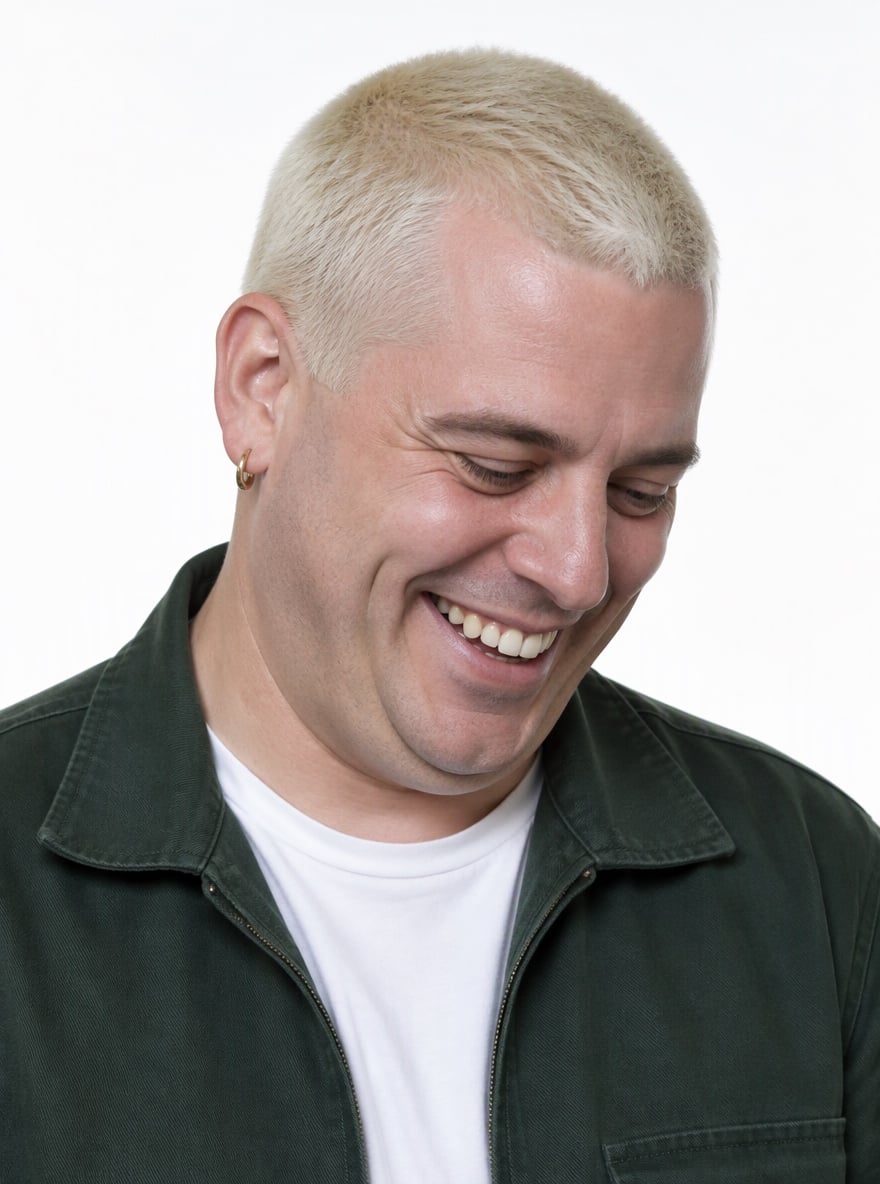
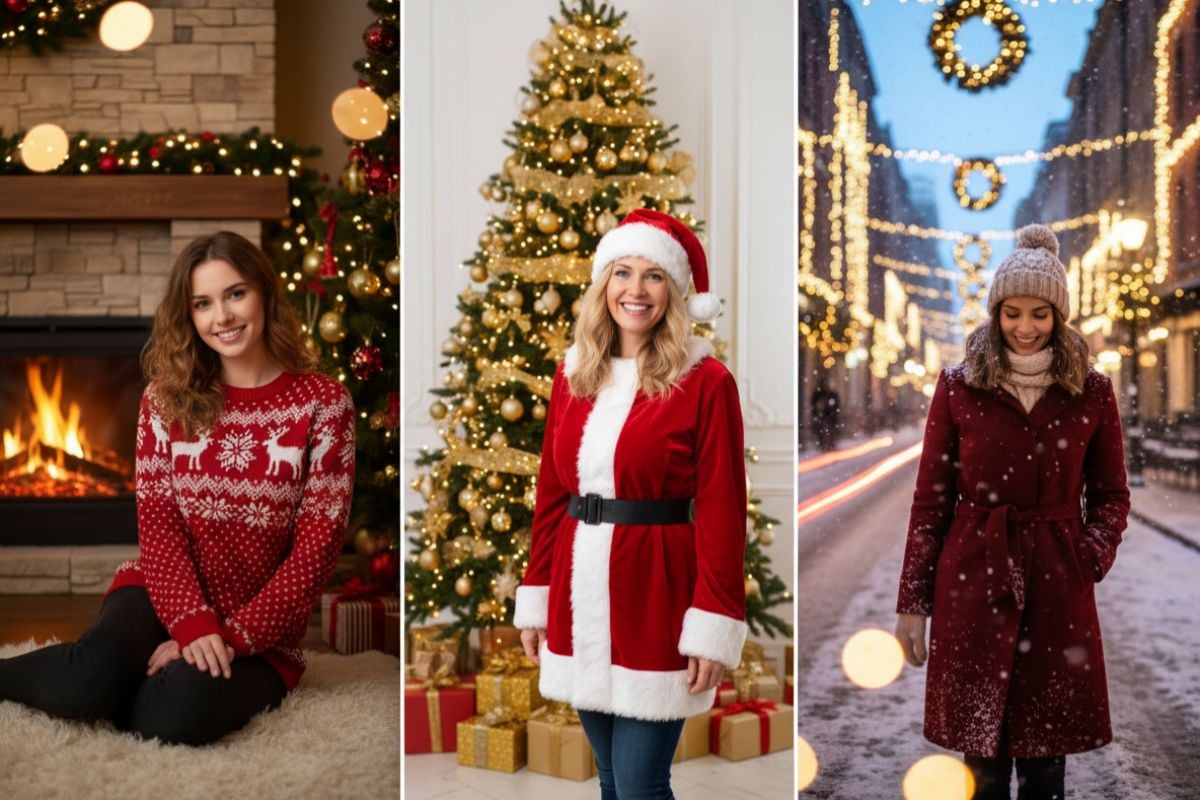
Laughing Grinch selfie

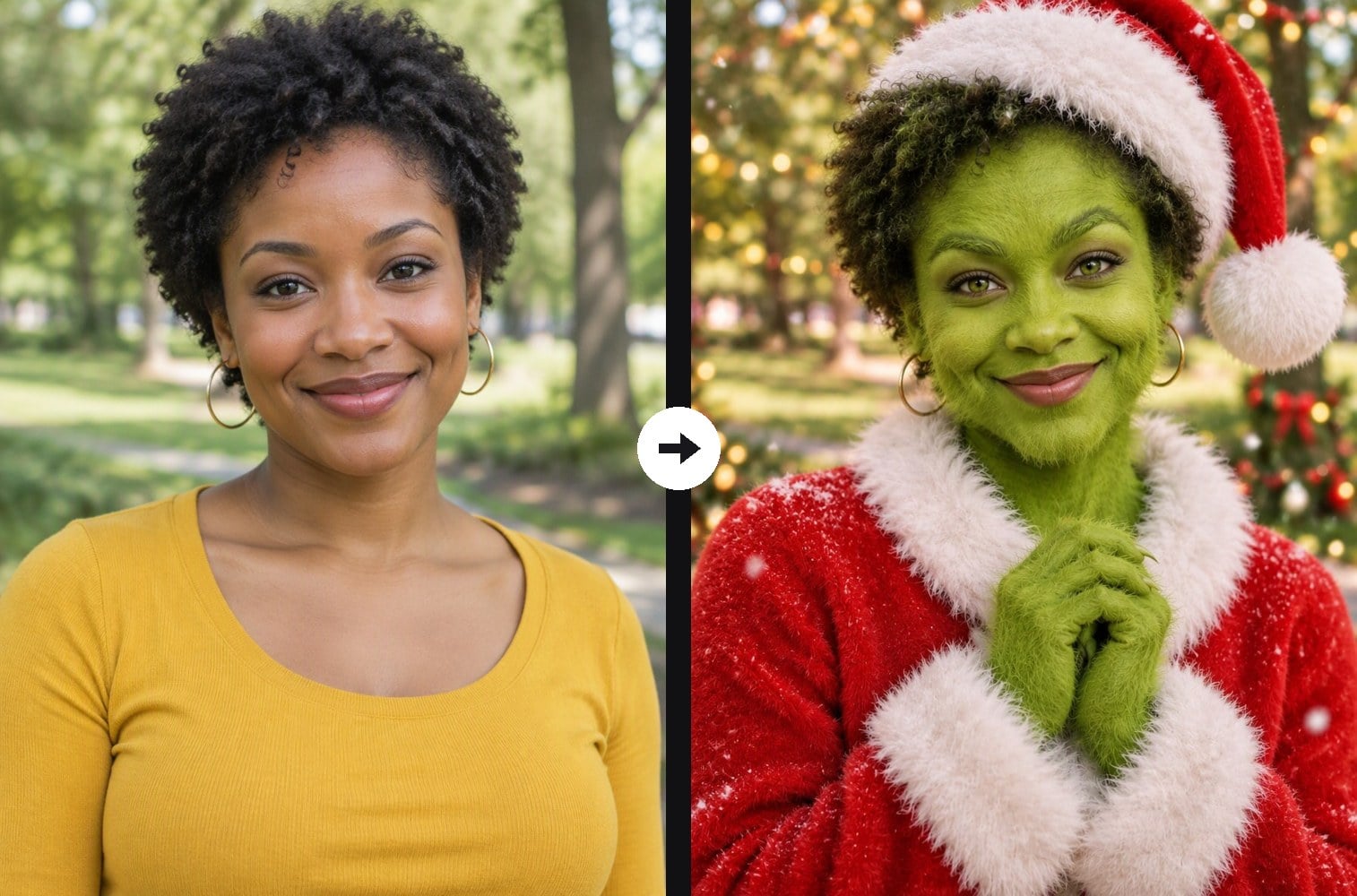
Grinch look in the park
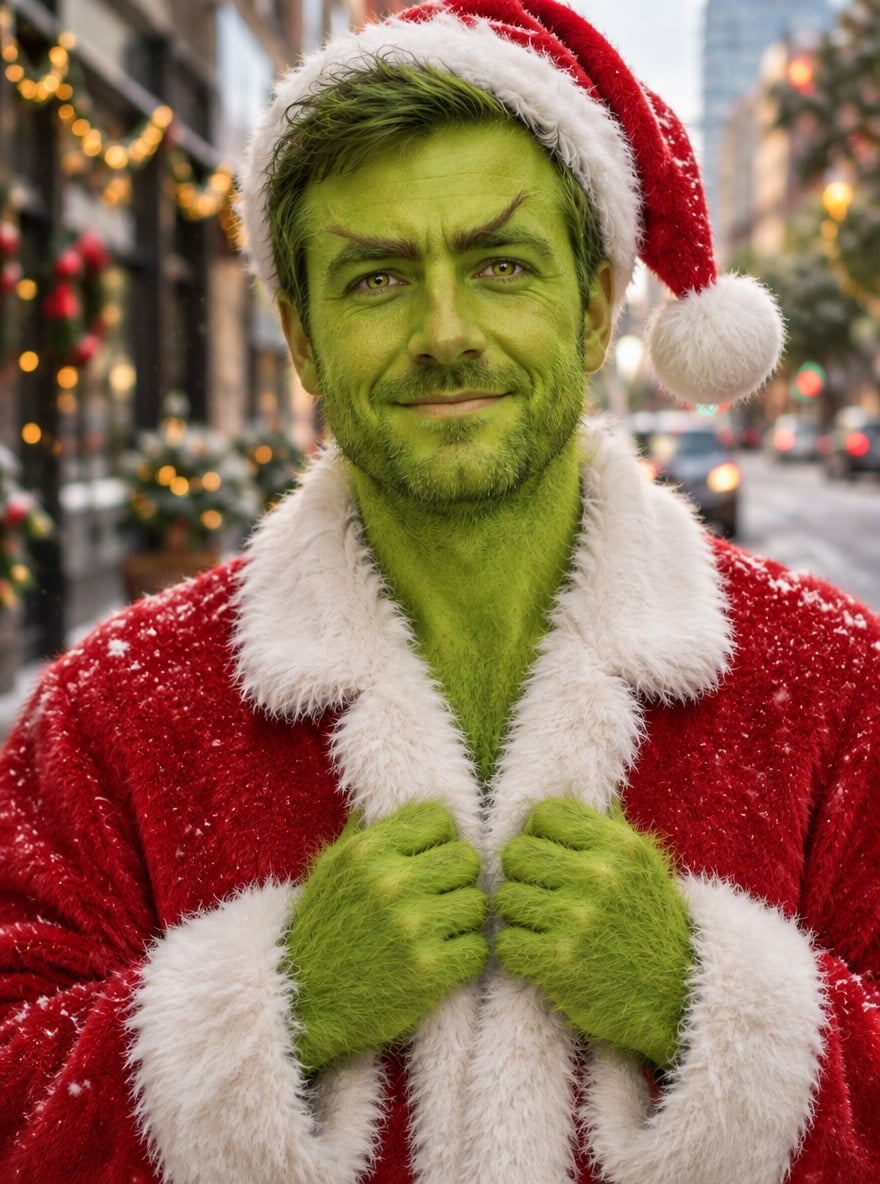
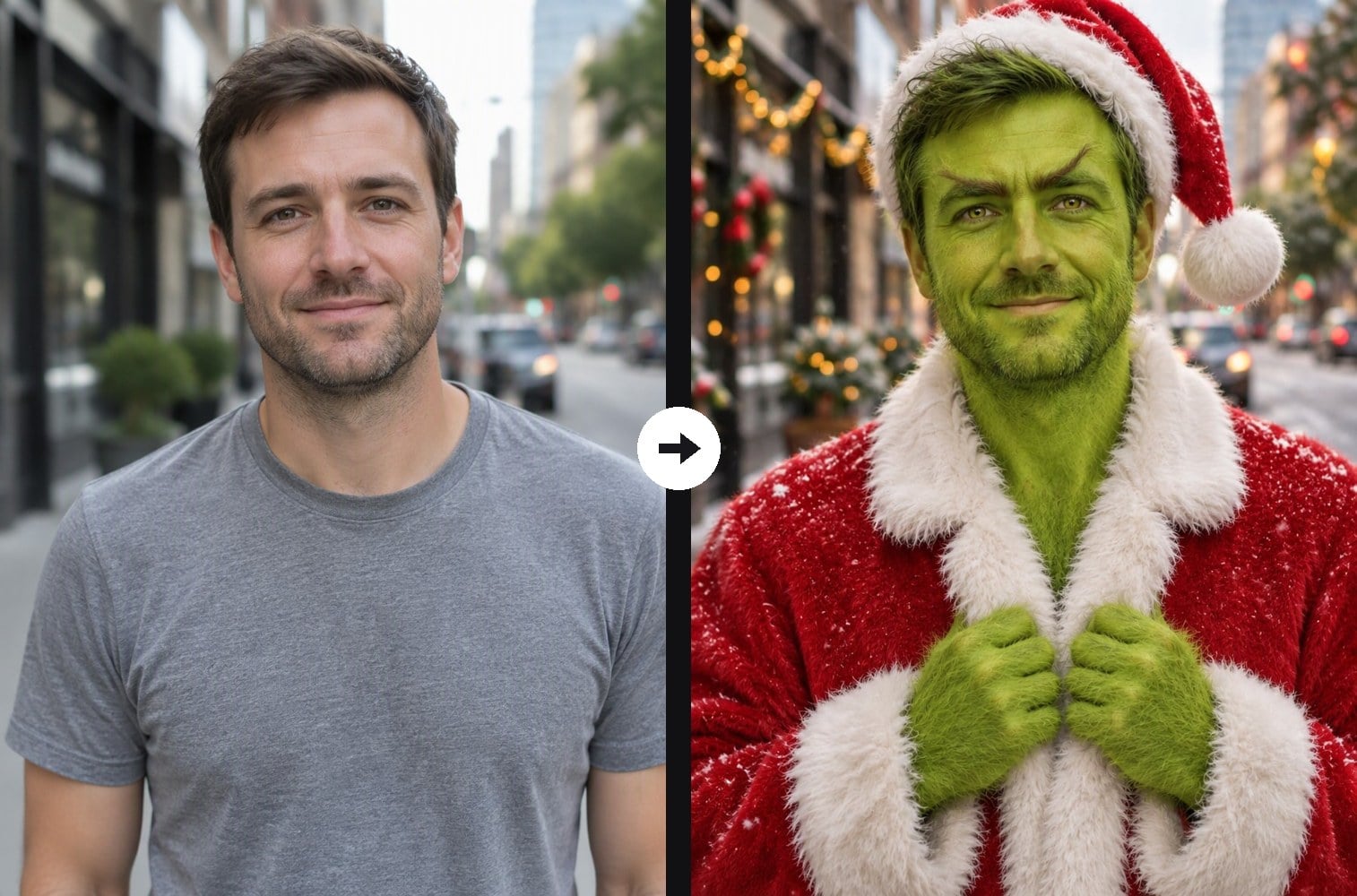
Street style Grinch
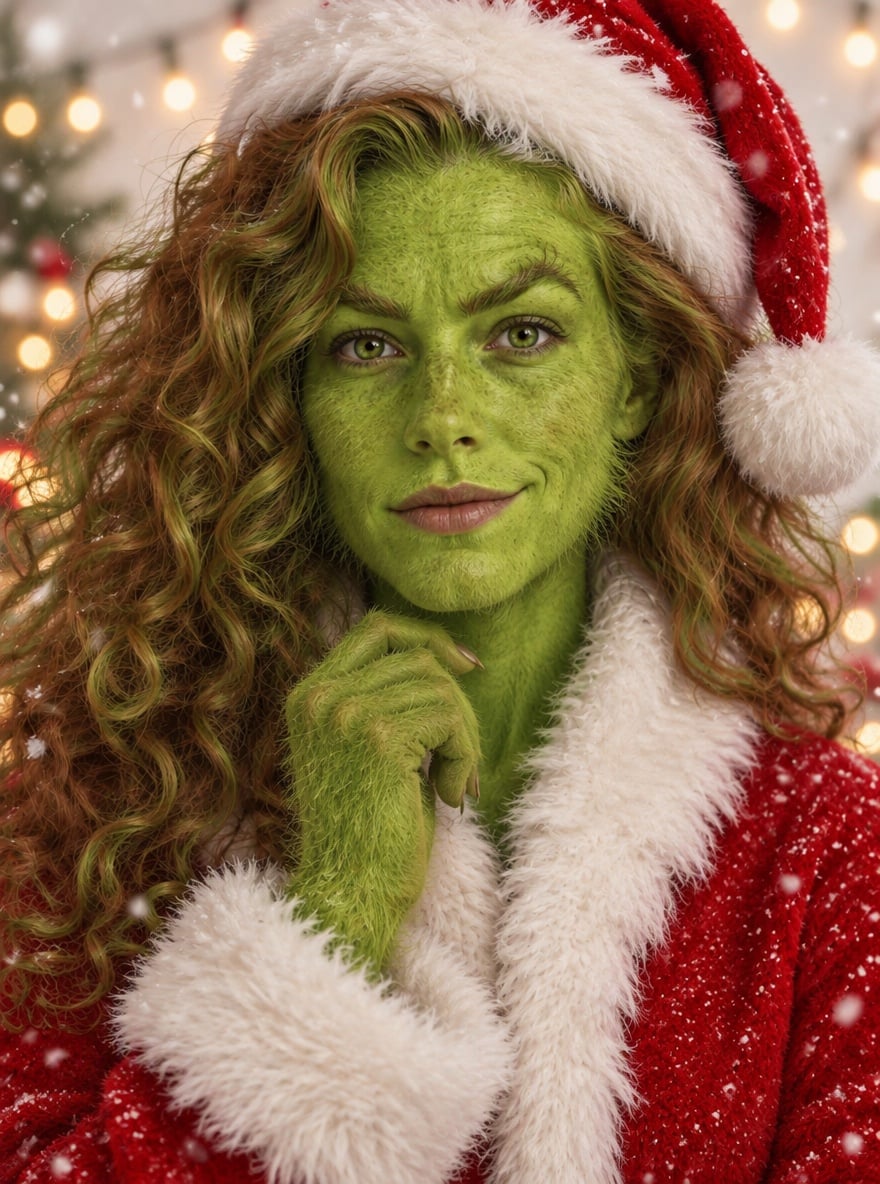
Street style Grinch
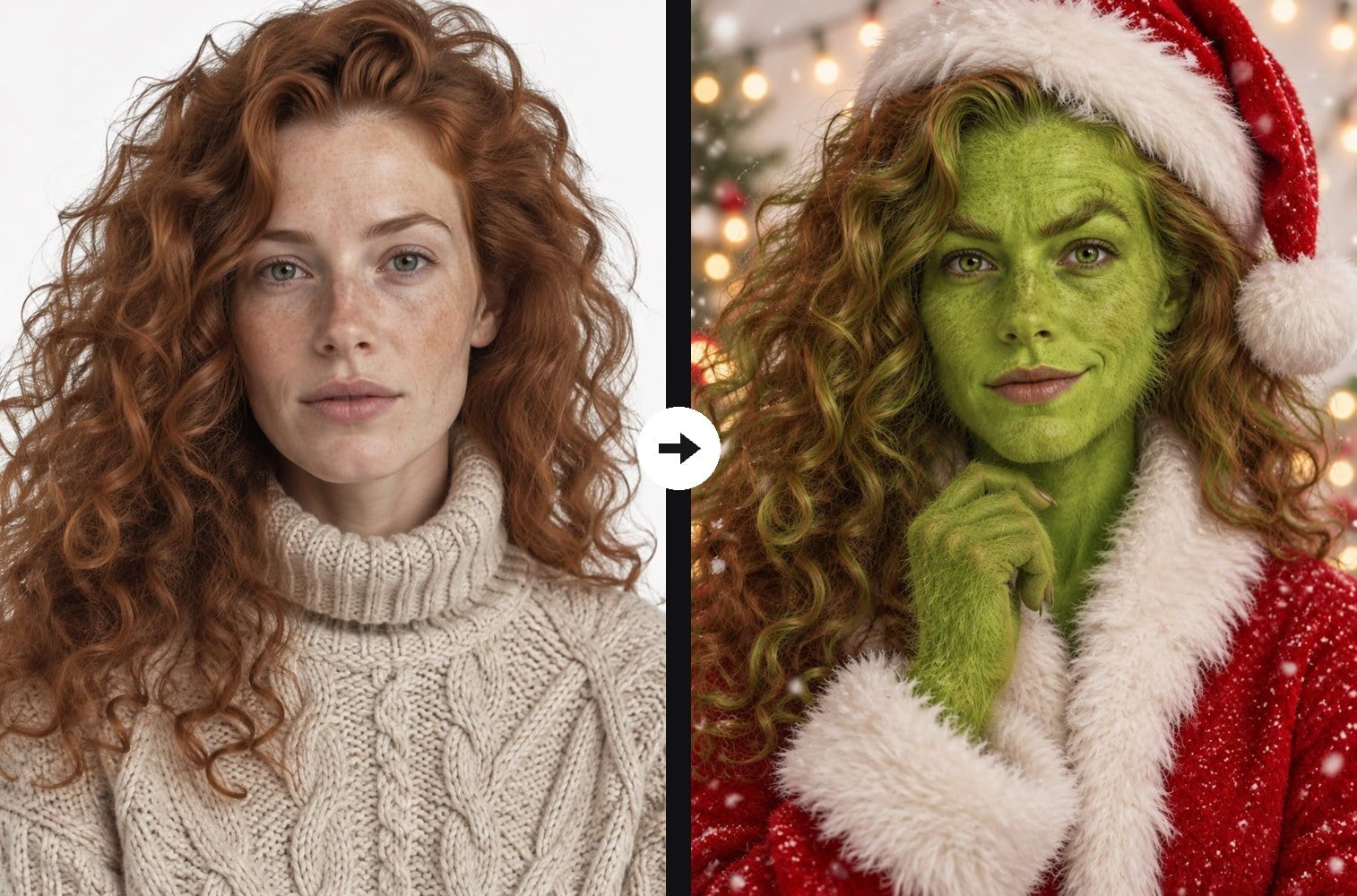
Curly-haired Grinch portrait
Upload a clear photo where your face is visible
Effect prompt
By uploading a file, you agree to GoEnhance's Terms of Use and Privacy Policy

Grinch Filter: Before and After

Each result is one upload with the same prompt. Face, expression, pose and framing come from the original photo; green fur, the Santa outfit and holiday lights were added.
Laughing Grinch selfie - Grinch Filter

Laughing Grinch selfie

Grinch look in the park - Grinch Filter

Grinch look in the park

Street style Grinch - Grinch Filter

Street style Grinch

How to Use the Grinch Filter

01

Upload a selfie or portrait

Pick a photo where your face is in focus and not covered by sunglasses, a mask or a hand. Selfies, headshots, half-body shots and big laughs all work.

02

Keep or edit the prompt

The default prompt adds green fur, a sly grin, a Santa hat and festive lights. You can type changes, such as a darker green, a snowy background or a sweater instead of a coat.

03

Generate and share

Press the button, compare the before and after, and download the result for your Christmas avatar, a holiday card or a group chat joke.

Why Use This AI Grinch Filter
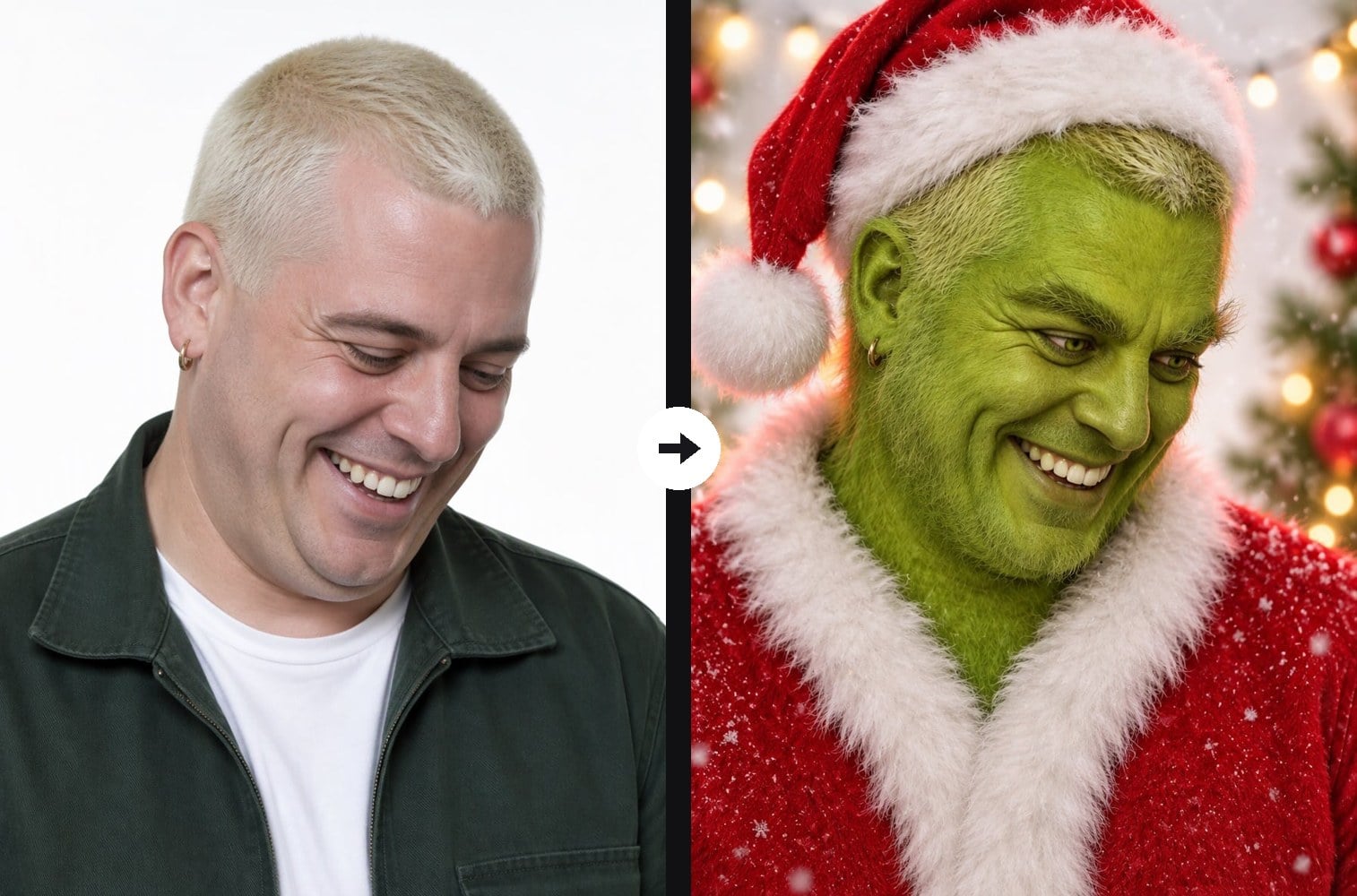
Realistic green fur, not a face paint

The filter grows short, soft green fur across your face, neck and hands, a little shaggier on the cheeks and eyebrows, with lighting that matches your photo. It looks like a costume-movie makeover rather than a flat green tint or a cartoon sticker.

Realistic green fur, not a face paint - Grinch Filter

Still clearly you

Your face shape, eyes, nose, mouth, hairstyle and expression stay the same, so friends recognize you right away. A big laugh becomes a wicked laugh and a calm smile becomes a sly smirk, which is what makes the result funny.

Still clearly you - Grinch Filter

Festive, but your scene stays

A red Santa hat and a fully covered red coat with white trim are added, plus string lights, light snow and a red-and-green glow. Your pose and framing stay as they were, so a park, street or studio shot still reads as the same photo.

Festive, but your scene stays - Grinch Filter

Free to try, made for sharing

New accounts get free credits, so your first Grinch photo costs nothing. Use it as a Christmas profile picture, a holiday card, a party invite, an ugly sweater day post or a meme for the family chat.

Free to try, made for sharing - Grinch Filter

Grinch Filter FAQ

Is the Grinch filter free?

New accounts get free credits, so you can try the filter without paying. After that, each image uses a small number of credits.

Will I still look like myself?

Yes. The prompt keeps your face shape, features, expression, pose and framing, and only changes the skin to green fur, adds the outfit and adds holiday lights. Clear, well-lit photos keep the likeness best.

Does it work on women, kids and couples?

It works on anyone with a visible face, and the outfit is always fully covered. Group and couple photos work too, but each face is smaller, so a close portrait gives the most detailed fur.

Can I change the outfit or background?

Yes. Edit the prompt to ask for a different outfit, a snowy village, a living room with a tree or a darker shade of green, then generate again.

Is there an elf version?

Yes. If you would rather be a cheerful Christmas helper than a grump, try our elf yourself photo effect.

Which photos work best?

Front or three-quarter portraits with the face clearly visible work best. Avoid tiny faces, heavy blur, sunglasses or hands covering the mouth.

Ready to Steal Christmas With Your Selfie?

Upload a portrait and get your green holiday grump look in under a minute.

Try the Grinch Filter