Add Sparkle To Photo With AI

Want your selfie, makeup look or holiday photo to shine on your feed without spending an hour in an editor? Upload it and this effect adds sparkle the way real light would: fine glitter floating around you, a dusting of shimmer in your hair and on your shoulders, tiny four-point star glints on catchlights, earrings and highlights, and warm gold and silver bokeh behind you. Nothing about you is changed. Your face, skin texture, makeup, outfit, pose and framing stay exactly as they were, and the sparkles never cover your eyes or mouth. Unlike our aesthetic filter, which regrades the colors of the whole picture, this one only adds light, so it works on top of any look. The console below runs on GPT Image 2.5.
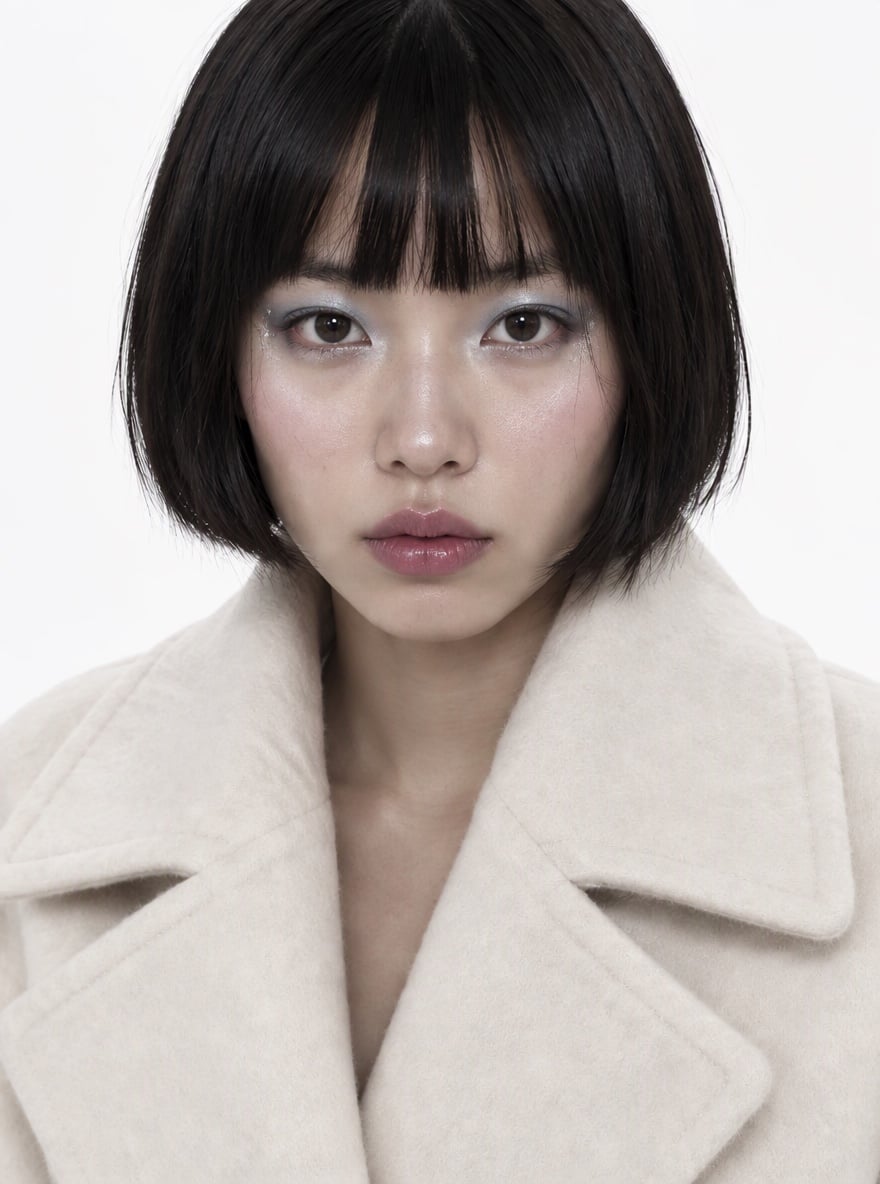
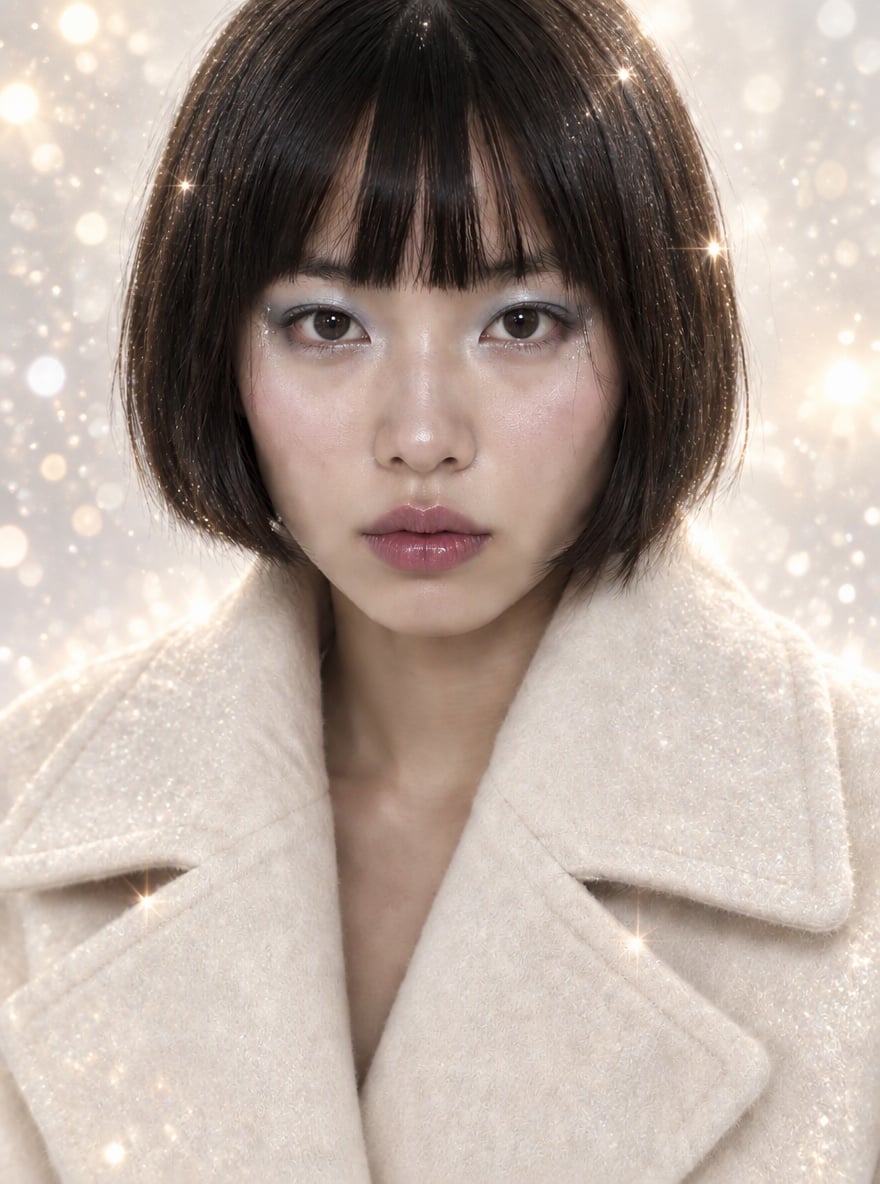
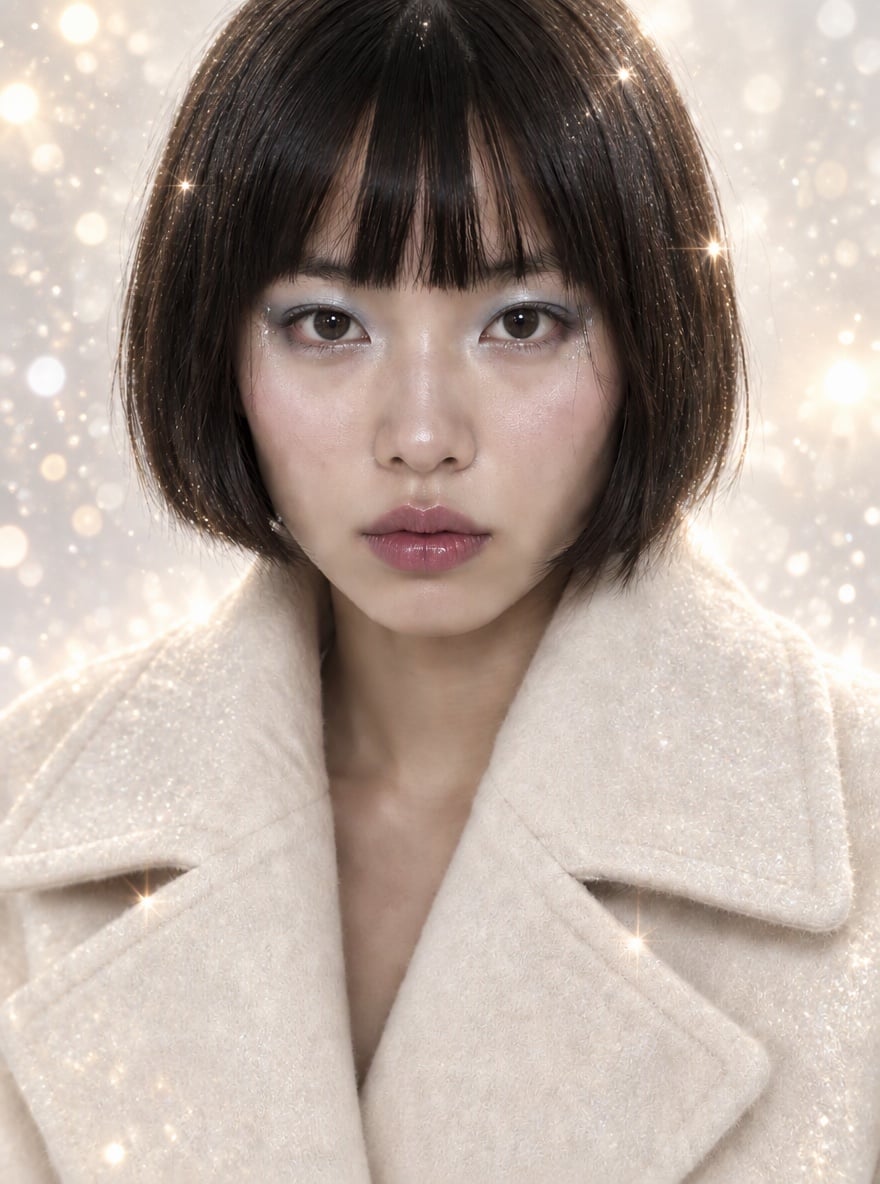
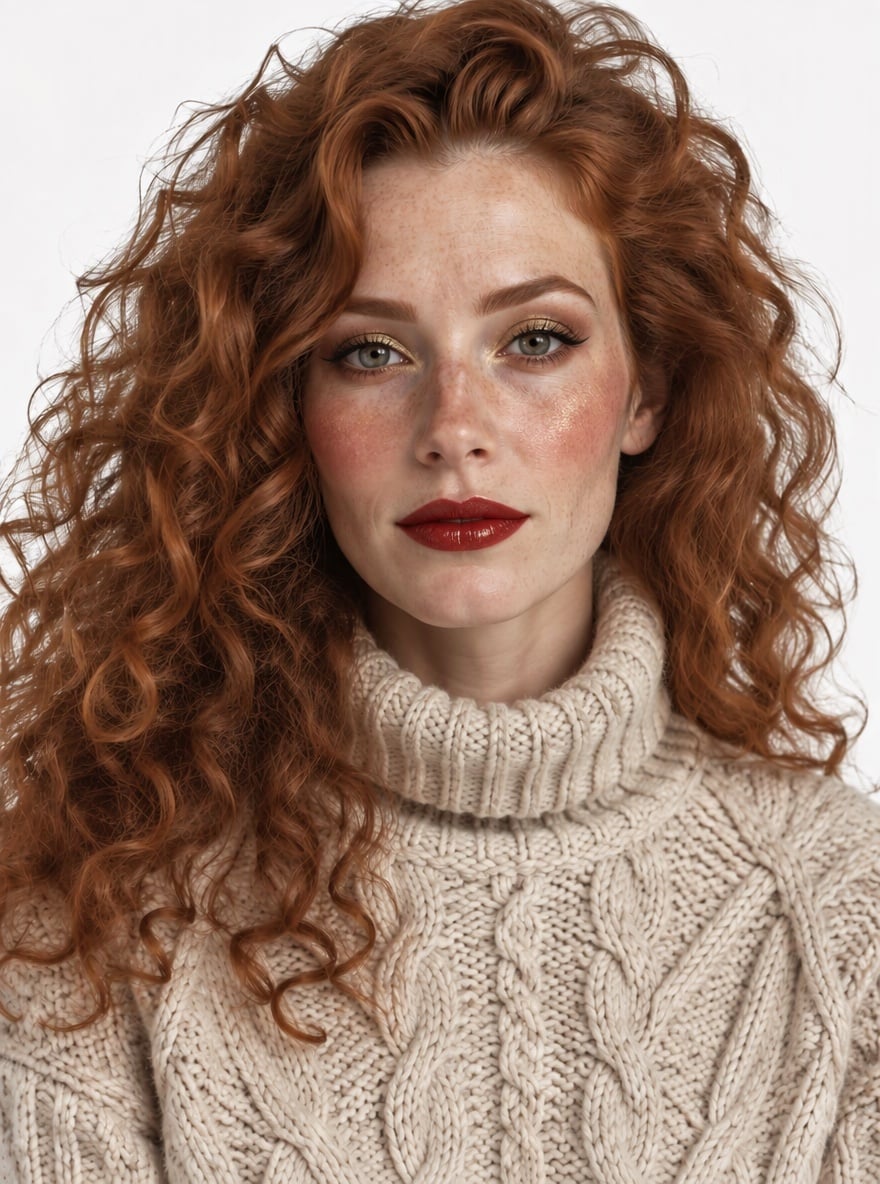
Sparkly winter makeup look
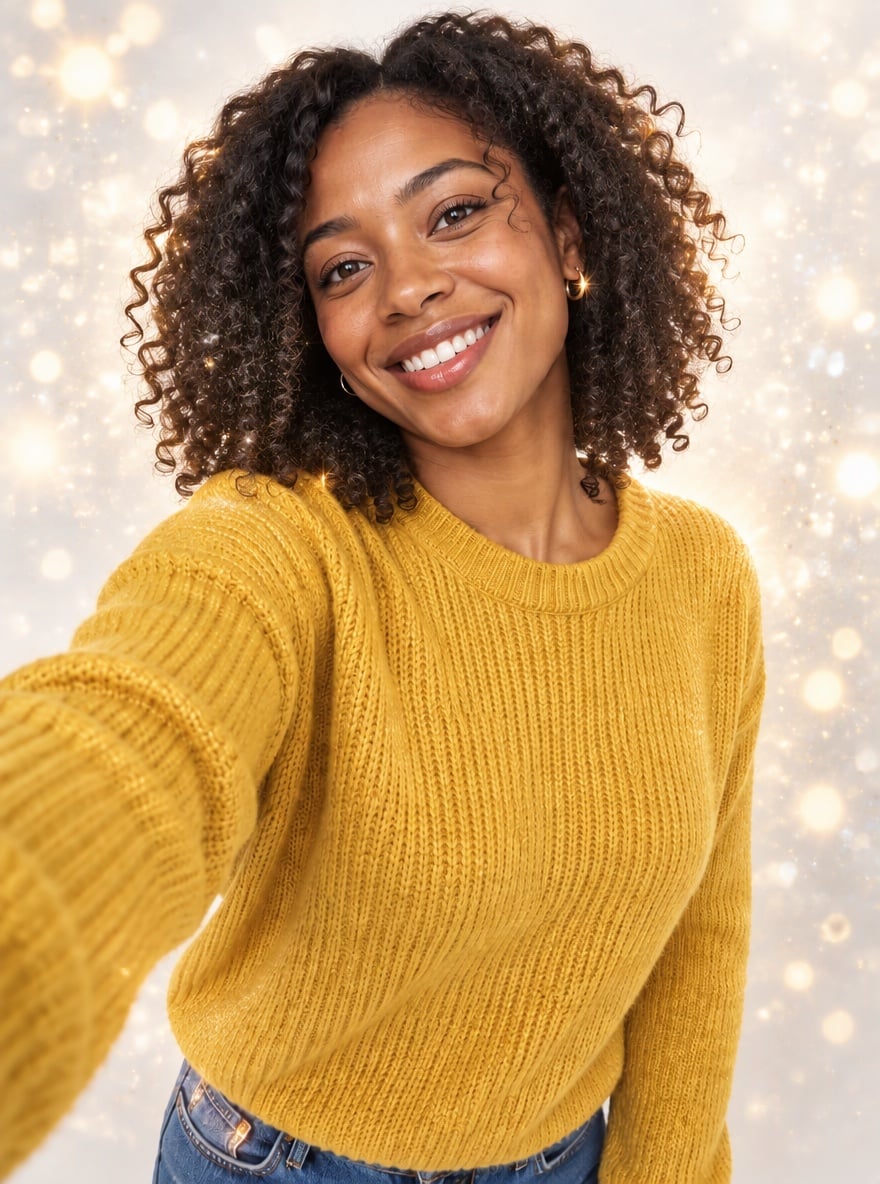
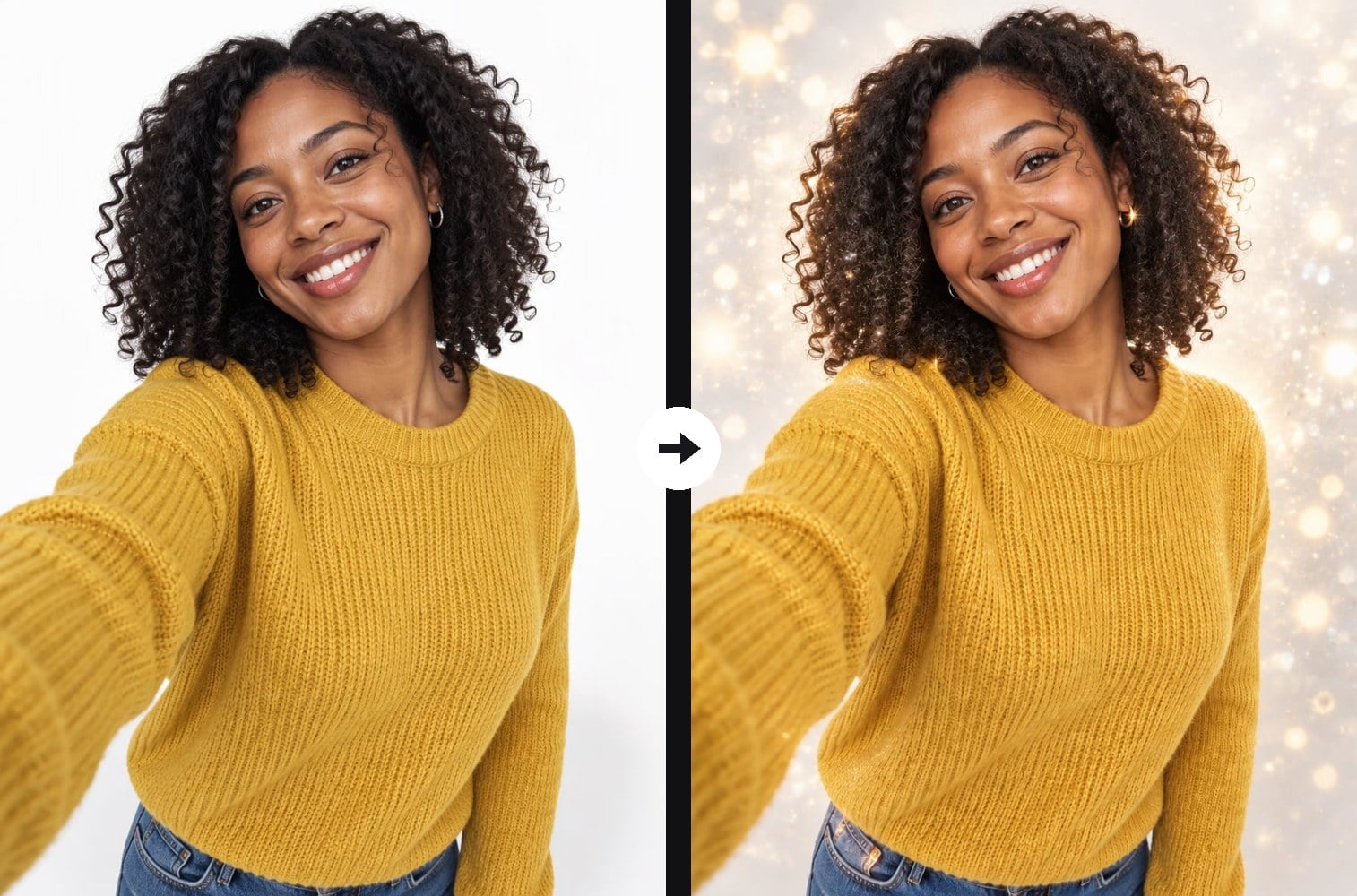
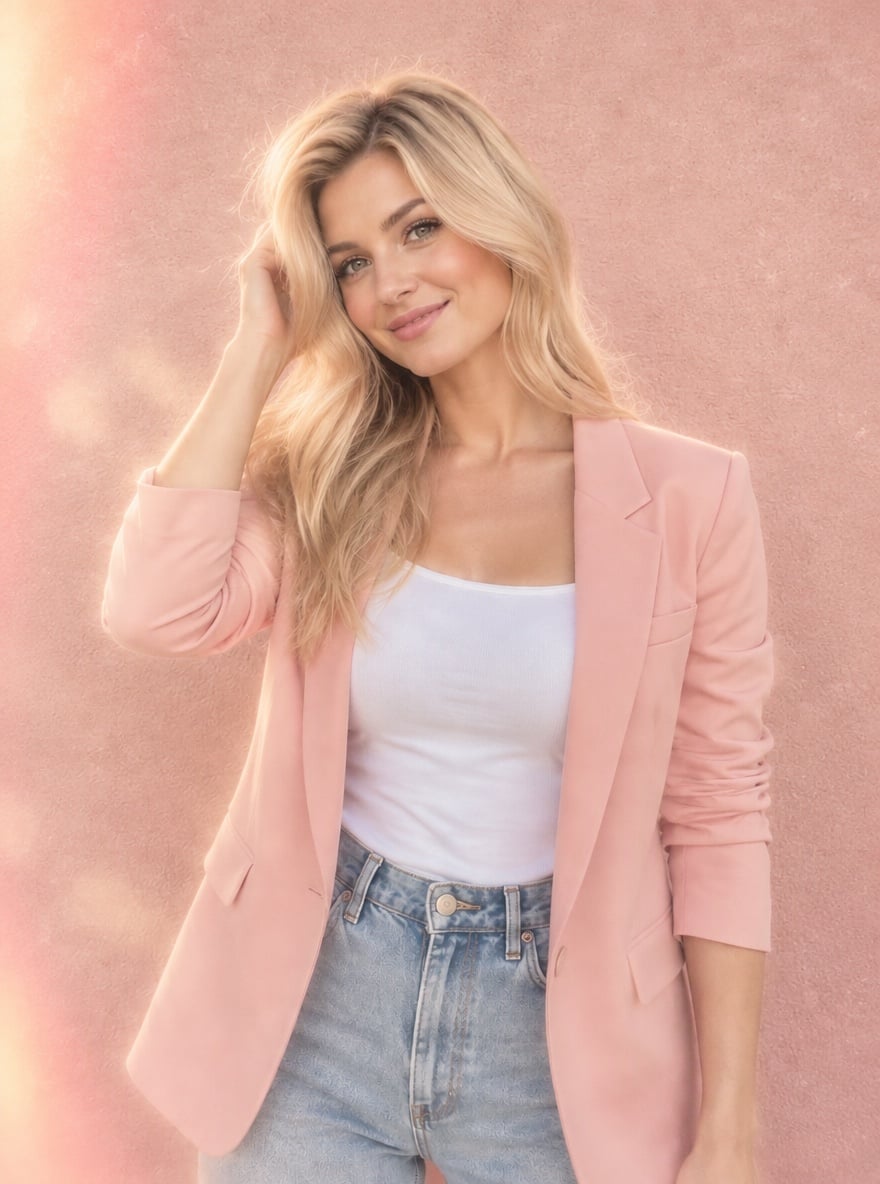
Glittering selfie
Glittering selfie
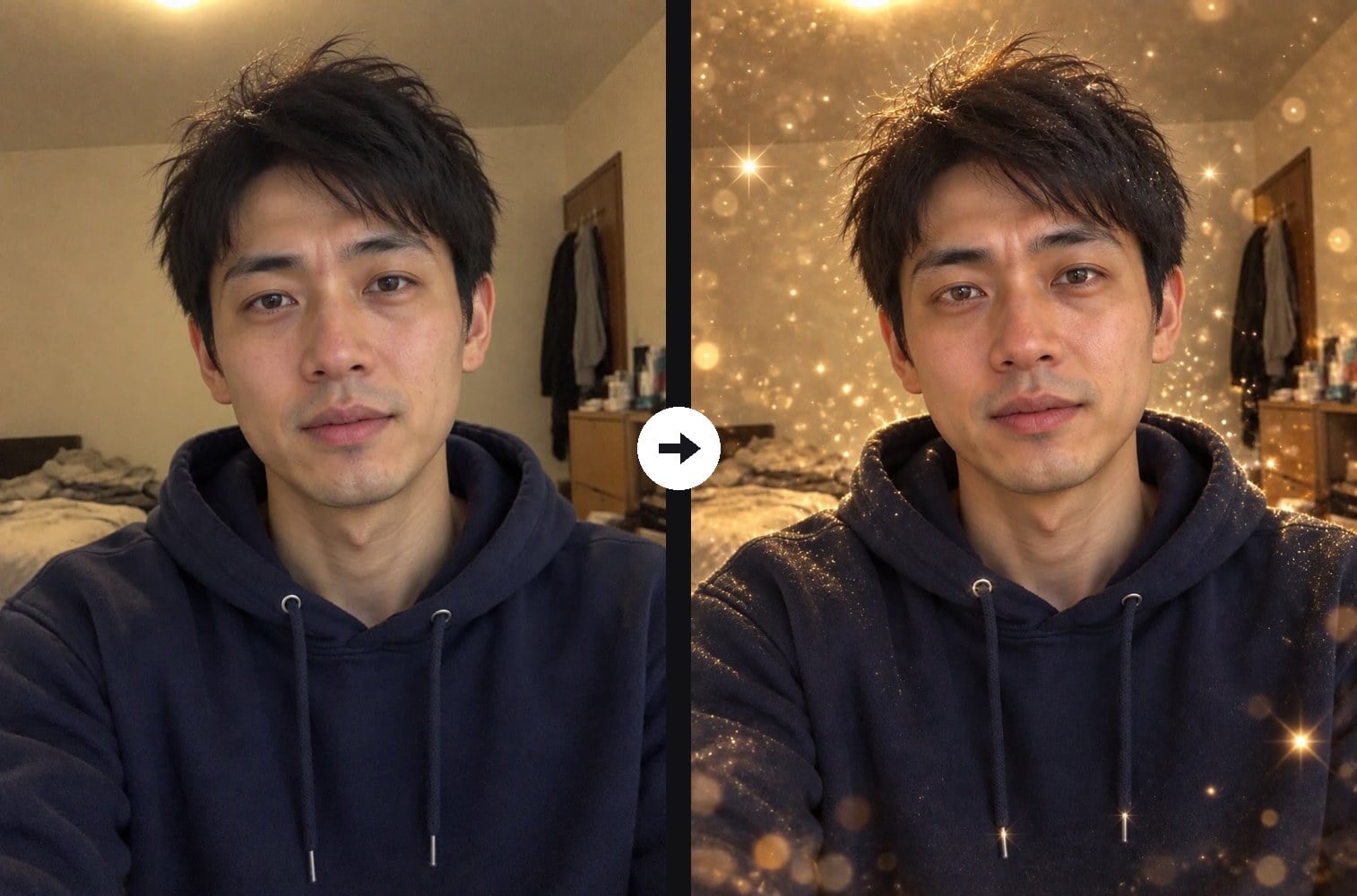
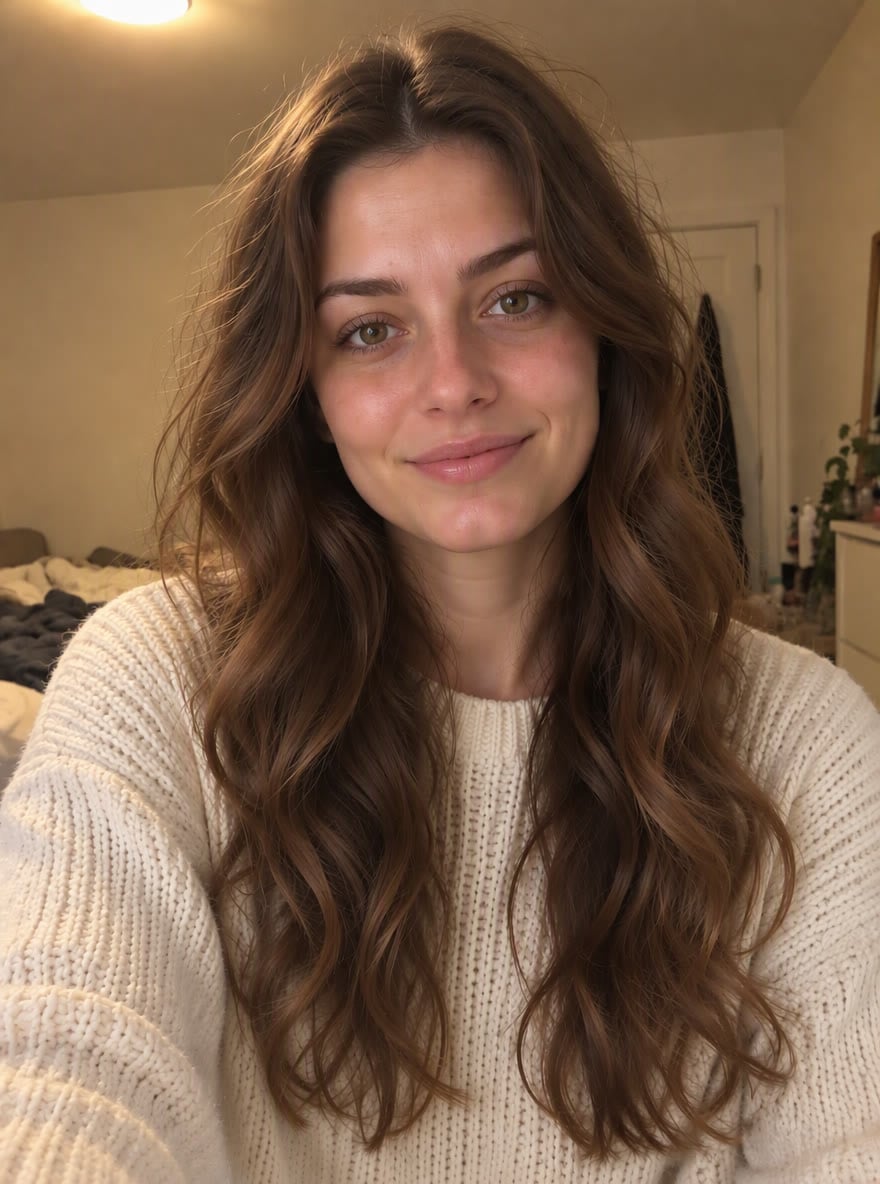
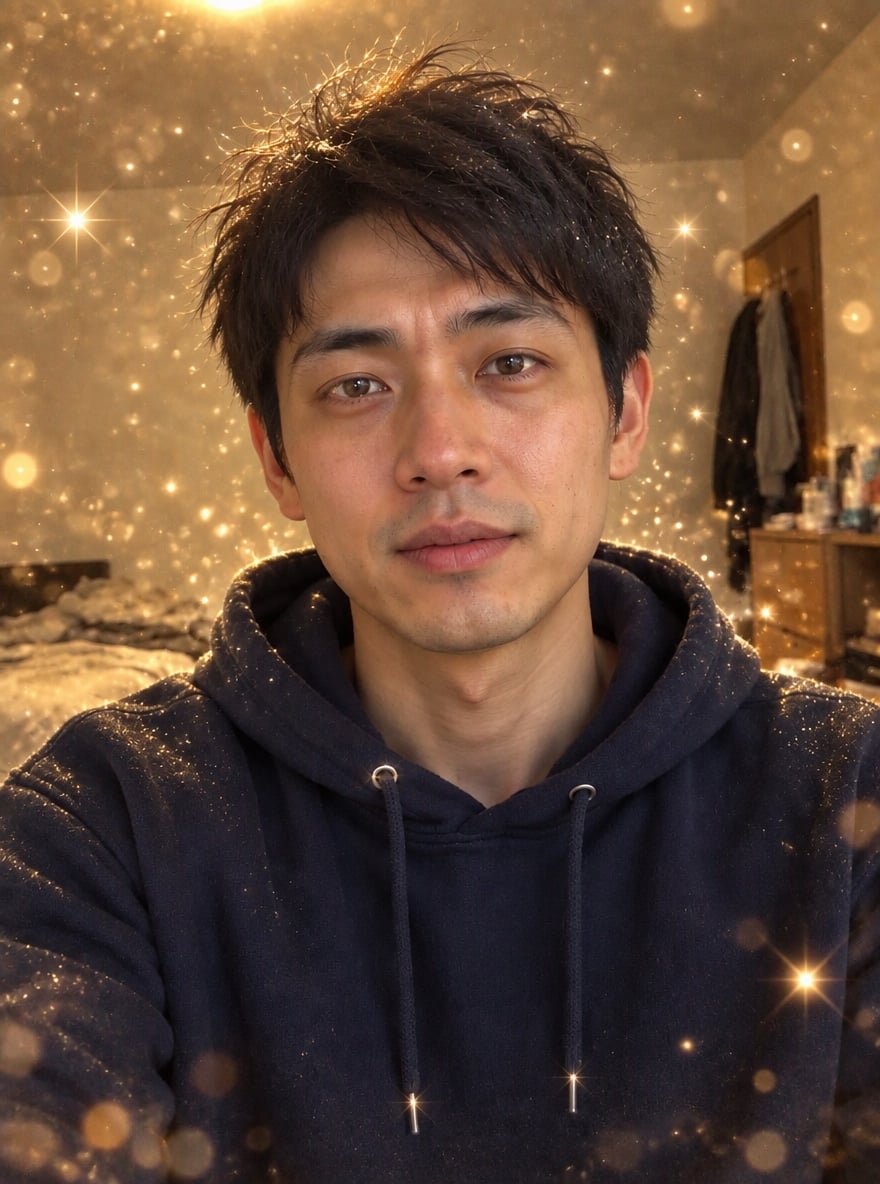
Star glints on a bedroom selfie
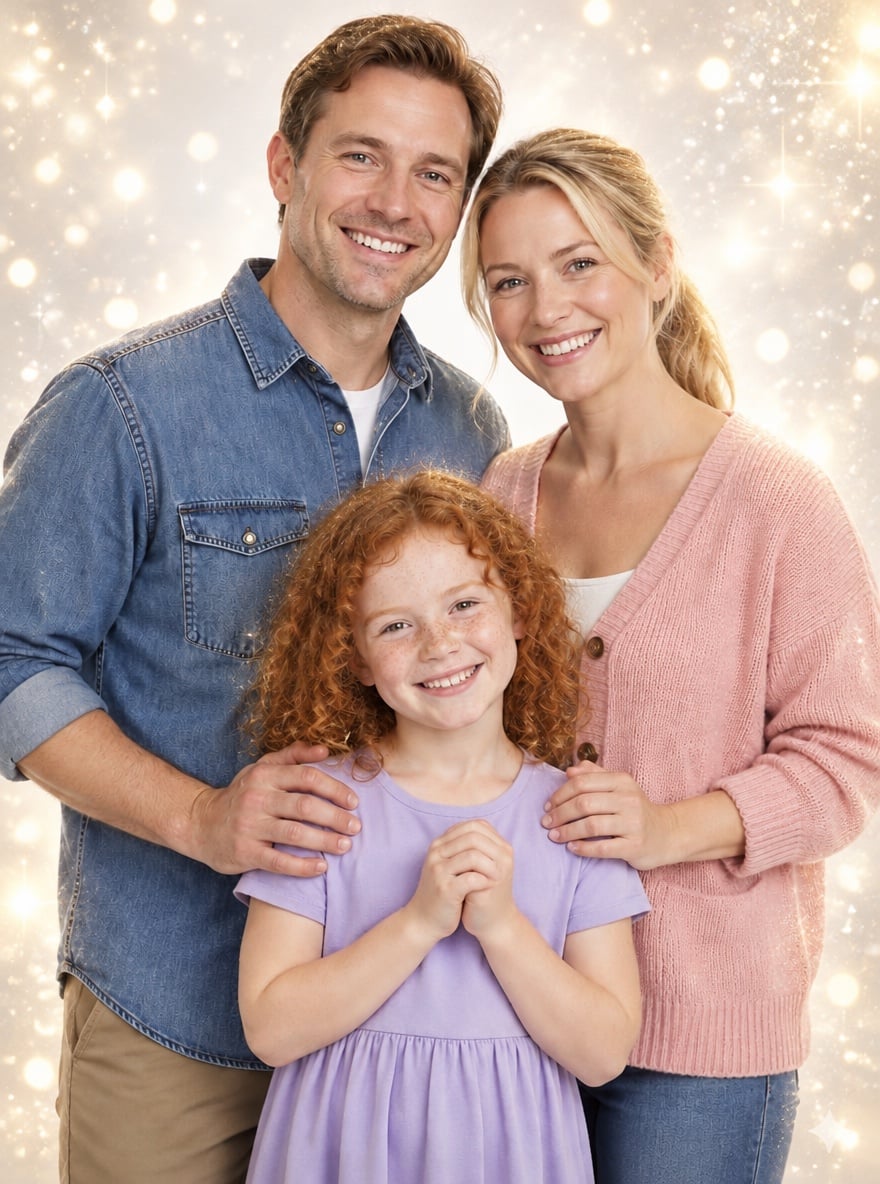
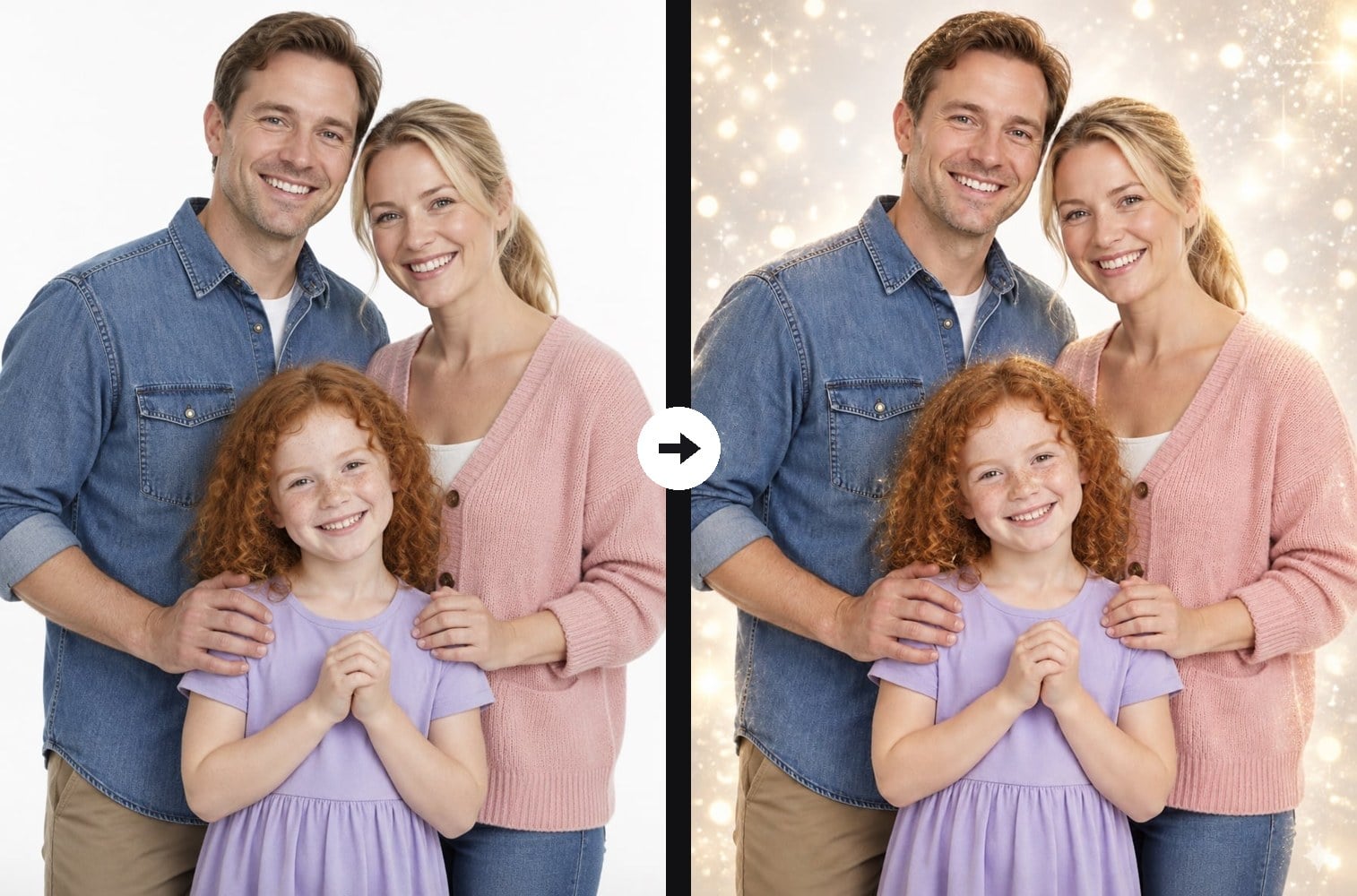
Sparkling family holiday photo
Upload a selfie, makeup photo or holiday picture
Effect prompt
By uploading a file, you agree to GoEnhance's Terms of Use and Privacy Policy

Add Sparkle To Photo: Before and After

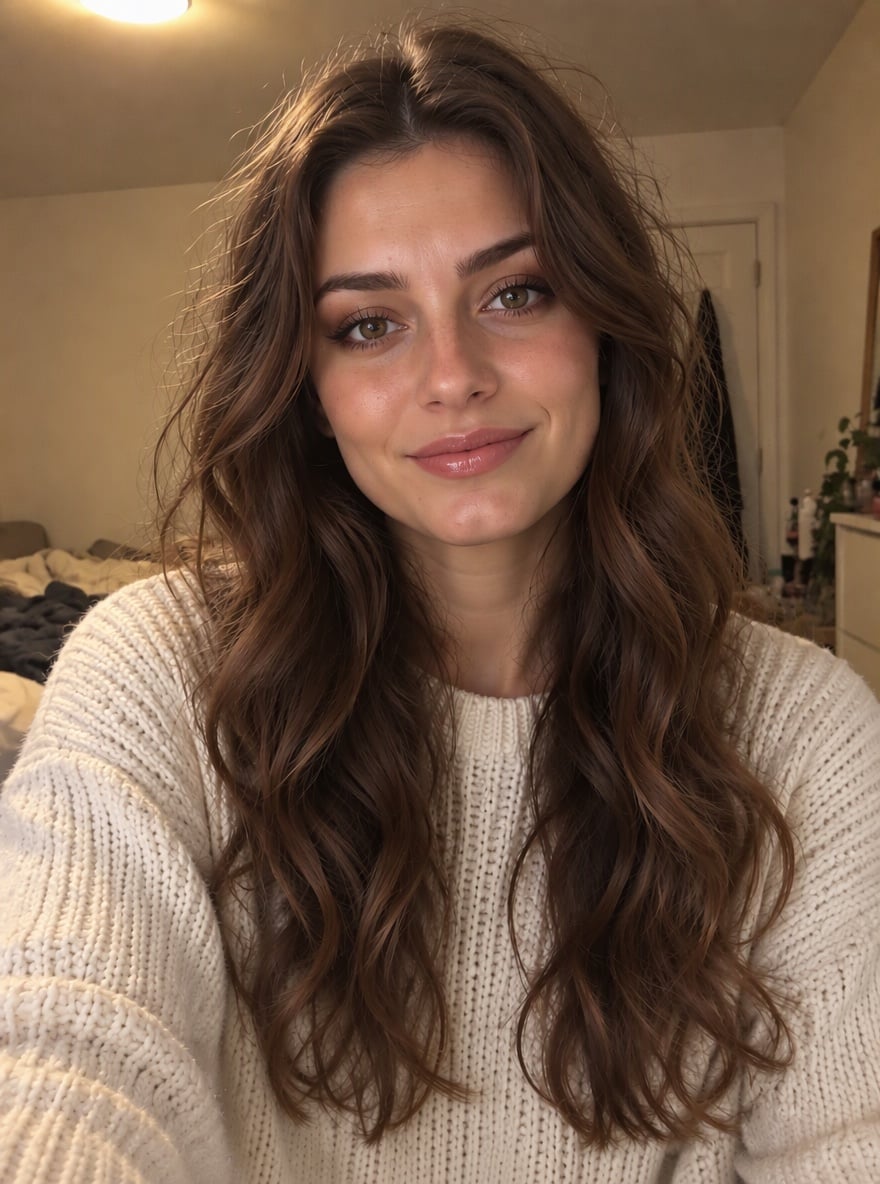
Each result is one upload with the same prompt. Faces, makeup, clothes, poses and framing come from the original photo; only the glitter, star glints, highlights and background bokeh were added.
Sparkly winter makeup look - Add Sparkle To Photo

Sparkly winter makeup look

Glittering selfie - Add Sparkle To Photo

Glittering selfie

Star glints on a bedroom selfie - Add Sparkle To Photo

Star glints on a bedroom selfie

How to Add Sparkle to a Photo

01

Upload your photo

Pick a selfie, a makeup close-up, a party or holiday picture, or a group shot. Clear, well-lit photos give the cleanest sparkle and the sharpest star glints.

02

Keep or edit the prompt

The default prompt adds natural glitter, star glints and soft bokeh. You can type changes, such as only silver sparkles, more glitter in the hair or a pink glow.

03

Generate and share

Press the button, compare the before and after, and download the sparkly version for your story, profile picture, holiday card or group chat.

Why Use This AI Sparkle Effect
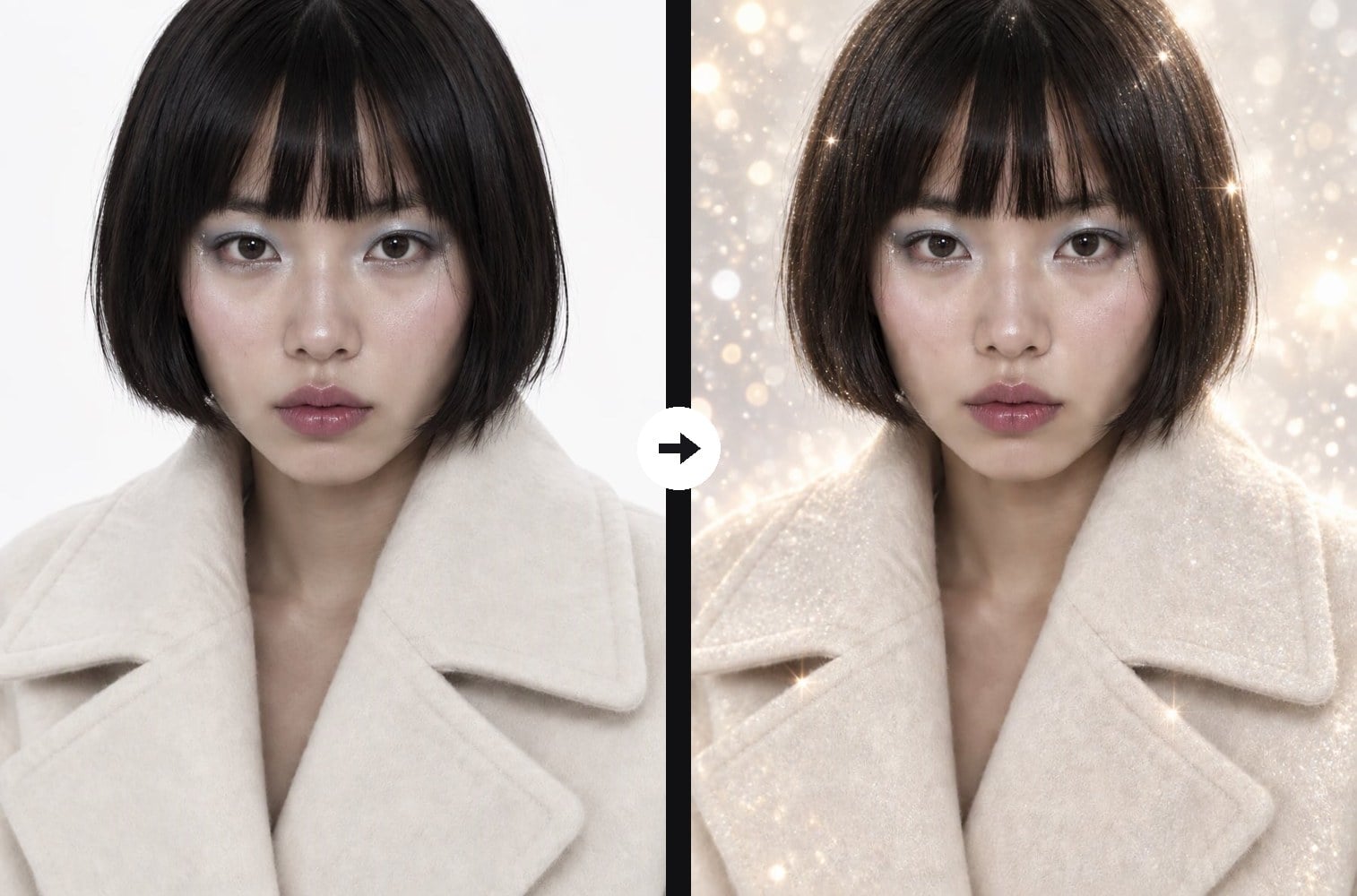
Sparkle that looks like real light

The glitter, star glints and bokeh follow the light in your photo, so they sit on catchlights, jewelry, hair shine and cheekbones the way a camera would catch them. It looks like a dreamy photo taken at the right moment, not a layer of cartoon star stickers.

Sparkle that looks like real light - Add Sparkle To Photo

Your face and makeup stay untouched

There is no beauty filter, face reshaping or new makeup. Your features, skin texture, lipstick, eyeshadow, outfit and pose stay exactly as in the original, so a carefully done makeup look keeps every detail and simply gets more shine.

Your face and makeup stay untouched - Add Sparkle To Photo

Works on selfies, makeup shots and holiday photos

Use it on a quick mirror or arm's-length selfie, a beauty close-up, a party picture or a family Christmas shot. Group photos work too: every person keeps their face, and the sparkle spreads naturally around the whole frame.

Works on selfies, makeup shots and holiday photos - Add Sparkle To Photo

Free to try, made for social posts

New accounts get free credits, so your first sparkly photo costs nothing. The result is ready for Instagram stories, TikTok covers, profile pictures, holiday cards and New Year posts without any extra editing.

Free to try, made for social posts - Add Sparkle To Photo

Add Sparkle To Photo FAQ

Is adding sparkle to a photo free?

New accounts get free credits, so you can try the effect without paying. After that, each image uses a small number of credits.

Will it change my face or makeup?

No. The prompt keeps your face, skin texture, makeup, outfit, pose and framing as they are and only adds glitter, star glints, highlights and bokeh. The sparkles are kept away from your eyes, nose and mouth.

Can I choose the color of the sparkles?

Yes. Edit the prompt to ask for silver only, rose gold, pink, icy blue or more golden glitter, then generate again.

Does it work on group and holiday photos?

Yes. Family, friends and party photos all work. Each face stays the same, and the sparkle and bokeh are spread across the whole picture so it looks like one festive moment.

What if I want to change the whole mood of the photo?

This effect only adds light. To change the overall colors and vibe of a picture, try our aesthetic filter.

Which photos work best?

Clear, well-lit portraits, makeup close-ups and party shots work best. Very dark, blurry or tiny-face photos give fewer visible star glints.

Ready to Make Your Photo Shine?

Upload a selfie, makeup look or holiday picture and get a sparkly version in under a minute.

Add Sparkle Now