Kling Image 4.0 AI Image Generator

Kling AI has announced Kling Image 4.0 as "coming soon" — a sharper, more realistic image model built to sit alongside Kling 4.0 video. It is not released yet; GoEnhance will add it as soon as it is available. Until then, you can create and edit images with Kling O1 Image in the console below.

Character Consistency (Kling O1 sample)
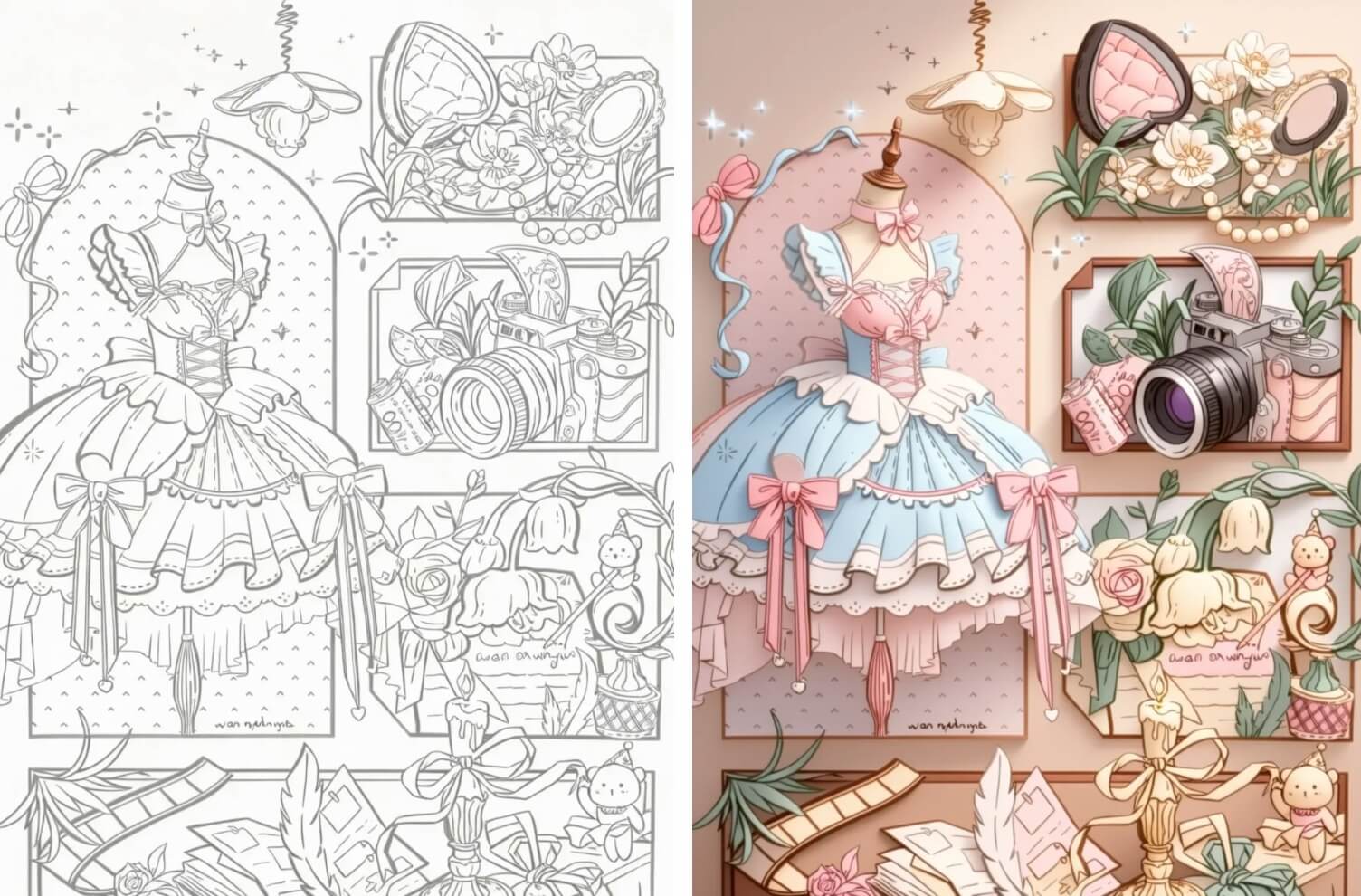
Precise Local Editing (Kling O1 sample)

Full-Scene Restyle (Kling O1 sample)
Kling O1
Prompt
Example prompts
Opens the GoEnhance editor with this model and prompt ready.

What to Expect from Kling Image 4.0
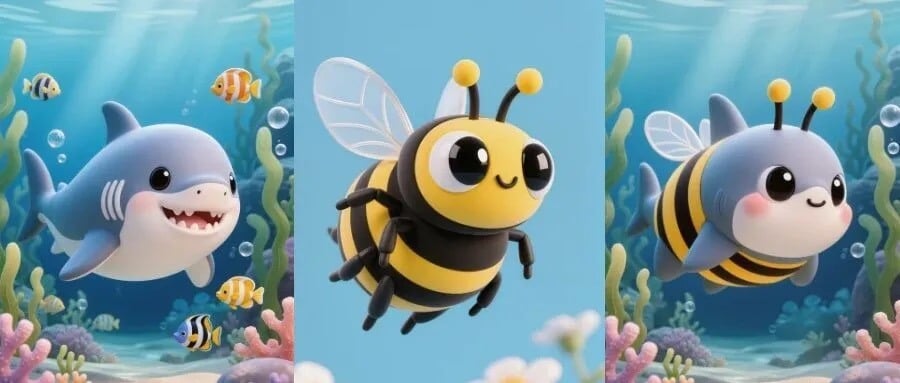
Photoreal Detail

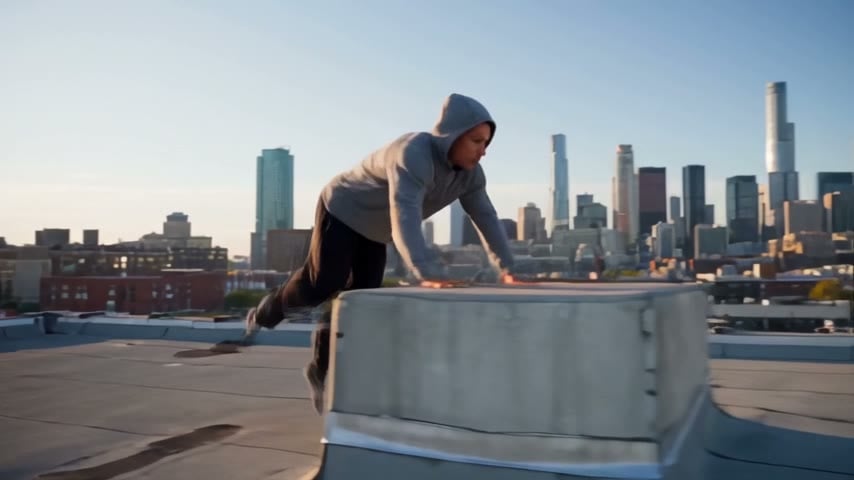
Kling's teaser promises "stunningly realistic, sharp, precise" images — skin texture, light and fine detail are the headline. Sample shown was made with Kling O1 Image.

Photoreal Detail

Multi-Reference Consistency

Early pre-launch listings report support for many reference images in one prompt, to keep a character or product consistent. Not yet confirmed by Kling. Sample: Kling O1 Image.

Multi-Reference Consistency

First Frames for Kling 4.0 Video

Kling Image 4.0 is positioned as the still-image partner to Kling 4.0: design a first frame, last frame or keyframes, then animate them. Sample: Kling O1 Image.

First Frames for Kling 4.0 Video

Series & Campaign Ready

Build a consistent set of visuals for ads, storyboards and social posts. We will replace these Kling O1 samples with real Kling Image 4.0 outputs on launch day.

Series & Campaign Ready

What You Can Do on GoEnhance Today

Edit images with Kling O1

Change outfits, backgrounds or style with a plain-language instruction while keeping the subject recognisable.

Use reference images

Upload up to 4 reference images in Kling O1 on GoEnhance to keep a character, product or scene consistent.

Animate with Kling 4.0

Turn your still into a 30-second clip with native audio using Kling 4.0 video on GoEnhance.

Switch when 4.0 lands

This page and its console will move to Kling Image 4.0 as soon as it is released and available on GoEnhance.

Kling Image 4.0 vs Kling O1 Image

Kling Image 4.0Kling O1 Image
StatusAnnounced as coming soon (Nov 16, 2026)Released
Available on GoEnhanceNot yet — coming after launchYes, image-to-image
FocusRealism, sharpness, precision (per Kling's teaser)Instruction-based editing and consistency
Max resolutionReported up to 4K — awaiting confirmationHigh-resolution export
Reference imagesReported up to 10 — awaiting confirmationUp to 4 on GoEnhance
Pairs with Kling 4.0 videoYes, positioned as its image companionYes, as a first frame
APINot announced—
PricingNot announced12 credits per image (members)

How to Get Started Before Kling Image 4.0 Launches

01

Open the console

Use the console above — it runs Kling O1 Image today.

02

Upload references

Add up to 4 images of your character, product or scene.

03

Describe the change

Write what to keep and what to change: outfit, background, lighting, style.

04

Generate and animate

Download your image or send it to Kling 4.0 to make a video. We will switch this page to Kling Image 4.0 when it's out.

Kling Image 4.0 FAQ

Is Kling Image 4.0 released?

Not yet. Kling AI announced it as "coming soon" on November 16, 2026, without a release date. This page will be updated when it launches.

When will Kling Image 4.0 be available on GoEnhance?

We plan to add it as soon as it is released and available to integrate. Until then, the console on this page uses Kling O1 Image.

What is the difference between Kling Image 4.0 and Kling O1 Image?

Kling O1 Image is Kling's instruction-based image editor and is available today. Kling Image 4.0 is the next-generation model, which Kling describes as more realistic, sharper and more precise. Full specs have not been published.

Will Kling Image 4.0 support 4K and multiple reference images?

Pre-launch listings from third parties report 4K output and up to 10 reference images, but Kling has not confirmed these specs. We will update this answer with official details.

Is there a Kling Image 4.0 API?

No API has been announced yet. Once Kling publishes one and we integrate it, Kling Image 4.0 will be available on GoEnhance.

How much will Kling Image 4.0 cost?

Pricing has not been announced. On GoEnhance, Kling O1 Image currently costs 12 credits per image for members.

Can I use it to make Kling 4.0 videos?

Yes — that is what it is designed for. You can already create a still with Kling O1 and animate it with Kling 4.0 on GoEnhance.

Where do the specs on this page come from?
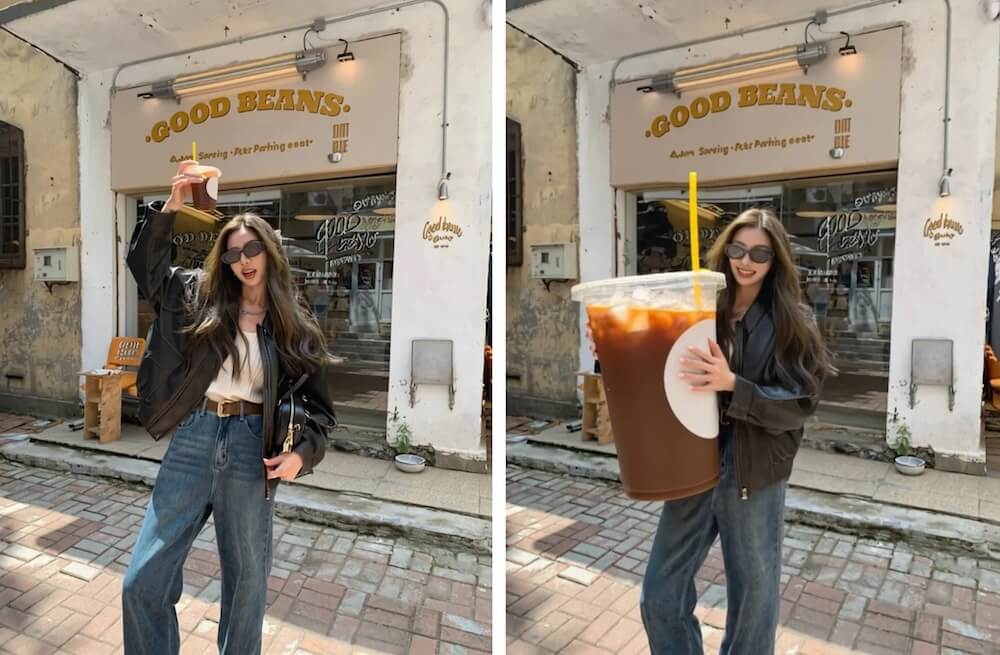
Release status comes from Kling AI's official announcement. Anything marked "reported" or "awaiting confirmation" comes from pre-launch listings and may change. Sample images on this page were made with Kling O1 Image.

Start with Kling O1 Today, Switch to Kling Image 4.0 at Launch

Create and edit images with Kling O1 Image on GoEnhance now, then animate them with Kling 4.0.

Try Kling O1 Image