goenhance logo

Kling O1 Image – Unified AI Image Model
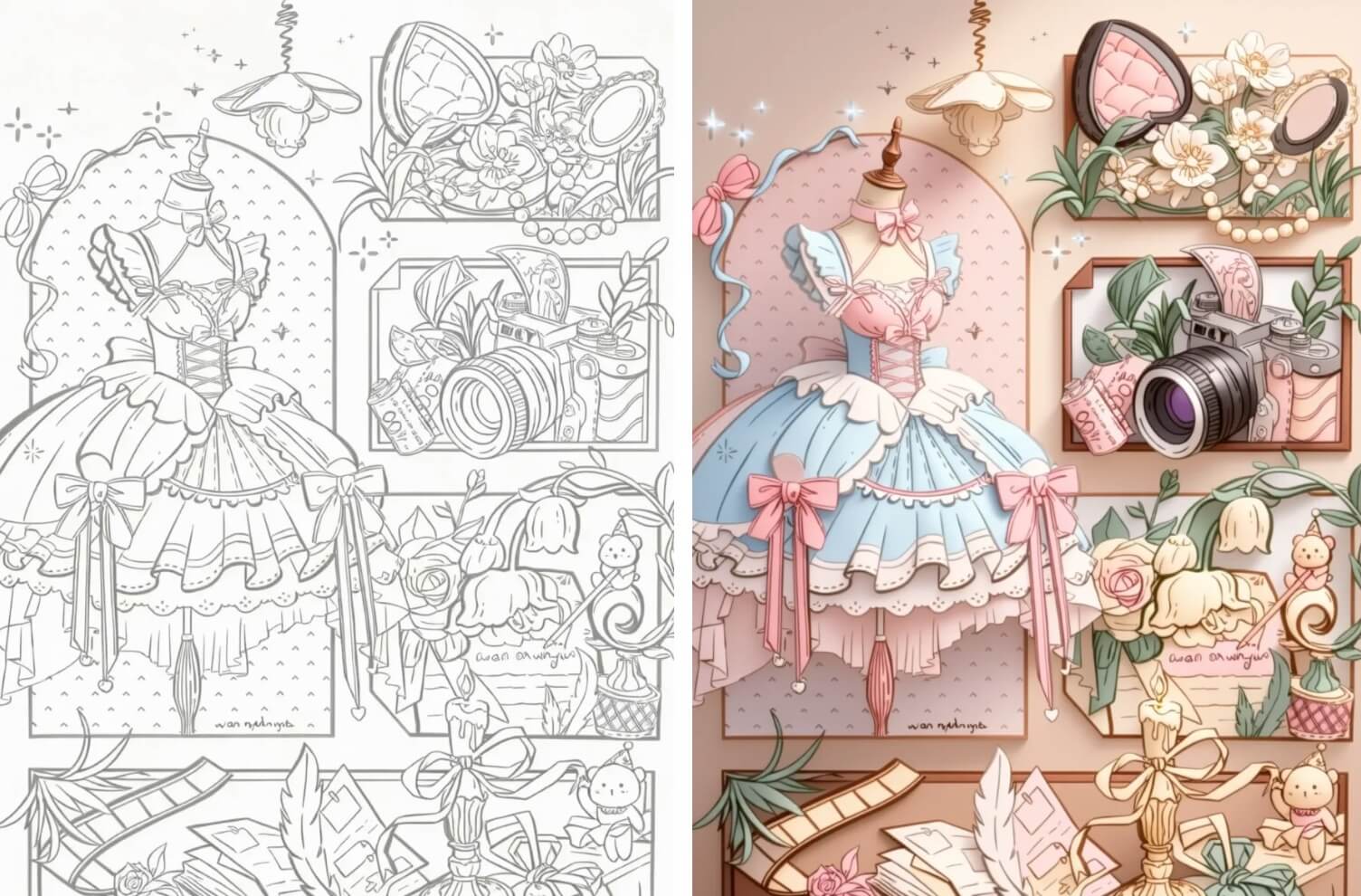
Kling O1 Image (Kling Omni Image O1) is Kuaishou’s multi-modal image model built with MVL technology. It combines text prompts and multi-image references to deliver consistent characters, precise edits, and production-ready visuals.Use it on GoEnhance AI to generate new images, restyle existing shots, and run complex multi-image fusions in a single, natural-language workflow.
Try Kling O1 Image Free

Key Features of Kling O1 Image Generator
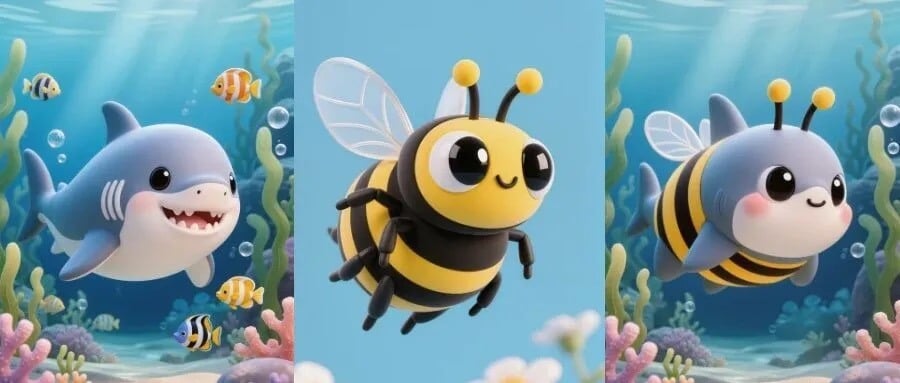
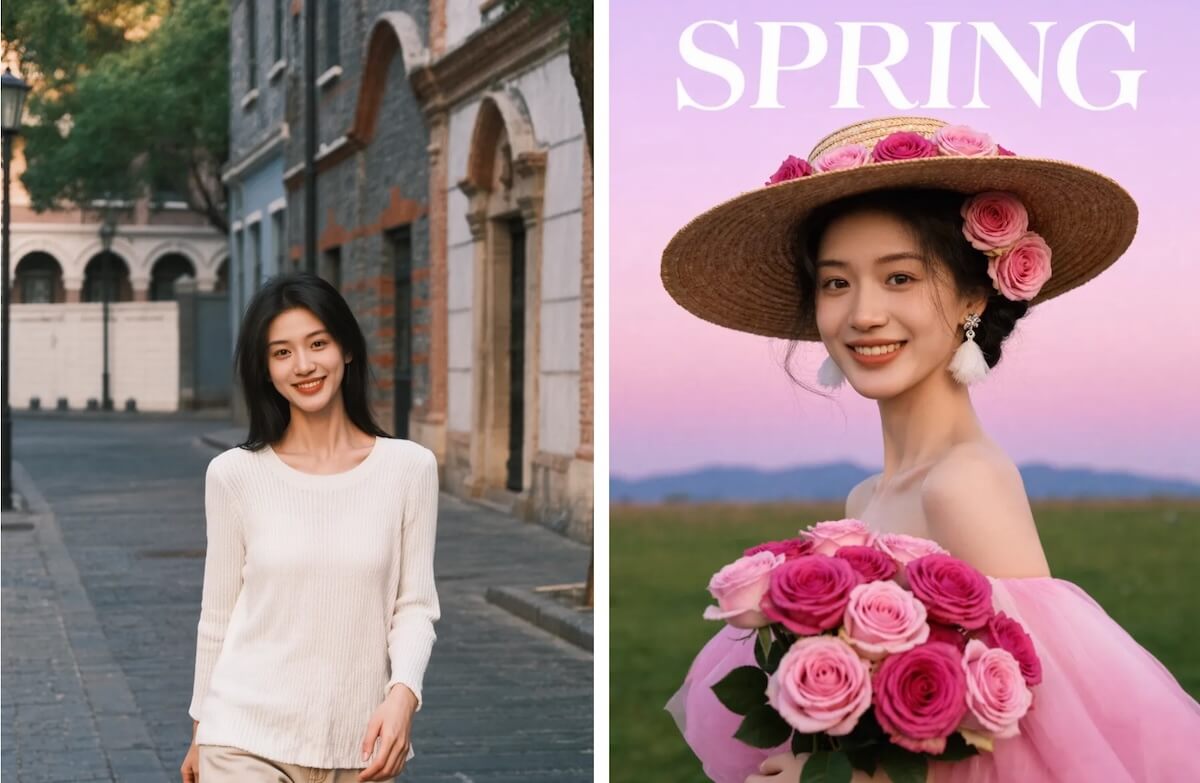
Up to 10-Image Character Consistency

Upload up to 10 reference images of the same subject and keep the character’s face, hairstyle, outfit, and color tone consistent across an entire series—perfect for IPs, comics, VTubers, and brand mascots.

Multiple references used to keep a character consistent across images

Pixel-Precise Local Editing

Add, remove, or modify objects and characters using plain language. Change clothes, swap backgrounds, remove bystanders, adjust expressions, or tweak props while keeping lighting and style perfectly matched.

Local edits on objects and people inside a photo

Full-Scene Style Control

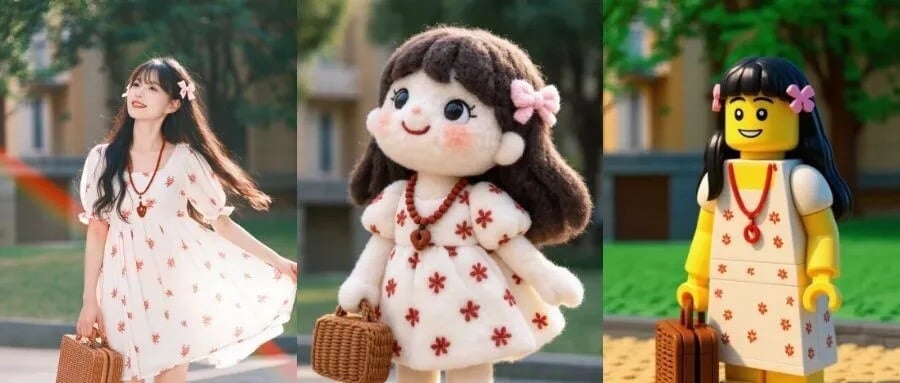
Turn photos into anime, oil painting, LEGO, felt, cyberpunk, or any custom style. Use example images to precisely transfer color palettes, brushwork, and lighting across entire image sets.

Style transfer and full-scene restyling examples

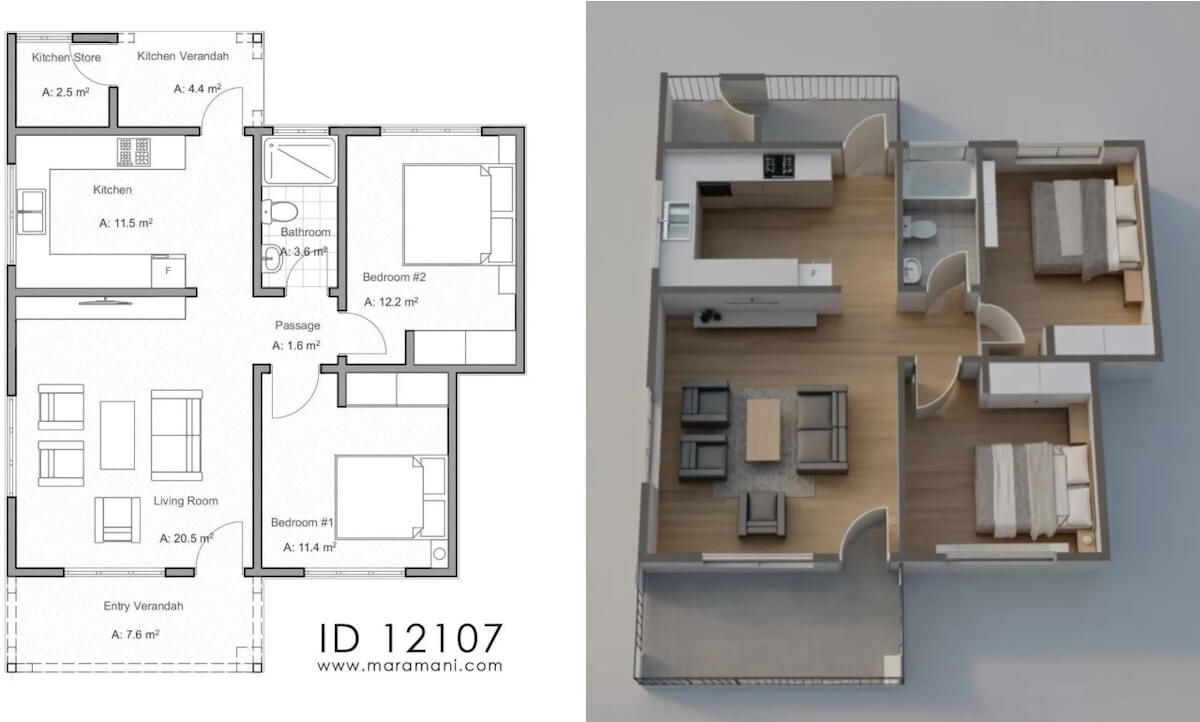
Multi-Image Fusion & Composition

Combine multiple characters, products, and environments from different images into one coherent scene. Kling O1 Image analyzes shape, pose, and lighting so complex compositions still look natural.

Multi-subject fusion and composition in one coherent image

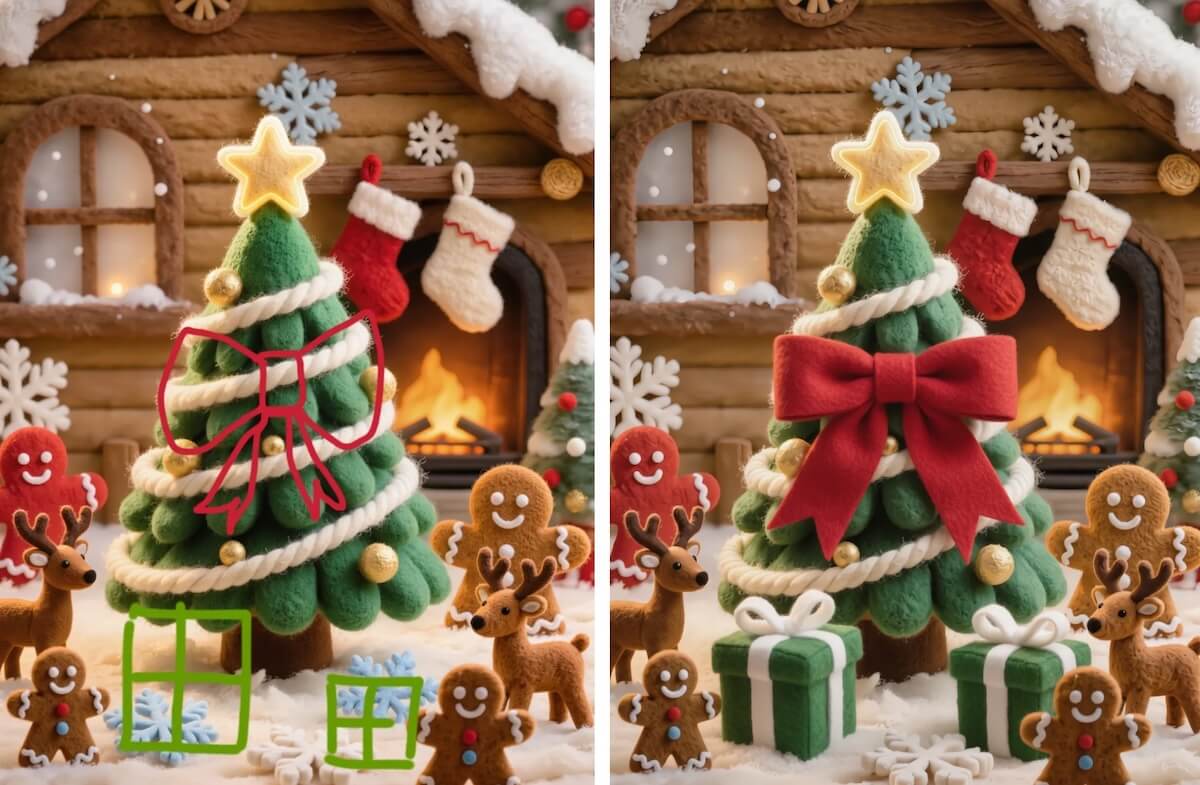
Guided Edits with Doodles & Arrows

Roughly sketch shapes, draw arrows, or highlight regions you want to change. Kling O1 Image understands your intent and completes the final image with clean, realistic detail.

Guided editing using arrows, masks, and doodles

Series & Workflow Ready

Design entire character packs, manga panels, lookbooks, or product campaigns with unified style and branding. Kling O1 Image keeps the core identity stable while you vary poses, scenes, and moods.

Storyboard and campaign-ready assets generated in batches

How to Use Kling O1 Image on GoEnhance

01

Choose Your Mode & Inputs

Select text-to-image or image-to-image. Upload up to 10 reference images of your character, product, or scene—or start from a blank prompt if you’re creating something from scratch.

02

Describe Changes in Natural Language

Write what you want to generate or modify: outfits, background, weather, style, camera angle, color tone, and more. Optionally sketch, highlight, or mark regions that should be edited.

03

Refine, Iterate & Export

Make multi-round edits until everything matches your idea: tweak details, adjust composition, or restyle the entire image series. Then export in high resolution for social posts, campaigns, comics, or client work.

Feature-consistent IPs, pro-level edits, and flexible style control in one model

Why Choose Kling O1 Image on GoEnhance?

Series-Ready Character Consistency

Lock in a character or product look once and reuse it across dozens of images. Kling O1 Image keeps outlines, key facial features, and main colors aligned, even when you change poses, scenes, or camera angles.

Professional-Grade Editing Without Masking

Skip manual masking, roto, or complex layers. Simply describe what to add, delete, or modify, and Kling O1 Image performs localized edits while preserving the rest of the frame.

Full-Stack Style & Lighting Control

Precisely manage art direction—vibe, color palette, grain, contrast, and lighting. Use one or more reference images to maintain a unified style across posters, thumbnails, and storyboards.

MVL: Text + Image Reasoning in One Engine

Thanks to multi-modal visual language (MVL), Kling O1 Image understands both your natural-language prompt and visual references, making complex instructions feel as easy as talking to a designer.

From Zero to Final Asset in One Tool

Generate, edit, restyle, and expand images within the same workflow—no app-hopping. Move from idea to final creative faster, whether you’re designing campaigns or building an IP universe.

Deep Integration with GoEnhance Workflows

Combine Kling O1 Image with GoEnhance AI’s video, animation, and face tools. Reuse the same characters and styles across images, storyboards, and AI videos to build complete multimedia projects.

Frequently Asked Questions

Try Kling O1 Image on GoEnhance AI

Turn ideas, sketches, and reference images into consistent, production-ready visuals. Use Kling O1 Image on GoEnhance AI to build characters, campaigns, and entire visual worlds—with pro-level control and minimal manual editing.

Start Creating with Kling O1 Image