Getimg AI Image Generator

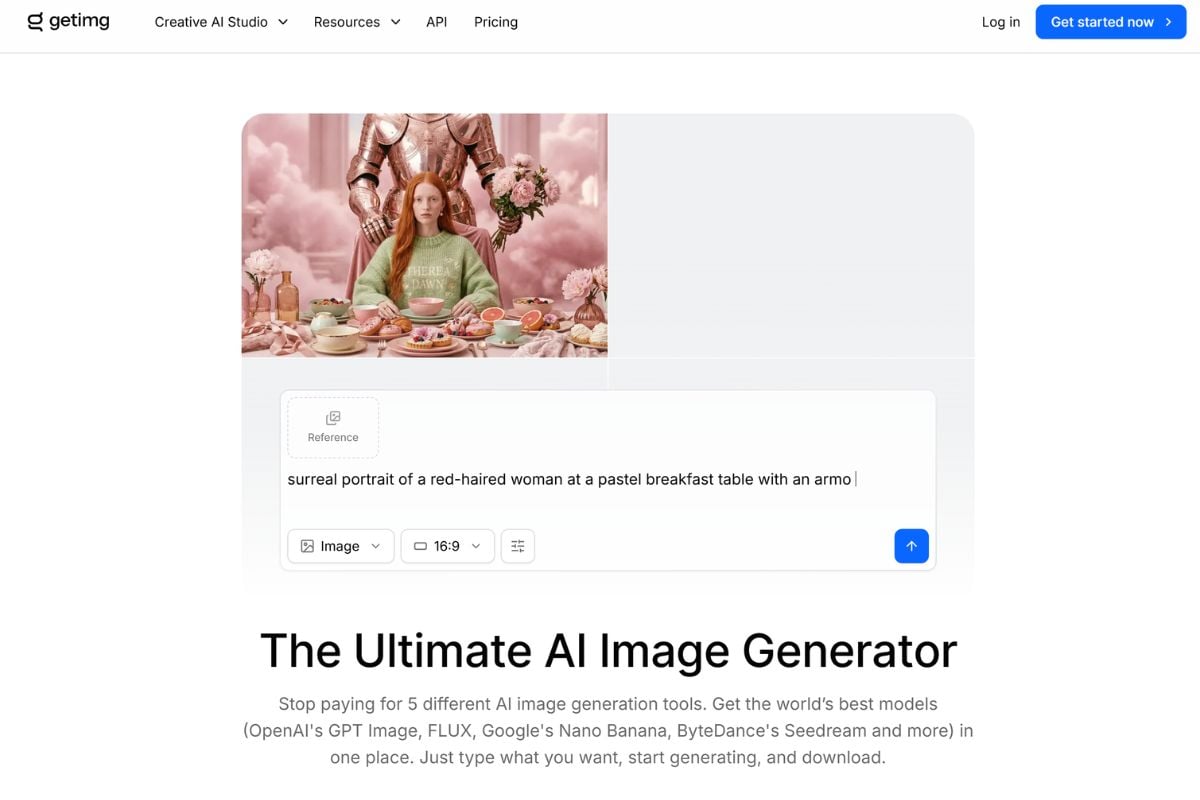
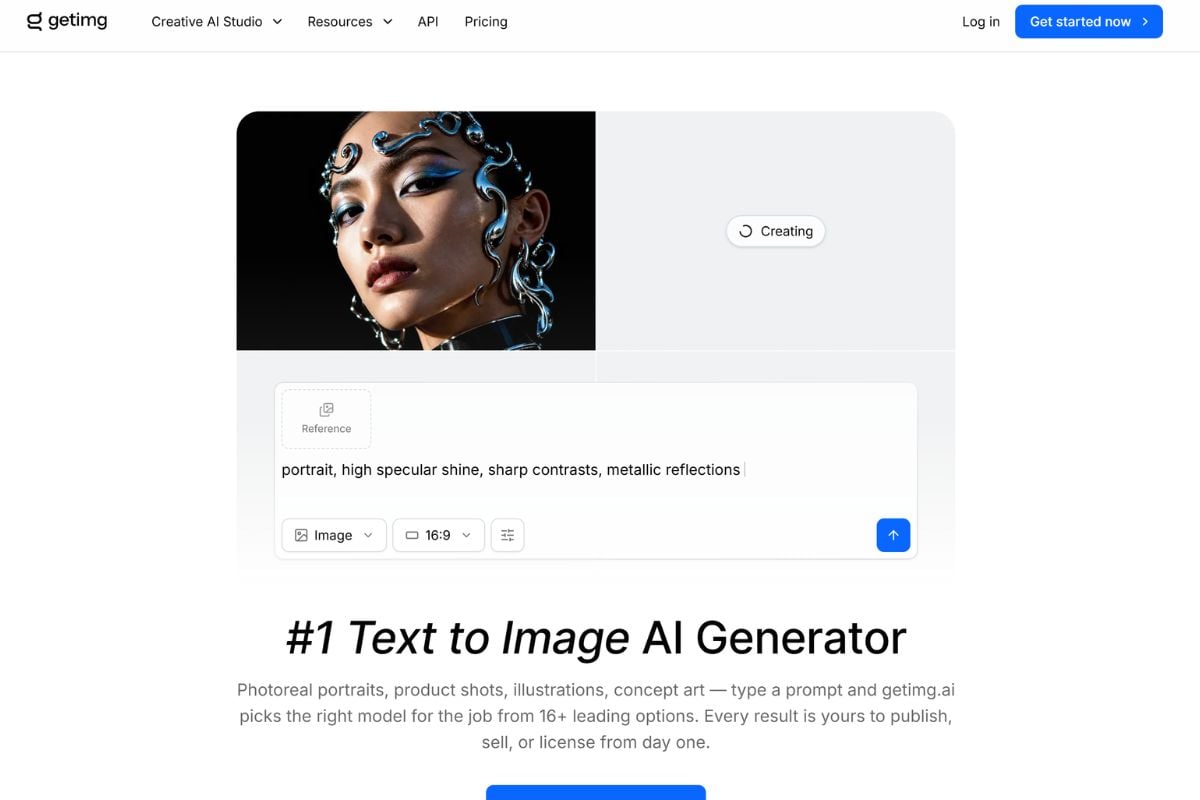
Getimg AI is an all-in-one creative platform for generating and editing images, creating videos from text or still images, producing audio, and organizing assets in a shared workspace. It provides access to leading AI models while reducing the need to manually research which model best fits each creative task.

Start Creating

Why Creators Use Getimg AI

Move From One Creative Brief to Multiple Media Formats

Getimg AI keeps image generation, image to image AI, image editing, text-to-video, image-to-video, music, speech, and supporting creative tools inside one workspace. That makes it easier to start with a still visual and continue into motion or other campaign assets without rebuilding the idea across disconnected tools.

Spend Less Time Choosing Models Before You Create

Getimg AI provides access to a broad catalog of image and video models and increasingly emphasizes automatic model selection. Instead of requiring users to understand every model family first, the workflow is designed to match a suitable model to the task while still supporting direct model choice when needed.

Keep Characters and Brand Details More Consistent

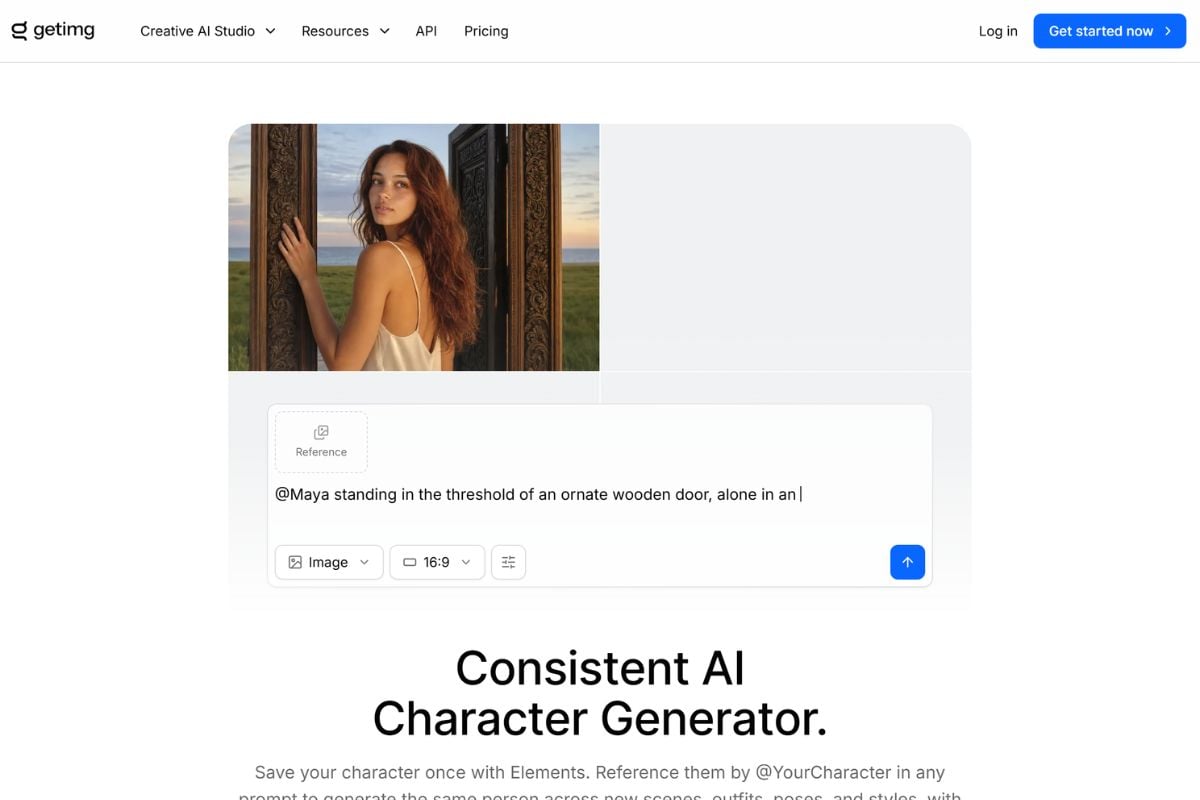
Image references and reusable Elements help anchor a face, product, composition, palette, or visual style across multiple generations. This is especially useful for campaign assets, recurring characters, ecommerce visuals, and teams that need a recognizable visual direction instead of unrelated one-off outputs.

How to Use Getimg AI

01

Choose What You Want to Create

Start with image generation, image editing, video generation, or another available workflow. Add a reference image when you want to preserve a subject, product, composition, or style.

02

Describe the Result and Set the Direction

Write the prompt in natural language, choose a model when you want direct control, or use the platform's automatic model selection. Adjust format, references, motion, or other settings available for the chosen workflow.

03

Generate, Review, and Continue Editing

Create the result, compare variations, then refine it with editing, resizing, upscaling, background tools, or video generation. Strong still images can also become the starting frame for a Getimg AI image to video workflow.

Getimg AI vs Other Creative AI Platforms

PlatformCore StrengthCreative RangeBest Fit
Getimg AIAll-in-one creative workspace with automatic model selection, references, editing, and team-oriented productionImage generation, image editing, text-to-video, image-to-video, audio, upscaling, resizing, backgrounds, and API workflowsCreators and teams that want multiple media-generation tasks in one workspace
GoEnhance AIImage and video generation combined with specialized animation, transformation, and creative video workflowsText-to-image, image-to-image, image-to-video, AI video generation, video transformation, character animation, and creative effectsCreators who want to move from generated assets into animation and transformation-heavy video workflows
Leonardo AIImage-first creative asset generation with strong visual controls and production-oriented workflowsConcept art, characters, illustrations, game assets, product visuals, and image editingArtists and teams focused primarily on producing and refining still visual assets
RunwayVideo-first generative production and creative filmmaking workflowsText-to-video, image-to-video, video transformation, editing, and production toolsFilmmakers and video creators who prioritize motion and production controls over image-first asset creation
Getimg AI already covers a broad creative range. GoEnhance becomes more distinctive when the project leans heavily into animation, restyling, and turning existing visual assets into new motion content.

Where GoEnhance AI Goes Further for Transformation Workflows

Turn Finished Images Into Motion-First Content

When a still image is already approved, GoEnhance makes it easy to continue through <a href='/image-to-video'>image to video</a> workflows and test different motion directions without rebuilding the source visual.

Explore More Specialized Video Transformation

GoEnhance places more emphasis on transforming existing video into new visual styles and animated formats, which is useful when the goal is not just generation but a noticeable creative reinterpretation of footage.

Push Characters Into Animation Workflows

Character images, portraits, and stylized artwork can become the starting point for animation-focused outputs, helping creators reuse strong visual identities across still and motion formats.

Compare Different Video Directions From One Asset

A single product shot, illustration, or character image can move through different AI video generator workflows, making it easier to test motion styles before committing to one production direction.

Restyle Existing Content Instead of Rebuilding It

GoEnhance is useful when the starting material already exists and the main goal is transformation. That includes changing the visual language of footage, creating animated versions, or turning familiar assets into new creative formats.

Build More Social-Ready Variations From the Same Idea

Creators can take one successful image or clip and continue developing variations for short-form video, stylized animation, campaign experiments, and other motion-led formats without abandoning the original concept.

Getimg AI Discussions on Reddit

Frequently Asked Questions

Getimg AI FAQ

What is Getimg AI?

Getimg AI is an all-in-one AI creative platform for generating and editing images and videos, creating audio, working with reference images, and organizing creative assets. Its current platform combines multiple AI models with automatic model selection and team-oriented workflows.

How to use Getimg AI?

Choose an image, video, or editing workflow, describe what you want in natural language, add reference images when useful, and generate. You can then refine the result with editing, resizing, upscaling, background tools, or video generation. The platform also lets you select a specific model when you want more direct control.

Is Getimg AI free?

No. Getimg AI's current main web platform does not offer a free plan. Its official pricing currently starts with the Entry plan at $10 per month, or $8 per month when billed annually, with 3,000 credits per month. Pricing and model access can change, so check the live pricing page before choosing a plan.

Is Getimg AI safe?

Getimg AI publishes a privacy policy, terms of service, and use restrictions, and its privacy policy states that personal data is not sold. It also describes SSL/TLS encryption for data in transit and recognizes GDPR and CCPA privacy rights. No online AI service is risk-free, so avoid uploading highly sensitive media and review the current privacy and usage policies before processing personal or confidential material.

What is the Getimg AI image generator?

The Getimg AI image generator creates visuals from text prompts and reference images using multiple supported image models. Image References and reusable Elements can help preserve characters, styles, products, or brand details across a series of outputs.

Does Getimg AI support image to video?

Yes. Getimg AI image to video lets you upload a still image as the first frame, describe the motion, and generate a video with models such as Kling, Seedance, Google Veo, Sora, MiniMax, and others. Supported models can also use last frames or additional reference images for tighter control. The current image-to-video tool is available on paid plans.

Can Getimg AI keep characters or styles consistent?

Yes. Getimg AI supports image references and Elements that can anchor a face, product, style, composition, or visual palette and reuse that reference across later generations.

Can I use Getimg AI commercially?

Yes, commercial rights are included with Getimg AI's paid plans, subject to the platform's use restrictions and any third-party rights that apply to your prompts, reference images, brands, people, or source material.

How is Getimg AI different from GoEnhance AI?

Getimg AI is positioned as a broad all-in-one creative workspace spanning image, video, audio, editing, and team workflows. GoEnhance AI overlaps in image and video generation but places more emphasis on animation, video transformation, and turning existing assets into new stylized or motion-based content.

Turn Your Next Visual Into More With GoEnhance AI

Generate an image, transform a reference, animate a finished visual, or continue into broader AI video workflows with GoEnhance AI.

Start Creating