Real Estate Image Enhancer for Sharper Listing Photos
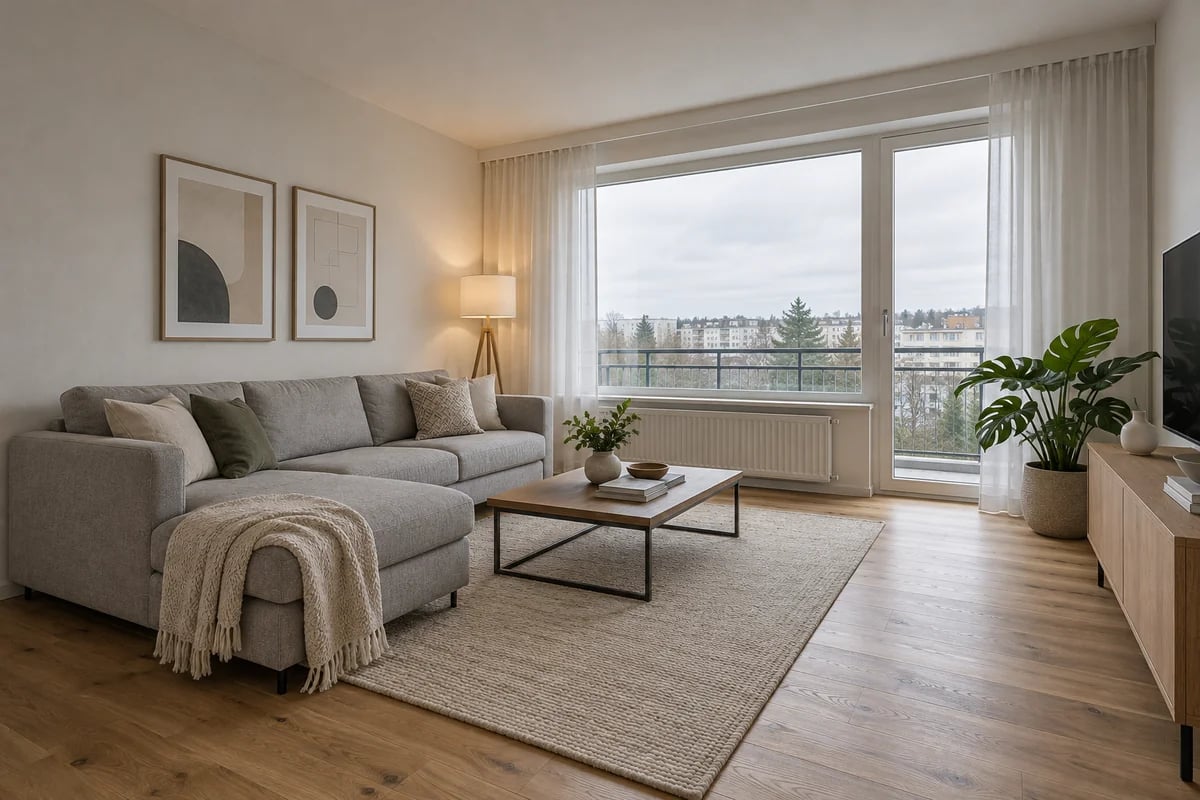
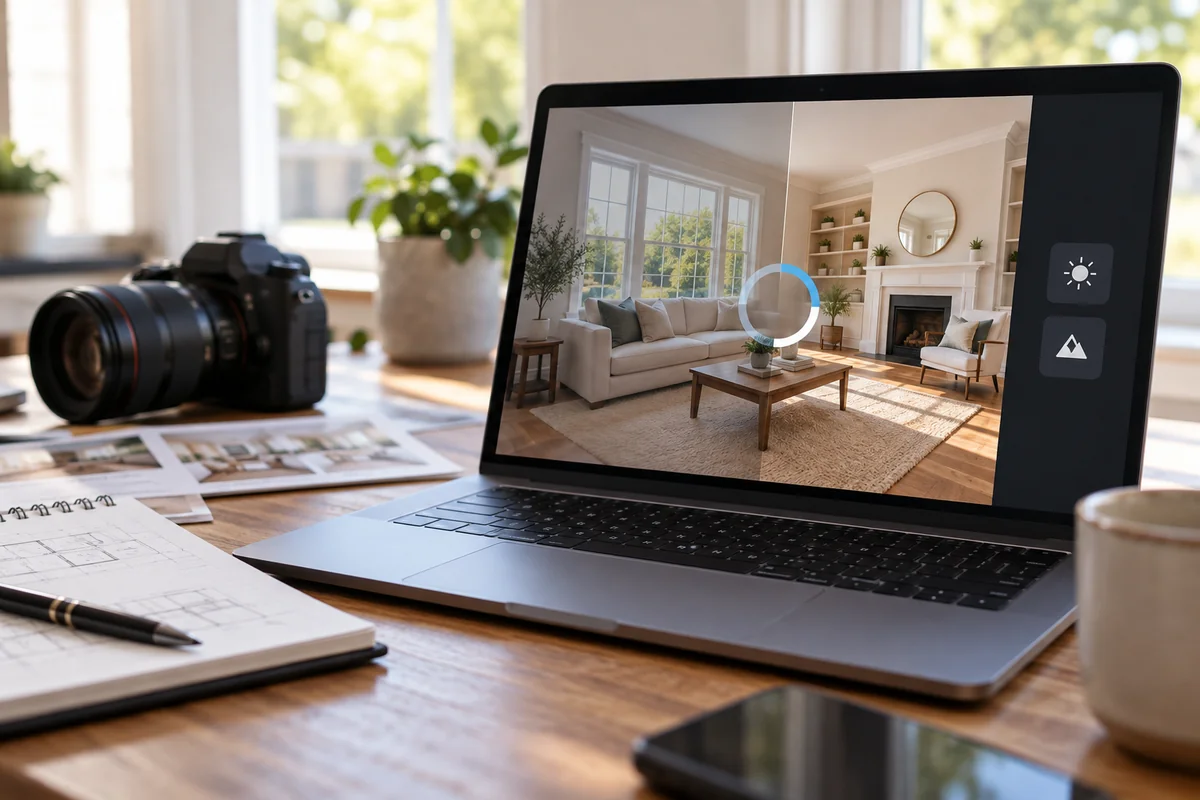
Show the details that make a property worth a closer look. GoEnhance AI helps sharpen soft room photos, reduce low-light grain, and enlarge small property images. Use our real estate photo enhancer for interiors, exteriors, and rental photos that need a clearer finish for your next listing or marketing layout.
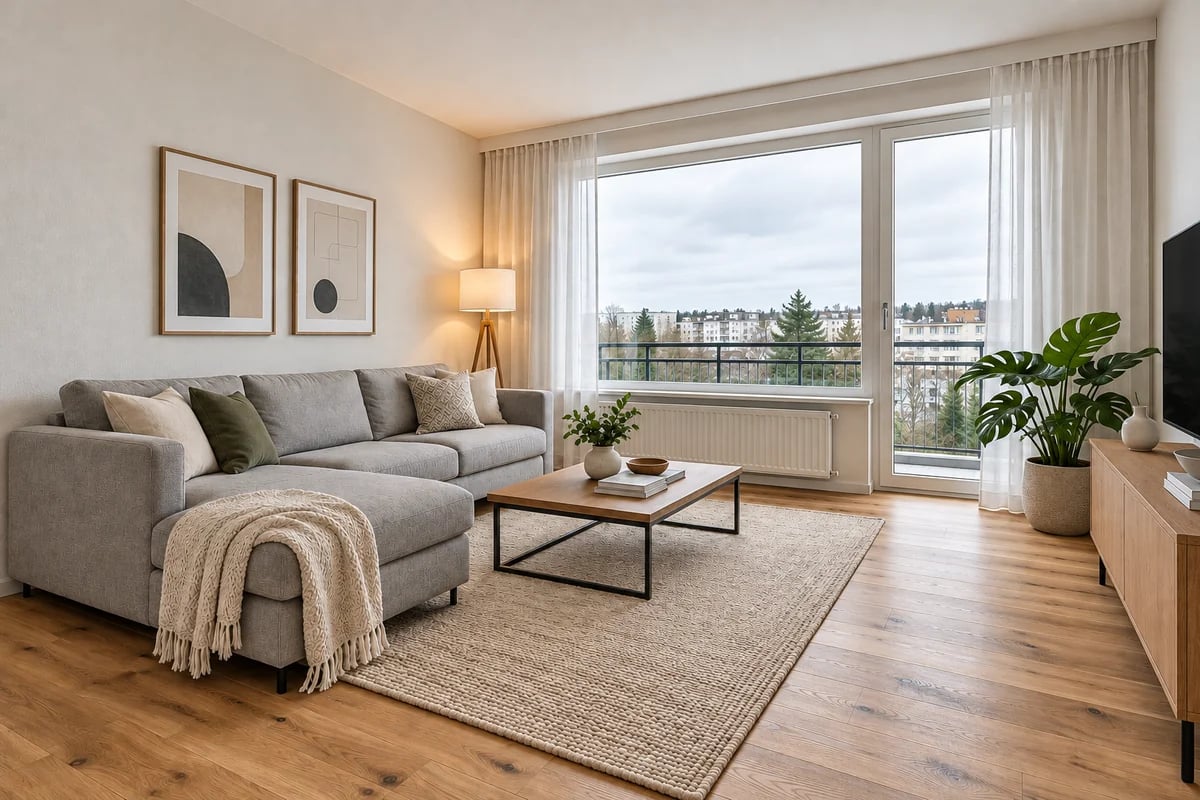
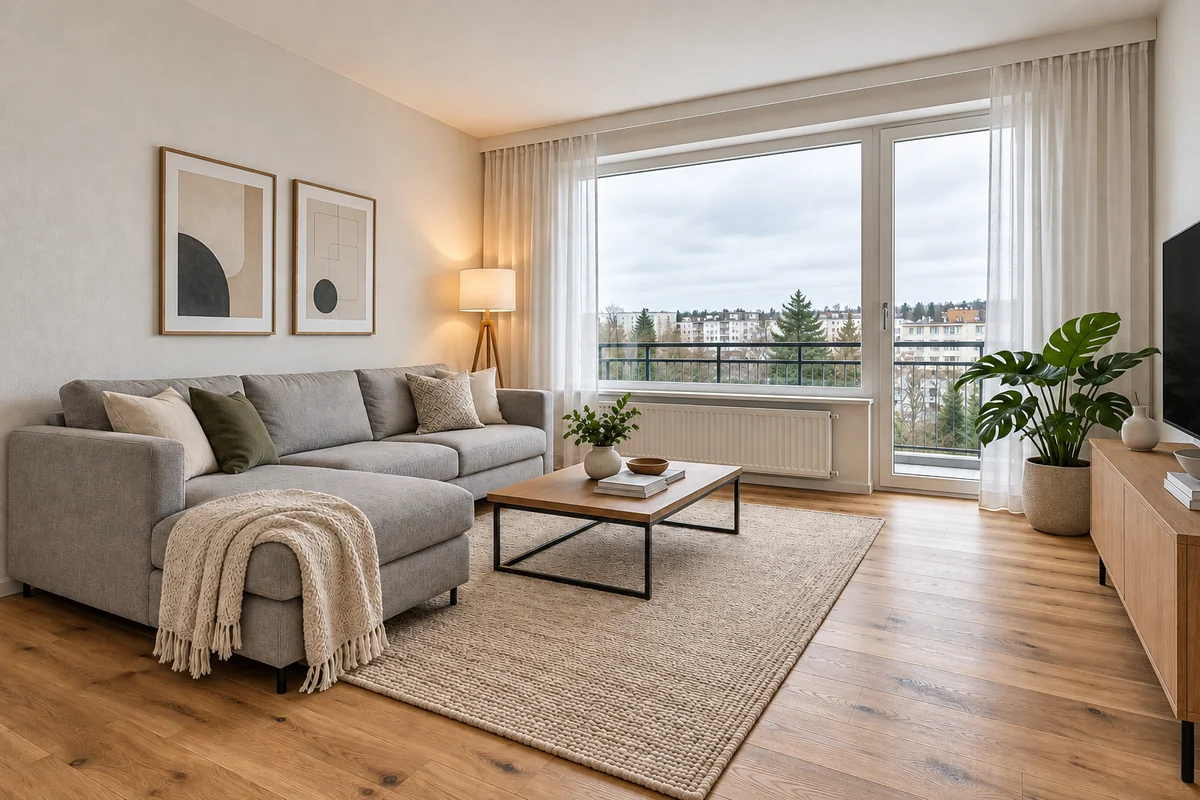
Living Room
Living Room
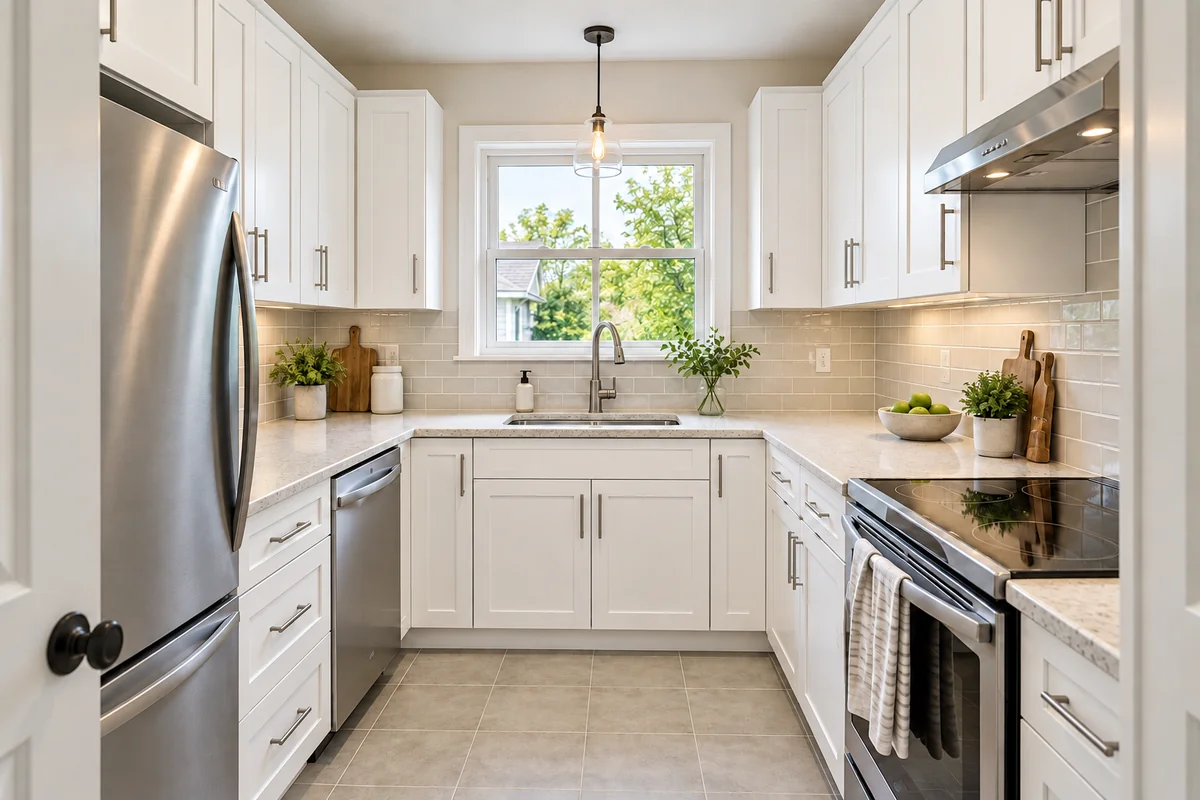
Kitchen
Kitchen
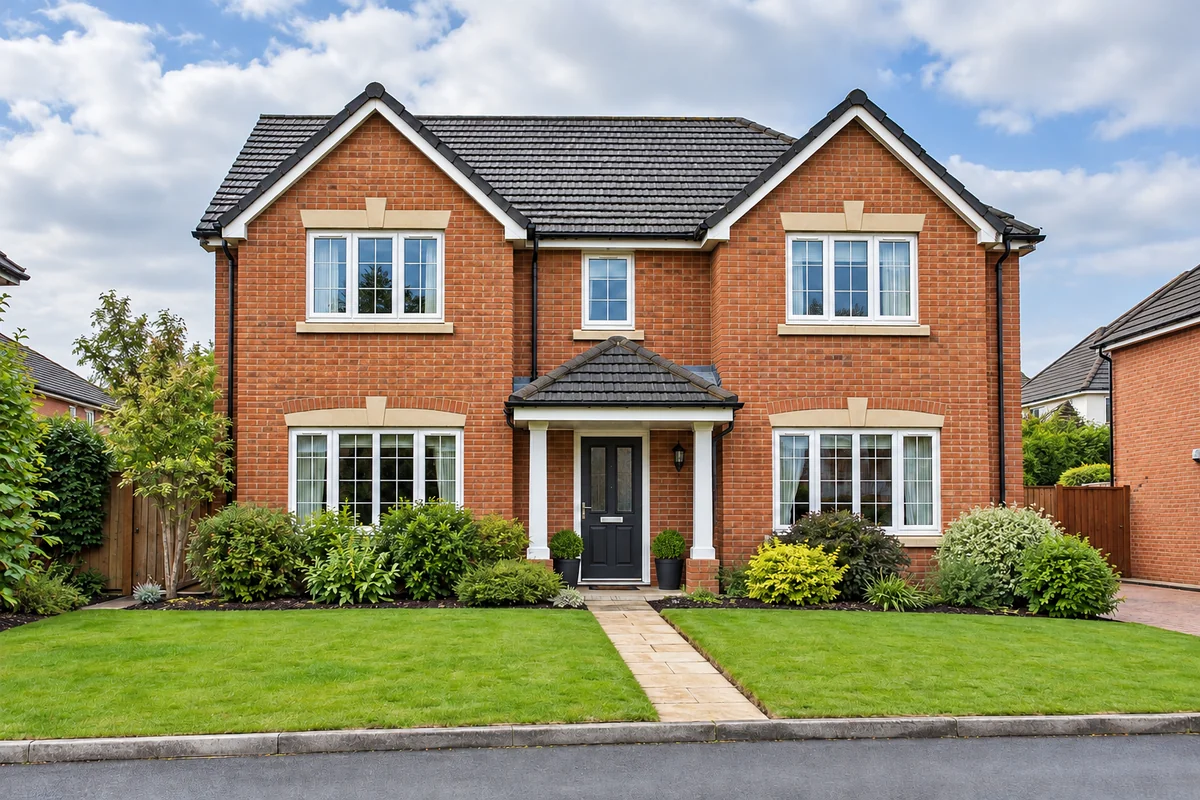
House Exterior
House Exterior
Upload an image to enhance
Mode
By uploading a file, you agree to GoEnhance's Terms of Use and Privacy Policy

Clearer Rooms, Cleaner Textures, Larger Property Photos

Sharper Interior Details

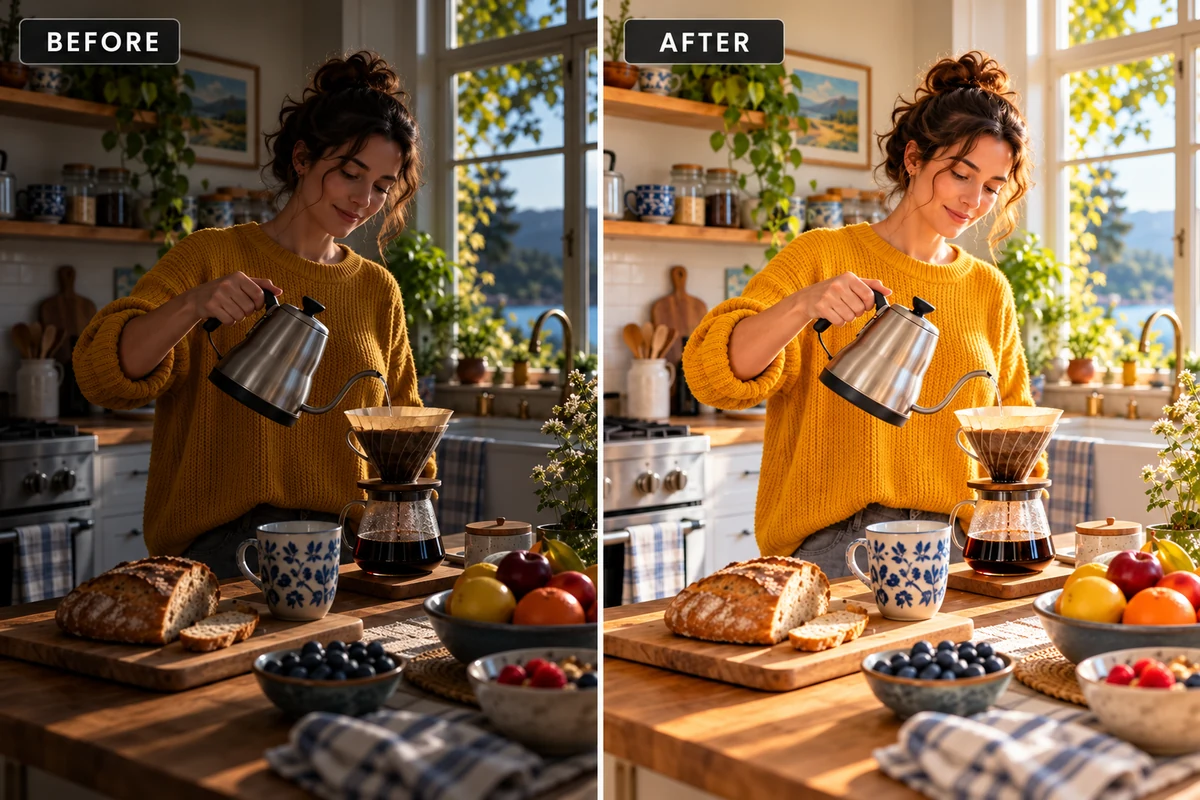
Real estate photo enhancement brings more definition to soft cabinet edges, floor patterns, and furniture textures. Kitchens, living rooms, and bedrooms become easier to examine in a property gallery, giving viewers a clearer view of the finishes and features already visible in your photo. Explore our AI image enhancer for more ways to improve property photos.
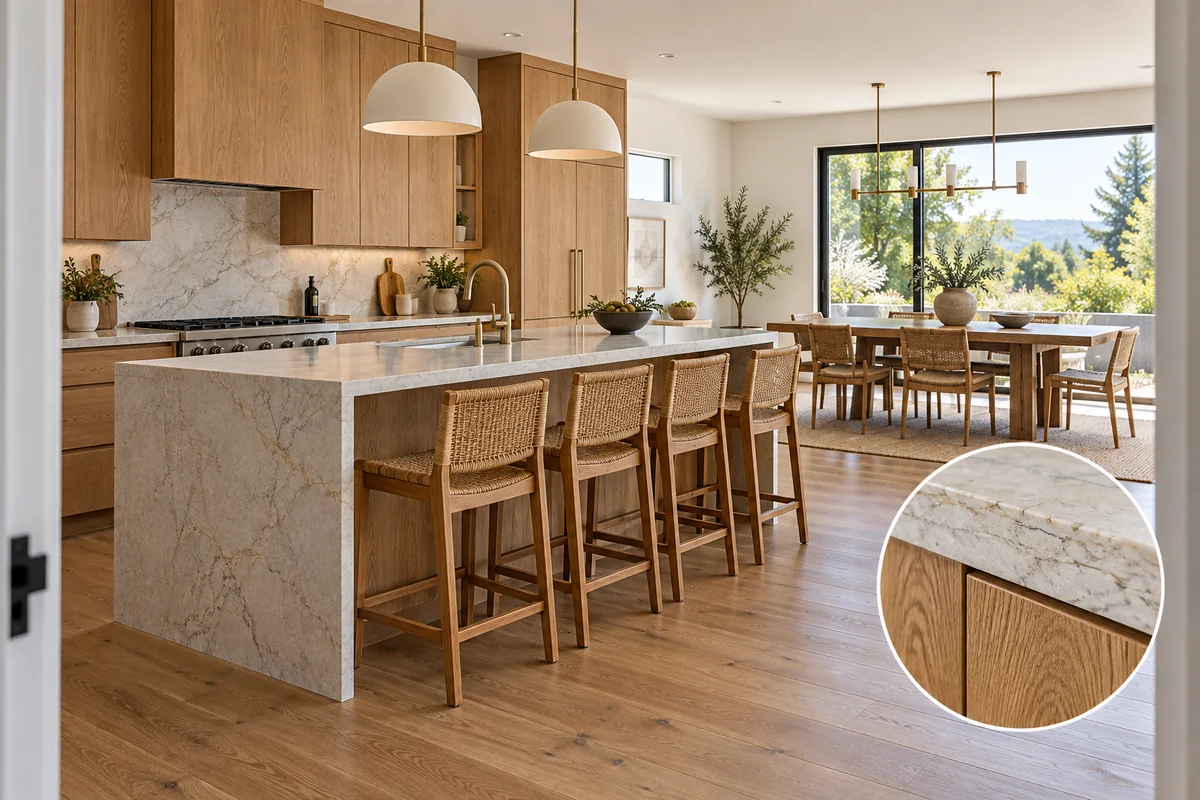
Real estate image enhancement comparing soft and clearer kitchen cabinetry and flooring

Less Grain in Low-Light Rooms

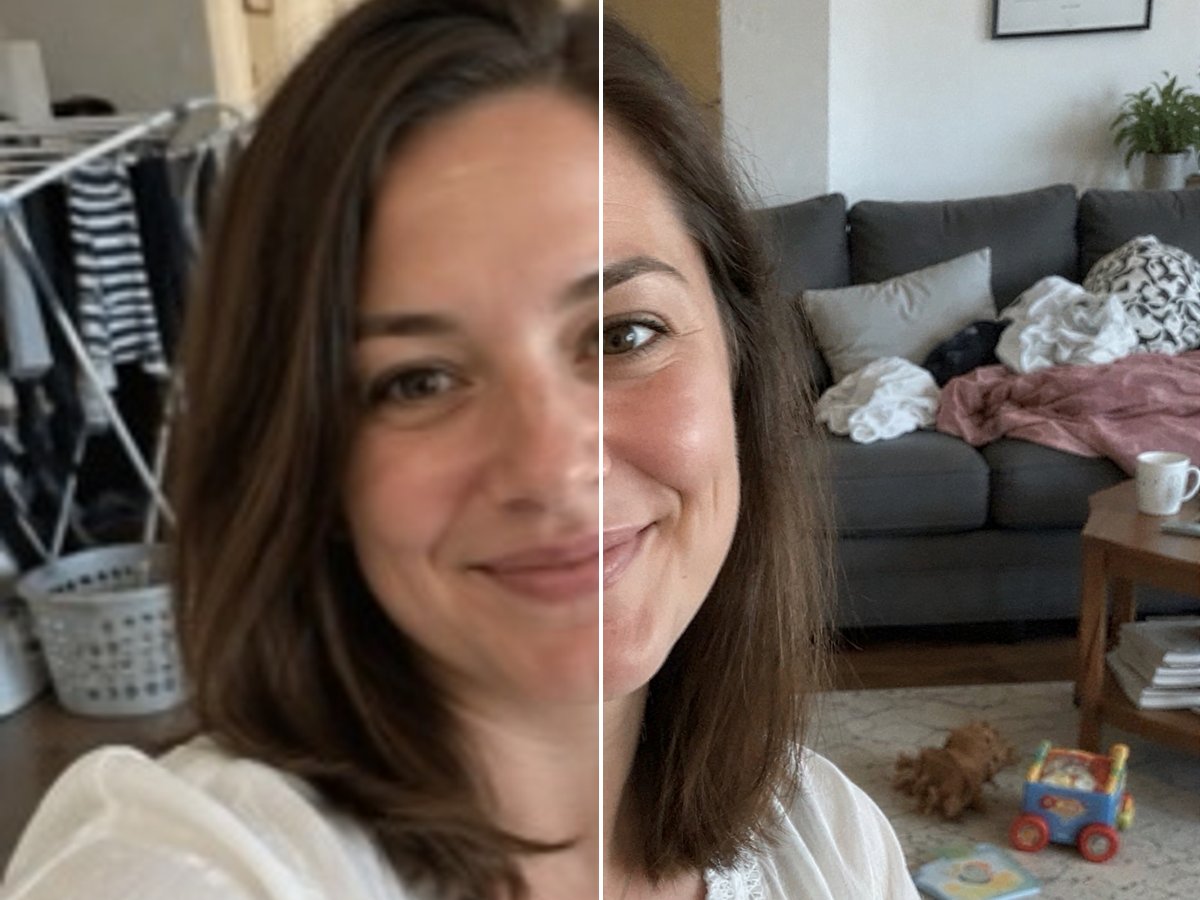
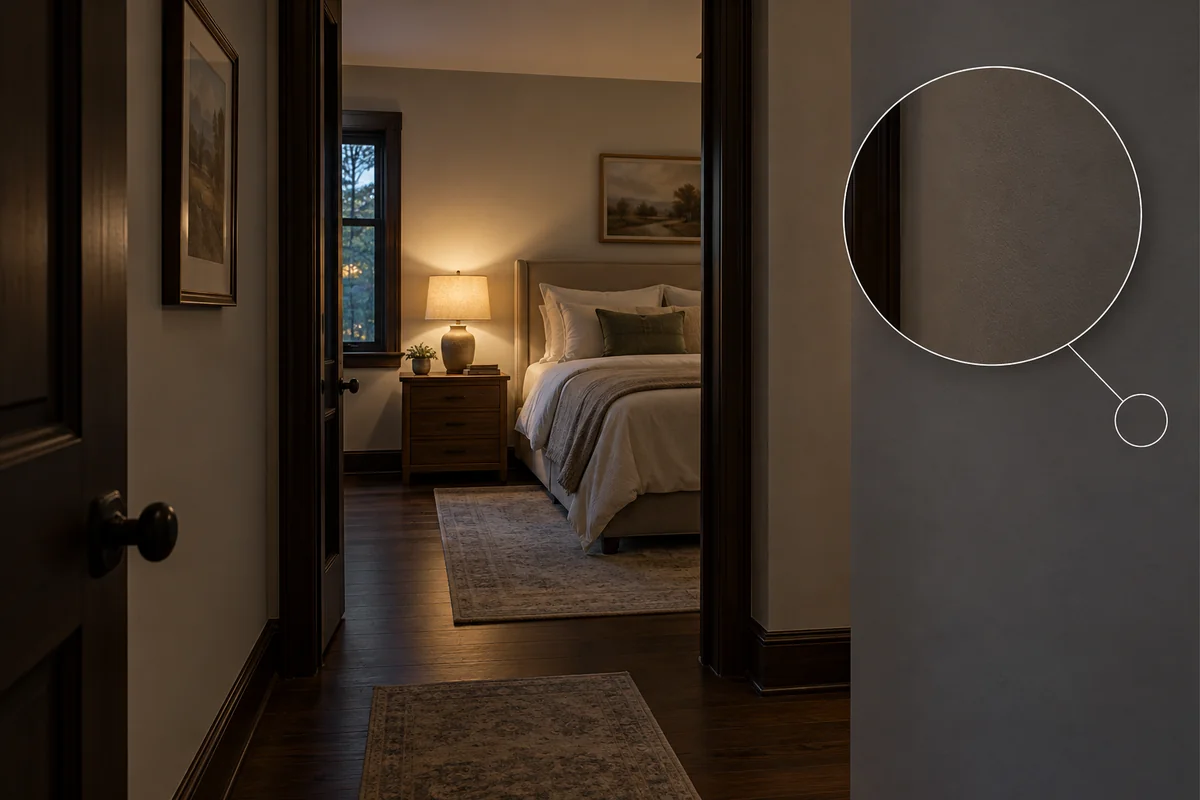
Noise reduction helps clean up the speckling that appears in dim bedrooms, hallways, and high-ISO interior shots. Cleaner wall areas and more distinct surfaces give the photograph a less grainy finish, especially when it is displayed larger on a property page.

Real estate photo enhancer comparison showing reduced grain in a dim interior

More Definition in Exterior Photos

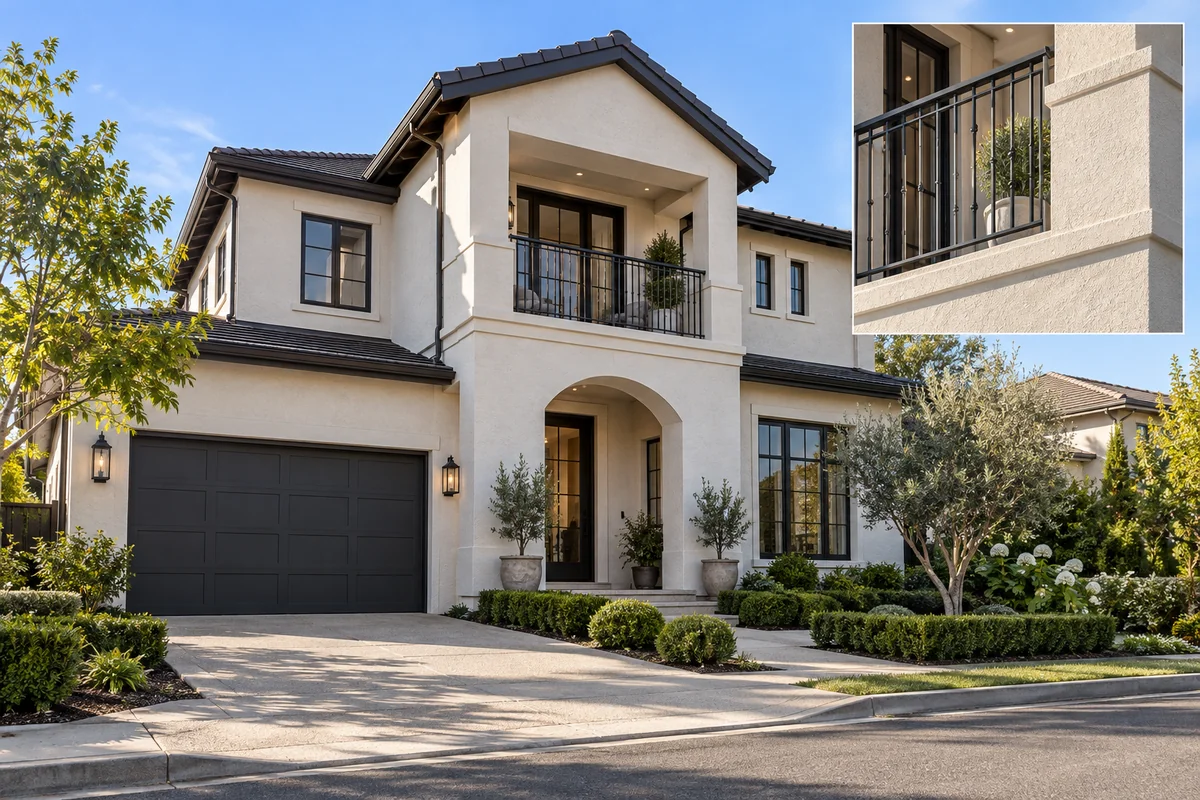
AI enhancement improves the apparent clarity of roof edges, brickwork, balcony railings, and garden textures. A soft frontage photo gains a more defined presentation for a listing cover, while the full exterior remains the focus of the image.

Before and after property exterior enhancement with clearer facade and roof details

Larger Images for Property Marketing

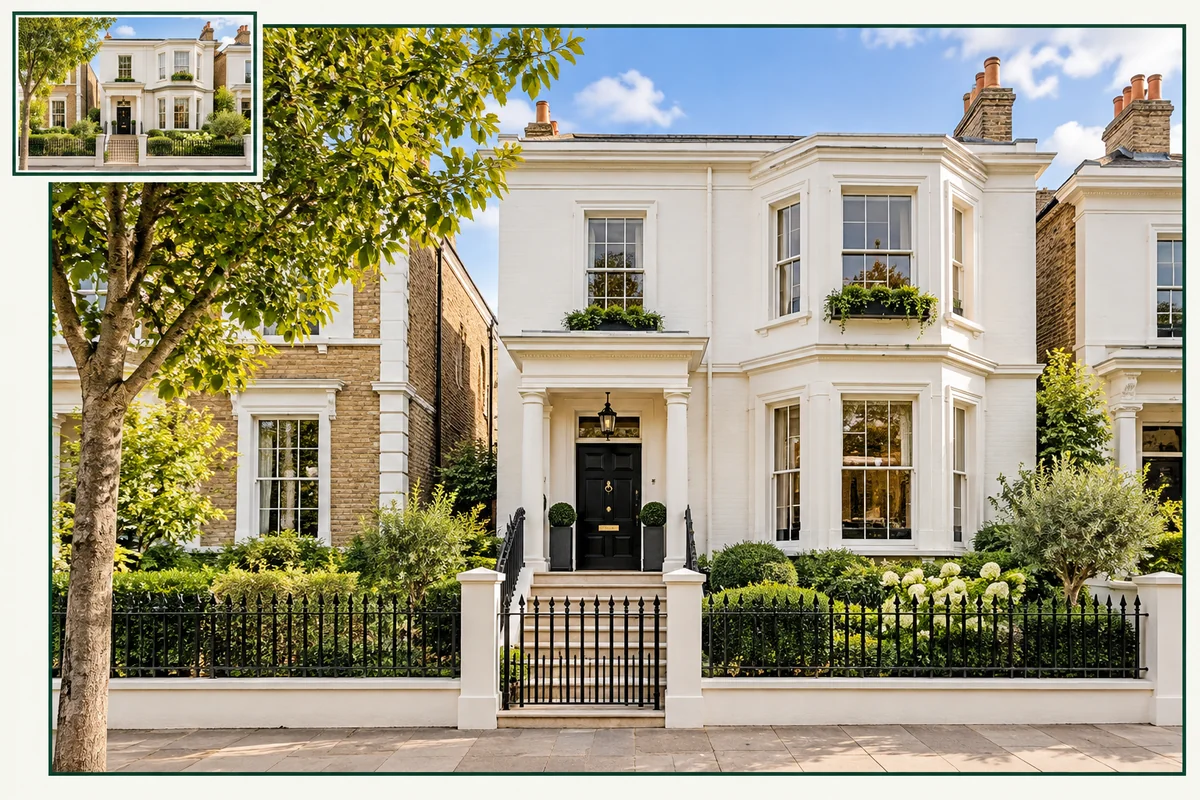
AI upscaling adds pixel dimensions while refining apparent detail, making a small property image more useful in a wide website banner, presentation, or brochure layout. It offers a clearer enlargement than simply stretching the same pixels across a larger space.

Real estate photo enlargement showing a larger image with clearer architectural detail

One Property Photo, More Places to Use It

Agent Listing Galleries

Give room-by-room photos a clearer presentation so buyers can move from the main living area to the kitchen and outdoor spaces without distracting softness.

Rental and Holiday-Home Pages

Present bedrooms, seating areas, and amenities with more visible detail for guests comparing accommodation photos.

Photographer Deliverables

Add a quality-improvement pass to selected soft or grainy shots before preparing the property gallery for a client.

Property Website Headers

Prepare a larger source image for a wide cover or feature section where a small photo can otherwise look visibly stretched.

Social Property Highlights

Use clearer interior and exterior photographs in property announcements, agent posts, and promotional layouts.

Brochures and Presentations

Create a more usable starting image for listing sheets and pitch decks, with final dimensions chosen for the actual layout.

How to Enhance Real Estate Photos Online
1

Upload Your Property Photo

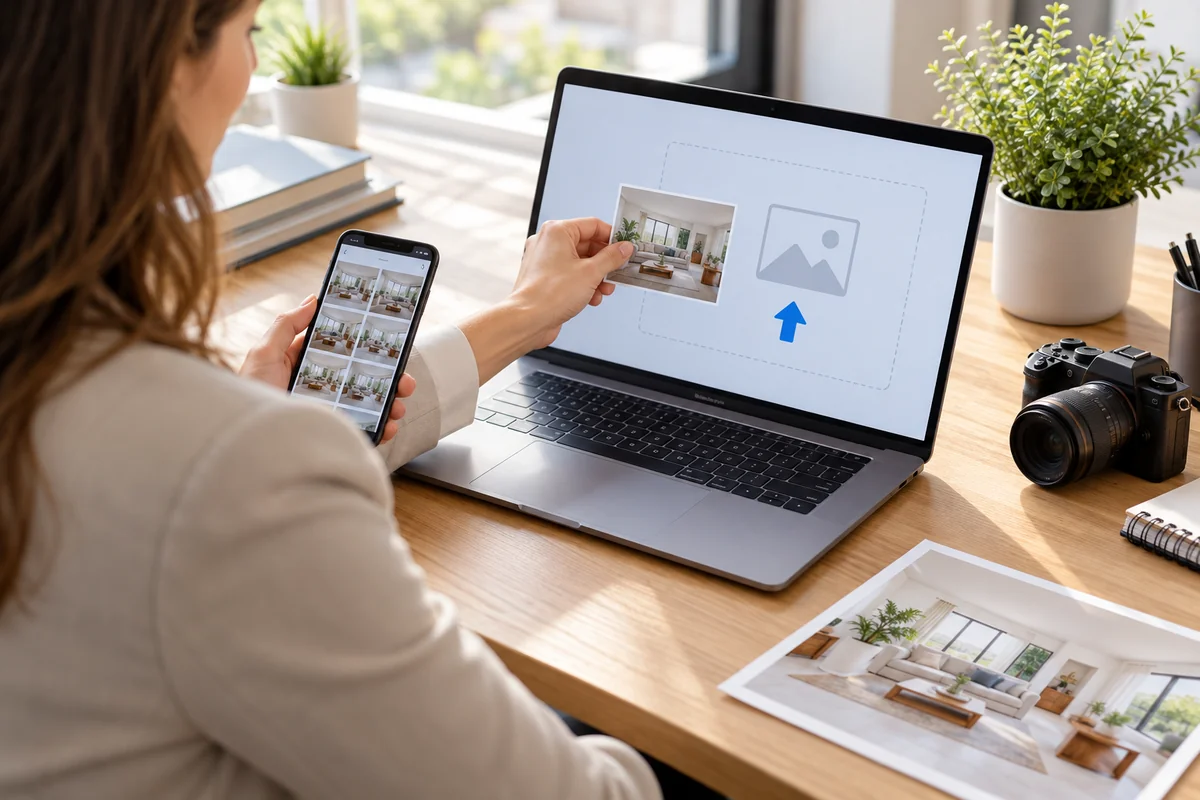
Choose an original JPG or PNG of a room, building, or outdoor area. A camera or phone original gives the enhancer a better starting point than a small screenshot or a repeatedly shared copy.
2

Enhance Clarity and Resolution

Use the photo enhancement workflow and choose the available options that fit your image. Run enhancement to improve soft detail and noise; use enlargement when your final listing or design needs more pixels.
3

Compare and Download

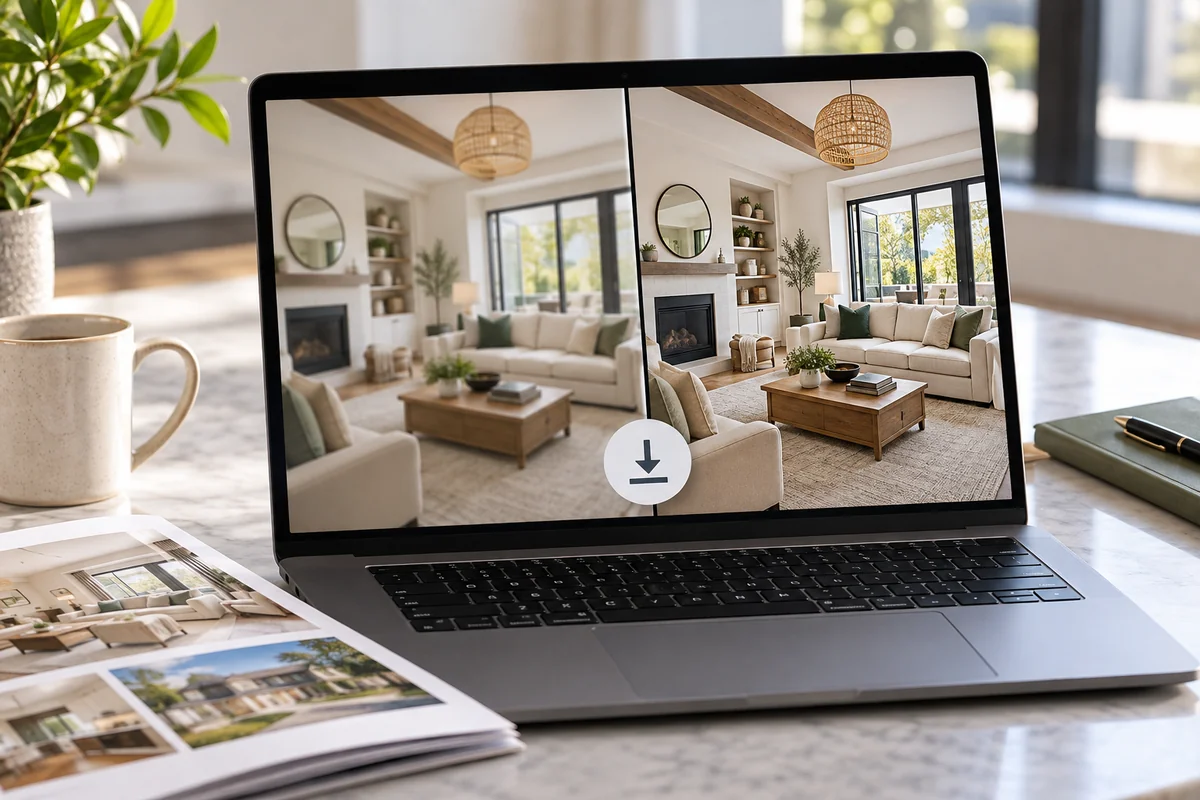
Compare the original and enhanced views, including window frames, fixtures, material textures, and visible wear. Download the version you prefer, then prepare its final crop and dimensions for your listing or marketing design.

Real Estate Image Enhancer FAQ

What does a real estate image enhancer do?

It improves the apparent quality of an existing property photograph through sharpening, noise reduction, and enlargement. GoEnhance AI helps make soft interiors and exteriors clearer for listing galleries, rental pages, and marketing materials.

Can I enhance real estate photos taken on a phone?

Yes. Start with the original phone photo in JPG or PNG rather than an image copied from a messaging app. Phone shots with mild softness or low-light grain are useful candidates; a severely blurred or tiny source offers less detail to work with.

Can it improve dark or grainy interior photos?

It can reduce the noise that often appears in low-light interior photos and improve visible texture. Noise cleanup is different from recovering an unrecorded scene: a completely black corner or solid-white window may still need a better exposure or a new photograph.

Will real estate photo enhancement fix an out-of-focus image?

It can improve the appearance of moderately soft edges and textures. Strong motion blur or severe focus errors may still leave distorted details. If a feature such as a fixture or window frame cannot be recognized in the source, a clearer original is the better option.

Do I need bracketed exposures or an HDR photo?

You can begin with a single JPG or PNG. This workflow enhances an existing photo; it does not promise to merge bracketed exposures. If you already have an HDR edit, export it as a supported image and use enhancement as a separate finishing step.

Does it add furniture, replace skies, or straighten walls?

Those are separate editing tasks. This page focuses on image quality and resolution rather than virtual staging, sky replacement, or perspective correction. If your photograph needs one of those changes, complete the appropriate edit separately.

Which image formats can I upload?

The current GoEnhance image upscaler accepts JPG, JPEG, and PNG files up to 10 MB. For RAW or another camera format, export a high-quality supported image first. Use the largest clean source available instead of repeatedly compressing the image.

How much can I upscale a real estate photo?

GoEnhance advertises upscaling up to 4x, with the maximum output depending on the source dimensions and available workflow. Choose the size your destination needs: a small listing thumbnail and a wide brochure image do not need the same pixel dimensions.

Can I try the real estate photo enhancer for free?

GoEnhance offers limited free access to its image enhancement features. Check the allowance and processing requirements shown in your account before starting a full property gallery; continued use may require a paid plan.

Will an enhanced photo still show the property accurately?

The original photograph should remain your reference. AI enhancement can infer detail, so compare fixtures, surface conditions, materials, and architectural lines before publishing. Choose a result that faithfully represents the property and retain the original file.

Make Your Next Property Photo Clearer

Bring sharper detail and cleaner textures to an interior or exterior photo with GoEnhance AI. Start with your original image and prepare a clearer result for your next property listing.

Enhance My Real Estate Photo