
Pica AI Image Enhancer



Get More from Pica AI Photo Enhancer
Restore Clarity in Portraits and Old Photos
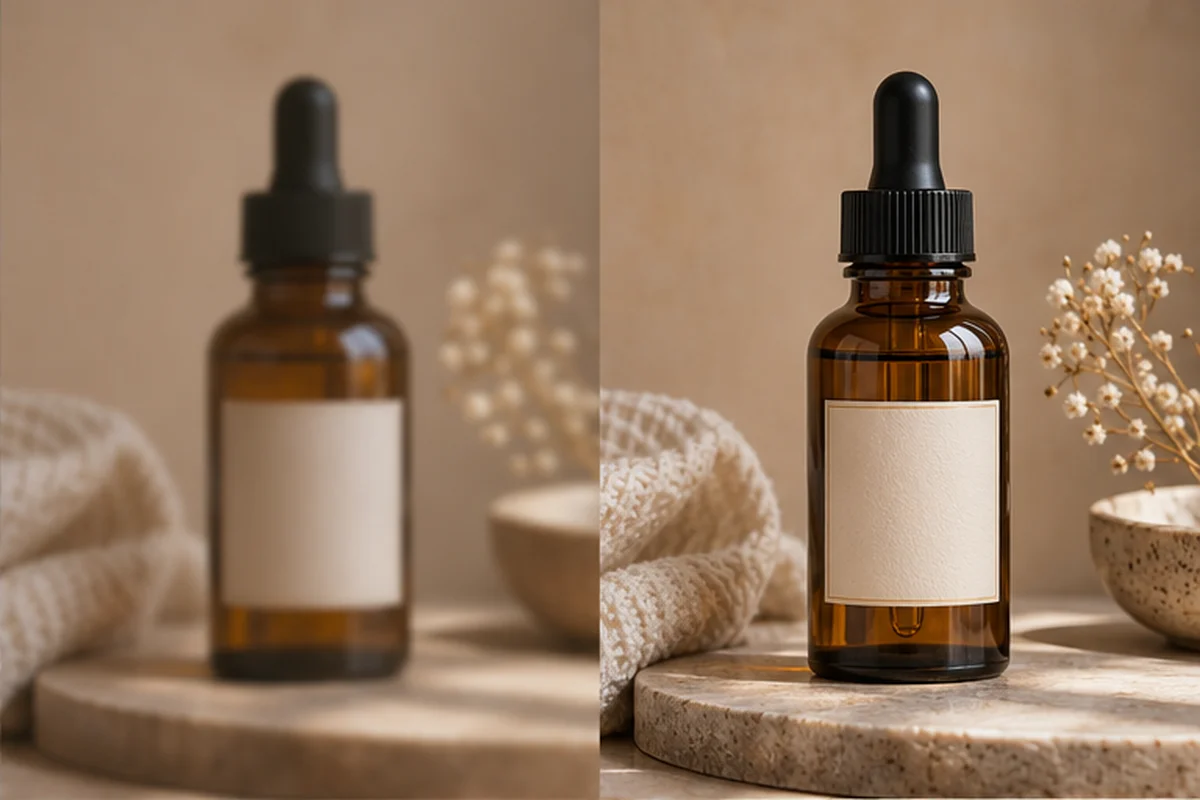
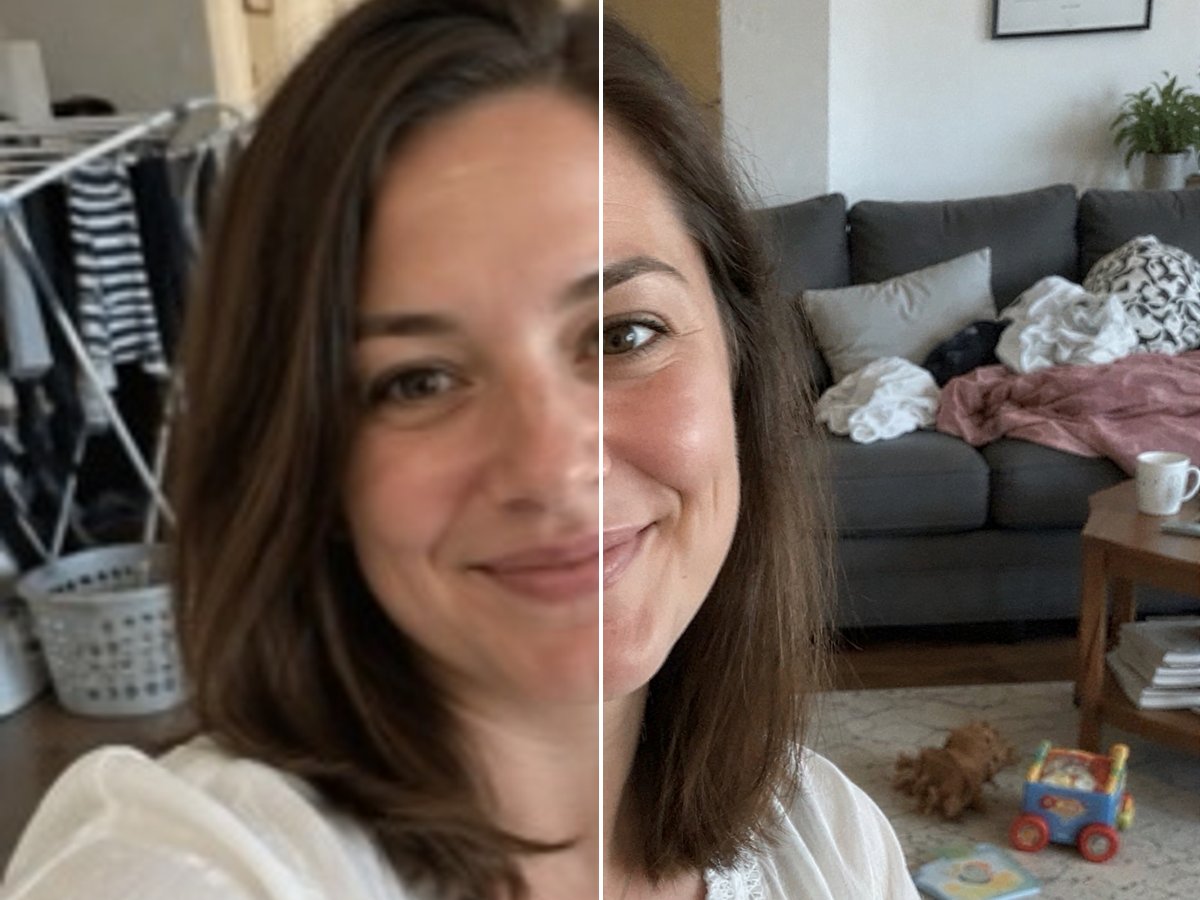
A single enhancement pass can reduce soft focus, blur, grain, and other common quality issues without manual retouching. The one-click approach works well for portraits, family pictures, event photos, and everyday camera shots that need a cleaner finish before sharing or printing. Sharper facial features, clothing texture, and background detail help make low-resolution images easier to enjoy at a larger size. This makes photo cleanup accessible when you want a quick improvement without adjusting each setting by hand.

Choose the Detail and Resolution You Need
Standard and Detailed quality options let users choose how much fine detail to bring forward, while 4K and 8K output choices prepare photos for print, large displays, or closer crops. These settings make the enhancer useful across product listings, portraits, design assets, and social content with different size needs. For a larger canvas, continue with the Image upscaler. Having quality and size choices in the same flow helps match the result to its destination.
Refresh Family Photos for Sharing
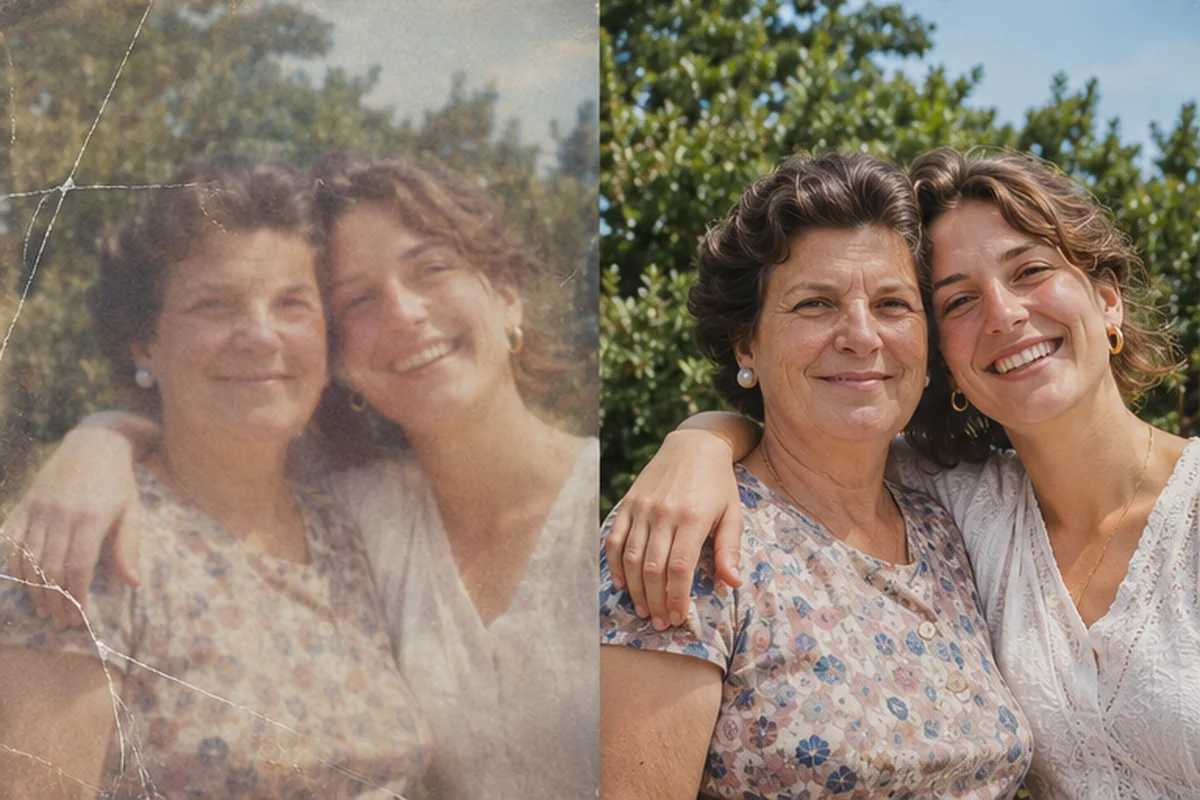
Older family photos often need sharper detail and cleaner texture before they are ready to share. The enhancer can reduce blur and noise while restoring visible facial, clothing, and background detail, helping scanned prints and older phone images look clearer. A straightforward upload-and-enhance flow gives personal photos a quick refresh for albums, gifts, or digital sharing without a long manual edit. The finished image keeps the familiar scene at the center while making its details easier to see.
Pica AI Photo Enhancement Benefits
One-Click Blur and Noise Cleanup
Flexible Detail and Resolution Settings
Enhance up to 200 Images in a Batch
How to Use Pica AI Photo Enhancer
Open Photo Enhancer
Choose Quality and Resolution
Preview and Download
Pica AI Image Enhancer FAQ
What Is Pica AI Image Enhancer?
How Many Images Can I Enhance at Once?
Is Pica AI Image Enhancer Free?
How Do I Use Pica AI Image Enhancer?
Can AI Enhancement Restore Every Missing Detail?
Are the Comparison Images Actual Pica AI Results?
Explore Related Image Tools
Make Photos Ready to Share
Upload a compatible image, enhance its detail, and save a sharper version for print or social media.
Try AI image upscaler