
Face in Hole Generator Free Online
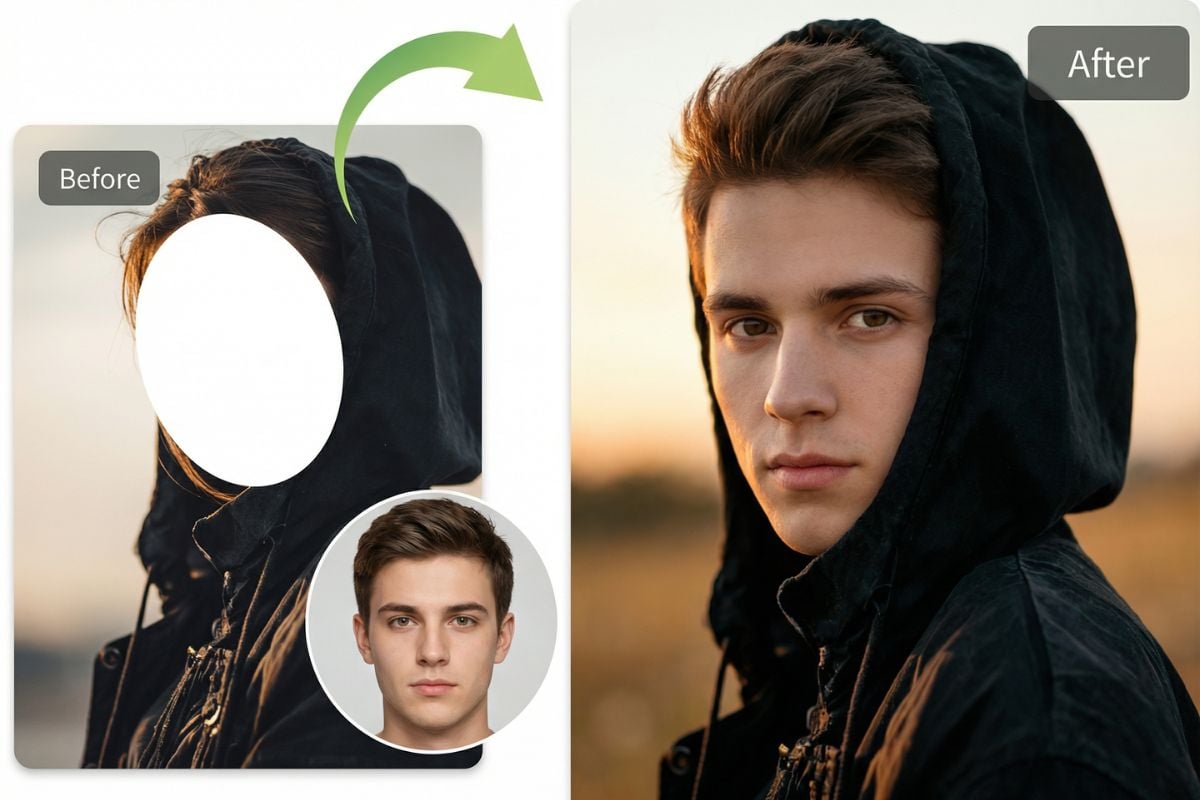
What You Can Create With GoEnhance Face Adder
Put Face in Meme
Put Face in Facebook Posts
Put Face in Family Picture
Top Features of GoEnhance Face-in-Hole
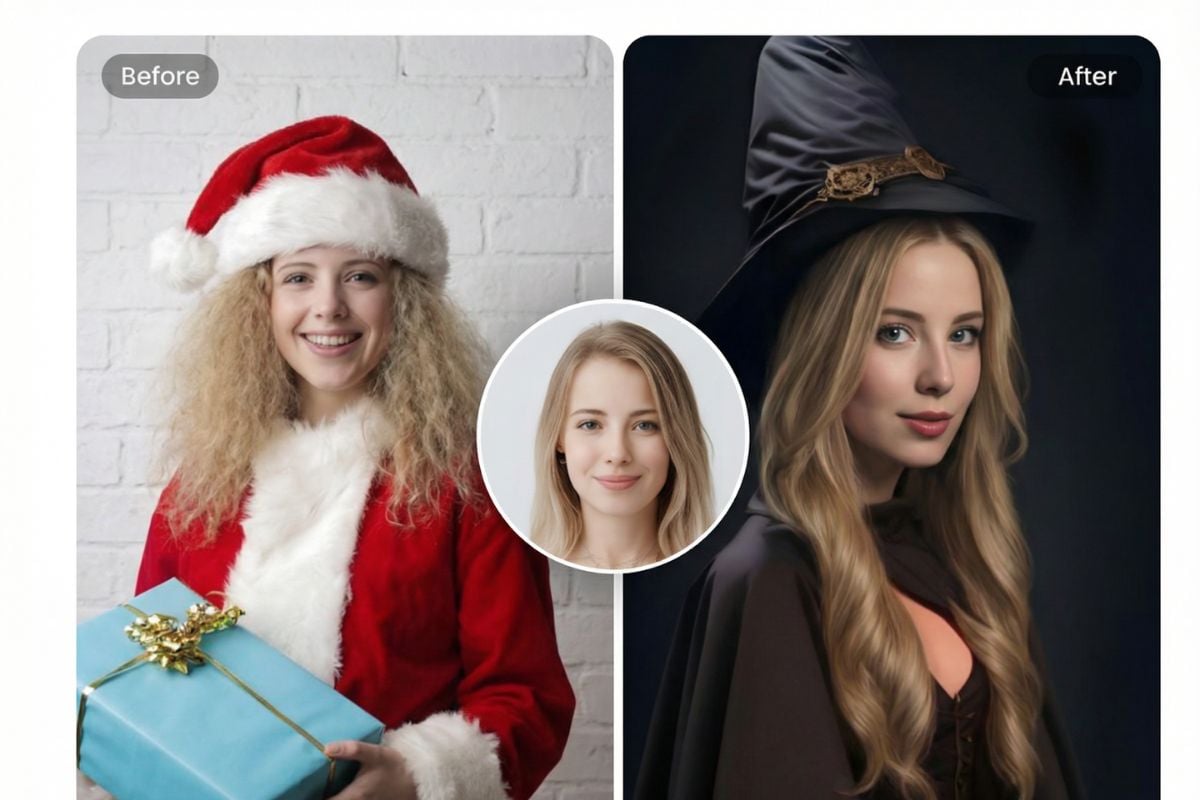
Pictures, Stickers, and Video Output
Pick a scene, match the angle, and export as an image or video for reactions and social posts. Want to build new assets too? Start with AI image generator, animate a still using image to video, or explore stylized swaps with AI anime generator.
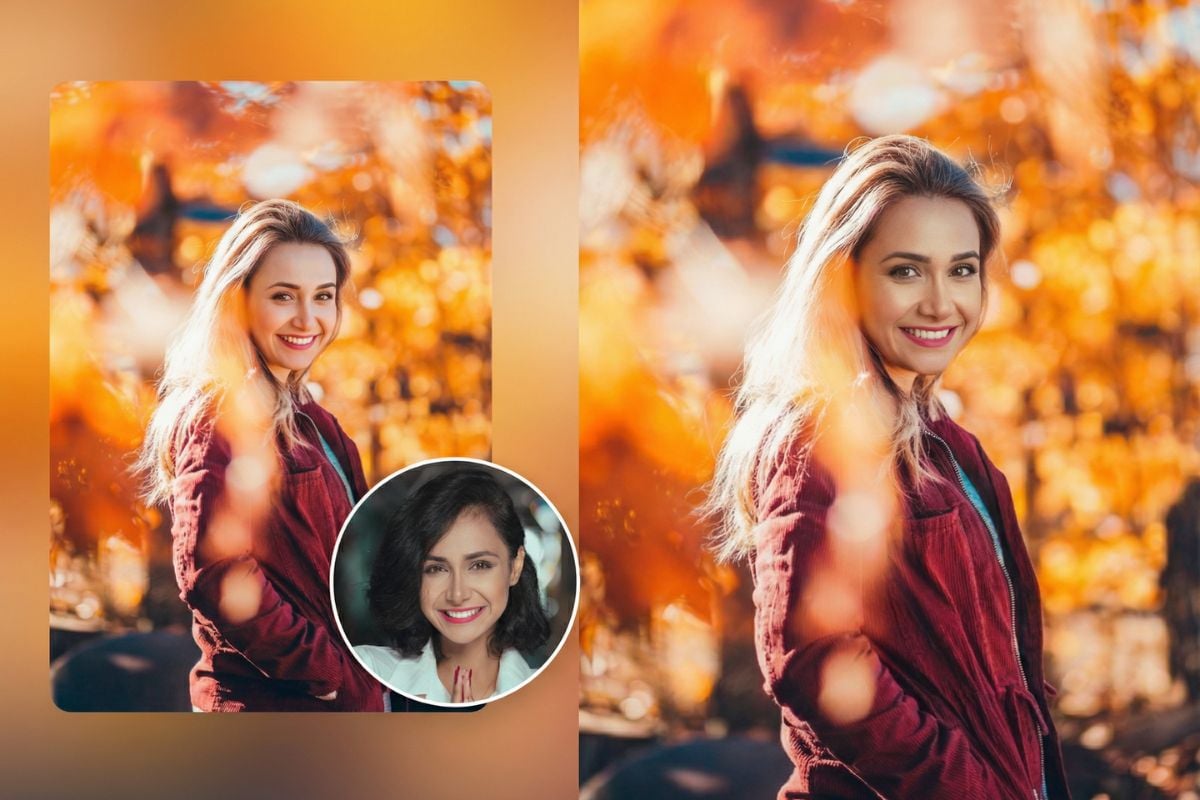
How to Use Face-in-Hole on GoEnhance?
1. Upload Your Face Photo
Upload a clear photo of yourself. Front-facing images with good lighting work best and help keep facial details sharp and natural.
2. Upload the Target Photo
Upload the target photo where you want your face to appear. This can be a poster, cutout board, or any image with a face space.
3. Generate and Download
Click Generate and the tool automatically places your face into the target image. Download the result as an image or video and share it anywhere.
Find Other Popular AI Effects

Frequently Asked Questions
What is a face-in-hole generator?
Is this face in the hole free to use?
How does the cutout placement work?
How do I make face in hole pictures that look natural?
1) Use a sharp selfie
Blurry inputs make edges look rough.
2) Match angle and lighting
If the target photo is angled, a similar selfie angle helps.
3) Don’t over-zoom
Keep the full face visible so the crop feels realistic.
What photos work best?
Is it safe to upload my photos?
Any tips for fun results?
What Our Users Say?
Try Face-in-Hole Free
GoEnhance makes quick cutout content easy—fast exports, and share-ready results. Make a few versions, pick the funniest one, and post it without spending your whole day in an editor.
Try Face-in-Hole For Free