AI Police Arrest Filter

Recreate the viral AI arrest trend from a single photo. Two officers walk you out of a house at night under flashing red and blue lights, you turn and smirk at the camera, then get put in the back of a police cruiser – all in one 8-second vertical video with sound that looks like a bystander filmed it on a phone. Upload a clear photo of one person in the console below; no prompt and no editing needed.
Original
Original
Front Porch Arrest
Smirk at the Camera
Walked to the Cruiser
Night Call on the Block
Effect: AI Police Arrest
Your photo
Upload a clear photo. The effect is applied to everyone in it.
By uploading a file, you agree to GoEnhance's Terms of Use and Privacy Policy

Why Use the GoEnhance AI Arrest Filter

One Photo In, a Full Arrest Scene Out

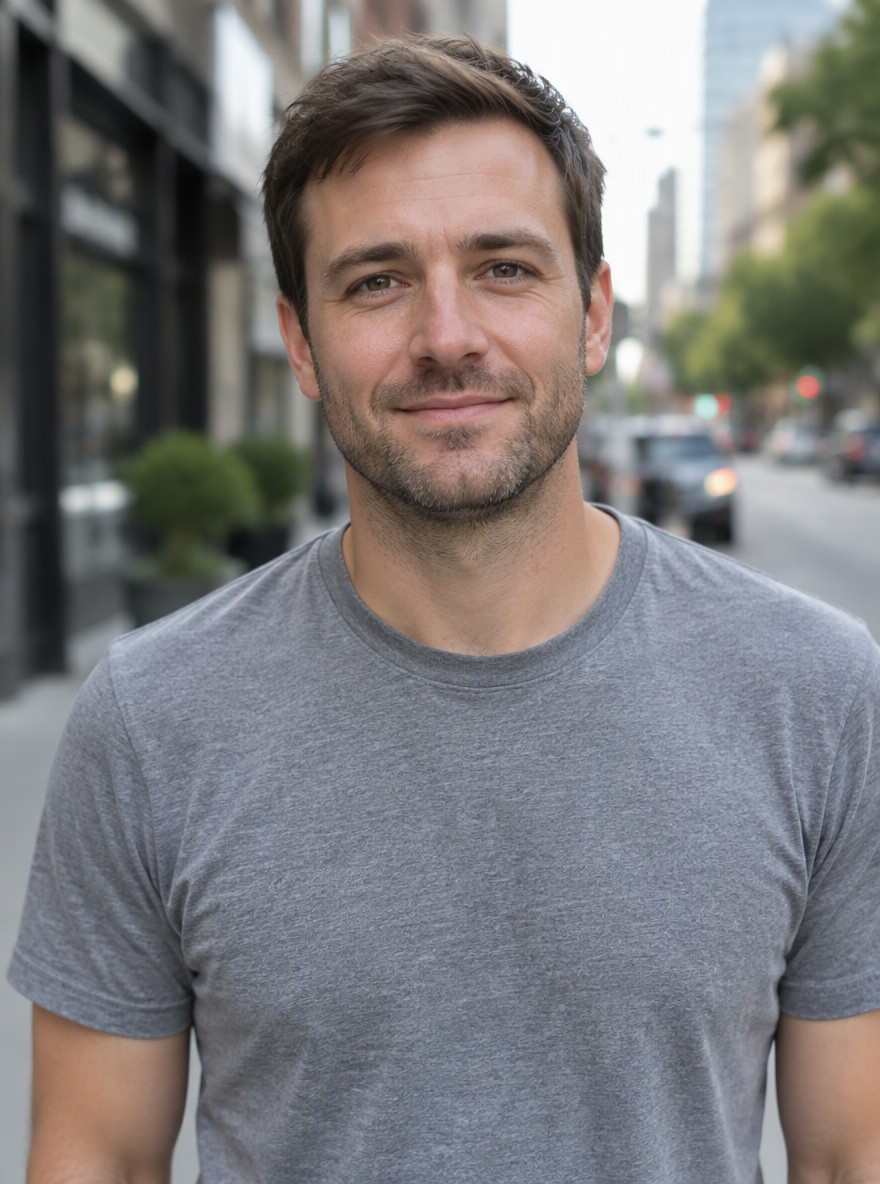
You don't need to film anything or find a template. Upload a waist-up photo of one person and the AI builds the whole scene around them: a suburban house at night, two uniformed officers, handcuffs, and a cruiser at the curb. Your face, hairstyle and clothes carry through every shot, so friends recognize you right away.

Shot Like Real Bystander Footage

The trend works because it looks real. The video is styled like a neighbor filming on a phone: harsh camera light, purple and blue police lights on the siding, handheld shake and quick cuts – walked out, a cocky smirk at the lens, then into the back seat. Police radio, footsteps and a distant siren are generated with the picture.

Try It Free Before You Upgrade

Free accounts get one free preview a day: the first 4 seconds play clearly and the rest is blurred, so you can see your arrest before deciding. Members get the full 8-second video, without the blur, for 48 tokens at 480p or 96 at 720p. If you upgrade later, your earlier previews unlock to the full video automatically.

How to Make an AI Police Arrest Video

01

Upload One Clear Photo

Choose a well-lit, waist-up photo of one person facing the camera. The clothes you're wearing in the photo are the clothes you'll be arrested in.

02

Pick 480p or 720p

The effect is already set up – there's no prompt to write. 480p is quicker to share; 720p is sharper for Reels and Shorts.

03

Generate Your Arrest

In about two minutes you get an 8-second vertical video with sound: walked out of the house, a smirk at the camera, then into the police car.

04

Post It to TikTok or Reels

Download the clip and add your caption or trending sound. Tag the friend you 'got arrested' and watch the comments roll in.

Frequently Asked Questions

You may want to know

What is the AI police arrest trend?

It's a viral TikTok and CapCut trend where people upload a photo and an AI turns it into a short clip of them being arrested – escorted out of a house by officers, smirking at the camera, then put in a police car. Captions like "Not bro getting arrested again" made it a meme, and it follows the earlier "taken by police" AI filter trend.

Do I need CapCut or TikTok to use the AI arrest filter?

No. The GoEnhance AI police arrest filter runs in your browser on desktop or phone. Make the video here, download it, and post it anywhere – TikTok, Instagram Reels, YouTube Shorts or a group chat.

Is the AI police arrest filter free?

Free accounts can make one free preview per day; the first 4 seconds are clear and the rest is blurred. The full 8-second video without blur costs 48 tokens at 480p or 96 tokens at 720p for members, and previews you made earlier unlock automatically once you upgrade.

What kind of photo works best?

A clear, well-lit, waist-up photo of one person looking at the camera. Avoid sunglasses, heavy filters and cropped faces. The face, hairstyle and outfit in your photo are what the AI keeps in the video.

Can I use a group photo?

This effect is built around one person being arrested, so a photo of a single person gives the most accurate face and clothes. To feature a friend, generate a separate video from their photo.

How long is the video, and does it have sound?

Each video is 8 seconds long in vertical 9:16 format with sound: police radio chatter, footsteps, crickets and a distant siren. You can choose 480p or 720p.

Is it okay to make AI arrest videos of other people?

Use it for fun and only with photos you have permission to use. Don't present the video as a real arrest, use it to harass or defame anyone, or impersonate real police. Labeling it as AI or a prank in your caption keeps it in good fun.

Can I make a mugshot instead of a video?

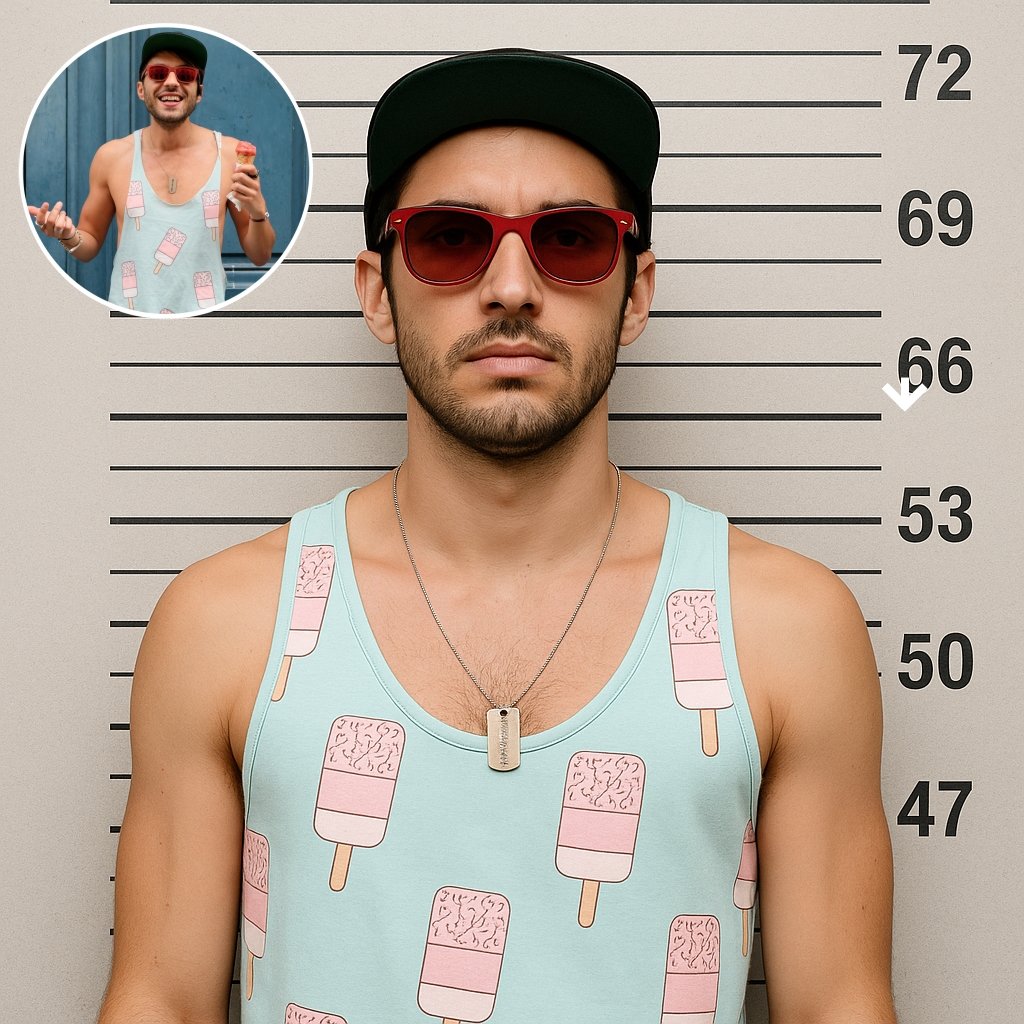
Yes. For a still image, try the AI Mugshot Generator, which turns a photo into a booking-style mugshot.

Were the examples on this page made with this effect?

Yes. Every video on this page was generated from a single photo with the GoEnhance AI police arrest effect. The original photo is shown in the corner of each console example.

Get Yourself Arrested – Virtually

One photo, two officers and a cruiser at the curb. Make your AI police arrest video and post it before the trend moves on.

Make My Arrest Video