
Prompt
Copy and customize
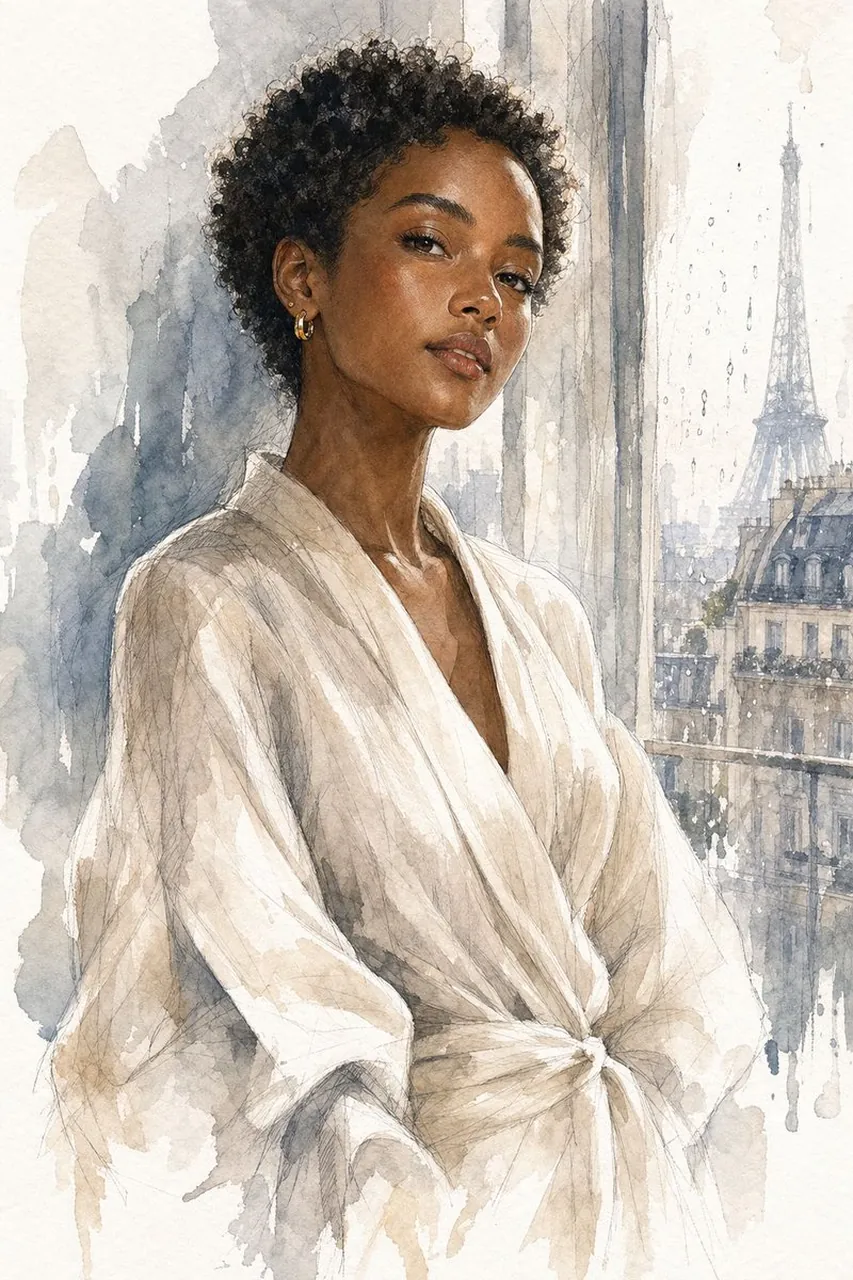
Create a vertical fashion editorial watercolor portrait of an adult Black woman with deep brown skin standing indoors beside a tall Paris apartment window on a rainy day. She is shown from mid-thigh to above the head in a poised three-quarter pose, shoulders relaxed, neck elongated, wearing an elegant loose ivory wrap robe with wide sleeves and a tied waist. Her hair is a short natural curly afro, dark and softly textured, and she wears exactly 2 visible accessories: one small gold hoop earring and one tiny gold stud on the exposed ear. The face area is intentionally covered by a centered square privacy block filled with a warm medium-brown skin-tone gradient, obscuring all facial features while leaving the hair, ear, neck, and clothing visible. Background: a softly washed Paris city view through the window, with exactly 1 recognizable Eiffel Tower silhouette on the right, pale Haussmann rooftops beneath it, vertical window mullions, rain streaks, and watercolor drips. Style: high-end fashion illustration, transparent layered watercolor washes, graphite pencil linework, textured cold-press paper, muted palette of ivory, beige, taupe, gray-blue, charcoal, and deep brown, delicate shadows on the robe folds, loose edges, wet-on-wet blooms, and refined editorial elegance. Composition should be centered and tall, with the figure occupying most of the frame, the window and Eiffel Tower secondary, no text, no logo, no watermark.
Best for
Tips
Keep the main subject focused so vertical fashion editorial watercolor portrait of an remains recognizable after style or lighting changes.
Adjust camera angle and aspect ratio before generation when the composition needs a specific platform format.