Nose Job Simulator: See a Refined Nose on Your Own Face

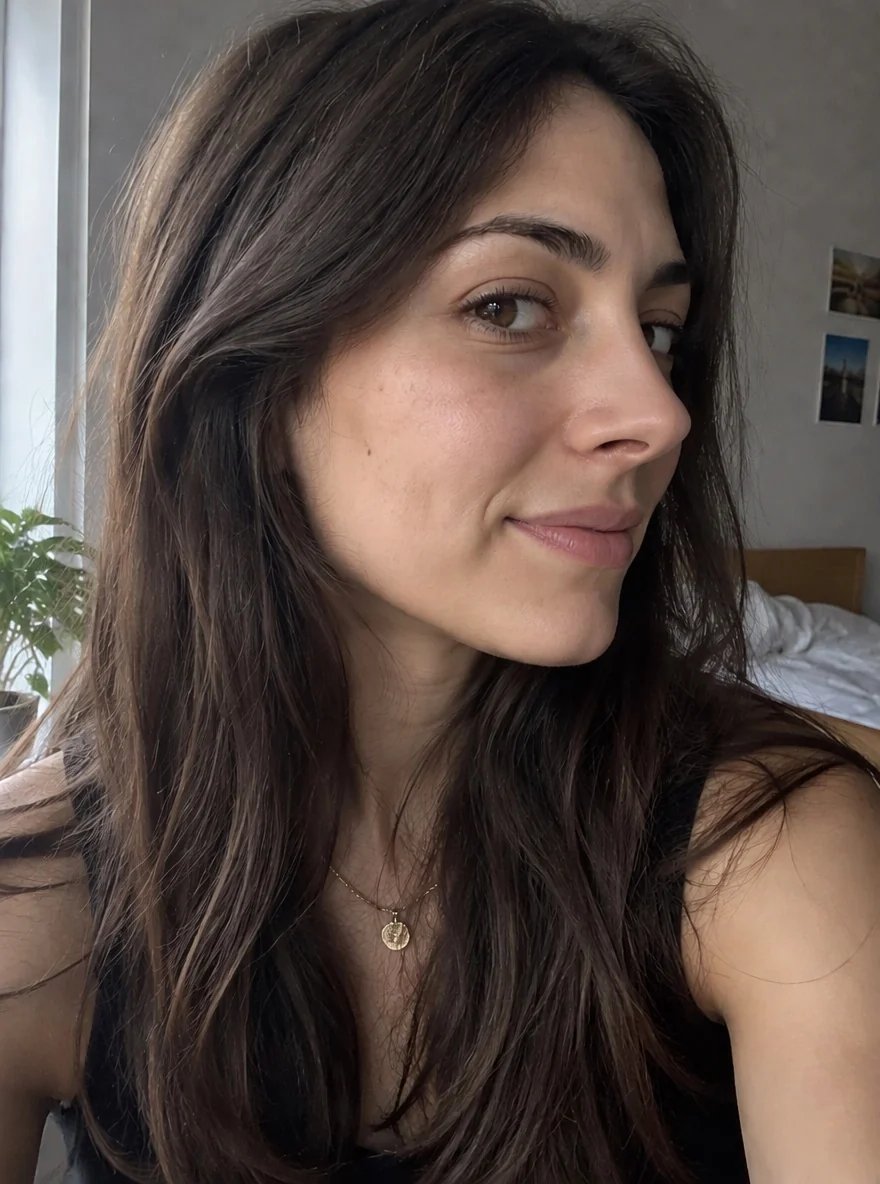
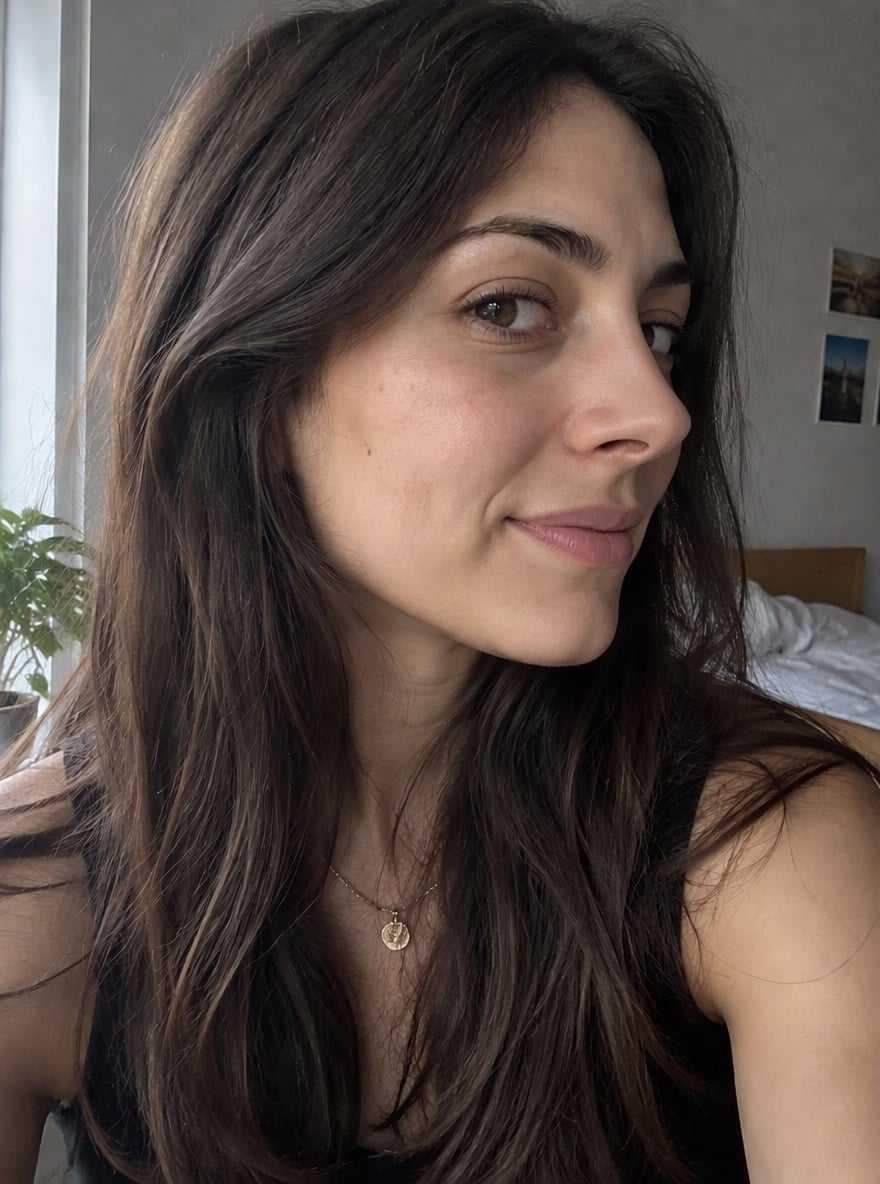
Wondering how a nose job would look on you before you book a consultation or try contour makeup? Upload a clear selfie and the AI nose job simulator redraws only your nose: the bridge becomes smoother and straighter with any bump removed, the bridge is slightly slimmer, the tip is neater and gently lifted, and the nostrils are a little narrower. Your eyes, lips, skin, hair, expression, background and camera angle stay exactly as they are, so you can compare the before and after side by side. The prompt asks for a natural result that fits your face, not a tiny or doll-like nose. This is a visual preview made from one photo, not a prediction of real surgery results or medical advice; if you are considering rhinoplasty, talk to a qualified surgeon. The console below runs on GPT Image 2.5.
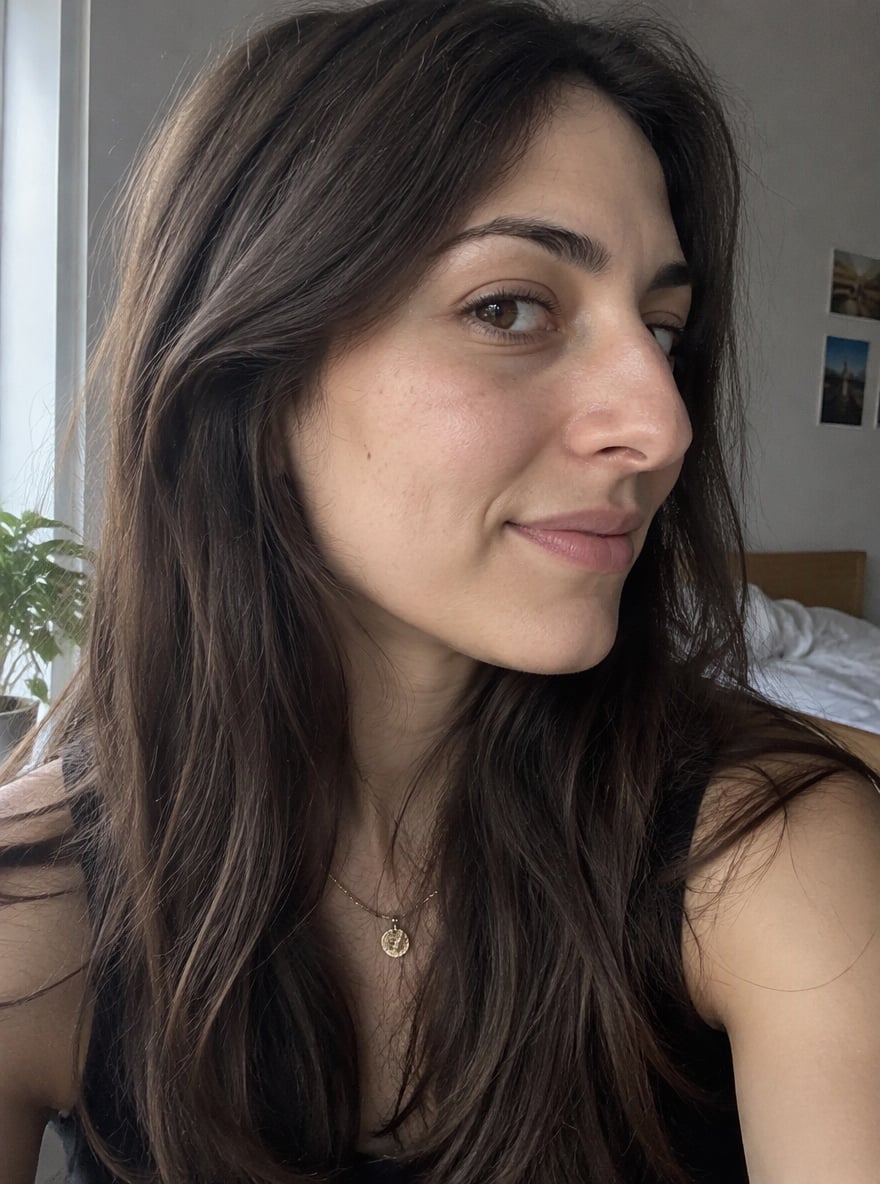
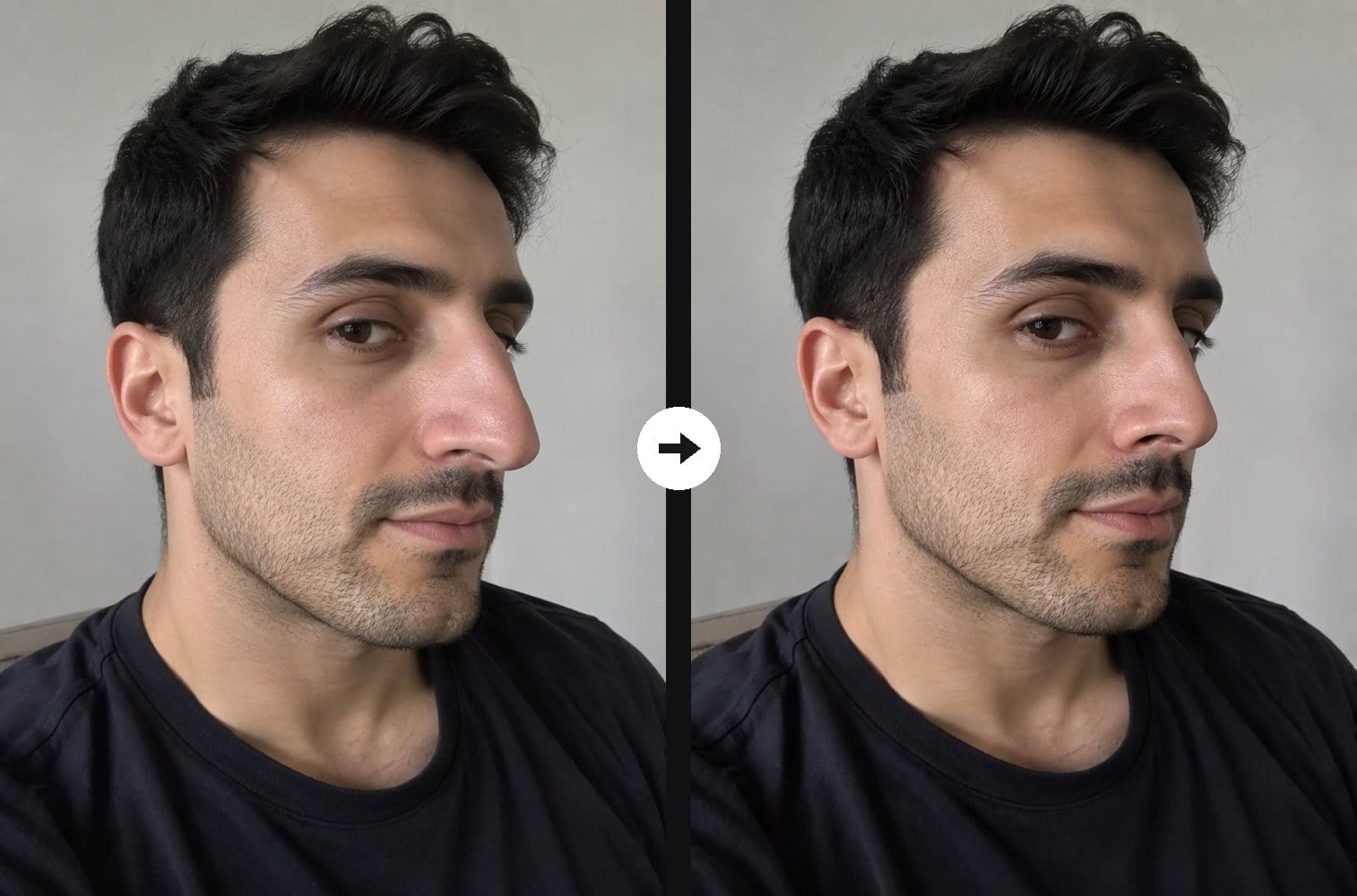
Dorsal Hump Smoothed in a Side View
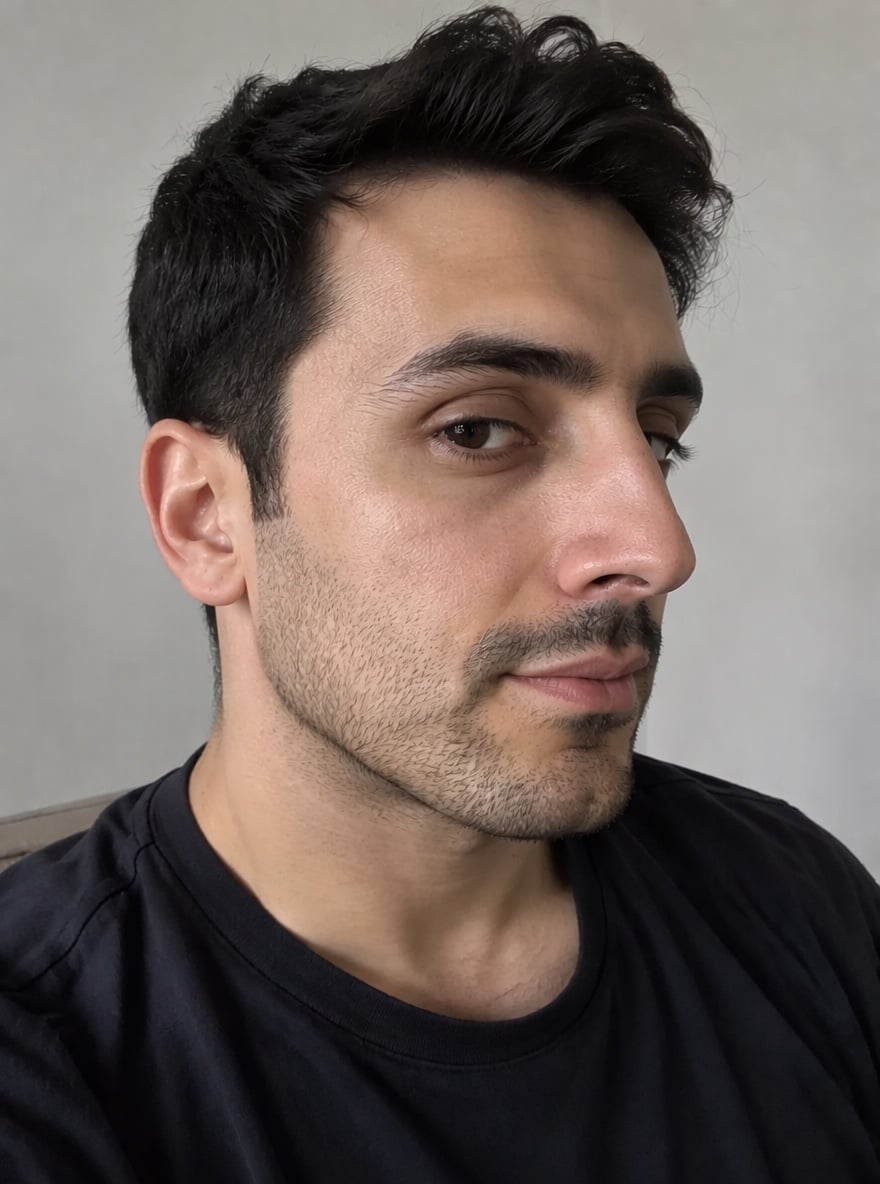
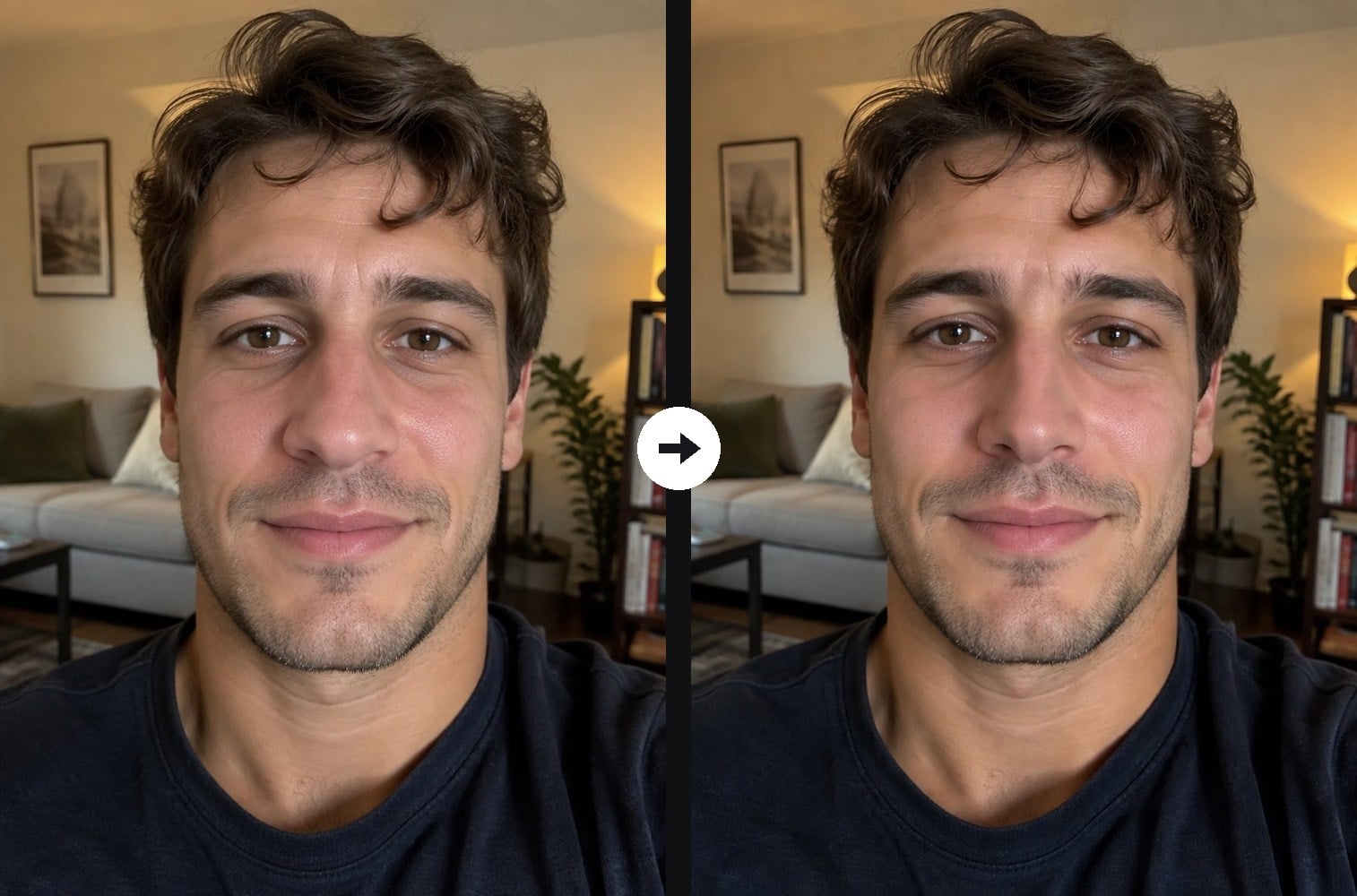
Straighter Bridge and Lifted Tip for Men
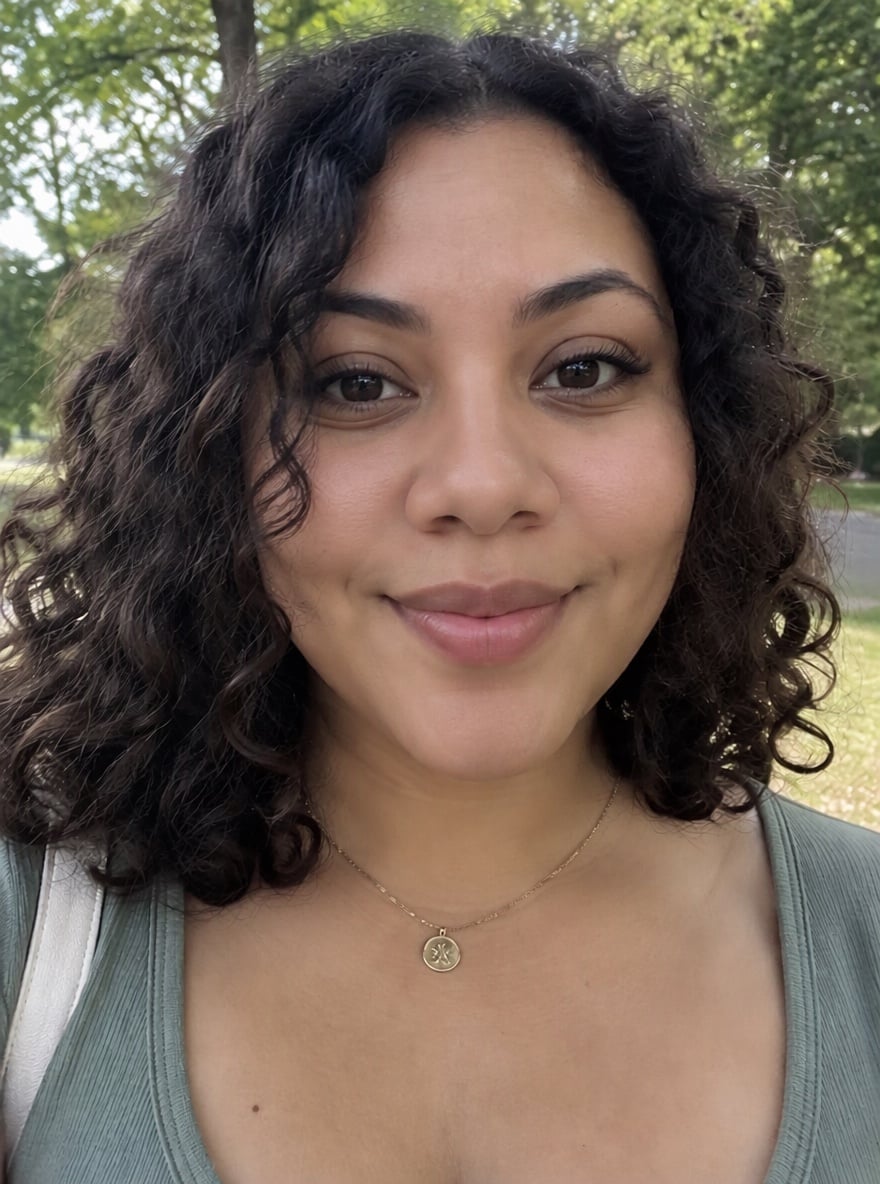
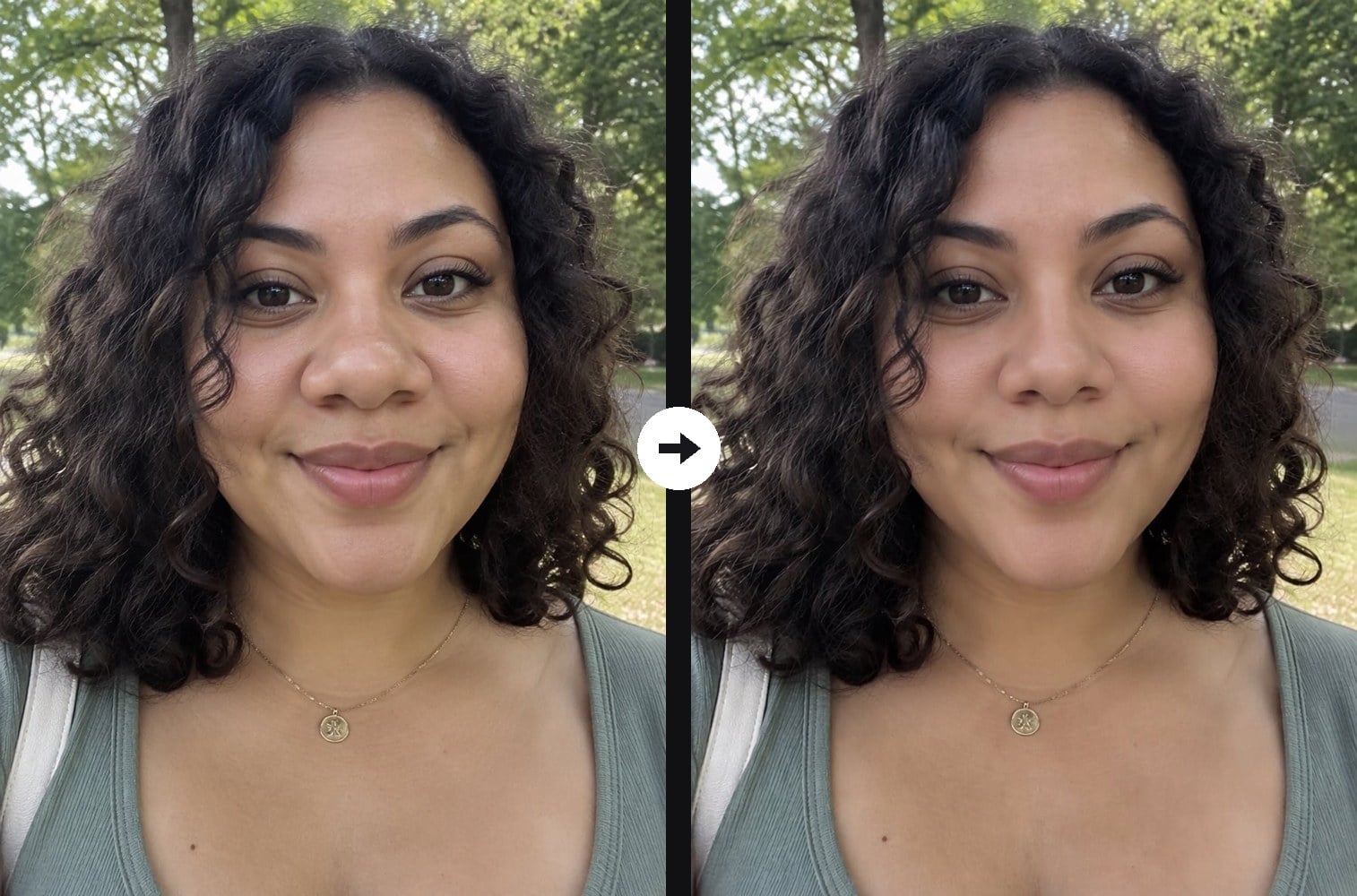
Softer, Narrower Nose Tip

Crooked Bridge Straightened
Upload a clear close-up selfie with your nose visible
Effect prompt
By uploading a file, you agree to GoEnhance's Terms of Use and Privacy Policy

Nose Job Simulator Before and After Examples

Each result is one upload with the prompt above. Only the nose was changed; face, skin, hair, expression and background come from the original photo.
Dorsal Hump Smoothed in a Side View - Nose Job Simulator

Dorsal Hump Smoothed in a Side View

Straighter Bridge and Lifted Tip for Men - Nose Job Simulator

Straighter Bridge and Lifted Tip for Men

Softer, Narrower Nose Tip - Nose Job Simulator

Softer, Narrower Nose Tip

How to Use the Nose Job Simulator

01

Upload a close-up selfie

Use a clear, well-lit photo where your whole nose is visible. A front view or a three-quarter side view both work.

02

Generate the preview

The rhinoplasty prompt is already filled in. Press the button and the AI reshapes only your nose.

03

Compare before and after

Put the result next to your original photo, try a few variations and save the ones you want to discuss or recreate with makeup.

Why Try This Nose Job Simulator
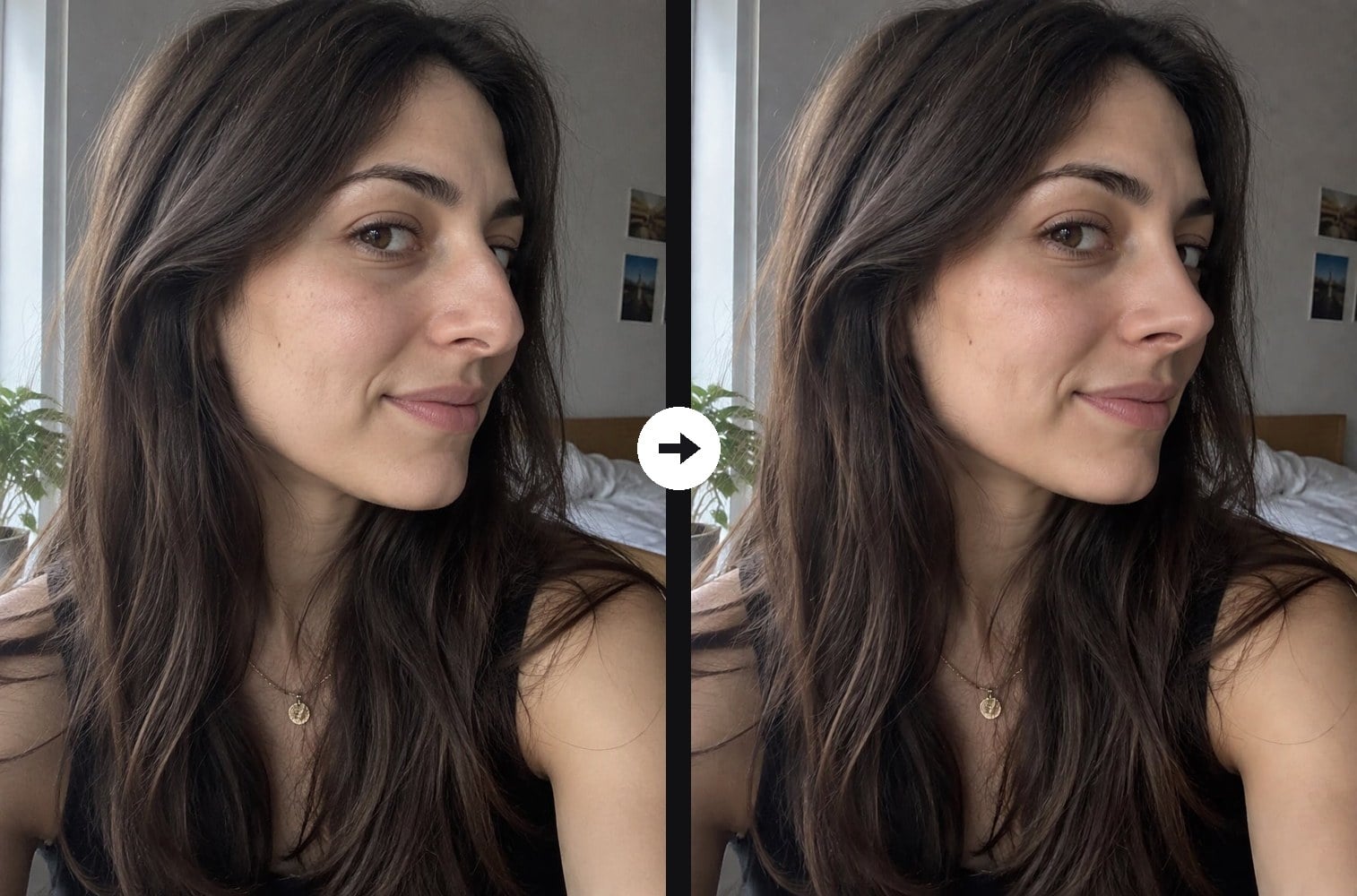
Only the nose changes

The AI keeps your eyes, lips, skin texture, hair, expression and background exactly as they are and redraws only the nose. That makes the before and after easy to compare, because nothing else on your face has moved or been smoothed.

Only the nose changes - Nose Job Simulator

Natural, not overdone

The prompt asks for a straight bridge, a neater lifted tip and slightly narrower nostrils while keeping the nose in proportion with your face and features. You get a believable, well-healed look instead of a tiny, doll-like nose.

Natural, not overdone - Nose Job Simulator

Works from front or side

Front-facing selfies show changes to the tip and nostrils, while three-quarter or side views make a bump on the bridge easy to see. Try both angles to get a fuller picture of the change.

Works from front or side - Nose Job Simulator

Free to try

New accounts get free credits, so your first nose job preview costs nothing. If you want a subtler or stronger change, edit one line of the prompt, for example only the tip or only the bump, and generate again.

Free to try - Nose Job Simulator

Nose Job Simulator FAQ

What does the nose job simulator do?

It edits your photo so your nose looks refined, as after a rhinoplasty: a smoother, straighter bridge, a bump removed, a neater lifted tip and slightly narrower nostrils. The rest of your face stays the same.

Is this an accurate prediction of real surgery results?

No. It is an AI visual preview based on one photo. Real results depend on your anatomy, the surgeon and healing, so use it for curiosity and to explain what you like, and talk to a qualified surgeon before any decision.

Can I ask for only a small change?

Yes. Edit the prompt, for example "only remove the bump on the bridge" or "only refine the tip slightly", and generate again for a subtler result.

What photo works best?

A sharp, well-lit close-up with your whole nose visible and no hair or hands in front of it. Front views show the tip and nostrils best; three-quarter views show the bridge and any bump best.

Does it work for men?

Yes. The prompt keeps your identity, gender and features, so men get a straighter, more defined nose without a feminine look.

Can I preview other cosmetic changes too?

Yes. To see fuller lips on your own photo, try the lip filler filter.

Curious How a Nose Job Would Look on You?

Upload a selfie and preview a refined nose in under a minute.

Preview My New Nose