Remove Tattoos From Photos With AI

Curious how you would look without that tattoo before booking laser sessions, or need a clean version of a portrait for work, a wedding album or a family photo? Upload a picture and this AI tattoo removal effect erases the ink from the area you choose, such as a full back piece, a forearm rose or a shoulder design, and fills it with skin that matches your own tone, pores, fine hairs and the lighting in the photo. Nothing else is touched: your face and identity, your pose, your clothes, the people next to you and the background all stay exactly as they were. Unlike our tattoo generator, which adds new designs to your skin, this page does the opposite and shows the clean version. The console below runs on GPT Image 2.5.
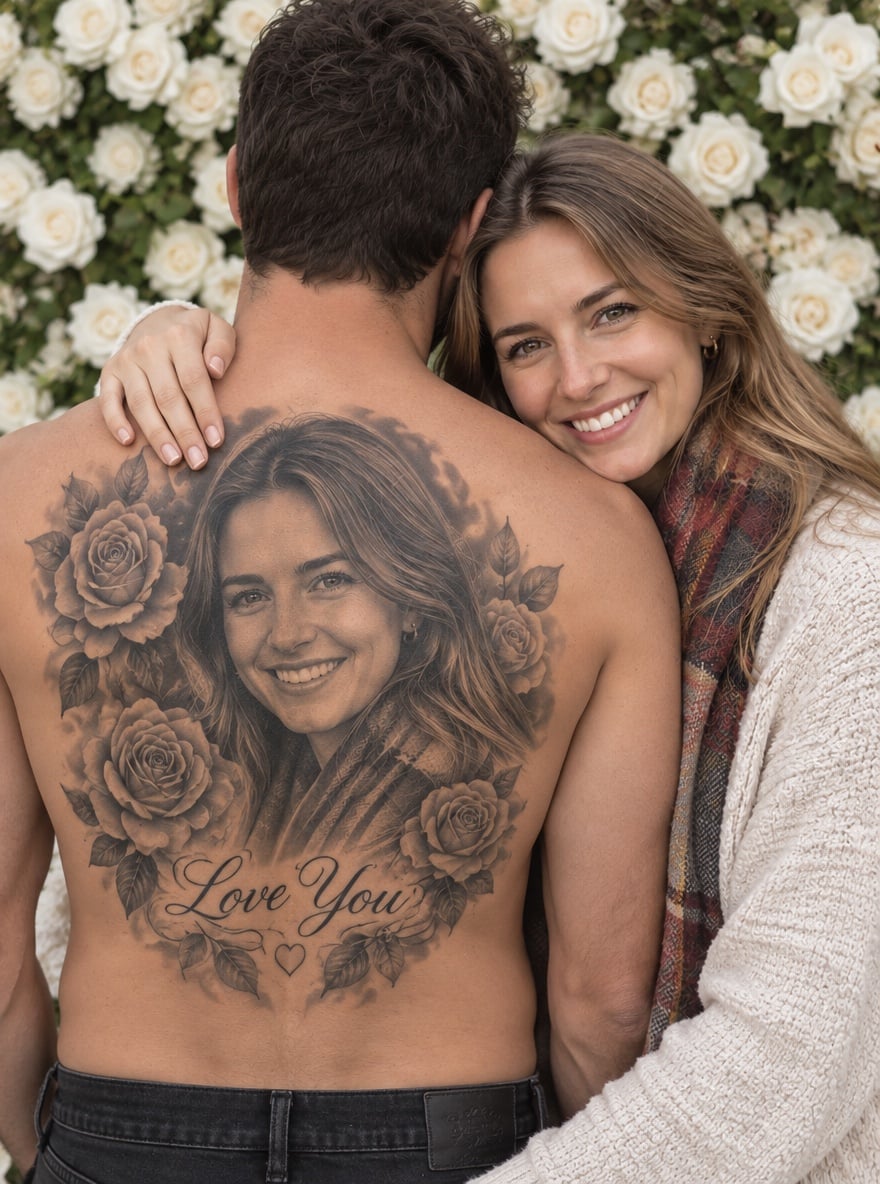
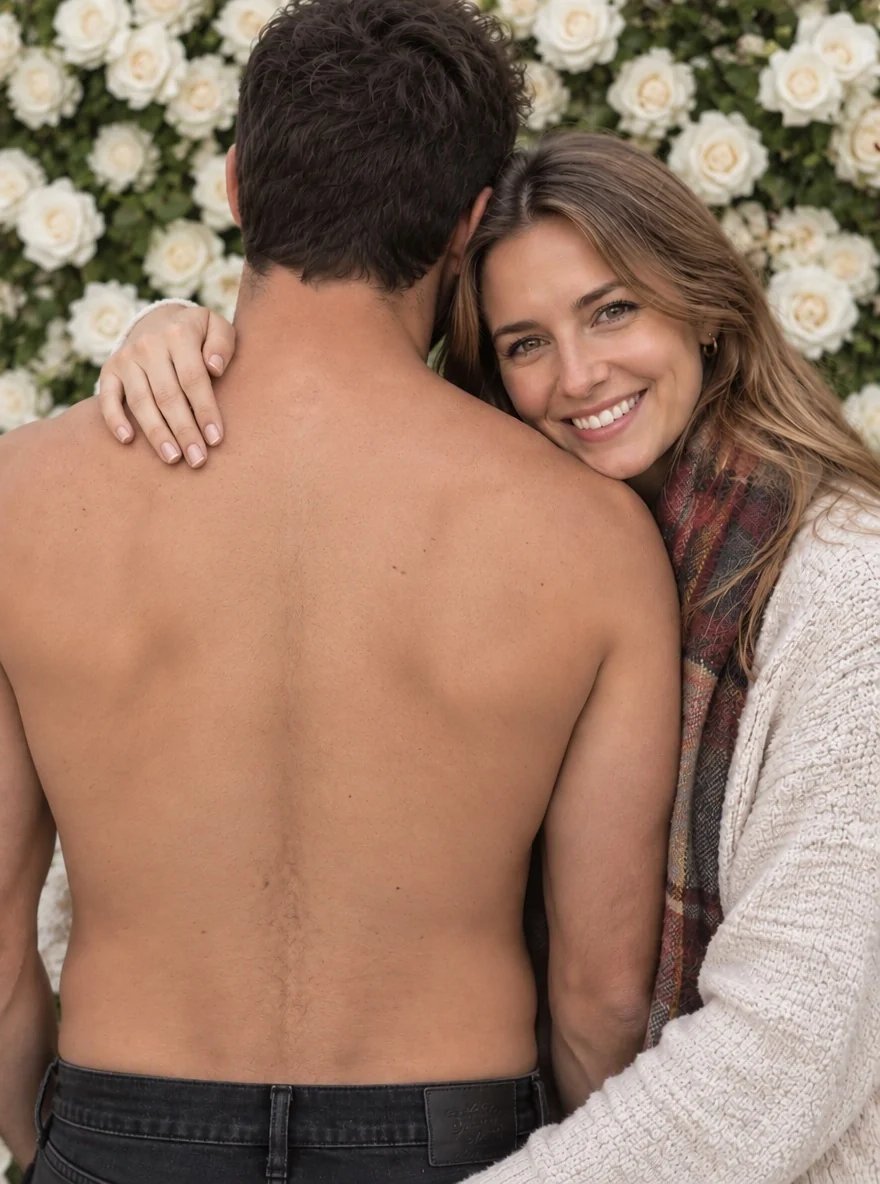
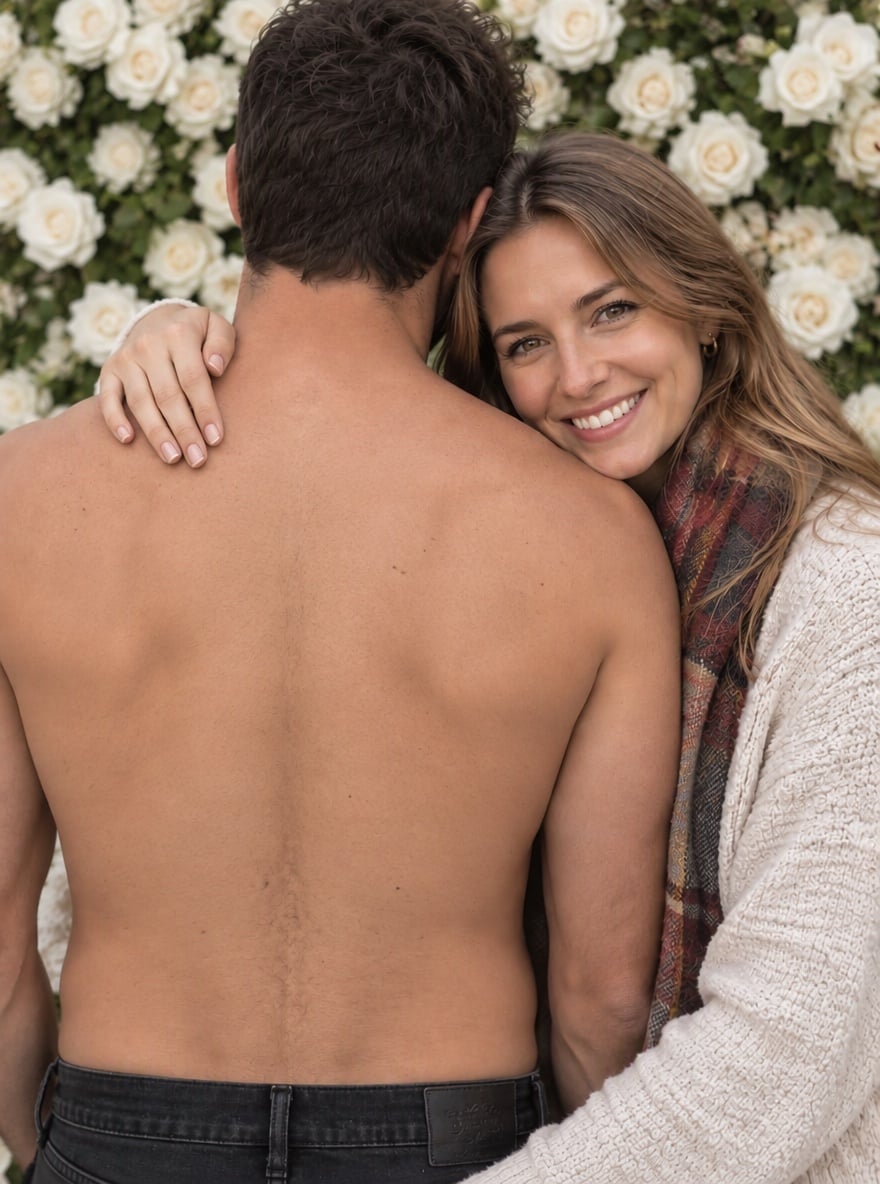
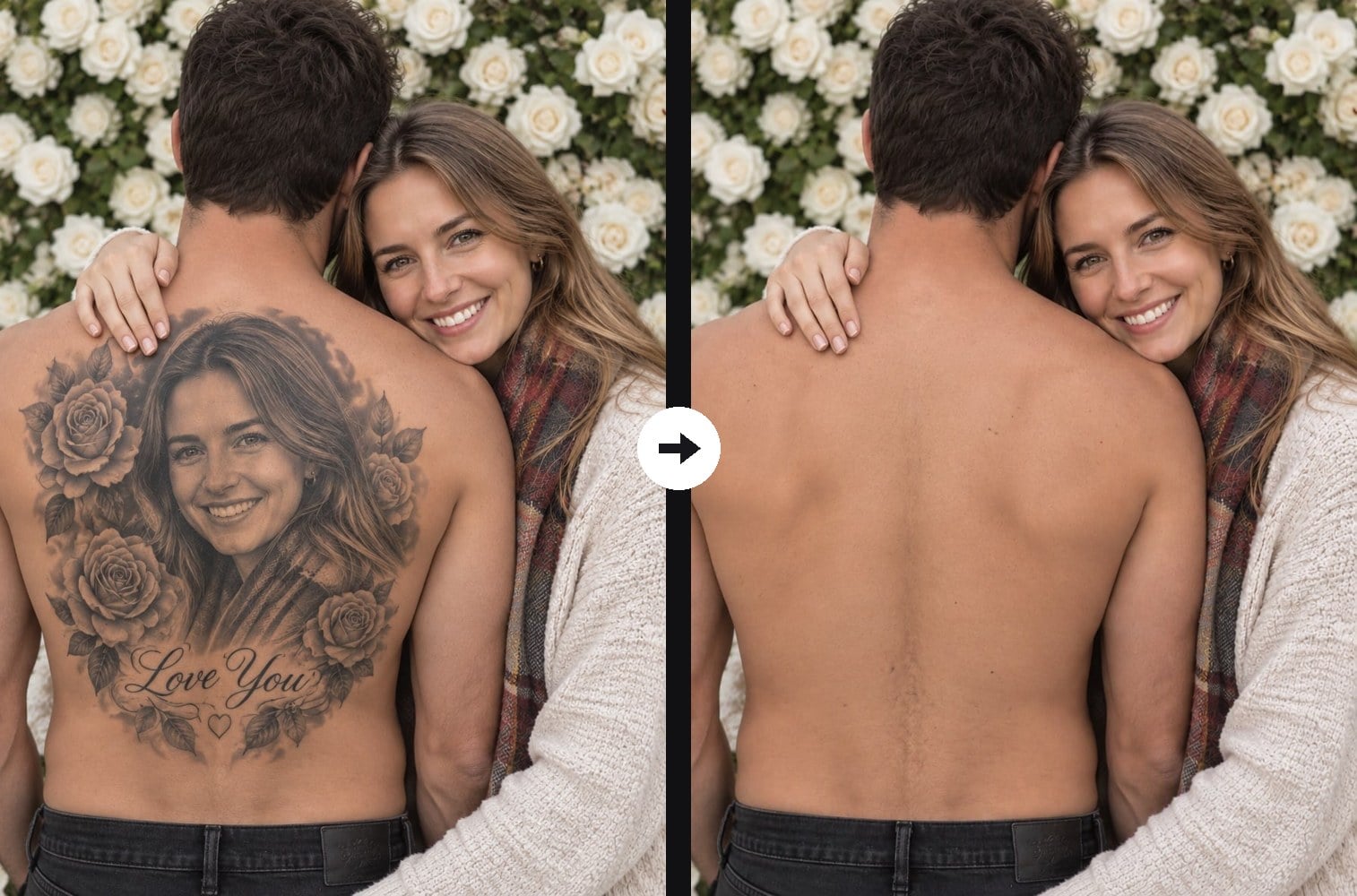
Full back tattoo removed
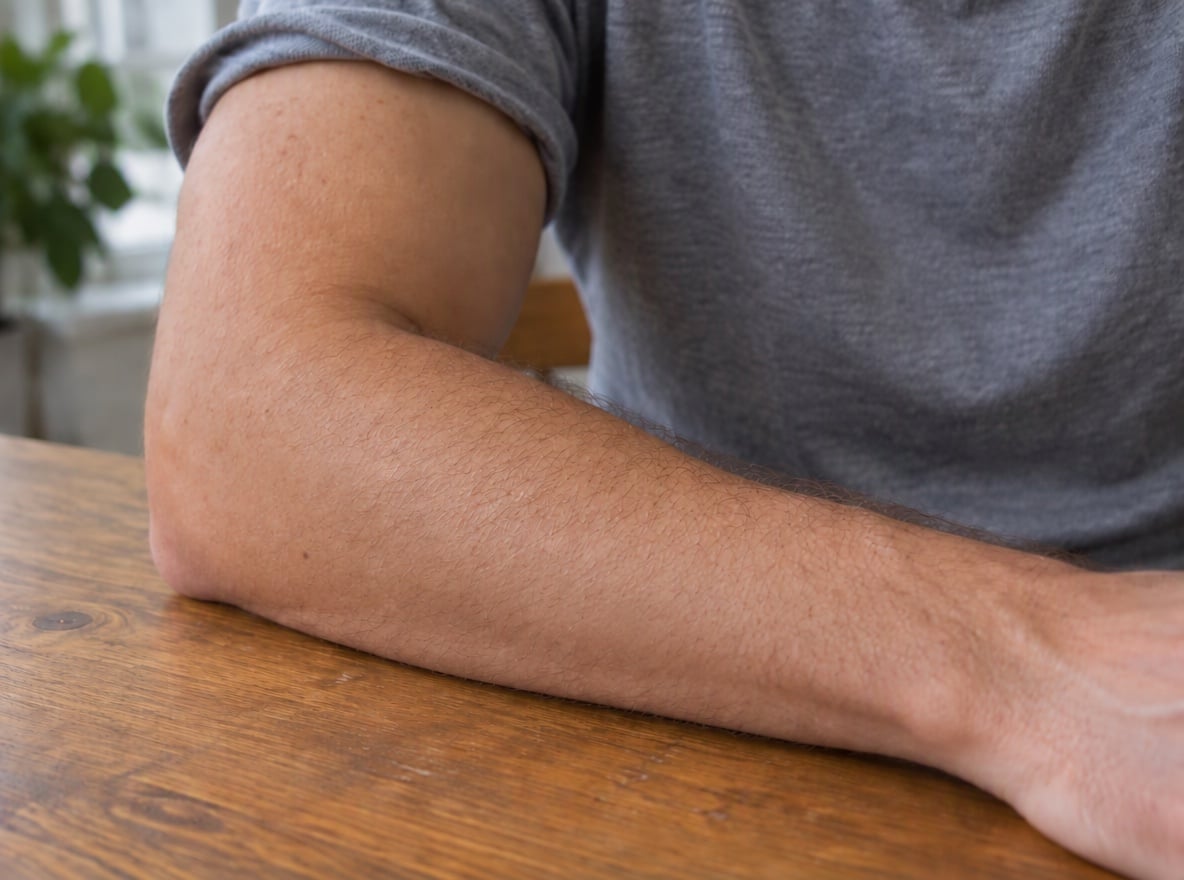
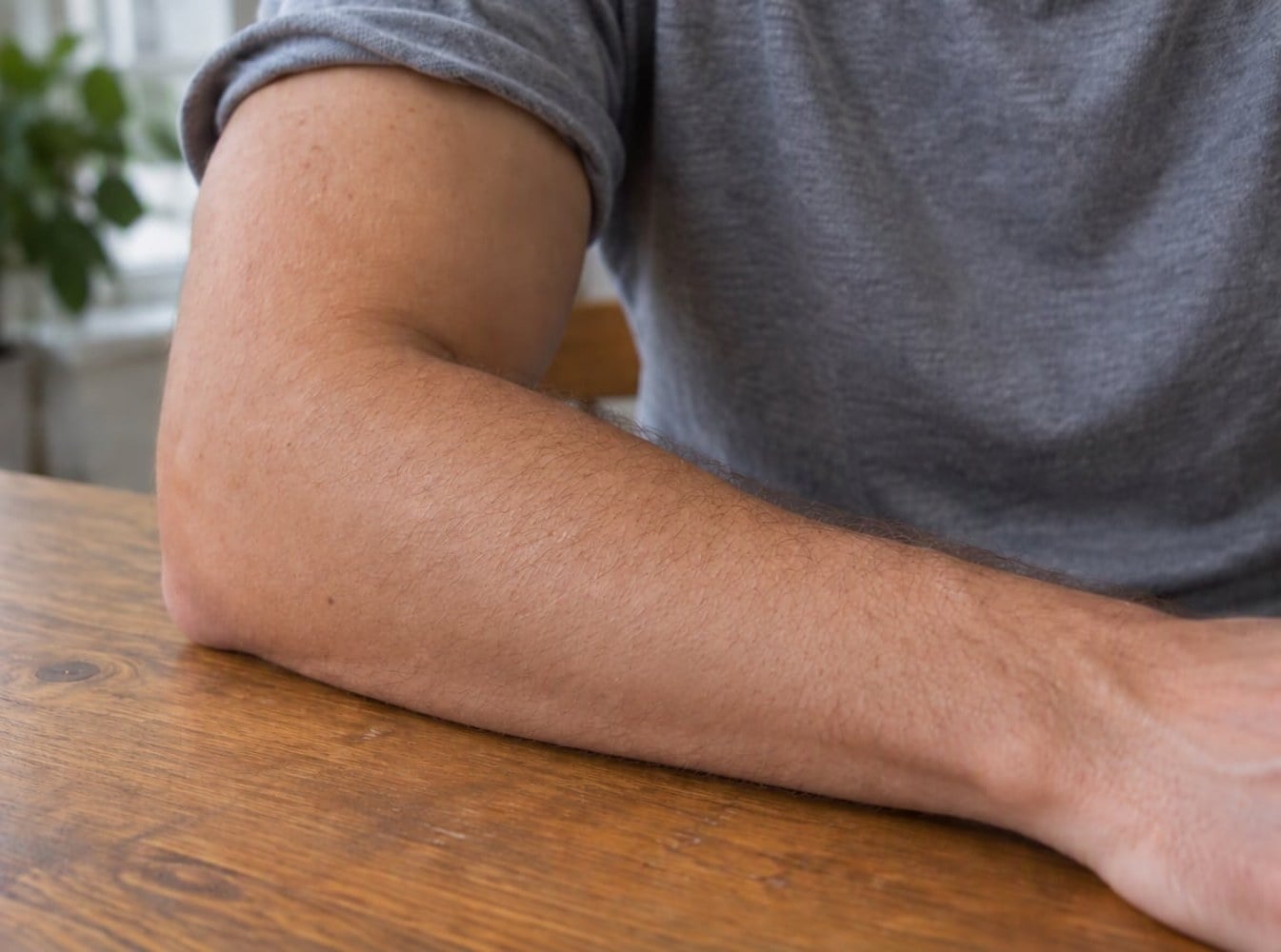
Forearm rose tattoo removed
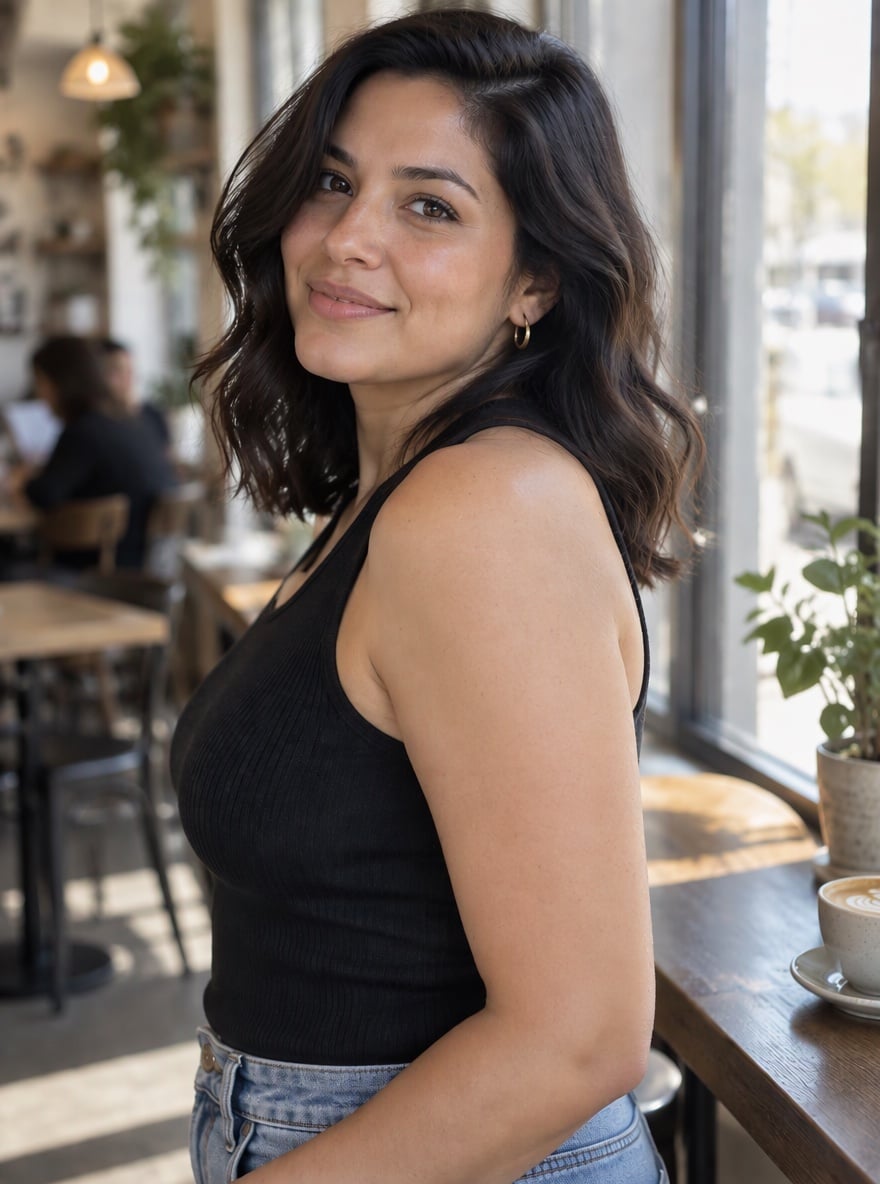
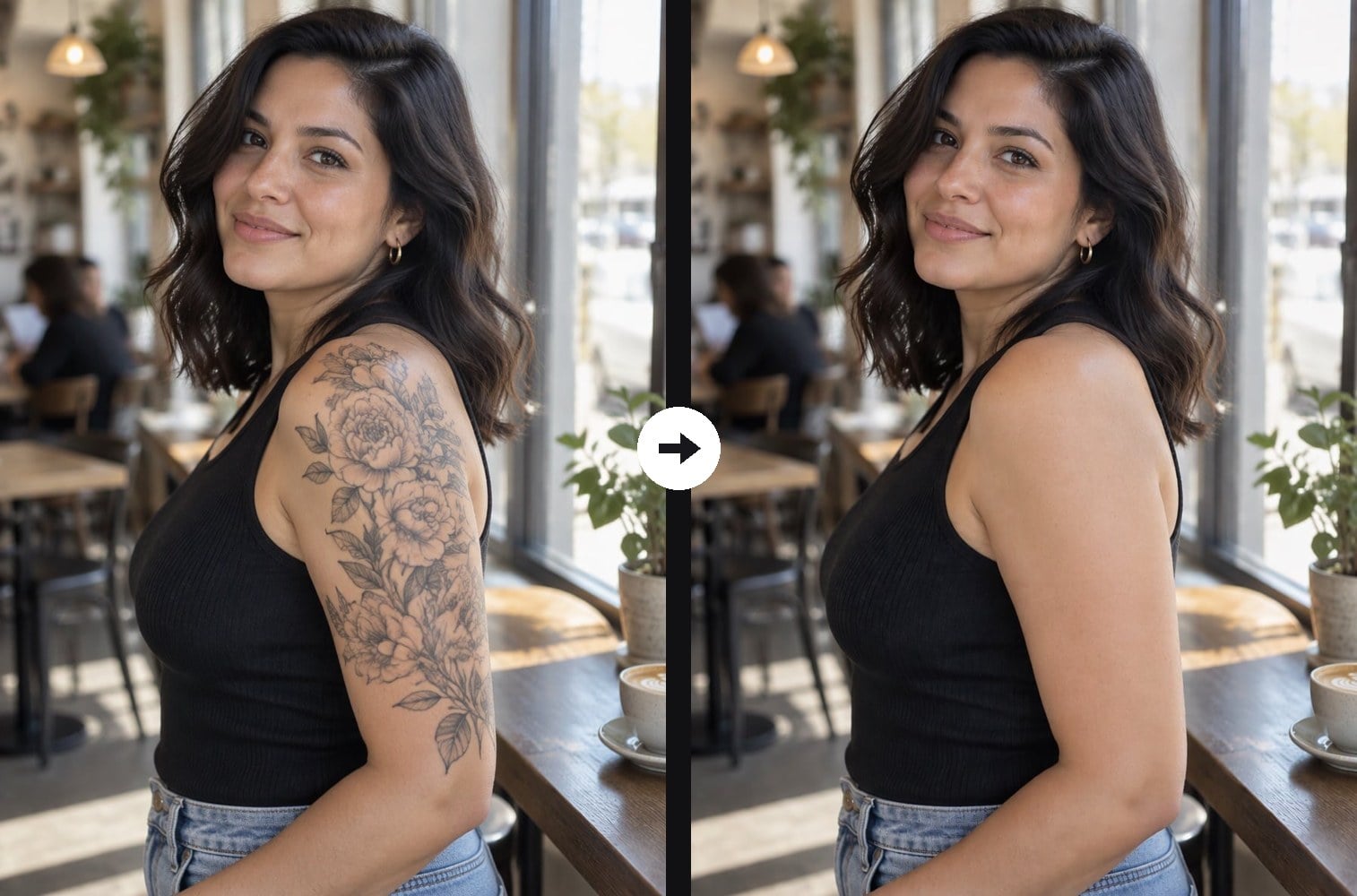
Shoulder and arm tattoo removed
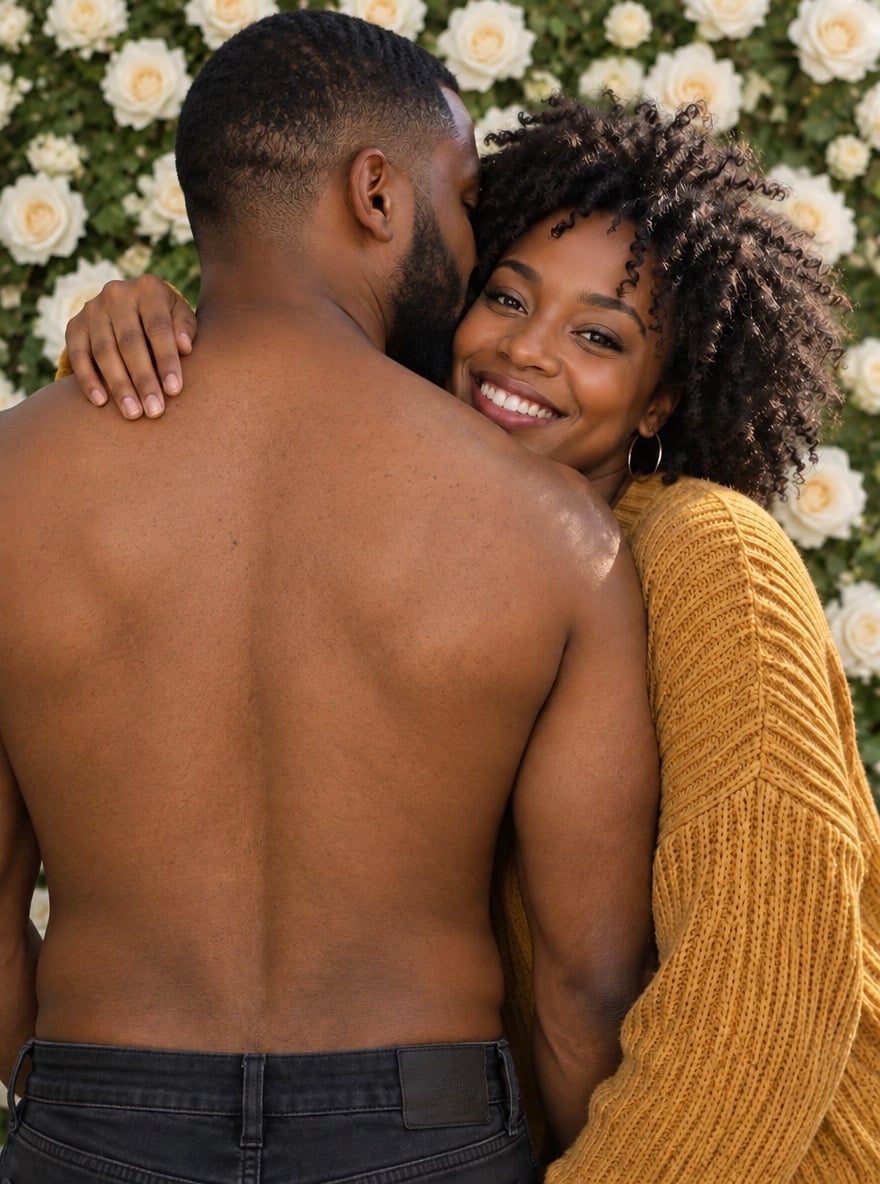
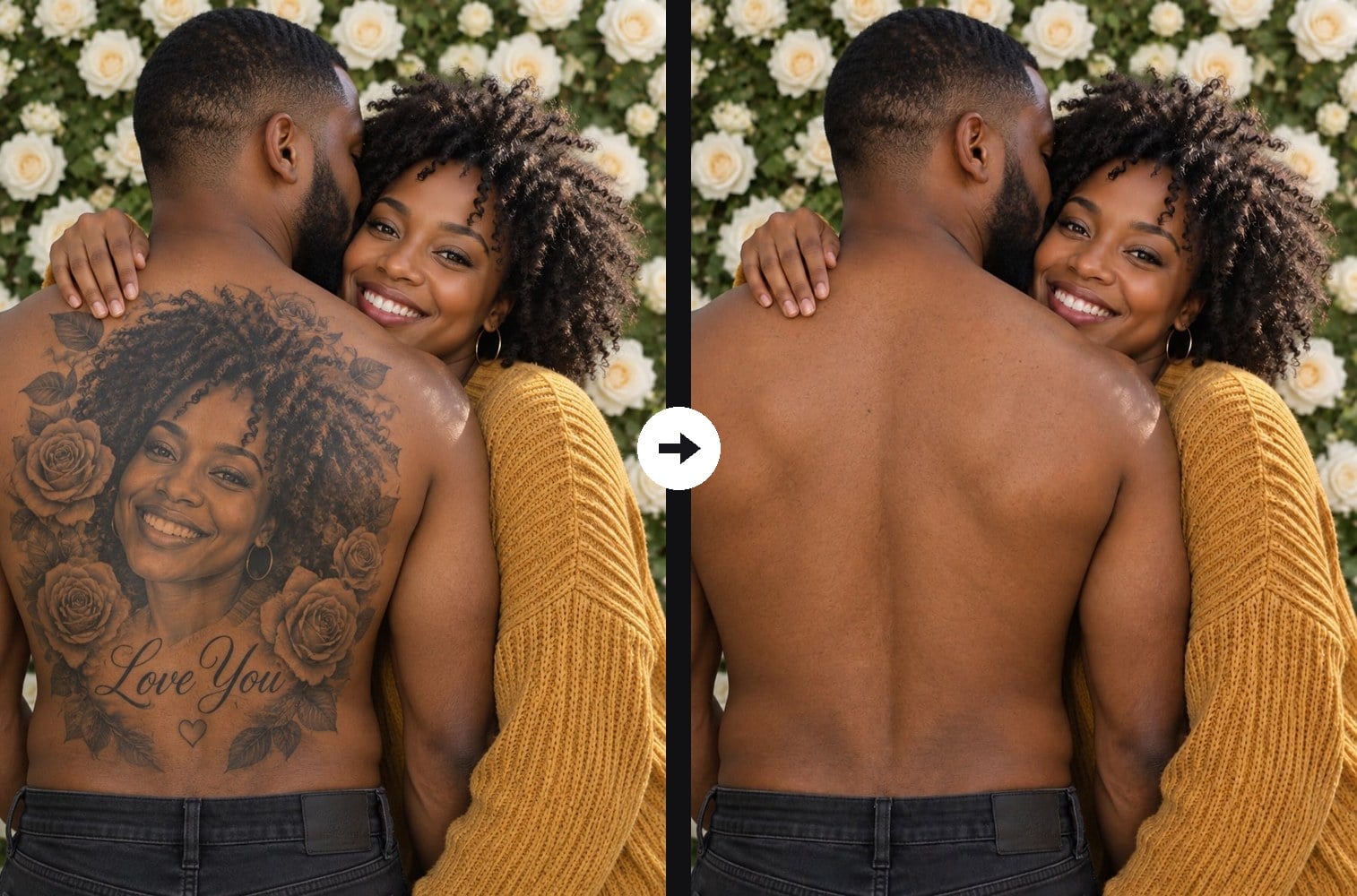
Back portrait tattoo removed on deep skin
Upload a clear photo where the tattooed skin is visible and well lit
Effect prompt
By uploading a file, you agree to GoEnhance's Terms of Use and Privacy Policy

AI Tattoo Removal: Before and After

Each result is one upload with a prompt that names the tattoo area. Only the inked skin changed; face, pose, clothes, other people and background come from the original photo.
Full back tattoo removed - AI Tattoo Removal

Full back tattoo removed

Forearm rose tattoo removed - AI Tattoo Removal

Forearm rose tattoo removed

Shoulder and arm tattoo removed - AI Tattoo Removal

Shoulder and arm tattoo removed

How to Remove a Tattoo From a Photo

01

Upload your photo

Choose a photo where the tattoo is in focus and not covered by hair, straps or heavy shadow. Selfies, mirror shots, beach photos and studio portraits all work.

02

Name the tattoo area

Click an example to load its prompt, or keep the default that removes every tattoo. To clear just one, write where it is, for example the left forearm or the upper back.

03

Generate and compare

Press the button and compare the before and after. If a small trace is left, run it again or describe the spot more precisely in the prompt.

Why Use This AI Tattoo Remover
Skin that matches, not a blur patch

The cleared area is rebuilt as real skin in your own tone and undertone, with pores, fine hairs, freckles and the soft shading of the muscles underneath. There is no smudge, no ghost outline and no pasted look, so the edit holds up even when you zoom in.

Skin that matches, not a blur patch - AI Tattoo Removal

Remove one tattoo or all of them

Say exactly which piece should go, such as the rose on the forearm, the lettering on the back or the design on the shoulder, and the rest stay untouched. Leave the default prompt and every visible tattoo is cleared in one pass.

Remove one tattoo or all of them - AI Tattoo Removal

Everything else stays the same

Your face, expression, hairstyle, body shape, pose, clothes and jewelry are kept, and so are the people beside you and the background. The result reads as the same photo taken on a day you had no ink.

Everything else stays the same - AI Tattoo Removal

Preview before you commit

Thinking about laser removal or a cover-up? See the clean look on your own body first, or tidy a portrait for a job profile, a wedding album or a family event. New accounts get free credits, so the first try costs nothing.

Preview before you commit - AI Tattoo Removal

AI Tattoo Removal FAQ

Does this remove a real tattoo?

No. It edits the photo only and shows how your skin could look without the ink. It is a handy visual preview before laser sessions or a cover-up, not a medical treatment.

Can I remove only one tattoo and keep the others?

Yes. Write which tattoo and where it is in the prompt, for example the rose on the right forearm, and the other tattoos stay as they are. The default prompt removes all visible tattoos.

Will the skin look natural?

The prompt asks for the same skin tone, pores and lighting as the surrounding skin and rules out blur, scars, redness and leftover ink. Sharp, evenly lit photos give the most natural results.

Does it work on large back pieces and dark skin?

Yes. The examples above include a full back portrait tattoo and a back tattoo on deep brown skin; both were cleared while keeping the original tone and muscle shading.

Will my face or clothes change?

They should not. Only the tattooed skin is edited, and face, identity, pose, clothes, other people and background are locked in the prompt. If something drifts, generate again with the same photo.

Can I design a new tattoo instead?

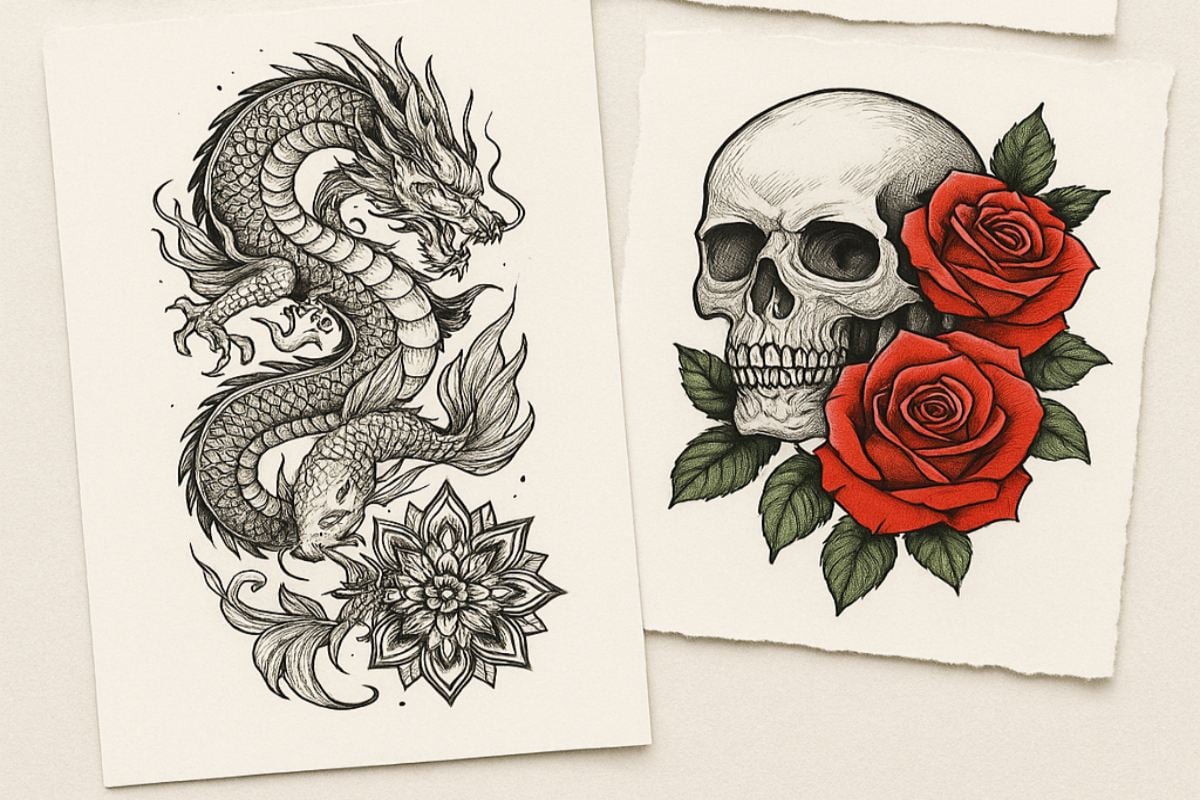
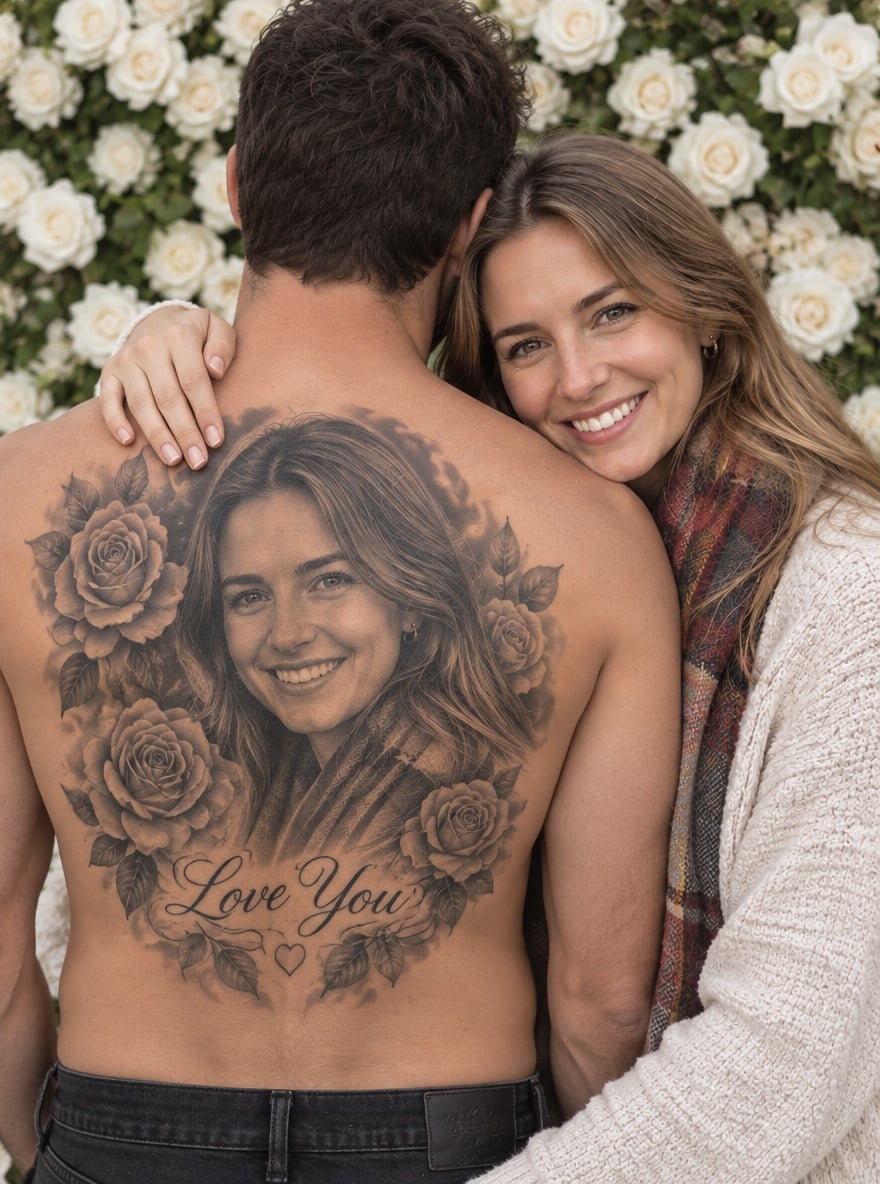
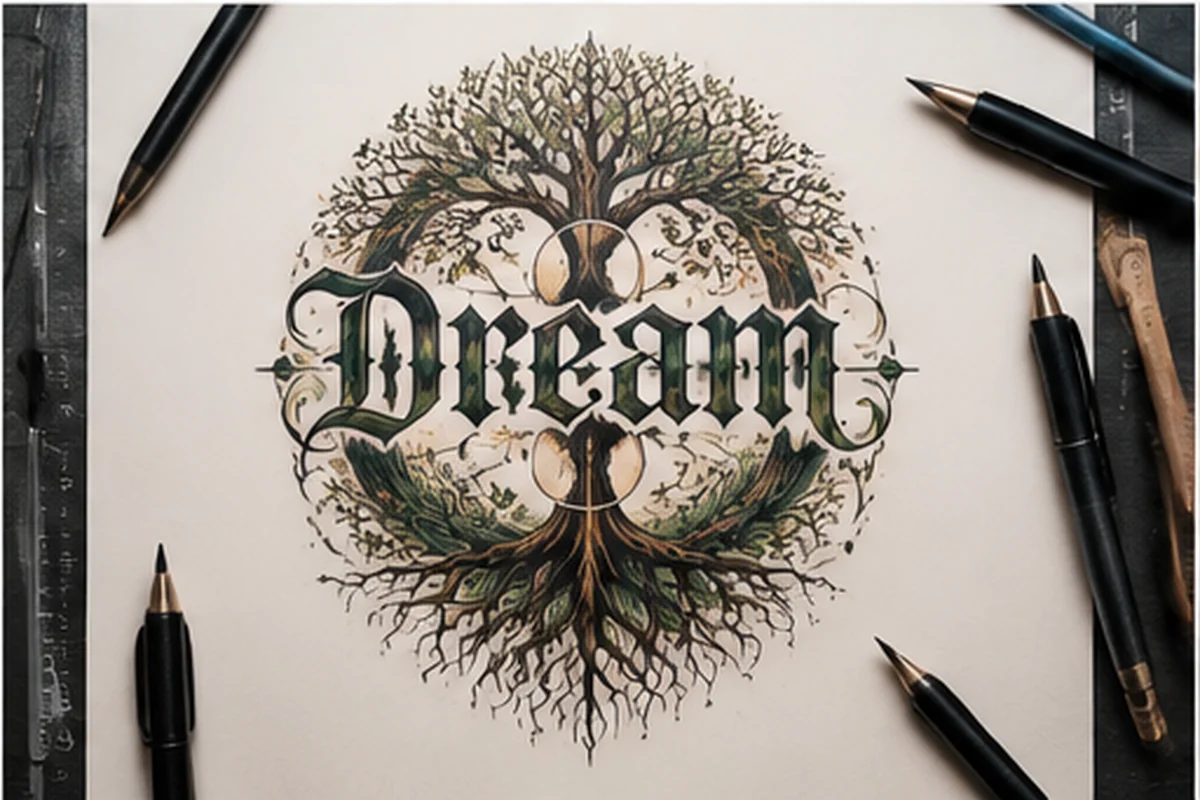
Yes. If you want to try ink rather than remove it, our AI tattoo generator lets you preview new designs on your skin.

Ready to See Yourself Without the Tattoo?

Upload a photo and get a clean-skin version in under a minute.

Remove Tattoo