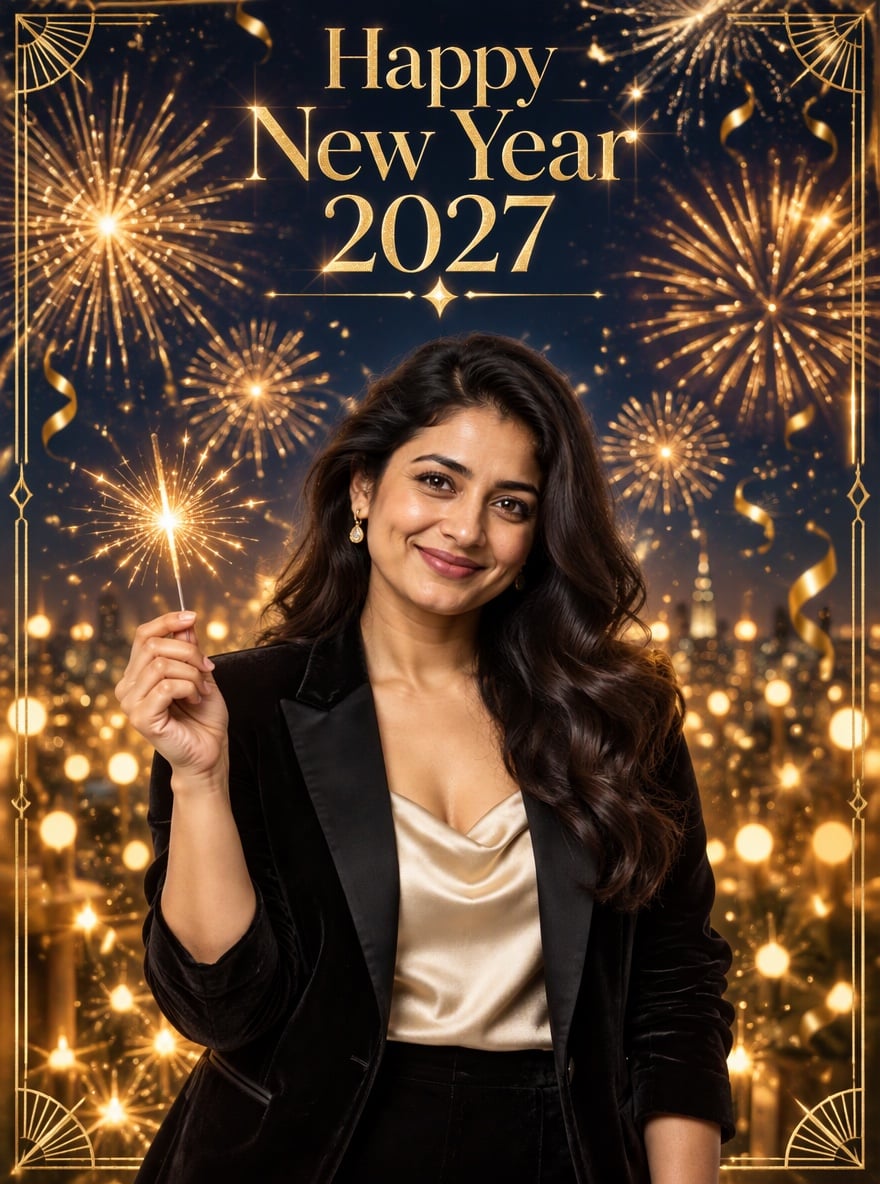
AI Birthday Photo: Turn Your Selfie into a Real Birthday Celebration

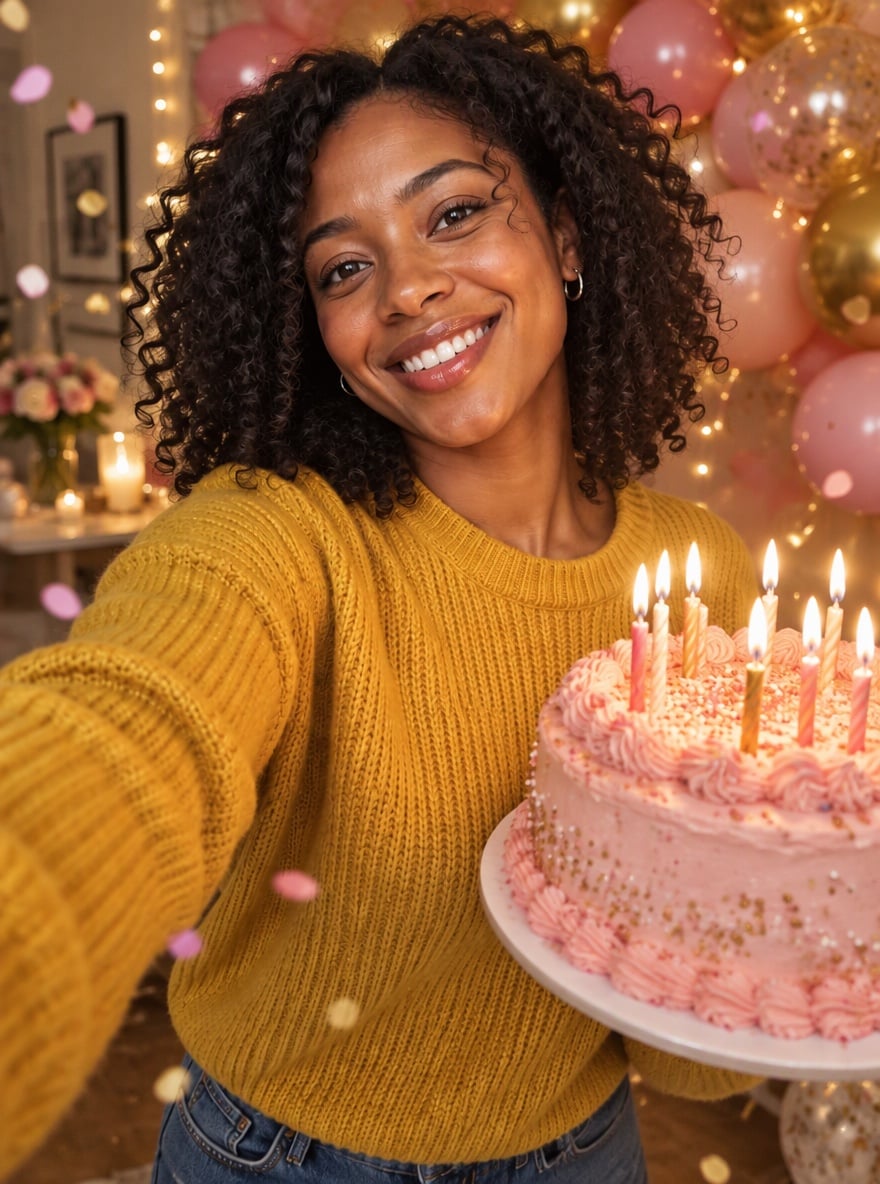
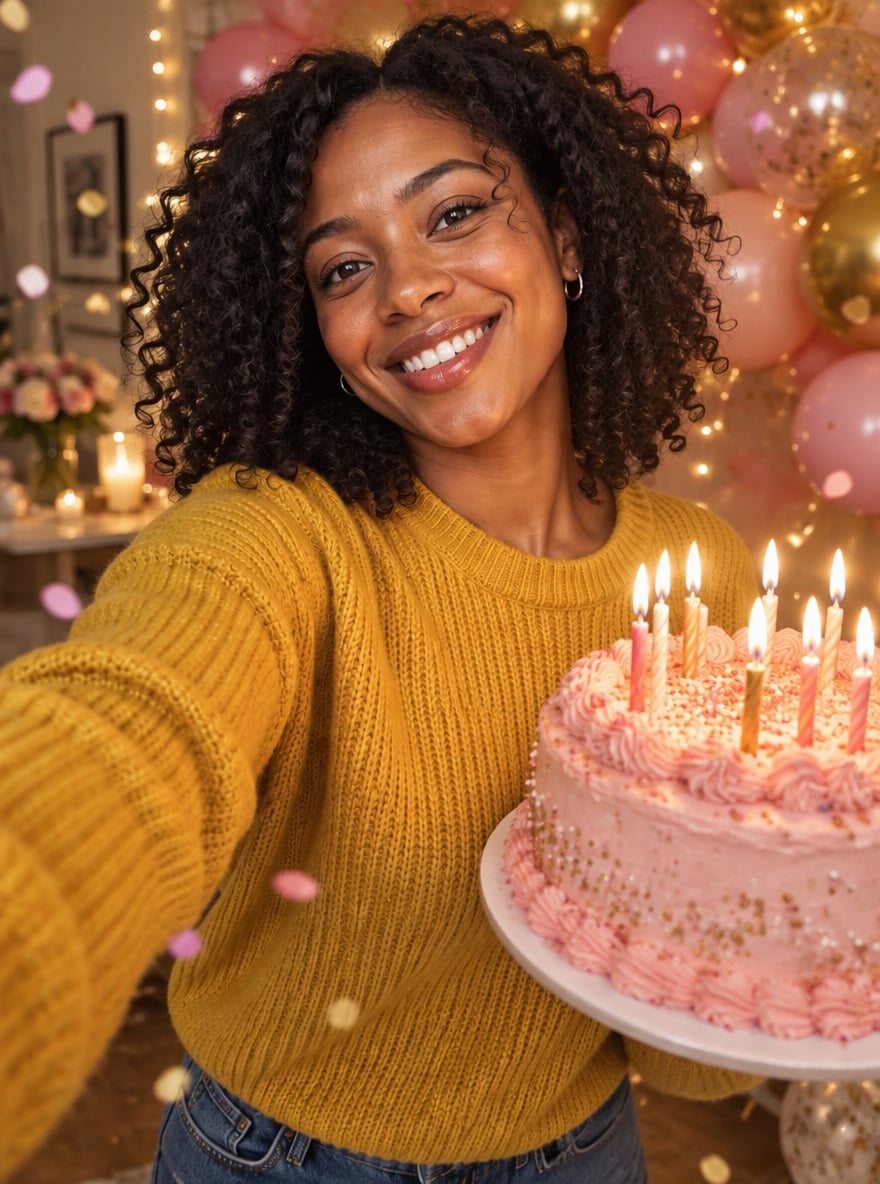
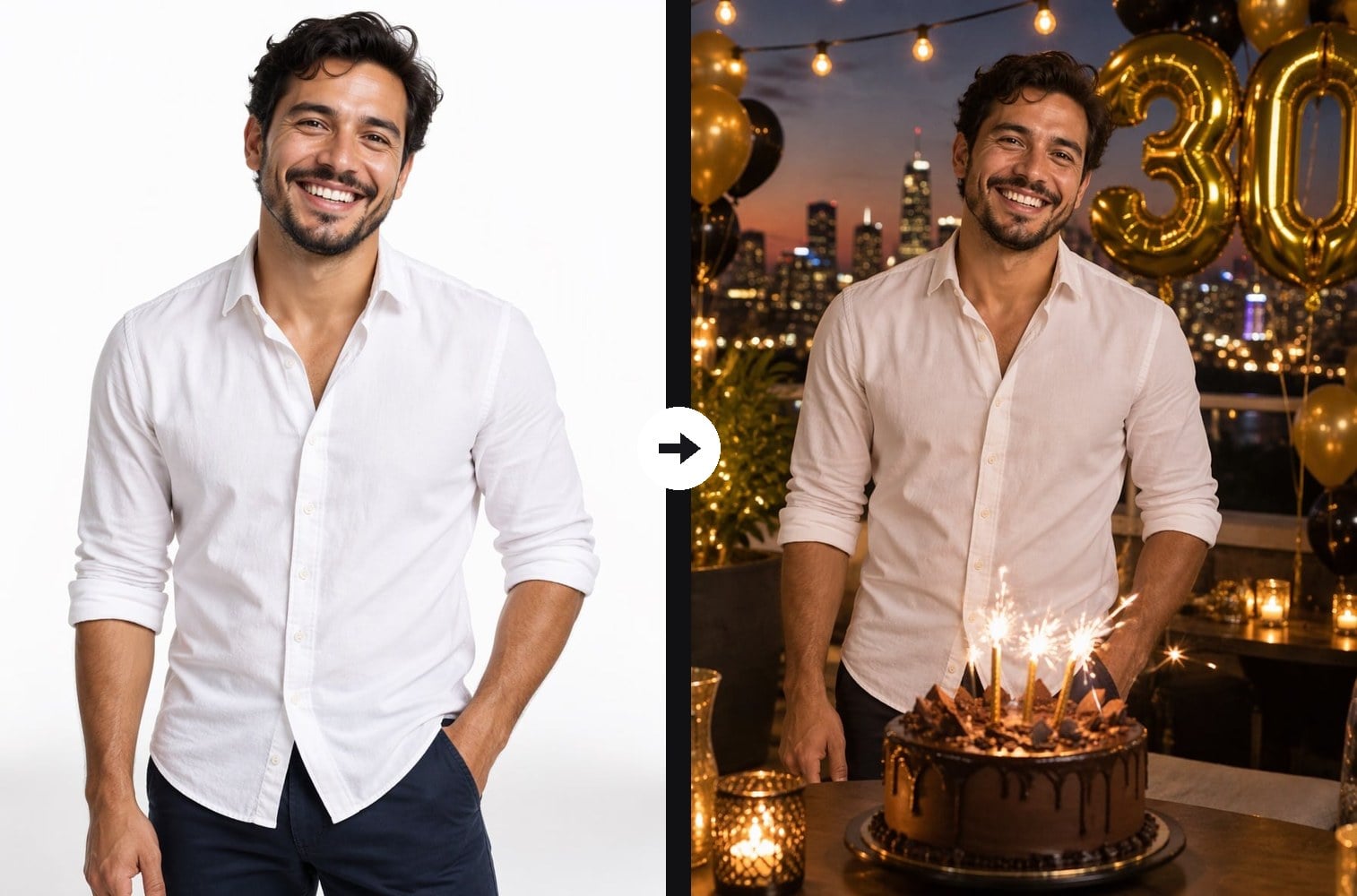
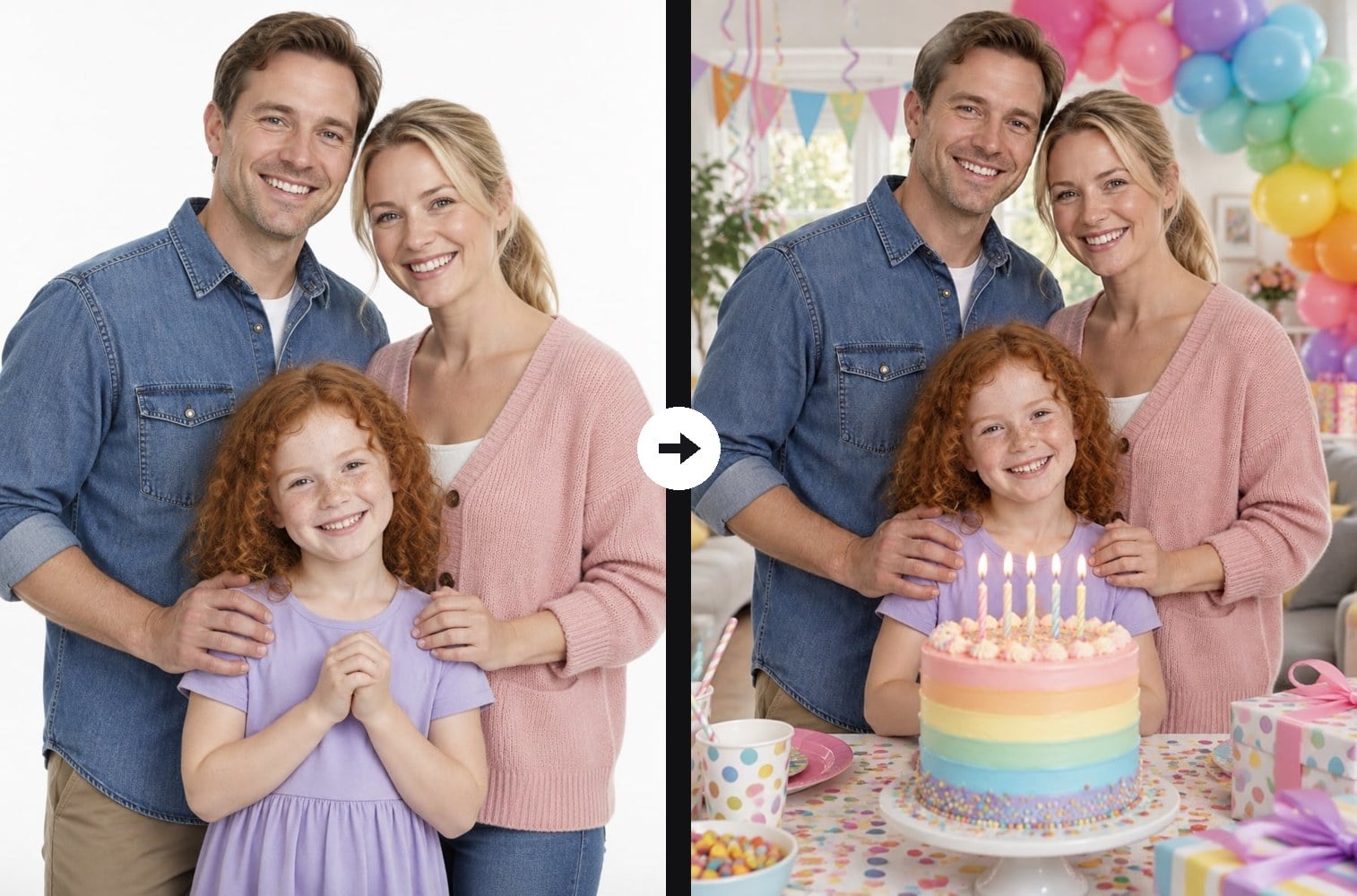
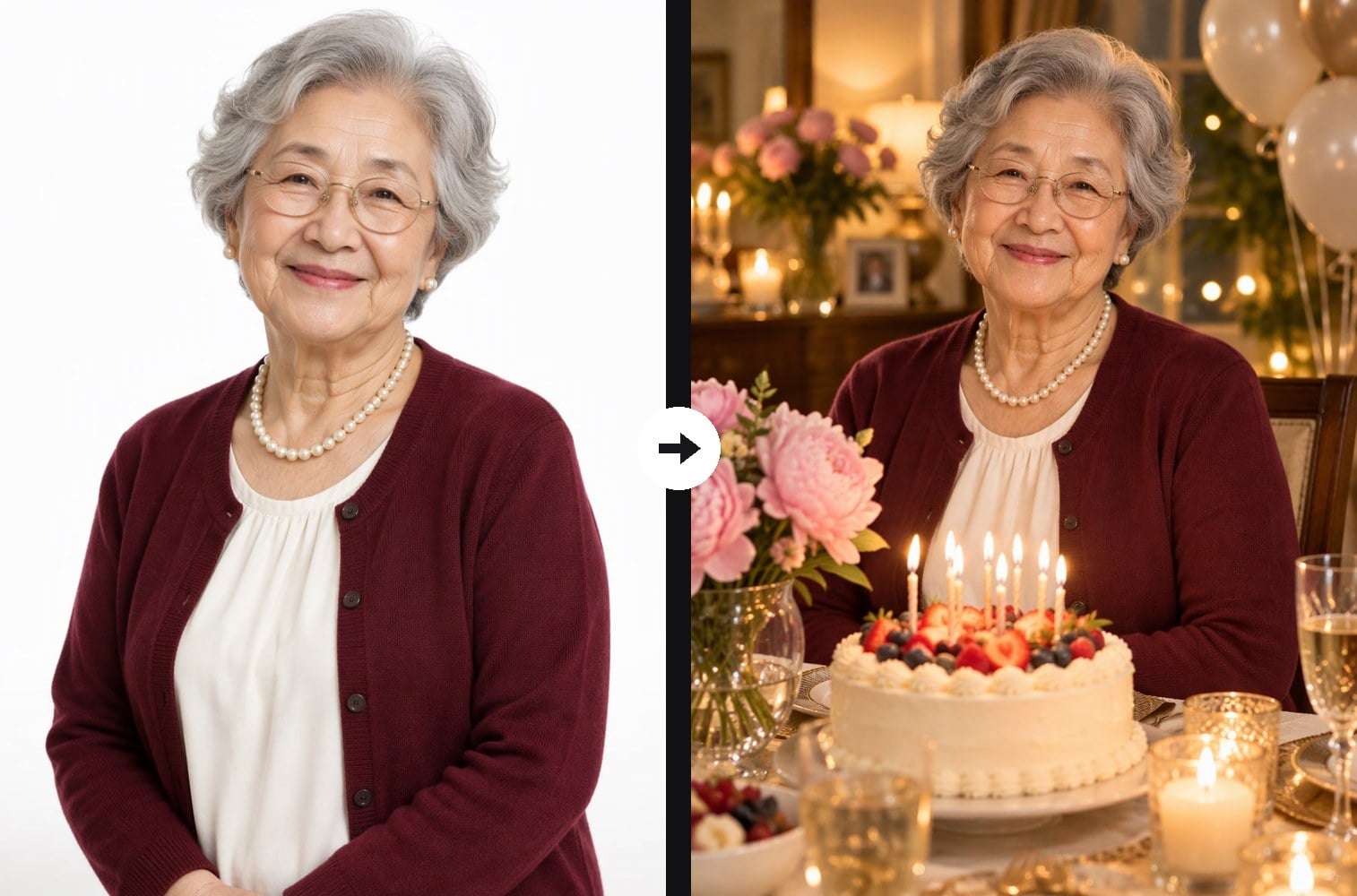
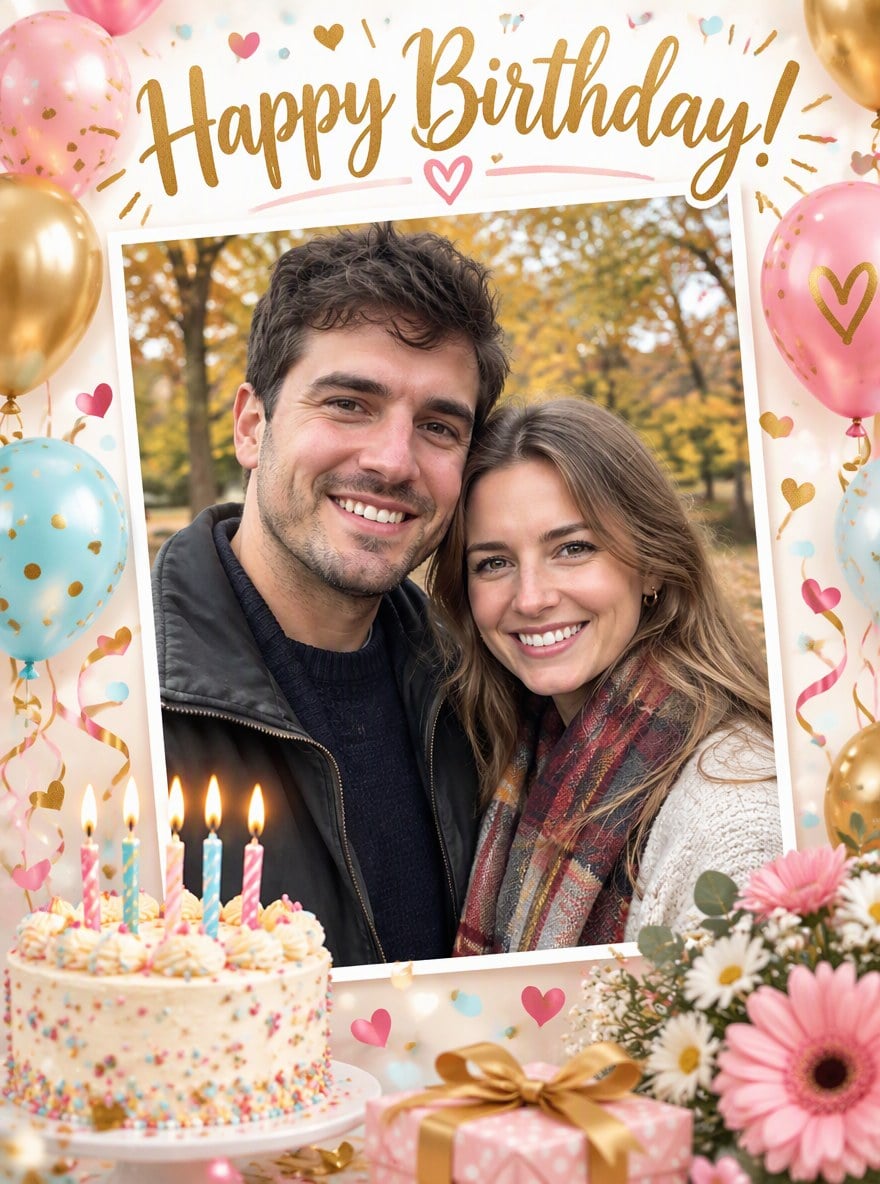
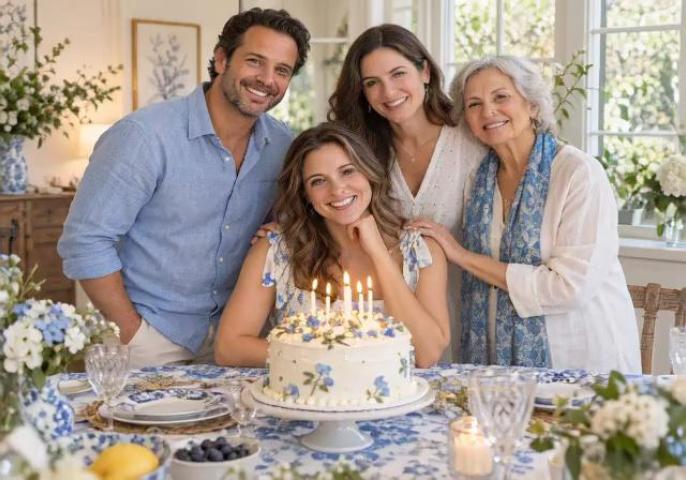
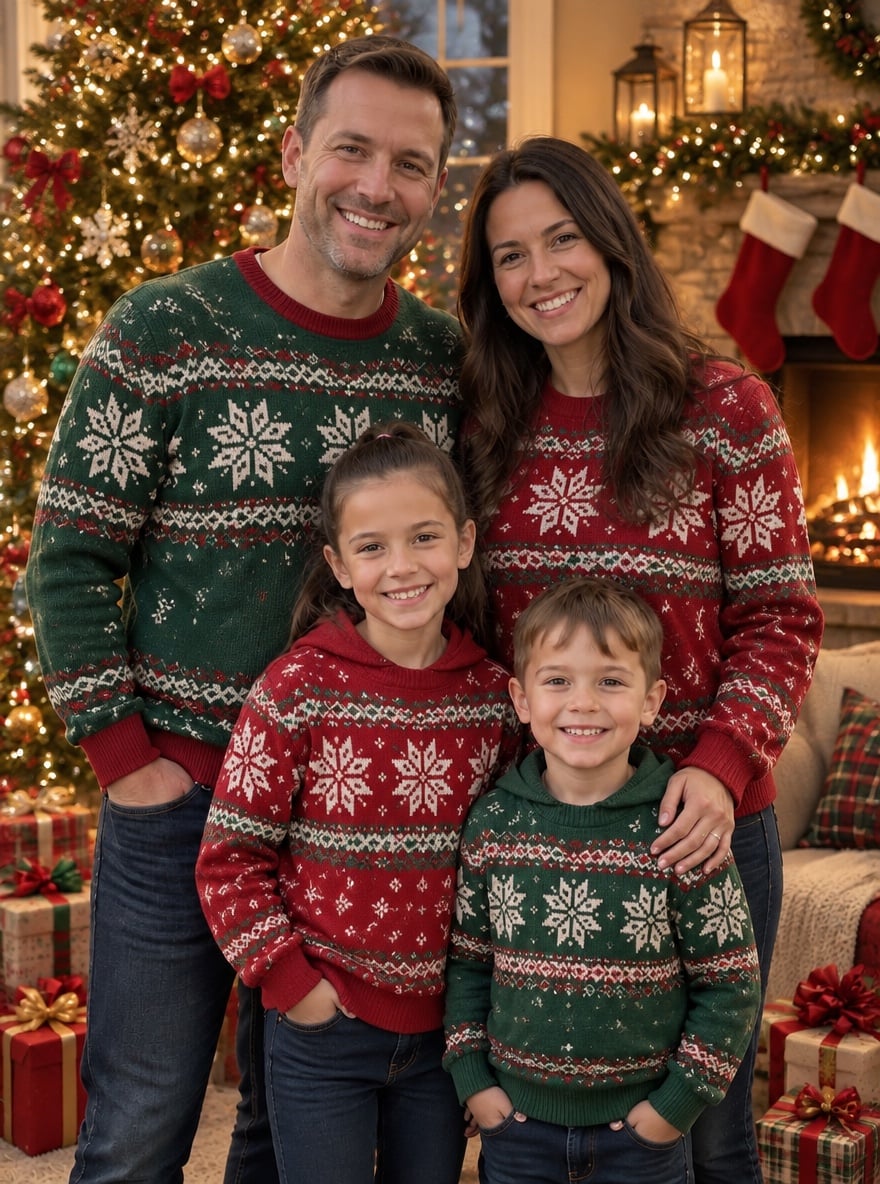
Turn an everyday selfie or family photo into a birthday celebration photo. Upload a picture and the AI places you in a real-looking party scene: a balloon garland, warm string lights, confetti and a birthday cake with lit candles, with lighting that matches your face so the result looks like it was taken at the party. Your face, hairstyle, outfit and the number of people stay the same. Unlike a birthday card, the result is a natural photo with no frame and no greeting text, so it works as a birthday post, a profile picture or a surprise for the birthday person. The four examples below show a selfie with a pink cake, a rooftop 30th birthday, a kid's party with the whole family and a candlelit birthday dinner for grandma. The console below runs on GPT Image 2.5.
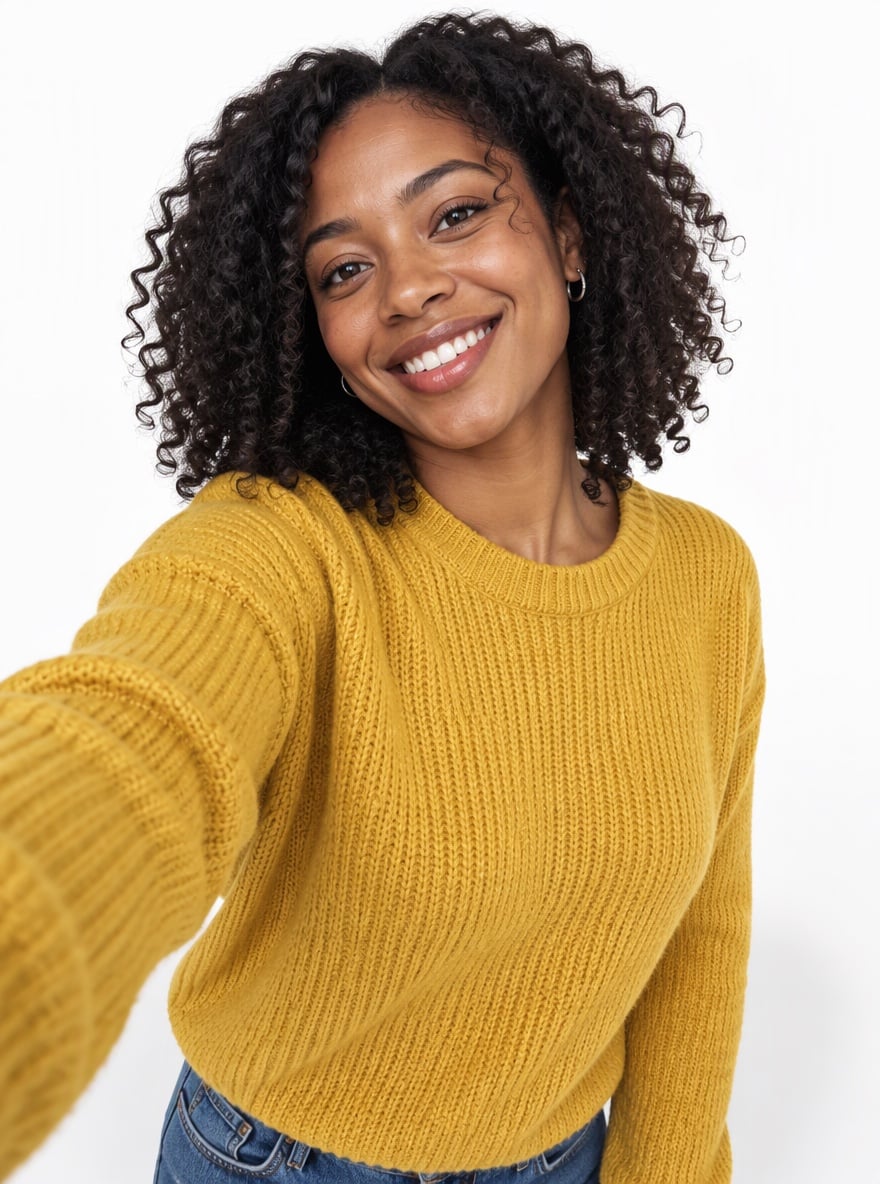
Birthday Selfie with Pink Cake and Balloons
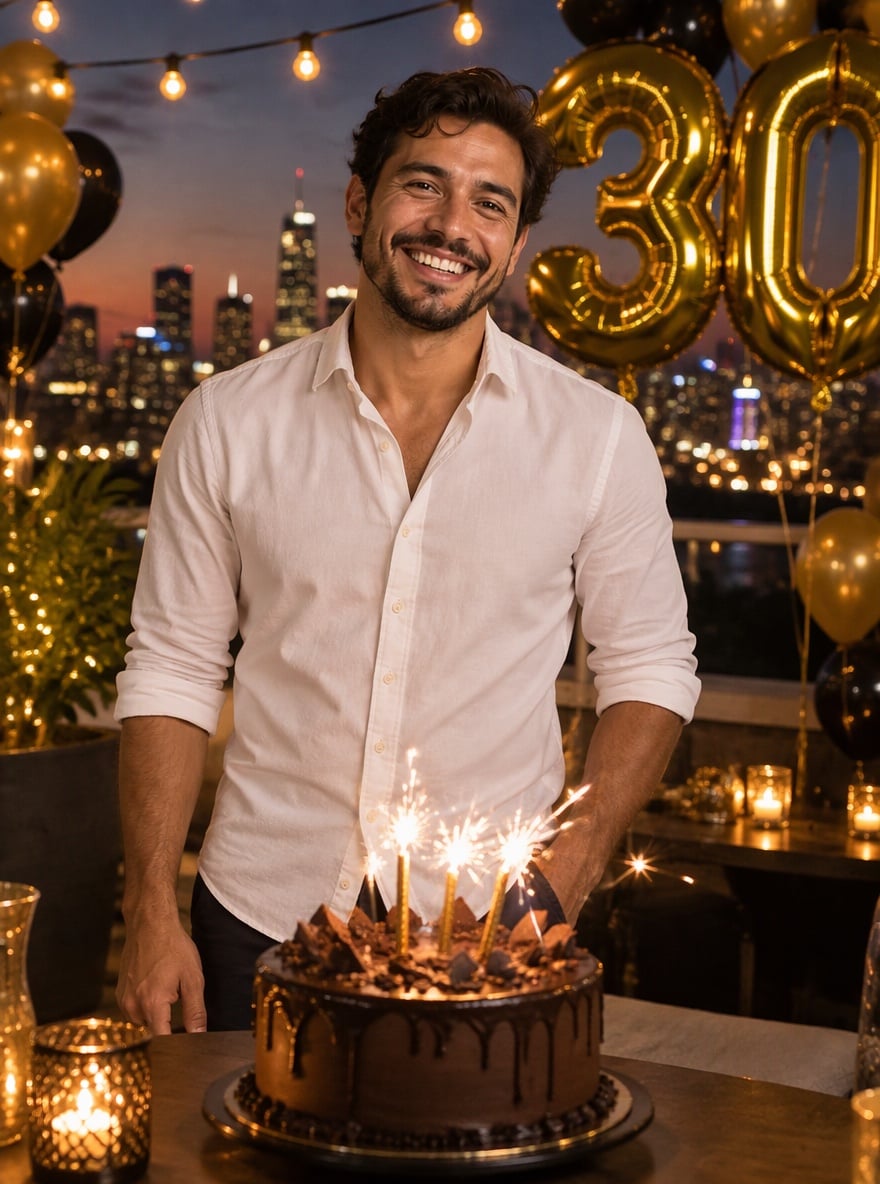
Rooftop 30th Birthday Party Photo
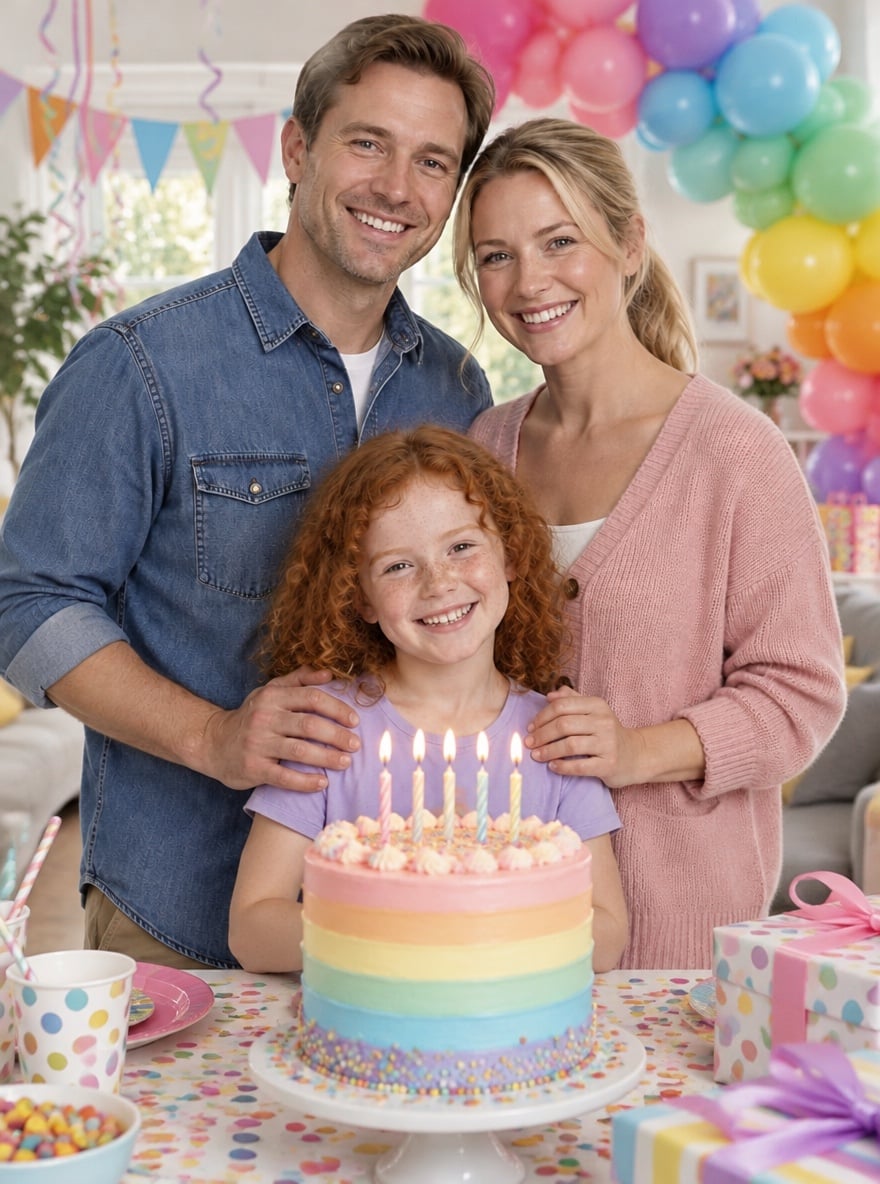
Kid's Birthday Party Photo with the Family
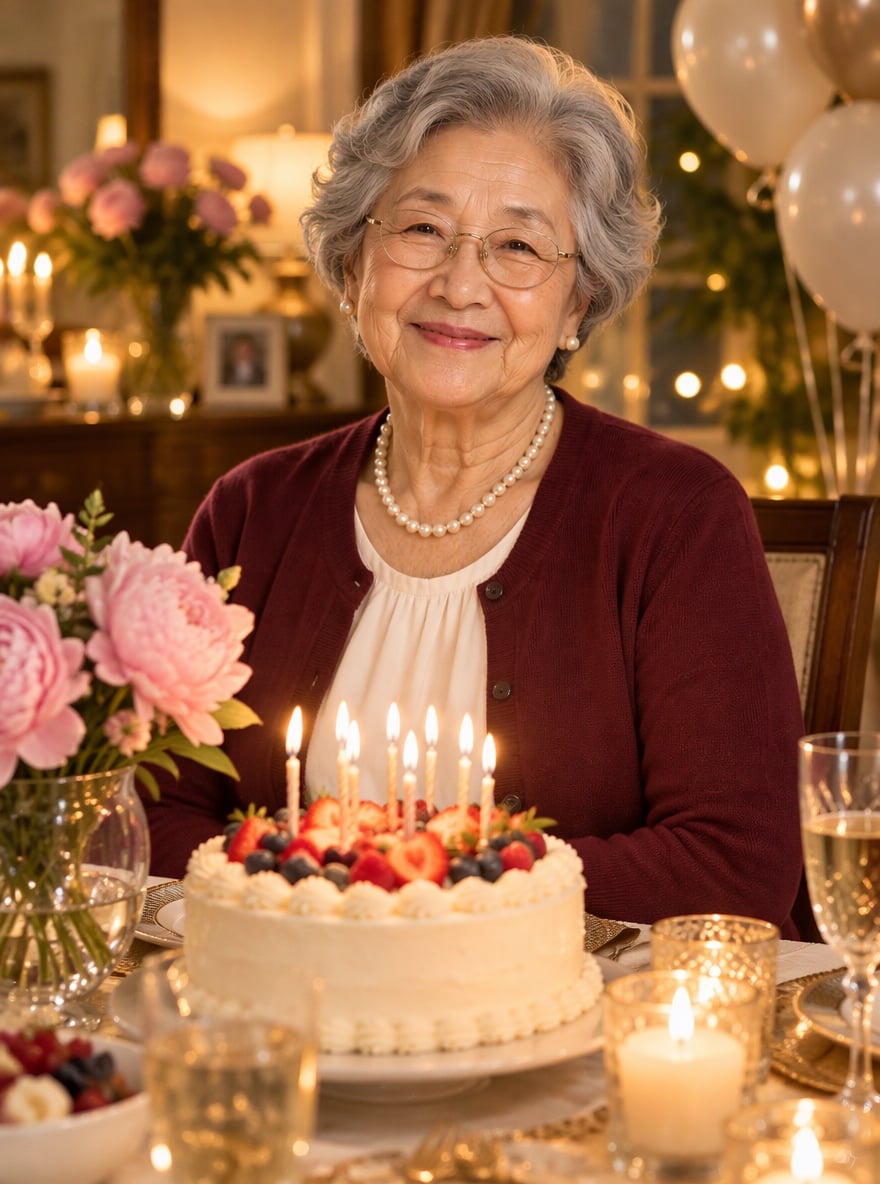
Candlelit Birthday Dinner Photo for Grandma
Upload a clear selfie, portrait or family photo
Effect prompt
By uploading a file, you agree to GoEnhance's Terms of Use and Privacy Policy

Birthday Photos Made from Everyday Pictures

Each birthday photo comes from one upload with the prompt shown on the example. Faces, hair and outfits come from the original picture; the cake, balloons, lights and setting are added by the AI.
Birthday Selfie with Pink Cake and Balloons - AI Birthday Photo

Birthday Selfie with Pink Cake and Balloons

Rooftop 30th Birthday Party Photo - AI Birthday Photo

Rooftop 30th Birthday Party Photo

Kid's Birthday Party Photo with the Family - AI Birthday Photo

Kid's Birthday Party Photo with the Family

How to Make a Birthday Photo with AI

01

Upload a photo

Choose a clear, well-lit selfie, portrait or family photo where every face is easy to see. Photos with one to about five people work best.

02

Pick a birthday scene

Keep the default balloon-and-cake scene, use one of the example prompts, or change the cake, colors, age balloons or location in the prompt, then generate.

03

Download and share

Save the birthday photo and post it on Instagram, TikTok or WhatsApp on the big day, use it as a profile picture, or send it to the birthday person as a surprise.

Why Use an AI Birthday Photo Maker
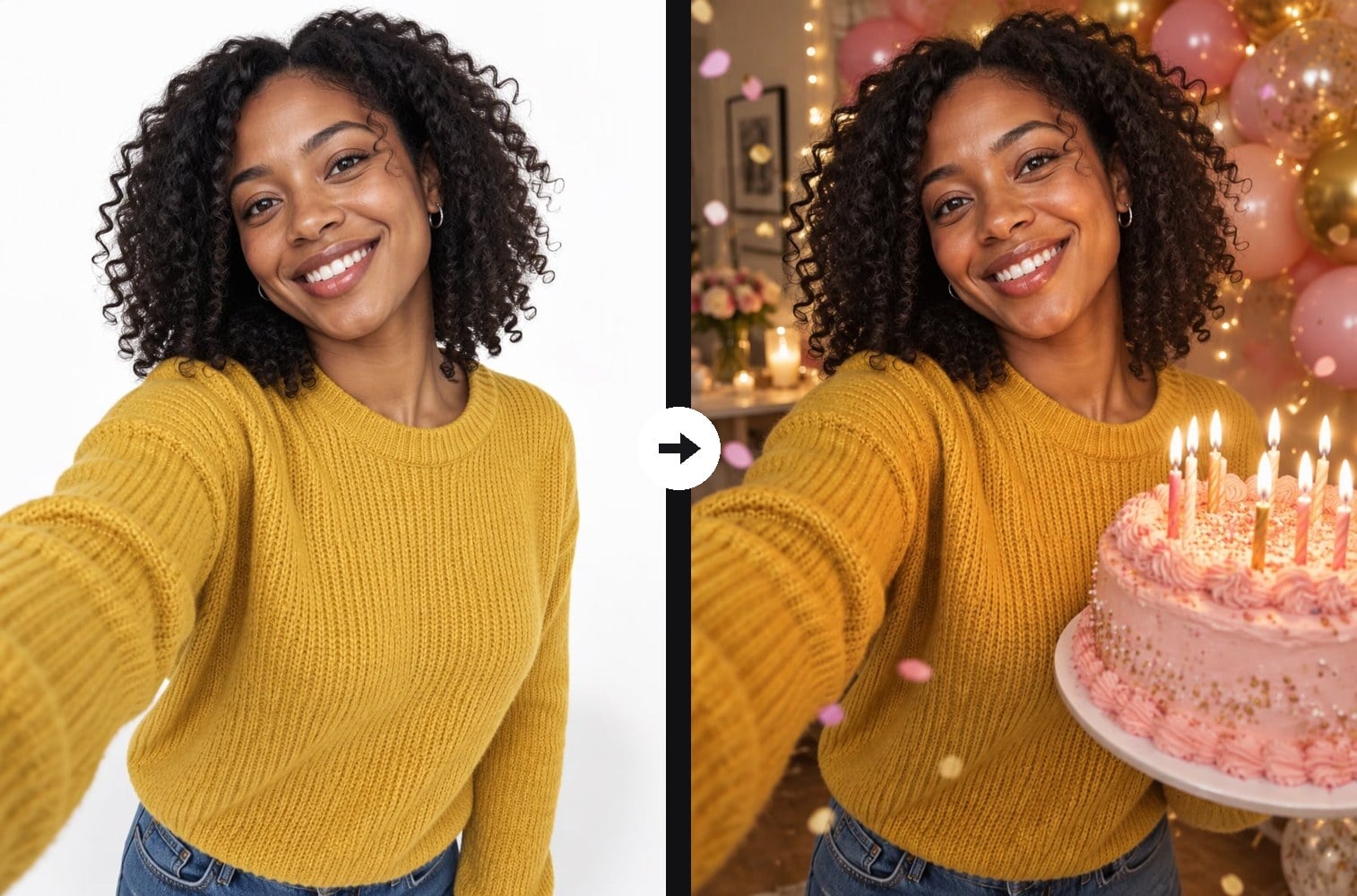
A real party scene, not a sticker

The AI builds the whole scene around you: balloons, string lights, confetti and a cake with lit candles, with light and shadows that fall on your face naturally. It looks like a photo taken at the party instead of a selfie with stickers on top.

A real party scene, not a sticker - AI Birthday Photo

Your face and outfit stay the same

Facial features, skin tone, hairstyle, expression and clothes are kept from your upload, and no one is slimmed, aged or replaced. Friends and family recognize the birthday person right away, which is what makes a birthday post feel personal.

Your face and outfit stay the same - AI Birthday Photo

Works for selfies, couples and families

Use a quick phone selfie, a portrait or a family photo with kids and grandparents. The AI keeps everyone in place and puts the cake in front of the birthday person, so group photos still read as one celebration.

Works for selfies, couples and families - AI Birthday Photo

Any age, any party style

Ask for gold number balloons for a 30th, a rainbow cake for a 6th birthday, a rooftop party at dusk or a quiet candlelit dinner at home. You can change the cake, colors and decorations in the prompt to match the real person and their taste.

Any age, any party style - AI Birthday Photo

AI Birthday Photo FAQ

How do I make a birthday photo with AI?

Upload a selfie or family photo, keep the default prompt or pick one of the example scenes, and click generate. The AI adds a birthday cake with candles, balloons and party lights around you and returns a realistic photo you can download.

Will the AI change my face?

The prompt asks the AI to keep every face, hairstyle, skin tone and outfit exactly as in your photo and not to beautify or slim anyone. For the best likeness, upload a sharp, front-facing photo without heavy filters.

Can I add the age with number balloons?

Yes. Write the age in the prompt, for example gold foil number balloons "40". Keep it to the number only; this page is for realistic photos, so avoid long greetings in the image.

Does it work with family and group photos?

Yes. The examples include a solo selfie, one man and a family of three. Photos with up to about five people work best, because faces in larger groups become small in a 3:4 picture.

Can I make a birthday card with text instead?

Yes. For a card layout with a "Happy Birthday" message, use the AI birthday card maker.

Can I use the photo on social media?

Yes. Download the 3:4 photo and post it on Instagram, Facebook, TikTok or WhatsApp, or set it as your profile picture on your birthday. It is also a fun surprise to send to a friend or relative.

Create Your Birthday Photo

Upload one photo and get a realistic birthday celebration photo with cake, candles and balloons in under a minute.

Make My Birthday Photo