
AI Christmas Family Photo from Any Family Picture
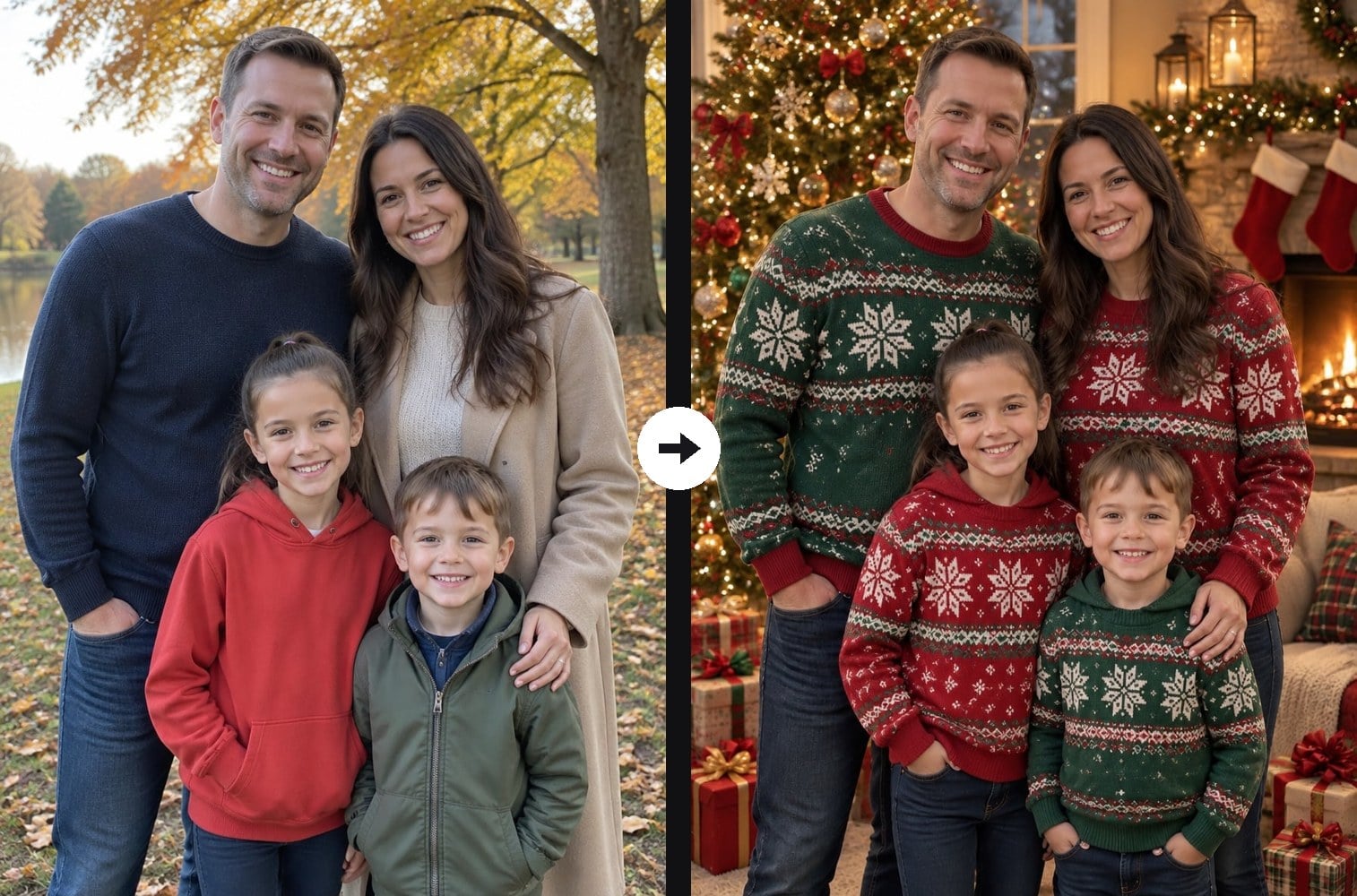
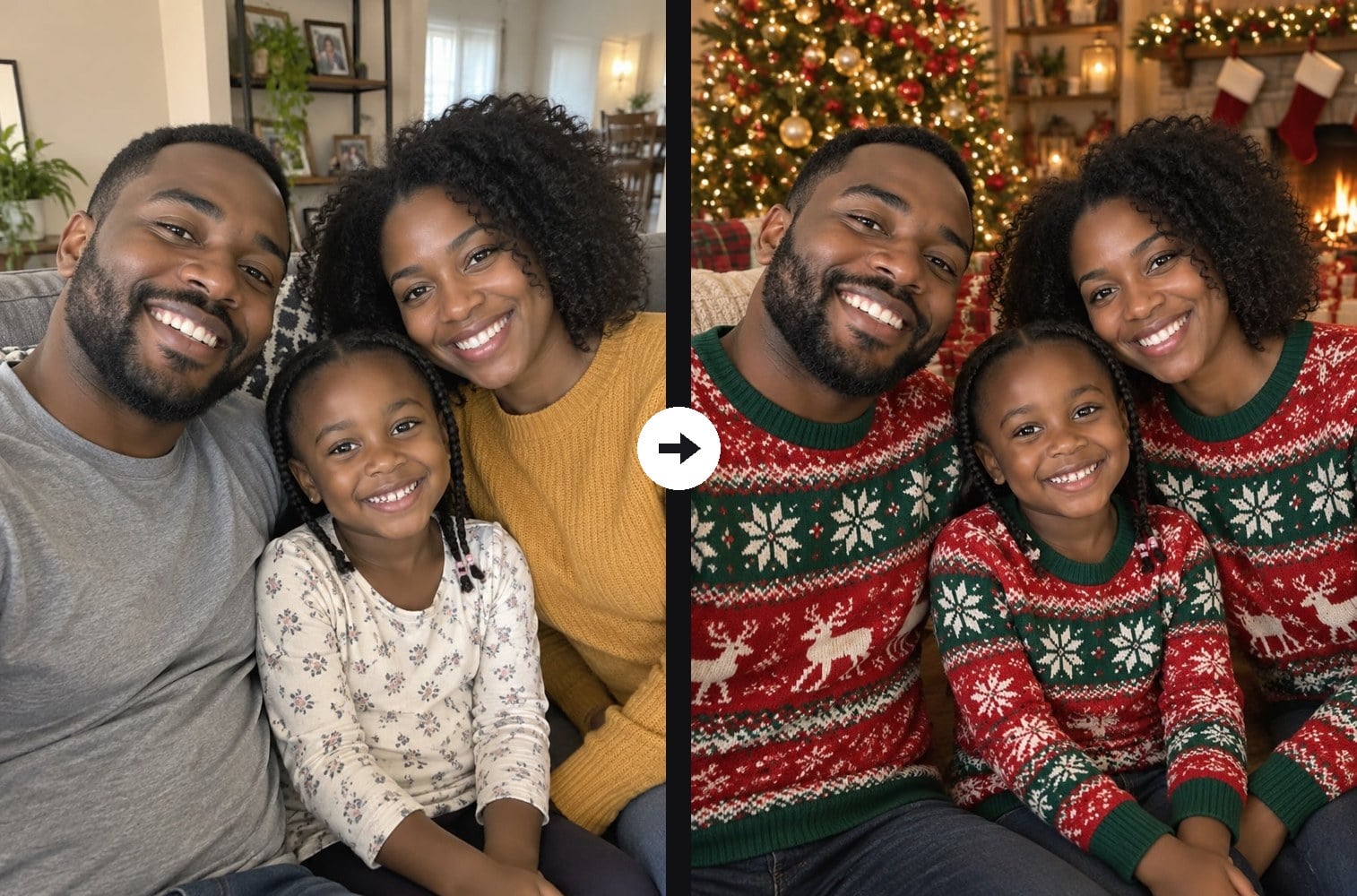
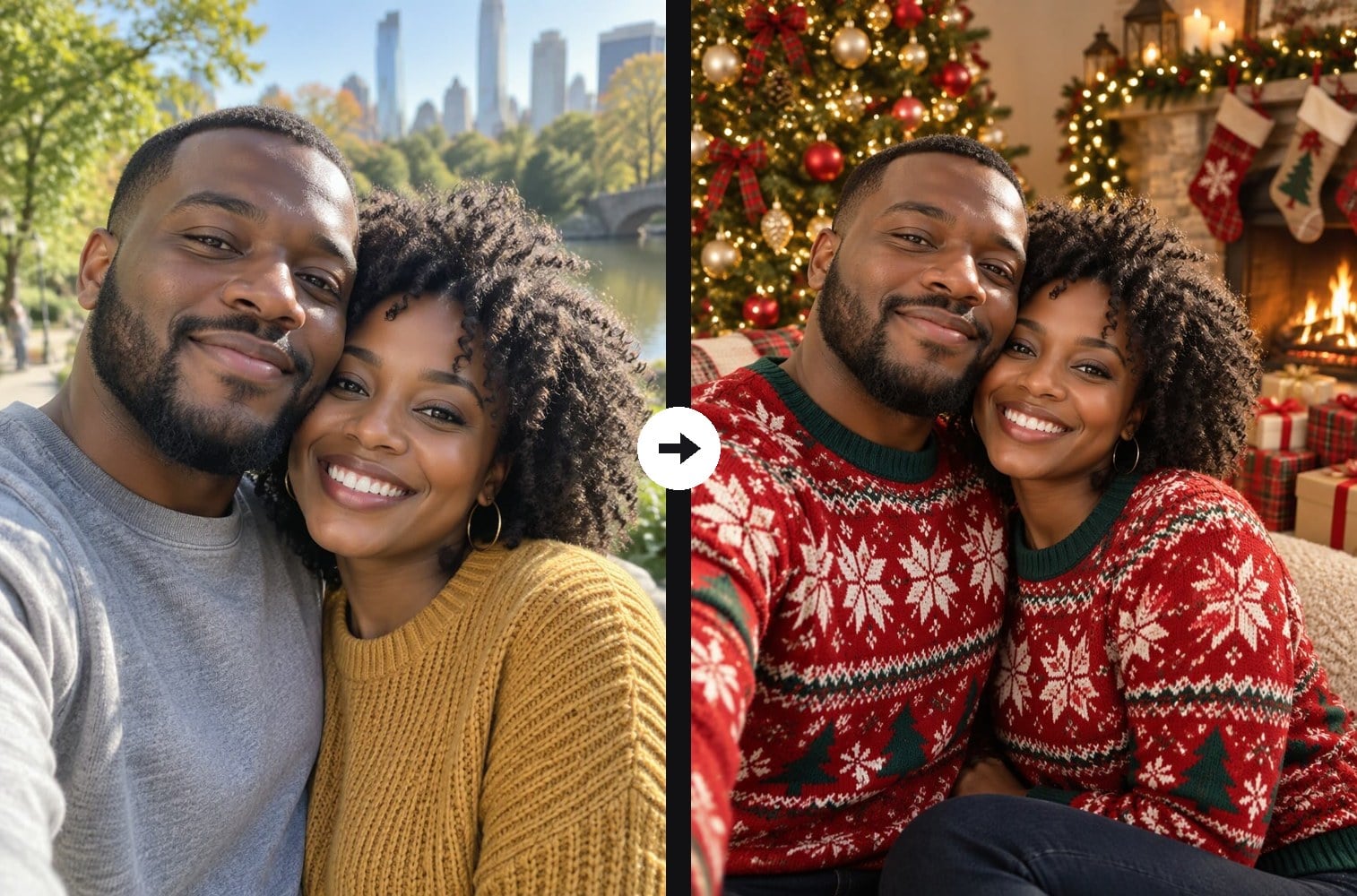
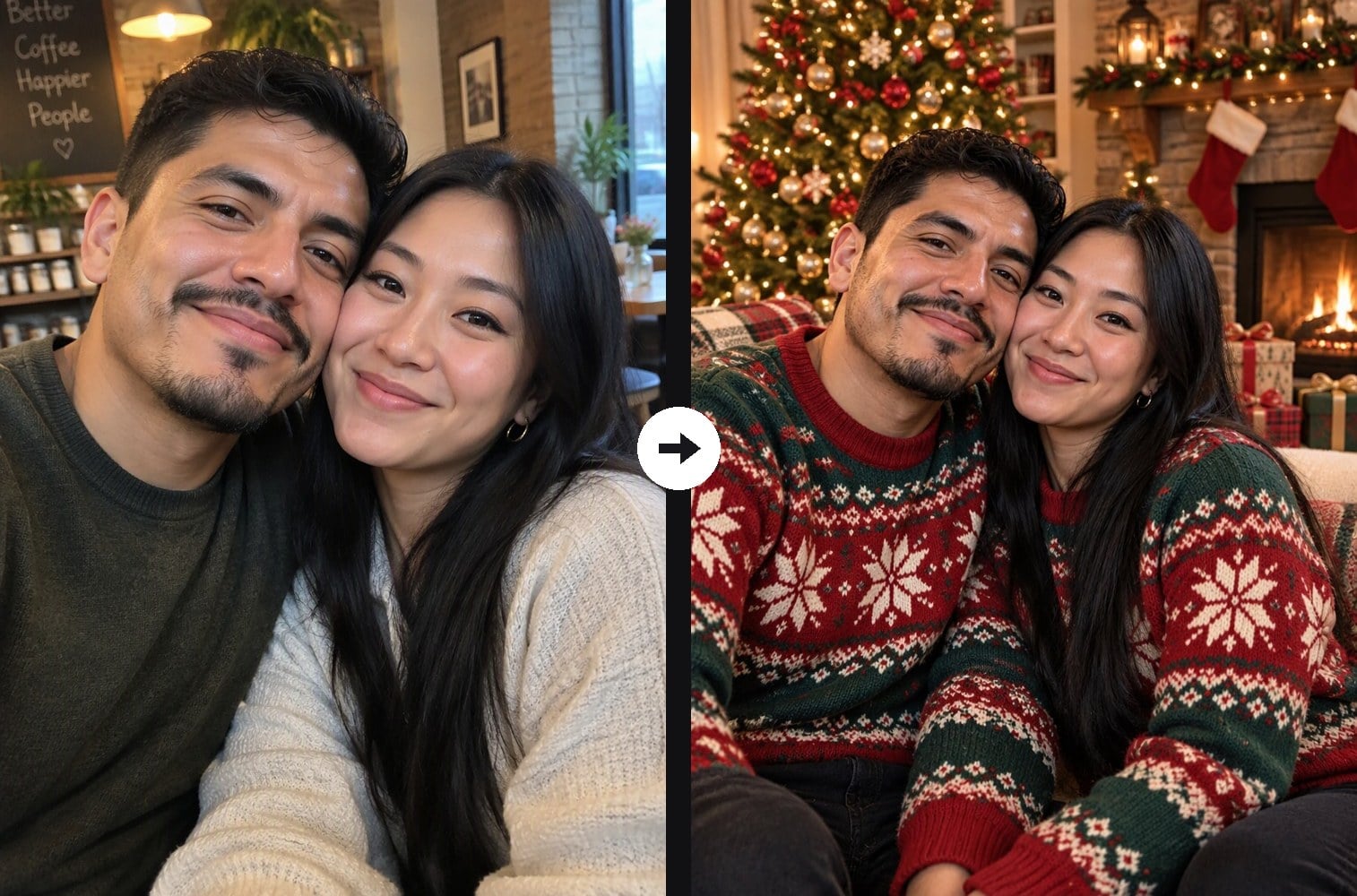
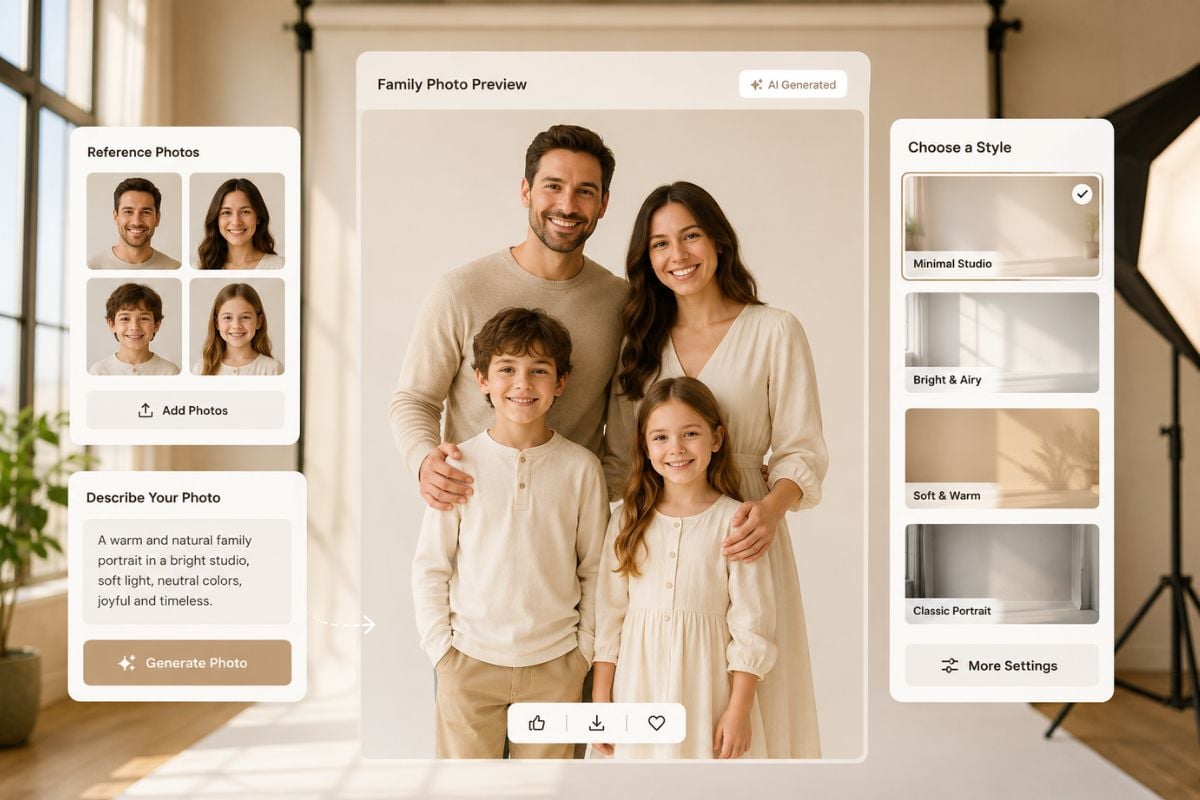
Skip the studio booking. Upload any family photo and the AI turns it into a Christmas family portrait: everyone in matching red and green knit sweaters, posed together in a cozy living room with a decorated tree, string lights, a fireplace with stockings and presents. Unlike a general Christmas photo filter, this one is built for groups: it keeps every family member from your photo, with the same faces and ages, and does not add or drop anyone. Couples work too. The console below runs on GPT Image 2.5.
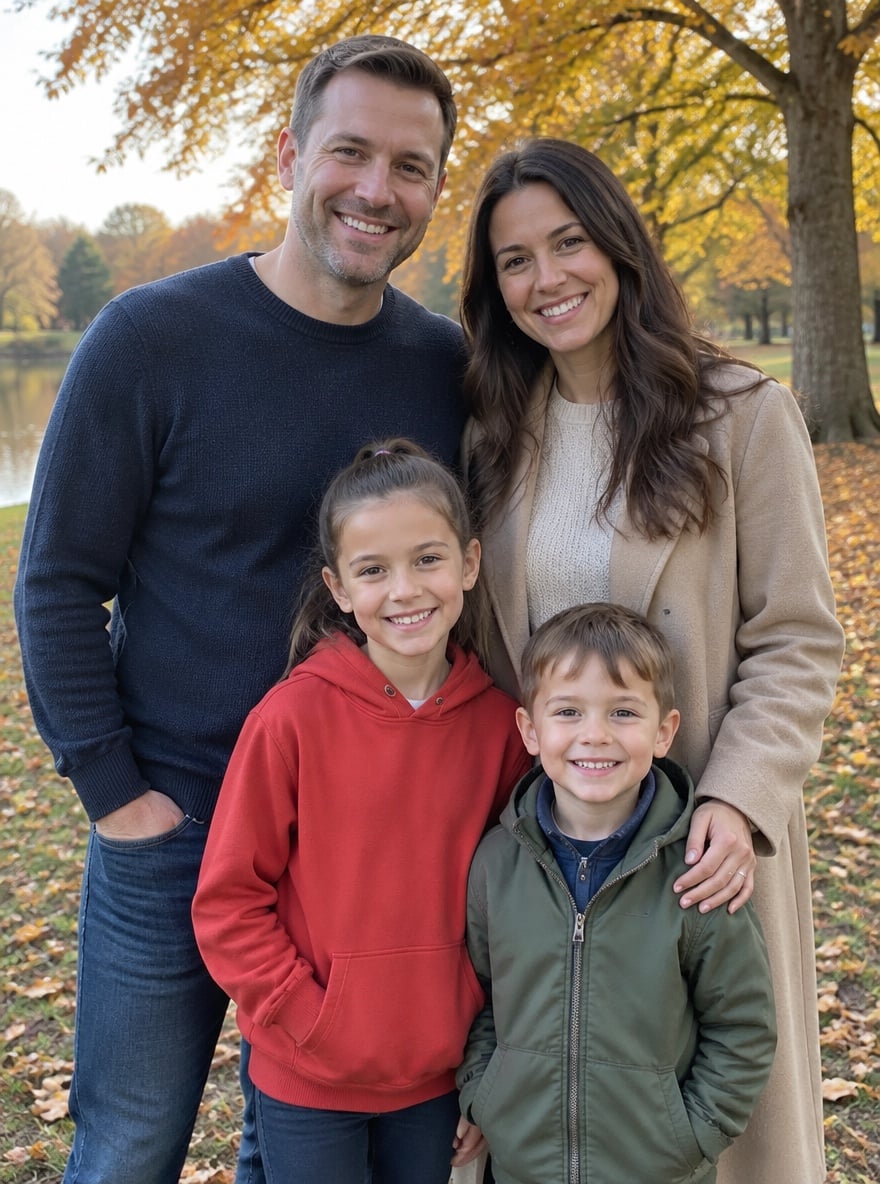
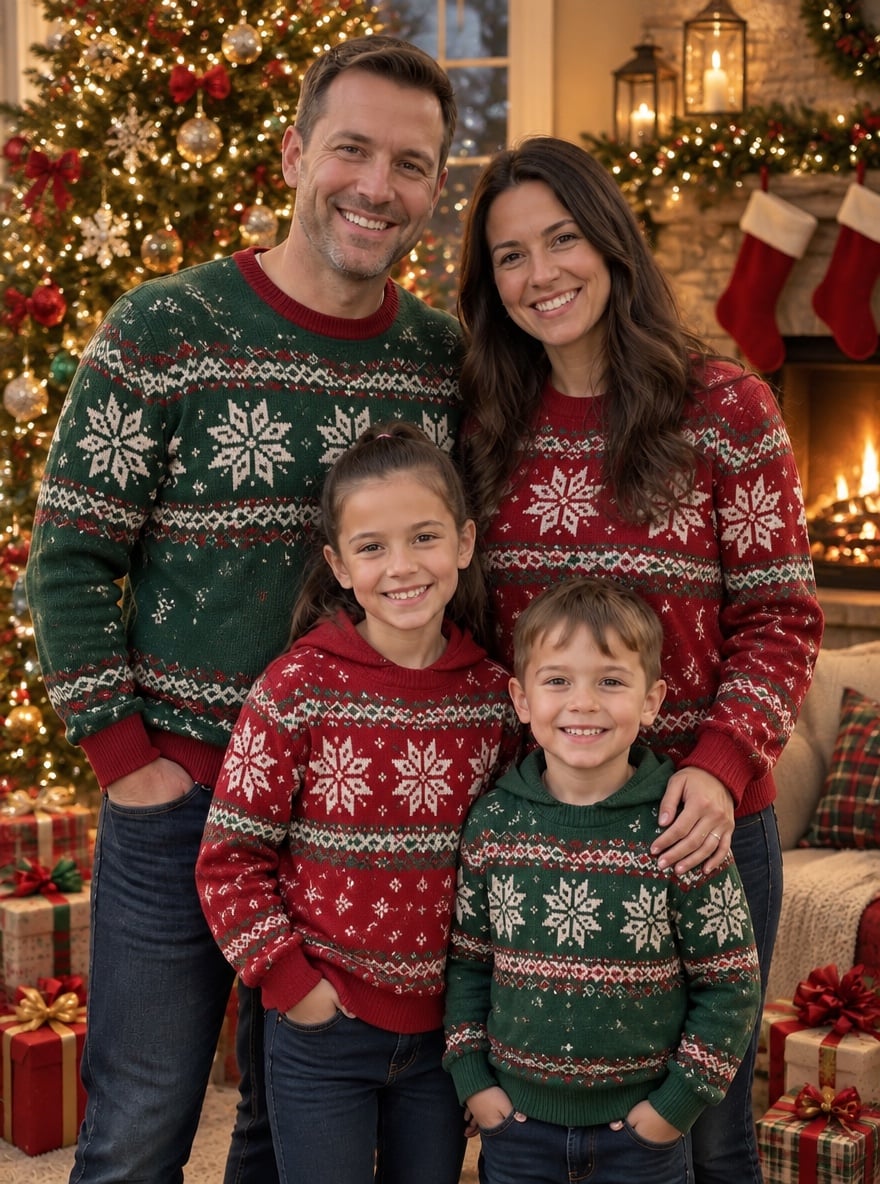
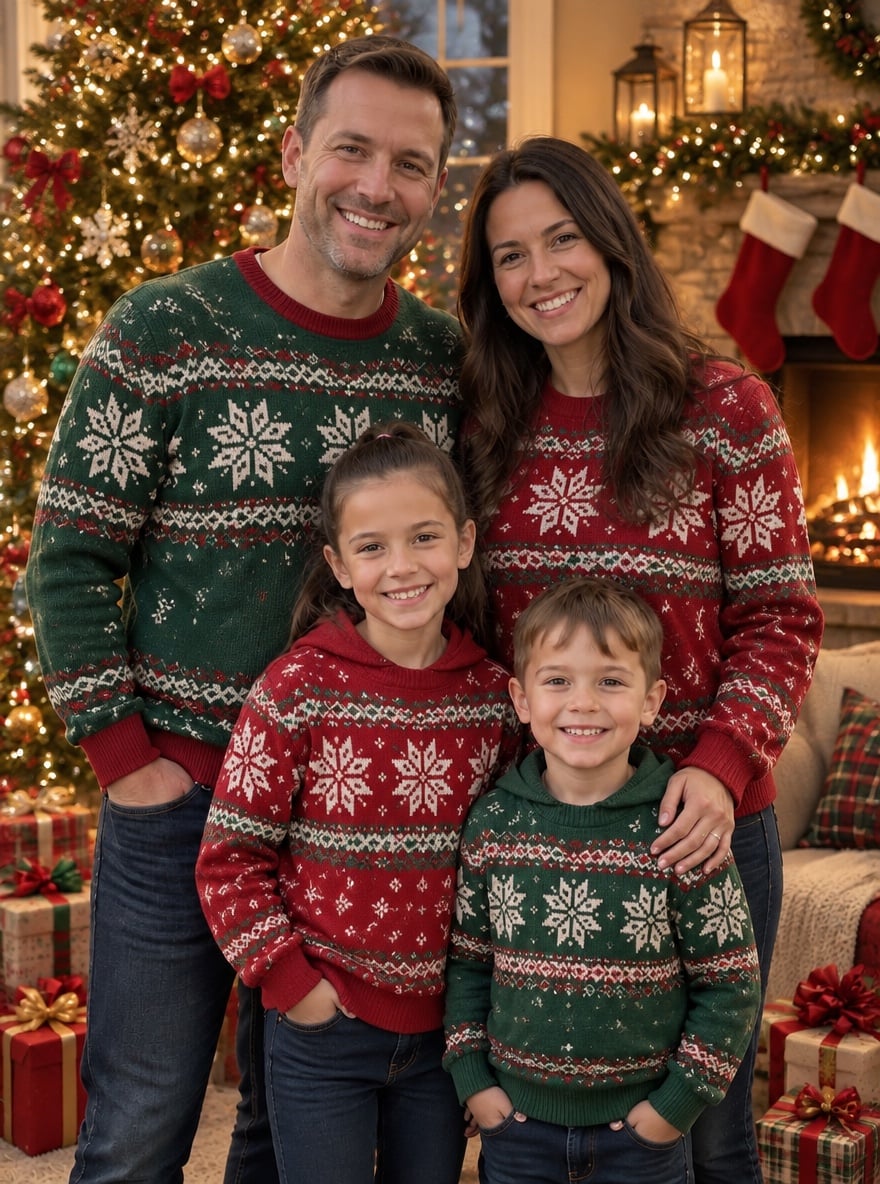
Family of Four by the Tree
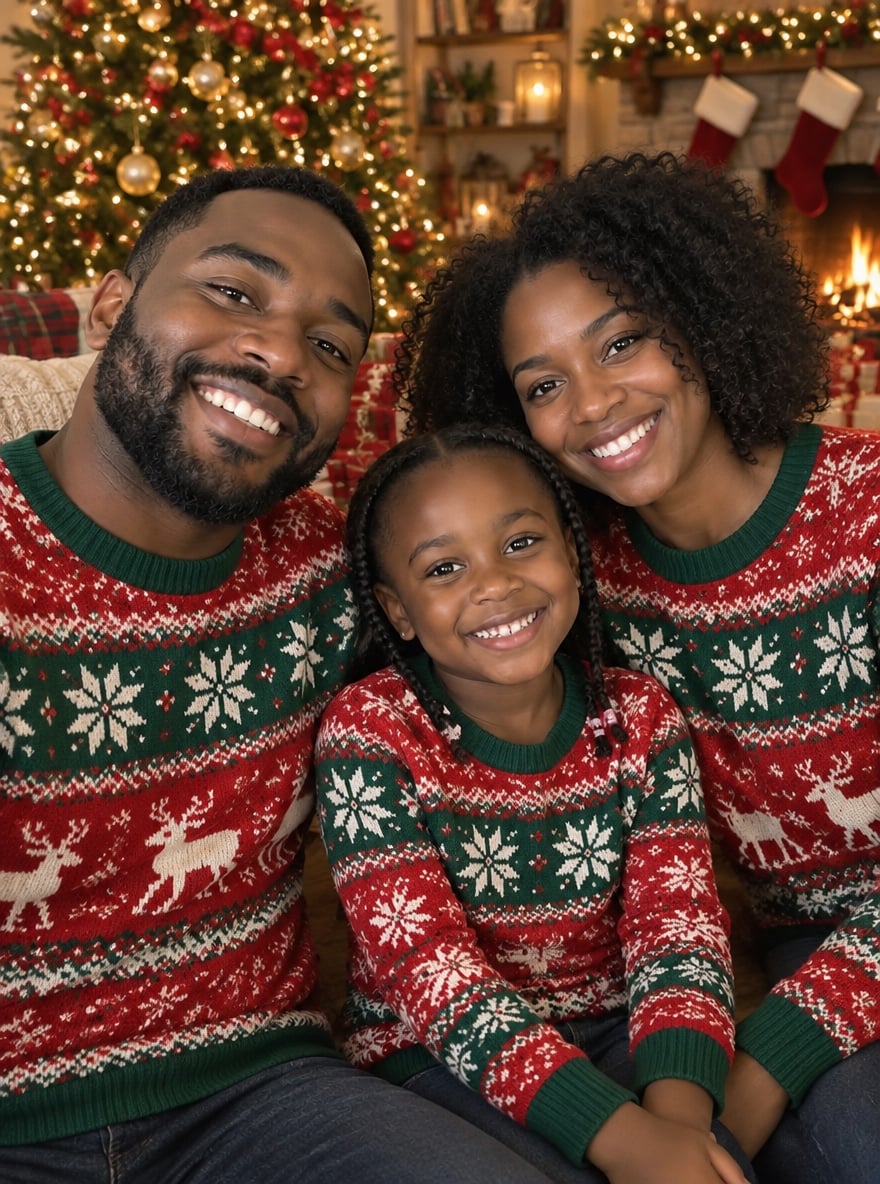
Matching Sweaters

Couple's First Christmas
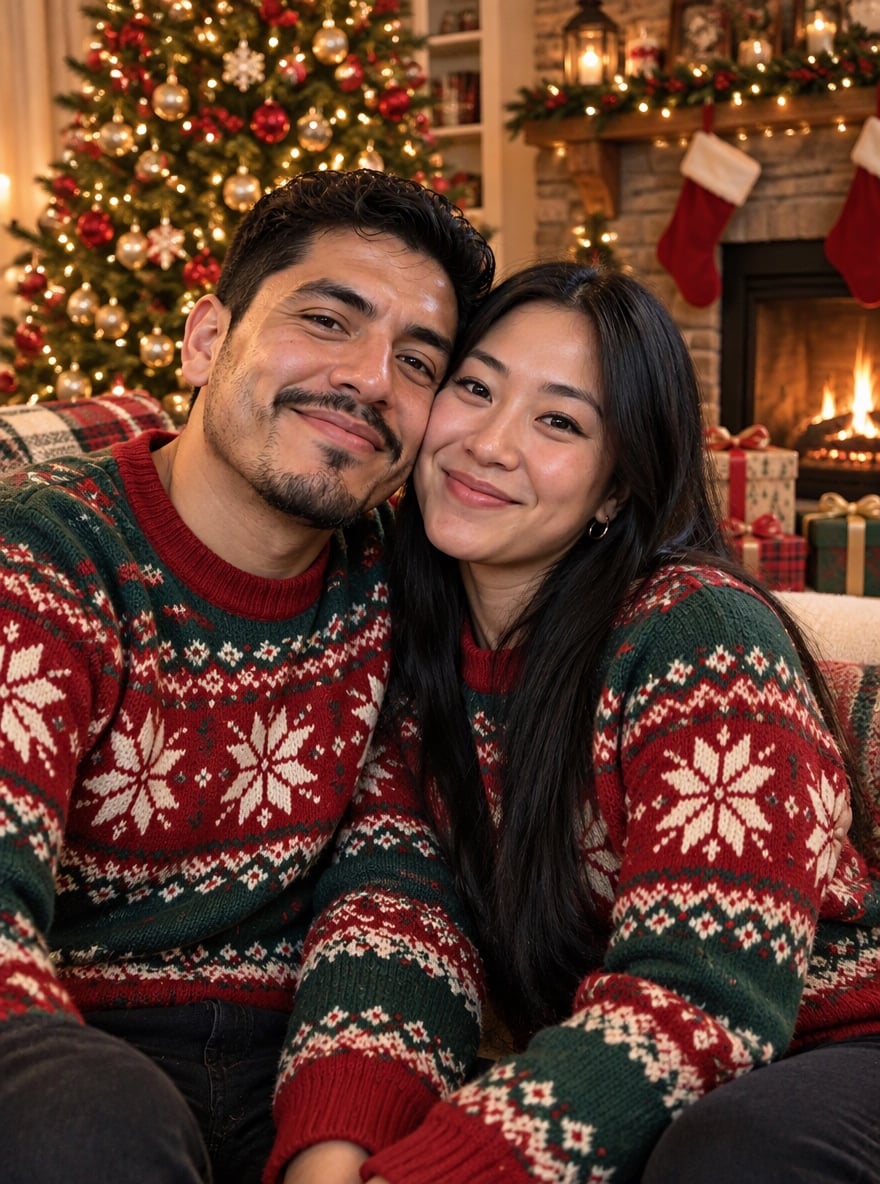
Cozy Fireplace Portrait
Upload files
Upload a family photo
Effect prompt
By uploading a file, you agree to GoEnhance's Terms of Use and Privacy Policy
Christmas Family Photos from the Console
Each portrait is one upload with the prompt above. Every person comes from the original photo; outfits and the Christmas room are added by the AI.
Family of Four by the Tree
Matching Sweaters
Couple's First Christmas
Cozy Fireplace Portrait
How to Make a Christmas Family Photo
01
Upload a family photo
A clear photo with every face visible. Casual phone photos are fine.
02
Generate
The Christmas family prompt is already filled in. Press the button to create your portrait.
03
Send your holiday card
Use it for Christmas cards, a family group chat or a printed photo.
Why Make Your Christmas Family Photo Here
More Christmas and Family Effects

AI Christmas Family Photo FAQ
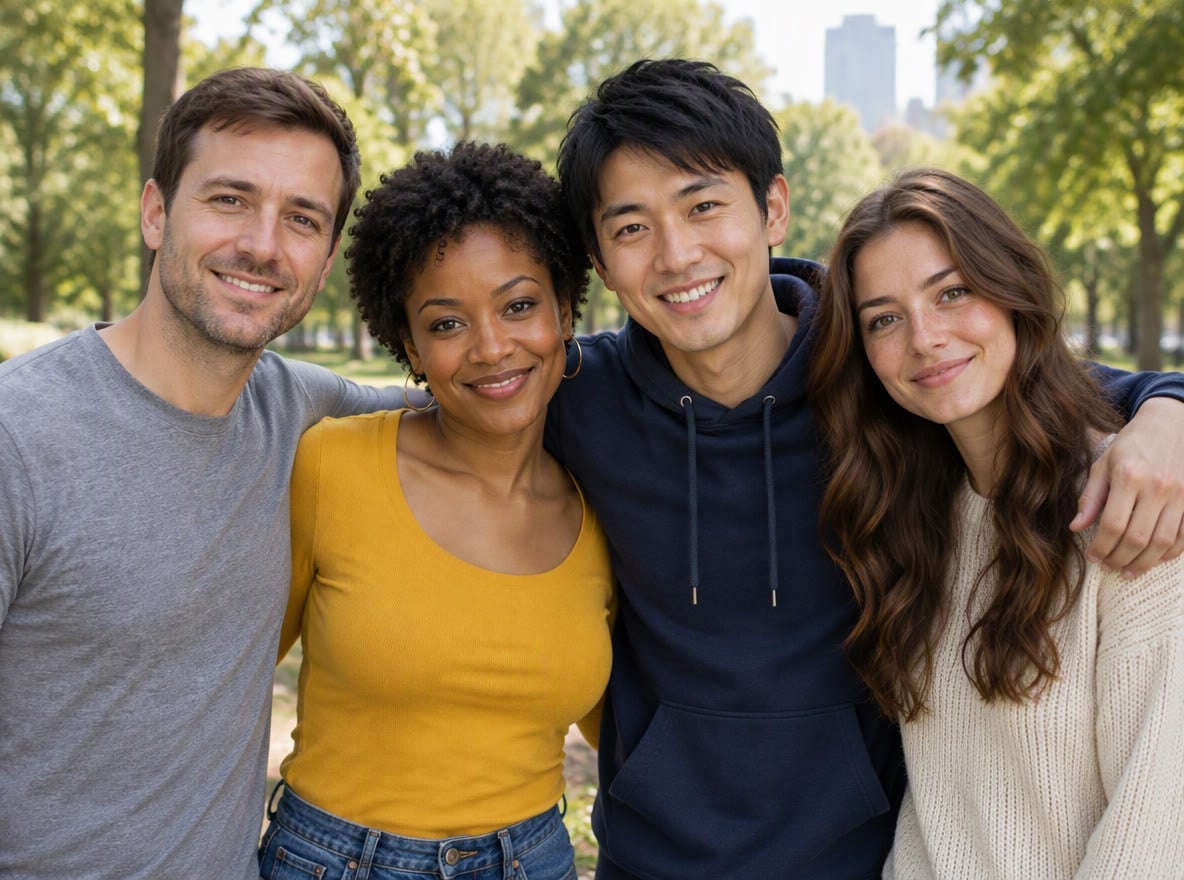
How many people can be in the photo?
Will kids still look their age?
Can I change the outfits or scene?
Can I include our pet?
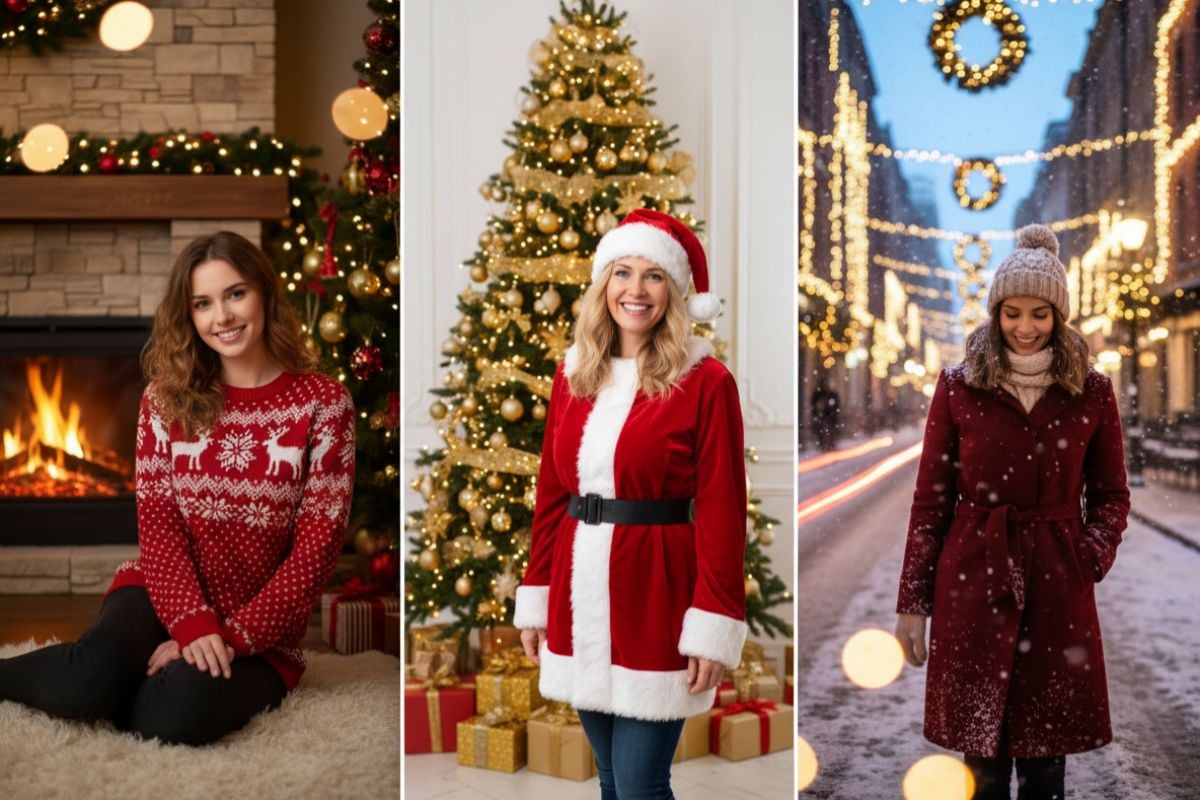
What if I just want a solo Christmas photo?
This Year's Family Photo, Done
Upload a family photo and get your Christmas portrait in under a minute.
Make Our Family Photo