AI Motion Control

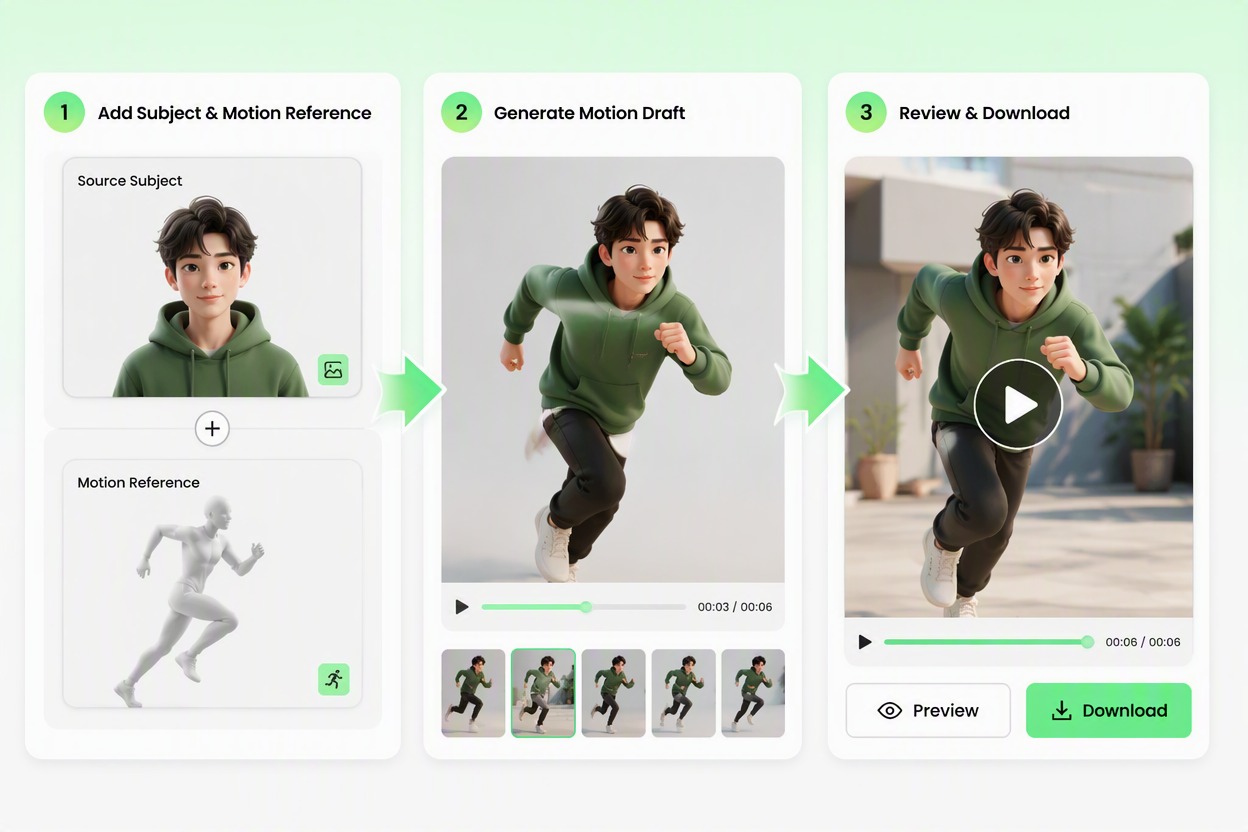
Add a source image or character visual and a separate motion reference. Generate a video draft that follows the broad movement and timing while keeping identity, clothing, proportions, camera, and background recognizable.

Create a Motion Video

Direct Movement Across Video Frames

Transfer a Clear Motion Sequence

Apply a readable reference action to an original character or authorized adult subject while preserving the source appearance. Create a reviewable movement draft without animating every pose manually. Extend the result with an AI video generator workflow when you need more control over the final sequence.
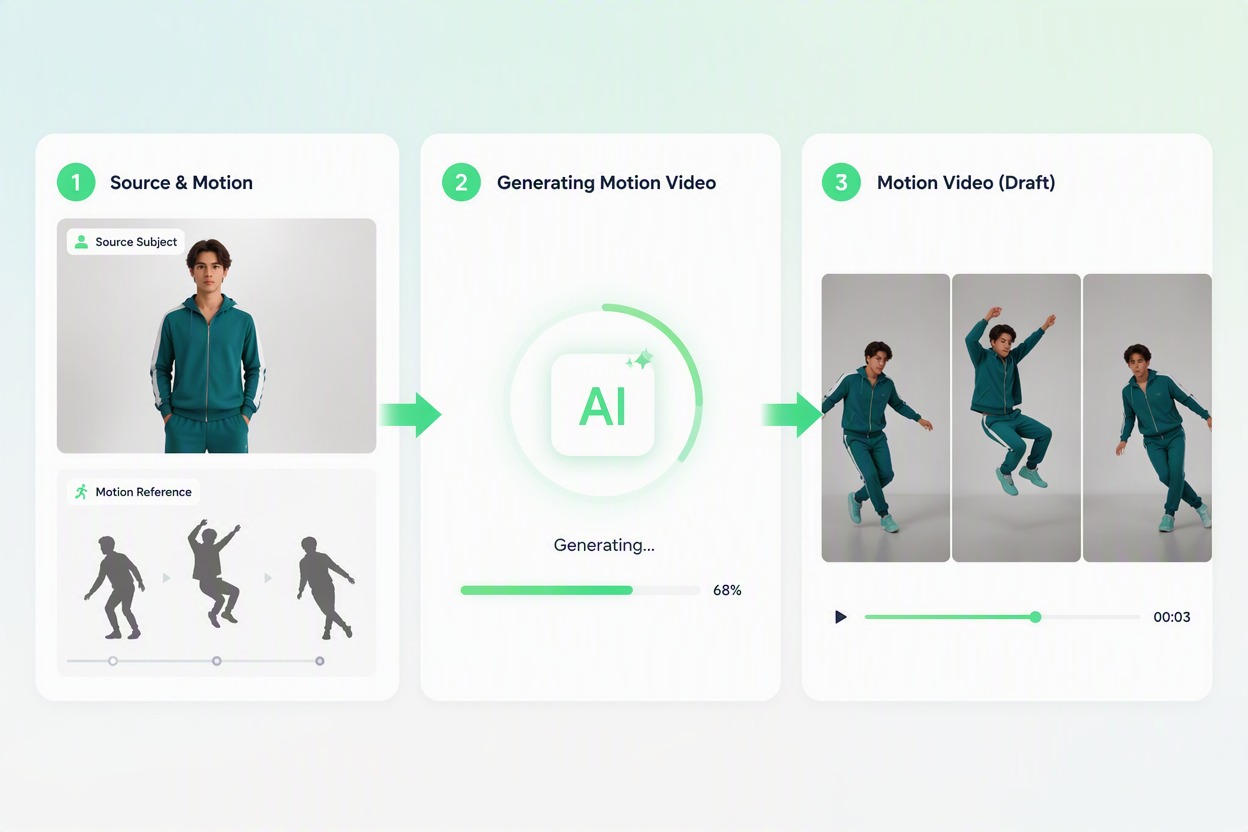
Motion Control: transfer a clear motion sequence

Keep the Subject Recognizable

Carry the same face, hairstyle, clothing, proportions, and visual identity through the motion sequence. Build creator and character clips that feel connected from frame to frame. For guided movement references, explore Kling Motion Control as another motion-planning option.
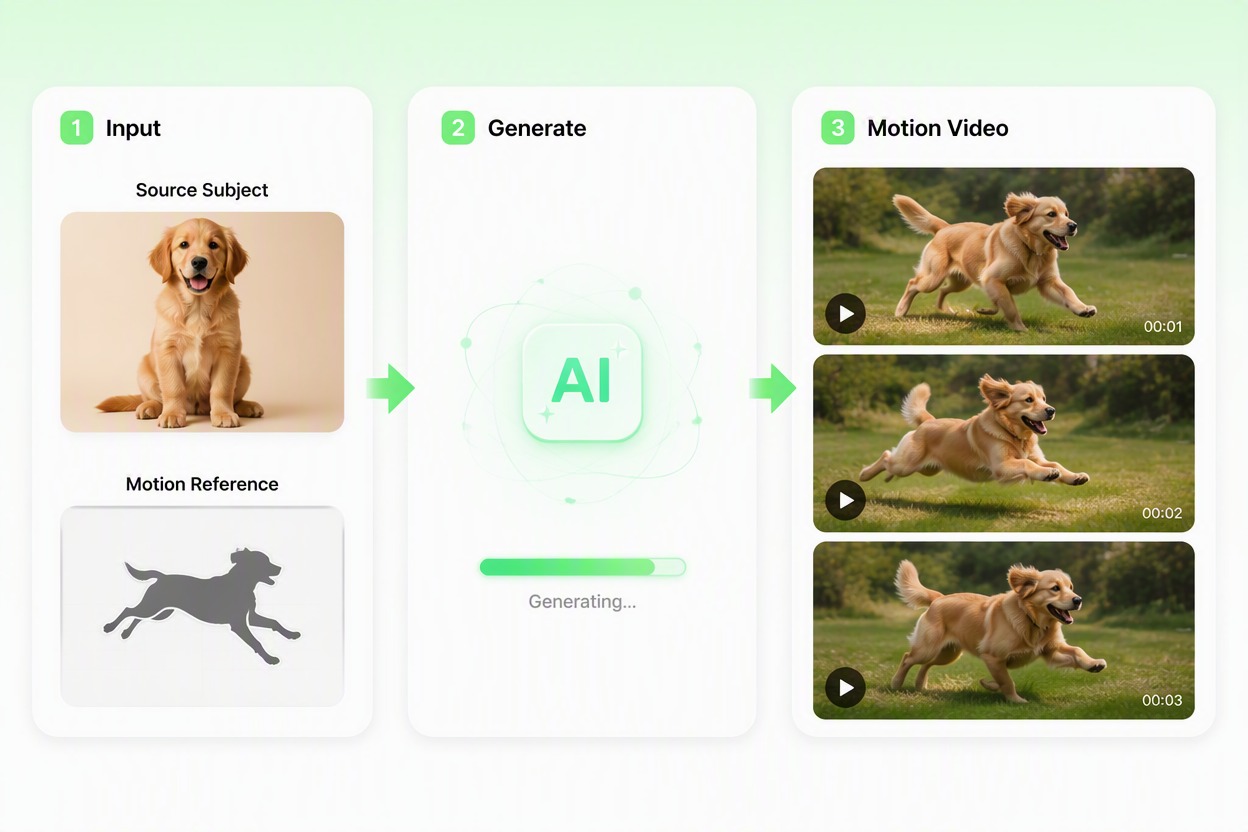
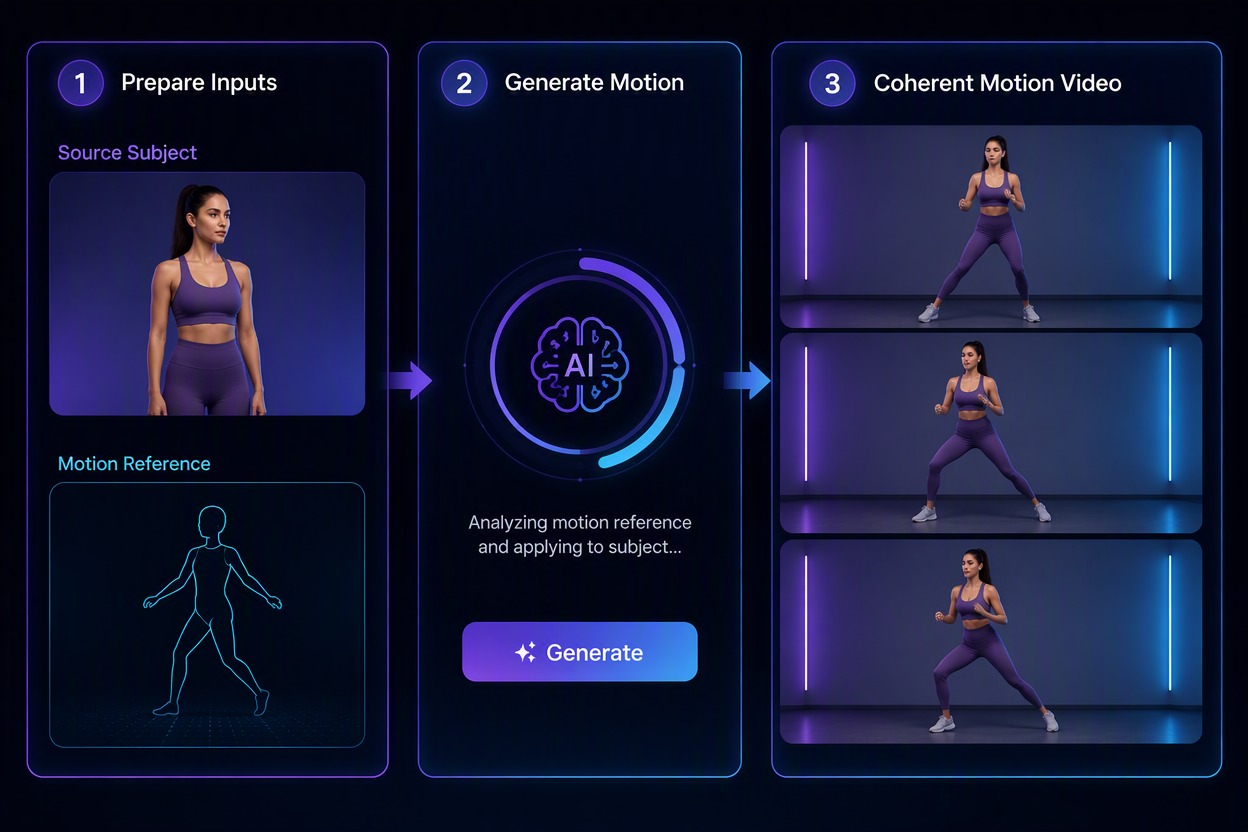
Motion Control: keep the subject recognizable

Explore Performance Variations

Compare different broad movement references for the same subject and scene. Test energy, pacing, and gesture direction before selecting a version for further editing.

Motion Control: explore performance variations

Build Social and Story Clips

Use controlled movement for creator posts, original character moments, dance-inspired concepts, product presentations, and short narrative beats. Extend a strong still visual into motion.

Motion Control: build social and story clips

Why Use AI Motion Control

Reference-Led Movement

Guide the video with a visible action reference rather than describing every body position in text.

Stronger Subject Continuity

Keep the source identity, clothing, proportions, and visual direction recognizable across the draft.

Less Manual Pose Planning

Move from one source visual and motion idea to a multi-frame sequence without drawing each pose.

More Performance Options

Compare gesture, pacing, and movement directions for the same subject before further editing.

Useful Across Short-Form Content

Prepare creator clips, original character moments, performance tests, and story beats from authorized assets.

Better Starting Point for Editing

Use the selected motion draft as a base for sound, captions, timing adjustments, compositing, and final production.

How to Use Motion Control

01

Add the Subject and Motion Reference

Upload an authorized adult image or original character visual, then add a separate reference clip with clear full-body movement and a stable camera.

02

Generate the Motion Draft

Apply the broad action and timing to the source subject while keeping the face, clothing, body proportions, camera, and background direction consistent.

03

Review the Full Movement

Watch the complete sequence, inspect hands, limbs, face, clothing, foot placement, and scene continuity, then download the strongest draft.

Motion Control FAQ

What does motion control do?

Motion control uses a separate movement reference to guide the broad action and timing of a source subject in a generated video draft.

What source image works best?

Use a clear authorized adult photo or original character with visible limbs, simple clothing, balanced proportions, and minimal obstruction.

What makes a useful motion reference?

A single person, visible full-body action, stable camera, clear limb movement, and limited occlusion make the action easier to interpret.

Is AI motion control video free?

An AI motion control video free trial may be available through GoEnhance credits. Credit amounts, queues, account requirements, output options, and continued-use limits can change in the live app.

Can motion control preserve identity perfectly?

No. Treat the output as a draft and compare face, hair, clothing, hands, limbs, proportions, and background continuity across the full sequence.

Can I use another person as the subject?

Use your own material, an original character, or an adult who has given informed permission for the specific animation and intended use.

Can I use the draft commercially?

Check current GoEnhance terms and verify source rights, likeness consent, music, logos, clothing marks, and the final context before commercial publication.

Guide Your Next Motion Video With GoEnhance AI

Combine an authorized subject with a clear movement reference and create a coherent video draft for stories, creator clips, and performance tests.

Create a Motion Video