AI Motion Control

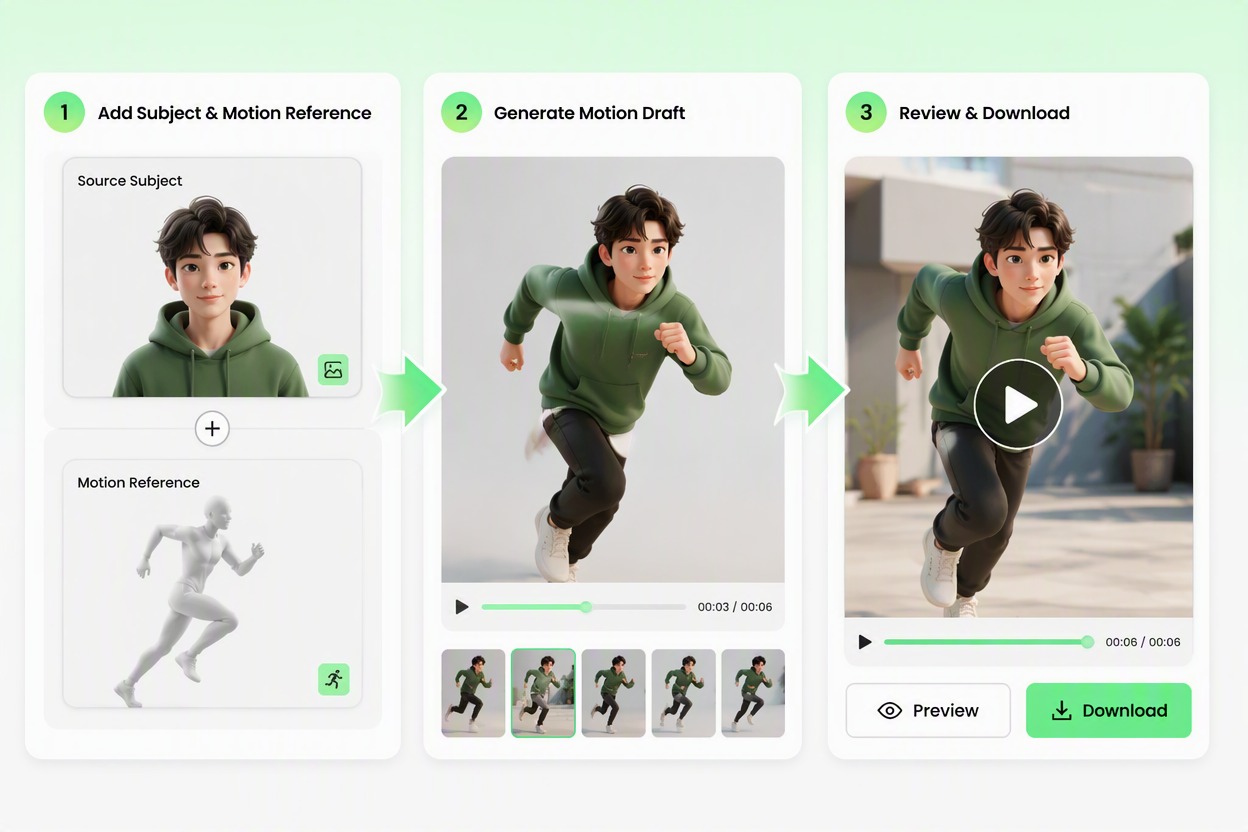
Add a source image or character visual and a separate motion reference. Generate a video draft that follows the broad movement and timing while keeping identity, clothing, proportions, camera, and background recognizable.

Create a Motion Video

Direct Movement Across Video Frames

Transfer a Clear Motion Sequence

Apply a readable reference action to an original character or authorized adult subject while preserving the source appearance. Create a reviewable movement draft without animating every pose manually. Extend the result with an AI video generator workflow when you need more control over the final sequence.
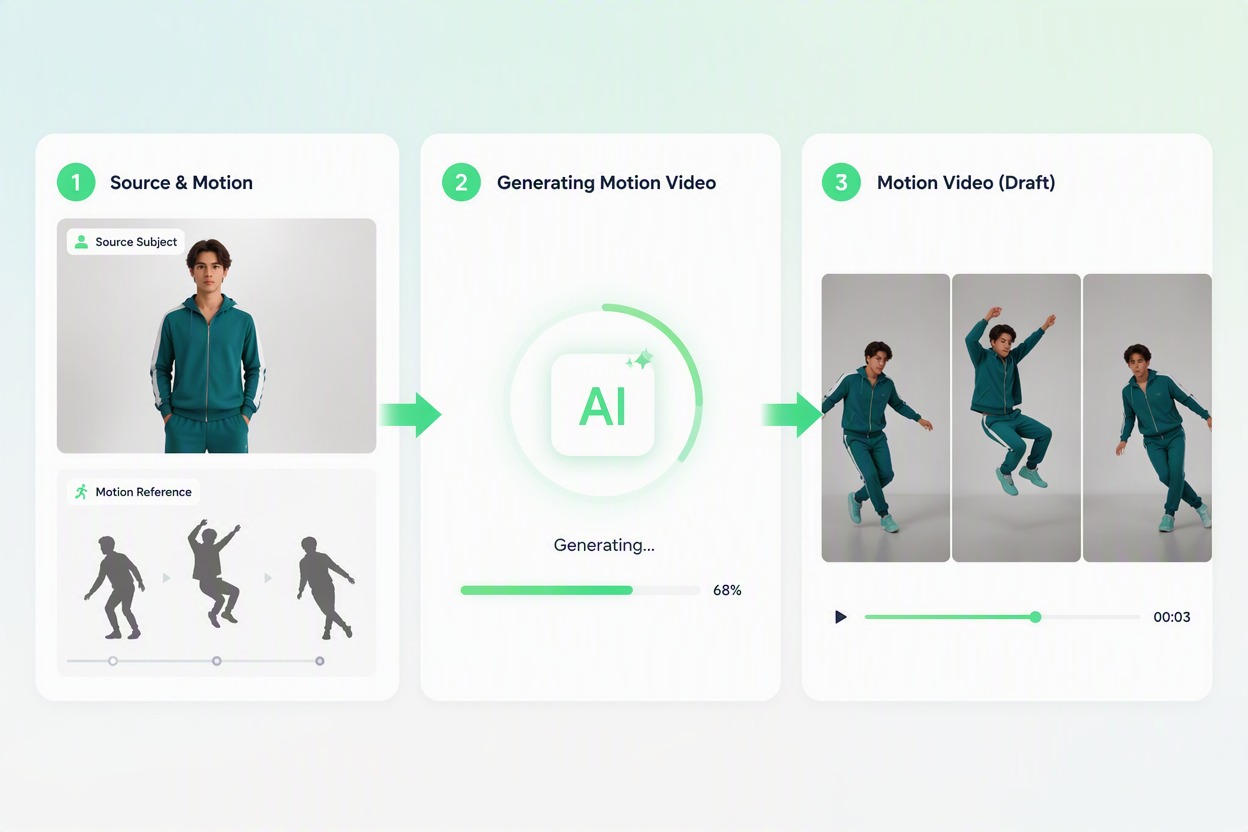
Motion Control: transfer a clear motion sequence

Keep the Subject Recognizable

Carry the same face, hairstyle, clothing, proportions, and visual identity through the motion sequence. Build creator and character clips that feel connected from frame to frame. For guided movement references, explore Kling Motion Control as another motion-planning option.
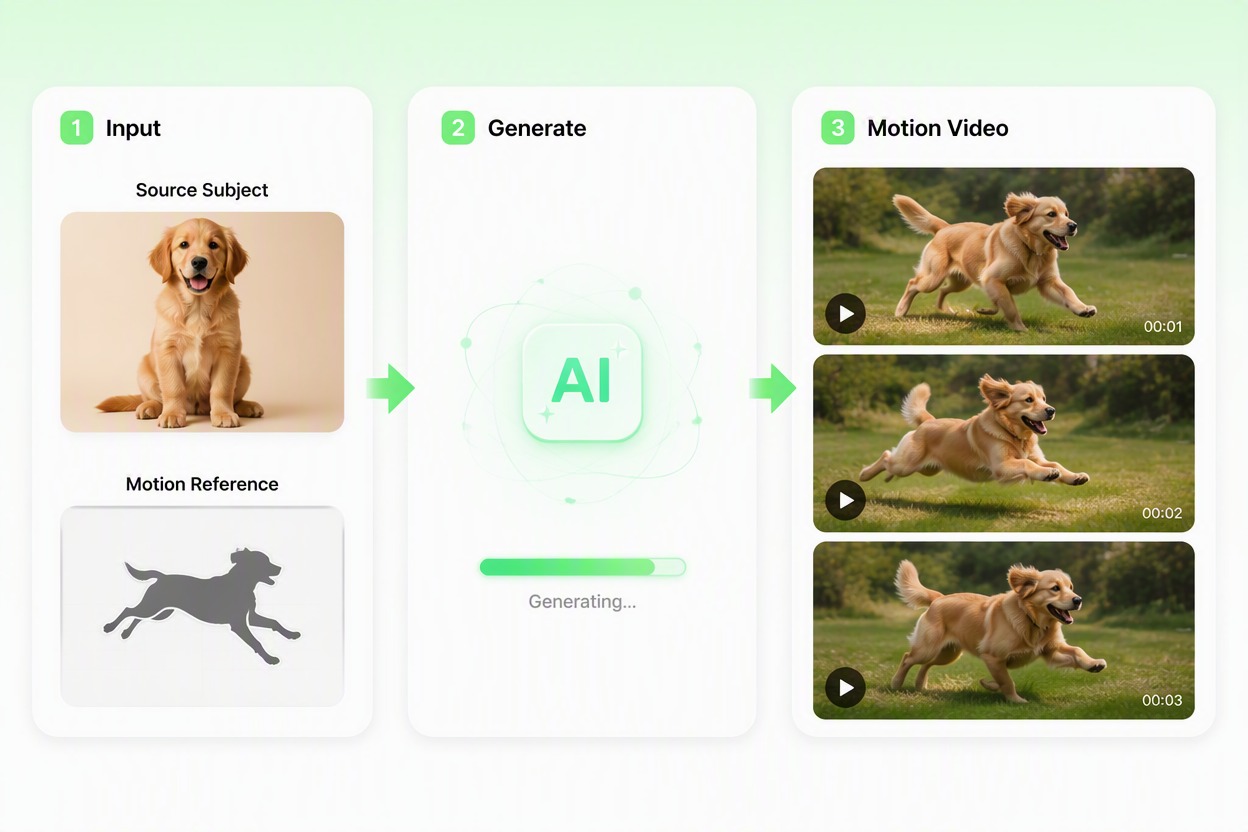
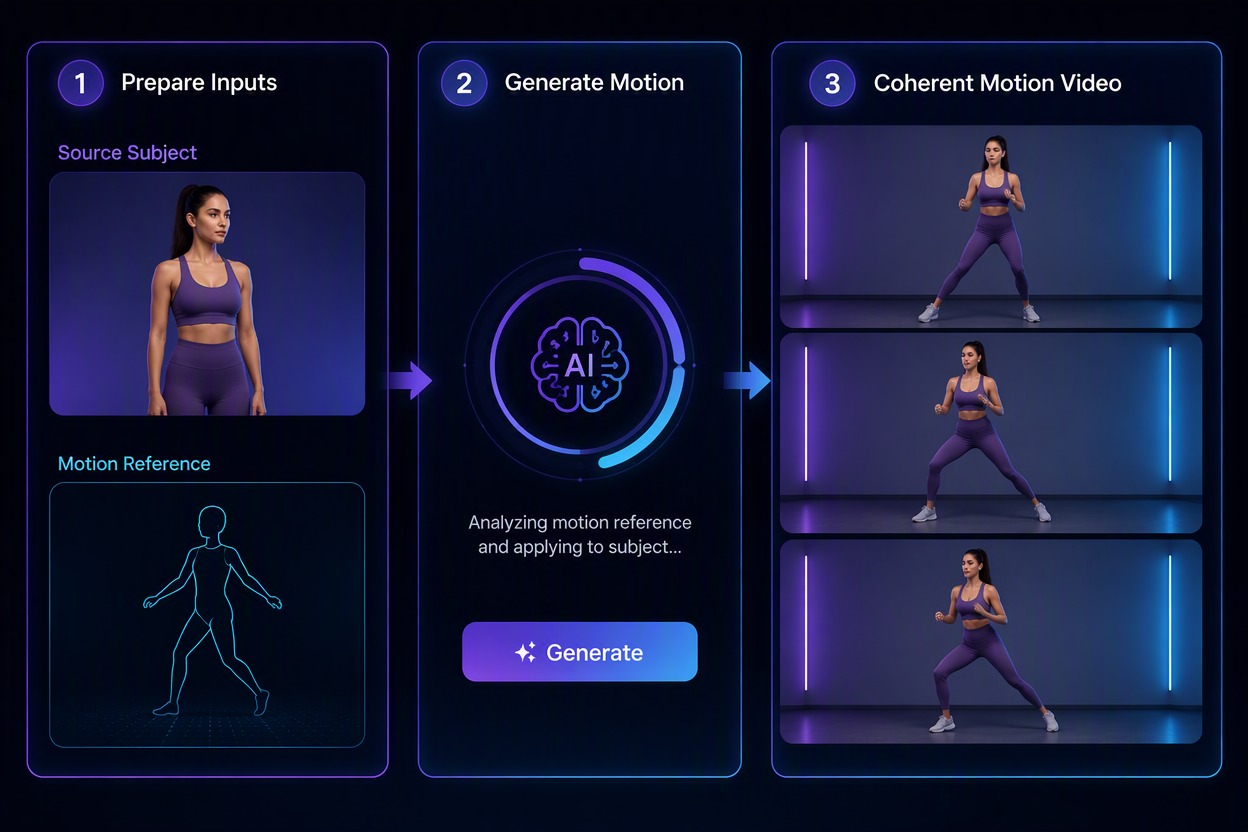
Motion Control: keep the subject recognizable

Explore Performance Variations

Compare different broad movement references for the same subject and scene. Test energy, pacing, and gesture direction before selecting a version for further editing.

Motion Control: explore performance variations

Build Social and Story Clips

Use controlled movement for creator posts, original character moments, dance-inspired concepts, product presentations, and short narrative beats. Extend a strong still visual into motion.

Motion Control: build social and story clips

AI 모션 컨트롤을 사용하는 이유

Reference-Led Movement

Guide the video with a visible action reference rather than describing every body position in text.

Stronger Subject Continuity

Keep the source identity, clothing, proportions, and visual direction recognizable across the draft.

Less Manual Pose Planning

Move from one source visual and motion idea to a multi-frame sequence without drawing each pose.

More Performance Options

Compare gesture, pacing, and movement directions for the same subject before further editing.

Useful Across Short-Form Content

Prepare creator clips, original character moments, performance tests, and story beats from authorized assets.

편집을 위한 더 나은 시작점

선택한 모션 초안을 사운드, 자막, 타이밍 조정, 합성 및 최종 제작의 기반으로 사용하세요.

모션 컨트롤 사용 방법

01

피사체 및 모션 레퍼런스 추가

승인된 성인 이미지 또는 오리지널 캐릭터 비주얼을 업로드한 다음, 명확한 전신 움직임과 안정적인 카메라가 포함된 별도의 레퍼런스 클립을 추가하세요.

02

모션 초안 생성

얼굴, 의상, 신체 비율, 카메라 및 배경 방향은 일관되게 유지하면서 소스 피사체에 광범위한 동작과 타이밍을 적용합니다.

03

전체 움직임 검토

전체 시퀀스를 시청하고 손, 사지, 얼굴, 의상, 발 위치 및 장면 연속성을 검사한 후 가장 완성도 높은 초안을 다운로드하세요.

모션 컨트롤 FAQ

모션 컨트롤은 어떤 역할을 하나요?

모션 컨트롤은 별도의 움직임 레퍼런스를 사용하여 생성된 비디오 초안에서 소스 피사체의 광범위한 동작과 타이밍을 유도합니다.

어떤 소스 이미지가 가장 적합한가요?

사지가 잘 보이고, 의상이 단순하며, 비율이 균형 잡혀 있고, 가려지는 부분이 최소화된 선명한 승인된 성인 사진이나 오리지널 캐릭터를 사용하세요.

유용한 모션 레퍼런스의 조건은 무엇인가요?

단일 인물, 가시적인 전신 동작, 안정적인 카메라, 명확한 사지 움직임, 그리고 제한된 가림 현상이 있으면 동작을 더 쉽게 해석할 수 있습니다.

AI 모션 컨트롤 비디오는 무료인가요?

AI 모션 컨트롤 비디오 무료 체험은 GoEnhance 크레딧을 통해 제공될 수 있습니다. 크레딧 양, 대기열, 계정 요구 사항, 출력 옵션 및 지속 사용 제한은 라이브 앱에서 변경될 수 있습니다.

모션 컨트롤이 신원을 완벽하게 보존할 수 있나요?

아니요. 결과를 초안으로 취급하고 전체 시퀀스에 걸쳐 얼굴, 머리카락, 의상, 손, 사지, 비율 및 배경 연속성을 비교하세요.

다른 사람을 피사체로 사용할 수 있나요?

본인의 자료, 오리지널 캐릭터, 또는 특정 애니메이션 및 의도된 사용에 대해 정보에 입각한 허가를 내린 성인의 자료를 사용하세요.

초안을 상업적으로 사용할 수 있나요?

상업적 출판 전에 현재 GoEnhance 약관을 확인하고 소스 권리, 초상권 동의, 음악, 로고, 의상 마크 및 최종 맥락을 검증하세요.

GoEnhance AI로 다음 모션 비디오를 안내하세요

승인된 피사체와 명확한 움직임 레퍼런스를 결합하여 스토리, 크리에이터 클립, 퍼포먼스 테스트를 위한 일관된 비디오 초안을 만드세요.

모션 비디오 만들기