
AI Influencer Video Generator
Shape A Virtual Creator Video From Your Idea
Choose The Creator And Scene
Decide who the fictional creator is, what they are doing, and where the moment takes place. Keep the scene focused on one clear purpose, such as a product introduction or a short personal tip.
Set The Delivery And Framing
Describe the creator’s expression, gesture, tone, and camera view. Include the main spoken line when the clip needs dialogue, and specify a vertical social-video composition when that format fits your post.
Review The Generated Moment
Check the face, movement, product details, and any spoken words before sharing. Refine the scene brief when a detail changes or the delivery does not match the intended message.
Explore Virtual Creator Scenes For Social Content
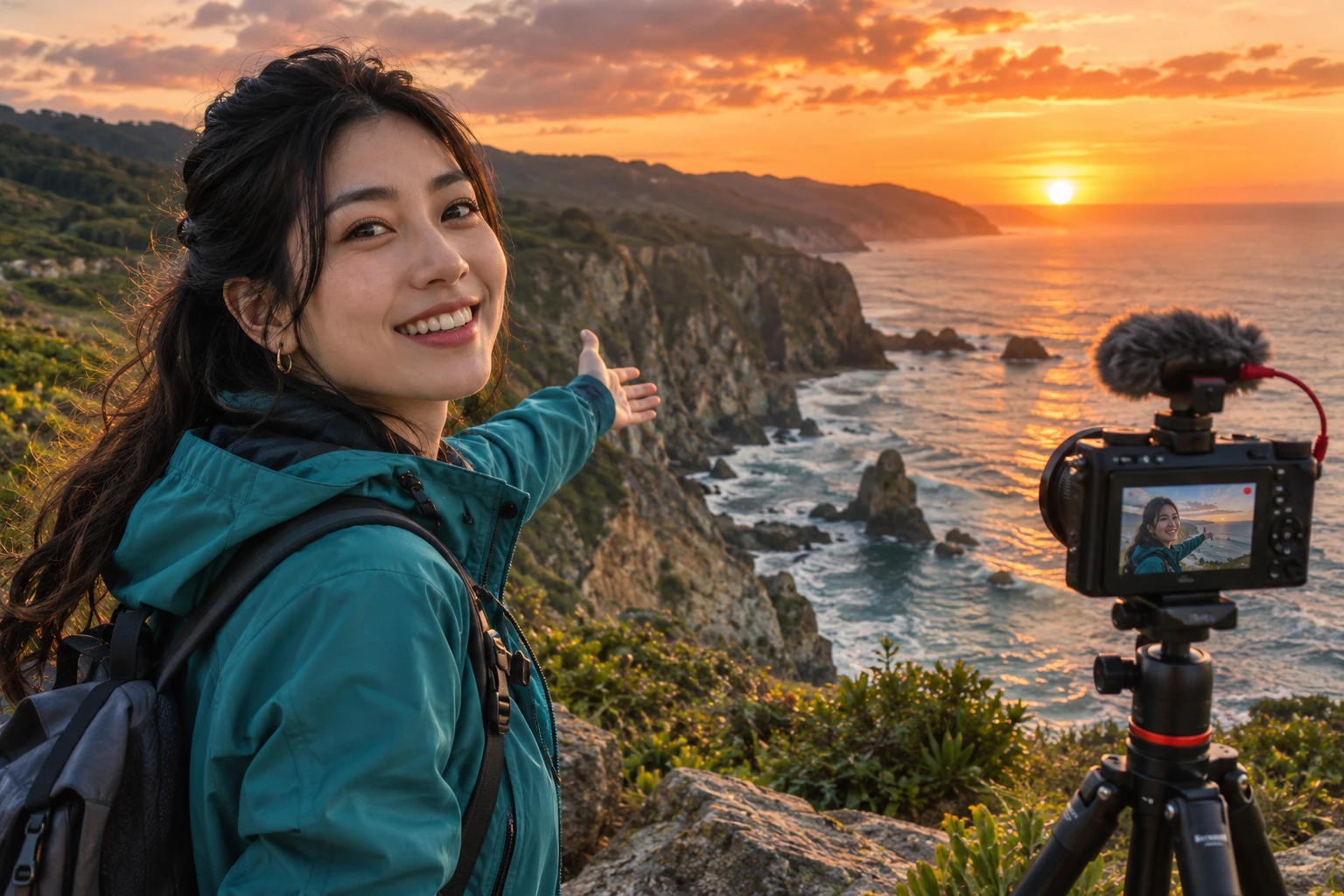
Give A Destination A Human Point Of View
A virtual creator can give a destination idea a person-led point of view, helping a campaign team picture how a place might appear in a short social post. A coastal setting, relaxed expression, and conversational framing can suggest the feeling of a travel recommendation without arranging a location shoot. This kind of visual concept is useful while comparing creative directions or preparing a brief for a later production. This framing gives creative teams a concrete reference for pacing, location mood, and creator presence as they develop a travel campaign.
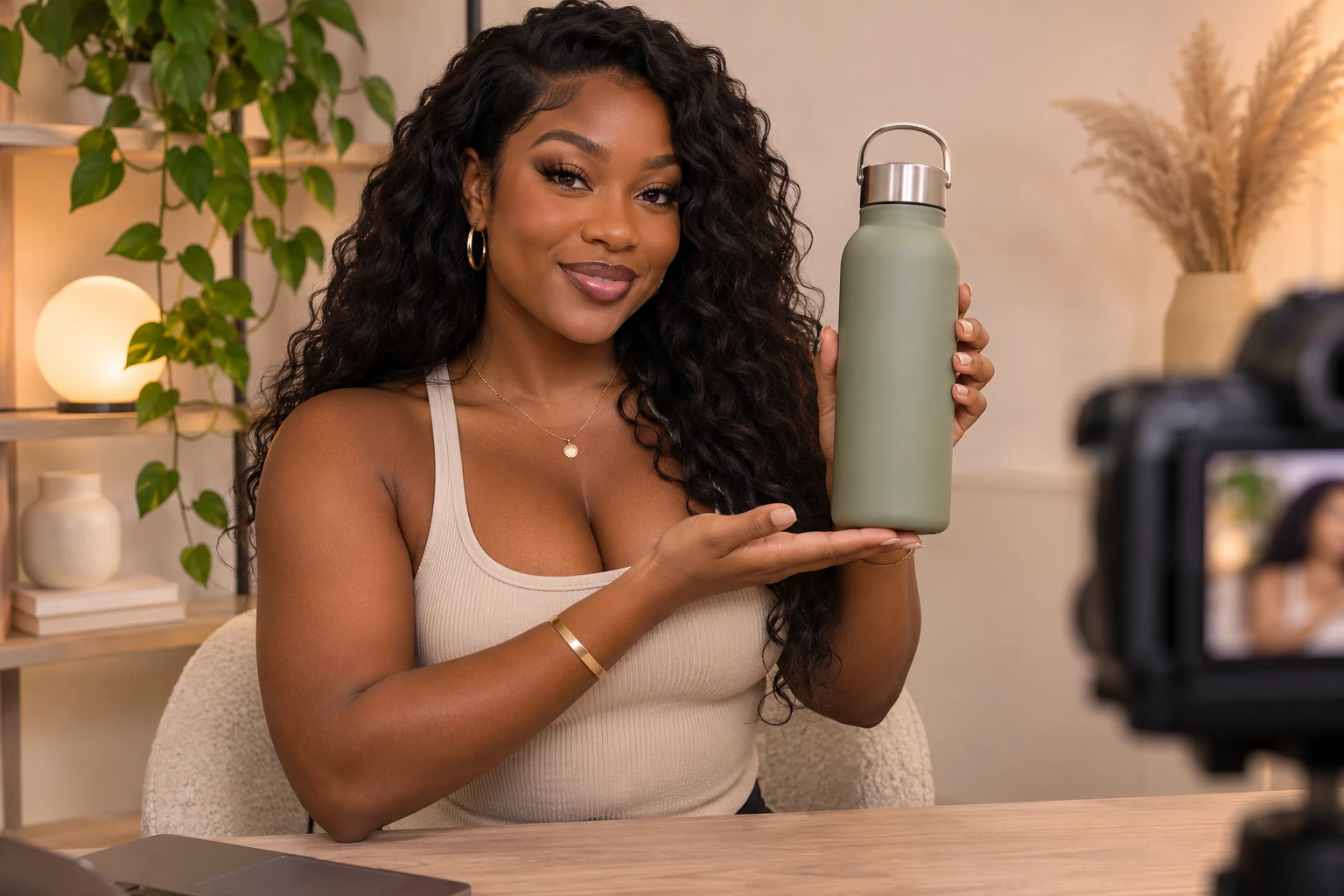
Preview A Product Introduction With A Creator
A creator-led product scene makes it easier to imagine how an item could be introduced in a social video. A simple background and direct-to-camera composition keep attention on the presenter and the product, while leaving room to test a warmer, more playful, or more polished campaign direction. This concept can help a team discuss the overall mood before final filming or editing. The resulting direction can help align a creator brief with product placement, set design, and the voice a campaign wants to convey.
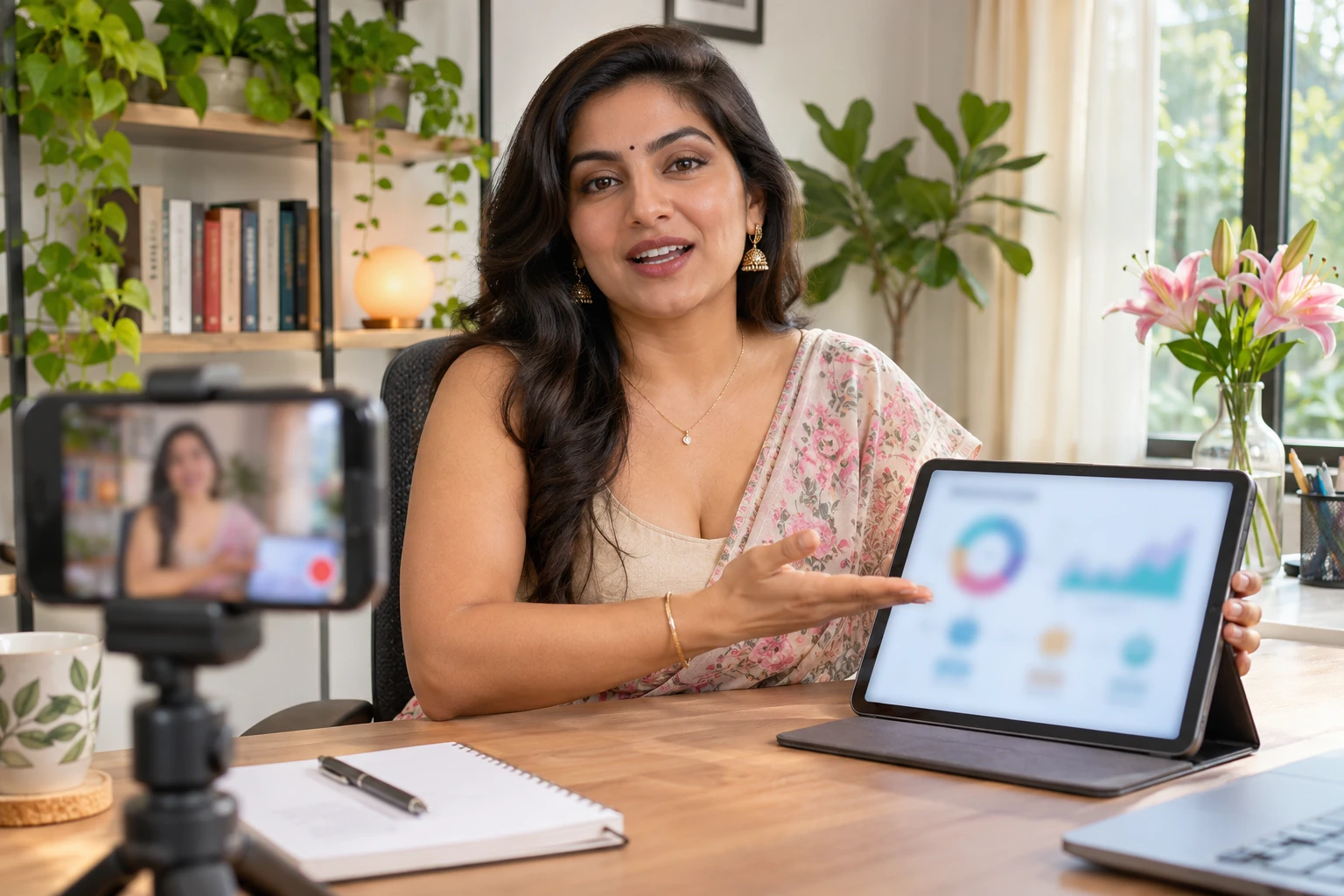
Make A Short Tip Feel Approachable
A virtual educator can help teams explore a friendly format for short explainers, practical tips, or introductory social content. A home-office setting and a small gesture create a familiar presenter scene that can make a topic feel conversational rather than formal. This gives creators a way to picture tone and framing while planning a message for a social audience. A focused presenter concept can support planning for recurring tip series, onboarding clips, or short educational posts.
Why Explore An AI Influencer Video Concept?
Visualize Ideas Before Production
Test Different Creator Styles
Build A Repeatable Creative Brief
Explore Related Video Tools
AI person video generator
Explore person-led scenes shaped from prompts and image references.
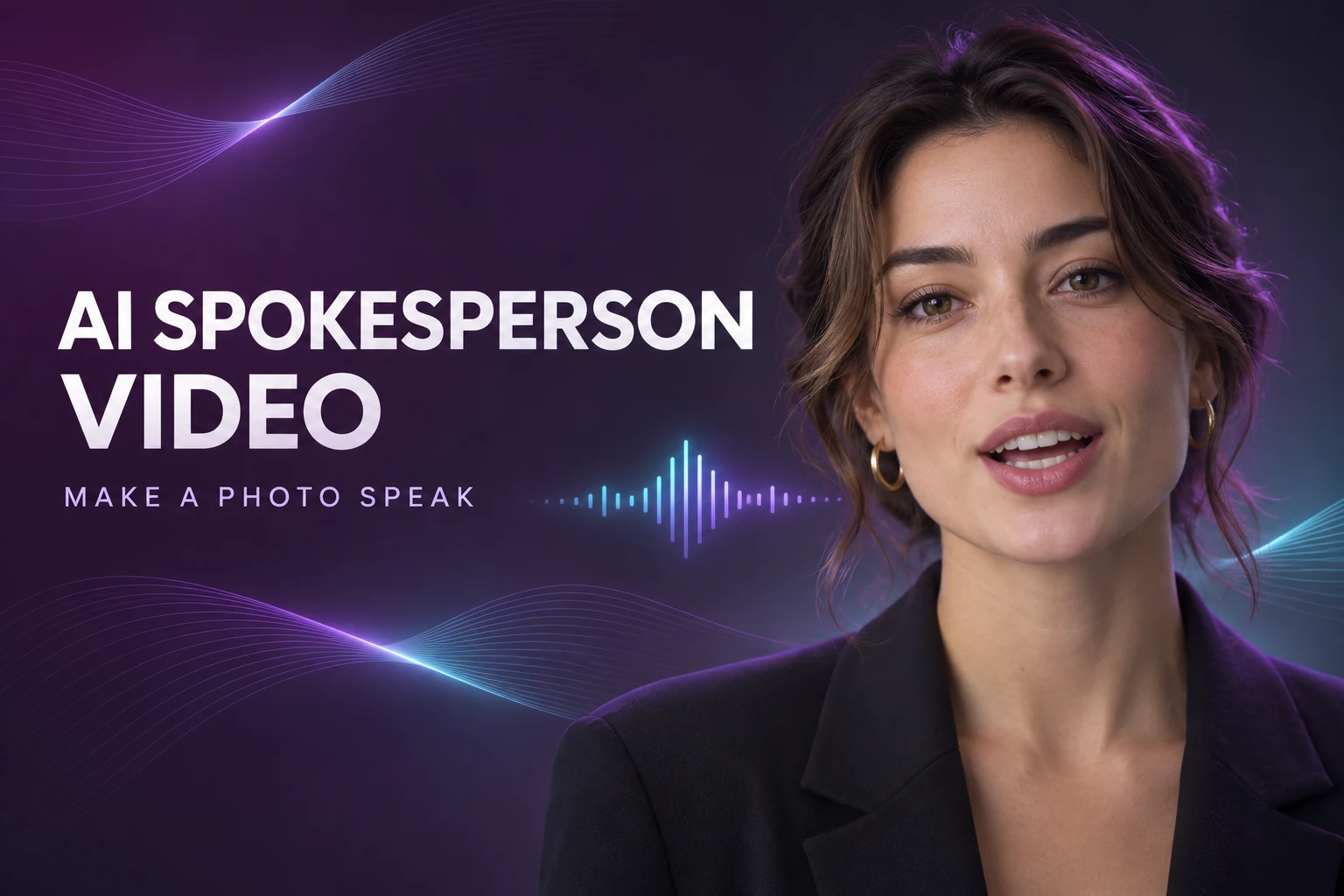
AI spokesperson video generator
Create presenter-style video concepts for a clear message.
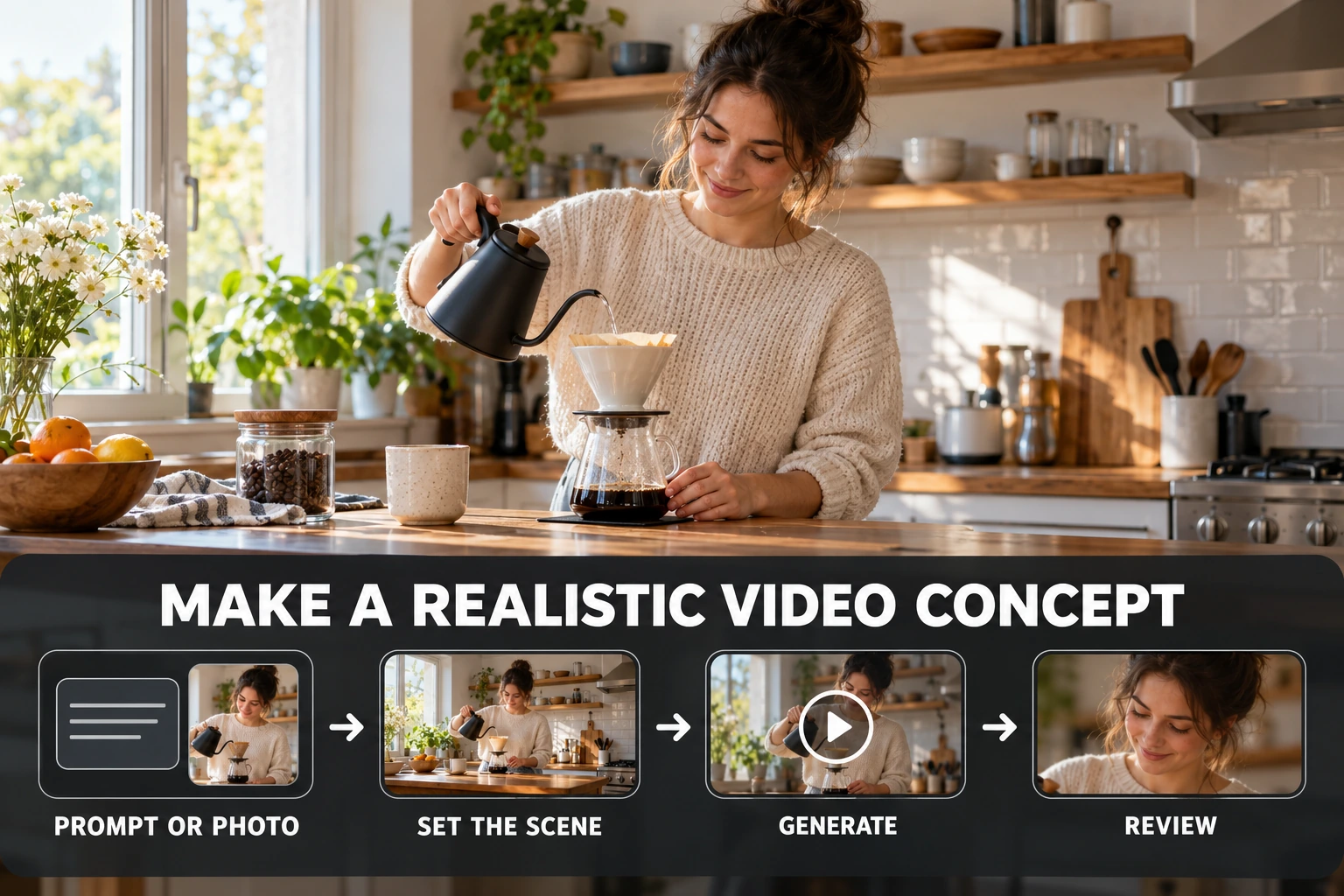
Realistic AI video generator
Explore grounded scenes with natural-looking people and environments.
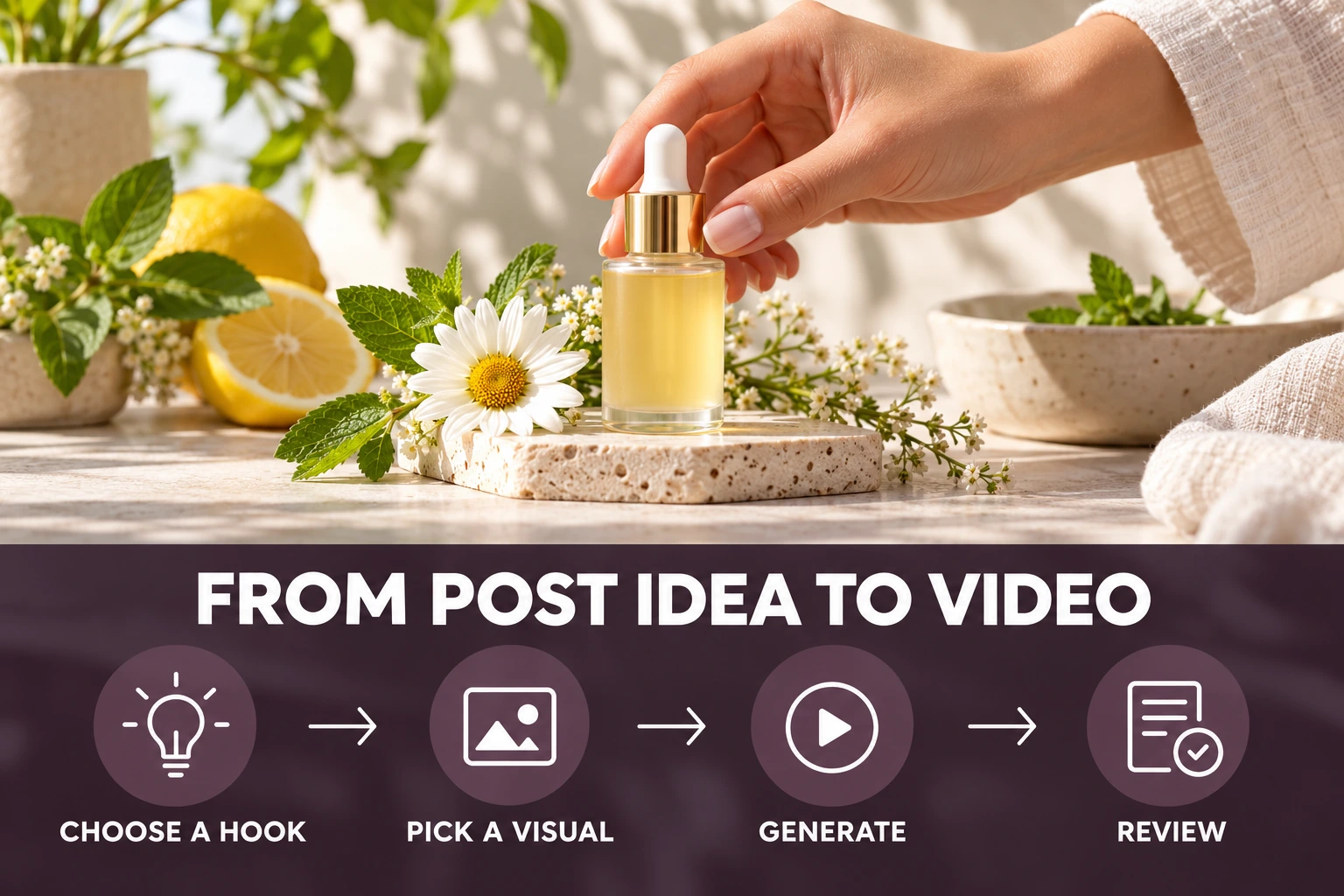
AI social media video generator
Shape a short video concept around a social post idea.
AI Influencer Video Generator FAQ
What Is An AI Influencer Video Generator?
How Do I Use The AI Influencer Video Generator?
Is The AI Influencer Video Generator Free?
Can I Use AI Influencer Videos Commercially?
Can I Create A Virtual Influencer Video From Text?
Can I Use A Photo To Guide An AI Influencer Video?
Can An AI Influencer Speak In A Video?
Can I Make Vertical Videos For Social Media?
What Types Of Virtual Influencer Videos Can I Create?
What Should I Include In An AI Influencer Prompt?
Bring Your Virtual Creator Idea To Life
Explore the AI Influencer tool and shape a new social video concept.
Create an influencer video