
AI Gaming Video Generator
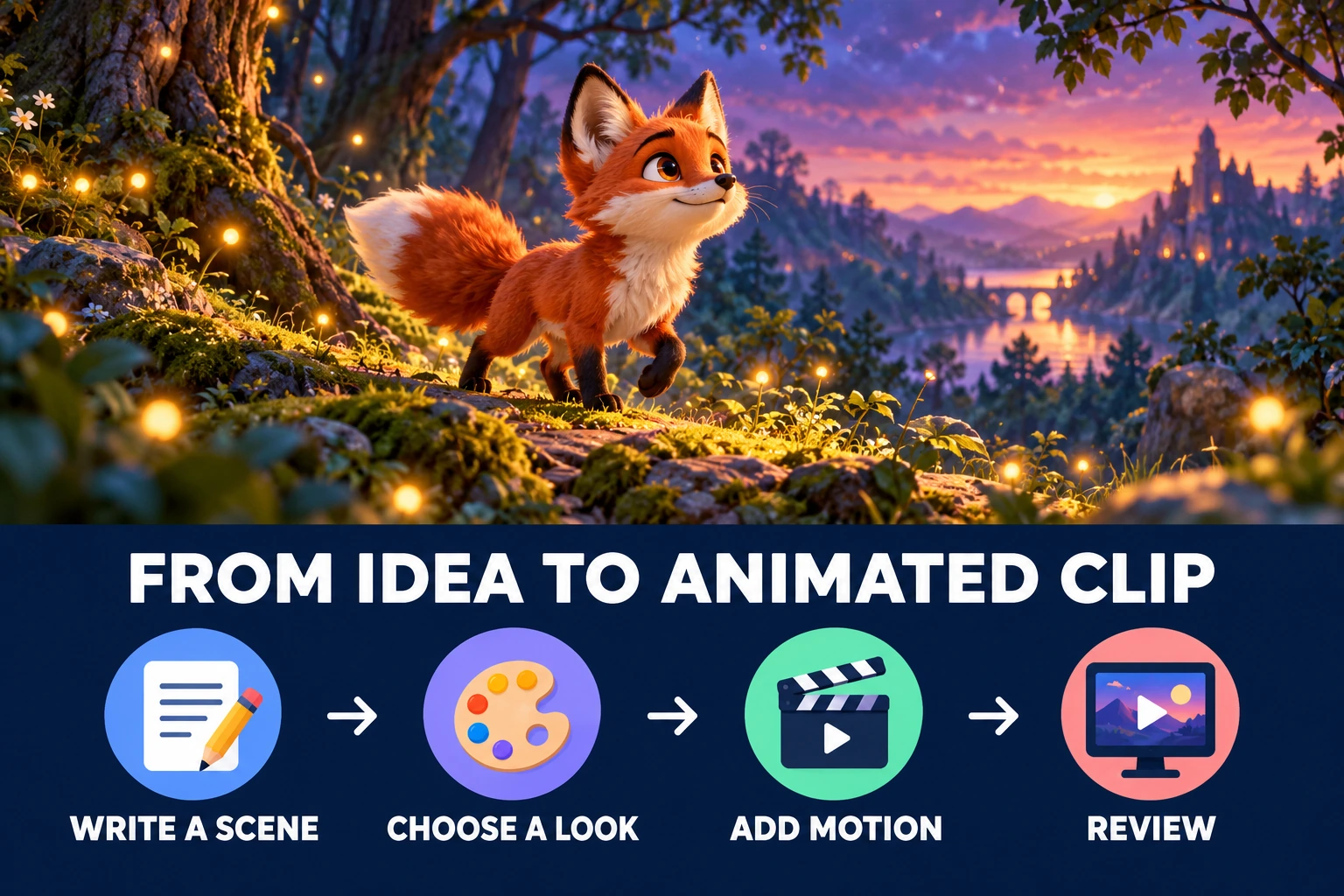
Turn A Game Idea Into A Video Concept
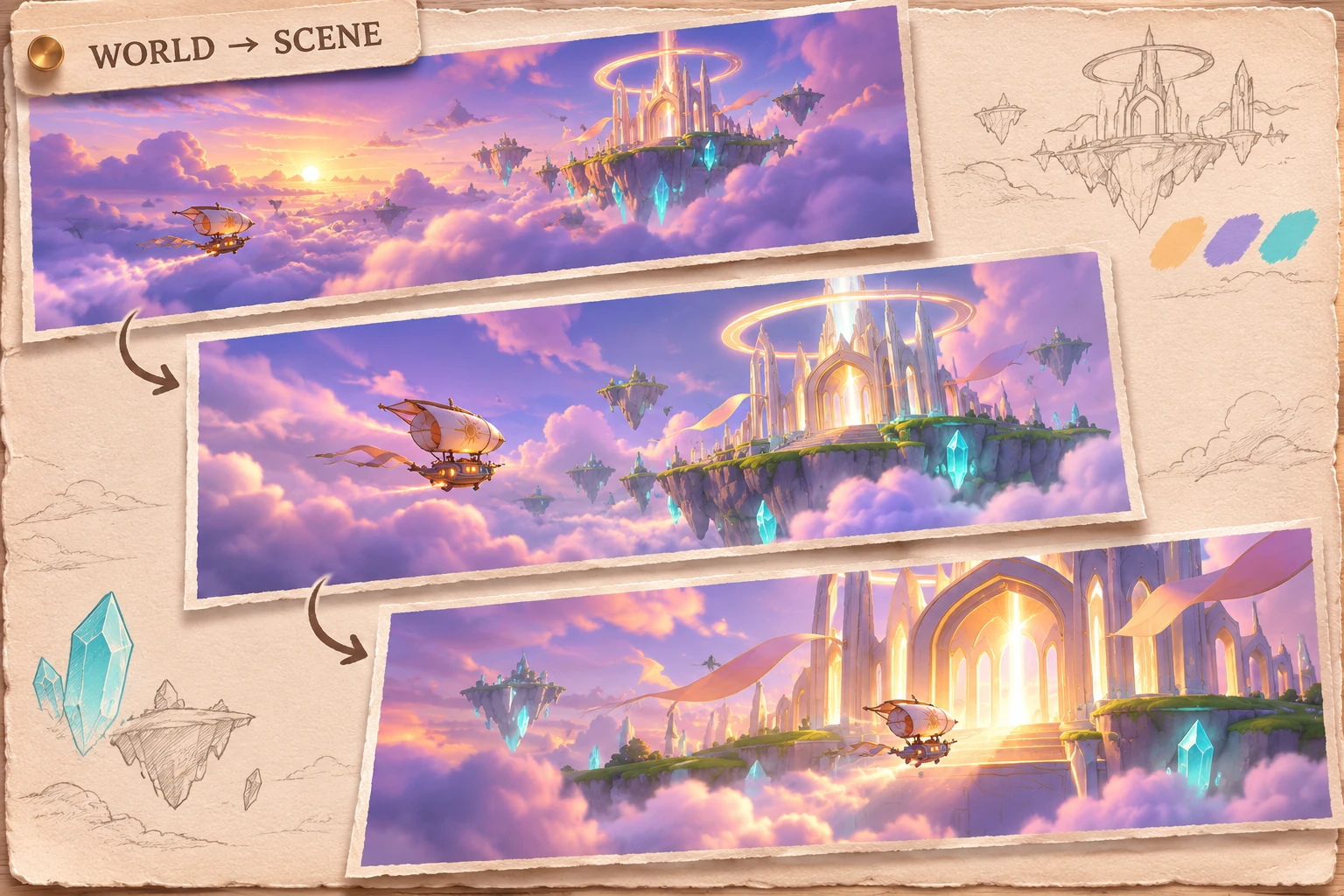
Set The World
Describe the environment, subject, action, and art direction that make the game concept recognizable.
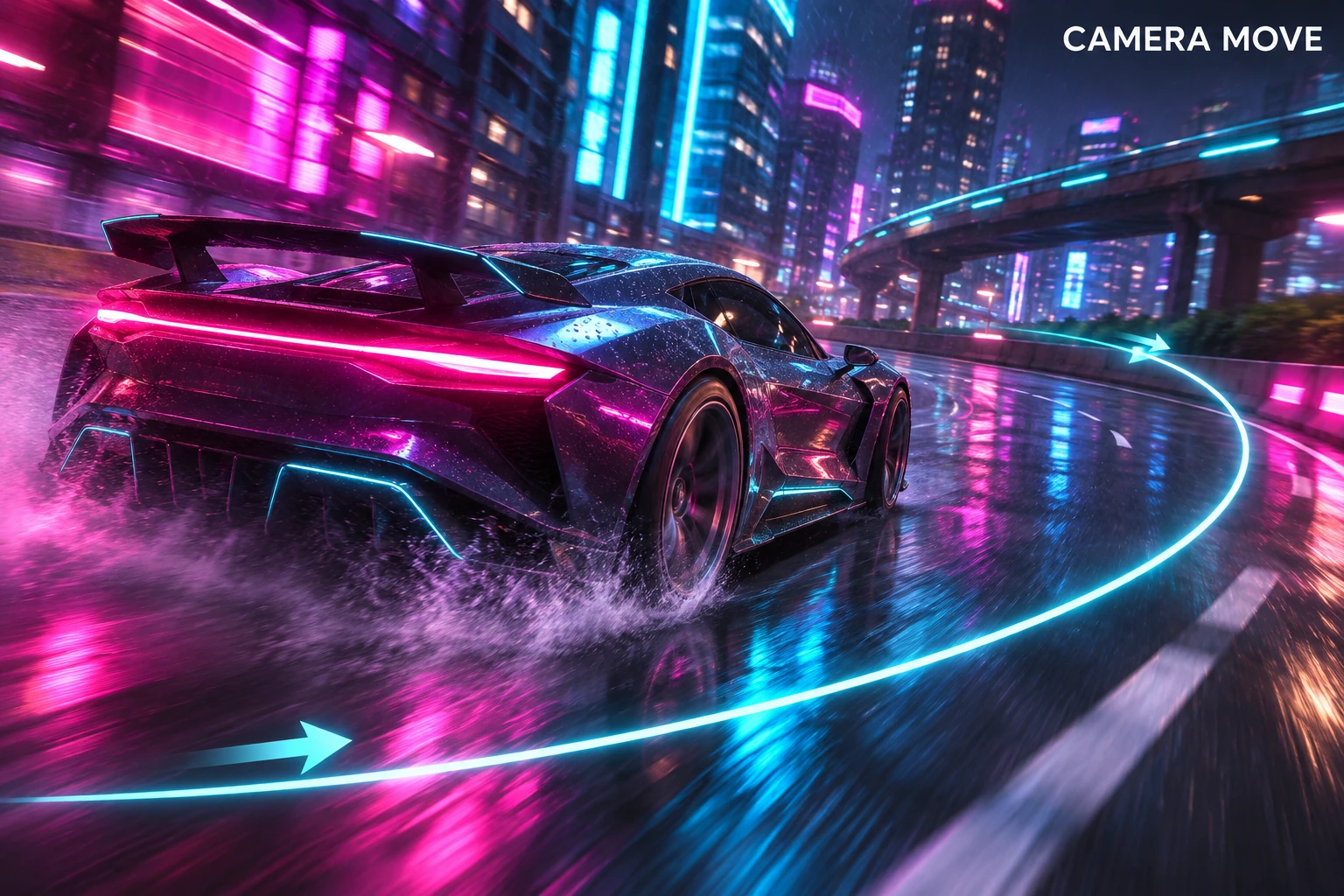
Give The Scene A Rhythm
Add camera movement and audio cues to guide the feeling of the shot, from a quiet reveal to a fast chase.
Review The Result
Preview the generated clip and refine the brief if the scene, movement, or mood needs a different direction.
Give Game Concepts A Moving First Look
Preview A Game World Before Production
Turn a game-world idea into a moving visual while the concept is still flexible. GoEnhance converts prompts, scripts, and outlines into video, so a creator can define a setting, subject, action, and mood in one concise brief. That gives a team something concrete to react to before investing in a detailed build, and it can help align a pitch, teaser, or early creative discussion around the same scene. For more creation workflows, explore the AI video generator.
Make Camera Movement Part Of The Idea
Camera direction can make a short game-style clip feel like a deliberate shot instead of a static description. GoEnhance's text-to-video page includes camera motion, voiceovers, music cues, and transitions, letting the brief shape both visible movement and atmosphere. A low chase view can emphasize speed; a slow reveal can give a fantasy location a sense of scale. That creates more expressive concept footage for a pitch or campaign. For a film-inspired mood, explore the Cinematic AI video generator.
Explore More Than One Art Direction
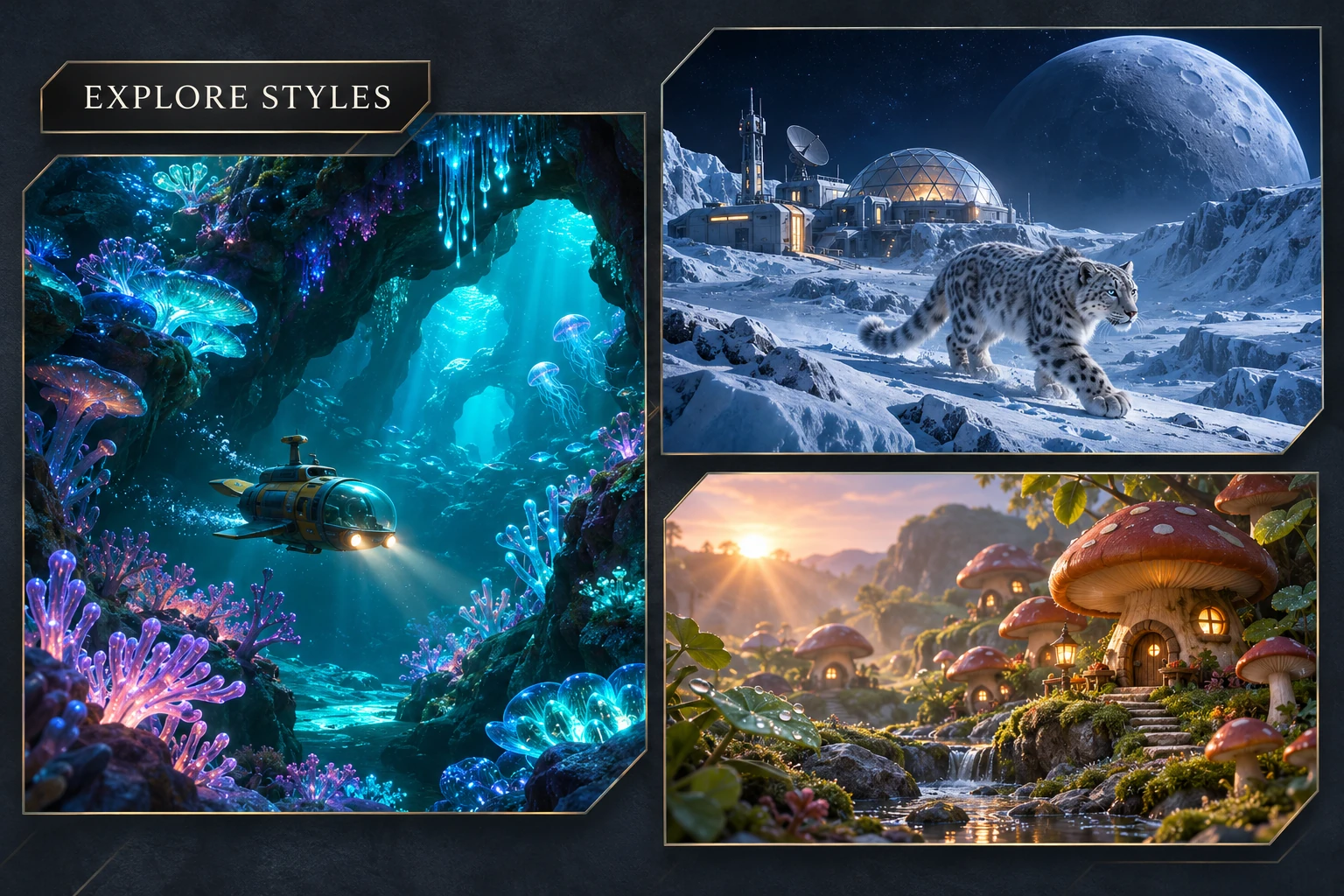
One creative direction can lead to very different worlds: a neon city, an underwater cavern, or a cozy puzzle landscape. Because GoEnhance accepts natural-language prompts, scripts, and outlines, creators can describe those environments and actions directly, then explore another prompt when the look changes. This makes it easier to compare tone and setting across marketing ideas without committing to one visual style too early. For grounded people, places, and natural lighting, see the Realistic AI video generator.
Why Create Game-Style Videos With AI?
Share A Concrete Creative Reference
Keep Concept Exploration Flexible
Bring Motion And Sound Into The Brief
Explore Related AI Video Tools
AI Animated Video Generator
Explore character-led scenes and expressive animated motion.
Cinematic AI Video Generator
Shape a scene with film-inspired atmosphere and camera direction.
Realistic AI Video Generator
Explore people, places, and natural-looking visual styles.
AI Person Video Generator
Create video concepts centered on a person or character.
AI Gaming Video Generator FAQ
What Is An AI Gaming Video Generator?
How Do I Use An AI Gaming Video Generator?
Is The AI Gaming Video Generator Free?
Can I Use Generated Gaming Videos Commercially?
Can I Make An AI Game Video From Text?
Can I Use A Screenshot As The Starting Point?
Can It Create Playable Gameplay Or Real Game Footage?
Can It Turn My Stream Into Highlight Clips?
Can I Use Well-Known Game Characters Or Logos?
Can I Make A Game Trailer Or Social Video Concept?
Will Small HUD Labels Or In-Game Text Be Exact?
Give Your Game Idea A Moving First Look
Describe the world, action, and camera feel, then turn your brief into a game-style video concept.
Visualize your game idea