ChatGPT Image Editor

Edit a photo the way you would in ChatGPT: upload it and describe the change in plain words. Swap the background, change an outfit, remove people, rewrite a sign or restyle the whole picture, while the parts you did not mention stay the same. It runs on OpenAI's GPT Image 2.5 model, and free accounts can use it.
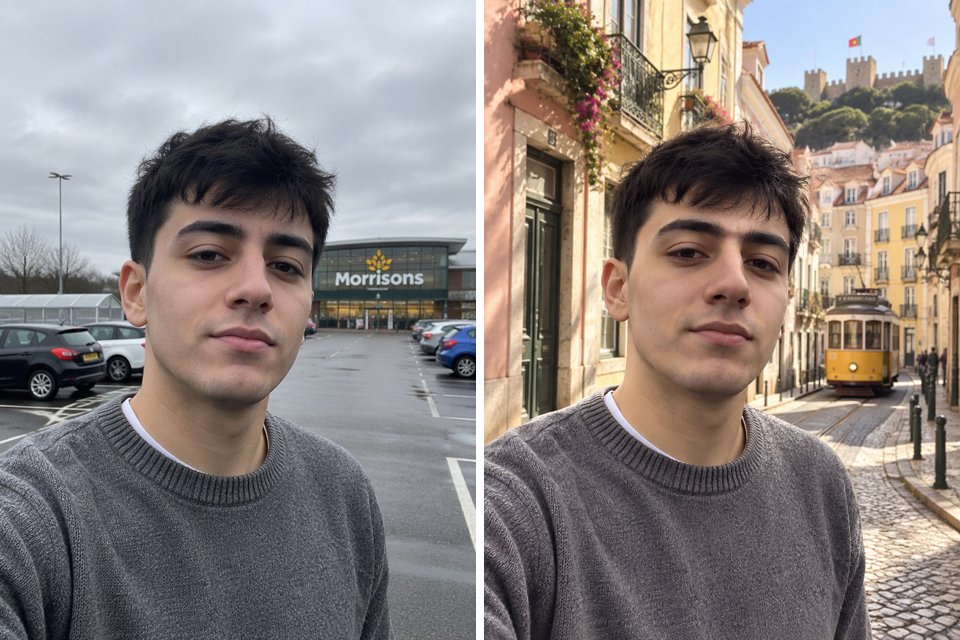
Change background
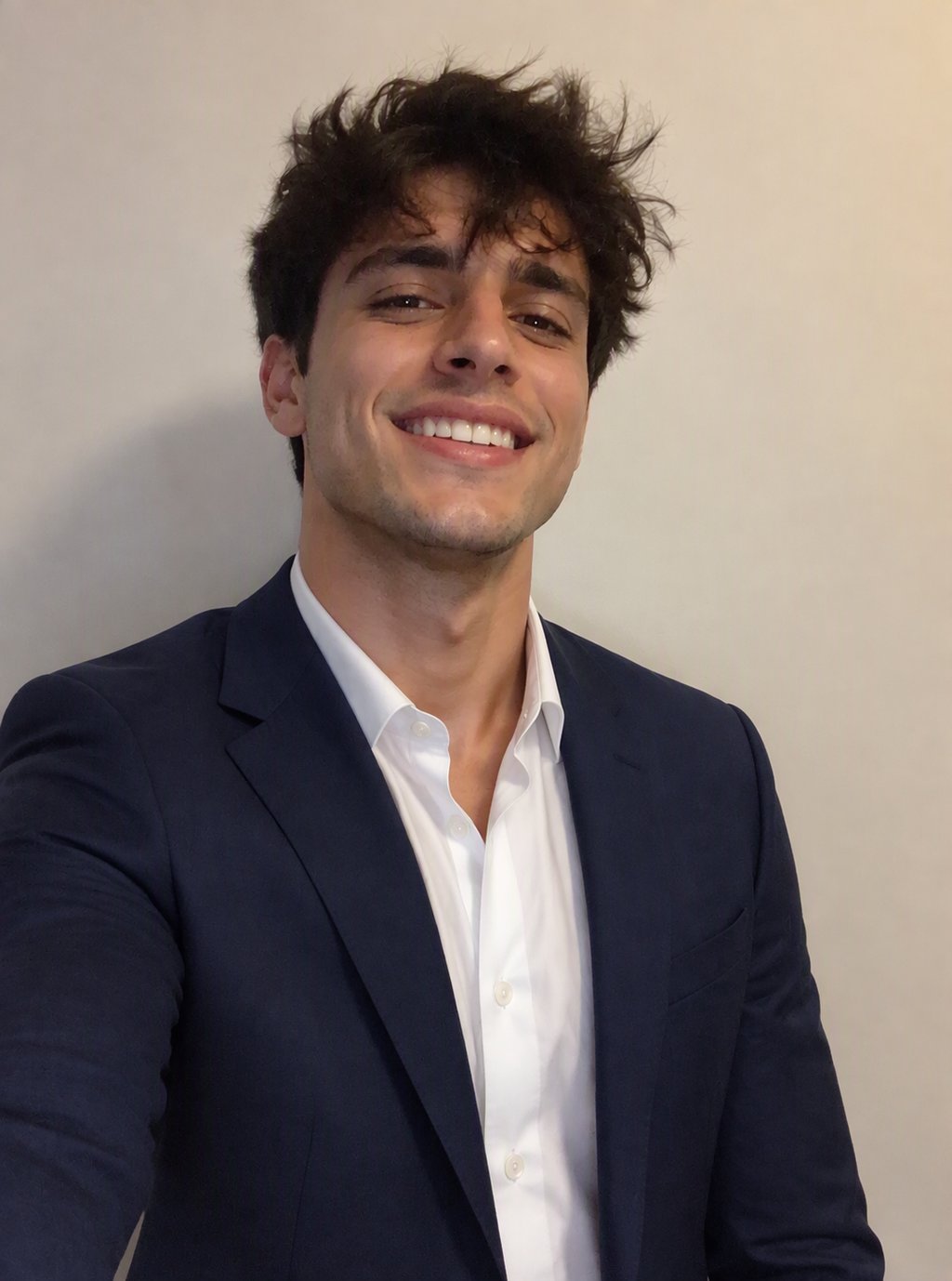
Change background
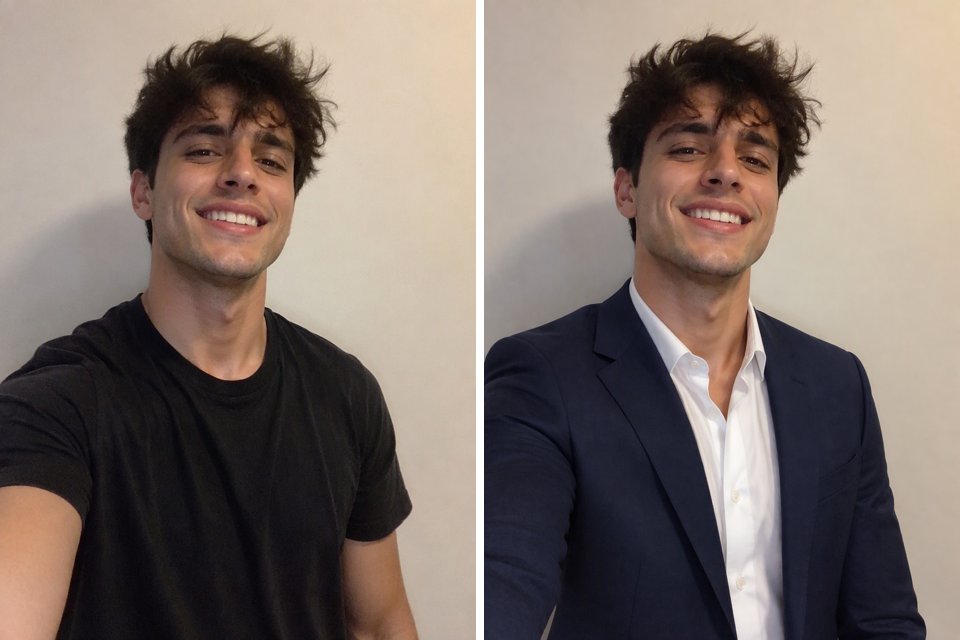
Change outfit
Change outfit
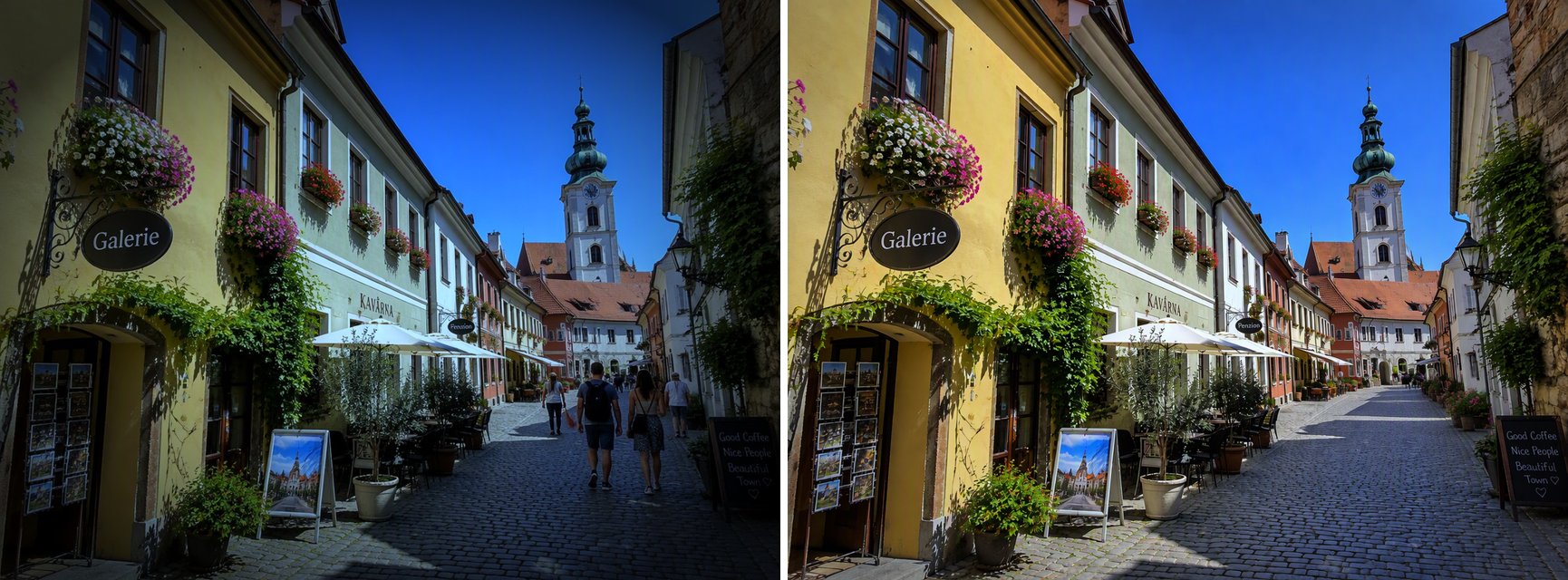
Remove people
Remove people
Edit text
Edit text
Swap objects
Swap objects
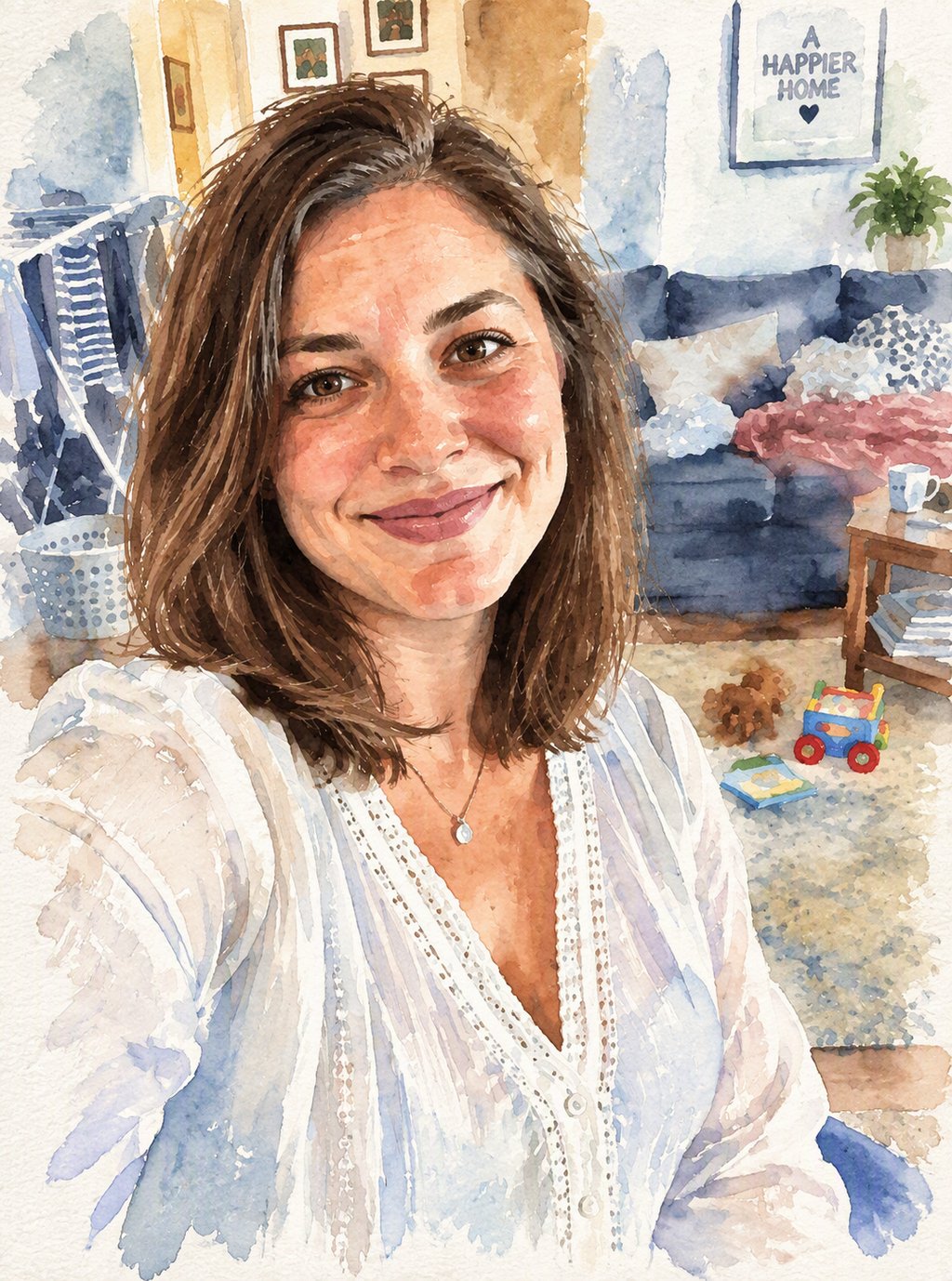
Watercolor style
Watercolor style
Upload a photo to edit
Describe the change you want
By uploading a file, you agree to GoEnhance's Terms of Use and Privacy Policy

How to Edit an Image Like in ChatGPT

Upload, describe, download.
01

Upload your photo

A selfie, a product shot, a room, a street scene or an illustration.

02

Describe the change

Write it as you would to ChatGPT, for example "change the green sofa to beige and add a plant". Say what must stay the same, like the face or the pose.

03

Generate and download

Pick Low, Medium or High quality and generate. In our tests each edit took under a minute. Not quite right? Adjust the wording and run it again.

What We Asked For and What We Got

EditInstruction (short)Result in our test
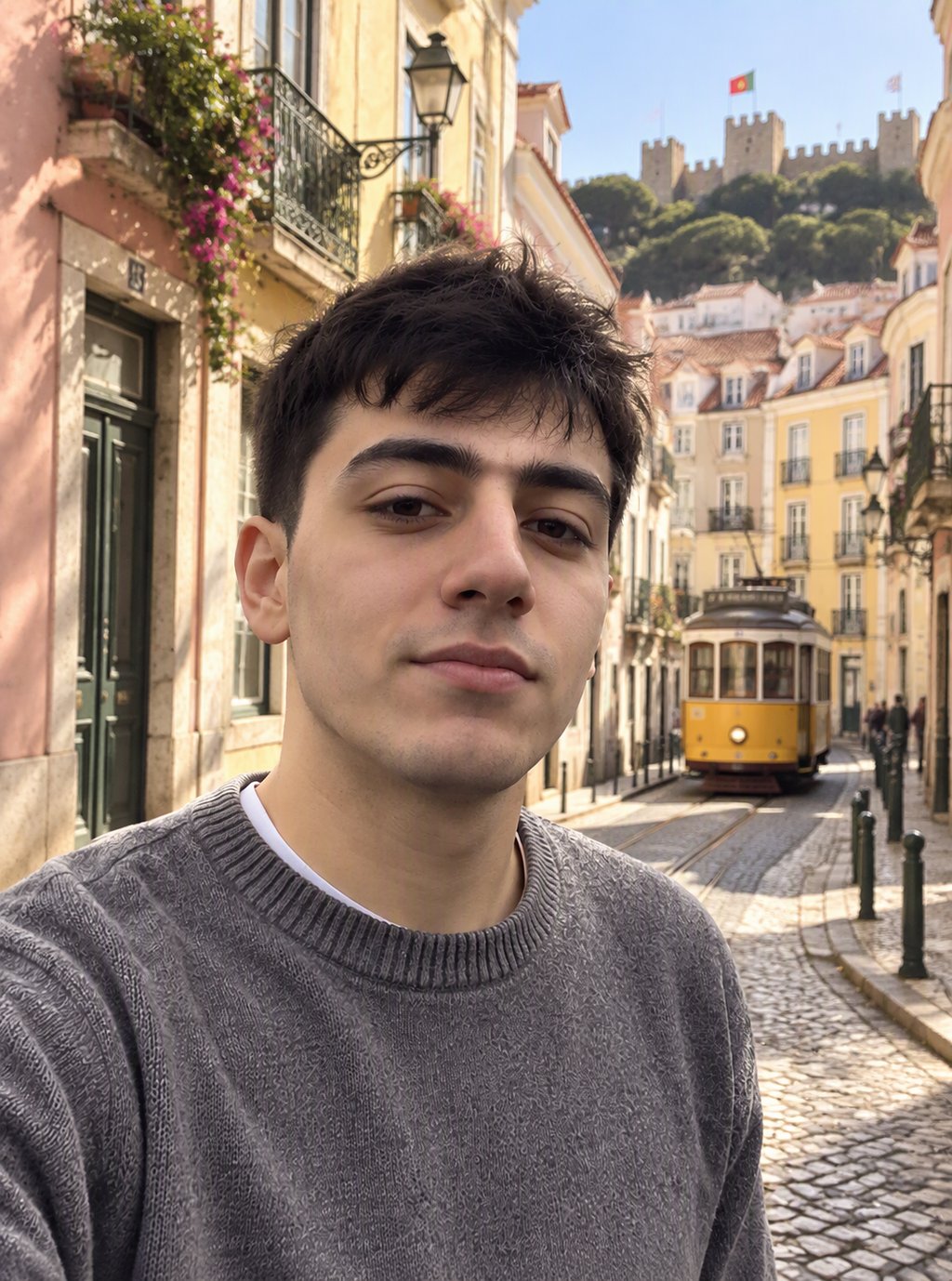
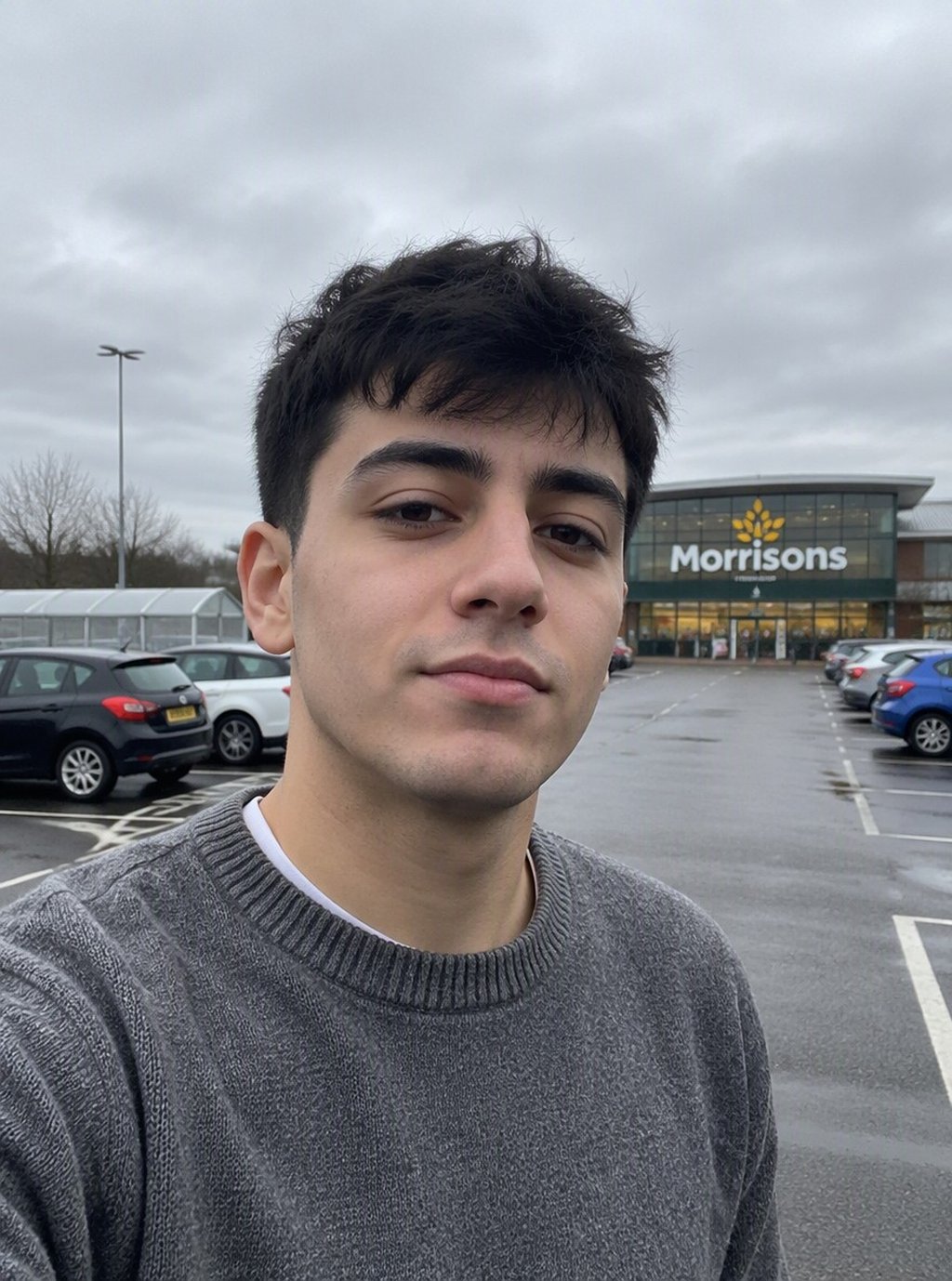
Change backgroundPut him on a sunny Lisbon street with a yellow tramNew street and tram; his face, hair and sweater unchanged
Change outfitBlack T-shirt to a navy suit jacket and white shirtNatural fit; face, smile and wall unchanged
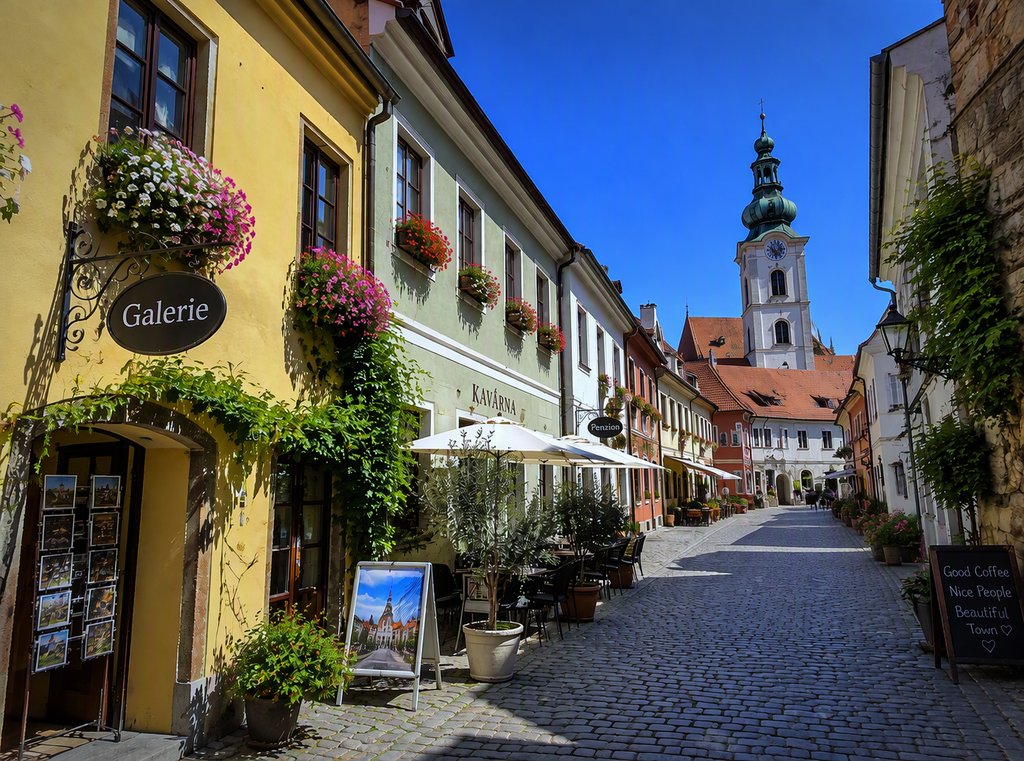
Remove peopleRemove everyone walking on the streetAll people removed; it also added a small cafe sign that was not there
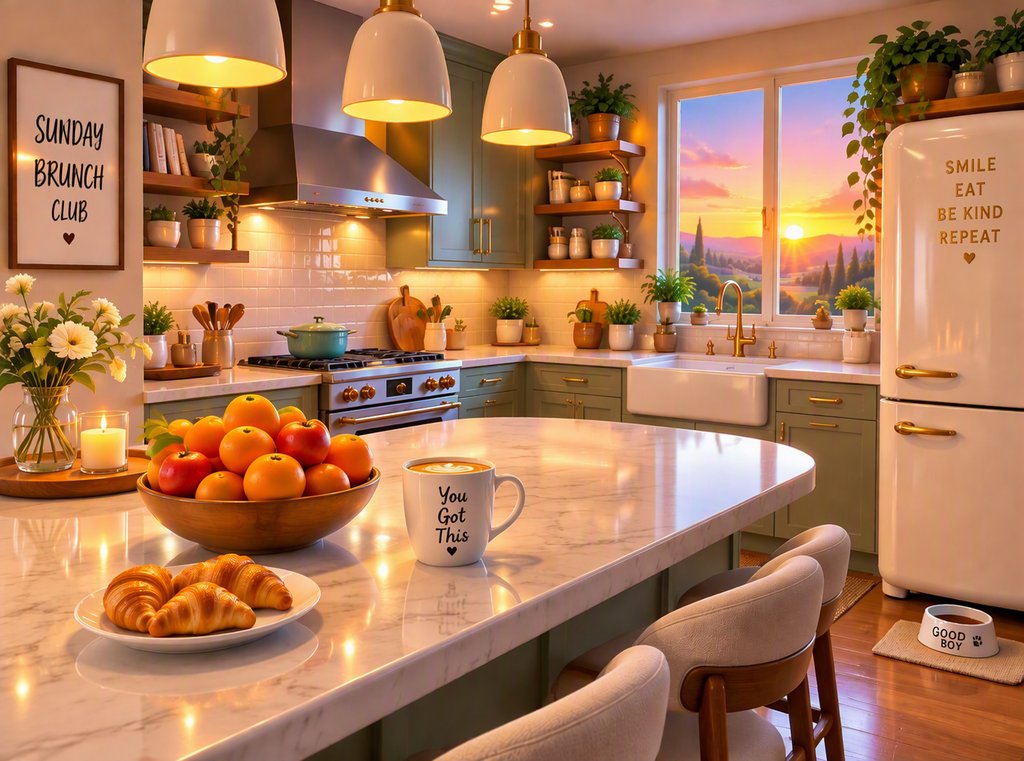
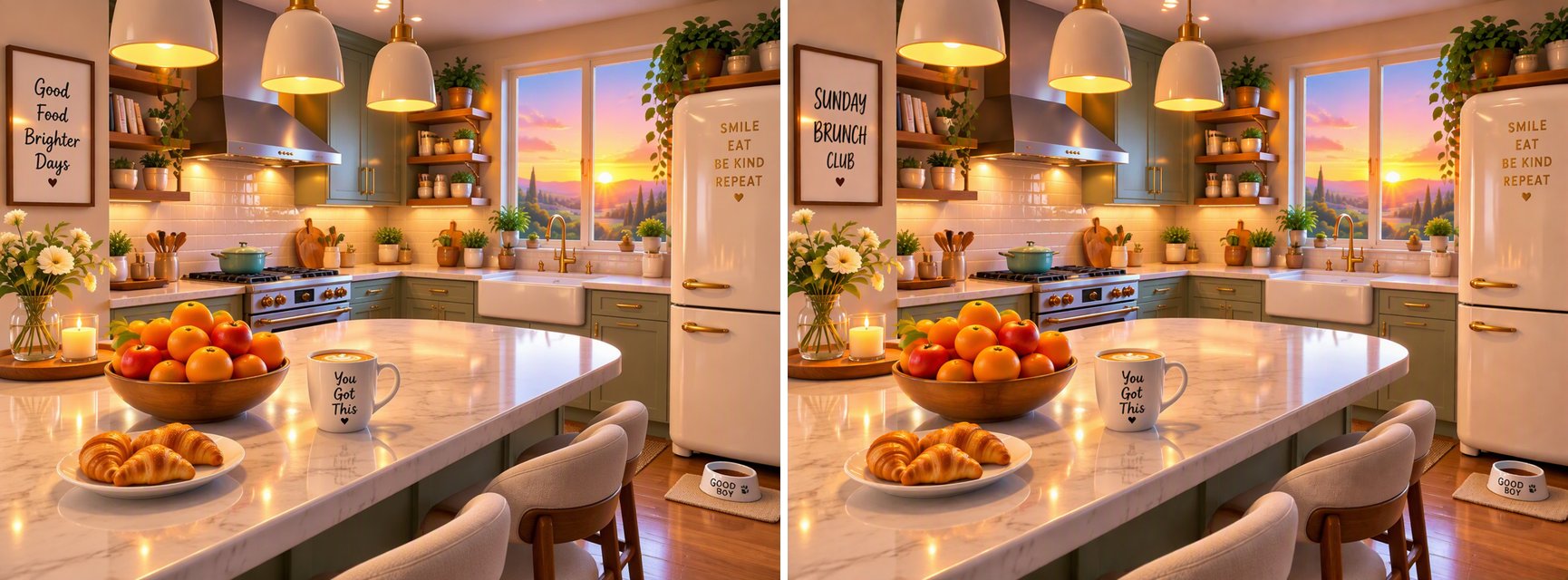
Edit textMake the wall sign read SUNDAY BRUNCH CLUBSpelled correctly in a matching hand-lettered style
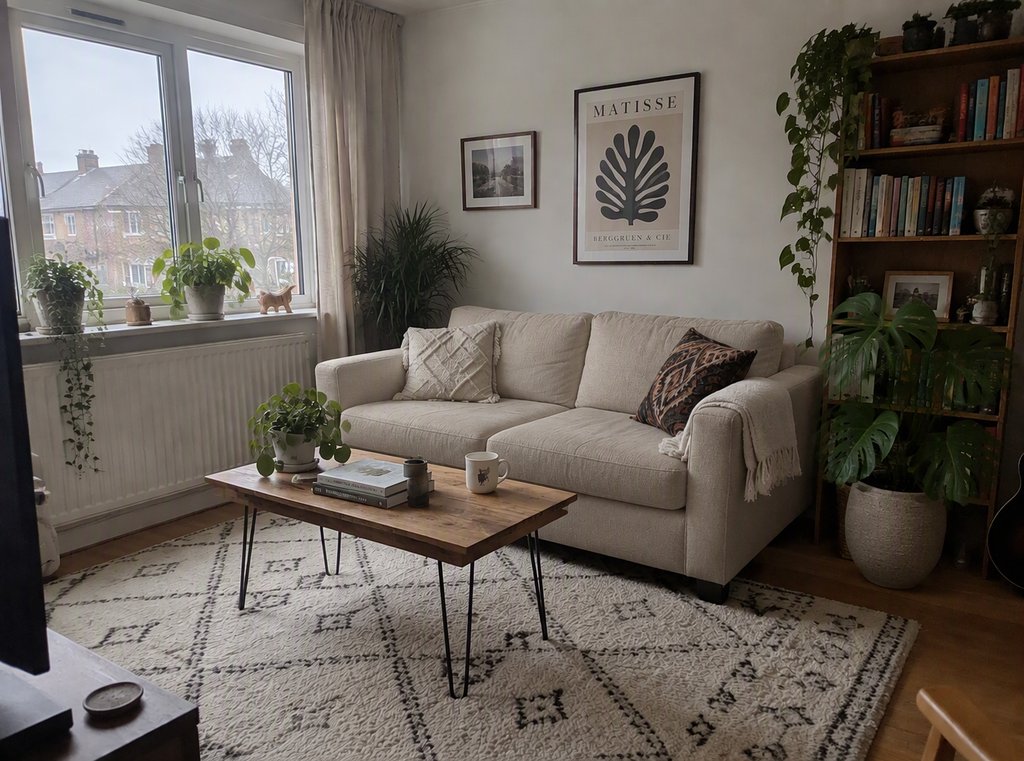
Swap and add objectsBeige sofa instead of green, plus a monstera plantBoth done; the rest of the room kept
Change styleRepaint as a watercolor illustrationWorked once the instruction asked for paper texture and visible brush strokes; a short instruction only added a light texture

Edits You Can Make with a Sentence

Swap the Background

Move yourself from a car park to a city street, a beach or a studio. Ask the editor to keep your face and clothes, and only the background changes.

a selfie in a parking lot moved to a Lisbon street

Change Clothes

Turn a casual selfie into a smart look for a profile picture, or try a different color before you buy.

a black T-shirt changed into a navy suit jacket

Remove People and Clutter

Clear tourists from a travel photo or clutter from a room. Check the result closely, because the AI may fill the gap with something new.

a street photo with the passers-by removed

Rewrite Text in a Photo

Change the words on a sign, a poster or a mug and keep the original lettering style.

a kitchen sign rewritten to say Sunday Brunch Club

Remove the Background Only

If all you need is a clean cut-out, use our AI Background Remover. It gives a transparent PNG at the original size, keeps hair edges soft, and costs 4 tokens per image.
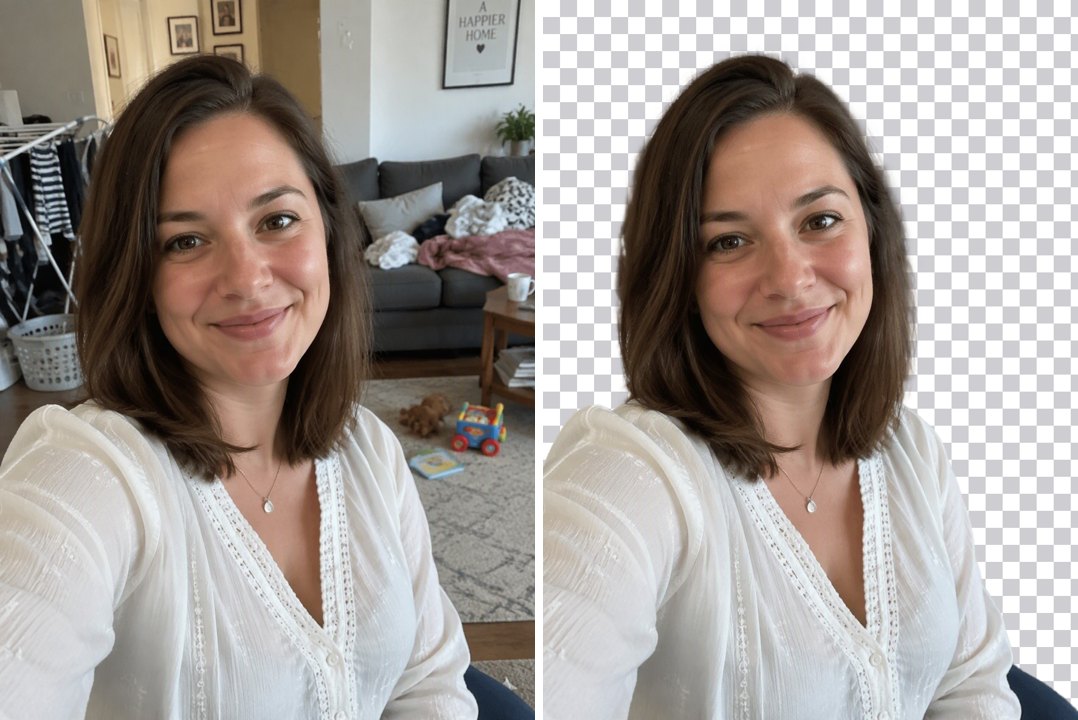
a portrait with the background removed

Good to Know

Plain-Language Edits

No selections or brushes, just a sentence.

Keeps What You Name

Say what must stay the same and it usually does.

Free Accounts Welcome

GPT Image 2.5 is open to every account here.

Low, Medium or High

6 to 8 tokens per edit at 1K.
ChatGPT Image Editor FAQ

Is this ChatGPT?

No. GoEnhance is not affiliated with OpenAI or ChatGPT. The editor works the same way, with an uploaded image and a written instruction, and it runs on OpenAI's GPT Image 2.5 model through GoEnhance's image-to-image editor.

How do I edit an image with AI instructions?

Upload the photo above, type what you want to change and generate. Name the parts that must not change, such as the face, pose or background, and be specific about colors, materials and text.

Can I remove the background?

Yes. You can ask the editor to replace a background, but for a clean transparent cut-out use the AI Background Remover, which is built for that job and costs 4 tokens per image.

Can it change the text in a photo?

Yes. In our test it rewrote a wall sign correctly and matched the lettering. Put the exact words in quotes in your instruction and check the spelling in the result.

Will it change things I did not ask for?

Sometimes. When we removed people from a street it also added a small sign. Look over the result, and if something appeared or changed, run it again with an instruction like "keep everything else the same".

Is it free?

Each edit costs 6, 7 or 8 tokens at 1K, for Low, Medium or High quality (High is the default). 2K and 4K cost more. New accounts get free tokens when they sign up, so you can try it before paying. The examples on this page were made at Low quality, 1K.

Is my image private?

We do not sell your content. Your image is processed to create the result, and the result stays in your account until you delete it. See our Privacy Policy for details.

Describe the Edit, Get the Photo

Upload an image and tell the AI what to change.

Edit a Photo