
Vidmage AI Video Generator
Vidmage AI is a face swap tool for photos, videos, GIFs, multiple-face edits, Mac workflows, and live face swap use cases. It is designed for quick creative edits, meme-style content, social visuals, and authorized face swap projects.
Create AI Images, Videos, Face Swaps, and Talking Photos in One Place
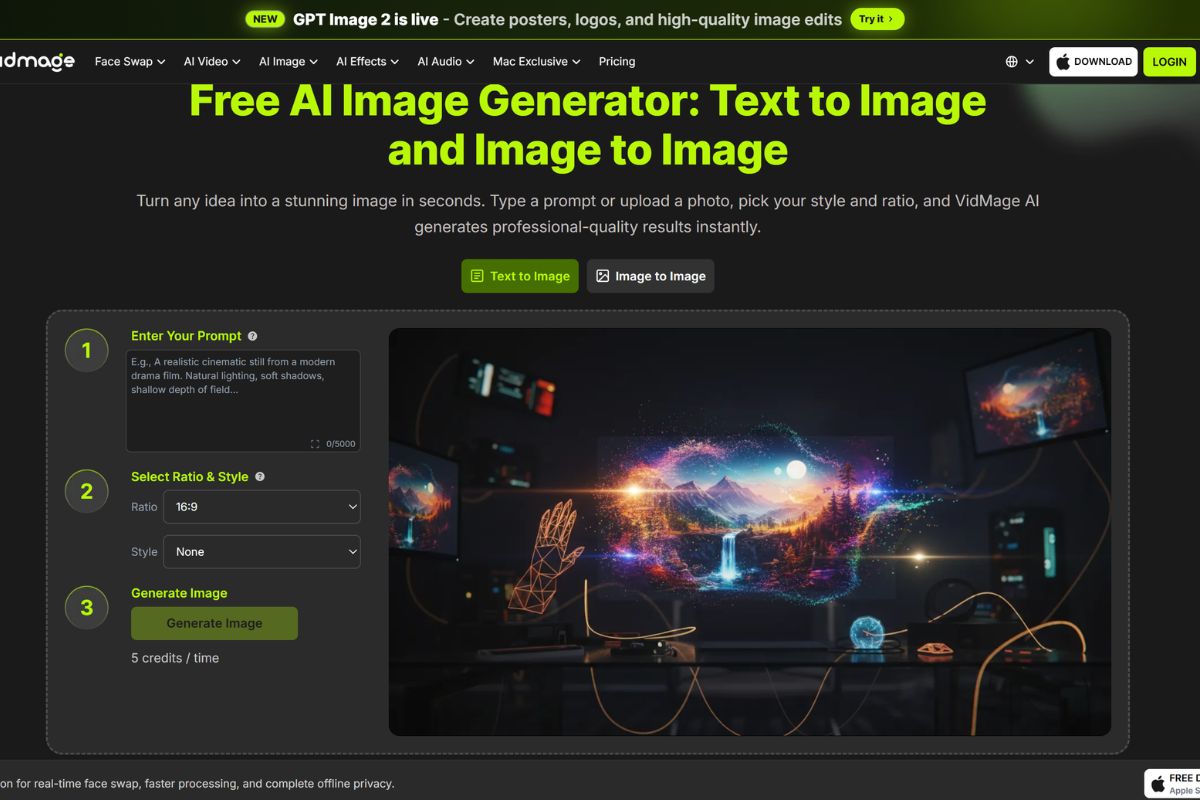
Turn Simple Prompts Into Eye-Catching AI Images
Vidmage includes AI image generation tools for text-to-image and image-to-image creation. Users can type a prompt, upload reference images, choose a ratio or style, and create new visuals for portraits, concepts, social posts, product ideas, and creative experiments.
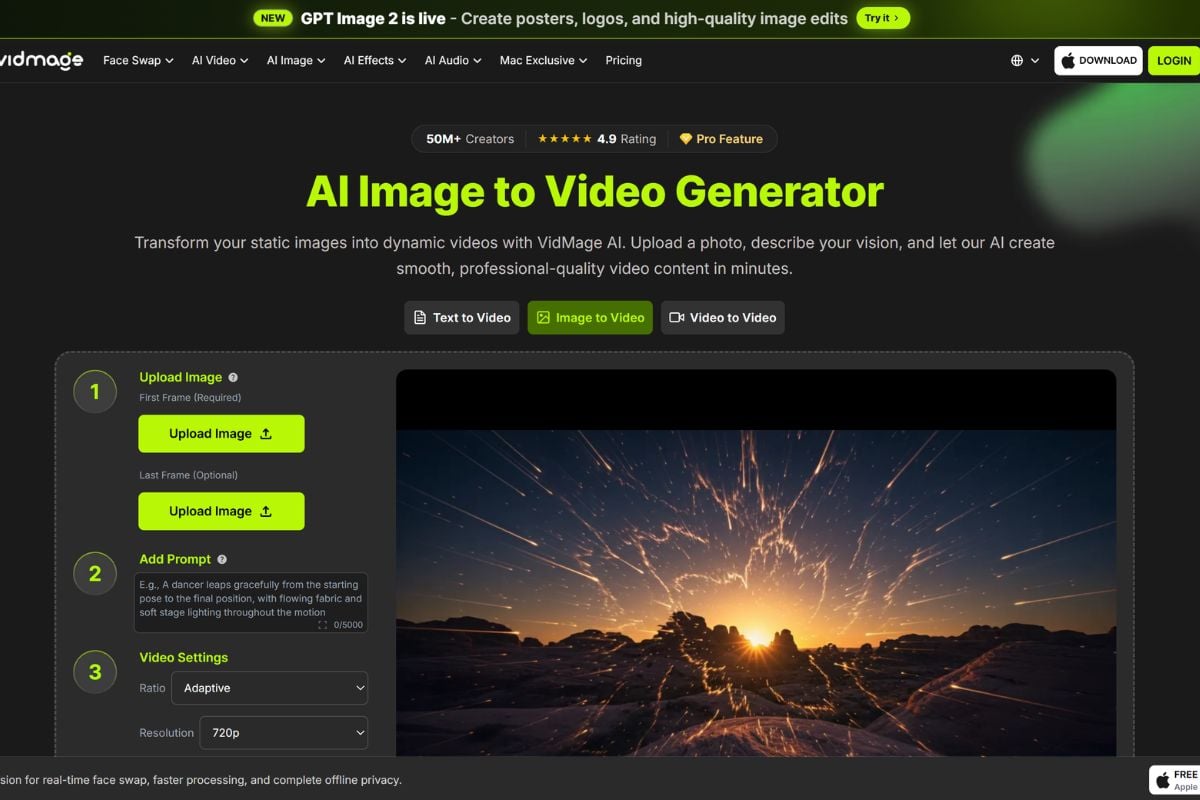
Bring Still Photos to Life With AI Video
Vidmage offers image-to-video and AI video generation workflows that help users animate still images, create dynamic clips from photos, and generate video content from simple visual ideas. It can be useful for social videos, character animation, product visuals, and short creative clips.
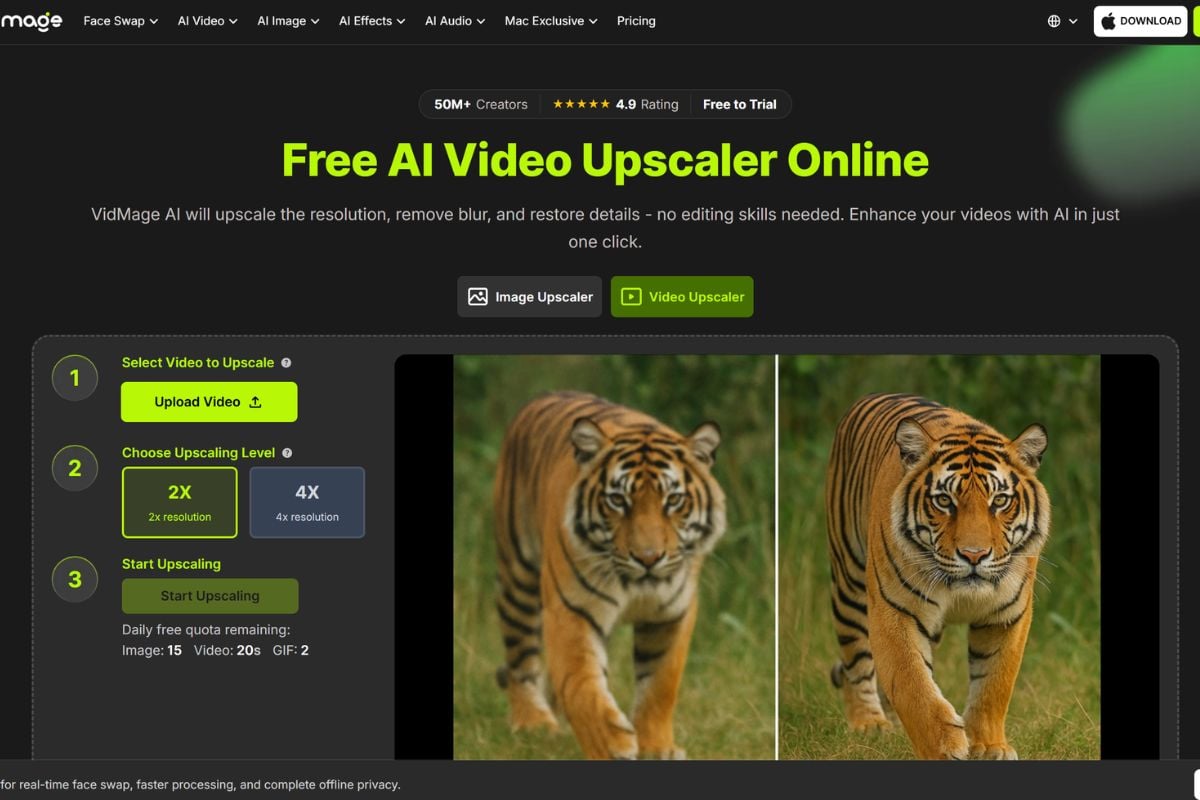
Polish, Enhance, and Rework Videos Faster
Vidmage also includes video utility tools such as video upscaler, video enhancer, video background remover, watermark remover, motion control, photo dance, AI talking photo, and AI lip sync. These features make the platform useful beyond face swap, especially for improving, animating, or repurposing existing video assets.
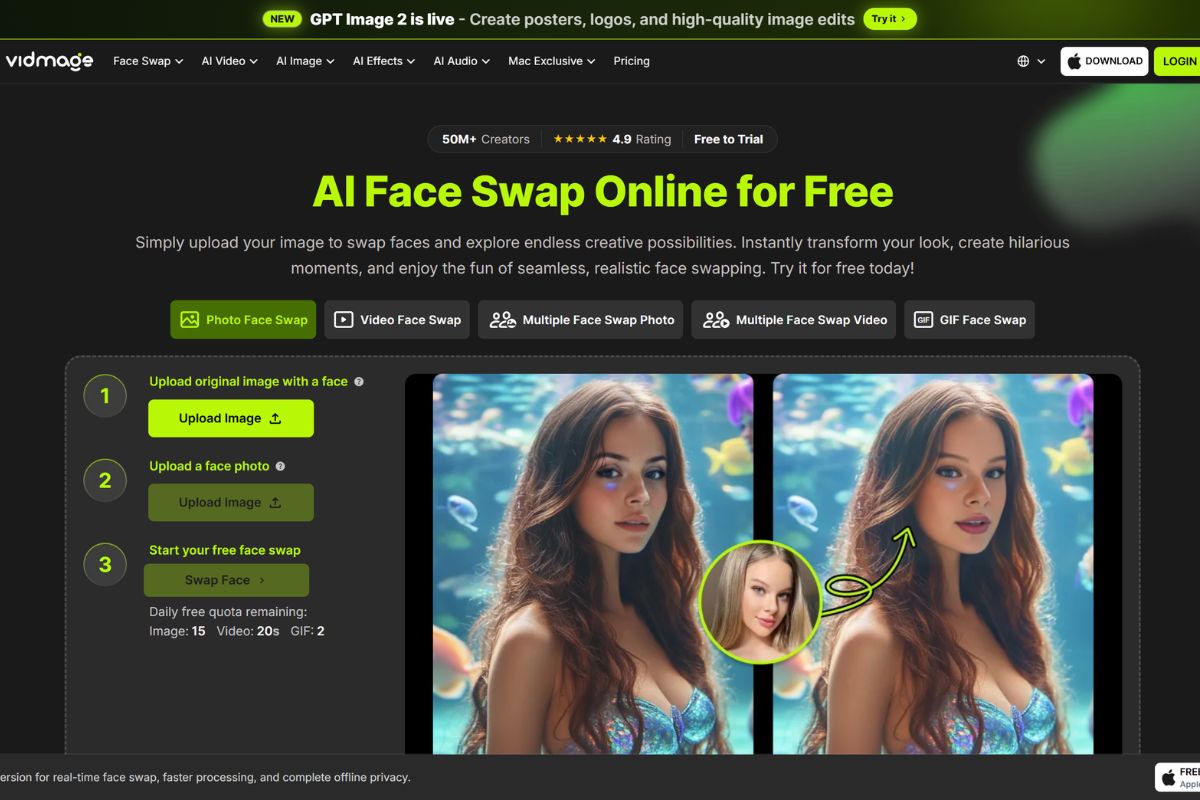
Make Face Swaps, Live Swaps, and Mac-Based Edits
Vidmage still has a strong face swap focus, including photo face swap, video face swap, multiple face swap, GIF face swap, live face swap for calls or streaming, and Mac face swap with local processing on Apple Silicon. For creators who also want broader image-to-video and visual generation workflows, GoEnhance AI video generator can be used as another creative path.
How To Use Vidmage on GoEnhance AI
Choose the AI Tool You Need
Start by selecting the Vidmage feature that fits your goal, such as AI image generation, image-to-video, video enhancement, background removal, talking photo, lip sync, or face swap.
Add Your Prompt or Upload Media
Enter a text prompt, upload a photo, add a video clip, or provide the source material required by the selected tool. Clear inputs, simple instructions, and high-quality media usually lead to better results.
Generate, Review, and Export
Run the AI workflow, preview the result, and check the output for quality, accuracy, permissions, and publishing safety. Adjust your input or regenerate if needed, then export the final image or video.
Vidmage and AI Creative Tool Discussions on Reddit
You May Want To Know
What is Vidmage AI?
What is Vidmage face swap best for?
Can Vidmage swap faces in videos?
Does Vidmage support multiple face swap?
Can Vidmage swap faces in GIFs?
Does Vidmage work on Mac?
Is Vidmage the same as a full video editor?
Is Vidmage safe?
What should I check before publishing Vidmage content?
Use Vidmage on GoEnhance AI
Vidmage brings together AI image creation, image-to-video, video enhancement, talking photos, lip sync, background removal, and face swap tools for fast creative editing. For creators who want another simple way to animate images, transform videos, and build AI visual content, GoEnhance AI offers a flexible path from idea to finished video.
Start Creating With GoEnhance AI