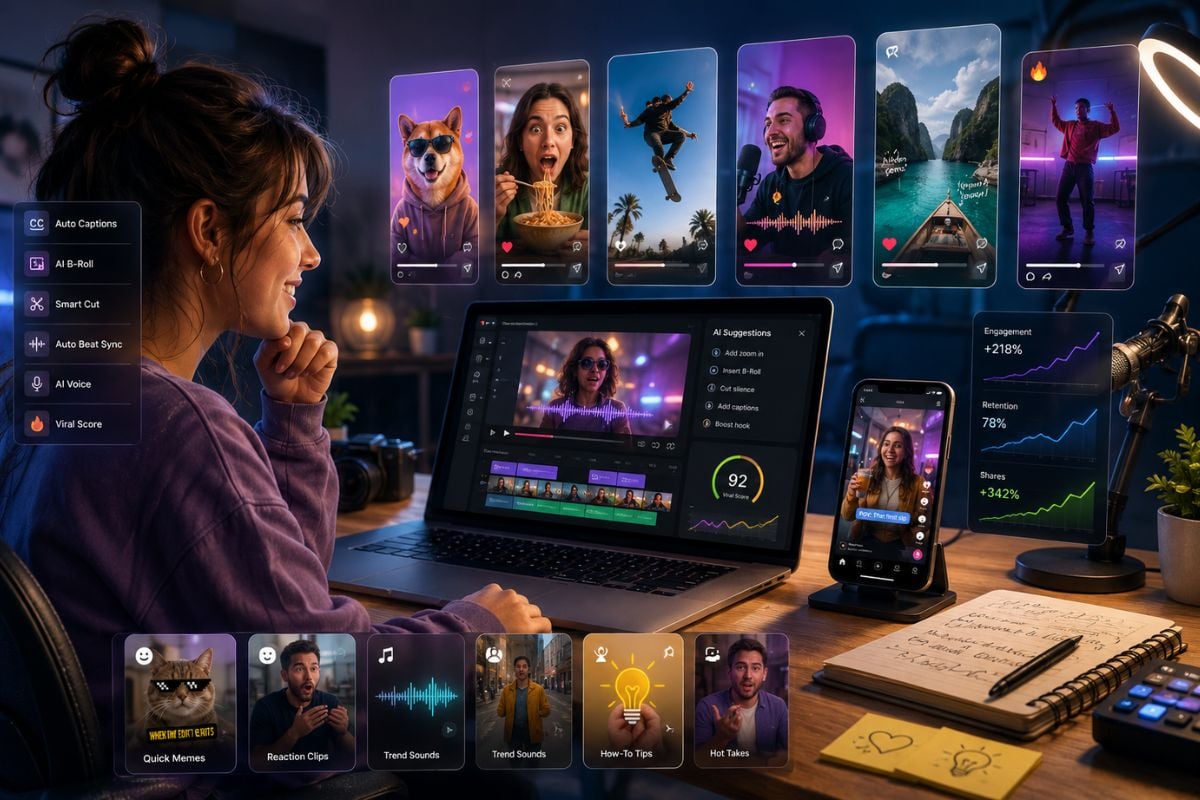
Social Media Creators
Create short videos for TikTok, Instagram Reels, YouTube Shorts, X posts, memes, reaction clips, and trend-based visual content.

MindVideo AI is an all-in-one AI creative platform for turning prompts, images, product photos, and creative ideas into short videos, social clips, product visuals, and AI effects. It is useful for creators who want MindVideo AI text to video, MindVideo AI image to video, and multi-model video creation in one workflow.
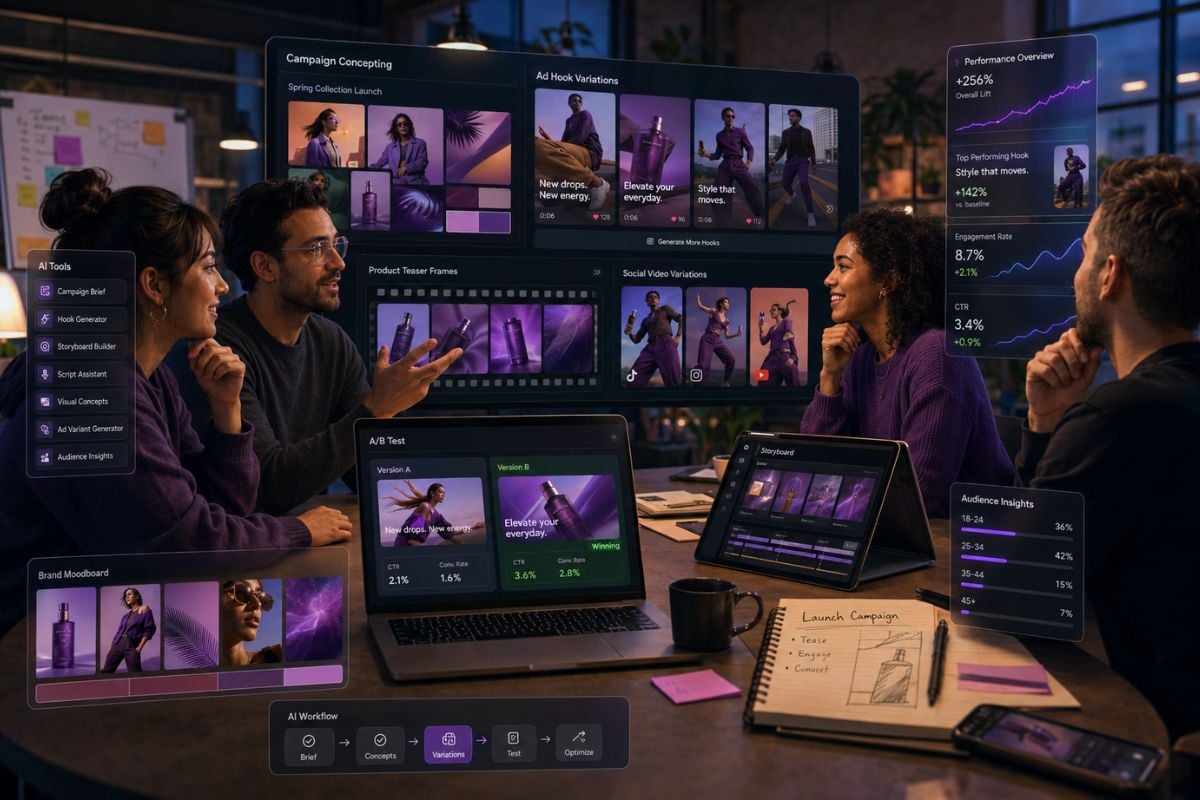
MindVideo AI text to video helps users start from a written idea and create short video drafts for social posts, story clips, ad concepts, product teasers, and quick creative tests. A stronger prompt describes the subject, action, mood, camera feel, and final use case. For brand or ad content, creators should also keep AI-related claims clear and avoid overpromising results, which matches the general direction of FTC guidance on artificial intelligence.
MindVideo AI image to video is useful when creators want to turn portraits, product shots, character art, pet photos, or concept images into short motion clips. If you want a simple workflow for testing this kind of motion, an image to video AI tool can help turn static visuals into shareable clips faster.
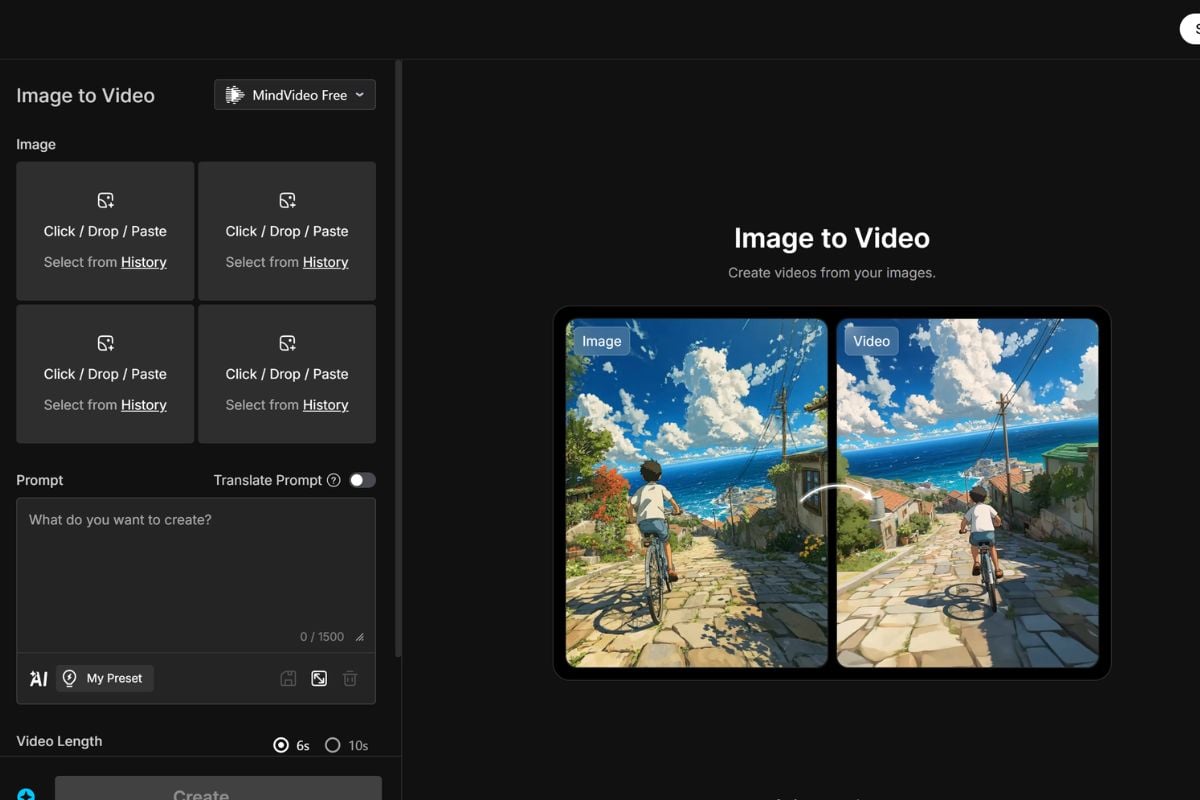
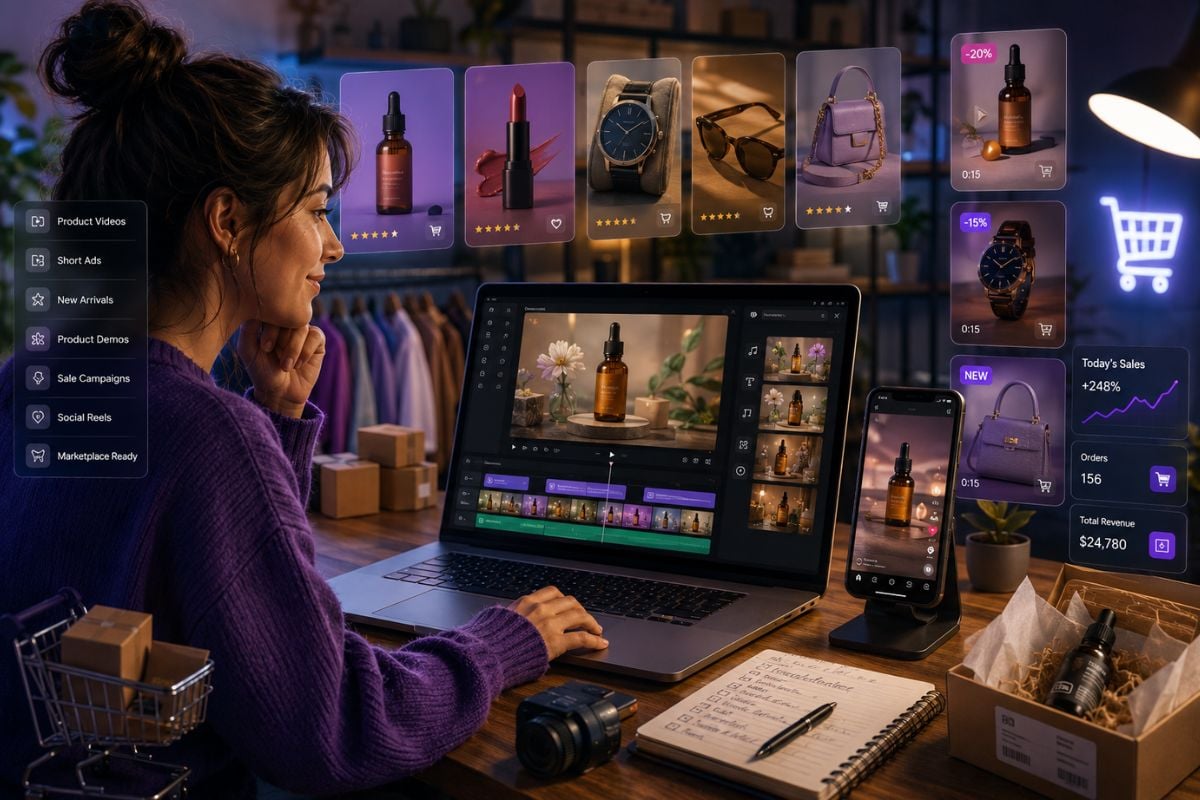
MindVideo can be positioned for e-commerce product animation, where a static product image becomes a short marketing video with a stronger display rhythm. This is useful for sellers, small brands, and marketers who need product demos, social ads, launch teasers, or quick creative variations.
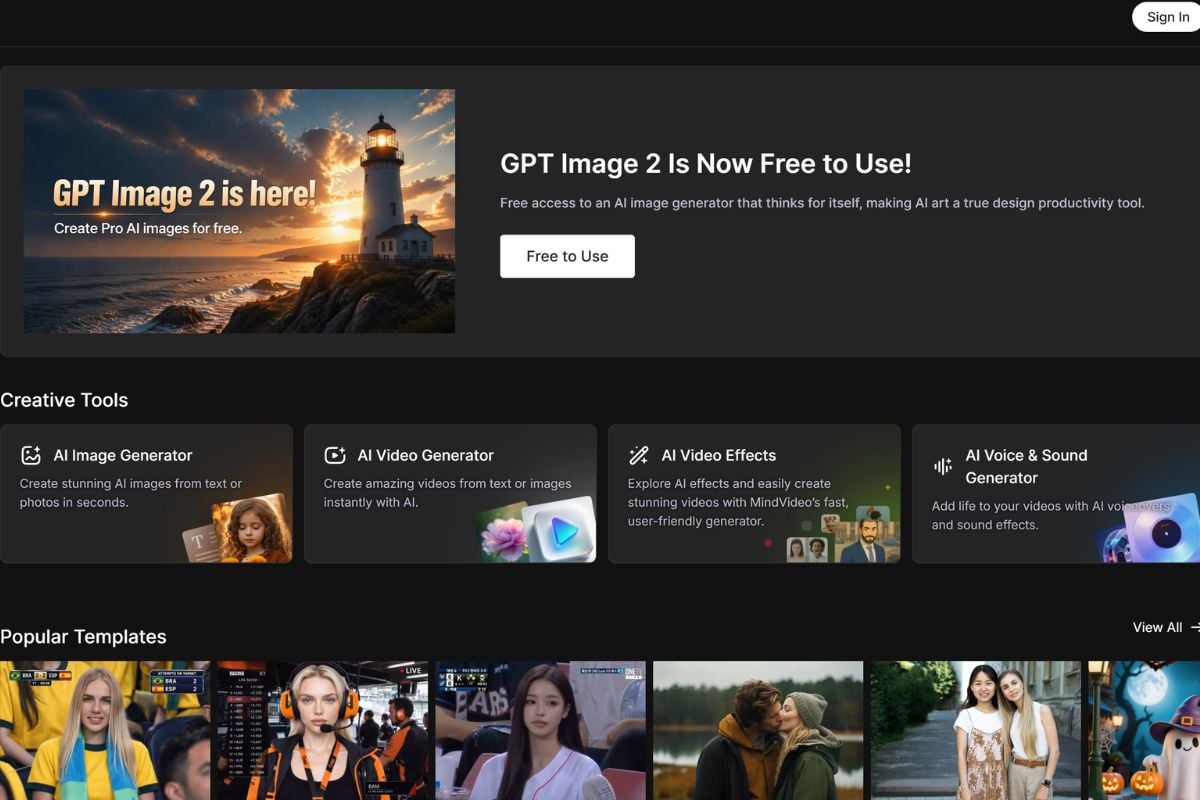
MindVideo works more like a multi-model creative platform than a single AI video model. It brings together video, image, audio, AI effects, and utility tools so users can test different creative directions without moving between many separate platforms. Before using outputs in public or commercial projects, creators should review platform terms and copyright questions, especially because the U.S. Copyright Office AI report hub highlights ongoing copyright issues around generative AI outputs.
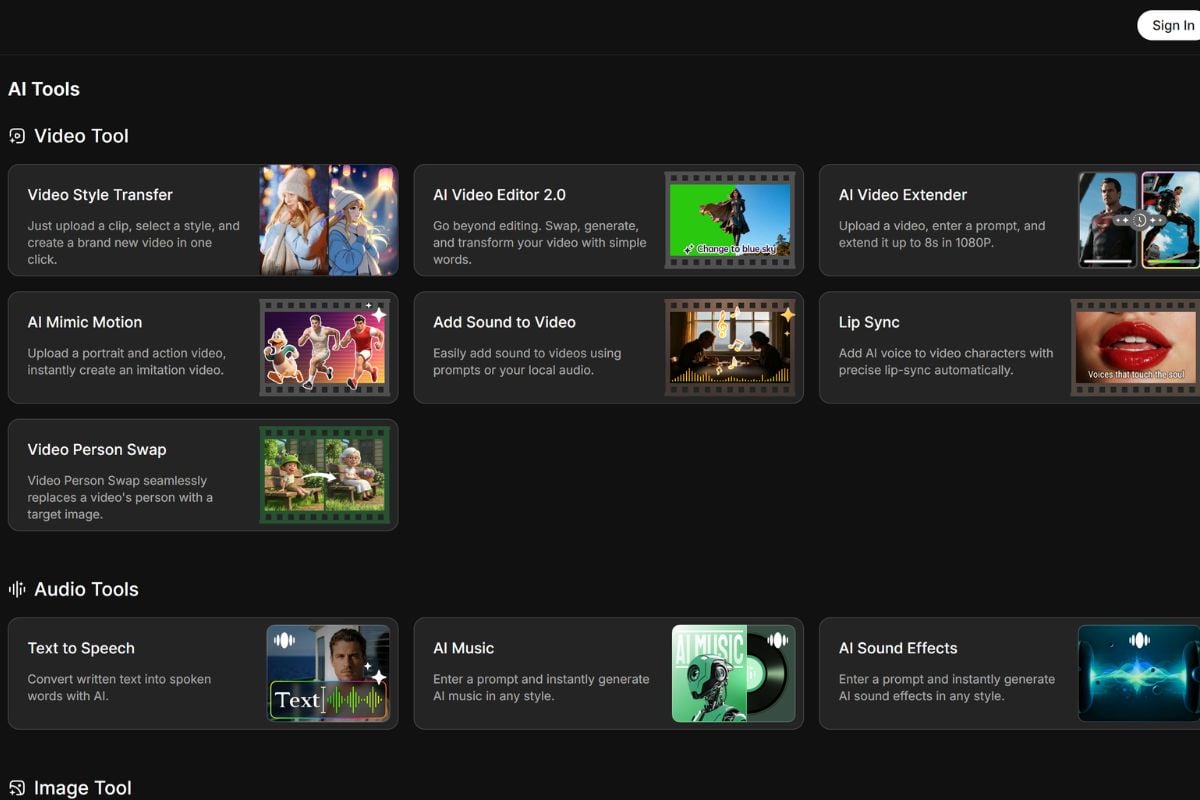
Start with a text prompt, upload an image, or prepare a product photo depending on the type of AI video you want to create.
Explain the scene, subject, motion, mood, style, and final use case. For better results, mention whether the video is for social content, product promotion, storytelling, or a quick creative test.
Preview the result, check motion consistency, faces, hands, product details, text clarity, and brand accuracy before downloading or regenerating.
Create short videos for TikTok, Instagram Reels, YouTube Shorts, X posts, memes, reaction clips, and trend-based visual content.
Start with an image, video, or creative idea and turn it into motion with GoEnhance AI. Try image-to-video, photo animation, face swap, AI dance, and creator-friendly video effects in one simple workflow.
Start Creating AI Videos