goenhance logo

Kapwing AI Video Generator

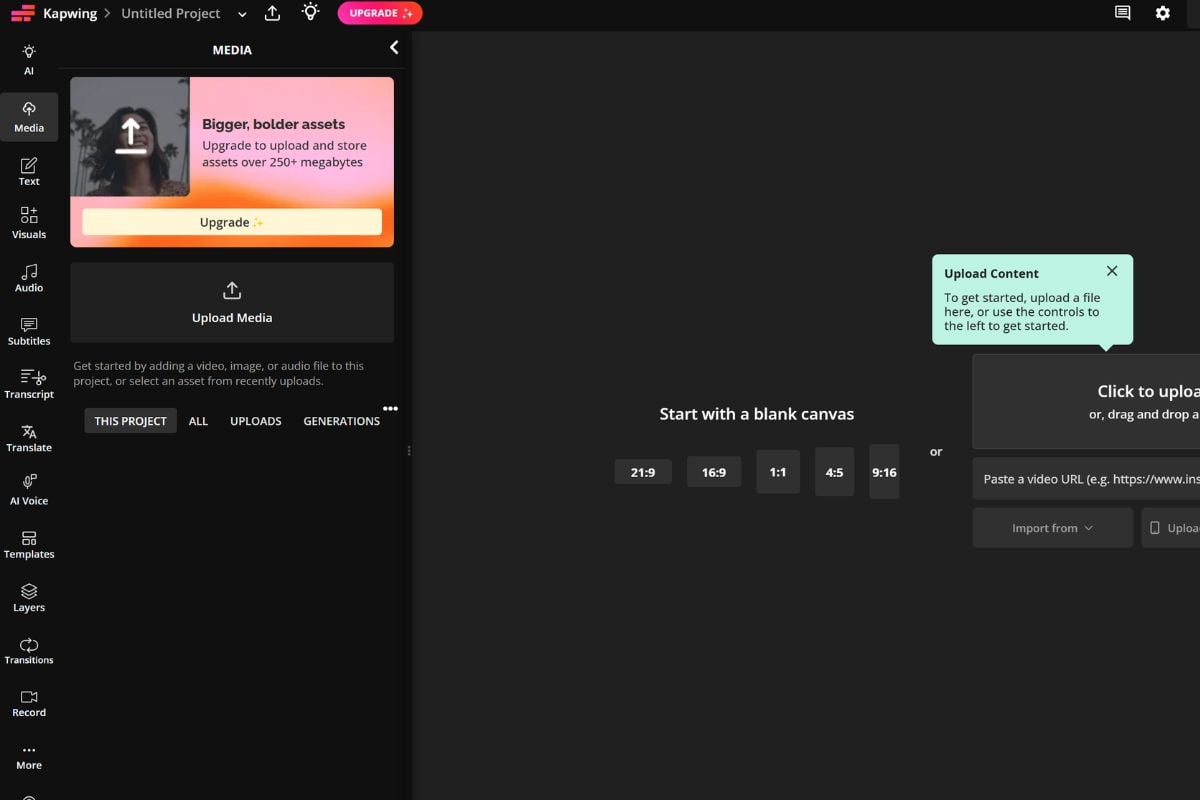
Kapwing is a browser-based video editor with AI tools for generating, editing, subtitling, resizing, dubbing, and repurposing videos. It is useful for creators, marketers, educators, and teams that need faster social-ready video workflows without installing desktop software.

Kapwing Video Creation Features
Prompt To Video Drafts

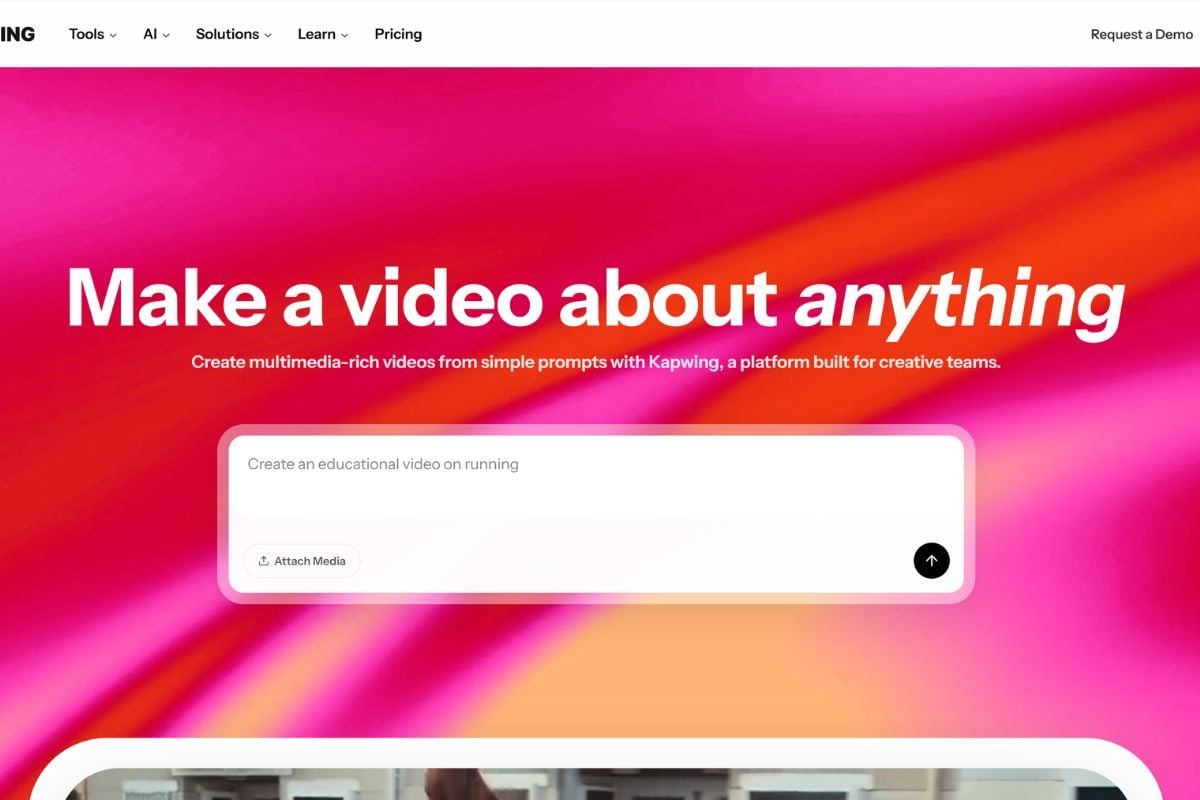
Kapwing AI video generator helps users start with a prompt, script, article, or visual idea and turn it into a draft video. This is useful for creators who want a first version quickly before refining scenes, captions, and layout.

Edit Videos Inside The Browser

Kapwing video editor supports common online editing tasks such as trimming, resizing, adding text, adjusting layers, inserting audio, and preparing platform-specific exports. It is built for quick creator workflows rather than complex offline production.

Captions, Dubbing, And Repurposing

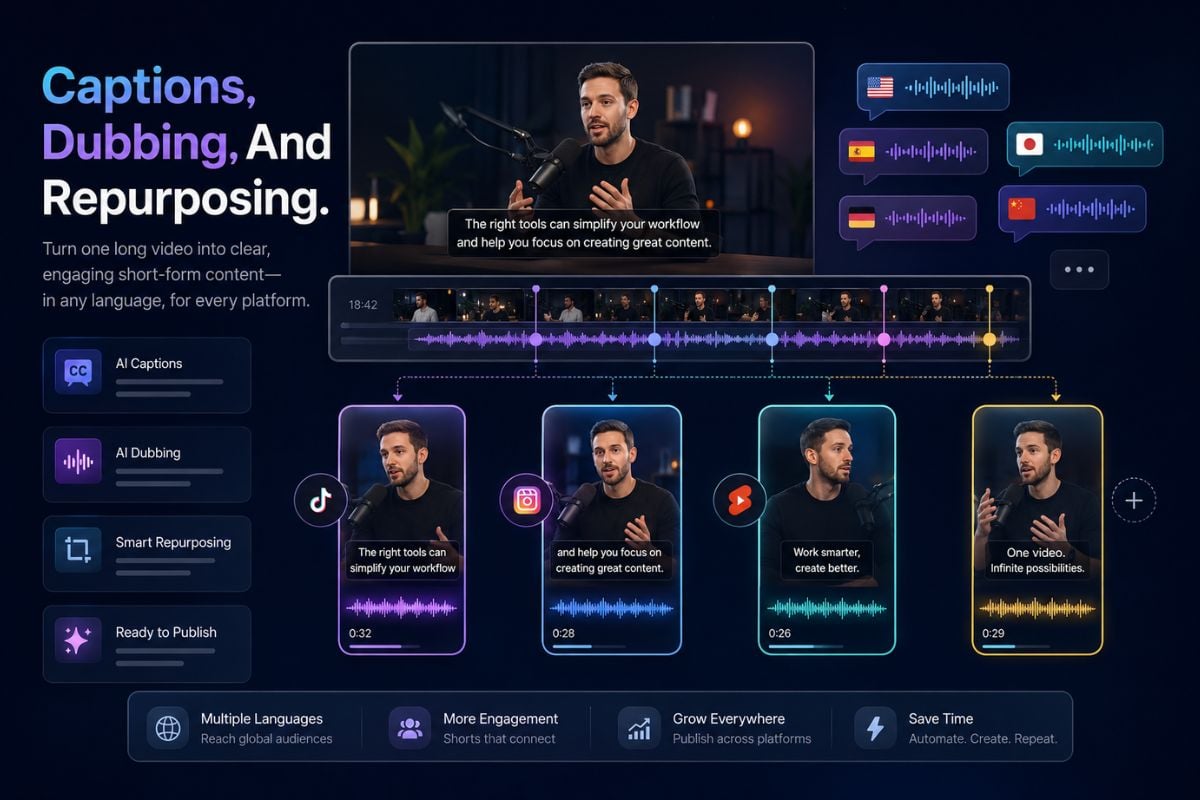
Kapwing is useful for turning raw or long-form content into clearer short-form videos. Auto-subtitles, translation, dubbing, clip generation, resizing, and image to video workflows can help creators adapt one idea for multiple channels.
AI Video Workflow Inspiration

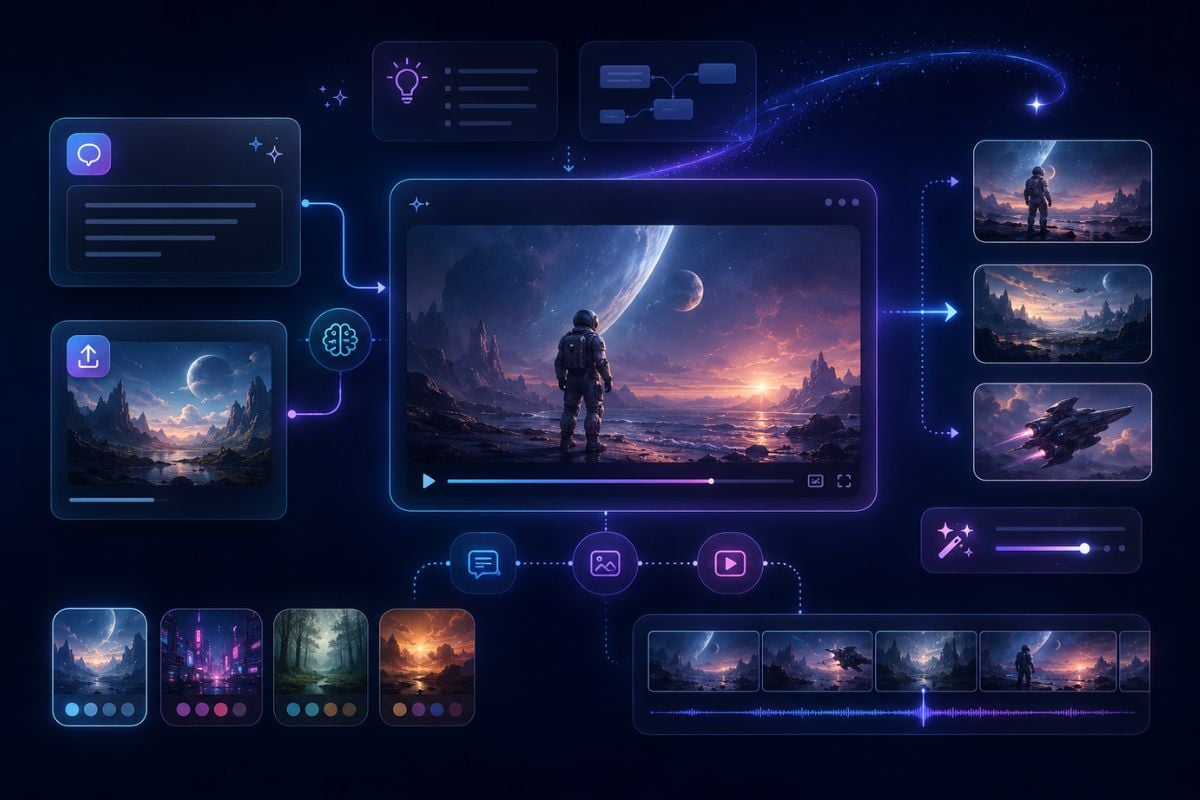
For users comparing browser-based editing with generative video workflows, Kapwing can be used as a practical reference point. Creators can also explore an AI video generator workflow when they want to build original AI visuals from prompts or images.
A practical online editor for AI-assisted video creation

Why Creators Use Kapwing

Browser-Based Video Editing

Kapwing video editor runs online, so creators can cut clips, add layers, resize formats, adjust captions, and prepare social videos without a heavy desktop setup.

AI Video Generation Workflow

Kapwing AI video generator can help users move from a prompt, script, article, or image into a generated video draft that can still be edited before export.

Storyboard-Level Planning

Kapwing emphasizes previewing and refining a storyboard before final generation, which helps users check scenes, pacing, and creative direction earlier.

Captions And Social Formatting

Auto-subtitles, resizing, trimming, and platform-ready formatting make Kapwing useful for YouTube Shorts, TikTok, Instagram Reels, product clips, and educational videos.

AI Editing Tools In One Place

Kapwing combines tools such as B-roll generation, text-to-speech, translation, smart cutting, filler-word removal, dubbing, and image or video generation in one workspace.

Good Fit For Team Content

Kapwing is especially useful when creators or marketing teams need quick drafts, consistent brand assets, repeatable templates, and an easier handoff process.

Kapwing vs GoEnhance AI vs Vidnoz

Comparison PointKapwingGoEnhance AIVidnoz
Main FocusOnline video editor with AI-assisted tools for editing, subtitles, resizing, dubbing, clipping, and social video productionAI creative platform for image-to-video, video transformation, face swap, AI image generation, and creator-ready visual contentAI video platform focused on avatars, talking videos, templates, voiceovers, and business-style video generation
Best ForCreators and teams who need a browser-based editor for practical video editing, captions, clips, and platform-ready exportsCreators and marketers who want to create AI visuals, animate images, transform videos, or build social-ready creative assetsBusinesses, educators, marketers, and training teams that need presenter videos, avatar explainers, and script-based video content
AI Video WorkflowHelps turn scripts, prompts, articles, or media assets into editable video drafts and social clipsHelps generate creative visual content from images, prompts, or existing videos, then refine it for social or marketing useHelps turn scripts into avatar-led videos, talking head clips, training content, and template-based explainers
Editing StrengthStrong for trimming, resizing, adding captions, editing text layers, repurposing clips, and polishing videos in the browserStrong for AI-driven visual creation, image animation, video style transformation, face swap, and creative video experimentsStrong for avatar selection, script input, voice settings, template editing, and structured business video production
Typical Use CasesShort-form videos, social clips, podcast highlights, subtitled tutorials, marketing edits, and repurposed long-form contentAI animation, image-to-video clips, creative social posts, face swap videos, stylized videos, and campaign visualsTraining videos, explainer videos, sales presentations, onboarding videos, internal communication, and AI spokesperson content
Creative FlexibilityFlexible when users already have footage, scripts, recordings, or long-form videos that need editing or repurposingFlexible when users want to create new AI visuals or test different image, video, and transformation-based creative directionsMore structured around avatars, templates, scripts, voices, and presenter-style video formats
Things To ReviewGenerated scenes, captions, translations, and AI edits should be checked for accuracy before publishingGenerated visuals, face swaps, and transformed videos should be reviewed for quality, permissions, and brand fitAvatar voice, pronunciation, script accuracy, visual layout, and usage rights should be checked before final export
Best Choice WhenYou need a practical online video editor with AI tools for editing, captioning, clipping, and repurposingYou want to create or transform AI visual content for social media, marketing, or creative projectsYou need fast avatar videos, training clips, business explainers, or presenter-led videos from scripts

How To Use Kapwing?

01

Add Your Input

Start with a prompt, script, article, image, existing video, or long-form recording. Choose the workflow that matches your goal, such as editing, captioning, generating, or repurposing.

02

Review The Draft

Check the storyboard, scenes, captions, timing, aspect ratio, and visual direction. Adjust the parts that feel off before treating the result as ready to publish.

03

Edit And Export

Use the editor to refine text, audio, clips, subtitles, branding, and platform format. Export the final version only after checking accuracy, permissions, and visual quality.

Kapwing Discussions On Reddit

Kapwing Updates On X

Frequently Asked Questions About Kapwing

You May Want To Know

What is Kapwing?

Kapwing is an online video editor with AI tools for video generation, editing, subtitles, dubbing, resizing, clipping, and social media video workflows.

Is Kapwing free?

Yes. Kapwing is free to get started, but the free plan usually comes with limits such as export length, watermarking, resolution, credits, or access to advanced features. Users who need higher limits, watermark removal, HD or 4K exports, or more advanced tools may need a paid plan.

What is Kapwing video editor best for?

Kapwing video editor is best for browser-based editing, quick social videos, subtitle work, resizing, trimming, simple layered edits, and team-friendly creator workflows.

What can Kapwing AI video generator do?

Kapwing AI video generator can help users create video drafts or short clips from prompts, scripts, articles, or images, then continue editing the result inside Kapwing.

Is Kapwing only for AI video generation?

No. Kapwing is broader than an AI generator. It also includes practical editing tools such as captions, resizing, audio tools, dubbing, smart cuts, templates, and export workflows.

Who should use Kapwing?

Kapwing is useful for creators, marketers, educators, social media teams, small businesses, and anyone who needs to create or repurpose videos quickly in the browser.

Does Kapwing replace professional video editing software?

Kapwing can handle many online editing and social video tasks, but complex film editing, heavy color grading, advanced motion design, or large production pipelines may still need dedicated professional software.

Can Kapwing help with TikTok, Reels, and Shorts?

Yes. Kapwing is commonly used for short-form workflows such as subtitles, vertical resizing, clip generation, social formatting, and quick edits for TikTok, Instagram Reels, and YouTube Shorts.

Should AI-generated Kapwing videos be reviewed before publishing?

Yes. Always review generated scenes, captions, translations, voiceovers, visual accuracy, brand fit, and usage rights before publishing or using the video commercially.

Can I use Kapwing content commercially?

Commercial use depends on Kapwing's current plan terms, source materials, generated assets, third-party models, music, media, and licensing rules. Users should check Kapwing's official terms and confirm they have rights to all uploaded materials.

Create AI Videos With GoEnhance AI

Kapwing is a strong reference for online video editing and AI-assisted creator workflows. If you want to create original AI visuals, animate images, transform videos, or build social-ready AI content, GoEnhance AI gives you another practical place to start.

Start Creating With GoEnhance AI