
Kaiber AI Video Generator For Music-Synced Visuals
Kaiber brings together Canvas for generating and arranging visual work, Beat Sync for music-led batches and platform formatting, and Editor for trimming and finishing. It is especially relevant to musicians, visual artists, and creators shaping short music videos or social edits.
Kaiber AI Beat Sync, Canvas, And Editor Features
Generate A Batch Of Beat-Synced Videos
Kaiber Beat Sync can take images, a video, audio, or a Pinterest board and create a batch of music-synchronized variations. Its official feature section shows multiple generated clips and describes a one-click batch workflow, with up to ten videos advertised for one round. The results and batch allowance depend on the workflow and plan, so verify current limits before planning a large campaign.
Auto-Clip Long Footage Into Scenes
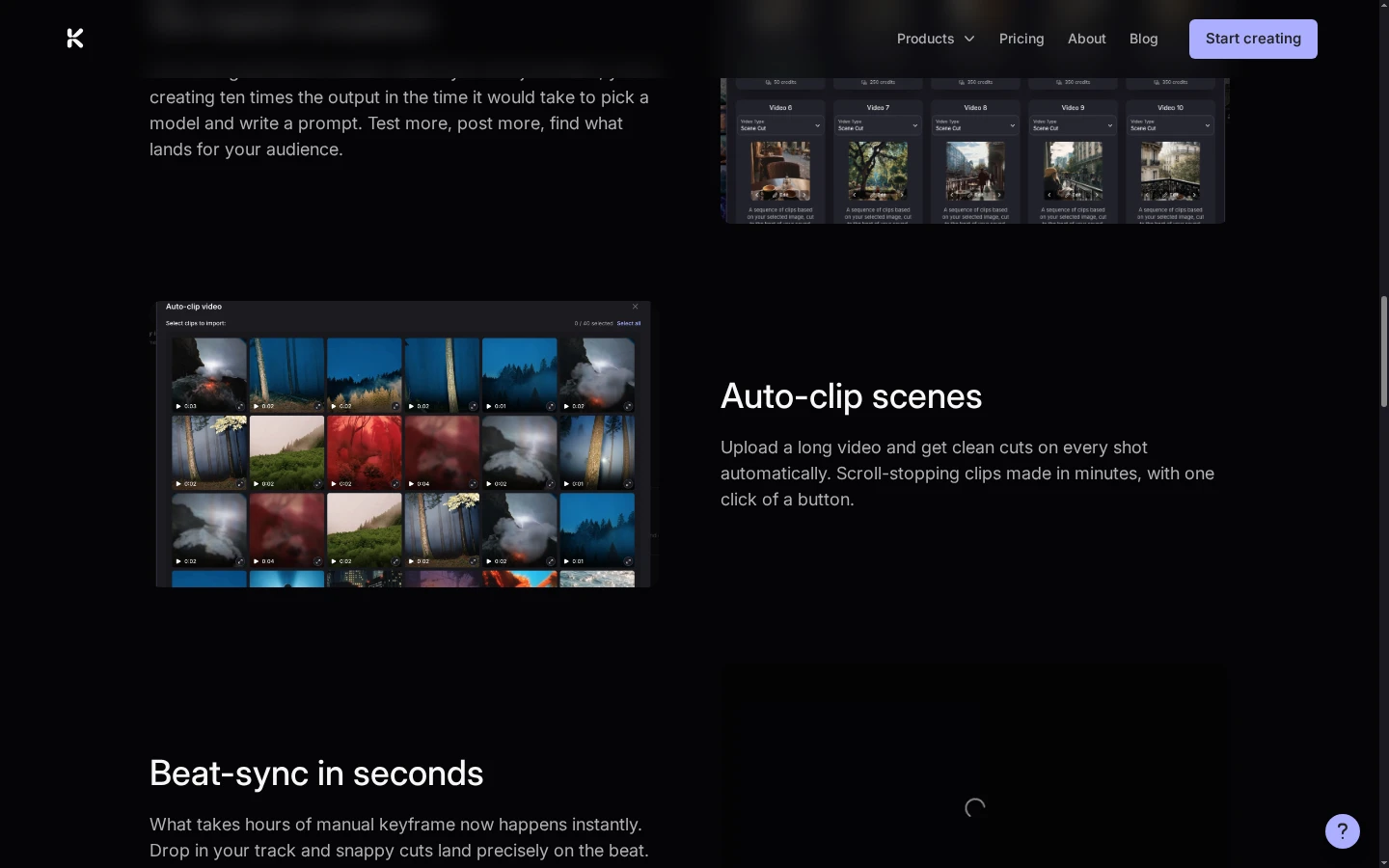
Kaiber's Auto-Clip workflow is designed for longer source footage: it identifies scene changes and presents short segments that can be selected for a faster social edit. The official page screenshot shows a grid of detected clips beside the Auto-Clip description. This may reduce the time spent finding cut points when repurposing a recording, though creators should still review whether each selected moment has enough context and lands on a useful beat.
Time Lyrics And Text To Music
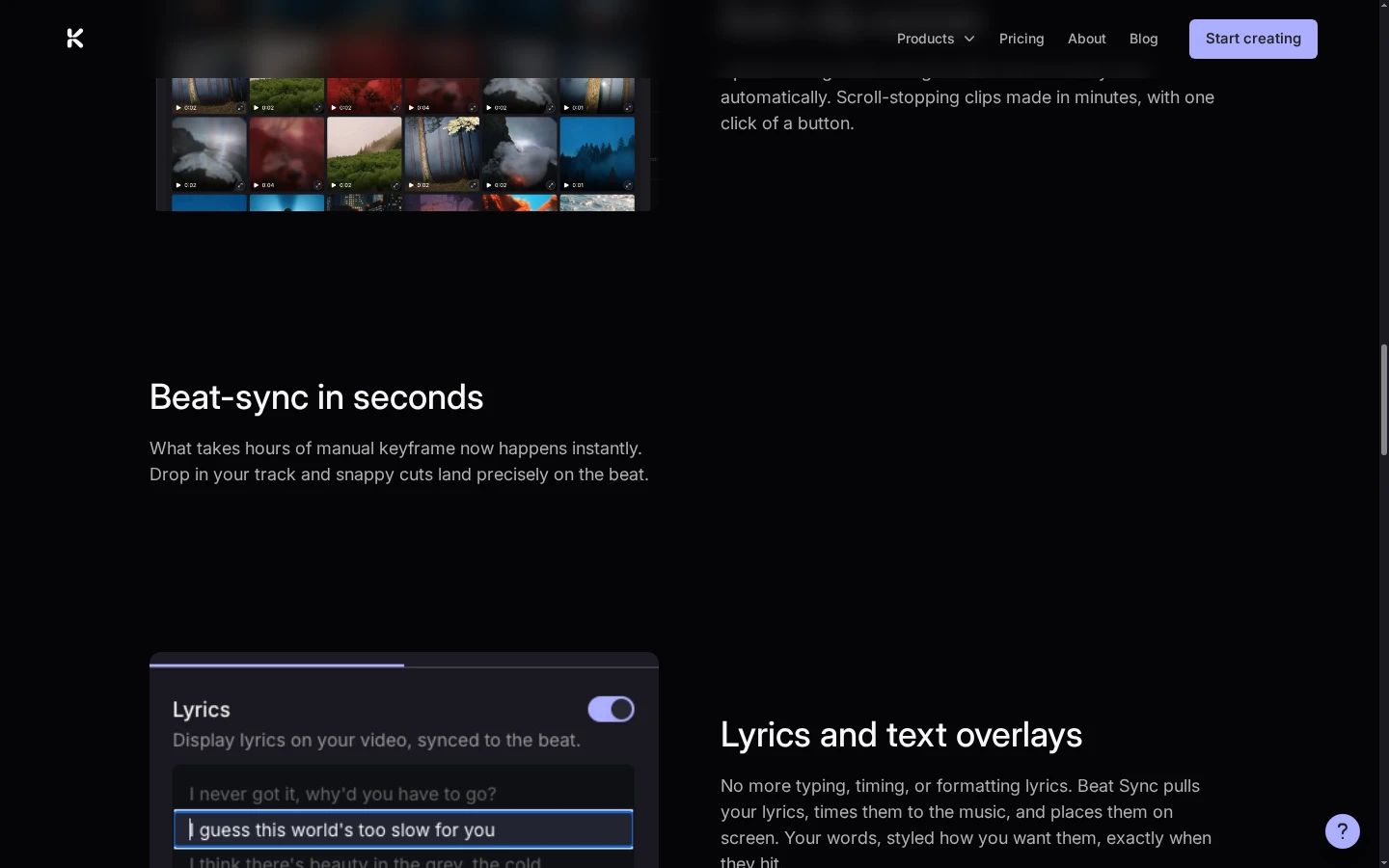
Beat Sync can detect lyrics and place them over the video in time with the music, with styling options for the overlay. The official feature screenshot shows the lyrics control switched on and a line of text in the timing editor. This is useful for lyric snippets and caption-led social clips where words should appear with the performance. Check spelling and timing against the soundtrack, especially when the audio contains overlapping vocals or unusual names.
Animate Still Images Without Writing A Prompt
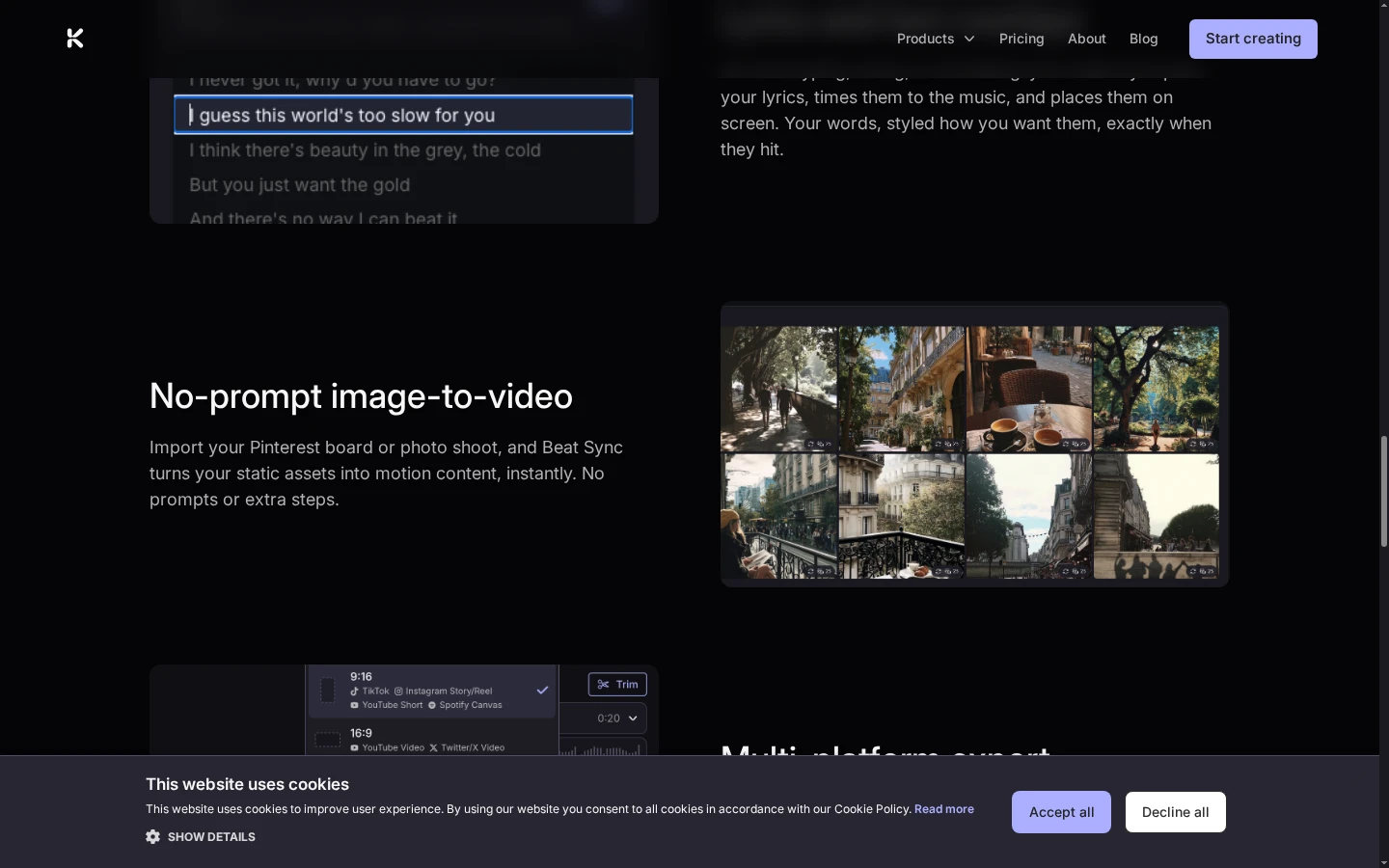
Kaiber describes a no-prompt image-to-video route for turning still assets, such as a photo shoot or Pinterest board, into motion content. Its official page pairs the description with a set of selected stills, showing the source material used for this workflow. That can help when the artwork already supplies the style and movement is the main goal.
Export For Multiple Social Formats
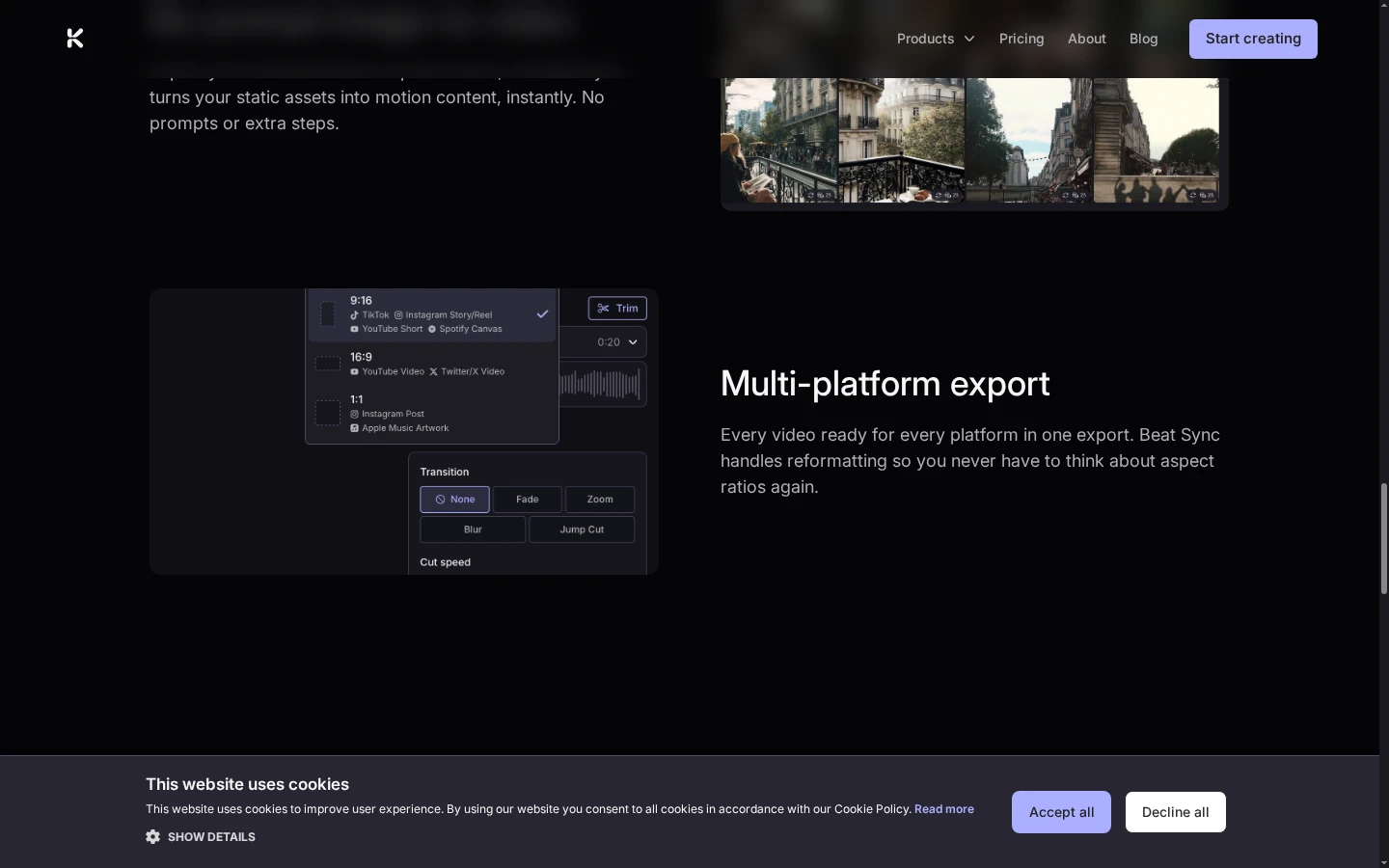
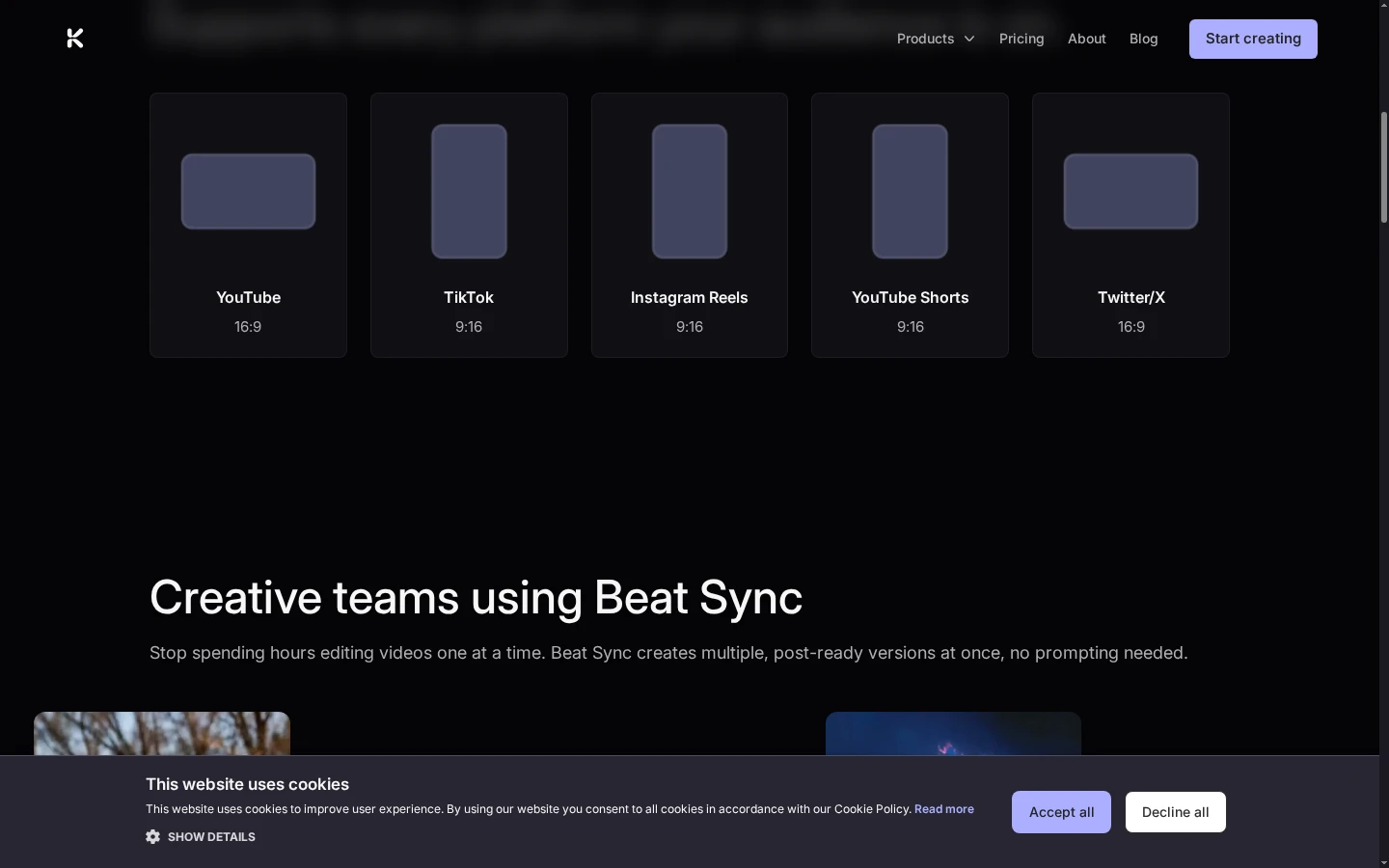
Beat Sync lists platform-ready exports for destinations such as YouTube, TikTok, Instagram Reels, YouTube Shorts, and X. The captured product page shows format options, aspect ratios, and trim controls in the export panel. That can make it easier to prepare one visual idea for multiple feeds. Review each final crop and keep captions or logos inside the safe area before publishing.
How To Make A Kaiber AI Music Video
Pick Canvas, Beat Sync, Or Editor
Choose Canvas for generating and arranging ideas, Beat Sync for music-led batches, or Editor for trimming and finishing clips.
Add A Track, Image, Video, Or Prompt
Use the input that fits the task, then check the selected model, platform format, and available workflow controls.
Review The Sequence And Export
Compare results, refine timing and overlays, then export in a format that suits the target channel.
Kaiber Video Creation Workflows
Kaiber Music-Video Workflow Highlights
Sync Visual Cuts To Music
Create Multiple Video Variations
Animate Still Images Without A Prompt
Explore Ideas On Canvas
Edit And Finish A Sequence
Prepare Videos For Social Formats
Kaiber AI Music And Video Workflows On X
Kaiber AI Creator Discussions On Reddit
Kaiber AI Video Generator FAQ
What Is Kaiber AI?
Can Kaiber Make AI Music Videos?
Does Kaiber Beat Sync Require Prompts?
Can Kaiber Create Multiple Versions At Once?
Can Kaiber Turn Images Into Video?
Can I Edit And Export A Kaiber Video?
Is Kaiber AI Free?
What Is Kaiber Beat Sync Best For?
Where Can I Verify Kaiber Features And Pricing?
Create A Beat-Synced Video With Kaiber
Start with a track or visual assets in Beat Sync, then review the generated cuts and continue editing your sequence.
Open Kaiber Beat Sync