
Dreamface AI Video Generator
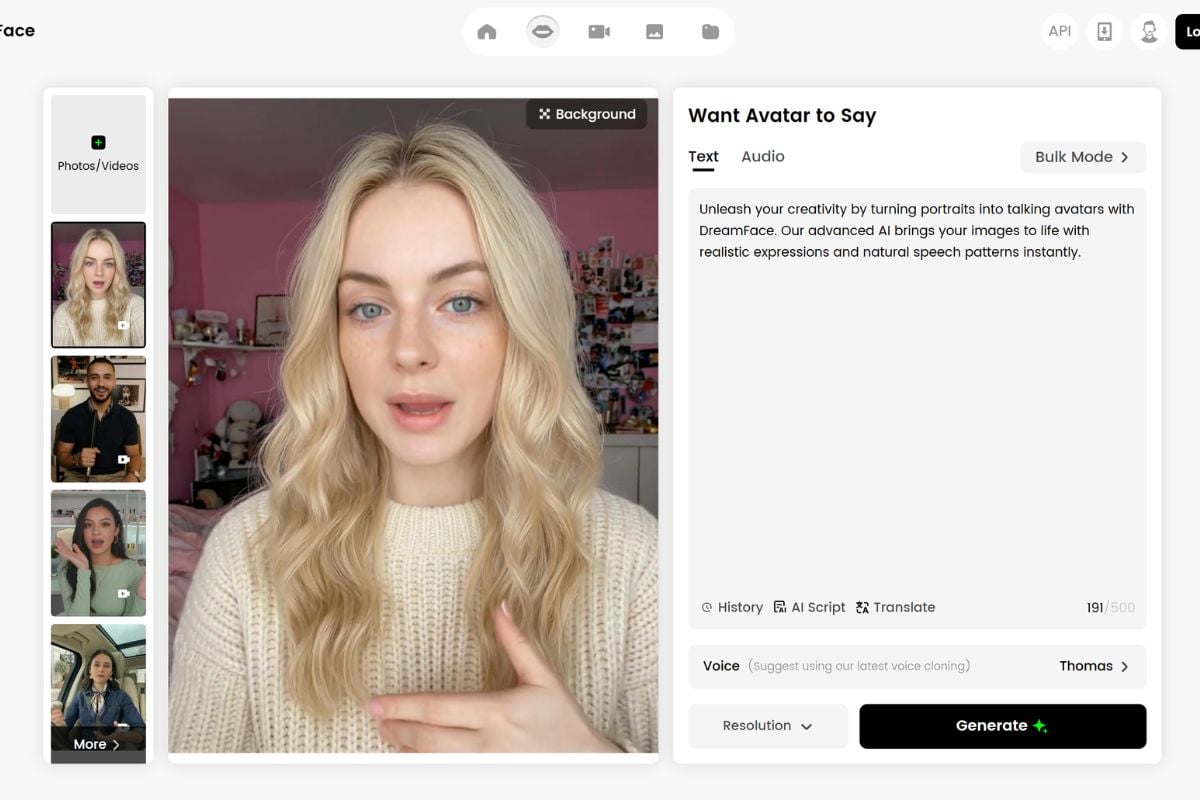
Create Talking Avatars, Lip Sync Clips, and AI Videos with Dreamface
Bring Portraits to Life
Turn a still portrait, script, or voice idea into a presenter-style video draft. This is the right lane for greetings, tutorials, product intros, and social posts where the face carries the message. For creators starting from a single photo, an AI image to video workflow can help turn static assets into motion.
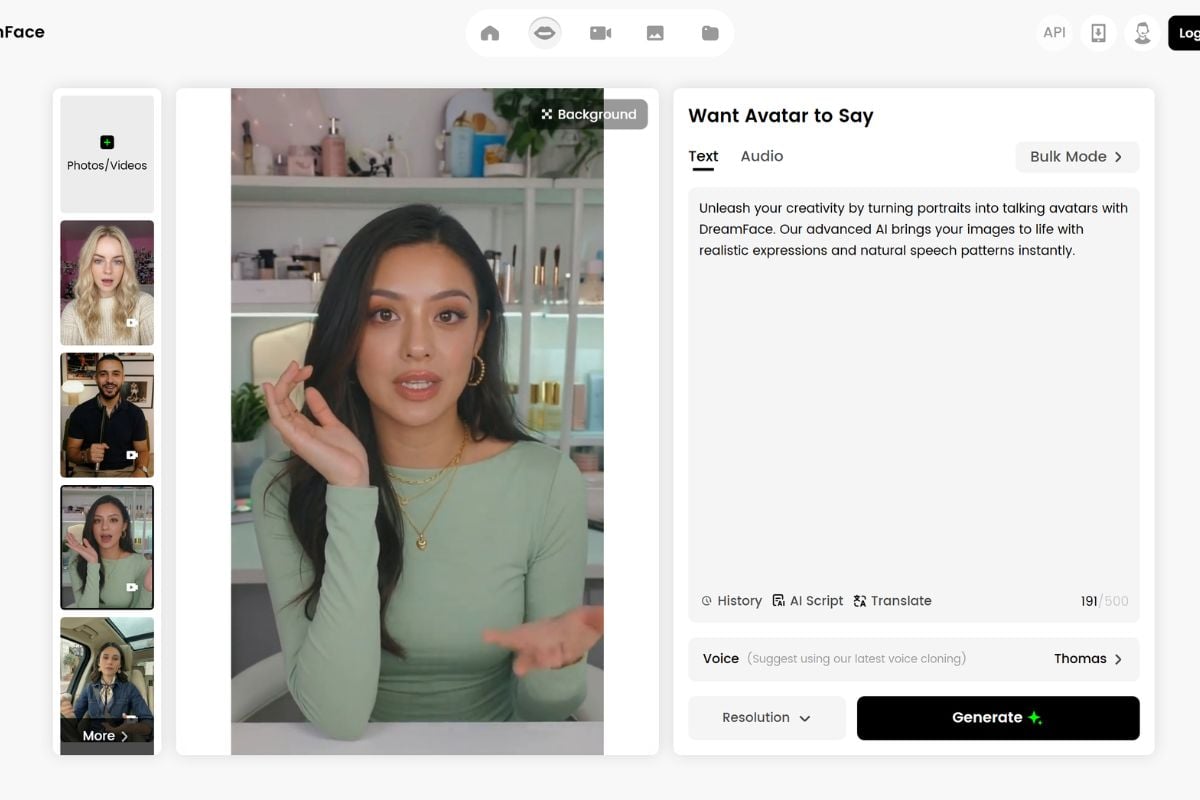
Make Faces Speak or Sing
Pair a face with speech or music and review the result like a short performance, not just a render. Start with a few seconds, then check mouth timing, expression, face angle, and audio clarity before extending the clip. If identity changes are part of the project, keep face swap consent and review in the workflow.
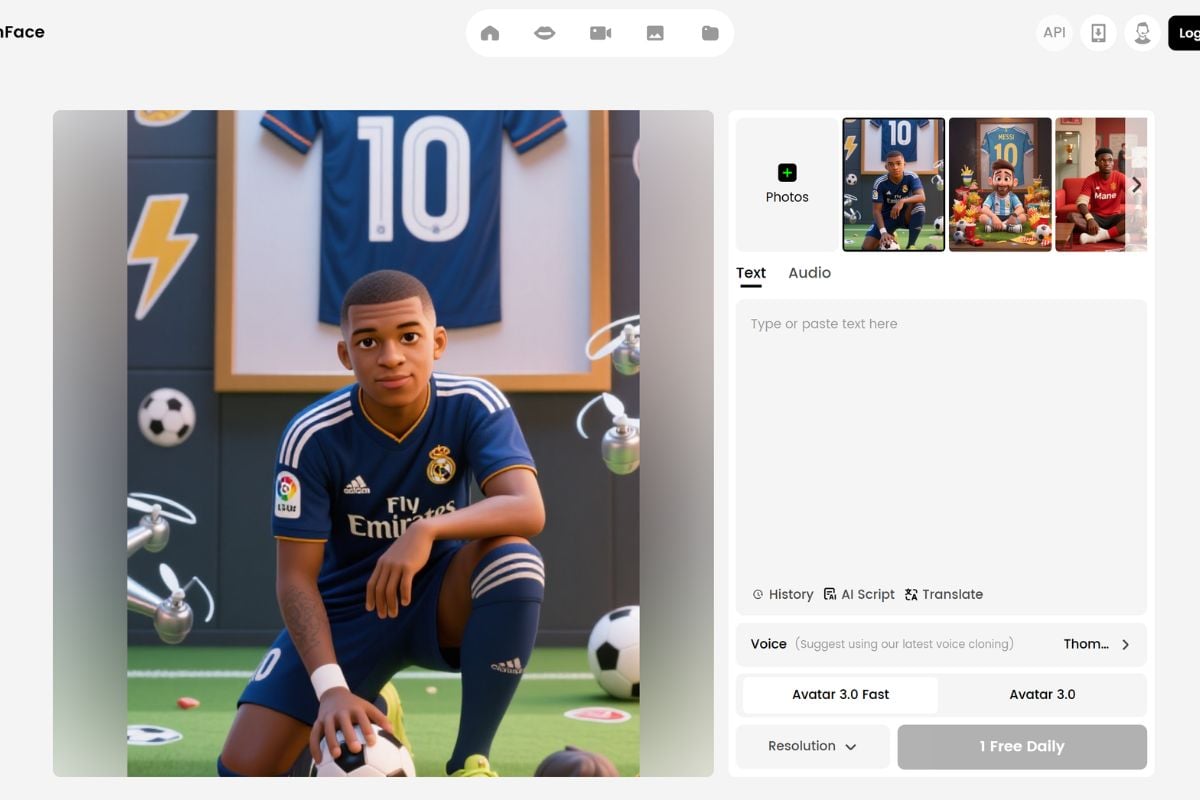
Test Short AI Video Ideas
Build playful video concepts for social posts, creator experiments, and light marketing tests without planning a full production first. Keep the first prompt narrow, judge motion and scene fit, then decide whether the idea deserves a longer edit. For broader prompt-based video work, an AI video generator workflow is the closest match.
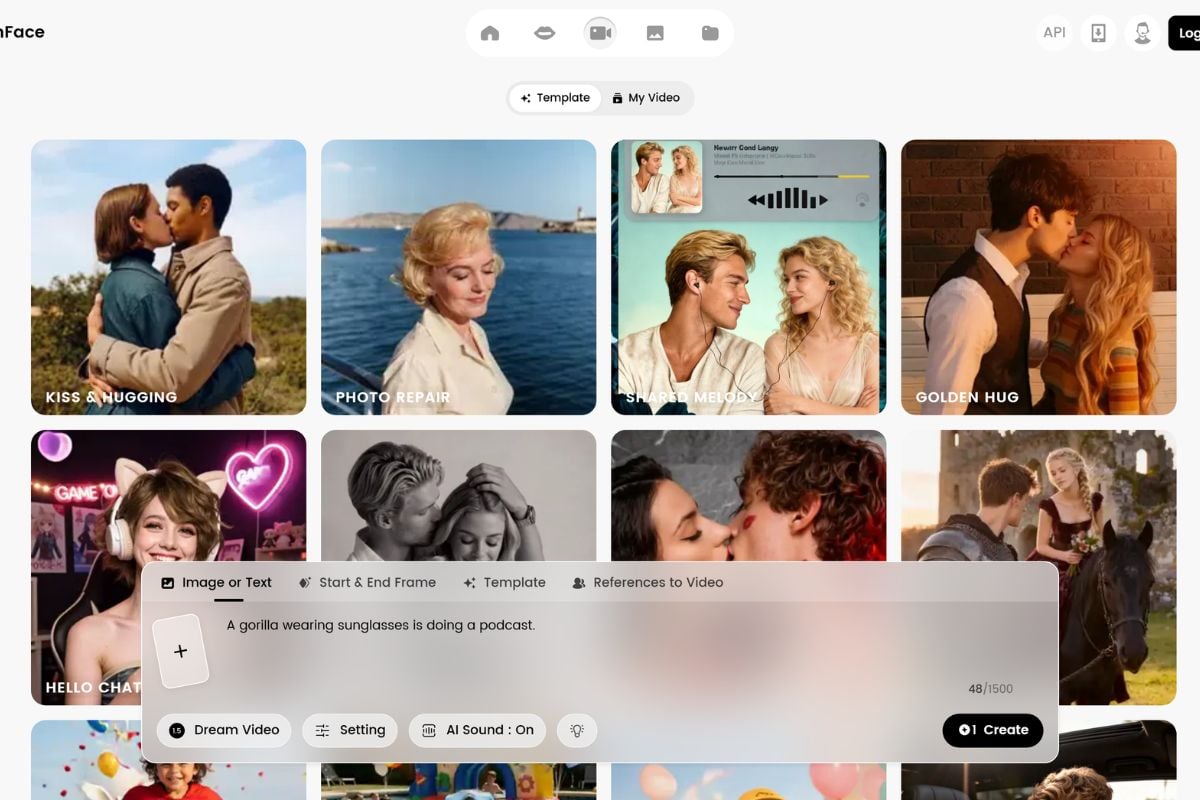
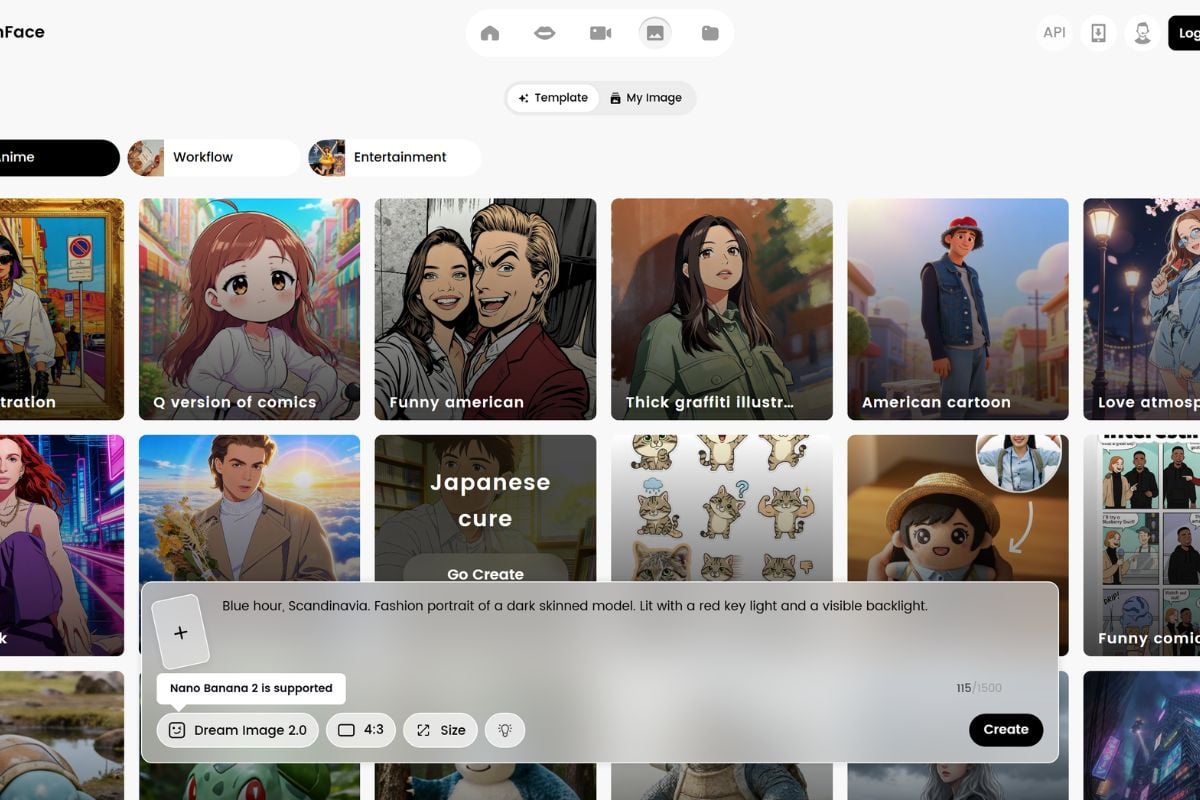
Why Use Dreamface for Face-Led AI Video Workflows?
Built Around Avatars
Text or Audio Input
Mobile and Web Access
Creative Video Templates
Asset Preparation Tools
Review Before Publishing
Dreamface Capabilities for Real Creator Workflows
- AI Avatar Video Generator: Create face-led presenter clips from portraits, scripts, or voice ideas.
- Photo and Video Lip Sync: Make a face speak or sing by pairing visual input with text or audio.
- Short AI Video Drafts: Generate playful visual concepts for social posts, effects, and creator experiments.
- Supporting Image and Voice Tools: Prepare portraits, photos, backgrounds, and voice assets before video generation.
AI Avatar Video Generator
Photo and Video Lip Sync
Short AI Video Drafts
Supporting Image and Voice Tools
How to Create AI Avatar Videos with Dreamface?
Add Your Input
Upload a portrait, photo, voice file, text, or source idea. Clear faces and clean audio make the first generation easier to review.
Describe the Result
Write a short script or prompt, then define whether you need a talking avatar, lip-sync clip, AI photo video, or creative video draft.
Generate and Review
Preview the result, then check mouth timing, identity match, voice rights, motion quality, and platform fit before exporting or regenerating.
Common Questions About Dreamface
What is Dreamface?
What can I create with Dreamface AI?
Is Dreamface App good for avatar videos?
Does Dreamface support text or audio input?
Can I use Dreamface for social media videos?
What should I check before publishing Dreamface videos?
Is Dreamface free to use?
How can I get better Dreamface AI video generator results?
Ready to Create Avatar Videos with GoEnhance AI?
Use GoEnhance AI to turn images and prompts into video drafts, test creative effects, and review outputs before publishing.
Start for Free