goenhance logo

Deevid AI

Deevid AI is an AI video generator built for turning text prompts, images, and video ideas into short creative videos. It helps creators make social clips, product visuals, story scenes, animated photos, and quick AI video drafts without a complex editing workflow.

Fast AI video creation for creators, marketers, and visual storytellers

Why Use Deevid AI Video

Start From Different Inputs

Deevid AI video workflows can begin with text, images, or source clips, so creators do not need to prepare a full production setup before testing an idea.

Make Short Videos Faster

The tool is useful for quick social videos, product visuals, creative tests, and visual drafts when speed matters more than building every shot manually.

Useful For Image Animation

Deevid AI image-to-video creation helps turn still photos, artwork, characters, or product images into more engaging motion-based content.

Good For Creative Experiments

Creators can test scene ideas, style directions, motion prompts, and short-form video concepts before investing more time in editing or production.

Simple Prompt-Based Workflow

Users can describe what they want in natural language, making Deevid AI video generation easier for people without advanced editing experience.

Fits Modern Content Needs

Deevid AI is practical for social creators, ecommerce sellers, marketers, character creators, and anyone who needs frequent visual content.

Create Useful AI Videos From Simple Inputs

Turn Text Prompts Into Video Drafts

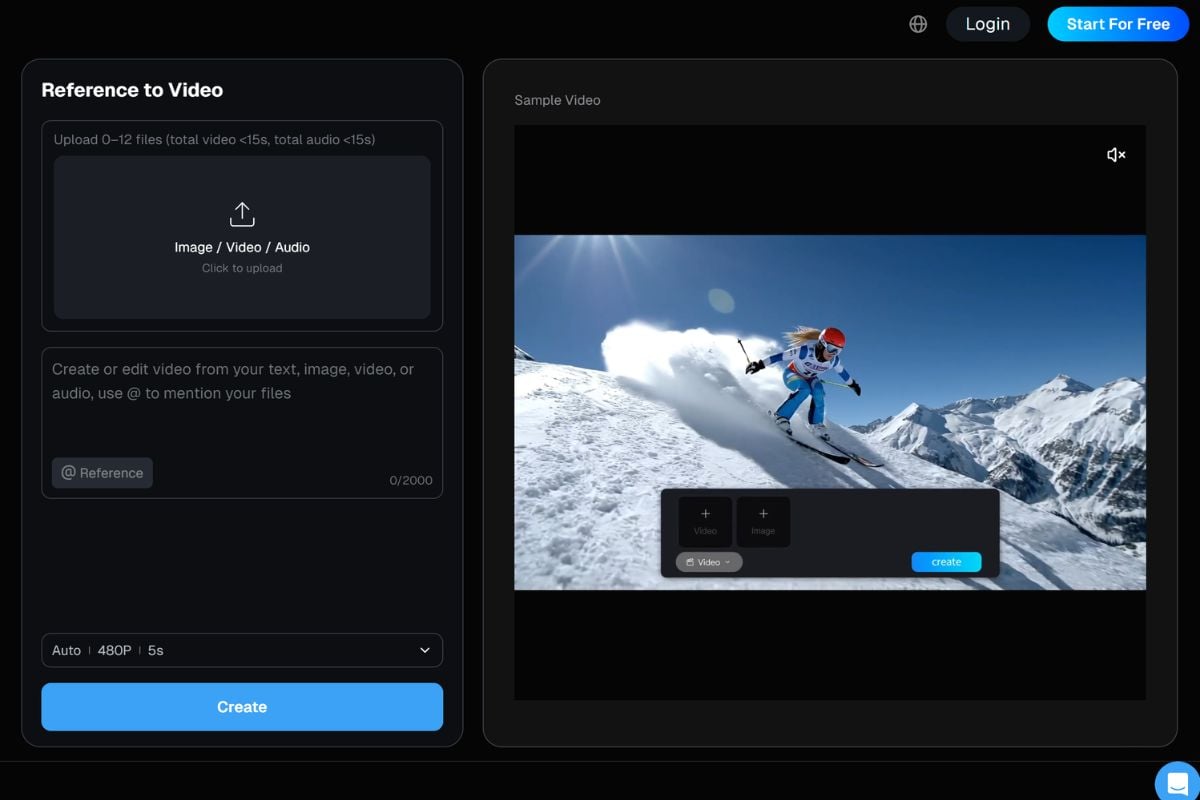
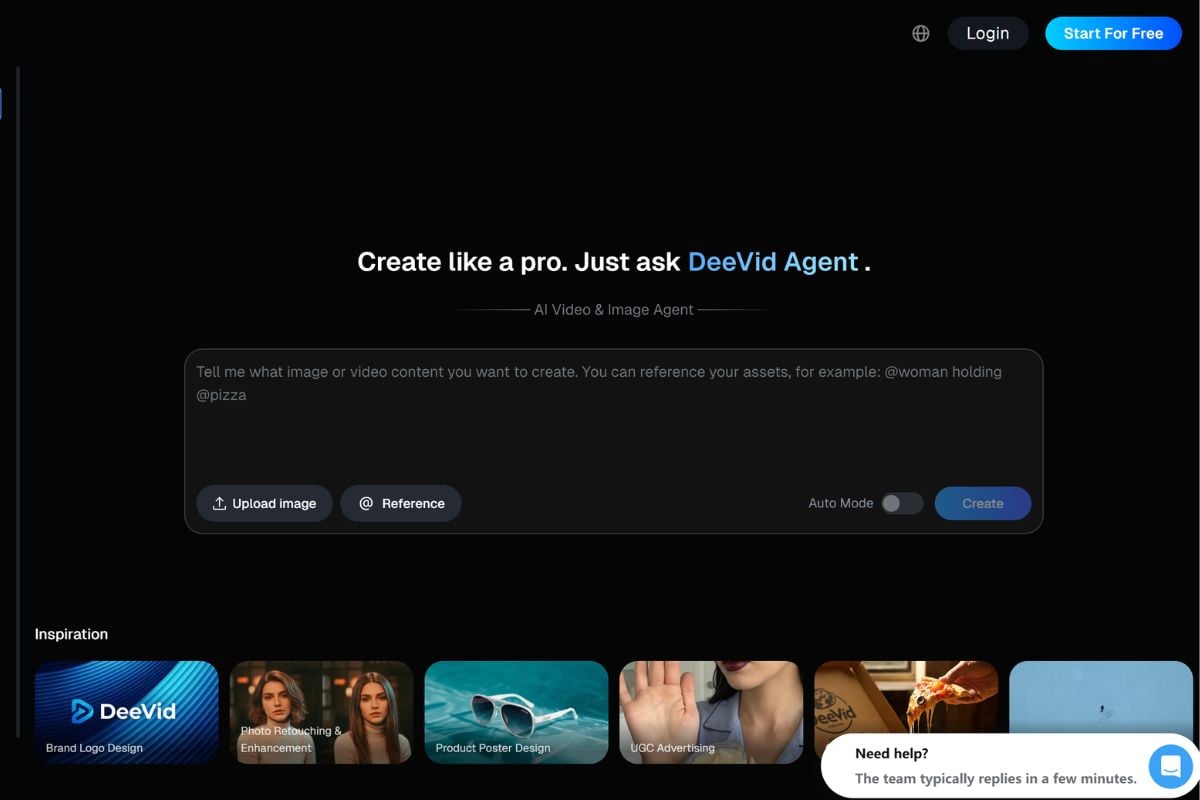
Deevid AI video generation can start from a simple written idea. Describe the scene, subject, action, mood, and visual direction, then generate a short video draft for social content, story testing, ads, or creative concept previews. You can also use an image to video workflow when you want to animate an existing photo or visual concept.
Animate Images Into Short Clips

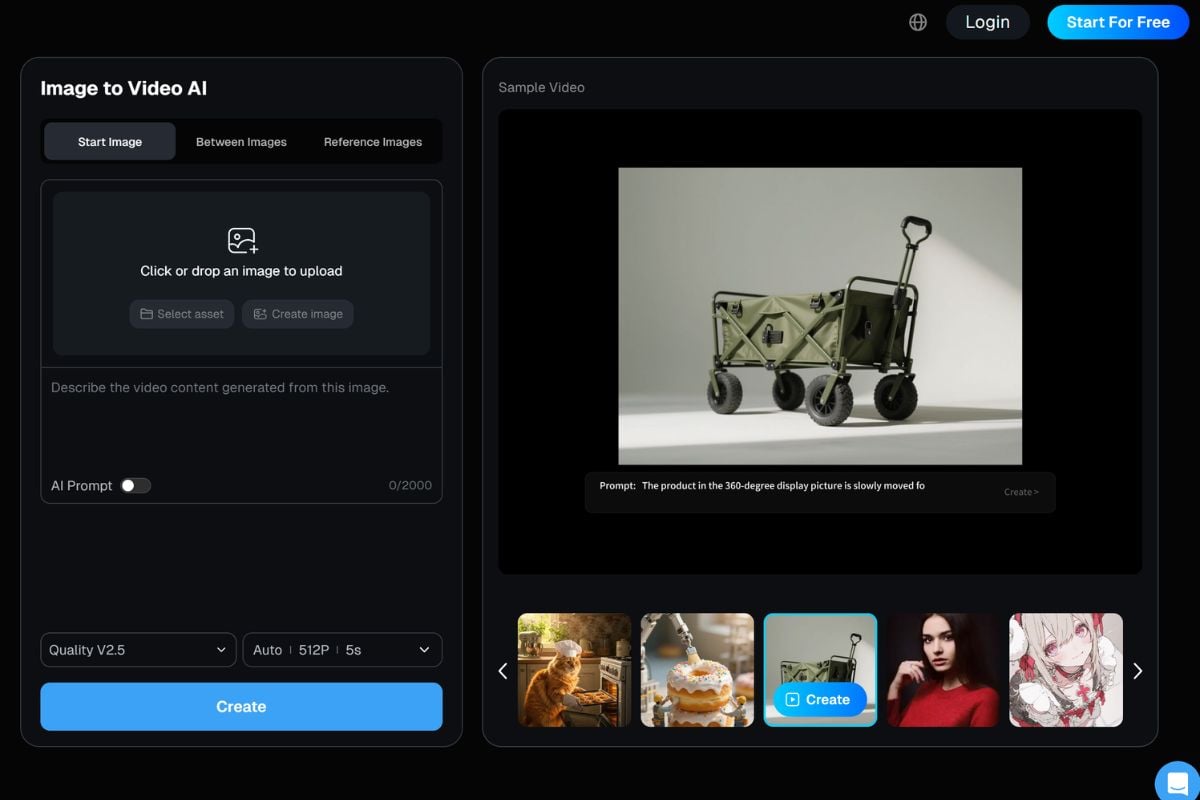
Deevid AI image-to-video workflows are useful when you already have a photo, product shot, character image, or artwork. Upload the image, describe the motion, and turn a still visual into a more dynamic video idea.

Transform Source Clips With AI

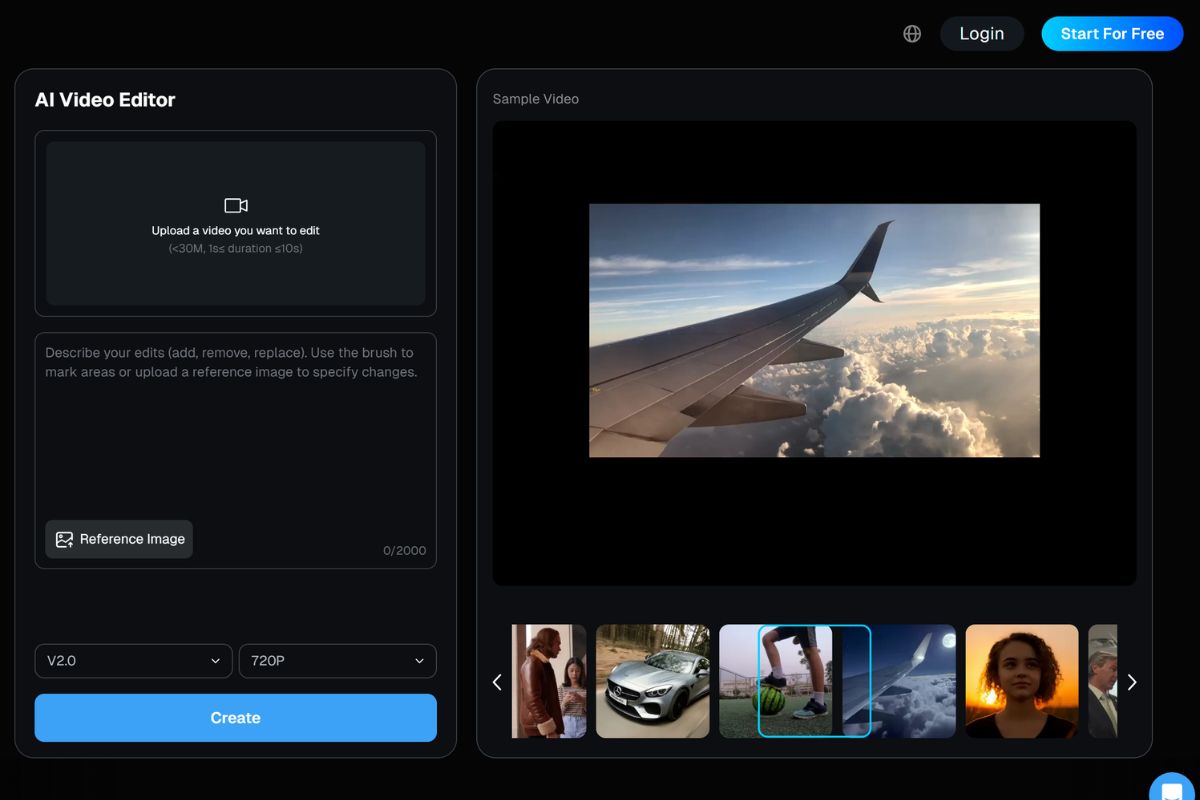
Deevid AI video-to-video creation helps users restyle or reinterpret existing clips with AI. It is useful for testing new looks, short-form visual effects, creative edits, and video variations when a source clip already exists.

Build Faster Short-Form Video Ideas

Deevid AI is especially useful for creators who need fast visual drafts for TikTok, Reels, YouTube Shorts, ads, product posts, or character content. If you also want a broader AI video generator workflow, GoEnhance AI can help turn prompts and images into creative videos online.
Deevid AI vs GoEnhance AI

FeatureDeevid AIGoEnhance AI
Main FocusAI video and image agent for creating videos, images, avatars, ads, audio, and creative effects from prompts or source assets.AI creative suite for image-to-video, video transformation, face swap, animation, AI dance, and broader visual creation workflows.
Text To VideoSupports prompt-based text to video generation for creating short AI videos from written ideas.Supports AI video creation from prompts and creative ideas, with workflows built for social videos, animation, and visual content.
Image To VideoCan animate photos, product images, character images, and other still visuals into short video clips.Offers image-to-video workflows for turning static images into animated clips, product videos, character videos, and social content.
Video TransformationIncludes video-to-video and AI video editing style workflows for transforming existing clips.Supports video transformation workflows such as video-to-animation, face swap, and creative video effects.
AI EffectsOffers templates, viral effects, avatar tools, lip sync, AI ads, and other creative effect workflows.Offers practical creative effects such as face swap, AI dance, image animation, and video stylization.
Workflow StyleMore like an AI agent hub that guides users across multiple media creation tools.More like a direct creative generation platform for fast visual outputs and video effects.

How To Create Deevid AI Video?

01

Add A Prompt, Image, Or Source Clip

Start with a text description, upload an image, or use an existing video clip depending on the Deevid AI video workflow you want to create.

02

Describe The Video Goal

Explain the scene, subject, motion, style, mood, camera feeling, or use case. A clear prompt helps the AI understand what kind of video result you want.

03

Generate And Review The Video

Create the AI video, then check the motion, subject consistency, face quality, background, timing, and overall message before using or publishing the result.

Deevid AI And AI Video Discussions On Reddit

Frequently Asked Questions About Deevid AI

You May Want To Know

What is Deevid AI?

Deevid AI is an AI video generator that helps users create videos from text prompts, images, and existing video clips. It is designed for fast creative video production, especially for social content, product visuals, and short video ideas.

What can I create with Deevid AI video?

You can create short AI videos, animated photos, product clips, social media visuals, story scenes, stylized video drafts, and creative video variations depending on the input and prompt you provide.

Does Deevid AI support text to video?

Yes. Deevid AI includes text-to-video style creation, where users describe a scene or idea and generate a video draft from the written prompt.

Can Deevid AI turn images into videos?

Yes. Deevid AI image-to-video workflows can animate static images, product photos, artwork, or character visuals into short motion clips.

Can Deevid AI transform existing videos?

Deevid AI includes video-to-video style workflows that can help users transform or restyle source clips. The final result depends on the source video, prompt, motion, and selected workflow.

Who should use Deevid AI video generator?

Deevid AI can be useful for social creators, ecommerce sellers, marketers, designers, educators, storytellers, and anyone who wants to test video ideas without a full editing or production process.

How do I get better Deevid AI video results?

Use clear prompts with subject, action, style, mood, camera direction, and output goal. For image-to-video, start with a clean image that has a readable subject and enough visual detail.

Is Deevid AI safe to use for real people or branded content?

Deevid AI can be safe when used responsibly. Use images, videos, voices, logos, and likenesses you own or have permission to use. Avoid misleading identity edits, unauthorized likeness use, copyrighted assets, and content that could confuse viewers.

What should I check before publishing a Deevid AI video?

Review the output for visual errors, face or body distortion, misleading edits, copyright risk, brand safety, platform rules, and whether you have permission to use all source materials.

Try Deevid AI on GoEnhance AI

Start with a prompt, image, or creative idea and create AI videos with GoEnhance AI. Try image-to-video, video transformation, face swap, animation, and more creative video workflows in one simple place.

Start Creating AI Video