
Bylo AI Video Generator
Bylo AI brings image models, photo editing tools, effects, filters, and video generation workflows into one creative workspace. Create still visuals, refine photos, test character styles, and turn prompts or images into short AI videos without switching between separate tools.
Bylo AI Features Across Image and Video Creation
Use Image Models and Editing Tools Together
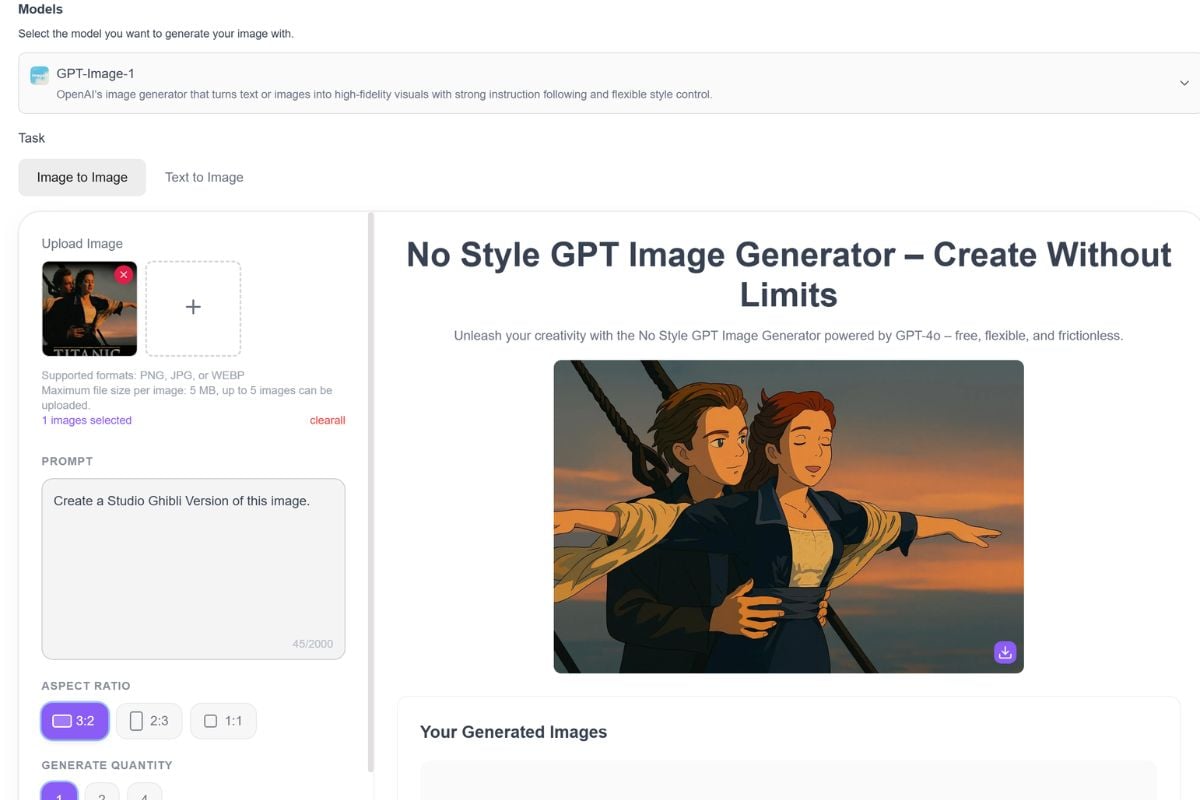
Bylo AI brings image models such as GPT-4o Image, Gemini Nano Banana, and Flux into one workspace. Users can generate images with an AI image generator, edit photos, refine details, and explore different visual directions before using those assets in social, product, character, or video workflows.
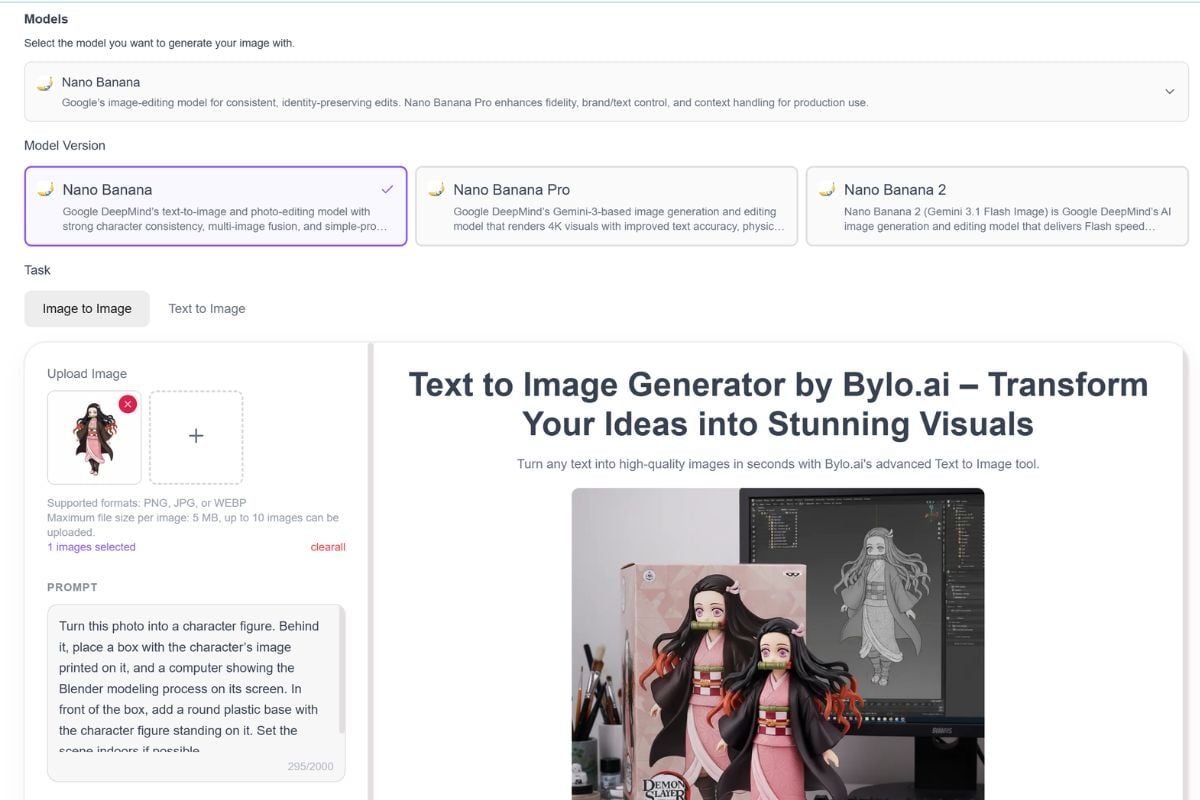
Edit Photos With Nano Banana and AI Tools
Bylo AI highlights Nano Banana editing for consistent characters, multi-image fusion, object edits, style transfer, and natural photo changes. It also includes everyday photo tools for backgrounds, portraits, old photo restoration, outfit changes, and image cleanup.
Generate Videos With Multiple AI Models
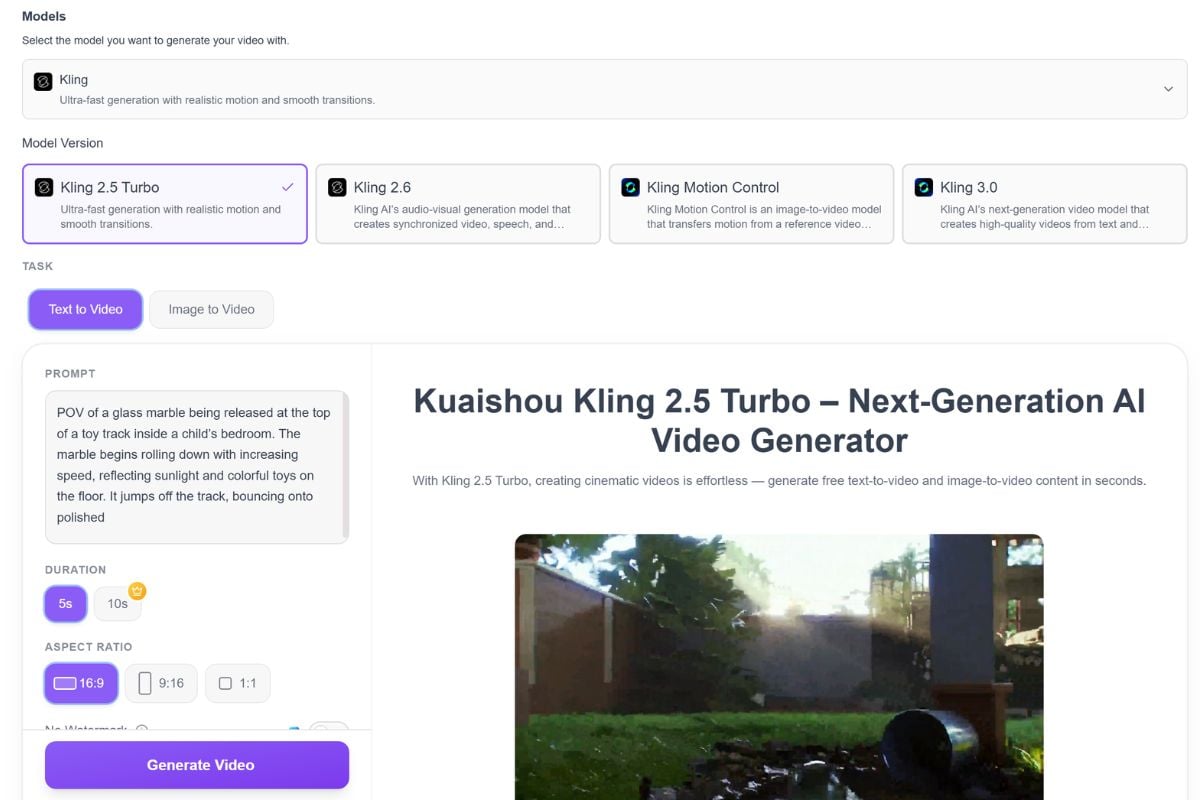
Bylo AI also offers video model workflows such as Wan, Veo, Hailuo, Grok Imagine, and other model pages. Depending on the model, users can start from text prompts, source images, or references to create cinematic clips, character motion tests, social videos, and product-style video drafts.
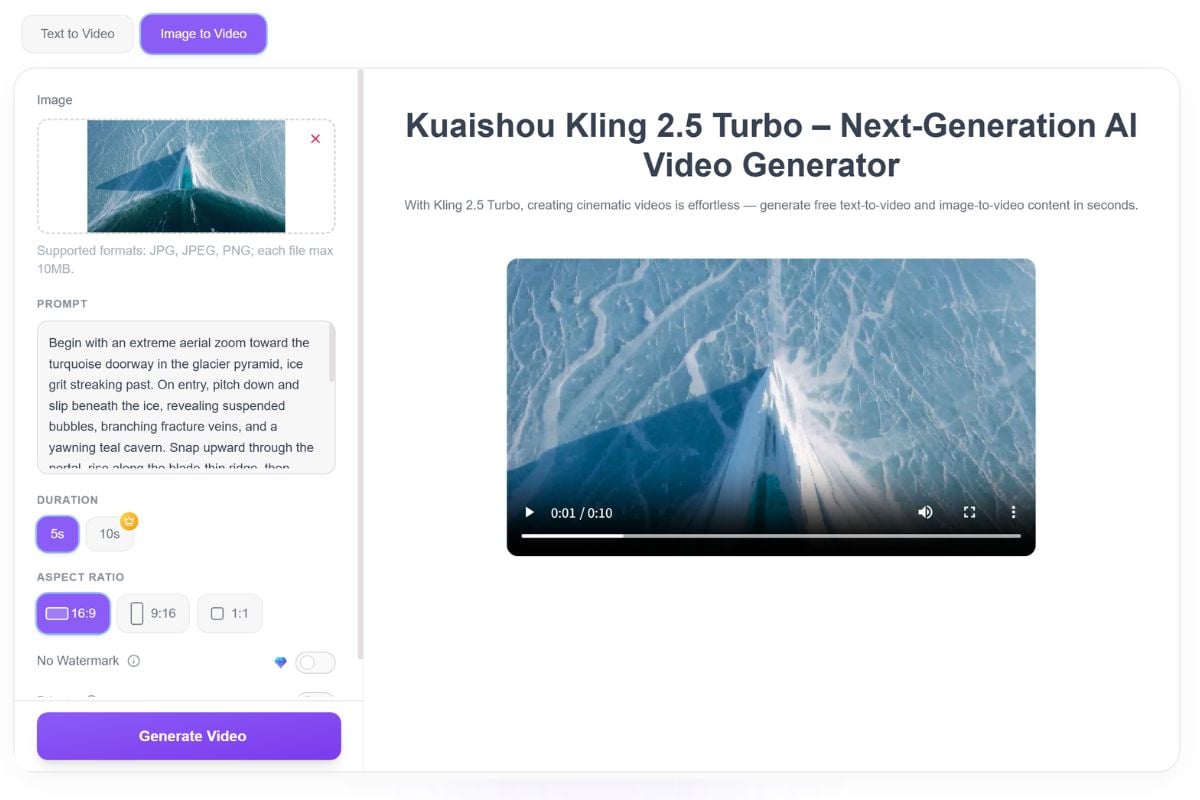
Move From Static Visuals To Motion
One useful Bylo AI workflow is starting with a generated or edited image, then using an image to video model to add motion, camera movement, sound-aware scenes, or short-form storytelling. This makes it practical for creators who need both visual assets and motion drafts in the same creative process.
Bylo AI Pricing
Why Creators Use Bylo AI
Compare Multiple Image Models
Keep Visual Edits More Consistent
Handle Everyday Photo Edits
Test Different Video Models
Turn Still Ideas Into Motion
Review Before Publishing
How To Use Bylo AI
Choose An Image Or Video Workflow
Start with an image model, Nano Banana editing tool, AI effect, photo editor, or video model page depending on whether you want a still image, an edited asset, or a moving clip.
Add A Prompt, Image, Or Reference
Write a clear prompt, upload a source image, or add a reference visual. For image tasks, focus on subject, style, and edit details. For video tasks, describe motion, camera direction, scene mood, and the intended use.
Generate, Compare, And Refine
Create several versions, compare image quality or motion quality, then review small details, consistency, audio, source rights, and whether the output fits your publishing goal.
You May Want To Know
What is Bylo AI?
Is Bylo AI mainly for images or videos?
What is the Bylo AI image generator used for?
What video features does Bylo AI offer?
What makes Bylo AI different from a single AI tool?
How does Nano Banana fit into Bylo AI?
What is the Bylo AI watermark remover used for?
Can Bylo AI outputs be used commercially?
Can I continue creating with GoEnhance AI?
Try Bylo AI on GoEnhance AI
Bylo AI is useful for image generation, photo editing, effects, and video model testing. When you want to keep building visual content, GoEnhance AI helps you create images, animate visuals, and turn creative ideas into AI video workflows.
Start Creating With GoEnhance AI