
Artguru AI

Artguru is an AI visual creation and enhancement platform for generating images from text, turning photos into stylized artwork, creating portraits and avatars, and improving existing visuals with enhancement, upscaling, restoration, background removal, and editing tools.

Explore Artguru AI Creative Workflows

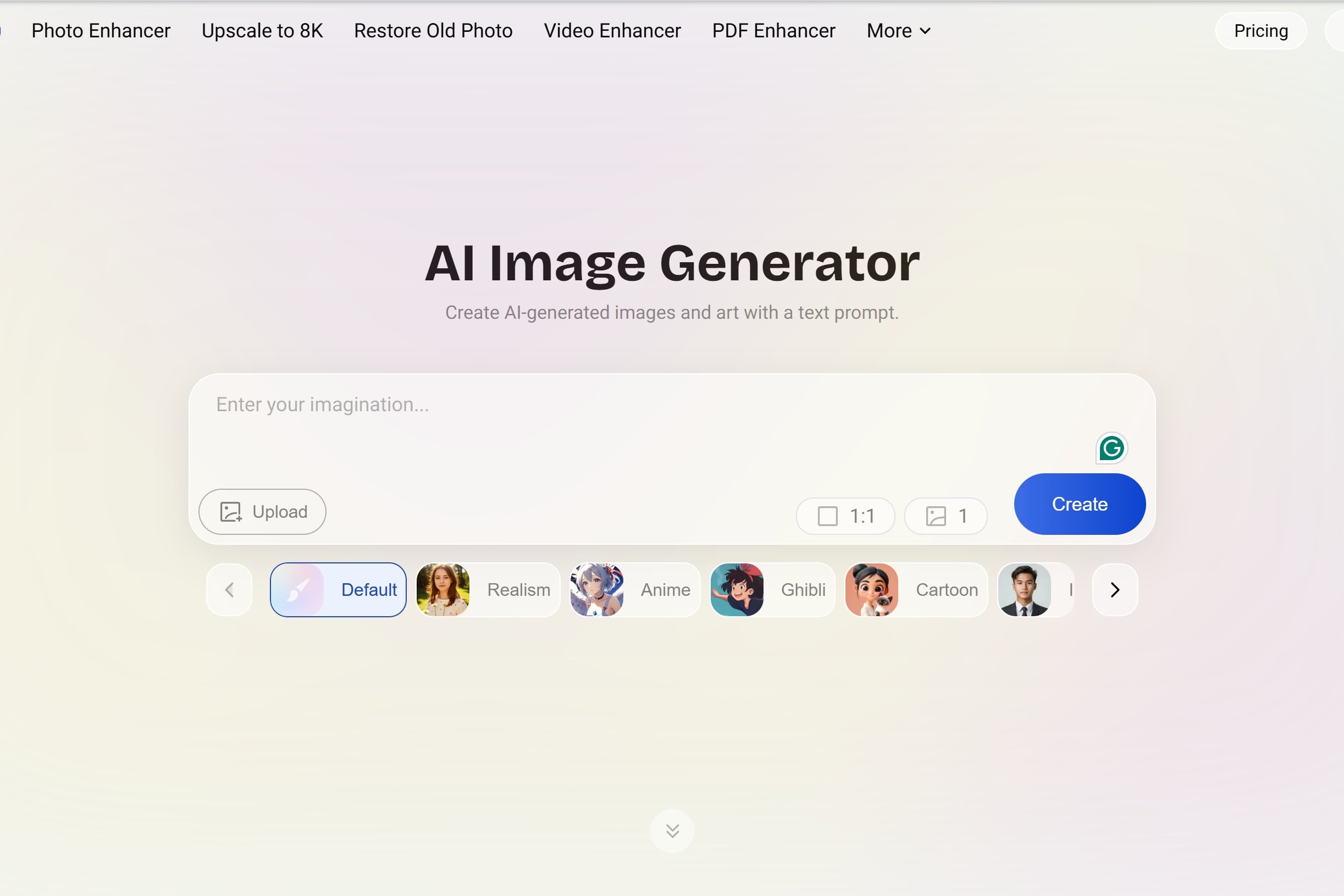
Turn Simple Prompts Into Finished Visuals

The Artguru AI image generator turns written descriptions into portraits, characters, landscapes, product concepts, illustrations, and social visuals without requiring traditional drawing skills. Users can choose preset styles, describe a custom visual direction, or add a reference image for more guidance. For another prompt-first workflow, explore the GoEnhance AI AI image generator.
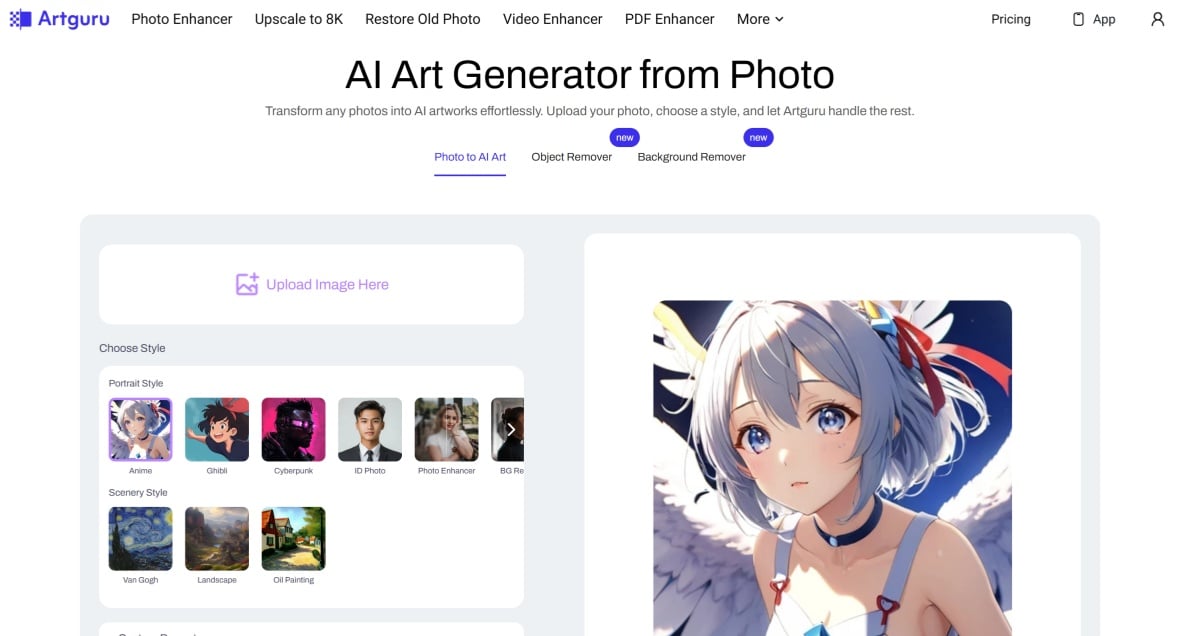
Transform Photos Into Distinct Art Styles

Artguru's AI art workflow can restyle portraits, pets, landscapes, and everyday photos into anime, watercolor, oil painting, cartoon, cyberpunk, digital art, and other visual directions. This makes an existing photo the starting point instead of generating every detail from scratch. GoEnhance AI also supports creative image-to-image AI transformations for style and visual edits.
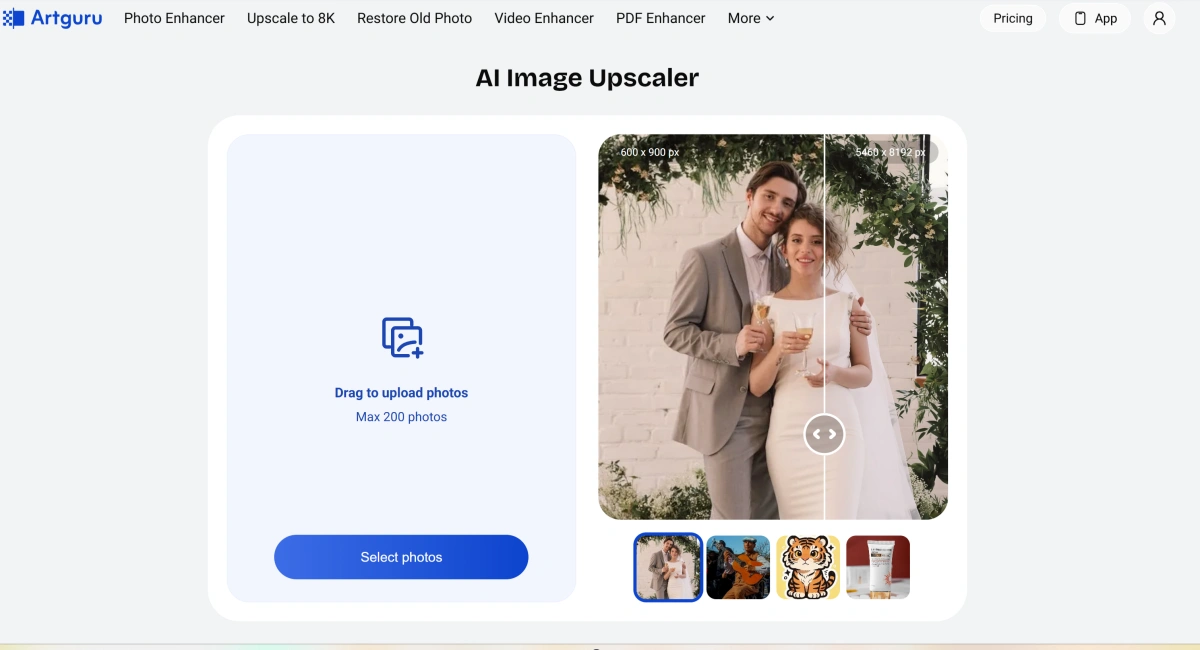
Improve Weak Images Before You Publish

Artguru also focuses heavily on enhancement. Creators can sharpen blurry photos, upscale images to higher resolution, restore old pictures, clean backgrounds, remove unwanted objects, and improve faces or product visuals before using them for social posts, print, ecommerce, or creative projects.
How To Create Artguru-Style AI Images

01

Start With Text or a Photo

Describe the image you want from scratch, or upload a portrait, pet, landscape, product, or other visual when you want to preserve the original subject while changing its style.

02

Choose a Style and Refine the Prompt

Select a preset style such as anime, cartoon, painting, or realistic, then add details about composition, lighting, color, mood, clothing, background, or other elements you want to control.

03

Generate and Polish the Result

Review the generated image, refine the prompt if needed, and use enhancement, upscaling, restoration, background removal, or editing tools before downloading the final visual.

Artguru vs Other AI Image Platforms

PlatformCore StrengthCreative RangeBest Fit
ArtguruEasy AI image and art generation combined with enhancement, restoration, upscaling, and practical image utilitiesText-to-image, photo-to-art, portraits, avatars, enhancement, upscaling, restoration, background removal, and image editingUsers who want simple creation and image cleanup tools in the same browser-based platform
GoEnhance AIMulti-model image generation and editing combined with image-to-video and broader AI video creationText-to-image, image-to-image, image editing, characters, products, style transformations, and AI video workflowsCreators who want to move from still-image creation into broader image and video production
Leonardo AICreative image generation with model choice, style control, canvas editing, and asset-production workflowsConcept art, characters, game assets, illustrations, product visuals, and image editingArtists and creators who want deeper control over generated visual assets
Adobe FireflyGenerative image creation and editing integrated with Adobe's broader creative ecosystemText-to-image, generative fill, design assets, image editing, and creative production workflowsDesigners and teams already working with Adobe creative applications
Easy generation, flexible art styles, and practical tools for improving finished visuals

Why Creators Explore Artguru

Create Without Learning Complex Design Software

Turn a written description into a visual through a simple browser interface rather than building an illustration manually.

Explore Many Styles From One Idea

Test realistic, anime, cartoon, watercolor, oil painting, cyberpunk, digital art, and other visual directions from the same concept.

Give Existing Photos a New Visual Direction

Upload portraits, animals, landscapes, or everyday photos and use them as the foundation for stylized AI artwork.

Recover More Detail From Weak Source Images

Use enhancement, sharpening, restoration, face improvement, and upscaling when an otherwise useful image is blurry, noisy, faded, or too small.

Prepare Images for Screen or Print

Upscale artwork, photos, logos, and other visuals when you need cleaner social assets, larger displays, posters, or higher-resolution output.

Keep Editing After Generation

Continue with background removal, object cleanup, image enhancement, or other utility tools instead of treating generation as the final step.

Artguru Discussions on Reddit

Frequently Asked Questions

Artguru FAQ

What is Artguru?

Artguru is an AI visual creation and enhancement platform. Its public tools include AI image generation, photo-to-art conversion, portraits, avatars, image enhancement, 4K and 8K upscaling, old photo restoration, background removal, object removal, video enhancement, and related editing utilities.

What is the Artguru AI image generator?

The Artguru AI image generator creates images from text prompts. Users can describe a subject, composition, mood, lighting, or visual style, choose preset styles, and optionally upload a reference image to guide the look.

What is the Artguru AI art generator?

The Artguru AI art generator can turn text ideas or existing photos into stylized artwork. Its public pages show styles such as anime, drawing, watercolor, oil painting, cartoon, digital art, and cyberpunk.

Is Artguru free?

Artguru offers limited free access to some creation tools, but it is not an unlimited free service. Its current pricing system uses credits, and paid plans provide more capacity and commercial-use rights. Limits and credit costs vary by tool, so check the live pricing page before relying on a specific allowance.

Is Artguru safe?

Artguru publishes a privacy policy, terms of service, account-deletion controls, and data-retention information. Its current terms state that uploaded inputs may be used to operate and improve the service, including AI model training in some cases. Avoid uploading highly sensitive images, use only media you have permission to process, and review the current privacy and terms pages before submitting personal photos.

Can Artguru turn photos into AI art?

Yes. Artguru's photo-to-art workflow lets users upload portraits, animals, landscapes, and other source images, choose an art style, optionally add prompts or negative prompts, and generate a stylized version of the original photo.

Can Artguru enhance and upscale images?

Yes. Artguru currently promotes photo enhancement, 4K and 8K image upscaling, face enhancement, unblurring, denoising, old photo restoration, and other quality-improvement workflows.

Can Artguru generate videos?

Artguru has also published an AI video generator for turning text prompts into short scenes, while its current main product lineup prominently includes video enhancement and upscaling. Image generation and enhancement remain more central to its present public positioning.

Can Artguru images be used commercially?

Artguru's current AI image generator FAQ states that free-tier outputs are for personal use, while subscribers receive commercial usage rights. Commercial use still depends on having rights to prompts, reference images, brands, faces, and other source material.

Create AI Images With GoEnhance AI

Turn prompts, reference images, characters, products, and visual ideas into polished AI images, then continue with image editing, style transformation, or animation workflows.

Start Creating