AI Dance Generator

Upload a photo, choose a dance template, and generate a smooth AI dance video in seconds. No filming, no motion capture—just pick and dance.

Upload Image & Start Dancing
What Is AI Dance?

What Is AI Dance?

AI Dance uses artificial intelligence to generate realistic dance motion for people, characters, or avatars. By analyzing pose structure and movement continuity, AI Dance can animate a single image, enhance video motion, or generate dance scenes from text—making dance video creation fast and accessible.

Popular AI Dance Styles

Trending

Cat Dancing

Turn cat photos into funny, rhythmic dance videos—perfect for memes, shorts, and viral pet content.

View Cat Dancing
Anime AI Dance
Trending

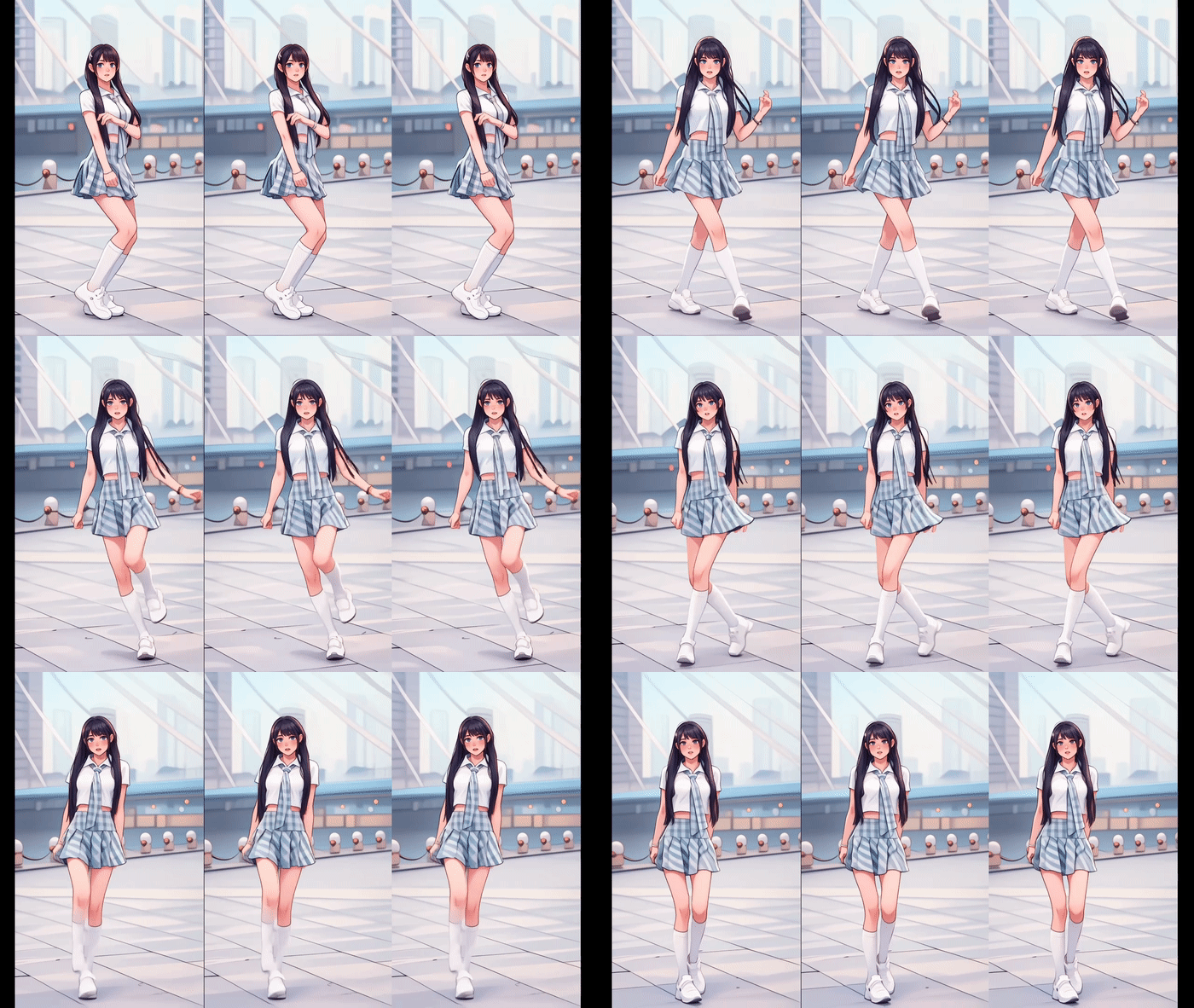
Anime Dance

Stylized anime-inspired dance motion with expressive movement.

Trending

K-Pop Dance

Energetic K-Pop style dances for fan edits and short videos.

Trending

Hip Hop Dance

Rhythmic hip hop and street dance motion with strong attitude.

Trending

Twerk Dance

One of the most popular AI dance effects for viral clips.

View Twerk Dance
Features

Ways to Create AI Dance Videos

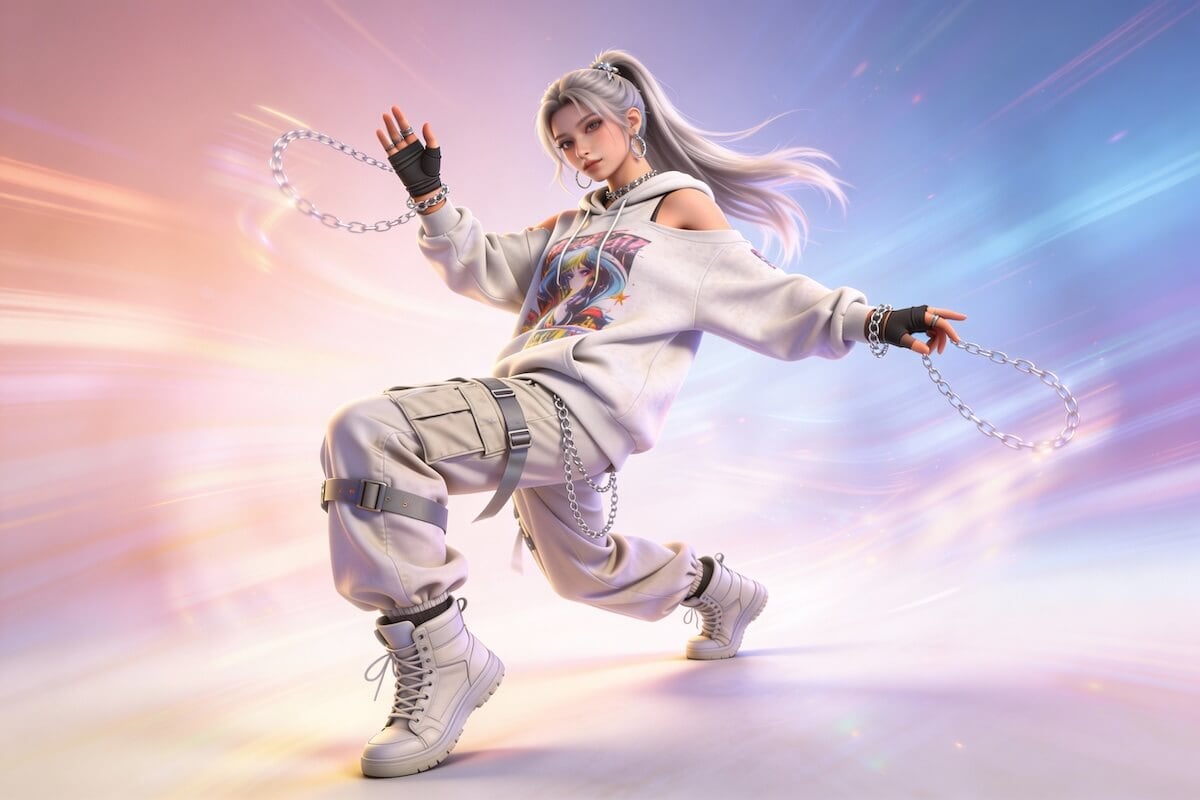
Image to Dance AI

Image to Dance

Turn a single photo into a dancing video using AI-generated motion. Ideal for portraits, characters, and illustrations.
Video to Dance AI

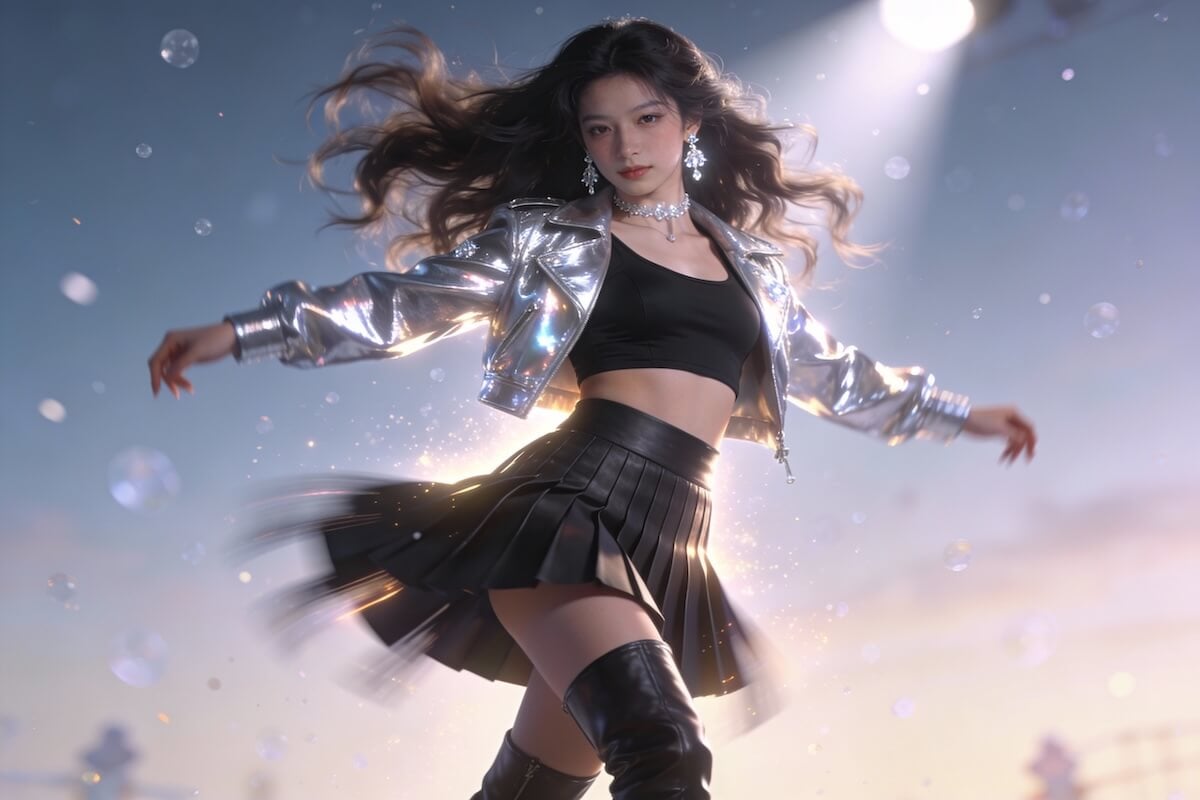
Video to Dance

Enhance or stylize existing dance footage using AI motion transfer and animation techniques.
Text to Dance AI

Text to Dance

Describe a dance scene in text and generate a short dance video matching your prompt.

Explore AI Dance Video Features

Turn a Photo into a Dance Video

Upload a photo of a person, pet, anime character, or original creation and transform it into a lively AI dance video. GoEnhance AI analyzes the subject’s pose and appearance, then adds expressive movement while preserving recognizable facial features, clothing details, and overall character design.
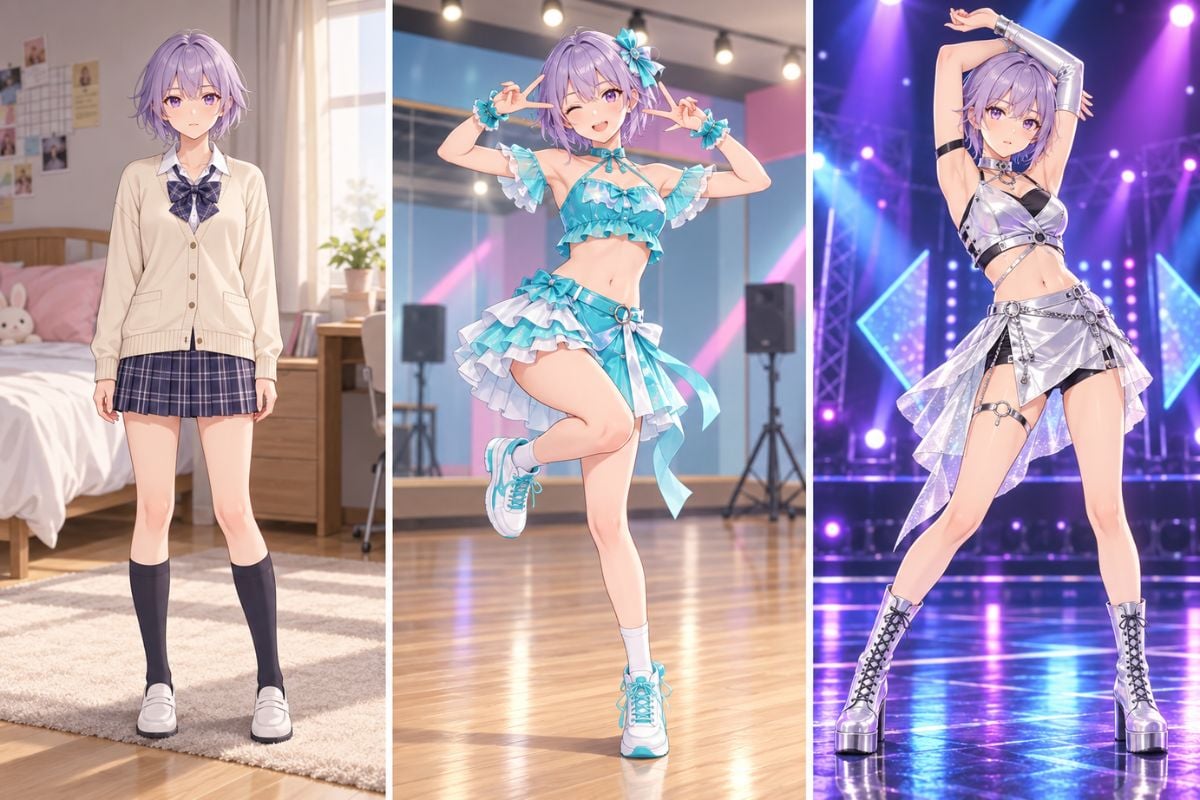
GoEnhance AI dance generator showing an anime girl changing into a turquoise stage dance outfit

Choose a Ready-Made Dance Template

Choose from ready-made dance templates such as Motorcycle Dance, Penguin Dance, MENTE MÁ, and Baby Dance to give your image an instantly recognizable motion style. Simply upload your subject, select a template, and create a fun animated clip without planning choreography or editing complex keyframes.
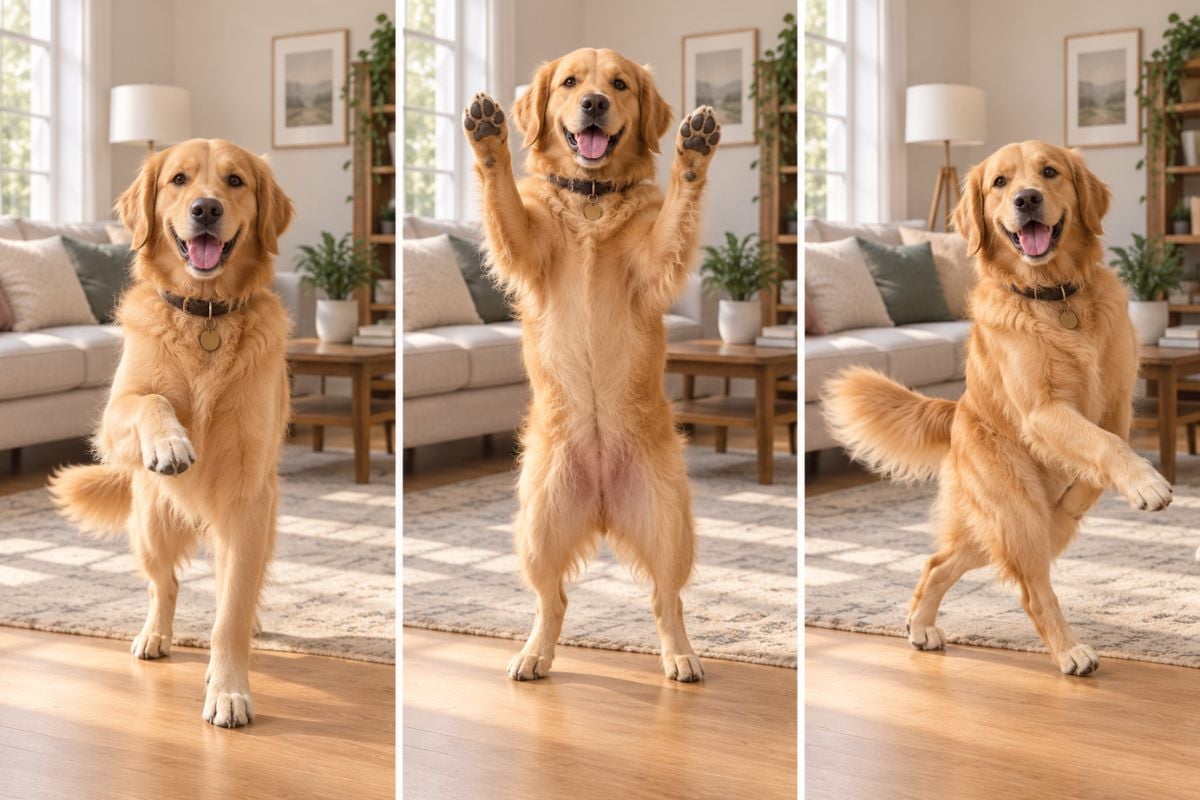
GoEnhance AI dance generator showing a golden retriever performing playful dance poses at home

Explore Popular AI Dance Styles

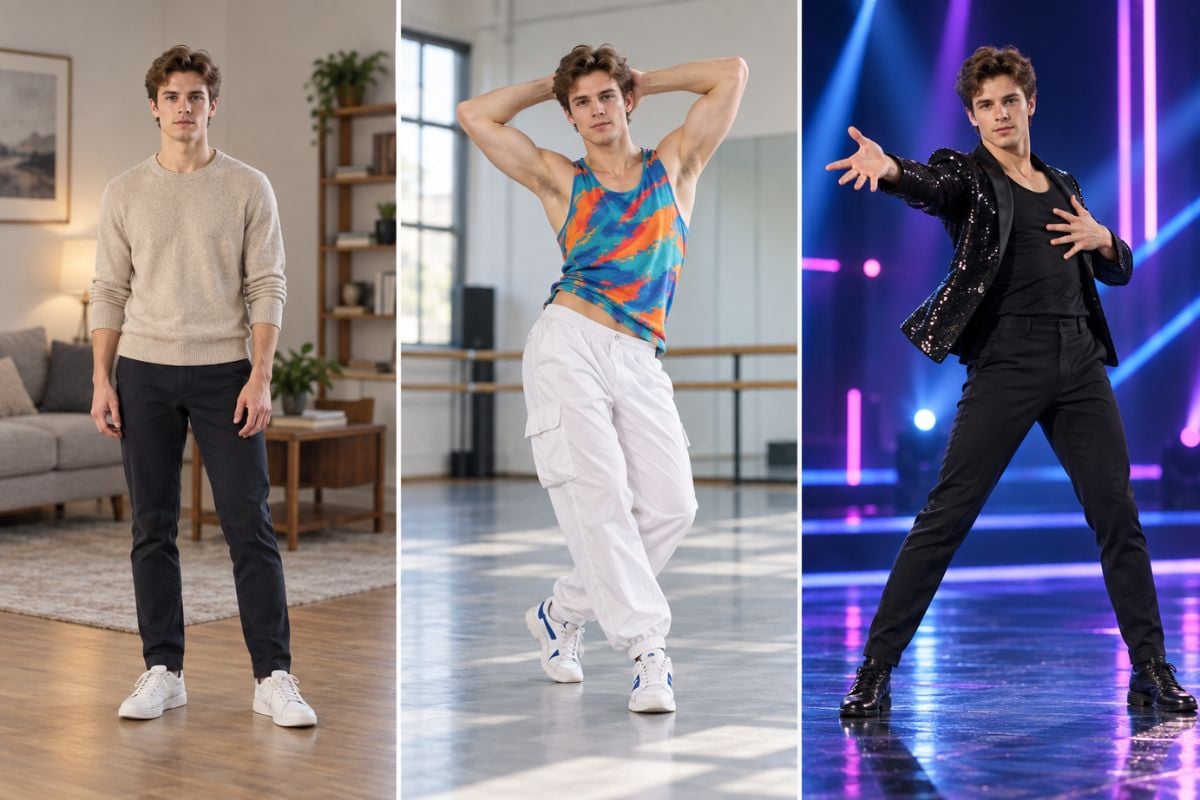
Experiment with popular AI dance styles, including Cat Dancing, Anime Dance, K-Pop Dance, and Hip Hop Dance. Apply different movement themes to people, pets, anime characters, or custom creations to produce clips with distinct energy, personality, and visual appeal.

GoEnhance AI dance generator showing a man transforming from casual clothes to a colorful dance look and black stage outfit

Create Dance Clips for Social Media

Generate short, attention-grabbing AI dance clips for TikTok, Instagram Reels, YouTube Shorts, and other social platforms. Turn a single image into a shareable video with expressive movement, then download the result for posts, memes, fan content, character showcases, or daily creator content.
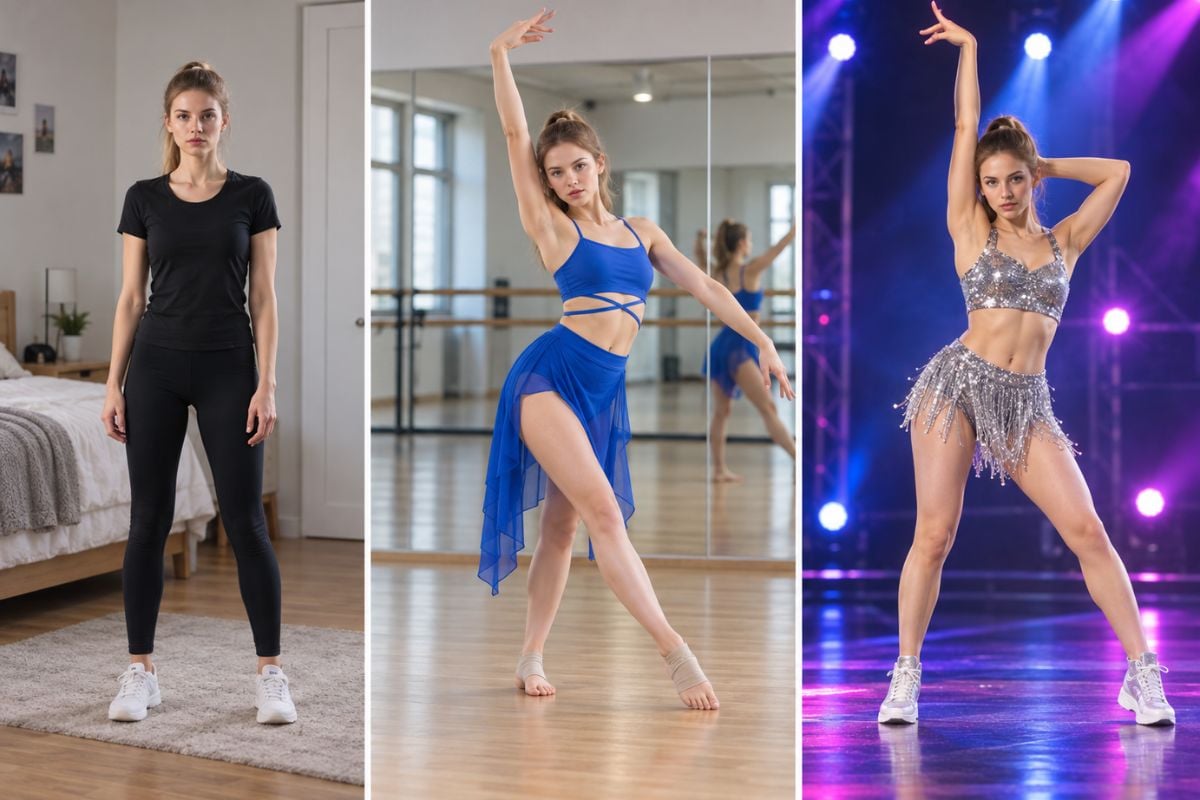
GoEnhance AI dance generator showing a woman moving from a blue practice outfit into a stage dance performance
Built for fast creation, stable motion, and viral-ready results

Why Use GoEnhance AI Dance Generator

30 Reference Videos or Upload Your Own

Choose from 30 built-in reference videos, upload your own dance video, or reuse a previously uploaded video from your history.

Three AI Motion Models

Choose from Move, Kling Motion, and Replace models based on the type of character animation you want to create.

Optional Expression Sync

Turn Expression Sync on or off before generating to control how facial expressions follow the reference motion.

480p and 720p Resolution

Select 480p for faster generation or 720p when you want a clearer dance video.

Private Mode Control

Enable Private Mode before generation when you want additional privacy for your AI dance creation.

Download, Regenerate, or Restyle

Download the finished video, generate another version, or use Restyle to explore a different visual look.

How to Generate an AI Dance Video

Upload an Image

Upload an Image

Upload a photo or character image to start creating your dance video.
Choose a Dance Template

Choose a Dance Template

Pick a dance style or template that matches your desired motion.
Generate & Download

Generate & Download

Generate your AI dance video and download it instantly, ready to share.
Everything you need to know before creating your first AI dance video.

AI Dance Generator FAQs

What is an AI Dance Generator?

An AI Dance Generator transfers movement from a reference dance video to a photo or character image, creating a new animated dance video with AI.

What kind of photo works best?

For better results, use a clear, well-lit photo with the person, character, or pet fully visible. Full-body or three-quarter images with minimal obstruction usually work better for dance motion.

What image formats can I upload?

The AI Dance tool supports JPG, JPEG, and PNG images up to 10 MB.

Can I upload my own dance video?

Yes. You can choose from 30 built-in reference dance videos, upload your own reference video, or select a previously uploaded video from your history.

Is the AI Dance Generator free?

GoEnhance offers a free tier with tokens. New users can currently receive 30 free tokens after logging in, while each generation consumes tokens based on the selected model and settings.

Do I need to create an account?

You can browse the AI Dance page and view templates without an account, but you need to log in to receive tokens, generate videos, and access your creation history.

How long does it take to generate a dance video?

Most short AI videos are generated within a few minutes. Processing time can vary depending on the selected model, reference video length, resolution, system demand, and your subscription plan.

Will my AI dance video have a watermark?

Watermark availability depends on your current plan and export settings. Free outputs may include a watermark, while paid plans generally provide watermark-free export options. Check your plan details before generating.

What video resolution can I choose?

The AI Dance generator currently provides 480p and 720p output options. Higher resolution may require more processing time or tokens.

Can I use AI dance videos commercially?

Free and Basic plan creations are limited to personal use. Commercial use is available with Standard, Pro, and Mega subscriptions, provided you have the necessary rights to the uploaded images and videos.

Ready to Create Your AI Dance Video?

Upload an image, choose a dance template, and generate your first AI dance video in seconds.

Try AI Dance Now