
Prompt
Copy and customize
to video:
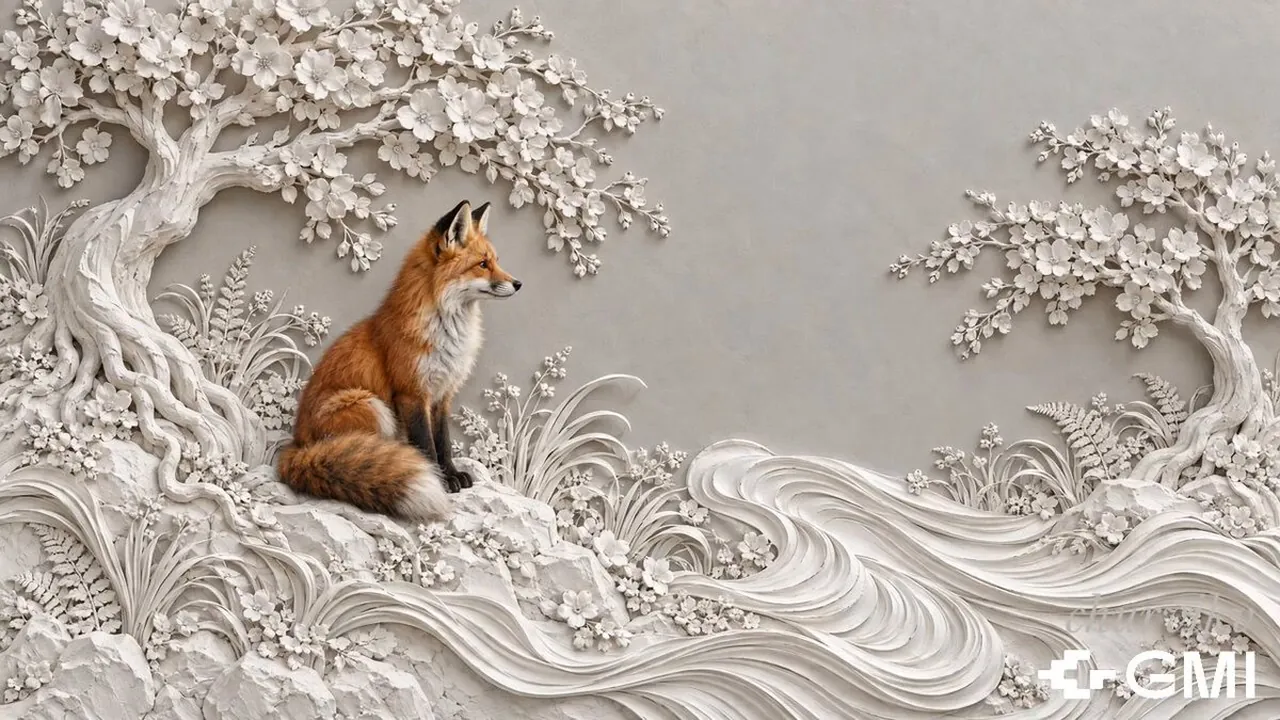
3D paper cut art style, layered paper sculpture aesthetic, volumetric cotton-wool and felted-fibre texture with soft fluffy wisps along every cut edge. Ivory-white sculpted relief world: a large blossom-covered paper tree at the upper left, a small sculpted blossom tree at the right edge, carved paper waves flowing across the foreground, scattered paper flowers and pale rocks, all in cream and pale grey. A single red fox sits on a white paper rock at the left of the frame. The fox lifts its head, rises onto its paws and begins to walk to the right along the sculpted ledge. The instant its first paw touches the paper ground, warm golden light ignites beneath the paws and bursts outward as a smooth expanding ring, pouring golden light into the carved grooves of the relief, golden sparks and glowing dust lifting from the ground. Where the light passes, the ivory paper takes colour: the carved waves deepen into amber and russet, blossoms turn from white to autumn orange, gold and warm crimson, trunks warm to caramel, and real autumn leaves detach from the paper branches and drift slowly down, fluttering. The colour spreads as a wave travelling left to right behind the walking fox, and the last ivory corner at the right edge turns gold as it goes. Camera tracks slowly right with the fox, gentle parallax between sculpted layers, warm autumn palette against ivory, cinematic lighting, smooth magical motion
Best for
Tips
Keep the main subject focused so to video 3D paper cut art style remains recognizable after style or lighting changes.
Adjust camera angle and aspect ratio before generation when the composition needs a specific platform format.