
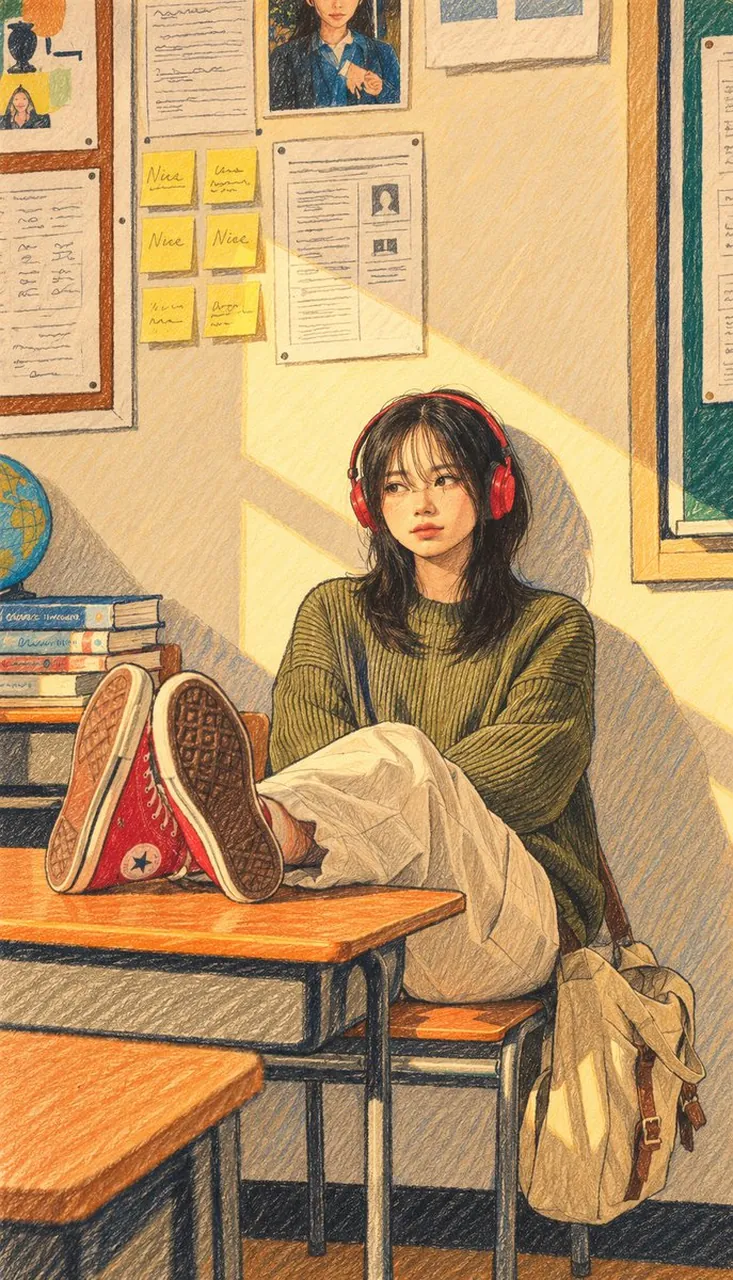
Transform your photo into cute, hand-drawn art using GPT Image 2.5

A polished image of Transform your photo into cute, hand-drawn art using GPT Image 2.5 uses clear subject styling, lighting, composition, and atmospheric.

Transform your photo into cute, hand-drawn art using GPT Image 2.5

Prompt

Copy and customize

Turn this photo into a contemporary, artist-made naïve illustration: minimalist and hand-drawn, with playful proportions, uneven outlines, flat colors that are soft yet contrasting, and decorative pencil strokes. No shadows, gradients, or 3D effects. Give it the feel of a high-end designer poster drawn with colored pencils. Keep it cute and cartoon-like.

Best for

Clean layoutSocial Media Post3D RenderVisual conceptStyle study

Tips

Keep the main subject focused so Turn this photo into a contemporary artist-made remains recognizable after style or lighting changes.

Adjust camera angle and aspect ratio before generation when the composition needs a specific platform format.

How to use this GPT Image 2.5 prompt

1

Copy the ready-to-use GPT Image 2.5 prompt from this page.

2

Paste it into GoEnhance AI or another generator that supports GPT Image 2.5.

3

Click generate and get your image quickly. You can edit the prompt first if needed.

Copy the prompt, try it with GoEnhance AI or another tool that supports GPT Image 2.5, and generate your image in just a few simple steps.

Overview

Everything you need to master AI prompts

From quick copy-paste prompts to advanced techniques, build stunning visuals faster.

20000+ prompts
All major models
Updated Daily