
Prompt
Copy and customize
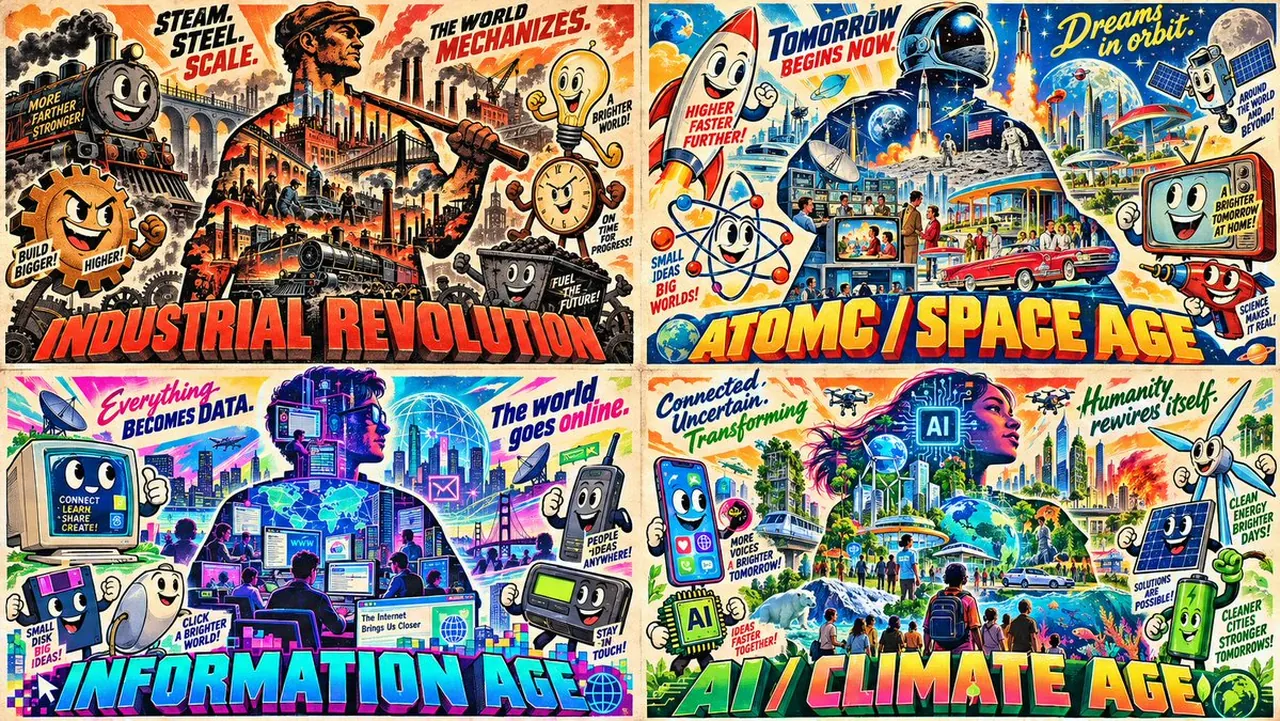
2x2 grid, 16:9, do this for 4 eras that defined modern humanity: S₁ CHARACTER SILHOUETTE FILLED WITH SCENES (master) a central character silhouette whose interior is filled with
scenes from the topic/era (city, sunset, objects, people); the silhouette IS the era. ¬S₁ = no silhouette / empty silhouette / scenes outside.
S₂ ANTHROPOMORPHIZED OBJECTS WITH era's main emotion appropriate FACES surrounding the silhouette, 3–6 objects from the era with smiley faces
and expressive eyes (cassette, phone, car, food, tool); each object is a character. ¬S₂ = no objects / no smiley faces / realistic objects / generic props.
S₃ GIANT 3D TYPOGRAPHY + TAGLINES giant bold 3D title at the bottom naming the era/topic; taglines above the silhouette
or panels; legible, retro style. ¬S₃ = small type / no 3D / no taglines / modern font.
S SATURATED RETRO PALETTE saturated colors (neon pink, electric blue, sunset orange, lime green) on cream; retro
poster feel; bold shapes. ¬S₄ = muted / grayscale / modern minimal / dark ground.
S₅ MULTI‑PANEL OR COMPOSITIONAL DENSITY either a multi-panel layout (4 panels like Image 55) or a single dense
composition with the silhouette + objects + title filling the frame; no empty space. ¬S₅ = sparse / single object / empty frame.
η HONEST RETRO bold shapes, saturated fills, retro typography, poster texture.
FORBIDDEN = no silhouette · empty silhouette · no smiley objects · small type · no 3D · muted palette · sparse · empty frame
Best for
Tips
Keep the main subject focused so 2x2 grid 16 9 do this for remains recognizable after style or lighting changes.
Adjust camera angle and aspect ratio before generation when the composition needs a specific platform format.