
Watercolor Painting Filter
Reimagine your images with the timeless elegance of watercolor. Our advanced AI applies fluid pigments and delicate textures, instantly converting your photos into captivating artworks. Begin your artistic transformation now.
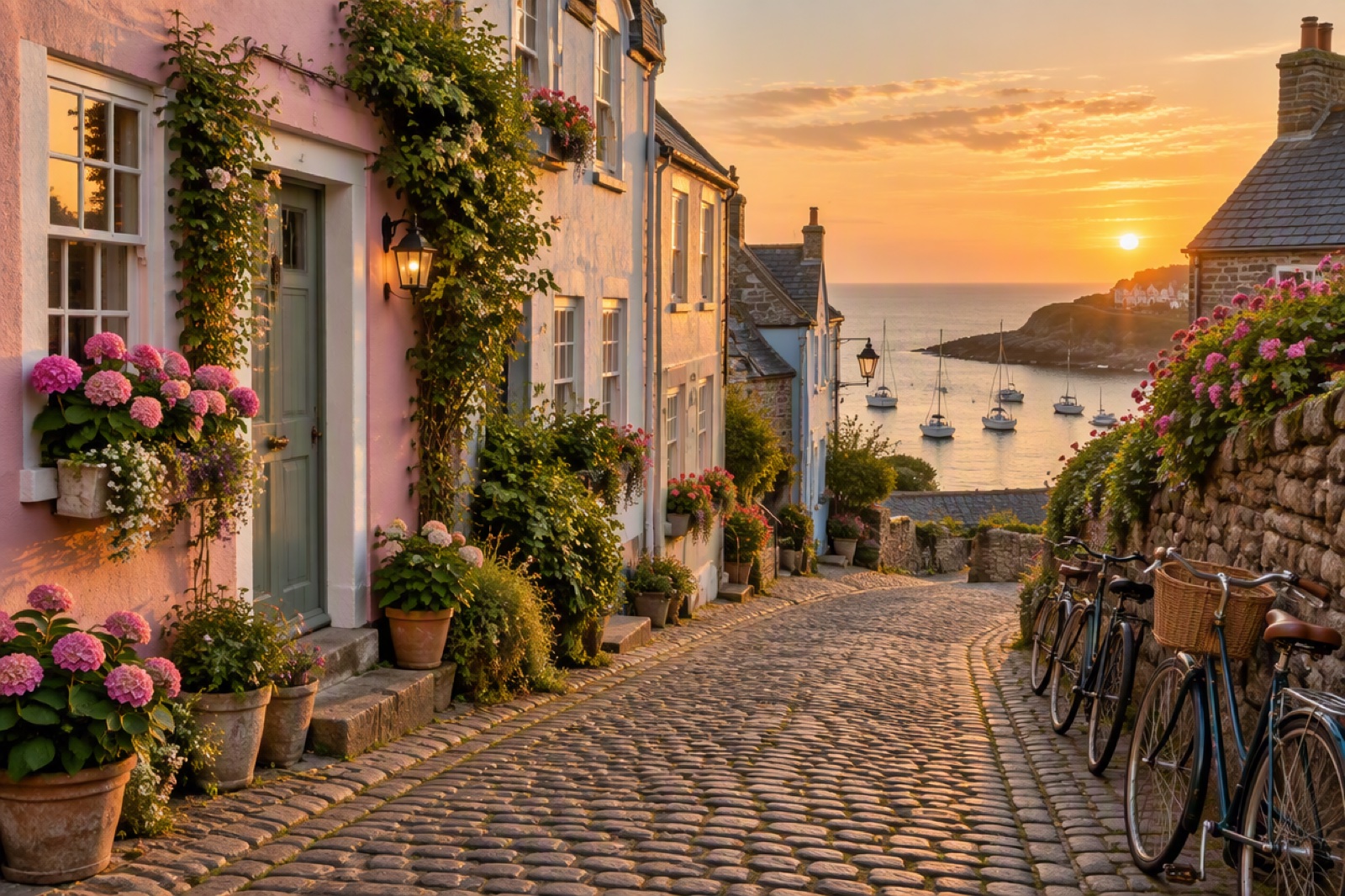
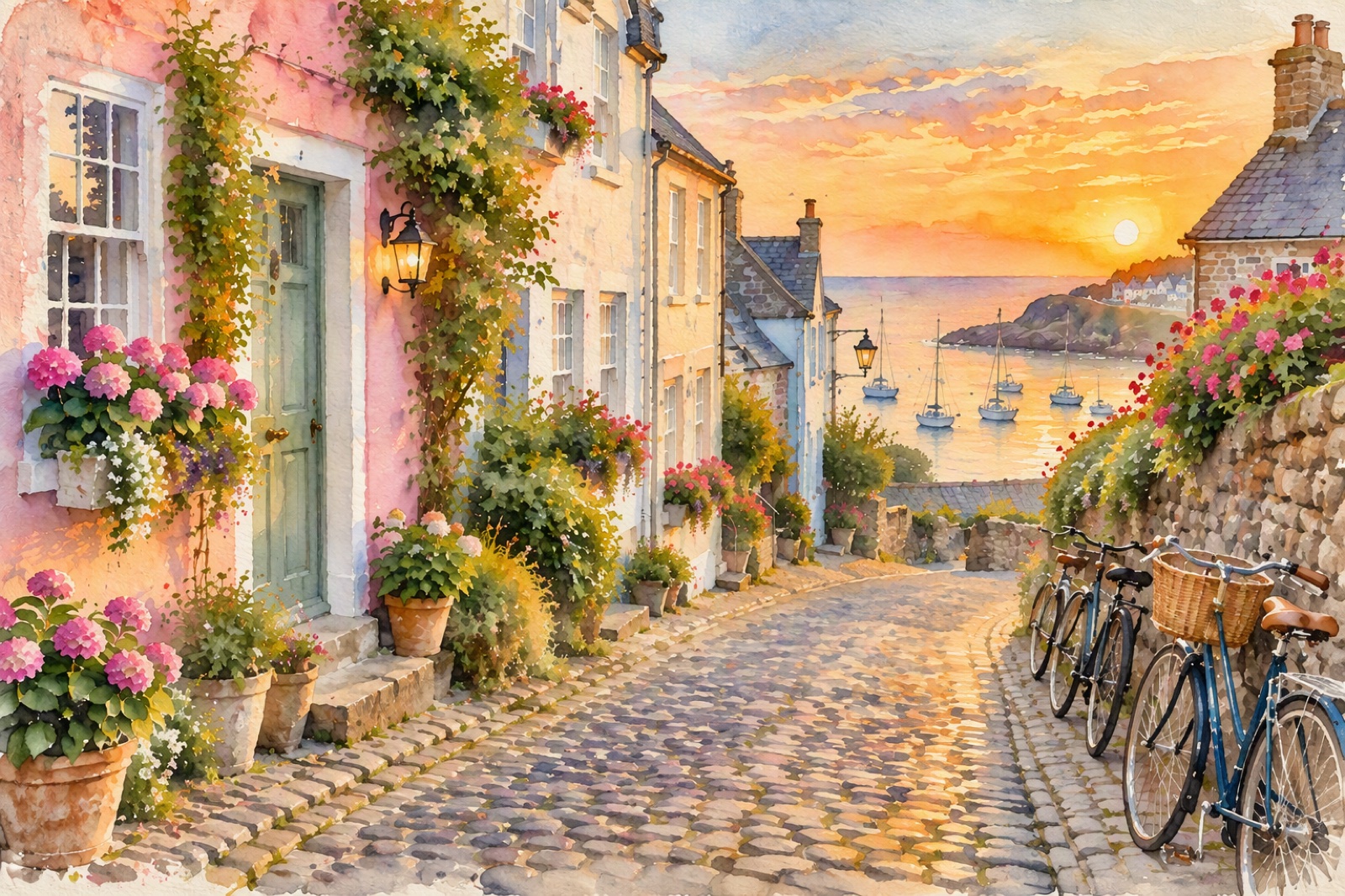
Scene
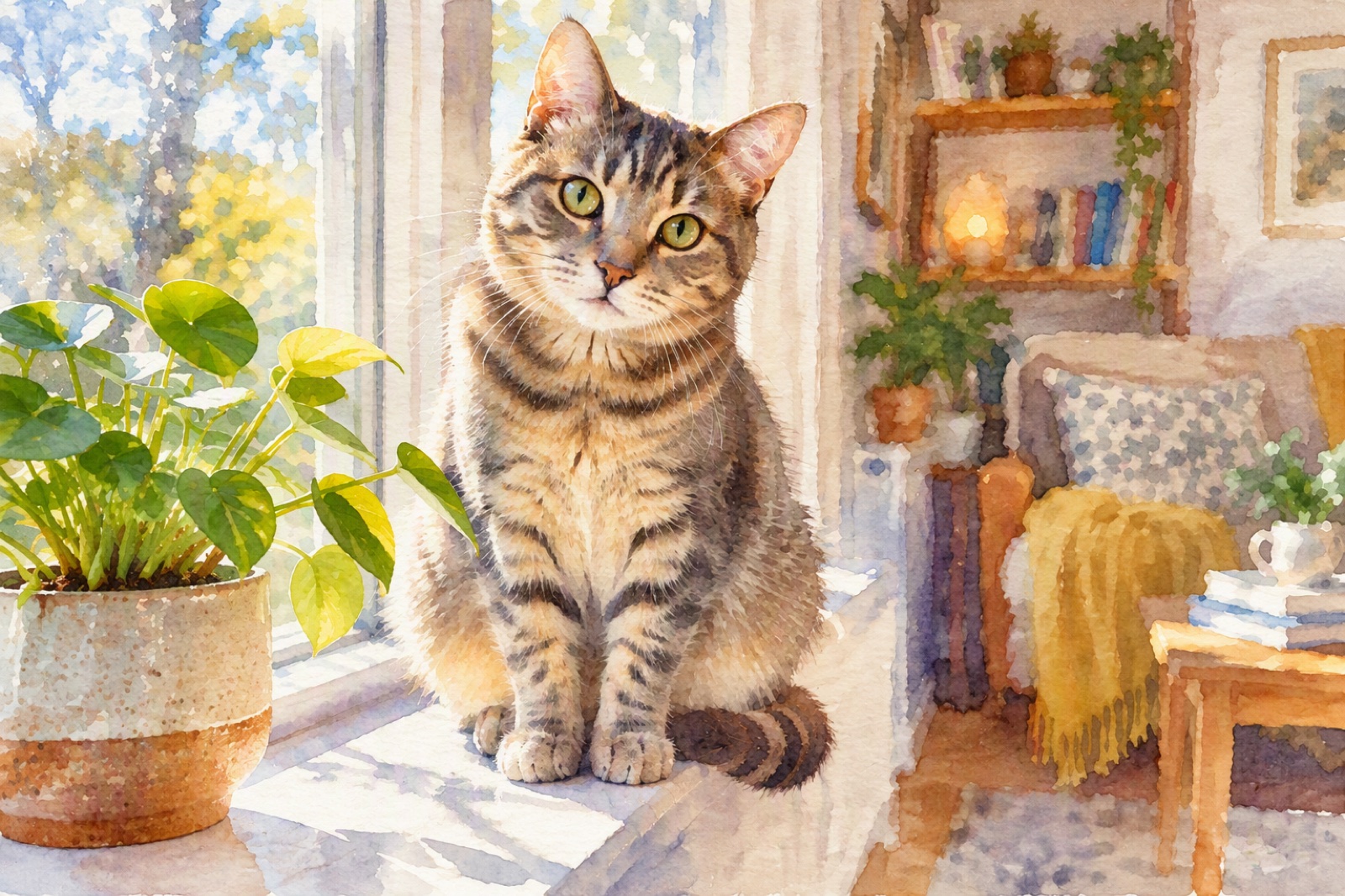
Cat
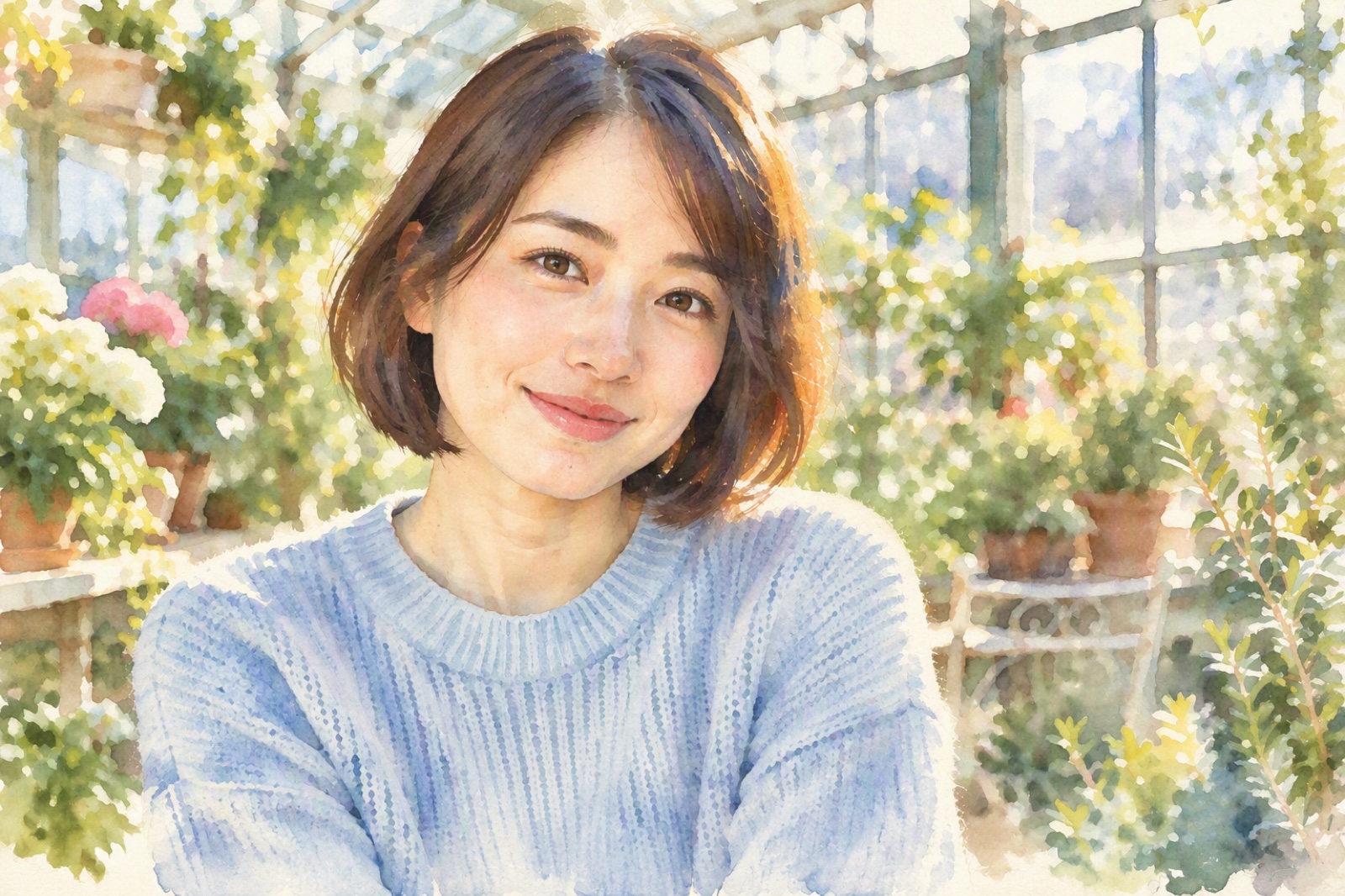
Young Woman
Upload files
Upload a photo to apply this effect
By uploading a file, you agree to GoEnhance's Terms of Use and Privacy Policy
Turn Your Photo into a Watercolor Painting – Free
Transform your pictures with our AI watercolor filter. No more flat edits—see your portraits, pets, or landscapes reimagined as delicate hand-painted artworks. Simply upload a photo and watch our AI create a stunning watercolor version in seconds.
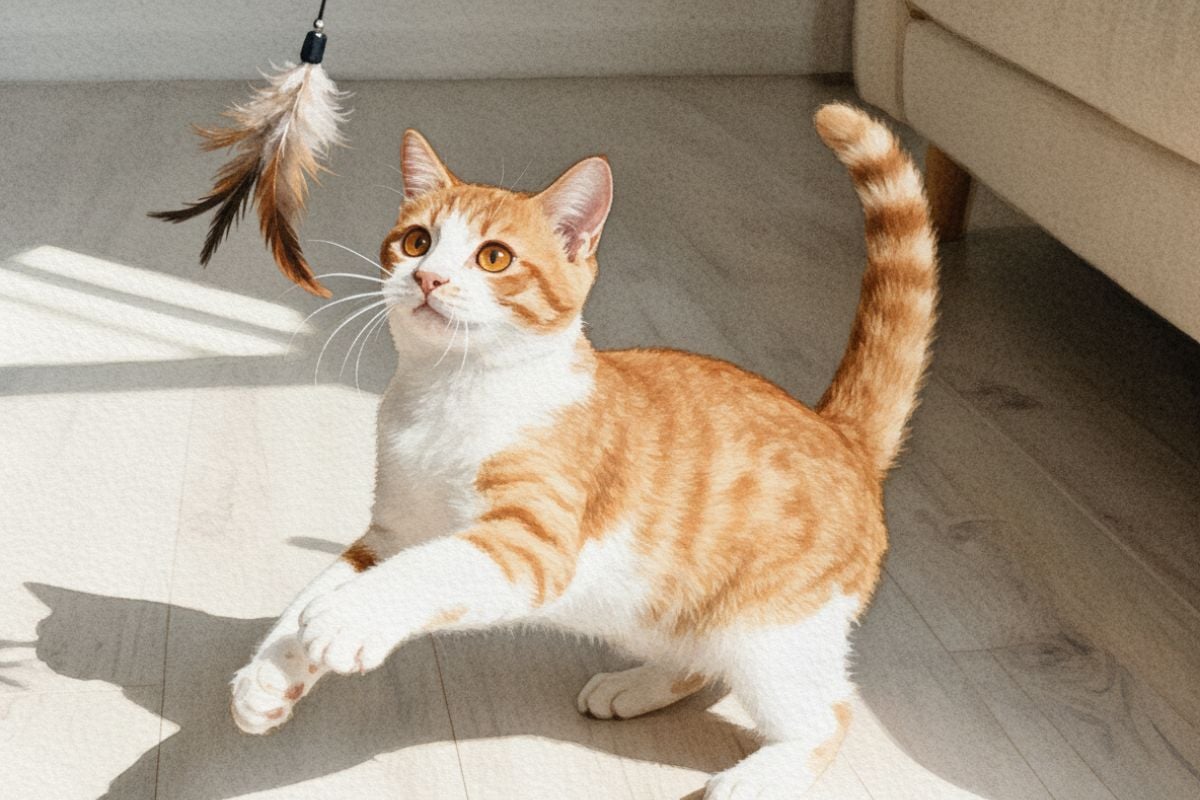
How to Turn Pictures into Watercolor Paintings?
01
Upload Your Photograph
Begin by uploading the photo you wish to transform. Select a high-quality image for the most detailed and impactful results.
02
Apply the Watercolor Effect
Just choose the watercolor filter. Our AI will instantly process the image, applying the signature style.
03
Download Your Artwork
Preview the final watercolor painting. Once you are satisfied with the transformation, download the high-resolution file, ready to be shared or printed.
Key Features of Watercolor Painting Generator
Achieve Realistic Watercolor Artwork for Free
Our advanced AI meticulously evaluates the essential components of your photograph, including detailed textures, depth, and the interplay of shadows. This ensures the soul of your image is maintained while skillfully emulating the fluid brushwork and distinctive color diffusion of traditional watercolor.
The AI technology delivers a captivating and authentic artistic conversion, preserving critical details without introducing unwanted distortion. See how our AI image generator brings this classic medium to life.
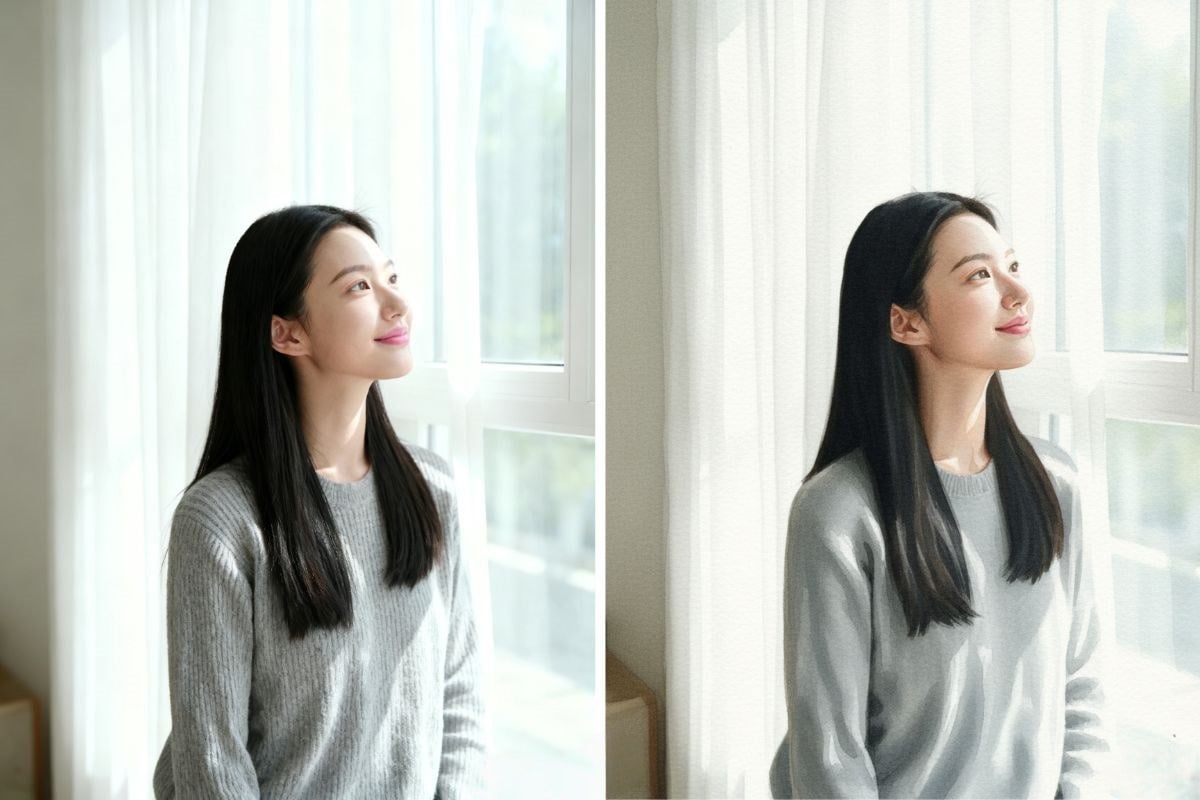
Feature Lists of GoEnhance Image to Watercolor Filter
AI-Driven Analysis
The AI intelligently identifies and enhances key details, textures, and lighting in your photo for captivating results.
Authentic Textures
Replicates the genuine look of watercolor paper and pigment granulation for a truly artistic feel.
Instant Results
Apply the watercolor filter instantly and see the transformation in just seconds.
Quick Save & Share
Easily save and share your watercolor creations on social media or with friends.
No Artistic Skill Needed
Transform any photo into a masterpiece with a single click, regardless of your painting experience.
Cross-Device Compatibility
Create stunning watercolor art from your photos on any device, whether you're on a desktop or mobile.
You May Want to Know
How does the AI turn my photo into a watercolor painting?
What kind of photos work best with the AI watercolor filter?
Can the AI replicate different watercolor techniques?
Is the AI-generated watercolor art free for commercial use?
Will using the AI watercolor effect reduce my image quality?
How does this AI differ from standard photo filters?
Can I customize the results from the image to watercolor AI tool?
Try Watercolor Filter Free
From snapshots to paintings—experience the watercolor effect instantly.
Try For Free