goenhance logo

Make a Photo Talk

Looking for an easy app to make a photo talk? GoEnhance is perfect. Just upload a picture, add the audio, and instantly create talking photos that look real. Now available on GoEnhance AI.
Try It Free Here

Why Choose GoEnhance AI Talking Image Tool?

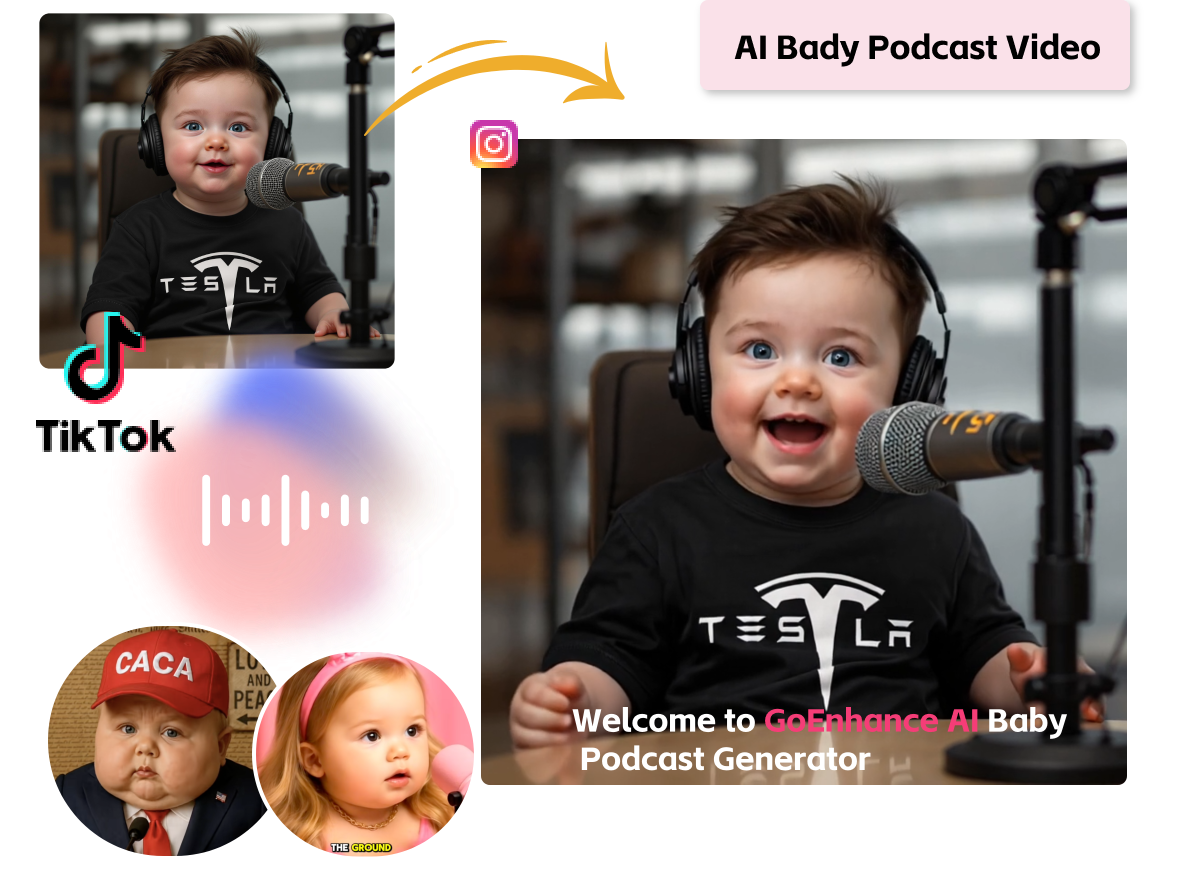
Multiple Styles for Talking Photos

Turn your portraits into talking photos in any style you like—cartoon, cyberpunk, or ultra-realistic.

If you want to create fun social media posts, eye-catching marketing videos, or just test out creative looks, the GoEnhance talking avatar is your best choice. Stand out, grab attention quickly, and make content that people actually want to share with the AI talking image generator.
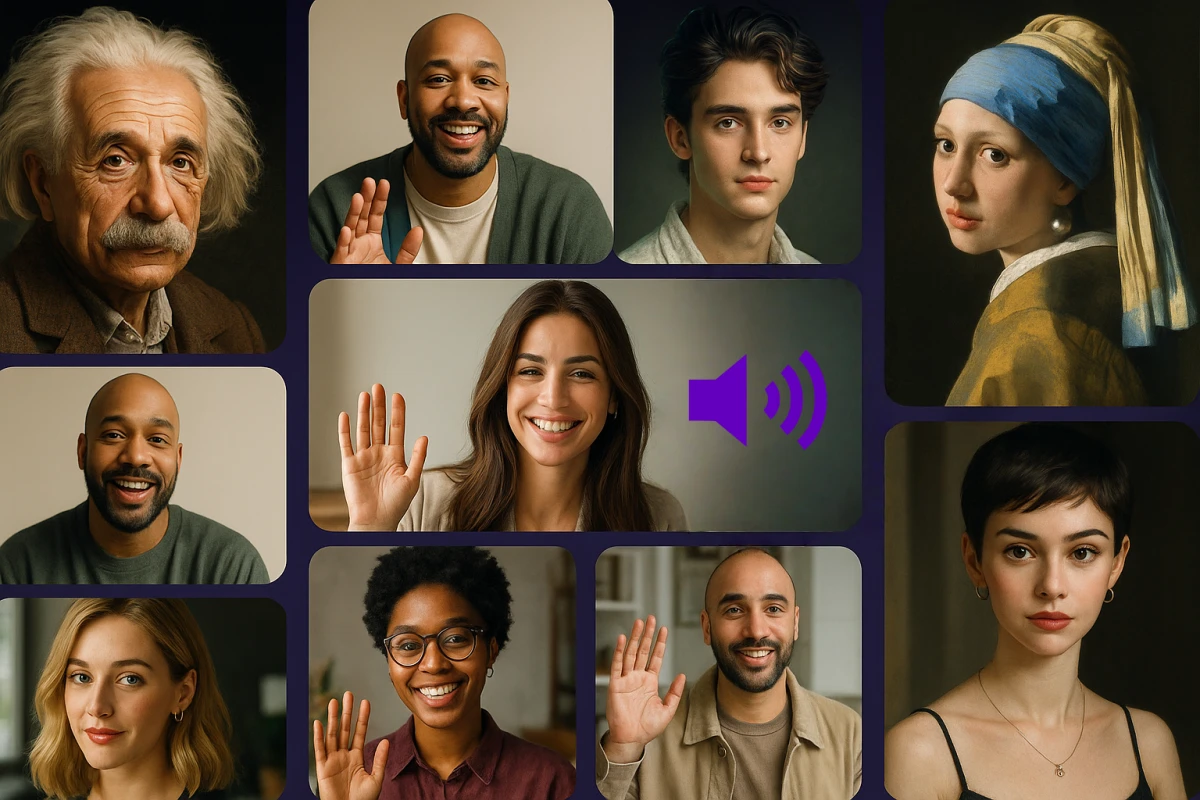
Any Voice, Any Language

You can use the tool to add any human voice to your talking pics and let them speak in almost any language. It is perfect for global marketing campaigns, multilingual presentations, or sending personalized messages to friends abroad. Want to make your content more engaging and give you a powerful way to connect with audiences everywhere? Just try this generator for free.
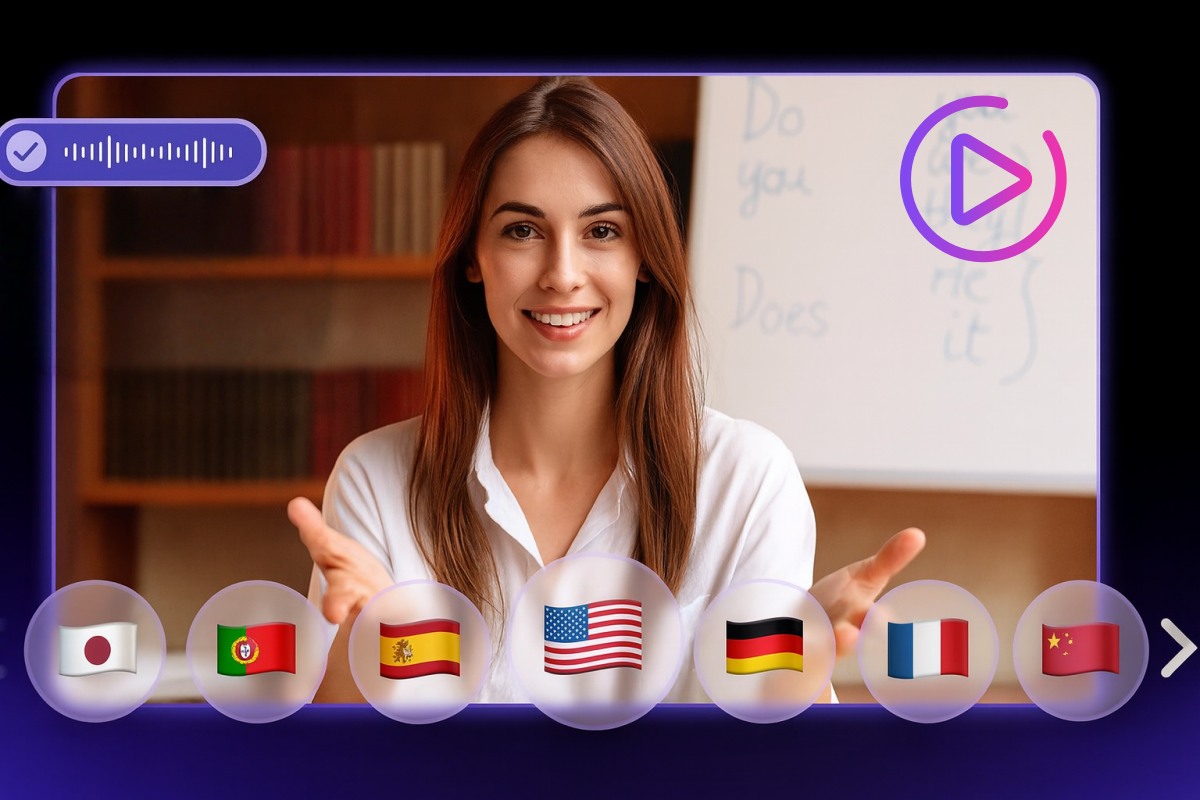
Precise Lip Sync for Realistic Results

The tool matches mouth movements with incredible accuracy, so the words and lip motion stay perfectly in sync.

Use it to make marketing videos, online courses, or character clips that look natural and professional. This gives your content more credibility and keeps viewers engaged longer.
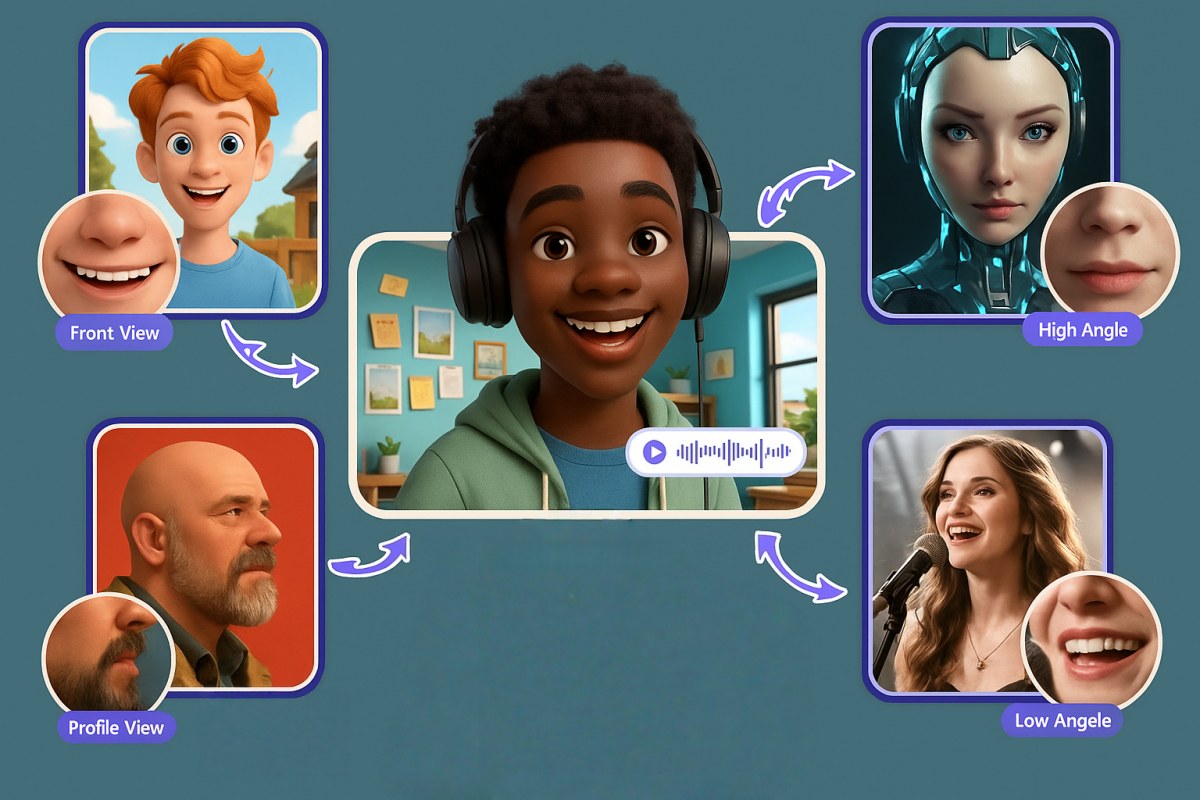
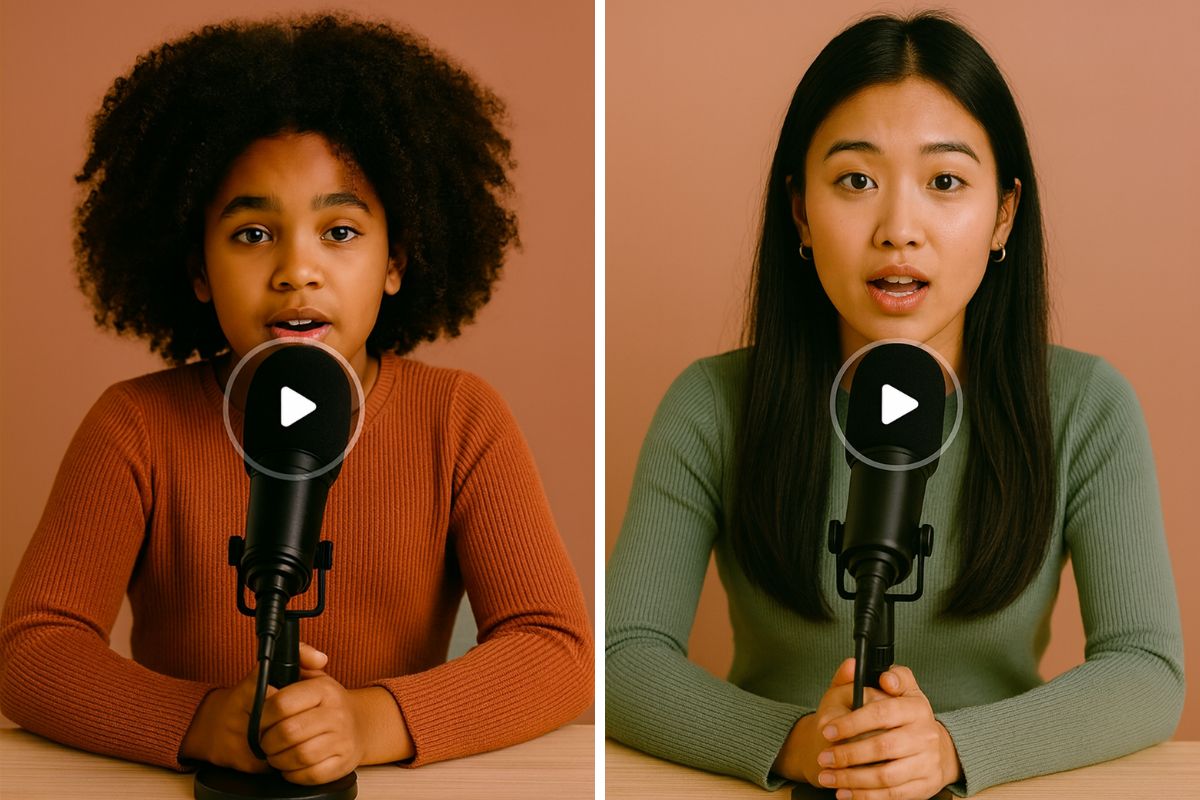
Natural Facial Expressions & Body Movements

The face and body move can be smooth and lifelike, perfect for storytelling, social media or virtual presentations. The natural gestures make your AI talking pictures feel real, helping your message land stronger.

Discover Tools to Boost Your Creativity

Frequently Asked Questions

You May Want to Know

What is a talking photo?

An AI talking photo is an image enhanced with AI to simulate human-like speech and expressions, creating a lively animated character. The generator combines a portrait with audio to produce realistic voiceovers and synchronized animations.

How to make a photo talk?

The process is simple: just upload a photo, add or generate audio, and click Generate. Your talking avatar will be ready quickly. You can then download or share it.

Can I create AI talking images on mobile?

Yes! You can efficiently use this AI tool on your mobile phone.

What types of images can be used?

You can use any type of image—real-life portraits, AI-generated avatars, half or full-body shots, and expressive photos. All can be animated with impressive realism.

How long does it take to generate a talking photo video?

Processing time depends on the complexity and length of the video, but most are ready within minutes.

Can I make a photo talk for free?

Yes! We offer a free trial. You can upgrade to get more opportunities to use the tool.

Is it supported on multiple devices?

Yes, it works on both computers and mobile devices and is compatible with major browsers like Chrome, Firefox, Edge, and Safari.

Is it safe to use the talking photo generator online?

We use encryption and follow strict privacy practices to help protect your files and data.

What Our Users Say?

Create Your Talking Photo for Free Today!

Turn any photo into a talking character with GoEnhance AI. Simply upload, add audio, and generate a lifelike video that speaks, smiles, and connects.

Start Your Free Trial