PicLumen AI Creative Platform

PicLumen is a multi-model AI creation platform built around image generation, reference-based transformation, prompt editing, consistency tools, and post-generation utilities. Creators can move from a text idea or source image to polished visuals for characters, products, marketing, design, social content, and creative exploration.

Why PicLumen Works Well for Visual Creation

Get Better Results by Matching the Model to the Task

PicLumen gives creators access to multiple image models instead of forcing every project through one visual engine. That makes it easier to choose a better fit for realistic portraits, anime, illustration, product visuals, posters, or text-heavy designs. For another flexible prompt-based workflow, explore the GoEnhance AI AI image generator.

Keep Important Visual Details More Consistent

Character, style, and content references help preserve the parts of an image that matter most while changing the scene around them. This is useful when the same face, product, visual identity, or art direction needs to appear across multiple images instead of being recreated from scratch each time. GoEnhance AI also supports reference-led image-to-image AI workflows.

Fix Strong Images Instead of Regenerating Everything

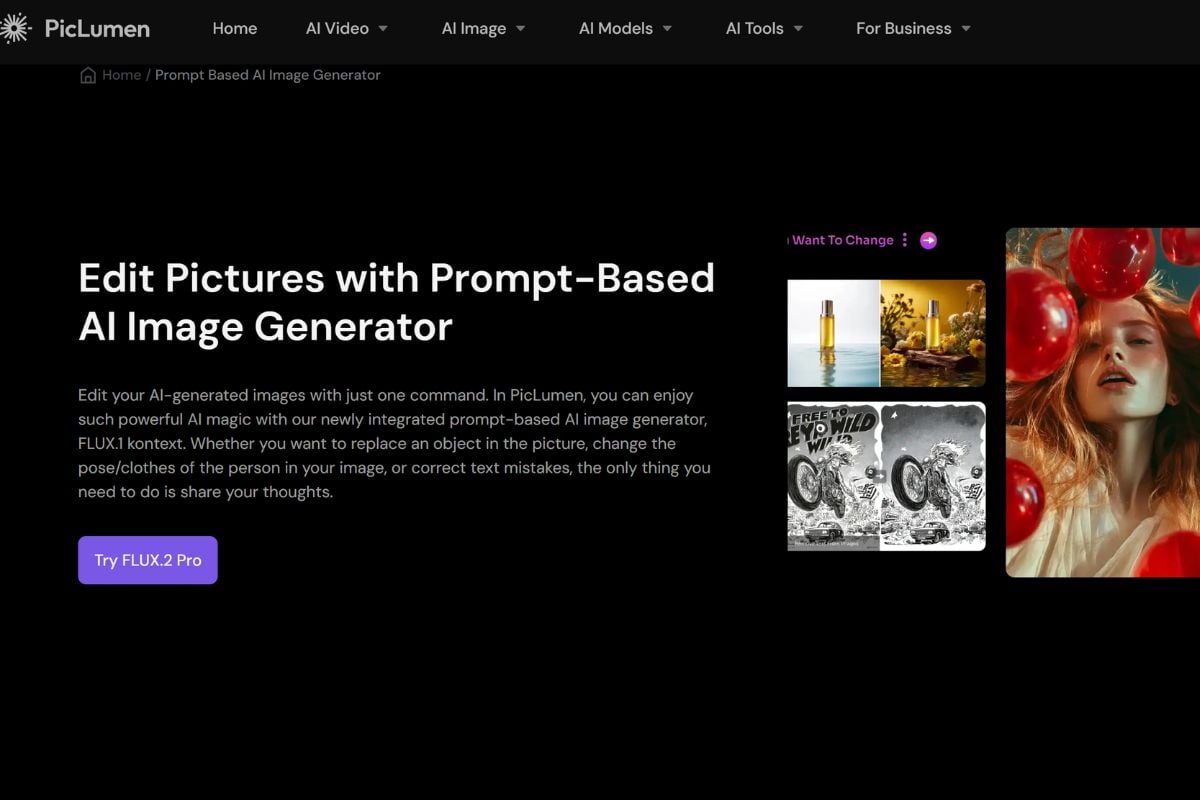
When a generated image is already close to the goal, PicLumen lets creators focus on the weak parts rather than starting over. Prompt editing, inpainting, outpainting, object replacement, background removal, and upscaling make it easier to correct details, expand compositions, and prepare cleaner final assets.

How To Use PicLumen AI on GoEnhance AI

01

Start With Text or a Reference Image

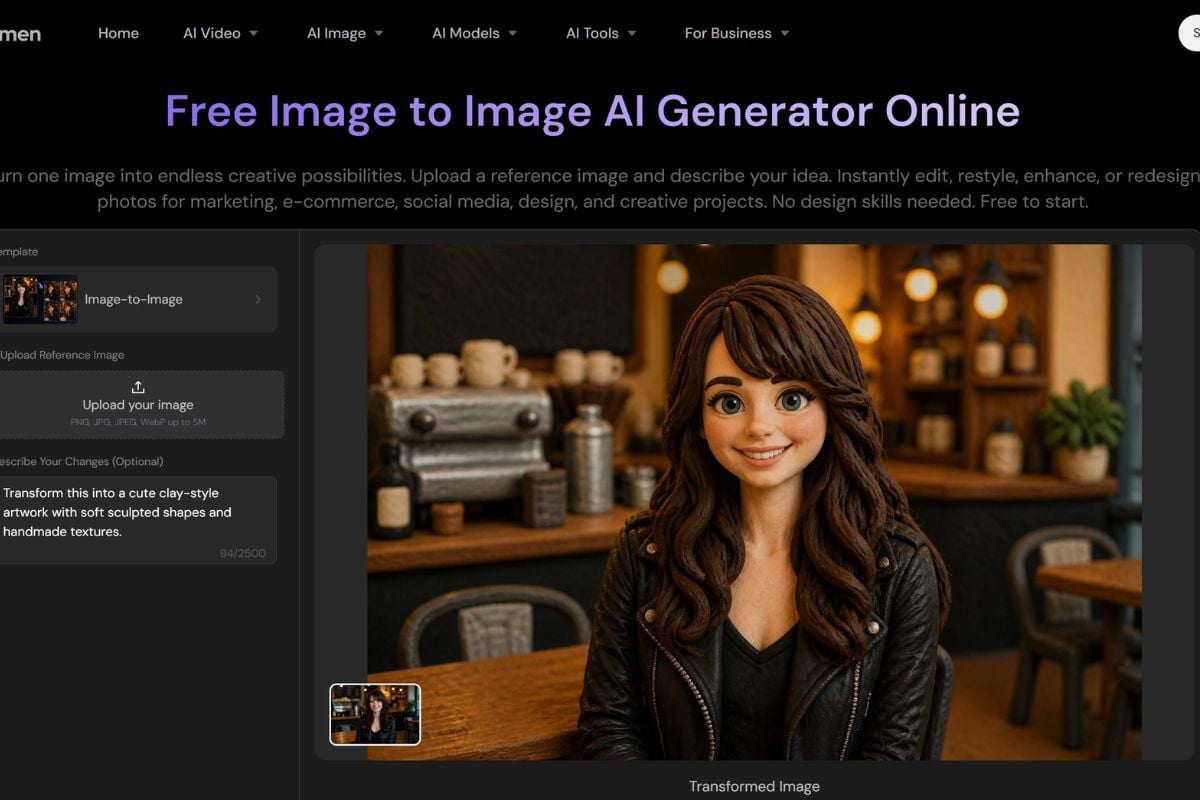
Describe a new visual from scratch, or upload an existing image when you want to preserve a character, product, composition, or style.

02

Choose the Model and Creative Direction

Select an available model, write the prompt, set the aspect ratio or quality, and use content, style, or character reference controls when consistency matters.

03

Generate, Edit, and Finish

Review the result, remix strong variations, correct specific areas, remove backgrounds, expand the frame, or upscale the final image before downloading it.

PicLumen AI vs Other AI Image Platforms

PlatformCore StrengthCreative RangeBest Fit
PicLumen AIMulti-model image creation combined with reference controls, character consistency, editing, upscaling, and practical post-generation toolsText-to-image, image-to-image, content/style/character reference, prompt editing, inpainting, outpainting, upscaling, background removal, and image-to-videoCreators who want generation and image refinement in one browser-based workspace
GoEnhance AIMulti-model image generation and editing connected to image-to-video and broader AI video workflowsText-to-image, image-to-image, image editing, characters, products, style transformations, animation, and AI videoCreators who want to move easily between still-image creation and video production
Leonardo AICreative asset generation with model choice, style controls, canvas tools, and production-oriented image workflowsConcept art, characters, game assets, product visuals, illustrations, and image editingArtists and teams that want deeper control over generated visual assets
Adobe FireflyGenerative creation and editing integrated into Adobe's design and production ecosystemText-to-image, generative fill, design assets, image editing, and creative productionDesigners and teams already working across Adobe creative applications
Model choice, reusable references, and practical editing tools in one creative workflow

Why Creators Explore PicLumen AI

Match the Model to the Creative Brief

Switch between available image models when one project needs realism, another needs illustration, and another needs stronger text or design output.

Keep Important Visual Details Recognizable

Use content, style, and character references to carry a face, product, composition, color language, or aesthetic across multiple generations.

Iterate Without Rewriting Every Prompt

Remix a strong result to explore new versions while preserving useful settings and the core direction of the original image.

Fix Specific Areas Instead of Regenerating Everything

Use prompt-based editing, replacement, inpainting, or outpainting when only an object, outfit, background, text element, or edge needs to change.

Prepare Cleaner High-Resolution Assets

Upscale selected images, improve sharpness, and refine visual details before using them for social content, marketing, ecommerce, or larger displays.

Start Small Before Upgrading

PicLumen AI free access currently includes a Basic plan with daily Lumens, giving users a way to test supported models and workflows before choosing a paid plan.

PicLumen AI Discussions on Reddit

Frequently Asked Questions

PicLumen AI FAQ

What is PicLumen AI?

PicLumen AI is a creative platform for generating and editing images with multiple AI models. Its public tools include text-to-image, image-to-image, content/style/character references, prompt-based editing, inpainting, outpainting, upscaling, background removal, image-to-video, and other creative utilities.

What is the PicLumen AI image generator?

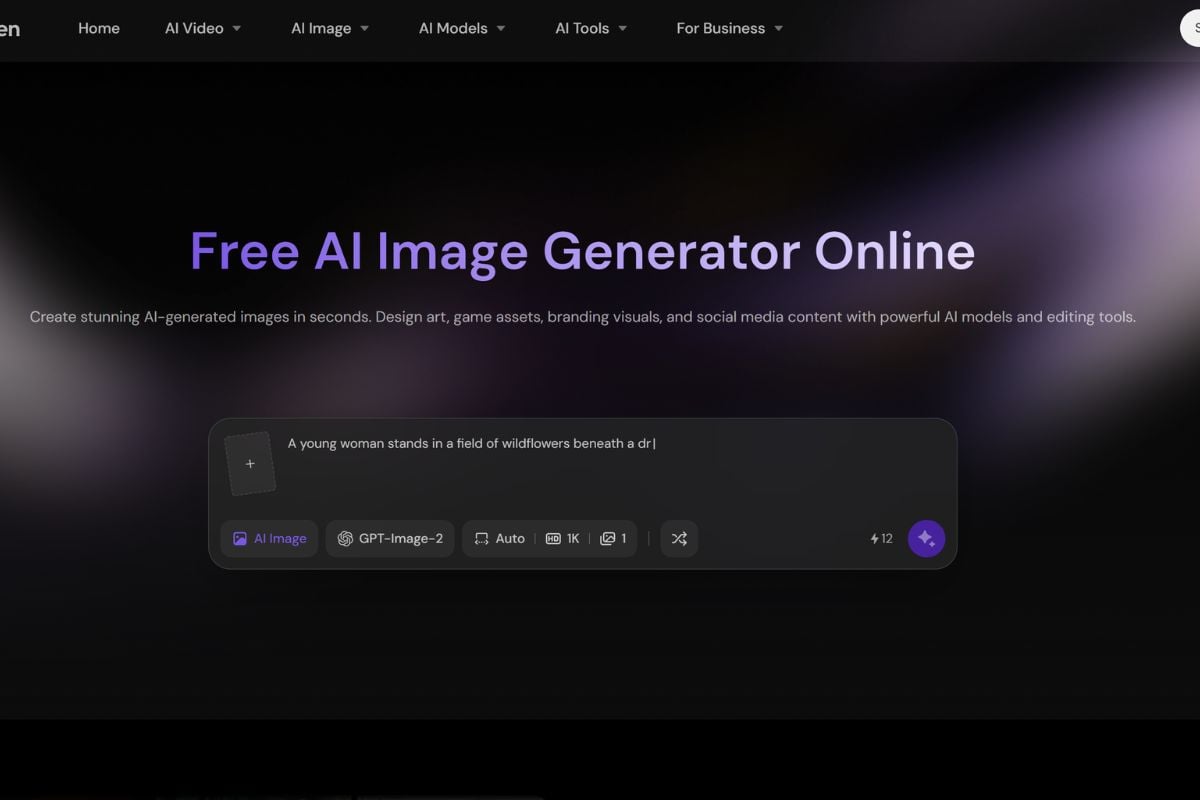
The PicLumen AI image generator creates visuals from text prompts or reference images. Users can generate realistic photos, anime art, illustrations, characters, product visuals, posters, game assets, and marketing images while selecting from different supported models.

Is PicLumen AI free?

Yes, PicLumen has a Basic free plan. Its current official FAQ and pricing pages state that free users receive 10 Lumens per day. Generation and editing actions consume Lumens depending on the selected model and task, while paid plans add more credits, faster generation modes, broader model access, and commercial licensing.

Is PicLumen safe?

PicLumen publishes a privacy policy, terms of service, content rules, and account controls. Its privacy policy explains that it collects account information and uploaded image, video, or audio files to provide the service, and that third-party processors may support hosting, payment, and other operations. Avoid uploading highly sensitive media, protect your account, and review the current privacy policy before processing personal content.

Can PicLumen keep the same character across multiple images?

Yes. PicLumen's Character Reference mode is designed to preserve a recognizable face or subject while changing outfits, poses, expressions, backgrounds, and environments across multiple generations.

Can PicLumen use an image as a style reference?

Yes. Style Reference can extract colors, lighting, texture, brushwork, or a broader aesthetic from an uploaded image and apply that visual direction to a new generation.

Can PicLumen edit only part of an image?

Yes. PicLumen supports prompt-based editing and localized changes such as replacing objects, changing clothing or backgrounds, adjusting colors or lighting, inpainting selected areas, and extending the image beyond its original frame.

Can PicLumen upscale AI images?

Yes. PicLumen provides an image upscaler for increasing resolution, sharpening details, and improving selected images up to higher-resolution output. Its public upscaler page currently promotes output up to 4K.

Can PicLumen images be used commercially?

Commercial rights depend on the current subscription plan. PicLumen's official FAQ states that Basic plan users do not receive commercial-use rights, while paid tiers include different levels of commercial licensing. Users remain responsible for third-party intellectual property and source-image rights.

Create and Refine AI Images With GoEnhance AI

Turn prompts, reference images, products, characters, and visual ideas into polished images, then continue with image editing, style transformation, or animation workflows.

Start Creating