
Topaz Image Enhancer
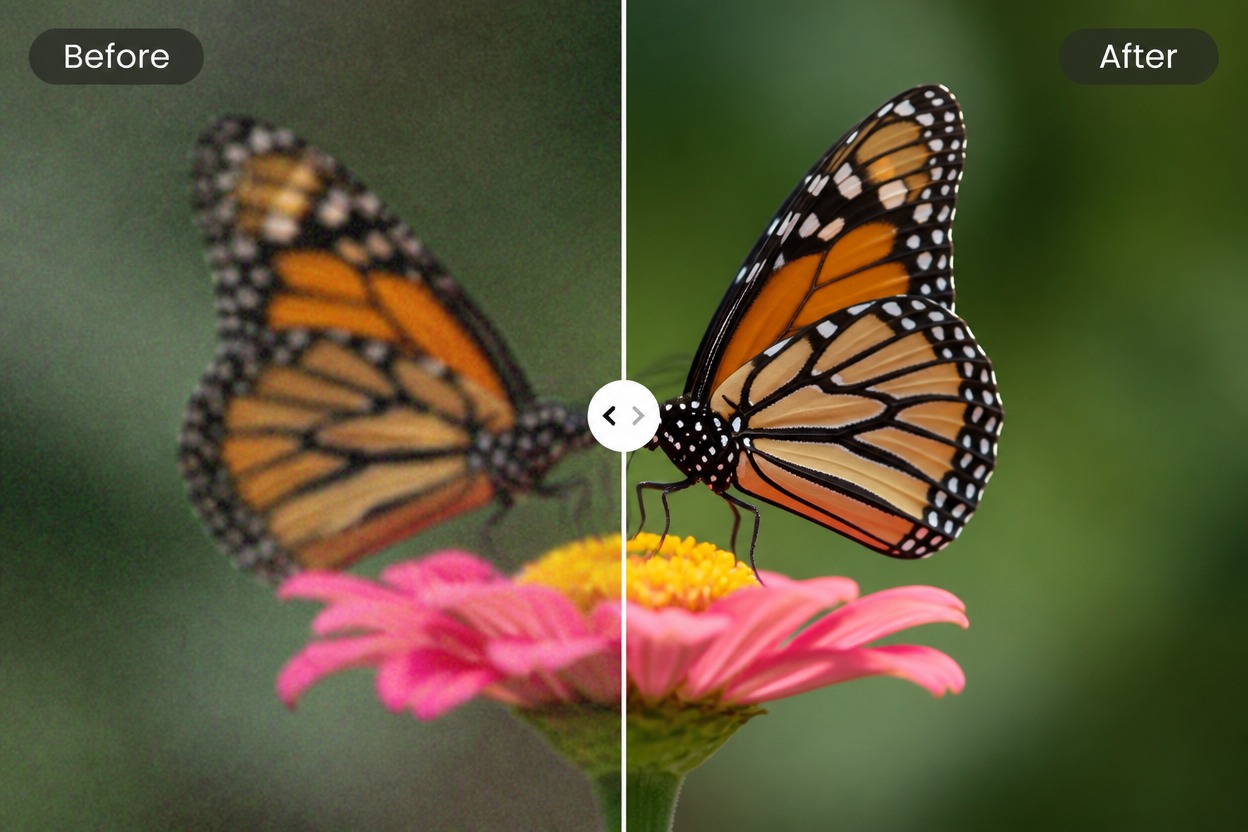
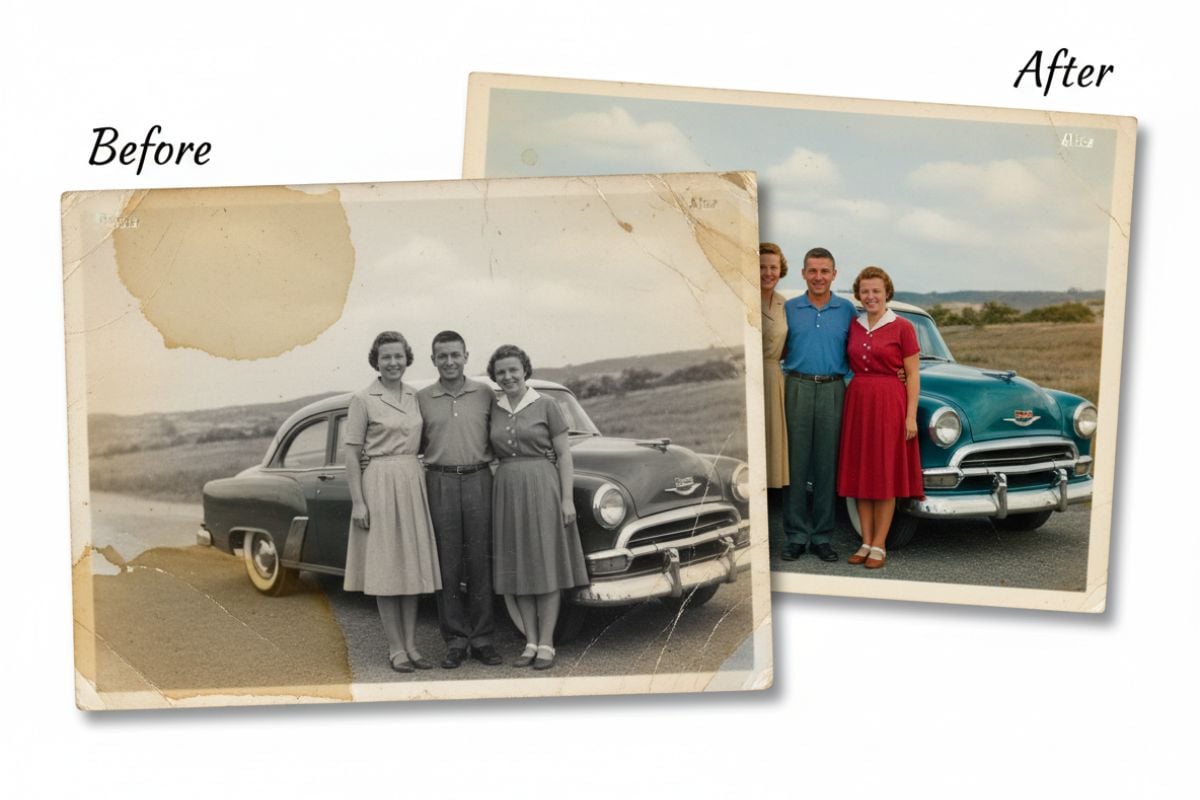
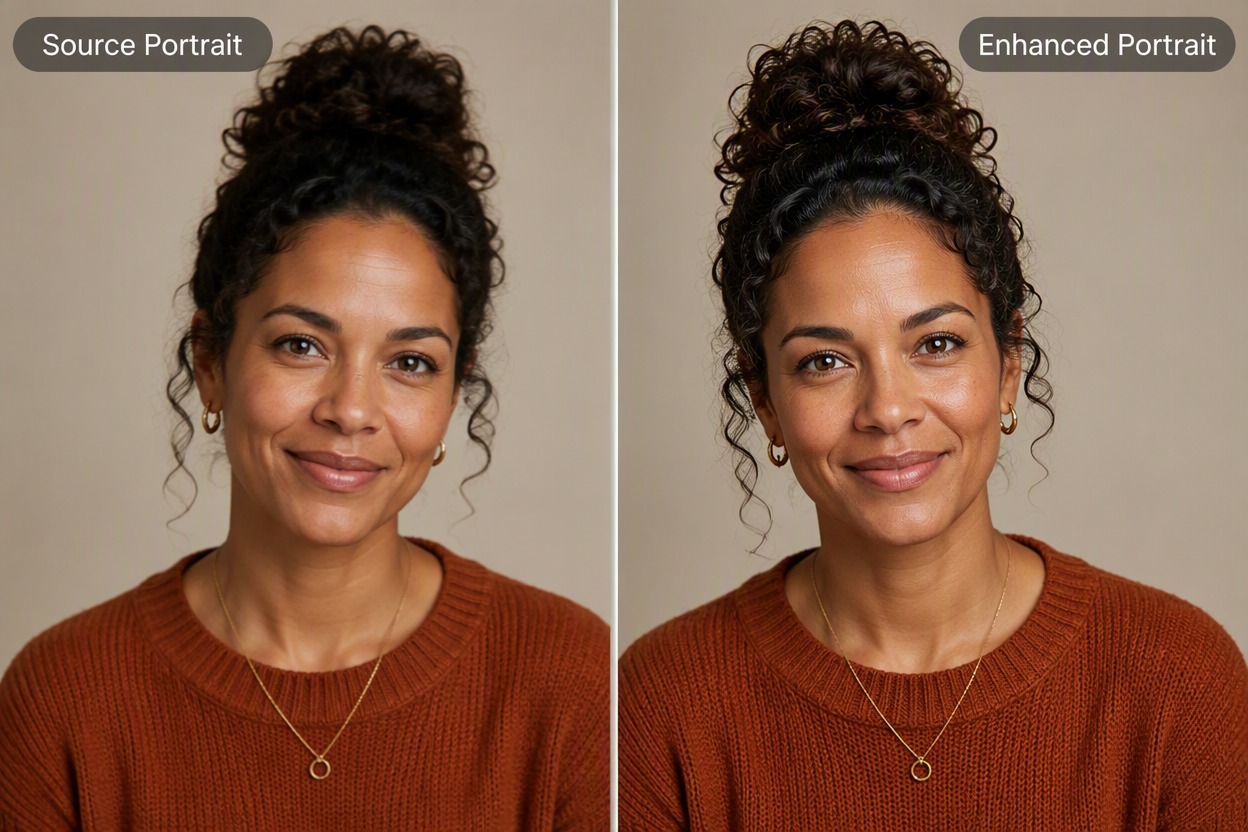
Open the best source in Topaz AI image enhancer, apply a sharpen, denoise, or upscale workflow, and inspect it at full size. Compare real detail with inferred texture before exporting portraits, wildlife, landscapes, or archival images.
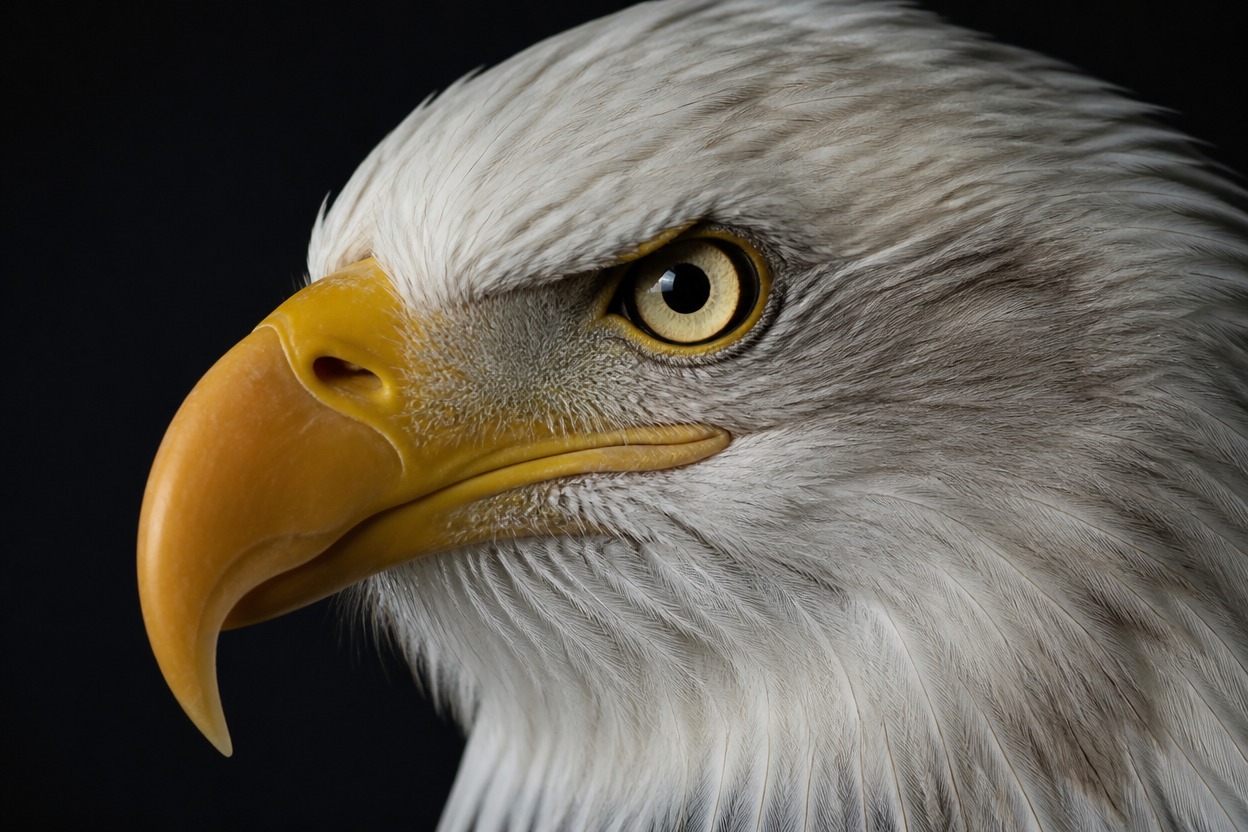
Wildlife
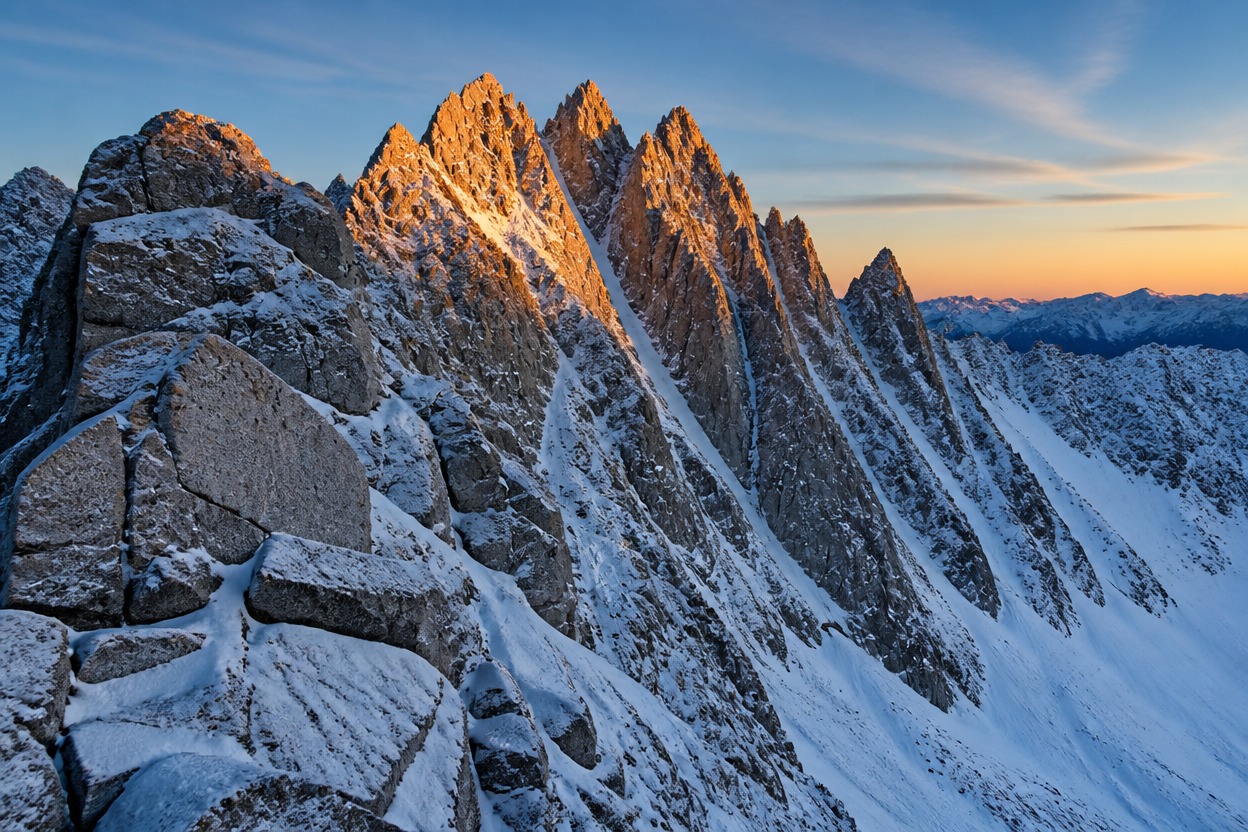
Landscape
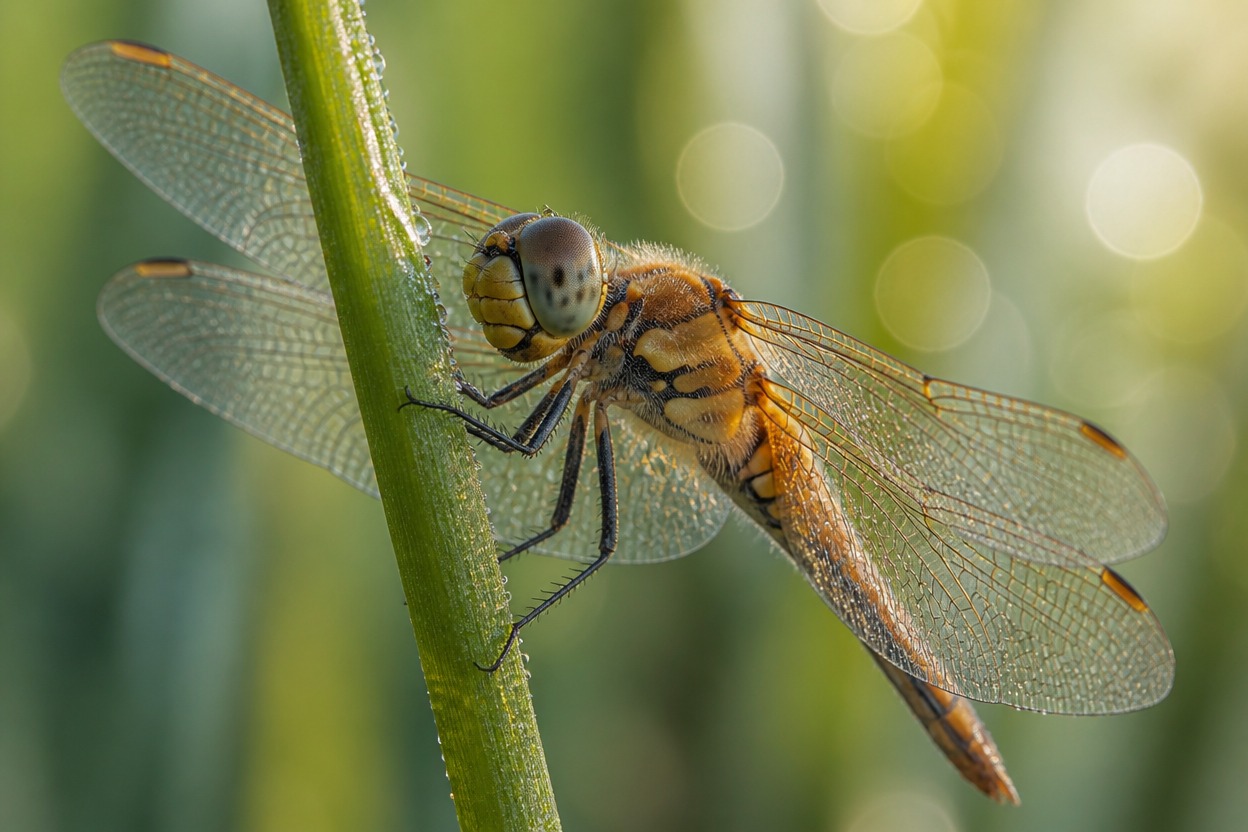
Macro
Upload files
Upload an image to enhance
Mode
By uploading a file, you agree to GoEnhance's Terms of Use and Privacy Policy
Topaz Image Enhancer Features for Sharper, Cleaner Photos
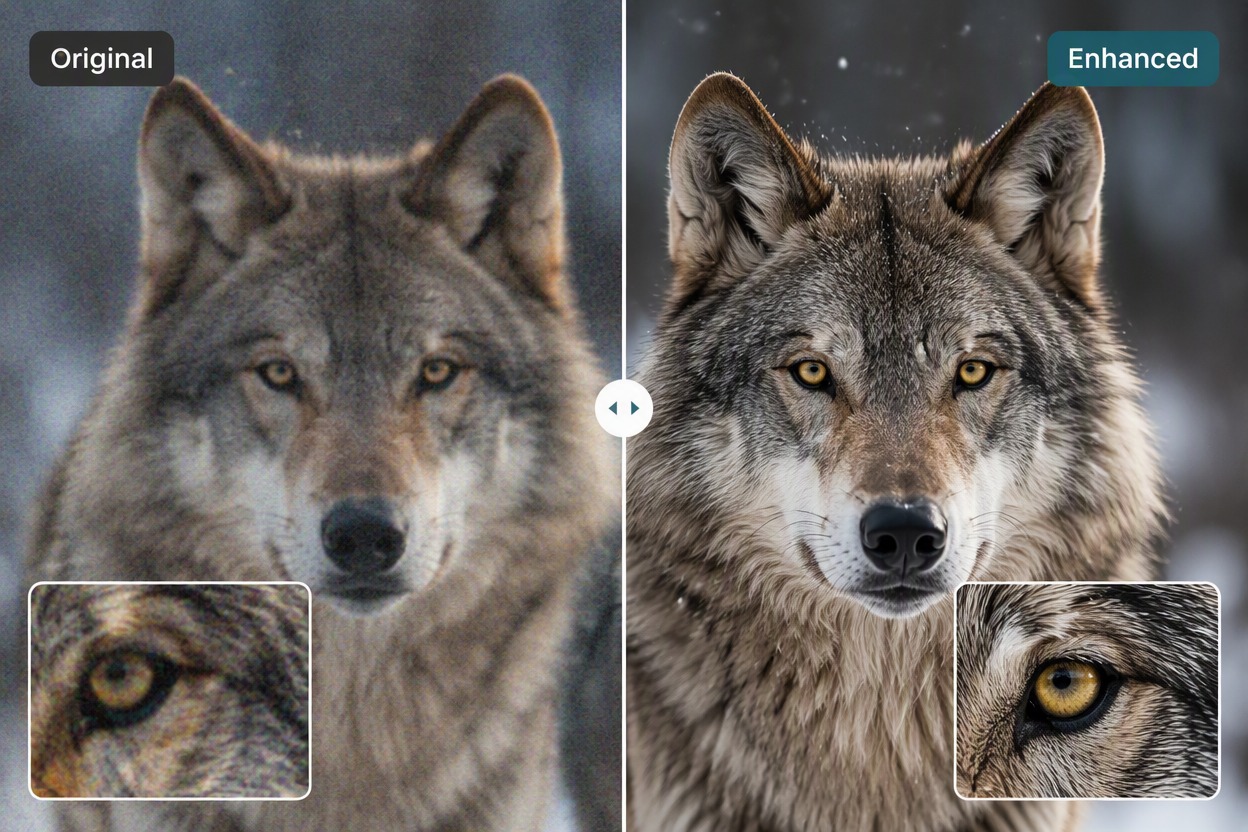
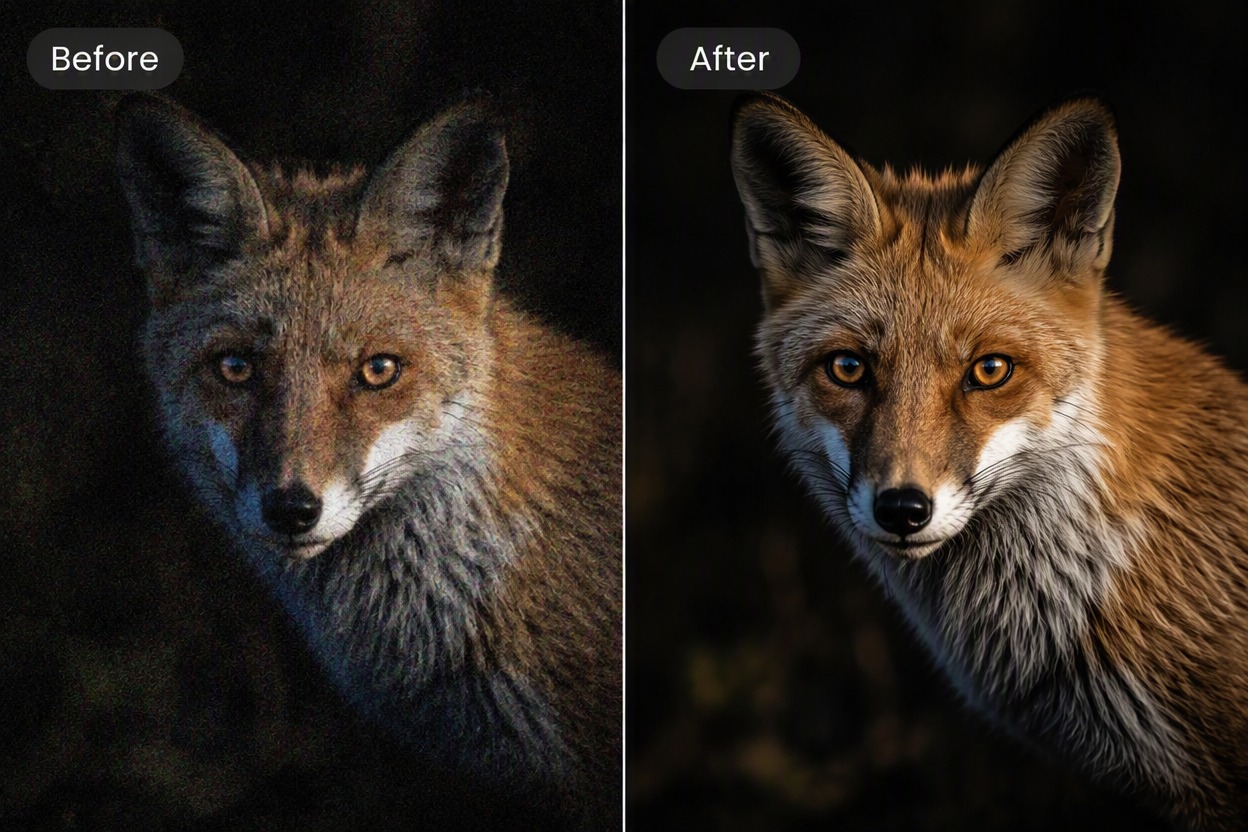
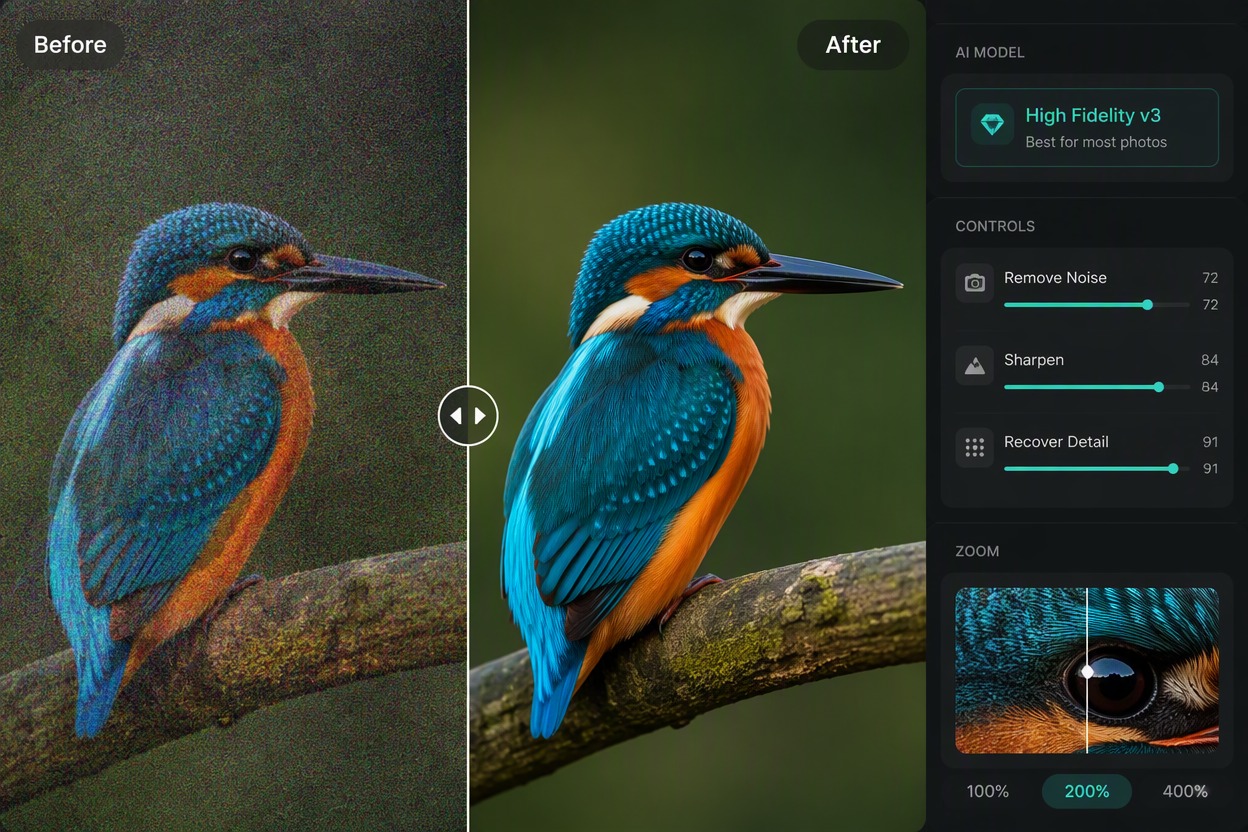
Professional-Ready Image Quality
Create cleaner, sharper, higher-resolution exports for client work, archives, product visuals, and creative projects. For a simple online option, try our image enhancer.
How to Use Topaz Image Enhancer
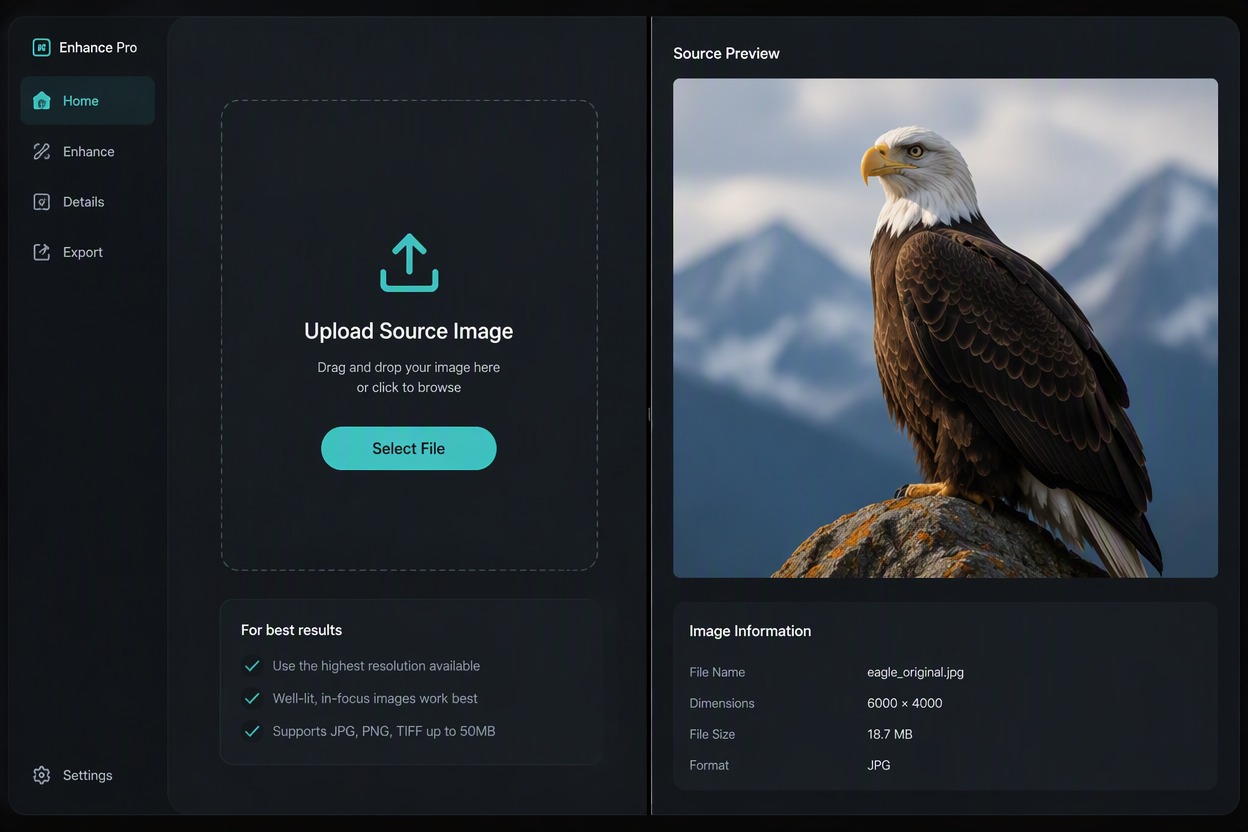
Step 1
Upload the Best Available Source
Choose the cleanest authorized image you have and retain the original. Avoid repeated screenshots or heavily recompressed copies when a better source is available.
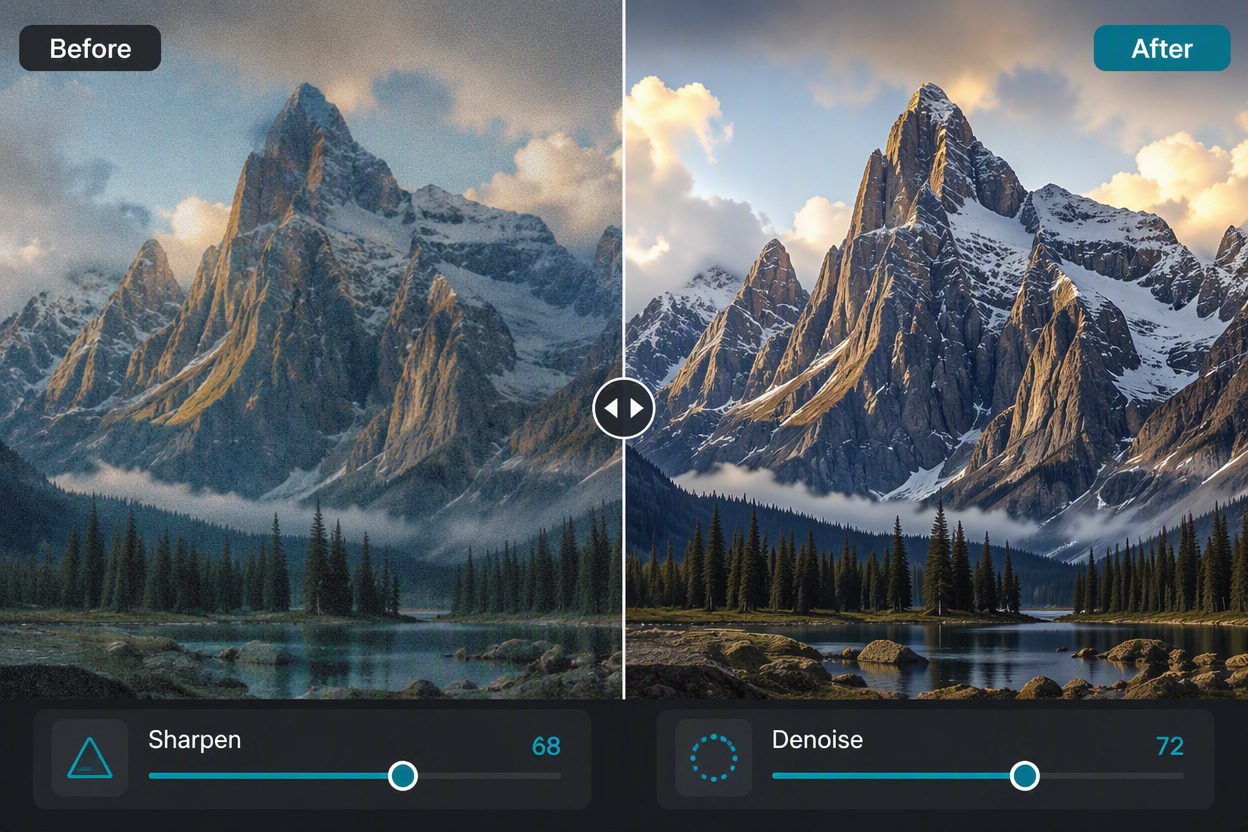
Step 2
Run the Enhancement
Process the image with the available enhancement workflow. Keep the subject, composition, crop, colors, and important objects aligned with the source.
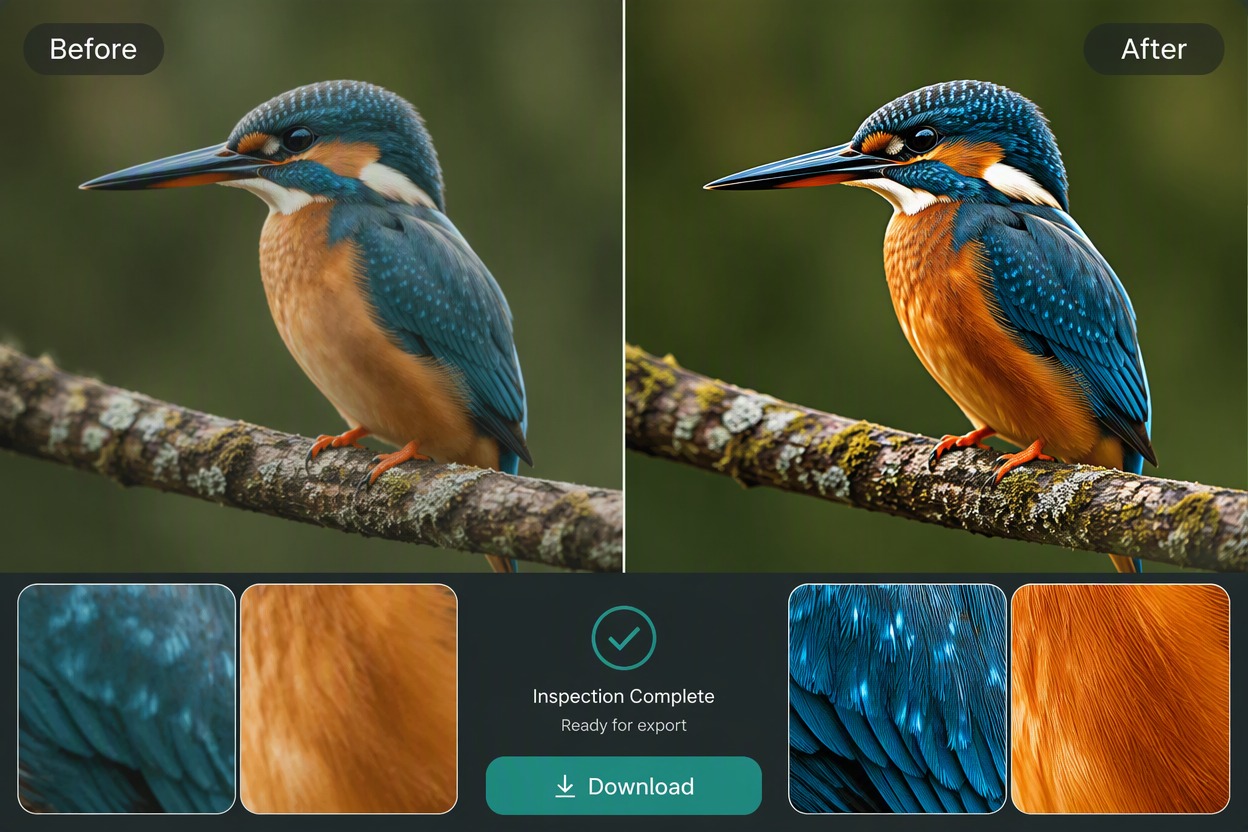
Step 3
Compare and Download
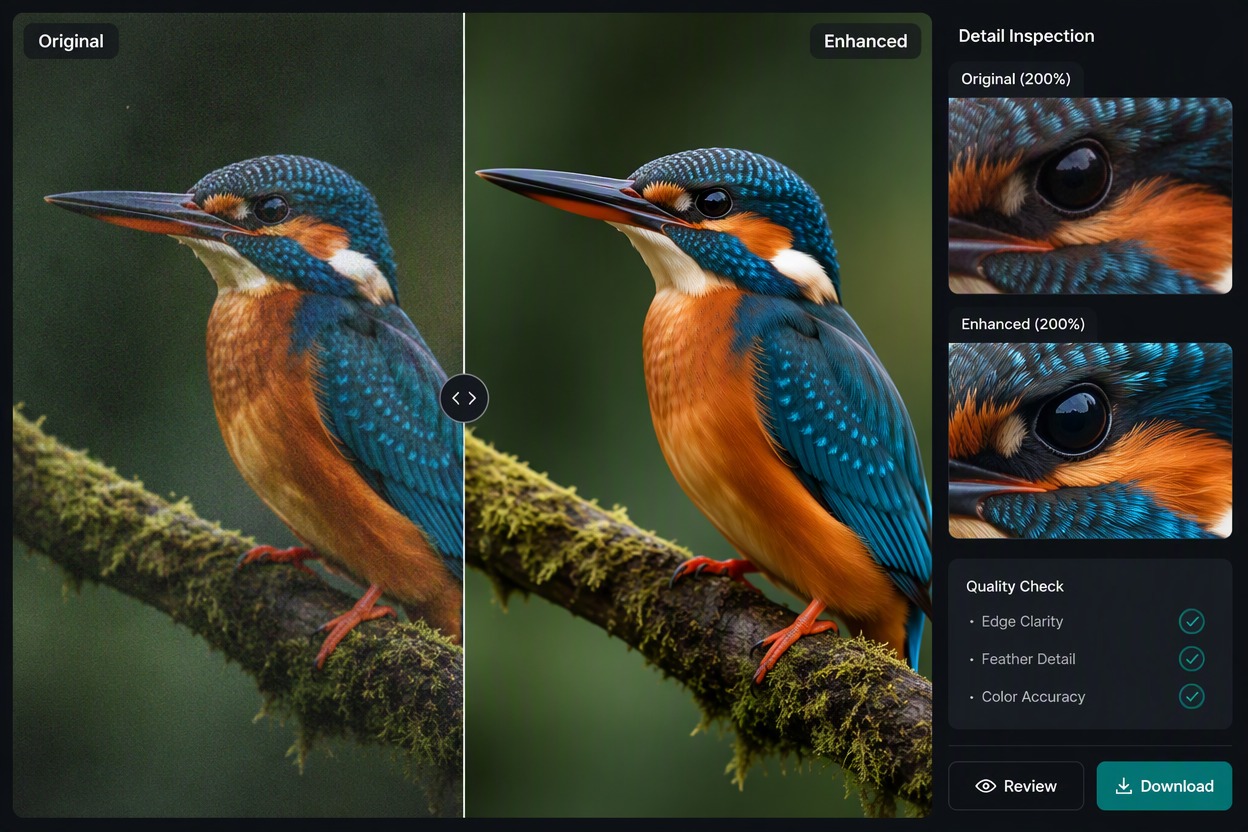
Inspect a matched Original and Enhanced view at full size. Check identity, edges, texture, text, backgrounds, and any product or document detail before downloading.
Topaz Image Enhancer Workflow Highlights
Sharpen Soft Detail
Use Topaz Photo workflows to improve visible edge definition in an existing photo.
Denoise Challenging Images
Reduce distracting noise while preserving real texture and avoiding plastic surfaces.
Upscale for Larger Delivery
Increase output size while checking that inferred detail remains plausible.
Professional Photo Review
Inspect wildlife, landscape, portrait, archival, and low-light images at full size.
Local Desktop Workflow
Work from high-quality originals and retain source files and edit history.
Export After Quality Control
Check halos, texture invention, faces, feathers, signs, and fine patterns before export.
Topaz Image Enhancer FAQ
What does Topaz Image Enhancer do?
Is Topaz Image Enhancer free to use?
Which images are the best inputs?
Can enhancement restore details missing from the source?
Will the enhanced photo keep the same subject?
Can I use the result for business or publishing?
What should I check before downloading?
Explore More AI Image Enhancers
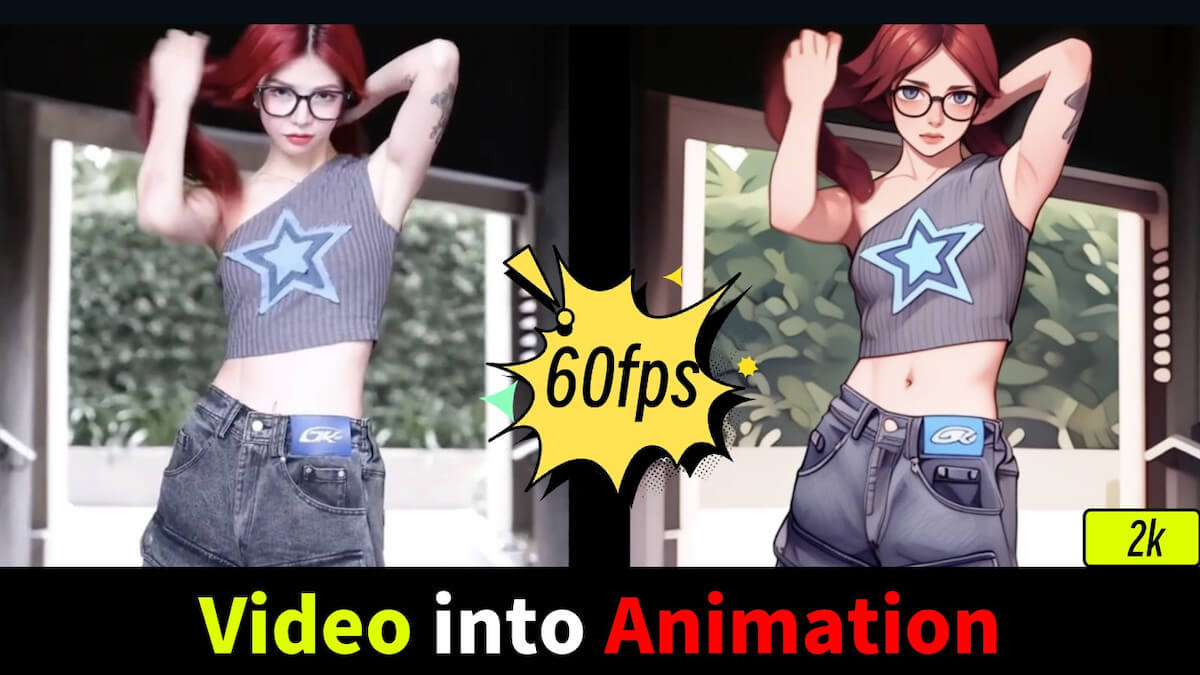
Enhance Your Next Image With GoEnhance AI
Upload an authorized image, improve visible clarity, compare the result with the source, and export the version that best preserves the original subject.
Start Creating With GoEnhance AI