
LongCat-Image Model by Meituan
Key Features of LongCat-Image
Photoreal People & Products
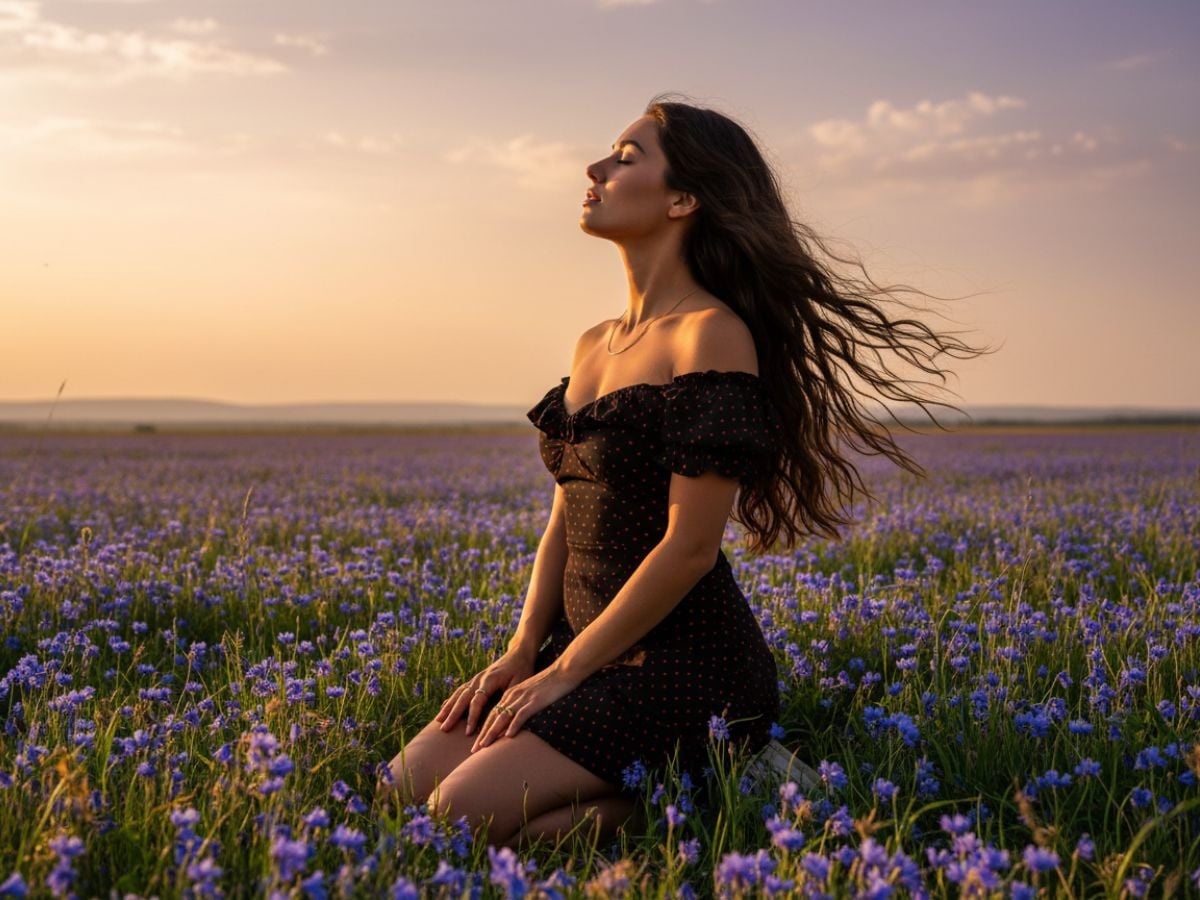
Through careful data curation and training, LongCat-Image produces portraits, product shots, and interior scenes with natural skin tones, detailed materials, and balanced light and shadow. It works well for thumbnails, catalog images, and mockups where viewers expect something close to a real photo. If you also work with motion, it pairs naturally with LongCat-Video so stills and clips can share the same visual style.
Powerful Text-Guided Editing
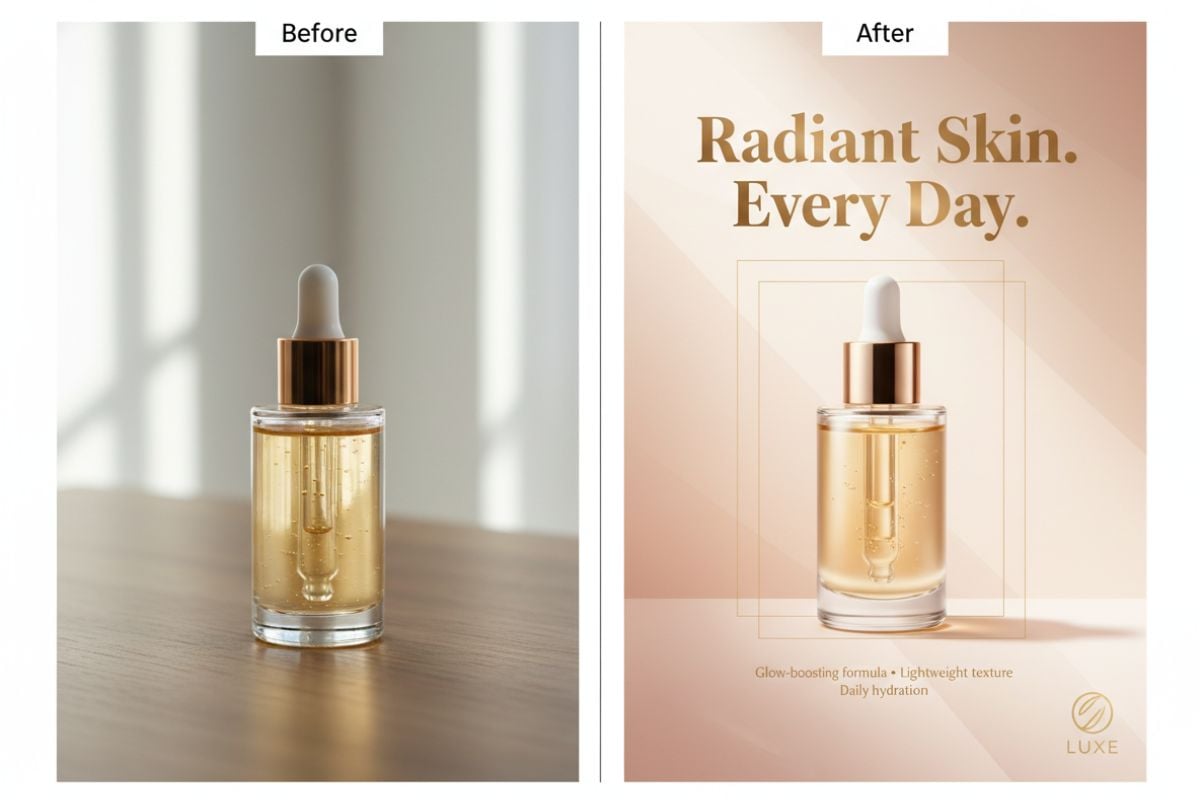
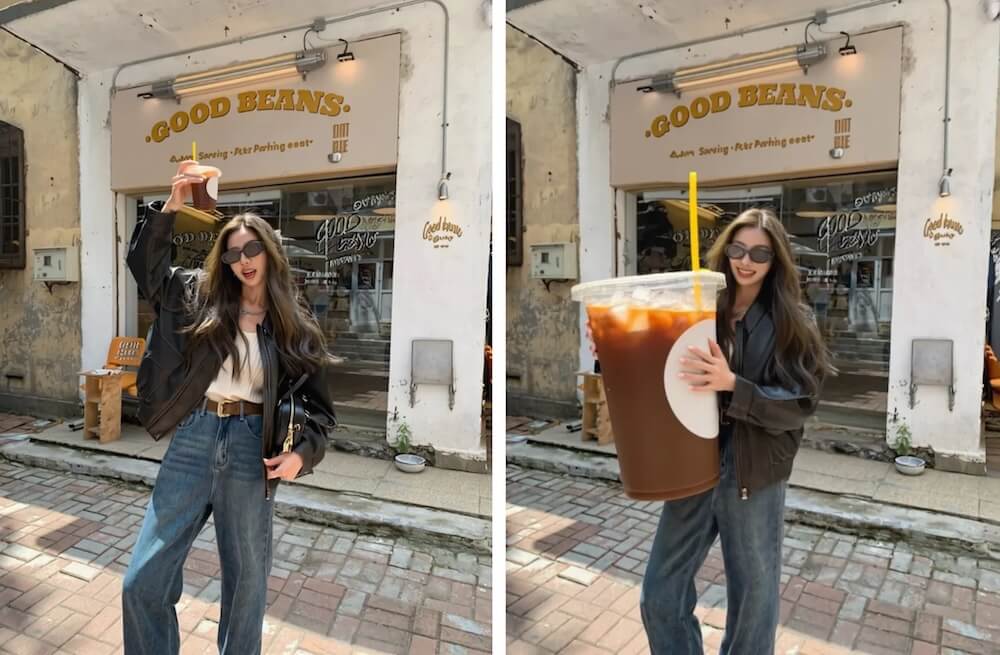
The LongCat-Image-Edit variant focuses on modifying existing pictures based on short instructions. You can swap objects, adjust backgrounds, or change color moods while keeping the original framing and perspective, which is useful for refining product photos or updating marketing materials without re-shooting.
Dev Checkpoints & Open Ecosystem
Alongside the main model, LongCat-Image-Dev exposes mid-training checkpoints for custom fine-tuning, while the project offers training code, LoRA adapters, Diffusers pipelines, and ComfyUI integrations. This makes it easier to create house styles or domain-specific looks without training a model from scratch.
How to Use LongCat-Image on GoEnhance?
Choose LongCat-Image Model on GoEnhance
Choose this model to create new images from text or to transform an existing picture.
Describe Your Scene in Natural Language
Write a prompt that covers subject, setting, style, and any Chinese or English wording you want to appear in the image. For editing tasks, briefly explain what should change and what should stay the same.
Generate, Refine & Reuse
Adjust guidance, steps, and strength until the result fits your project. Once you’re satisfied, download the image, or send it into other tools like the AI video generator when you want to build short clips around the same visuals.
Why Use LongCat-Image on GoEnhance AI?
6B Parameters, Strong Real-World Performance
Chinese Text Rendering That Actually Holds Up
Dedicated Edit Model for Daily Production Work
Photorealism for Products, People & Places
Open-Source Tools for Custom Styles
Smooth Fit Inside GoEnhance Workflows
Frequently Asked Questions
What is LongCat-Image?
Who builds and maintains LongCat-Image?
Does LongCat-Image support bilingual prompts?
What are LongCat-Image, LongCat-Image-Dev and LongCat-Image-Edit?
How does LongCat-Image perform compared to other models?
Can LongCat-Image be used together with video tools?
Is LongCat-Image available inside GoEnhance AI?
Can I use LongCat-Image outputs for commercial work?
More AI Models on GoEnhance
Try LongCat-Image on GoEnhance AI
Open GoEnhance AI, choose LongCat-Image, and turn detailed prompts into bilingual posters, photoreal portraits, and edit-ready images in just a few steps.