AI Zombie Filter: See Yourself as a Zombie
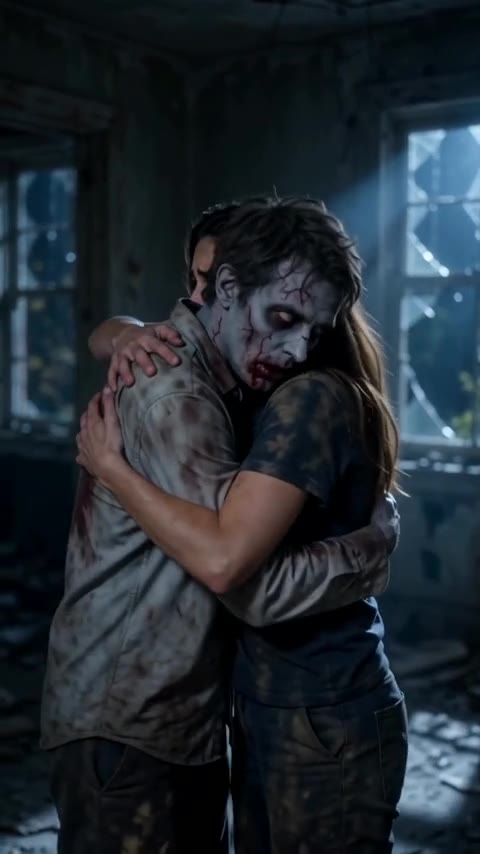
Upload a photo and the AI turns you into a movie-style zombie: pale grey-green skin with dark veins, sunken cloudy eyes, cracked lips, dirt and torn clothes. Your face shape, hairstyle, pose and background stay the same, so friends can still tell it's you. Spooky, not gory. The console below runs on GPT Image 2.5.
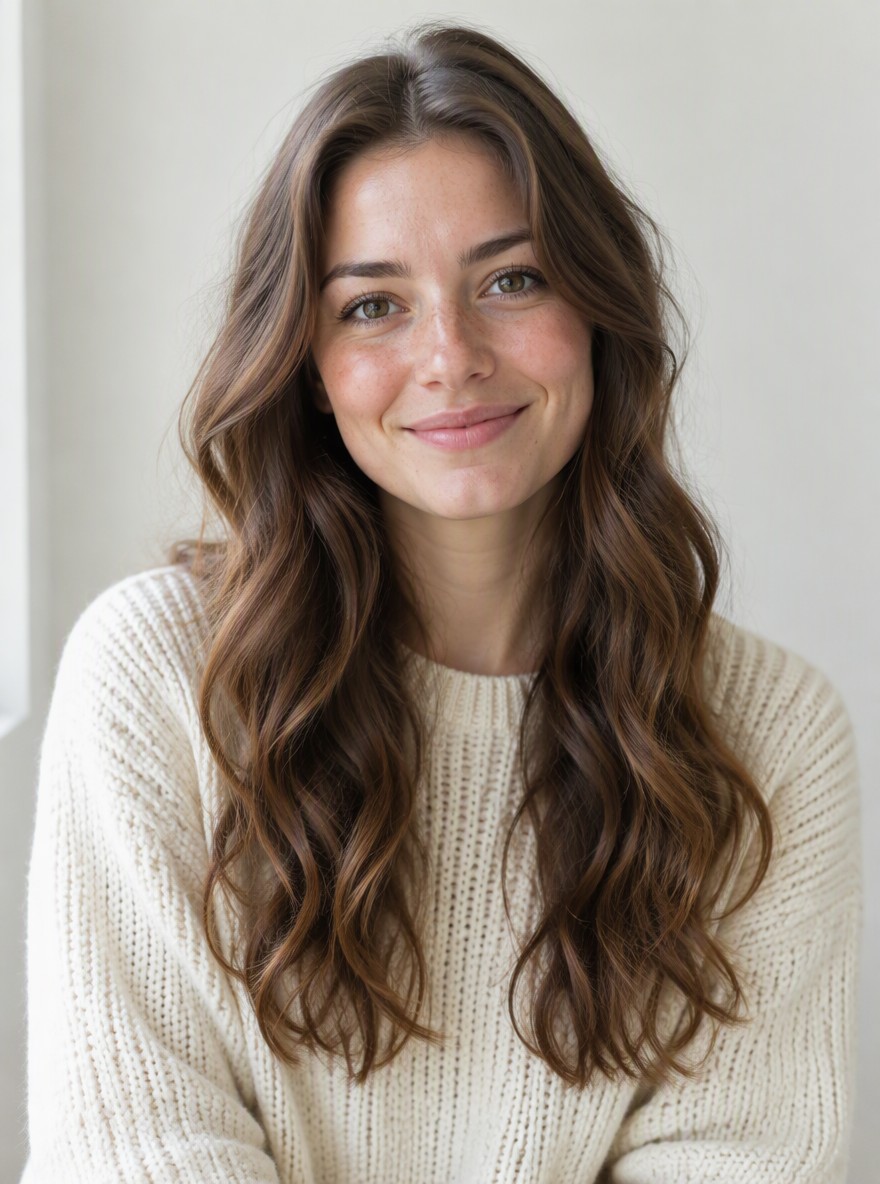
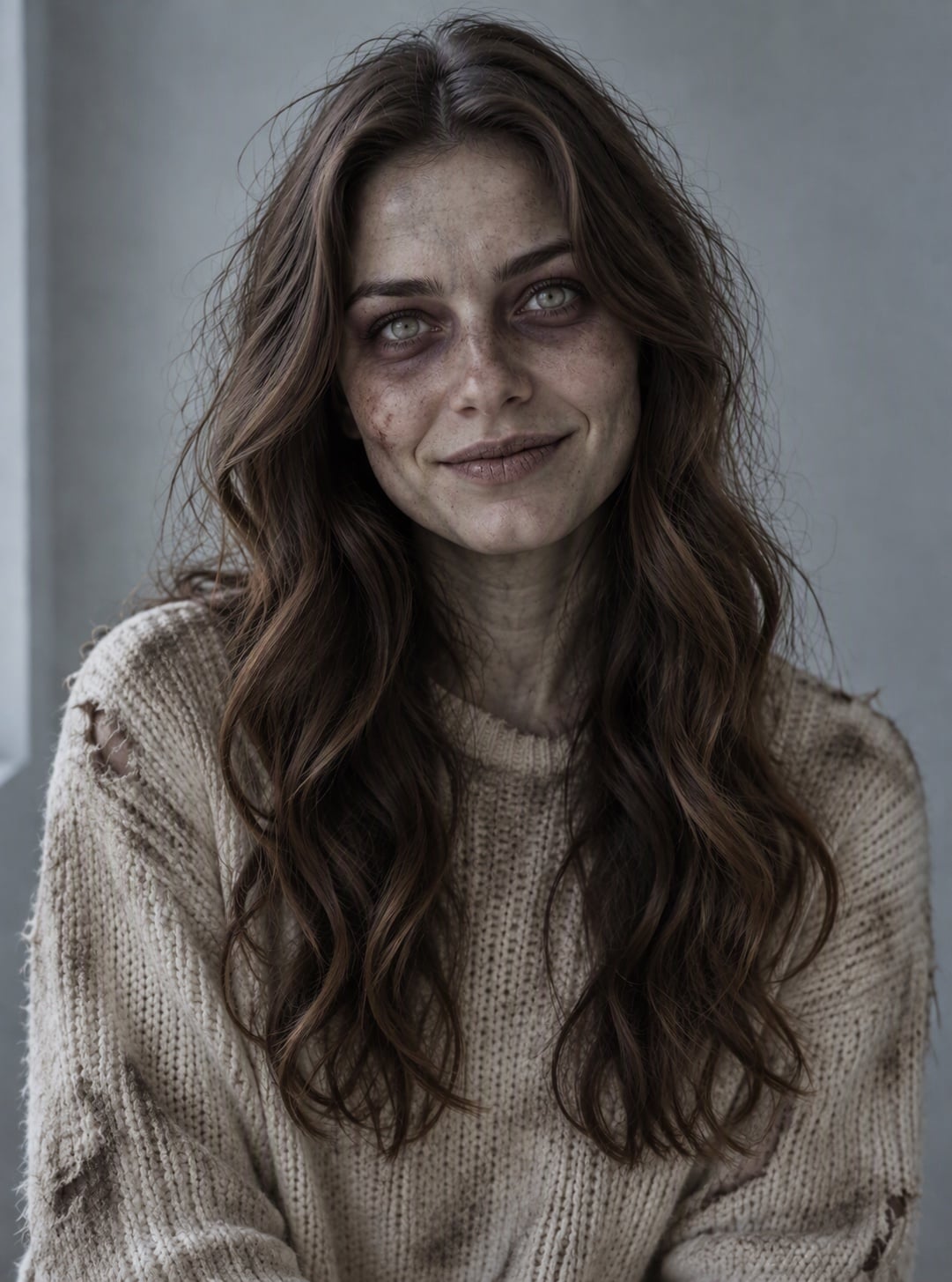
Cozy Sweater Portrait
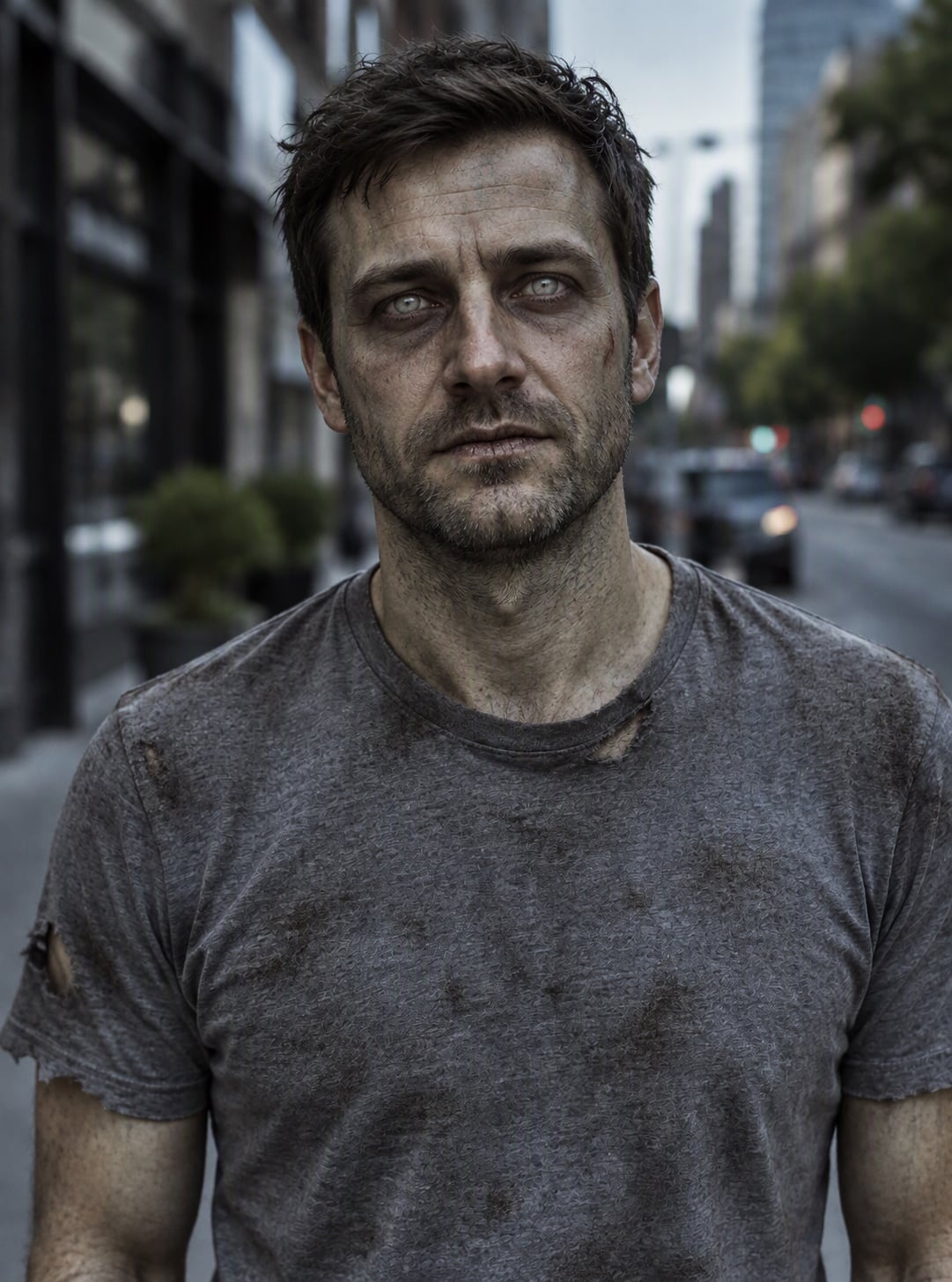
City Street Selfie
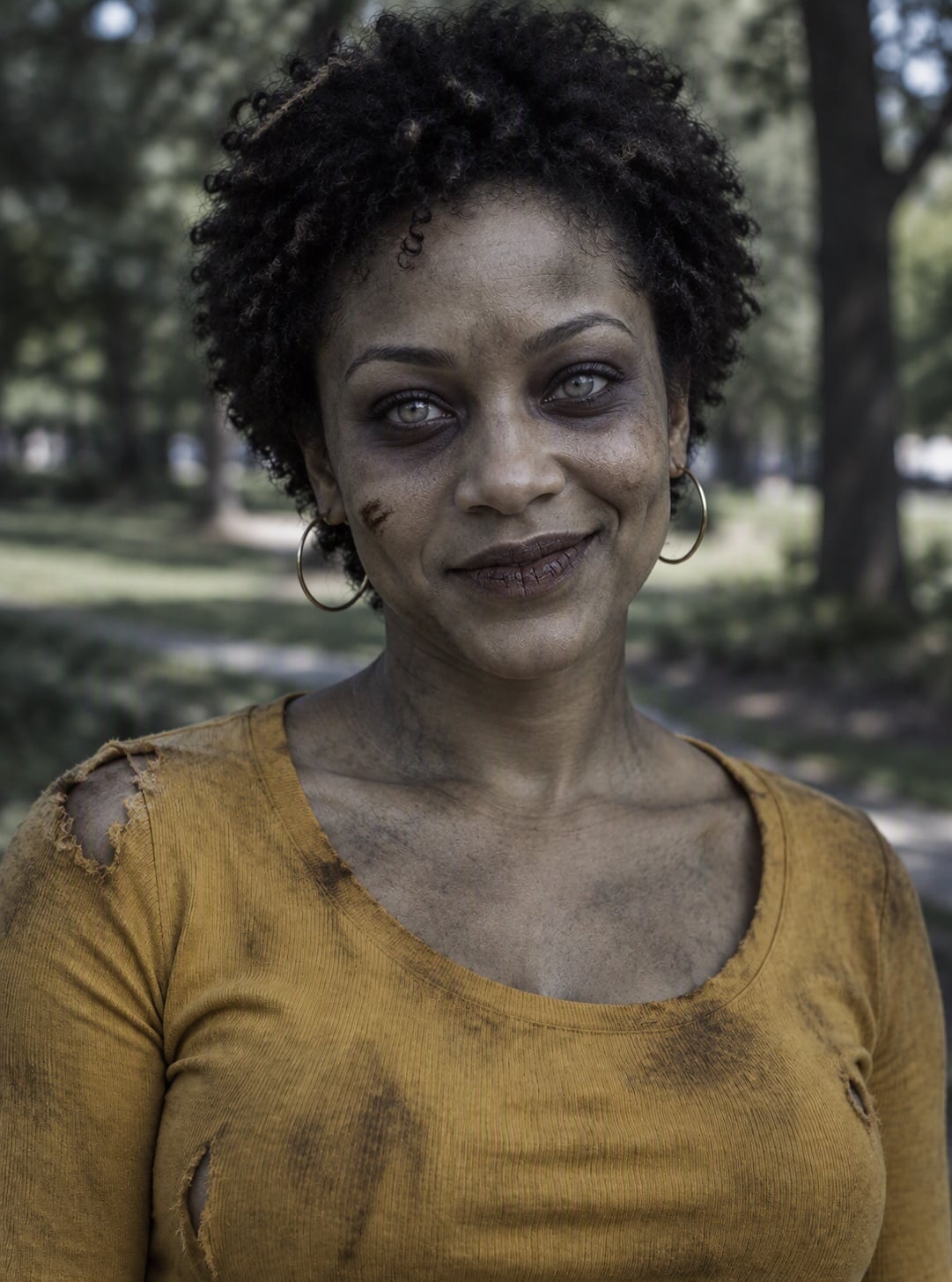
Park Portrait
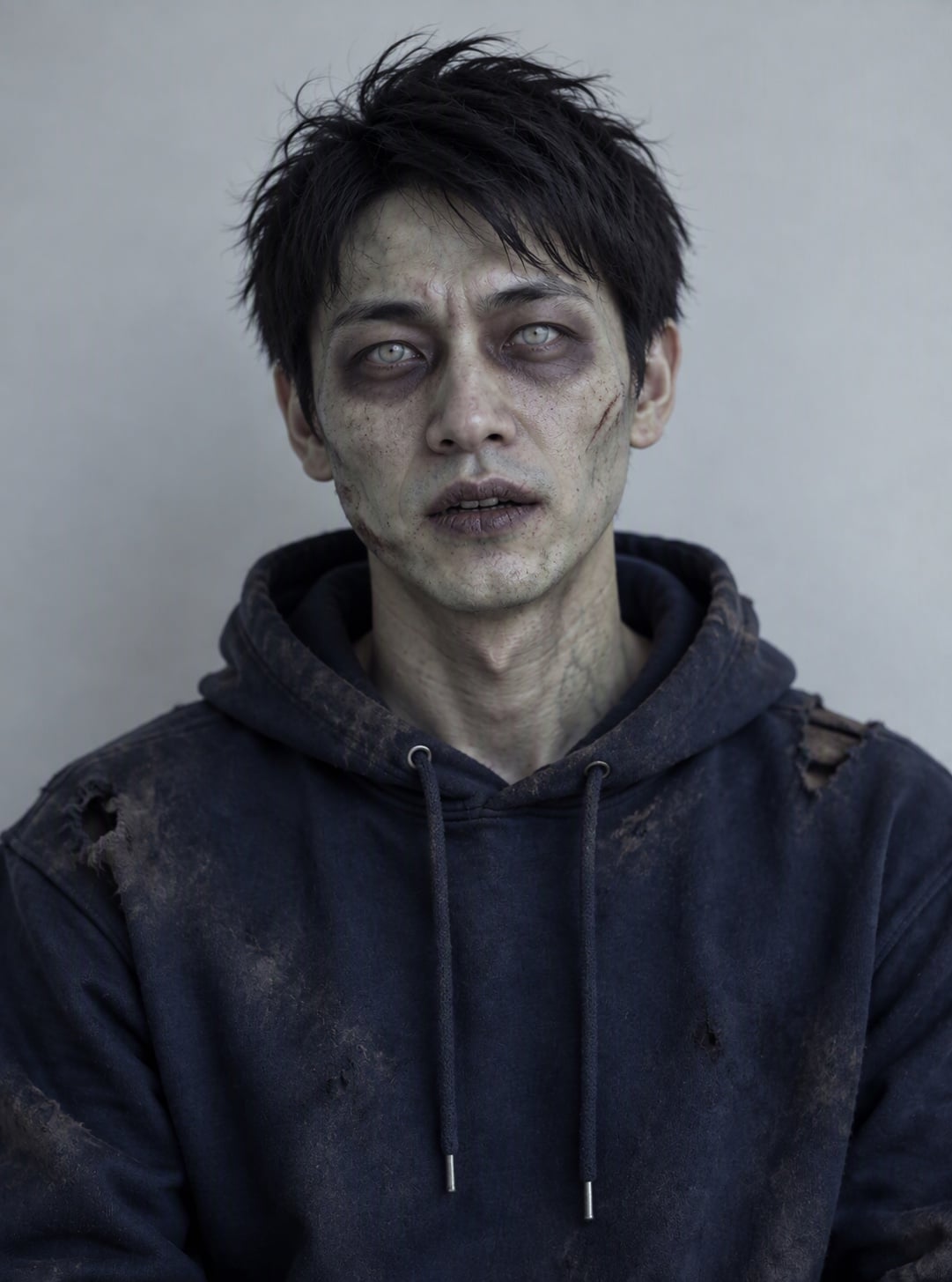
Hoodie Headshot
Upload files
Upload a photo to turn into a zombie
Effect prompt
By uploading a file, you agree to GoEnhance's Terms of Use and Privacy Policy
Zombie Filter Results from the Console
Each picture is one upload with the prompt above. The person stays recognizable; only the zombie look is added.
Cozy Sweater Portrait
City Street Selfie
Park Portrait
Hoodie Headshot
How to Use the AI Zombie Filter
01
Upload a photo
A clear selfie or half-body photo works best. Make sure the face is well lit and not covered.
02
Generate
The zombie prompt is already filled in. Press the button and the AI adds the grey skin, dead eyes and torn clothes.
03
Download and share
Save your zombie picture and post it for Halloween, or use it as a spooky profile photo.
Why Use This Zombie Filter
Still looks like you
Face shape, hairstyle and pose come from your photo, so the result is clearly you, just undead.
Movie-style makeup
Grey-green skin, visible veins, cloudy eyes and dirt look like real special-effects makeup, not a cartoon sticker.
Spooky, not gory
No blood pools or open wounds, so the picture is easy to share on any social app.
Free to try
New accounts get free credits, so you can make your first zombie photo without paying.