goenhance logo

Seedream 4.5 High-Fidelity Image Model
Seedream 4.5 is a high-fidelity image model built for sharp 2K and 4K-ready visuals, consistent characters, and precise text rendering across complex layouts. On GoEnhance, Seedream 4.5 gives you cleaner details, more stable sequences, and faster iterations than previous releases, so you can move from idea to polished visual without wrestling with artifacts.
Try Seedream 4.5 Free

Key Features of Seedream 4.5 on GoEnhance

Cinematic 2K & 4K-Ready Detail

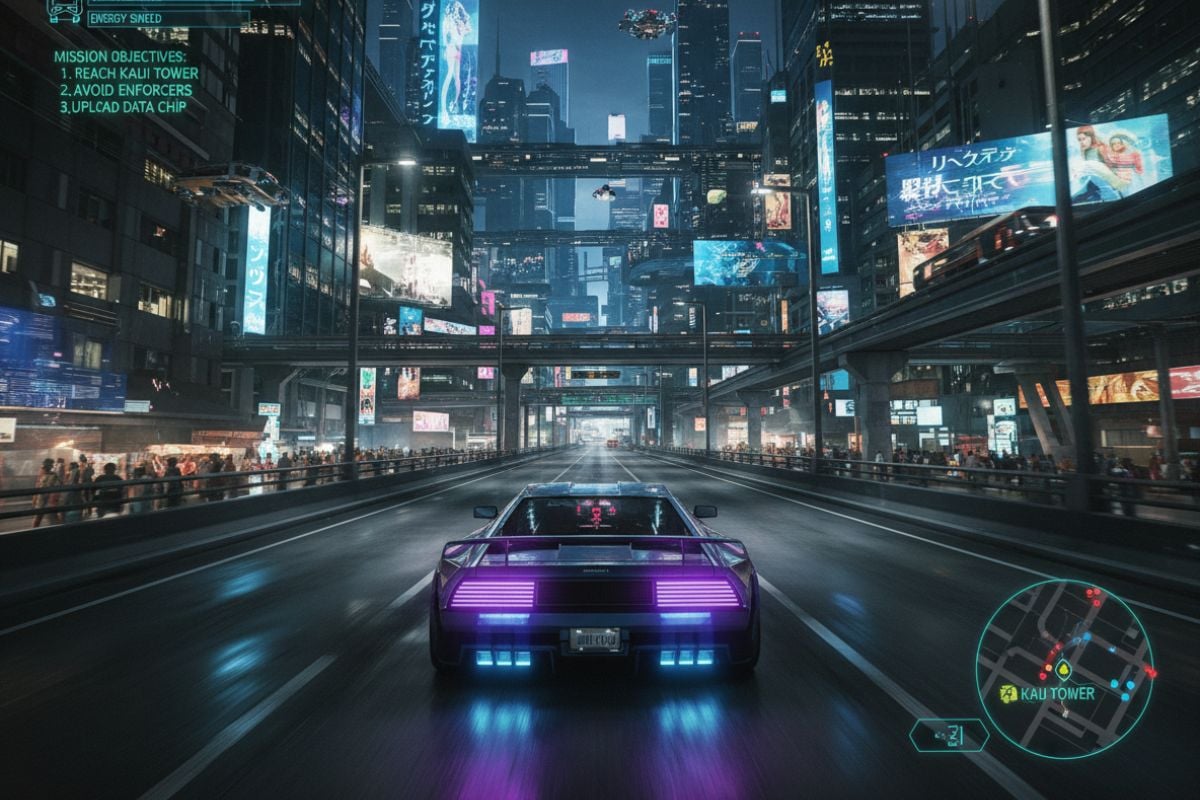
Seedream 4.5 pushes sharpness and micro-detail while keeping skin, fabrics, and materials natural. You can frame shots like a film still, then export at 2K and upscale for 4K use without the usual softness or halos.

Cinematic 4K-style image rendered with Seedream 4.5

Sharp Text & Poster-Grade Layouts

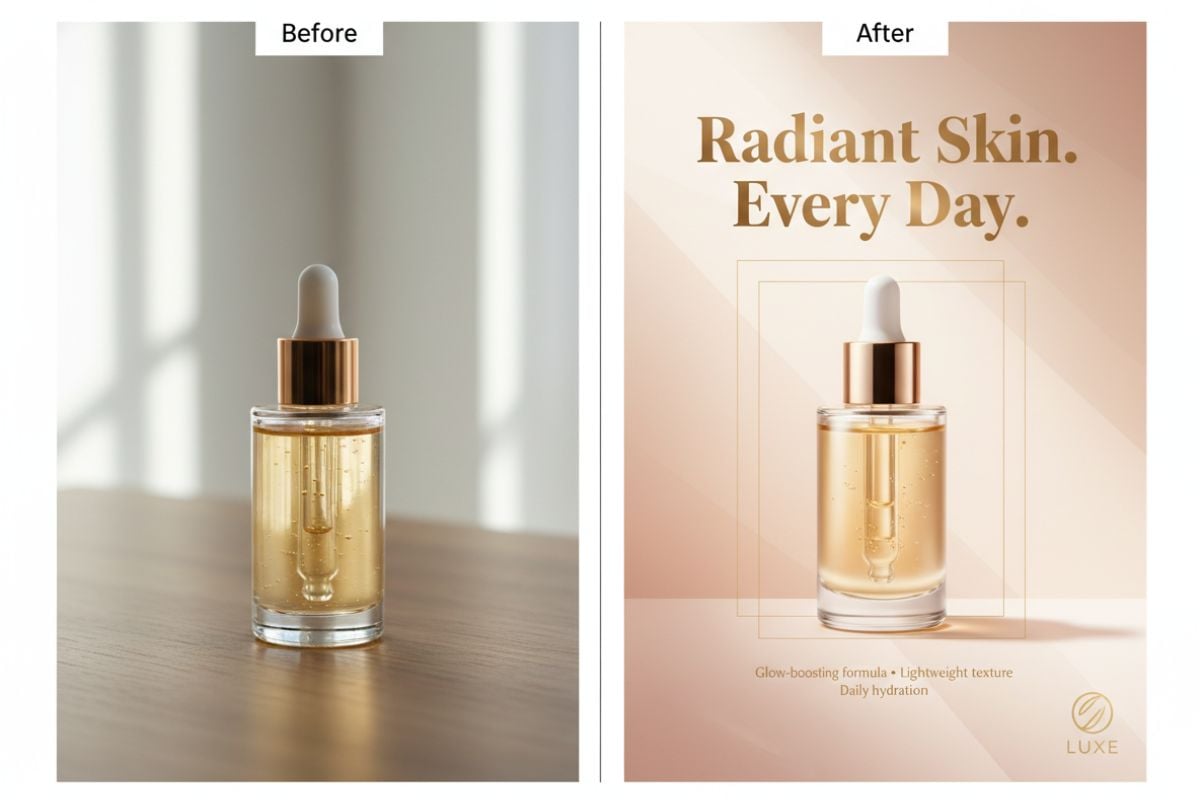
Design key art, event posters, and product pages with dense copy. Seedream 4.5 holds small text, logo shapes, and grid-based layouts together so your final image looks like something that could go straight to print.

Poster-style layout with long text and logos

Multi-Image & Sequence Consistency

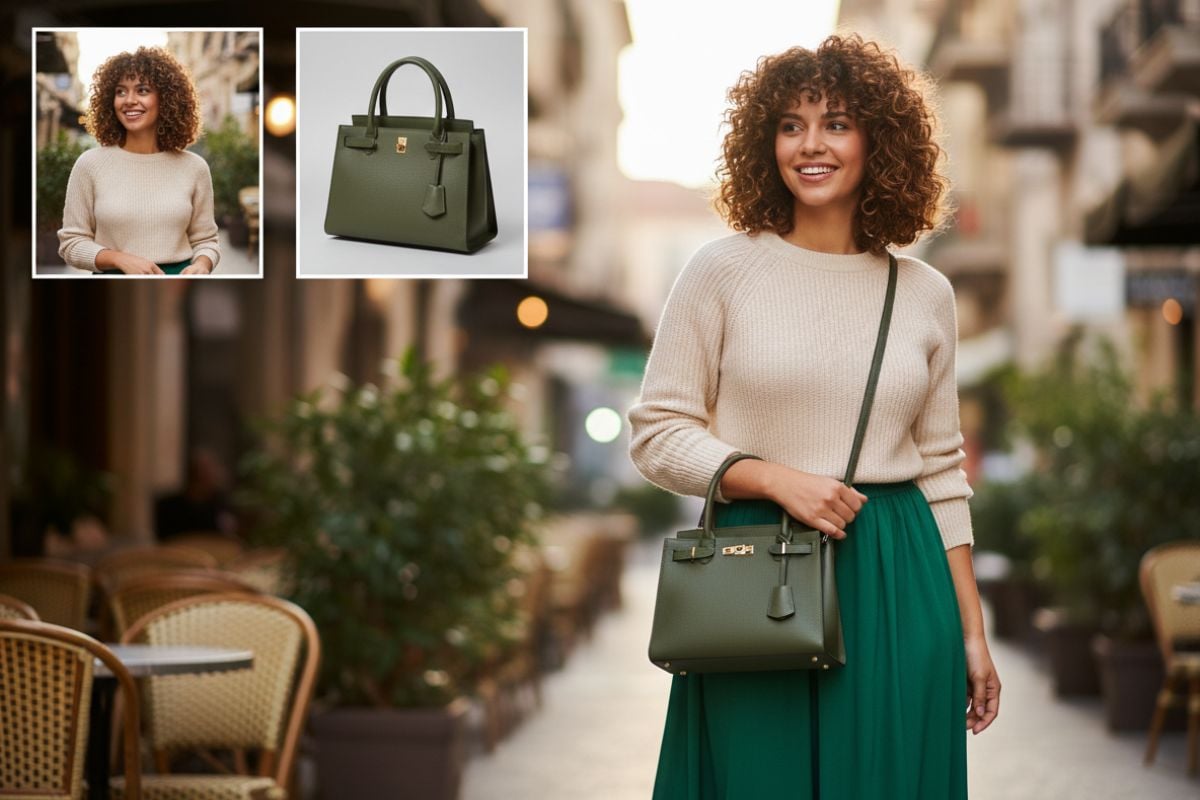
Feed Seedream 4.5 several references and let it line up faces, outfits, and lighting into one coherent scene or sequence. It keeps the same character across angles and scenes, which is ideal for boards, lookbooks, and story frames.

Multi-image fusion into a cohesive sequence

Original-Preserving Image Edits

Change clothing, clean a background, or swap text on signage while keeping the original lighting and overall mood intact. Seedream 4.5 AI video generator is tuned to respect the base photo instead of redrawing everything from scratch.
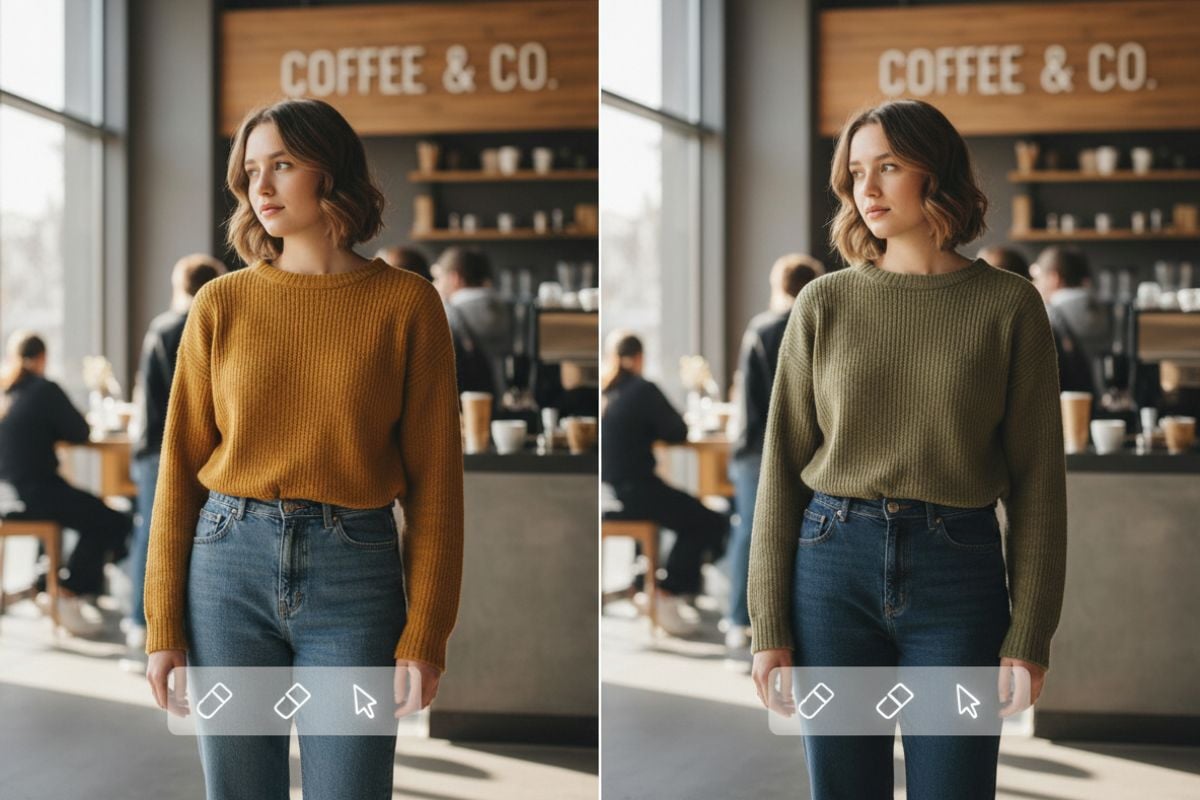
Original image with subtle local edits

Stable Characters Across Shots

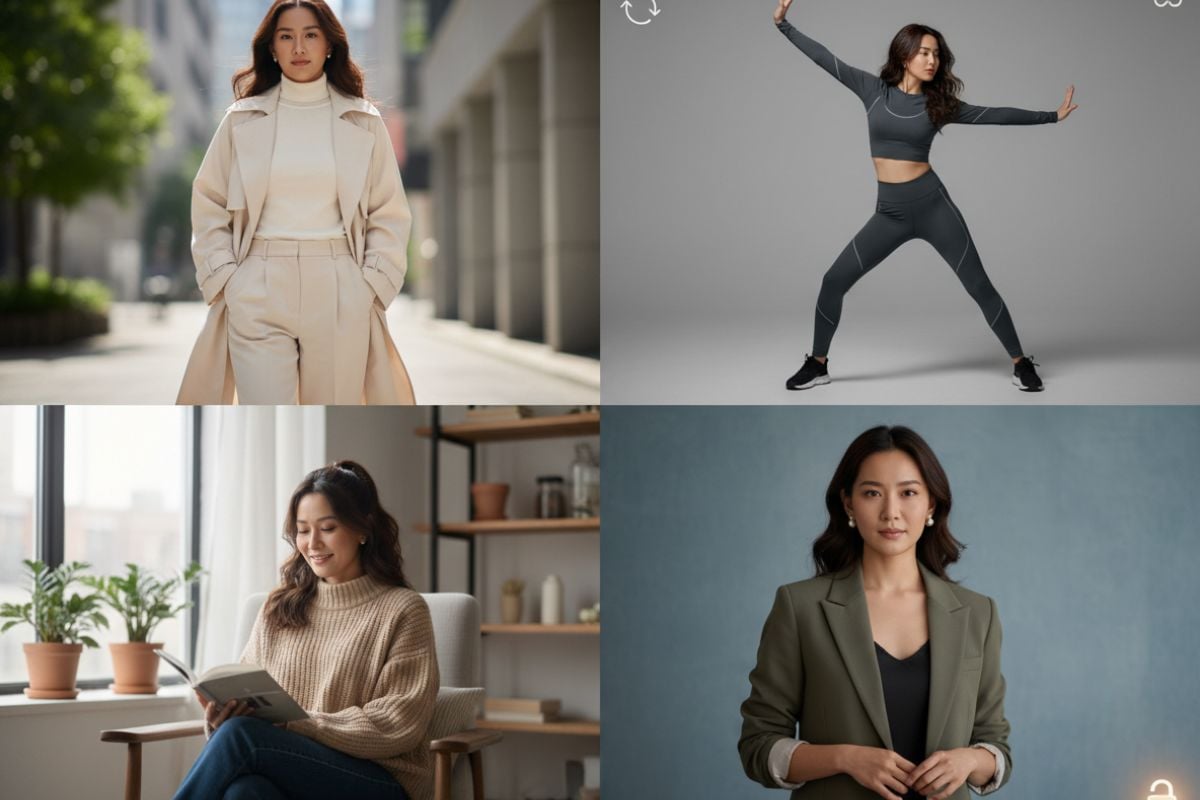
Once you lock in a face, Seedream 4.5 works hard to keep it recognizable in new poses, outfits, and locations. That stability makes it easier to build campaigns around one hero character or mascot.

Stable character across different poses and scenes

How to Use Seedream 4.5 on GoEnhance

01

Describe the Look You Want

Choose text-to-image or image-to-image, then outline your scene in plain language—camera angle, mood, format, and whether you’re aiming for a portrait, poster, storyboard frame, or product shot.

02

Add References & Structure

Upload photos, design mocks, or previous frames to anchor faces, colors, and layout. Seedream 4.5 reads these cues and keeps your subject, style, and composition coherent across outputs.

03

Refine, Approve, and Export

Dial in small changes—pose, lighting, props, or copy—until the image feels right. When you’re done, export in 2K and upscale for 4K use in decks, campaigns, or production pipelines.

Sharper images, steadier characters, and more reliable layouts for real production work

Why Choose Seedream 4.5 on GoEnhance?

Cinematic Detail with Natural Materials

Seedream 4.5 is tuned for rich, film-like images where skin, metal, glass, water, and fabric all react to light in a believable way, even in moody or low-light scenes.

Poster-Ready Text and Layouts

From gallery posters to launch key visuals, the model handles long copy blocks, small labels, and logos with more stability, so you spend less time fixing letters by hand.

Stable Characters and Reusable Heroes

Build a character once and reuse them across multiple shots and settings. Seedream 4.5 keeps facial structure and key traits stable, which is critical for brand heroes and recurring story figures.

Multi-Image & Multi-Shot Consistency

You can combine several references—poses, props, locations—and still get images that feel as if they belong to the same session. This makes it easier to assemble sequences or matched sets.

Faster Turnarounds for Creative Teams

Shorter generation times make it practical to test more directions in the same review window, whether you are art directing a single hero shot or mapping out a full sequence for the AI video generator.

Smooth Upgrade from Earlier Versions

If you’ve worked with Seedream 4.0, you’ll notice cleaner hands, better text, and more reliable subject locking, without having to relearn your prompting habits.

Frequently Asked Questions

Try Seedream 4.5 on GoEnhance AI

Open Seedream 4.5 in your browser, drop in a prompt or a reference image, and start building cinematic, production-ready visuals without leaving the GoEnhance workspace.

Start Creating with Seedream 4.5