
Hotel Lobby AI Video Generator
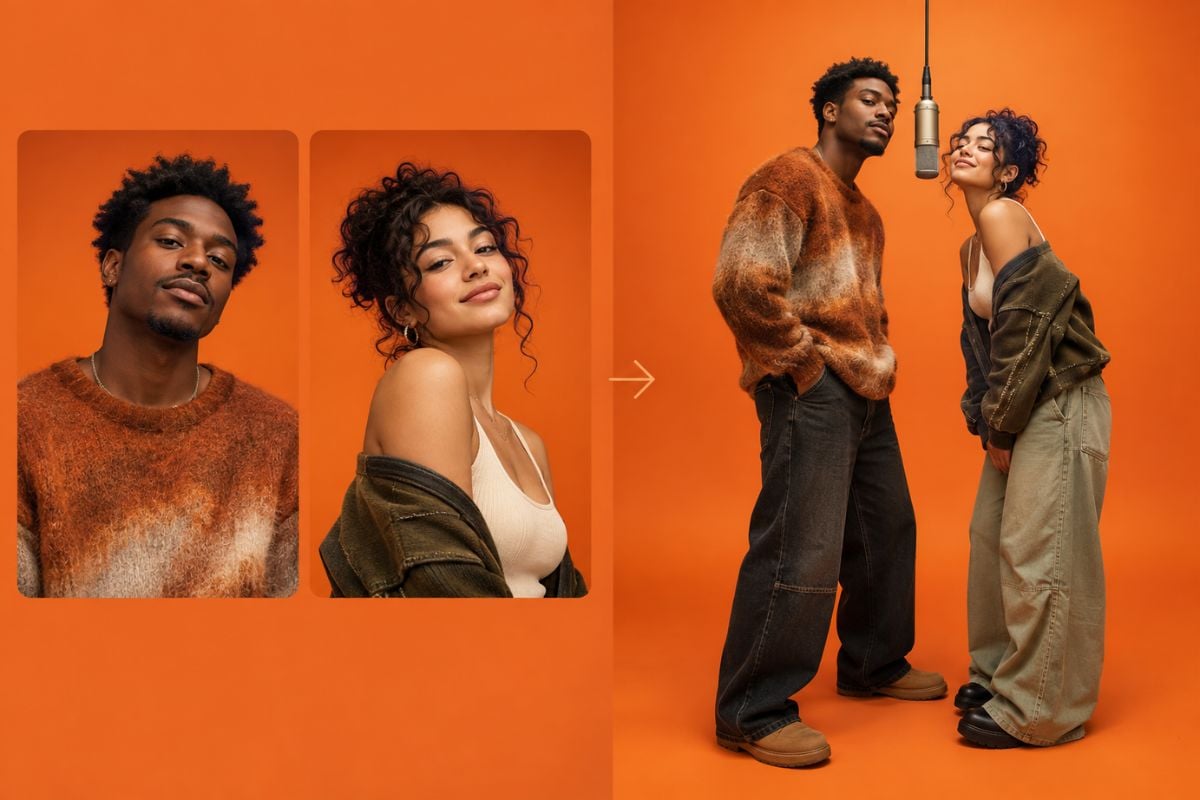
Turn two photos into a playful Hotel Lobby AI video with GoEnhance AI. Upload one image for each character and generate an orange studio duet around a hanging mic. Want a different mood or movement? Add your own prompt before you create.
Hotel Lobby Video Examples
Two Photos to One Studio Duet
Two Photos to One Studio Duet
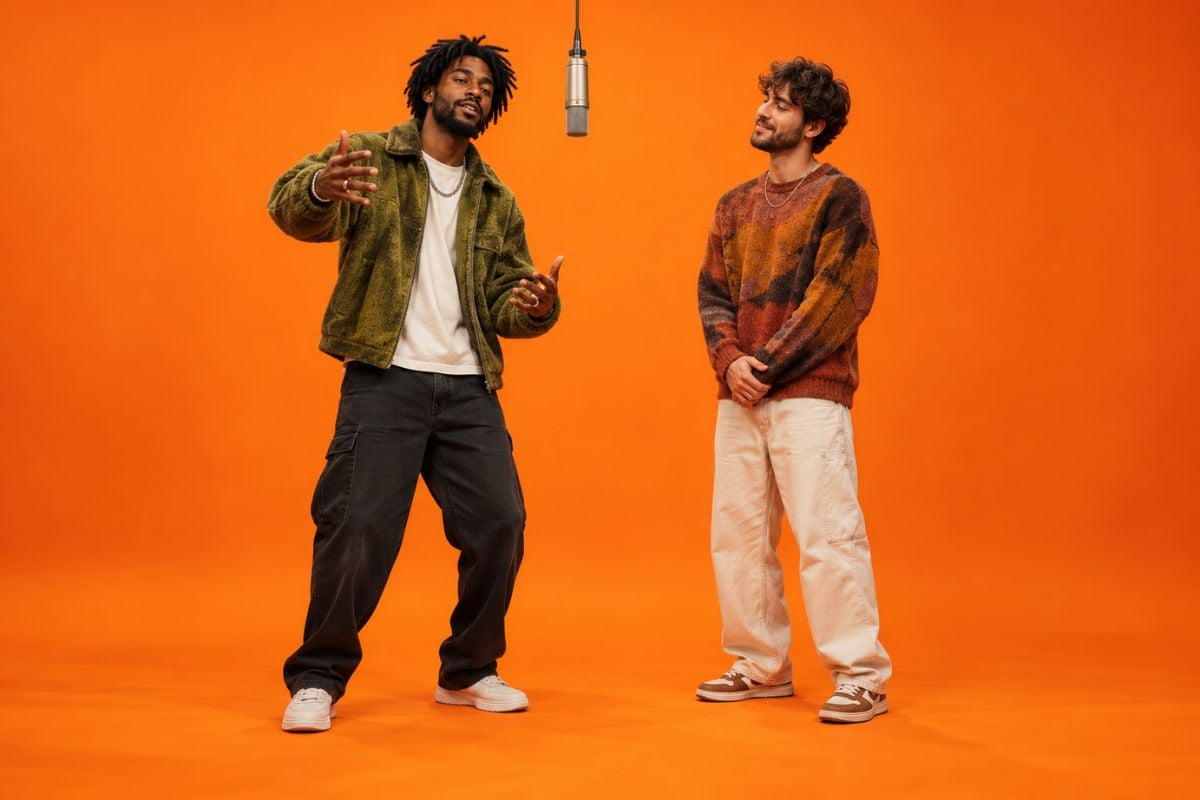
Friends Take the Mic
How to Make a Hotel Lobby AI Video
Upload Two Photos
Choose one clear photo for the left performer and another for the right. Visible faces and enough of each person's body help the duo read clearly.
Add a Prompt if You Want
You can generate with the two photos alone. For more direction, describe the gestures, outfit mood, camera framing, or which performer takes the lead.
Generate and Review
Create the clip, then check that both characters stay recognizable, the microphone stays centered, and hands and faces look consistent. Download the take you like.
Make the Orange Studio Trend Your Own
Create a Two-Person Migos Rap Video-Inspired Scene
The Hotel Lobby trend takes its visual cue from a two-performer orange studio setup: a simple backdrop, a suspended mic, and a back-and-forth performance. Bring your own two characters into a fresh AI-generated take instead of starting with a video edit.
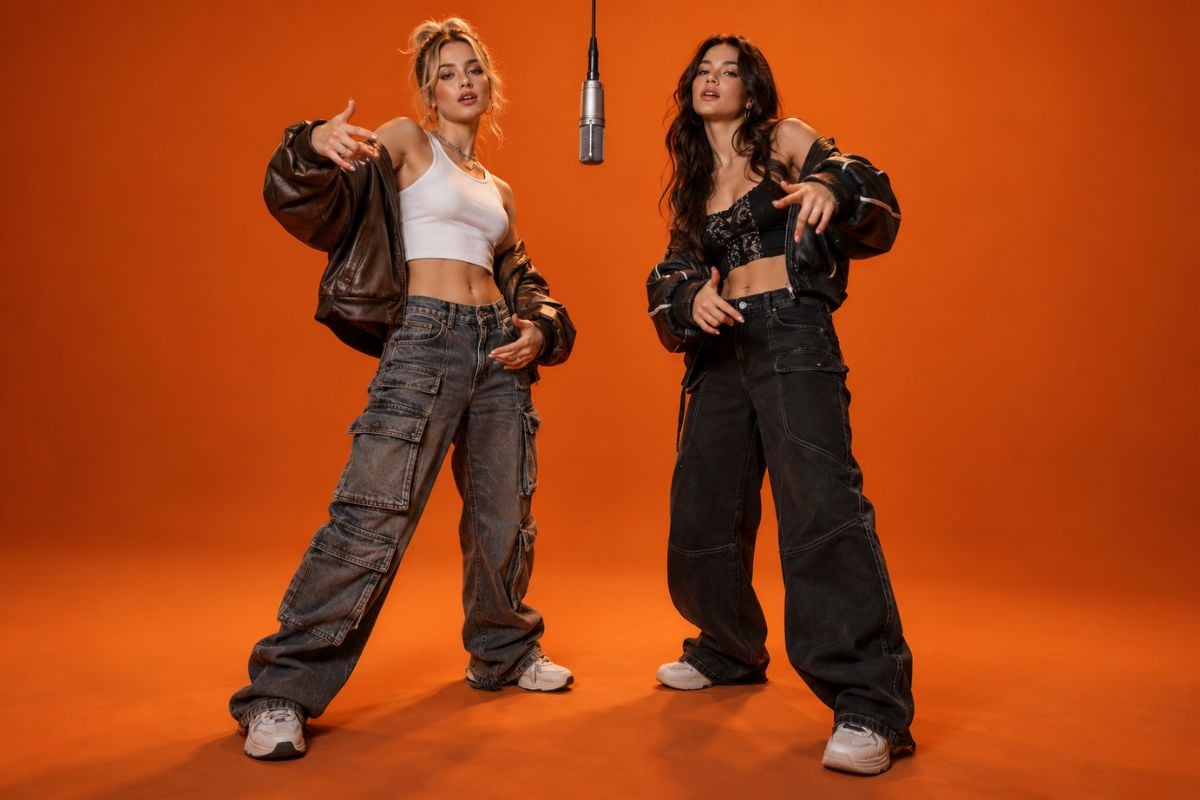
Direct the Performance With a Custom Prompt
Start with two photos, then optionally ask for alternating gestures, a locked front-facing camera, a single hanging mic, or a short pause between turns. Keep the instruction focused, and review the result for merged hands or drifting faces with image to video.
Hotel Lobby AI Video Trend on X
Hotel Lobby AI Video Generator FAQ
What is the Hotel Lobby AI video trend?
How many photos do I need?
Do I need to write a prompt?
Can I put two friends in the same Hotel Lobby video?
Can I use a pet or fictional character?
What prompt can I use for a Migos rap video-style duet?
Why do the faces or hands change between frames?
Can I make a vertical Hotel Lobby video?
Your Two-Photo Hotel Lobby Video Starts Here
Upload two photos, generate an orange studio duet, and add an optional prompt when you want more control over the performance.
Create a Hotel Lobby Video